Image & PSD Tools
Free browser tools for PSD, SVG, GIF and pixel art, plus AI tools that layer, edit and enhance your pictures. Pick one and start.
Cutout
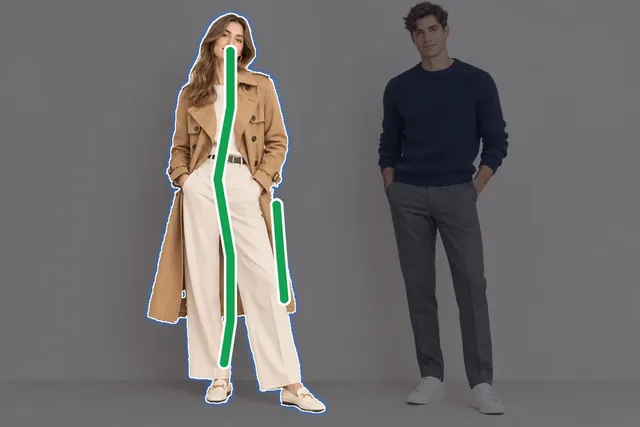
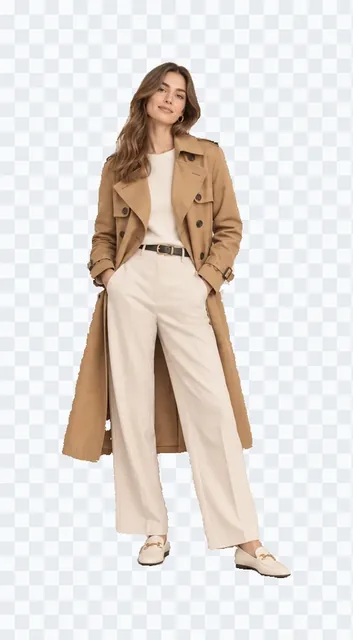
Background removal
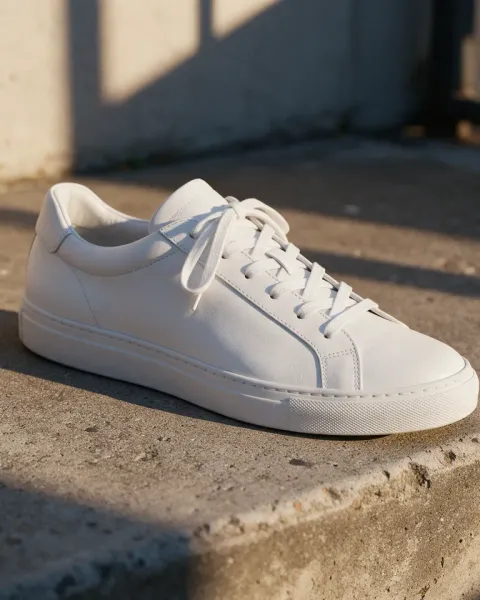
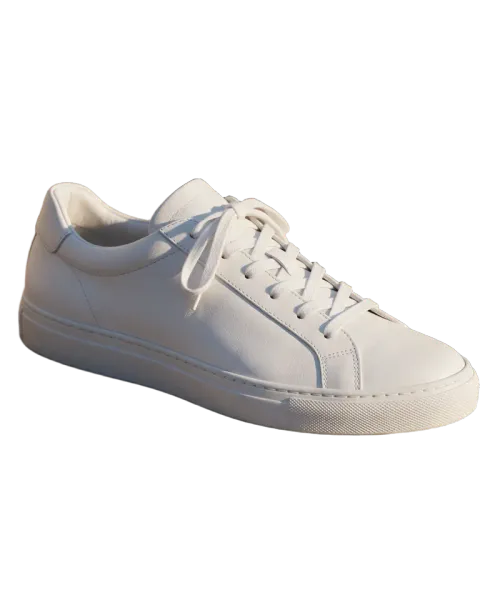
Remove the background from any photo with AI and download a full-size transparent PNG, with clean edges on hair and fur.
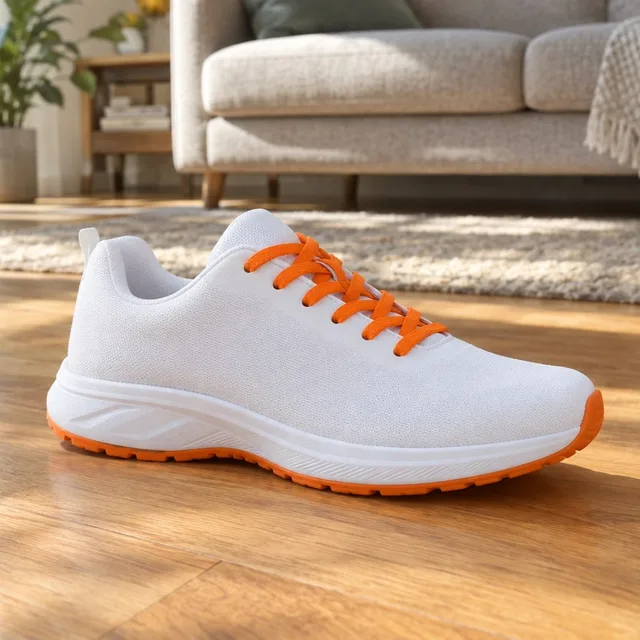
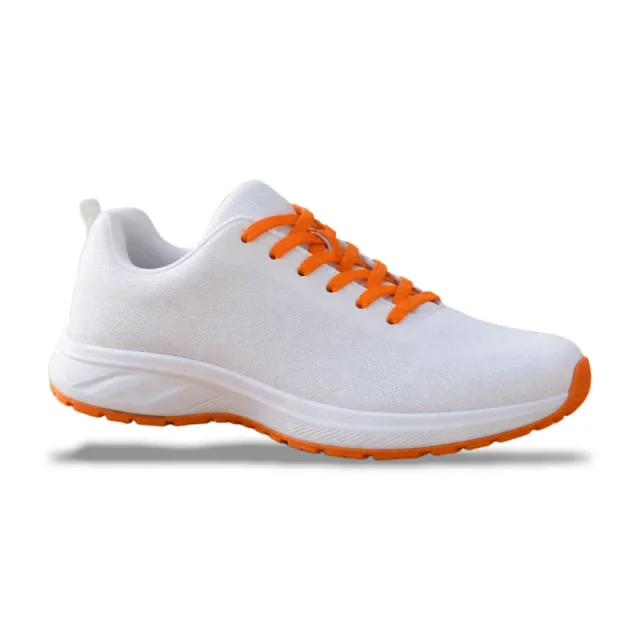
Put any photo on a pure white background with a shadow, sized for shops.
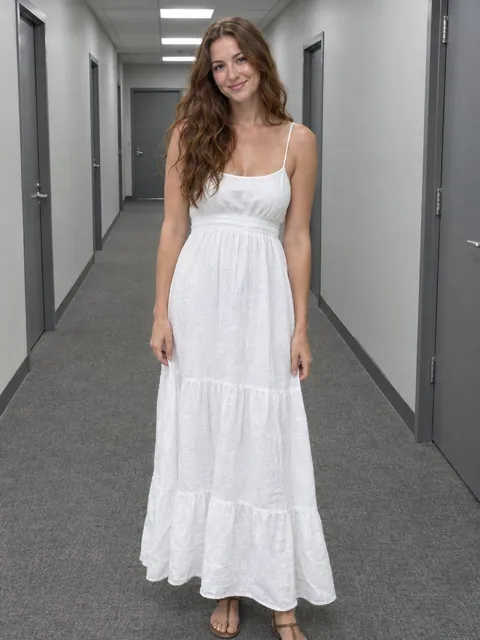

Put any photo in a new AI scene, or on a color, gradient or picture of your own.
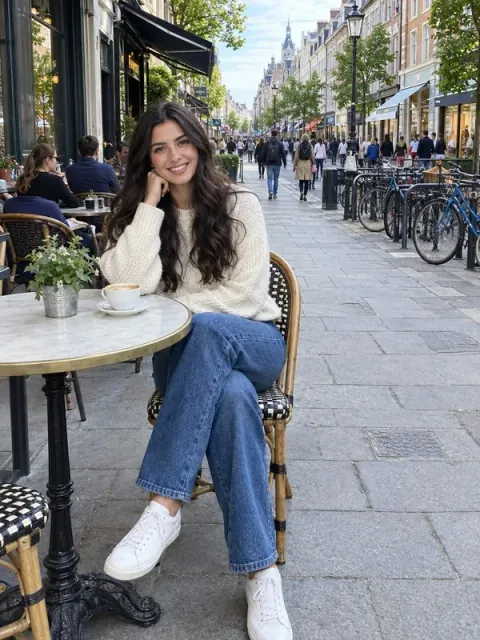
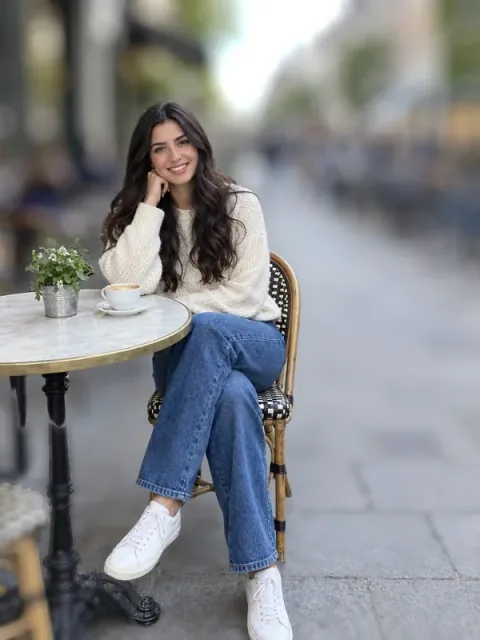
Blur the background of any photo by depth, like a portrait lens, with the subject kept sharp.

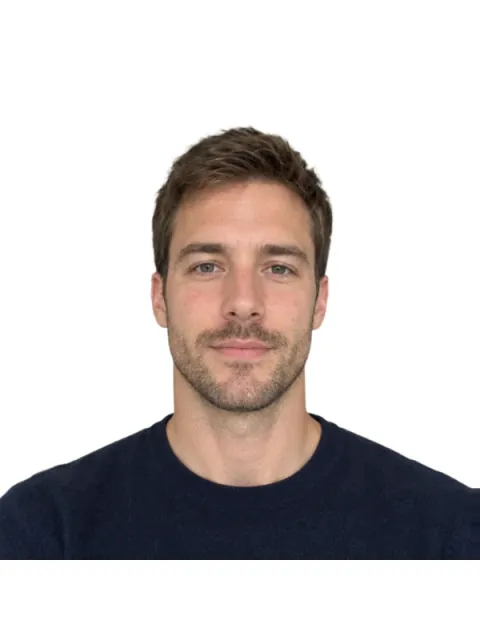
Turn any photo into a passport or ID photo at the official size, with a print sheet.
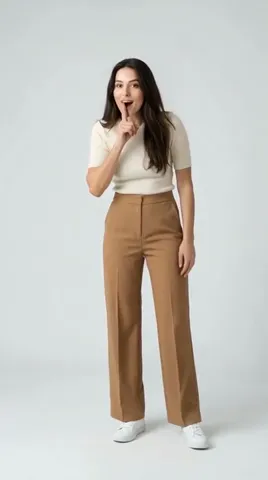
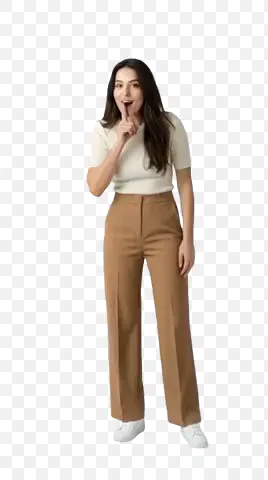
Remove the background from every frame of a video and get a transparent clip.


Make a plain background transparent and save a clean PNG.
Make a logo transparent, inside its letters too, in white, black or its own colors.
Turn a photo of your signature into a transparent PNG or SVG.
Remove a plain or green screen background from every frame of a GIF.
PSD & layers
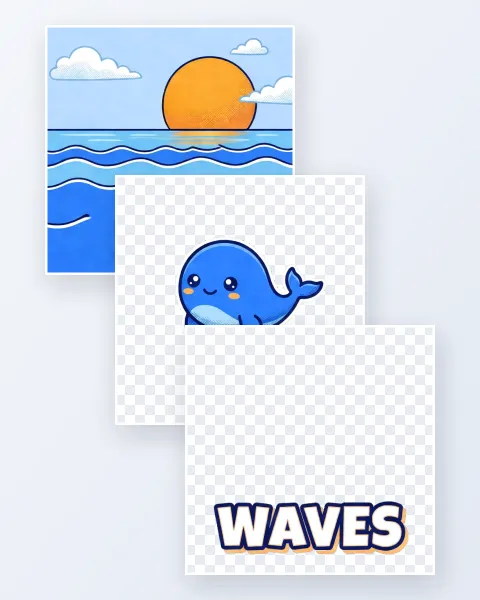
Split a picture into aligned transparent PNG layers, with the hidden background filled in.
 PNG · JPG → PSD
Turn PNG, JPG or WebP pictures into PSD files in your browser, up to 50 at once.
 PSD · PSB
Open PSD and PSB files in your browser and show or hide every layer. Nothing is uploaded.
 PSD → PNG
Save up to 50 PSD files as PNG, WebP or GIF with transparency kept, or every layer as its own file.
 PSD → JPG
Batch convert PSD and PSB files to JPG and pick the quality, background and size.
 PSD → PDF
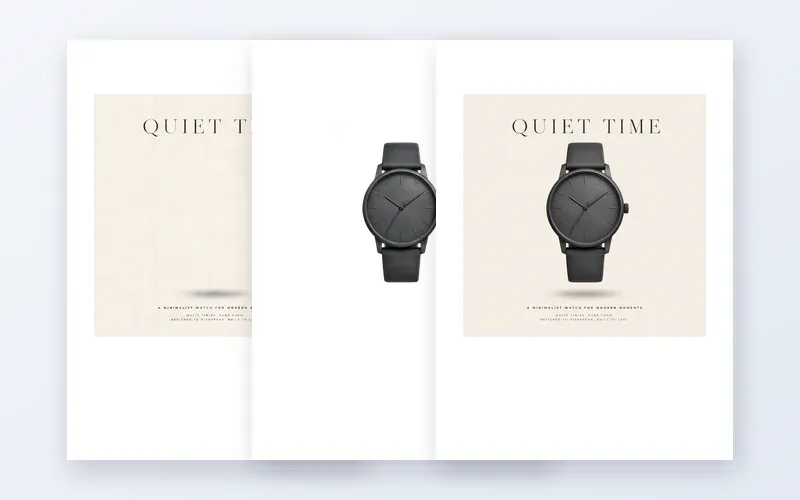
Turn PSD files into PDF, one layer per page if you like, in A4, Letter or original size.
AI generation
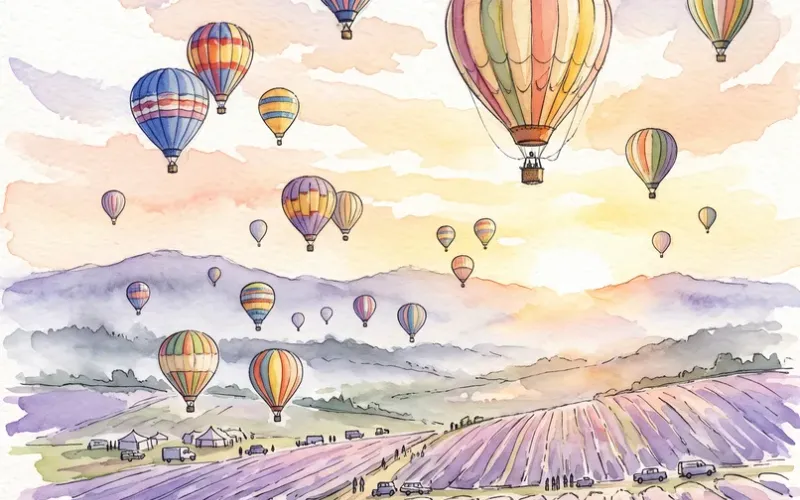
Turn a written idea into a picture in seconds, fast at 1K or in quality up to 4K.
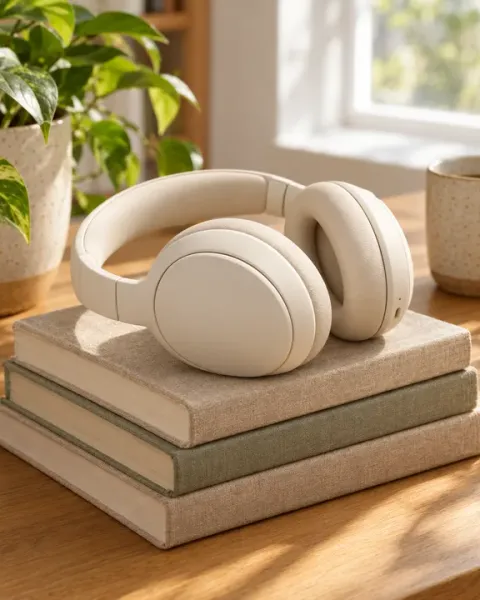
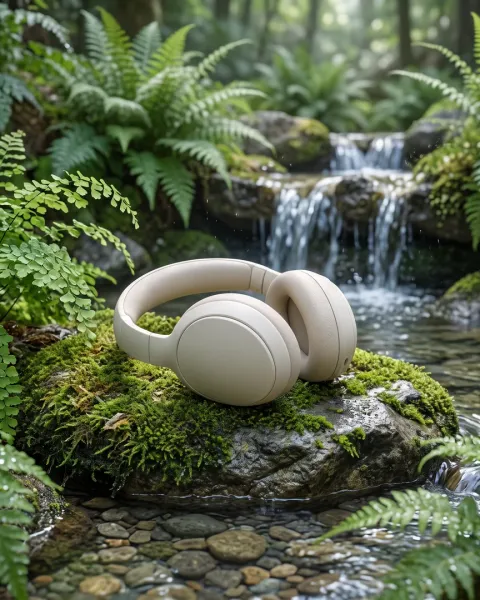
Change a photo with words: a new style, scene or detail, the rest kept.
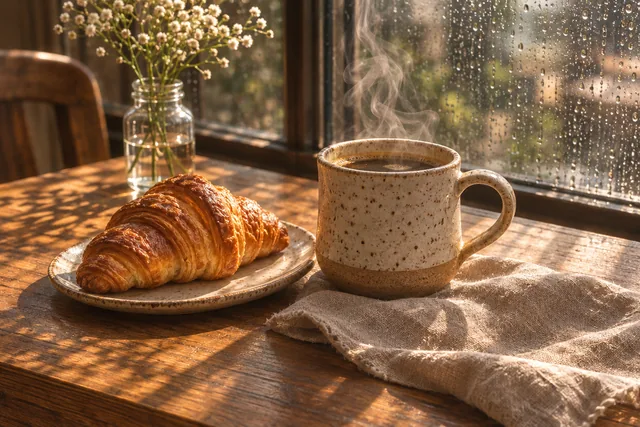
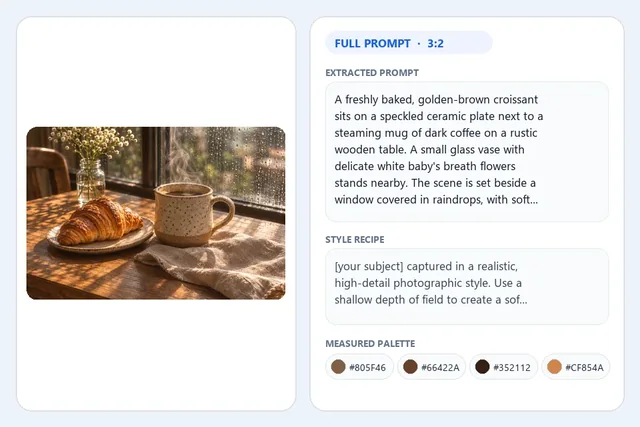
Extract a generation prompt, transferable style recipe, negative exclusions, measured Hex swatches, and JSON from any image.
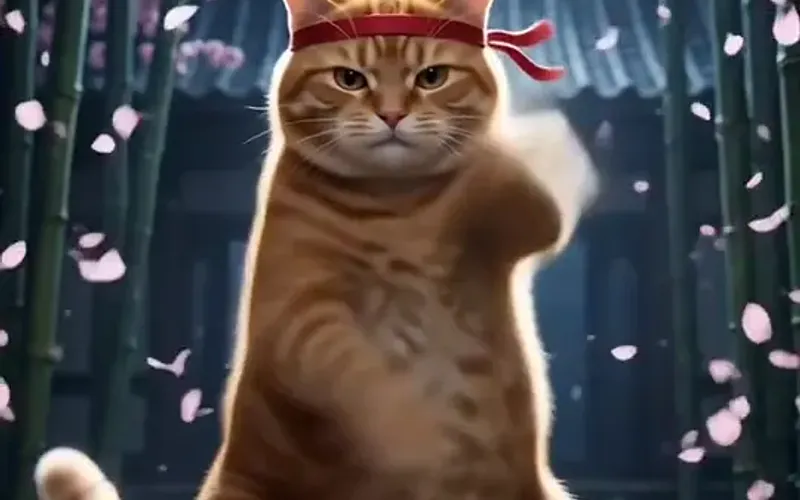
Bring a photo to life as a 1080p video clip of up to 15 seconds, sound included if you like.
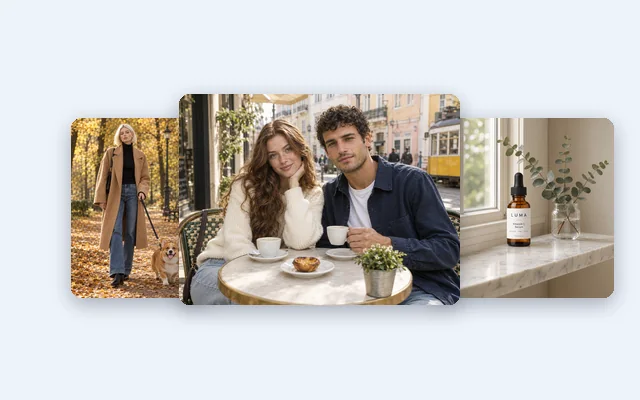
Add two to four photos and say how to combine them: people together, a person in a new place or a product in a scene, every face kept.
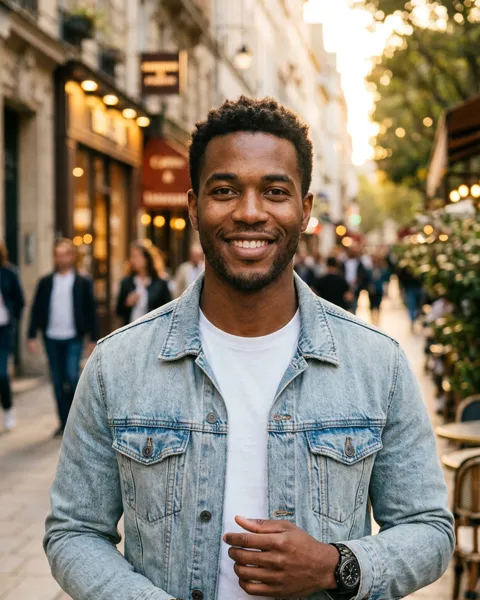
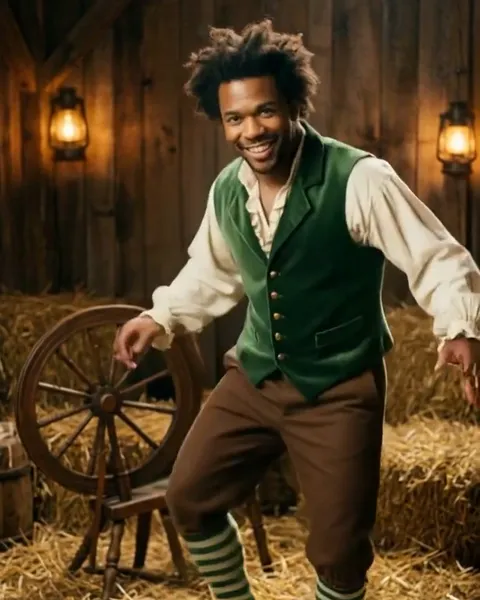
Become the tiptoe trickster from one photo, with original music.
AI design
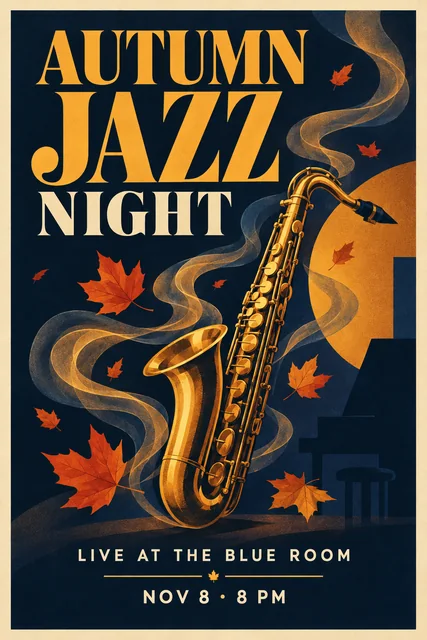
Describe a poster, quote its words and get a finished design with the text spelled right.
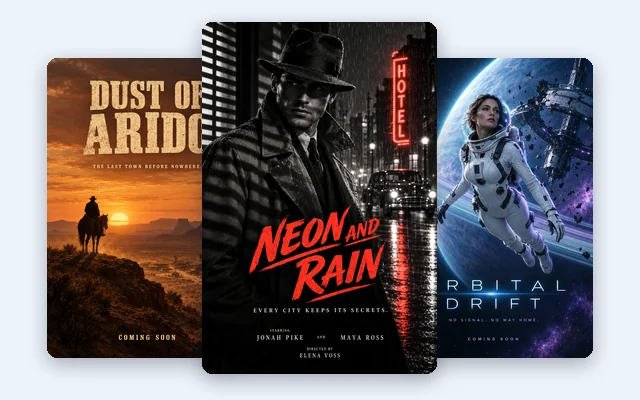
Describe a film, quote its title and credits, pick a genre and get a 2:3 one sheet with every word spelled right.
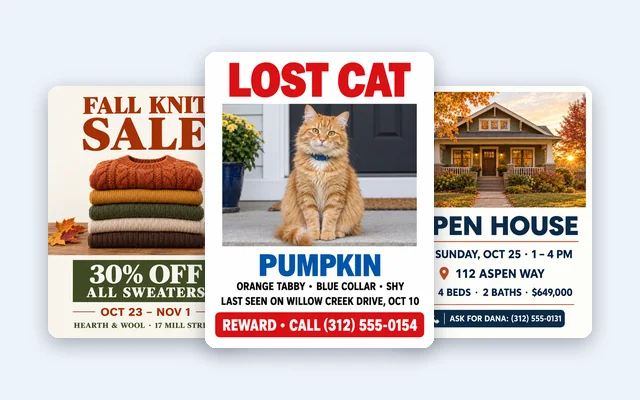
Describe a flyer, quote its date, place and phone number, and get a letter or A4 flyer with every detail spelled right.
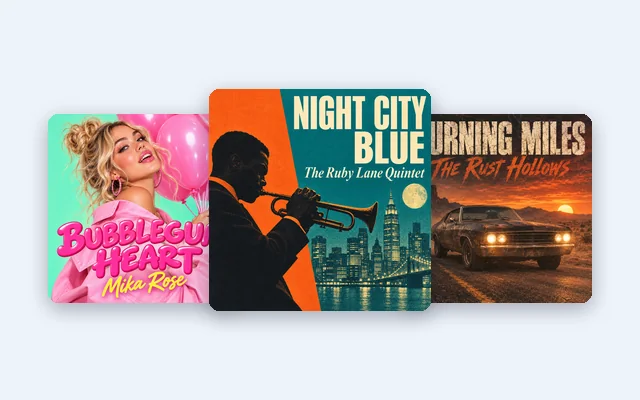
Square album and single covers with the title and artist spelled right.
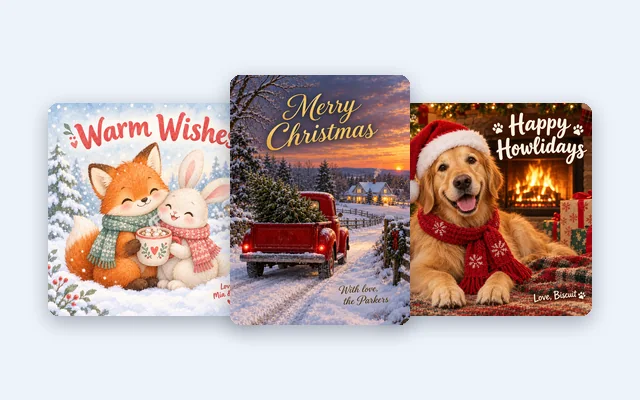
Describe a card, quote your greeting and names, and get a 5 × 7, A6 or square Christmas card with print bleed and a PDF.

Describe a sticker or add a photo and get a transparent PNG with a white border you can change.
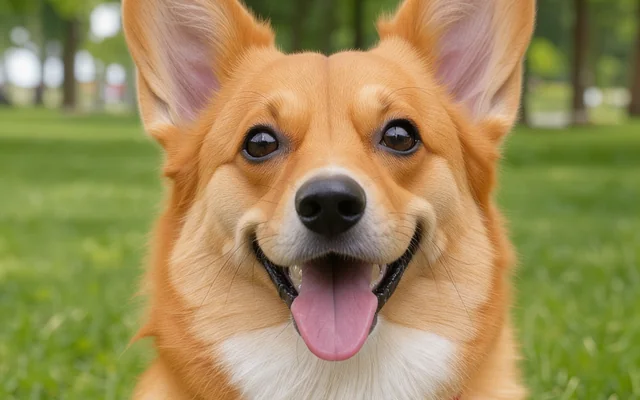
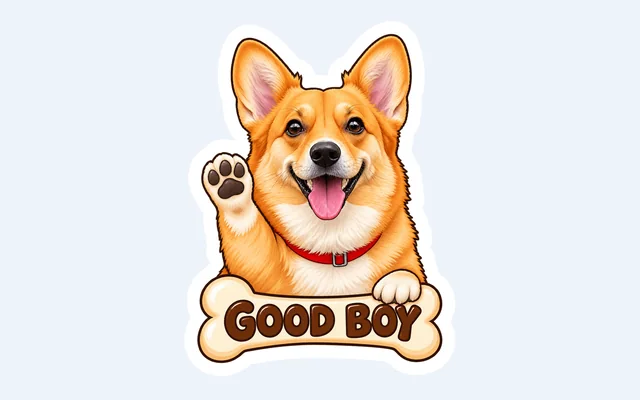
Turn photos of people, pets, couples, or objects into transparent stickers with live white borders and printable sheets.
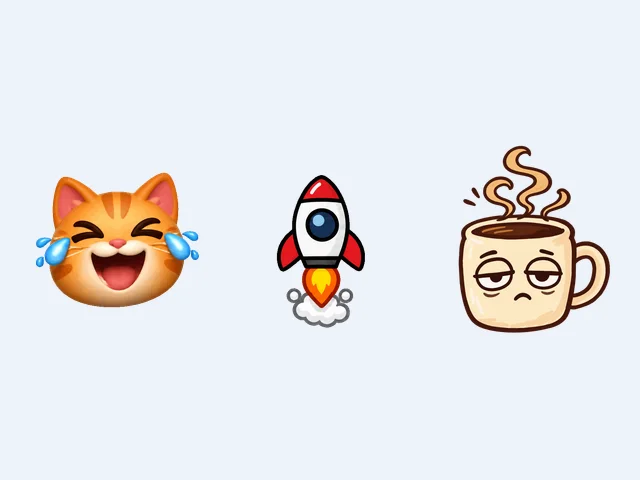
Still or animated emoji from words or a photo, with transparent backgrounds.
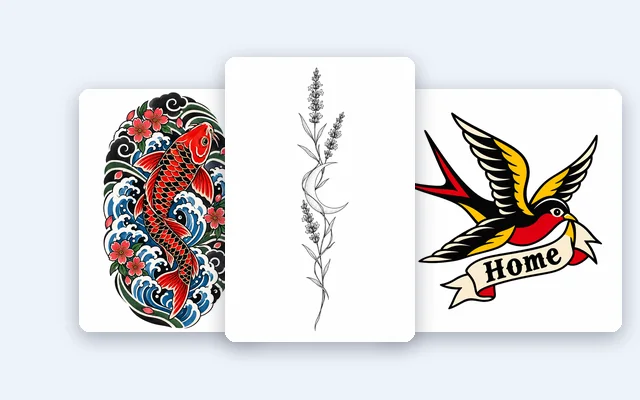
Describe your idea and get an original tattoo design on clean white: 10 styles, shaped for your forearm, back or wrist, with an ink-only PNG.
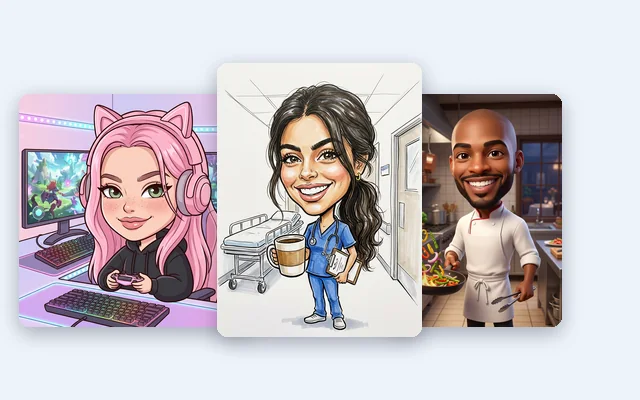
Turn a photo into a caricature that still looks like you: 7 styles, subtle to bold, one person or a group of four.
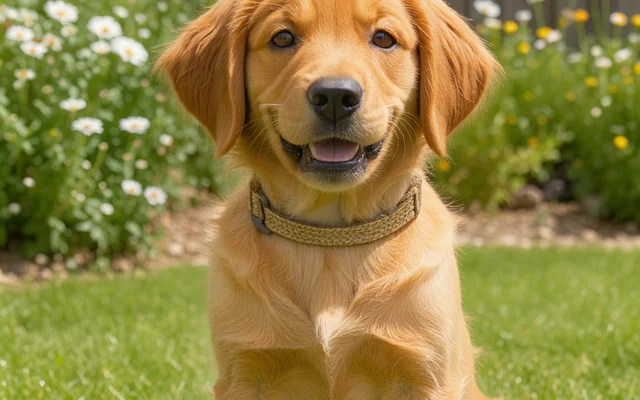
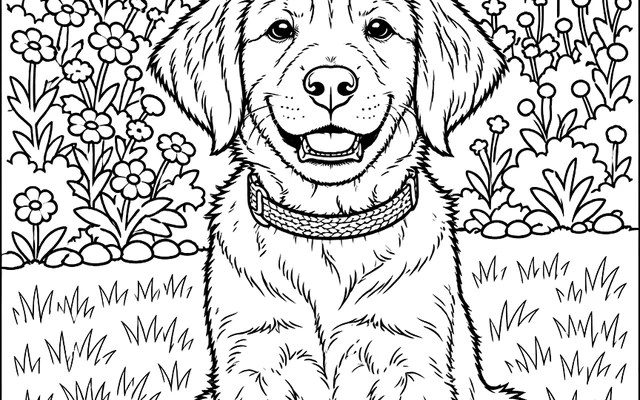
Turn any family, pet, home or travel photo into a pure-white printable coloring page in 6 styles, with Letter/A4 PDF and transparent ink PNG.
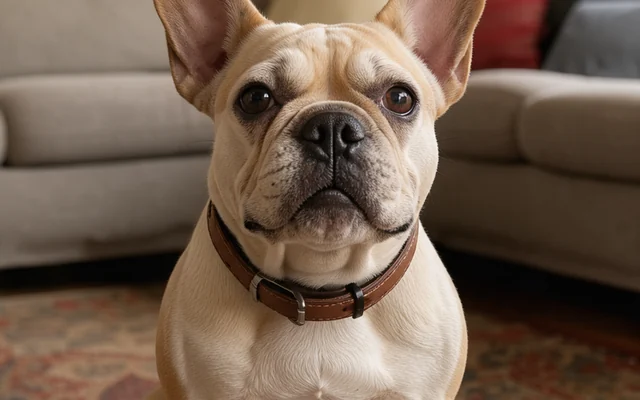
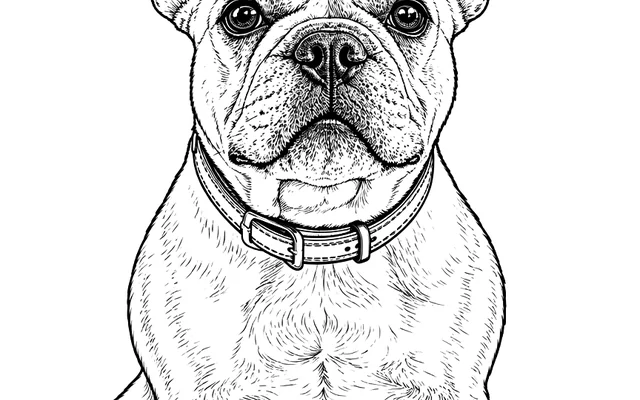
Convert any portrait, pet, building, flower or car photo into crisp black-ink line art & clean outlines in 6 styles, with Subject-Only mode, transparent PNG, PDF, and 1-click SVG/DXF.
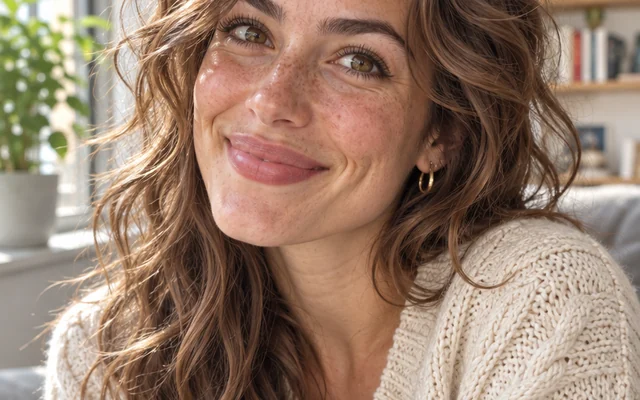
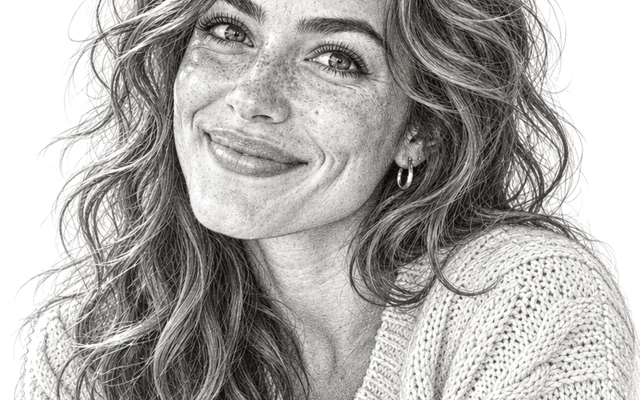
Convert any portrait, couple, pet, streetscape or botanical photo into hand-drawn graphite pencil, charcoal, cross-hatch, colored-pencil or ink-and-wash sketches, with archival paper stocks and Gallery Mat PDF.
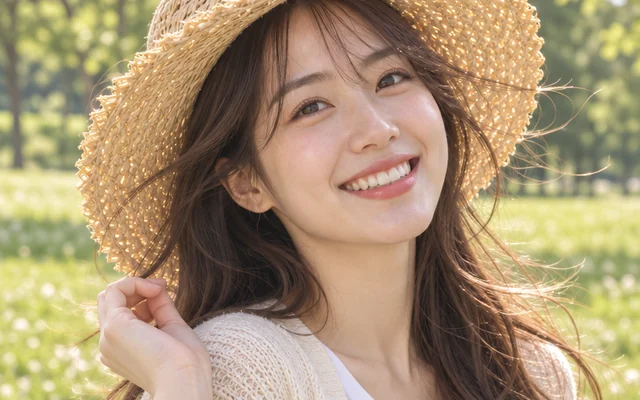

Turn portraits, couples, pets, and street photos into Japanese anime art in 6 styles with custom backdrops and avatar exports.
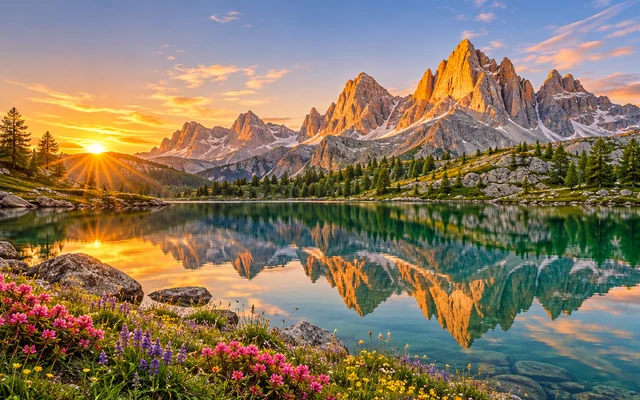
Generate custom 4K desktop, phone lock screen, ultrawide, and tablet wallpapers with Clock Safe Zone framing and OLED True Black export.
Photo editing
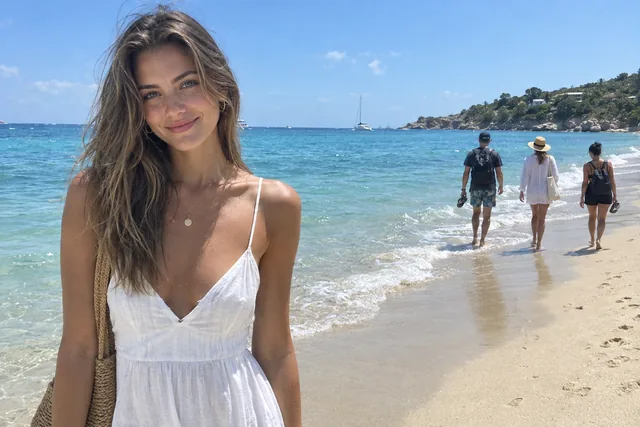
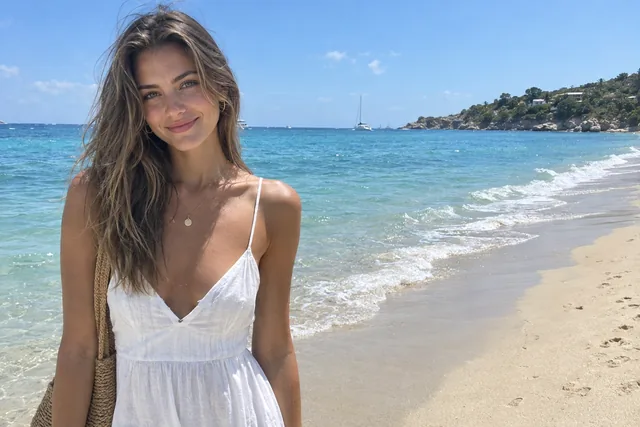
Paint over people, cars, wires or clutter and AI removes them from your photo.
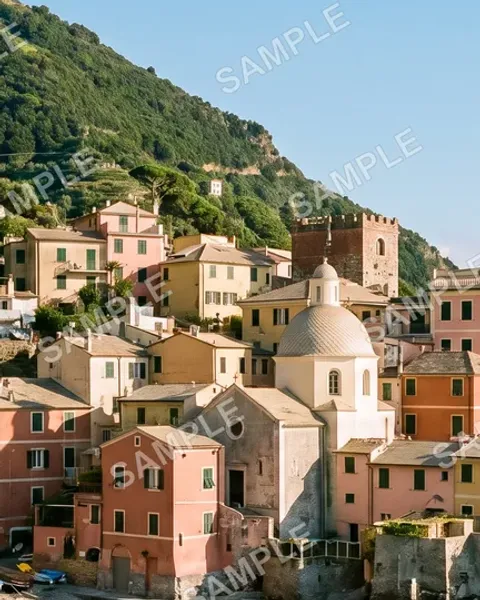
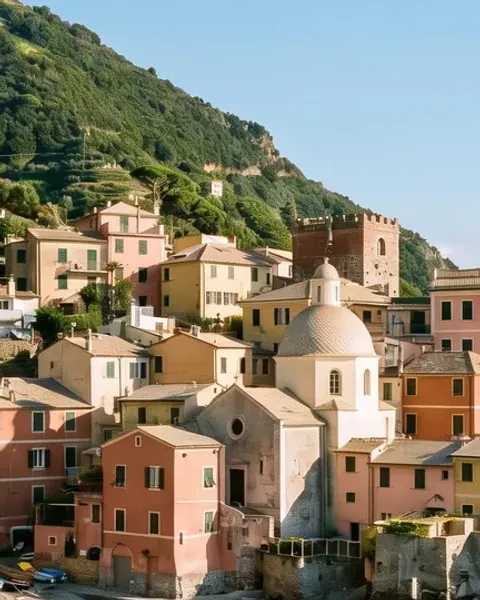
Remove text, logos and stamps from your own photos, by itself or with a brush.
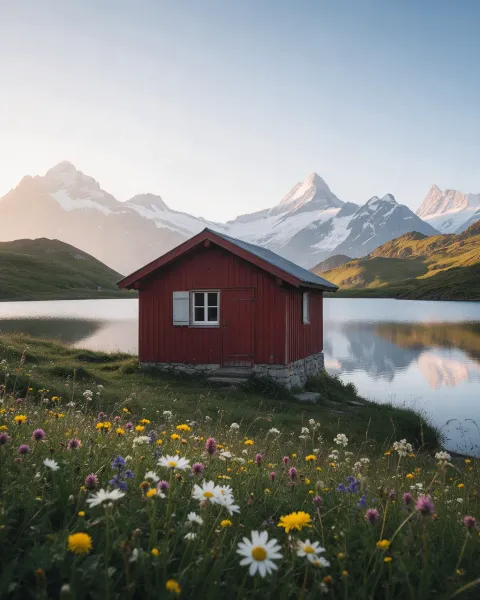
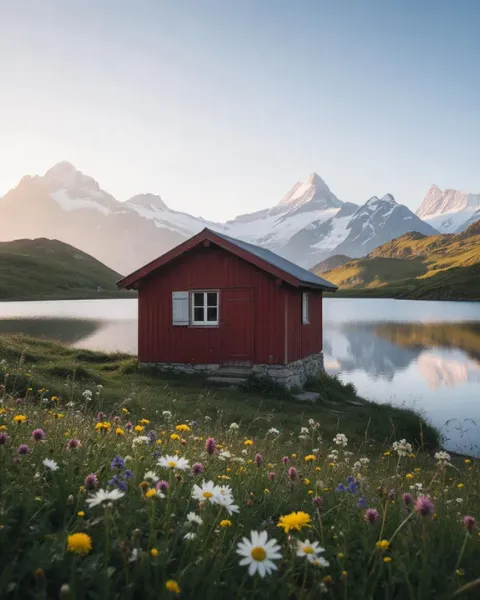
Extend a photo to a new shape; your original is laid back over its own area.
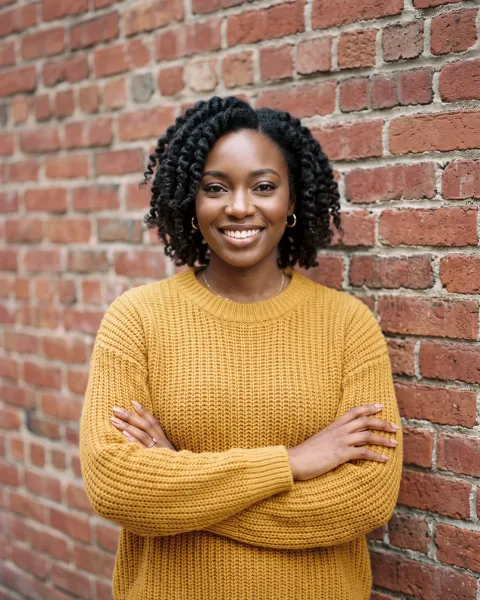
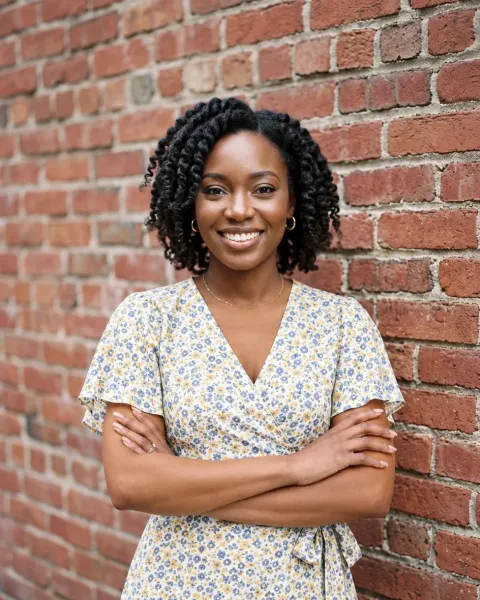
Dress a person in new clothes from a garment photo or a few words.
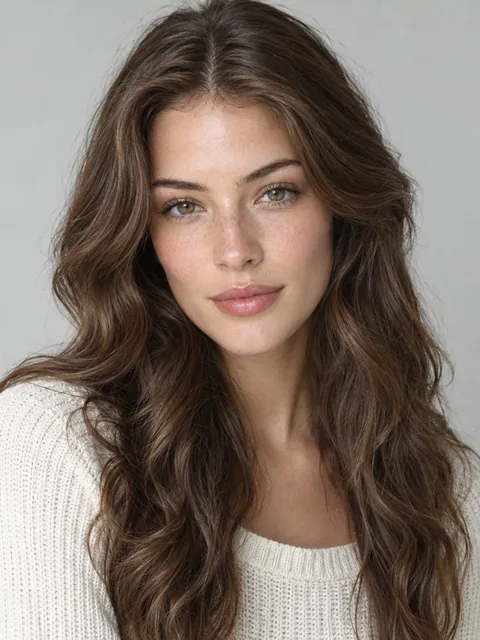
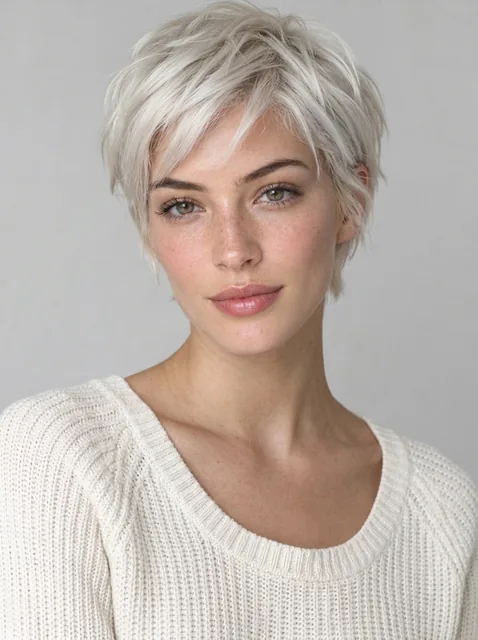
Try a new haircut or hair colour on your own photo: 17 styles from pixie to buzz cut, 12 colours, your face kept as it is.
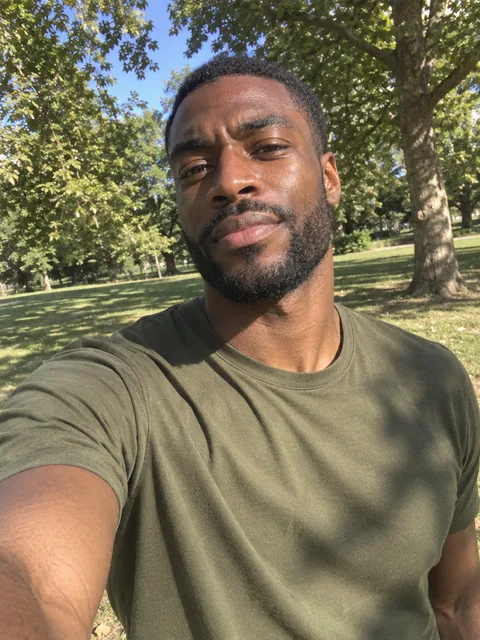

Turn an everyday photo into a professional headshot that looks like you: 6 backgrounds, 6 outfits, up to 4K.
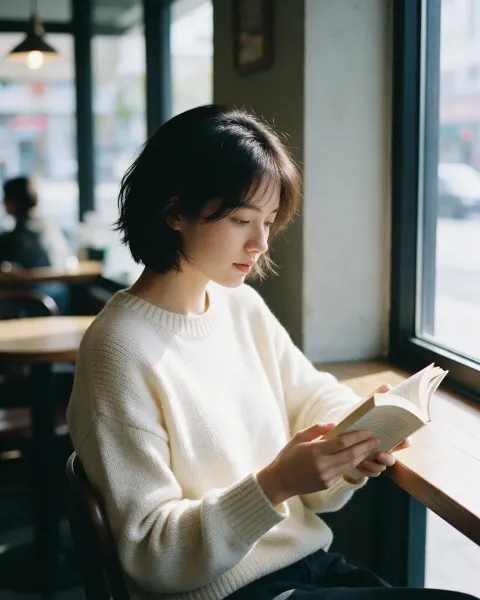
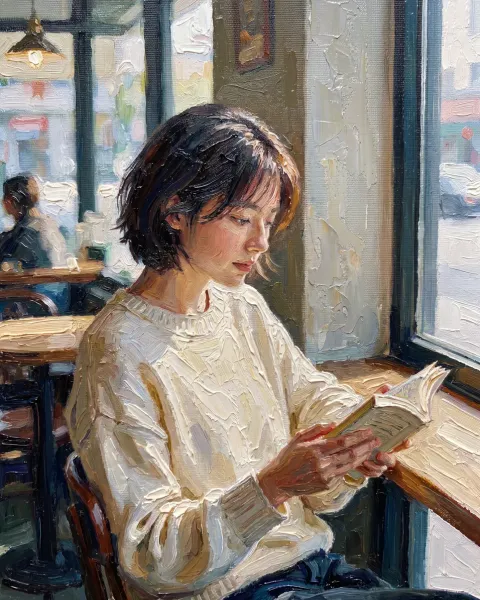
Turn a photo into an oil painting, watercolor, pencil sketch or 5 more styles.
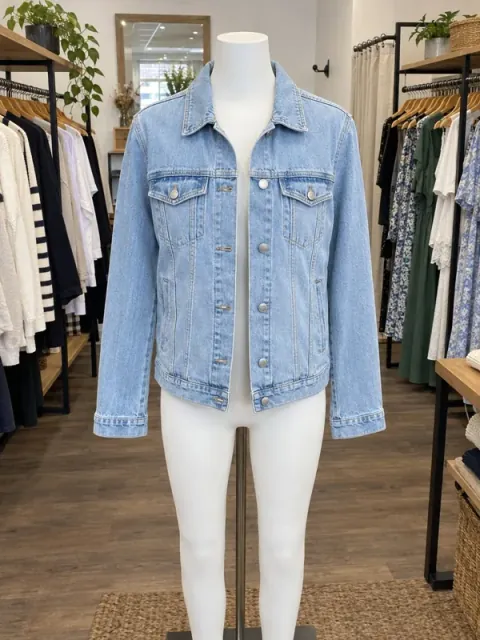
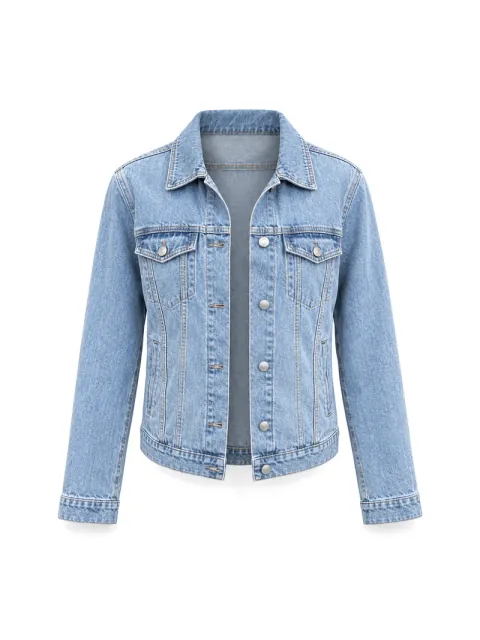
Turn a garment on a mannequin or a model into a hollow product photo or a flat lay on white.
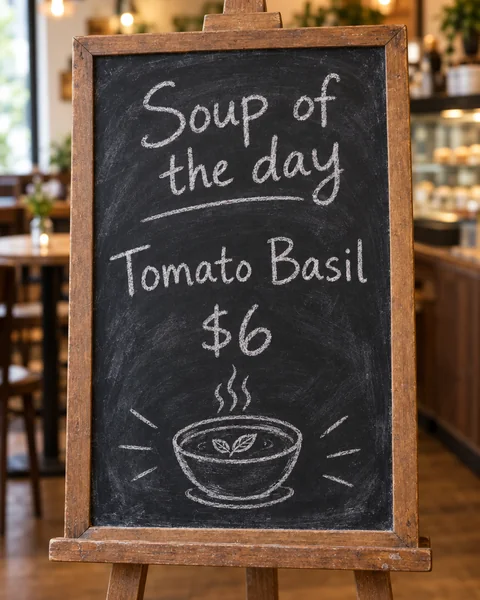
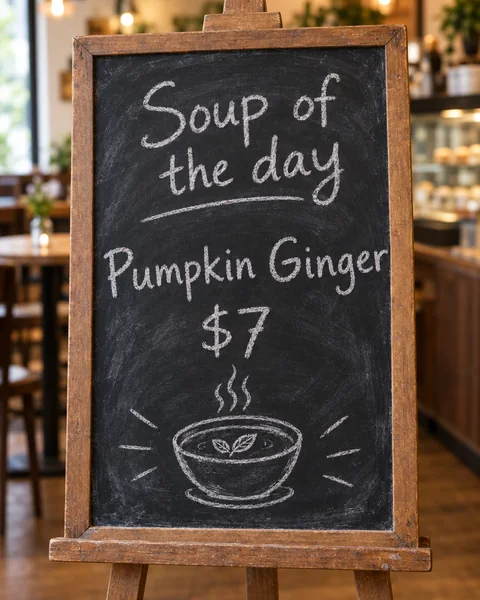
Change the words in a picture and keep the same font; nothing else moves.
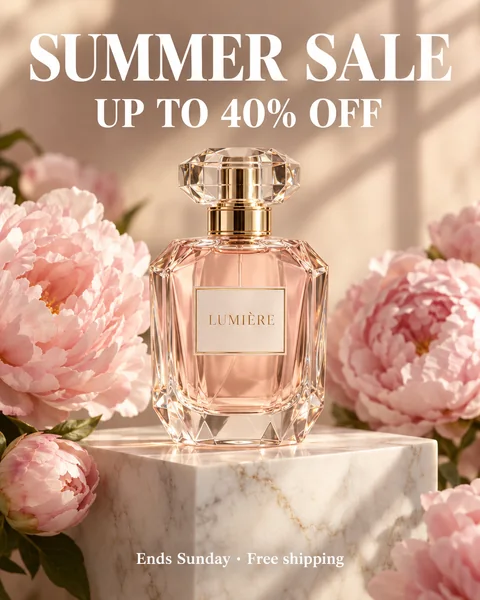
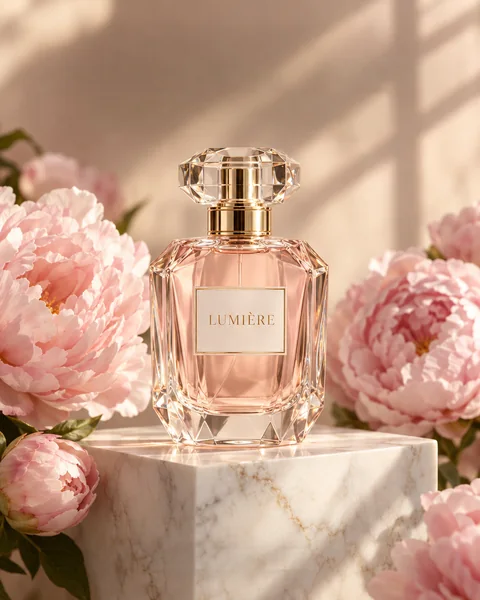
Remove every word from a picture and fill the background; nothing else moves.
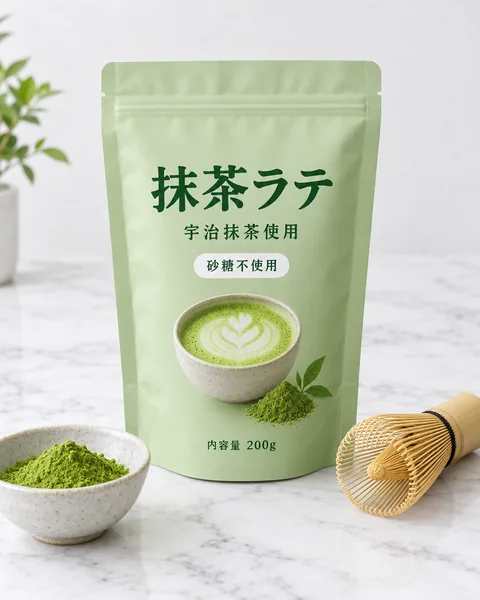
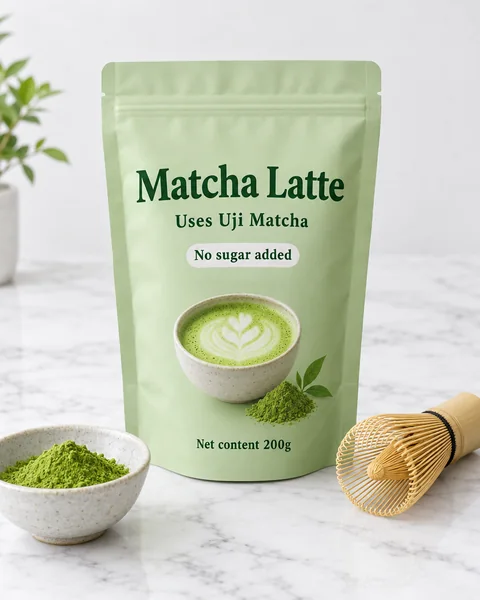
Translate every line in a picture and write it back in the same style; nothing else moves.
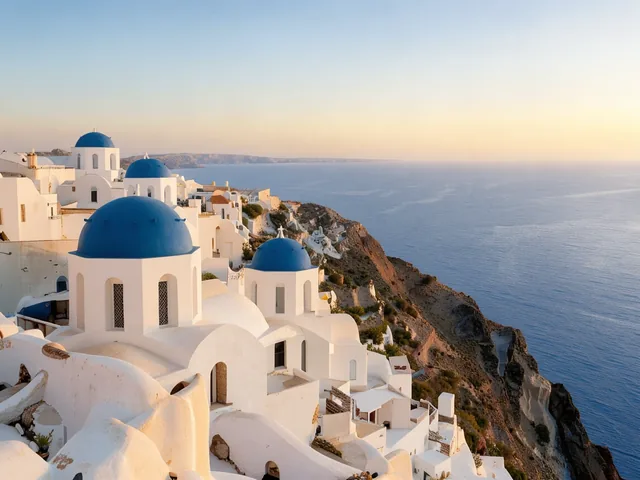
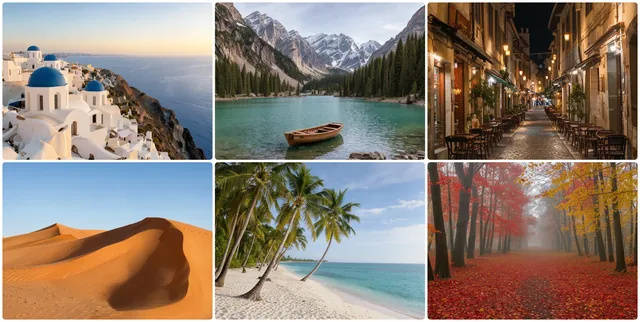
Combine images side by side, stacked or in a grid, with spacing, borders and rounded corners, at full resolution, free in your browser.
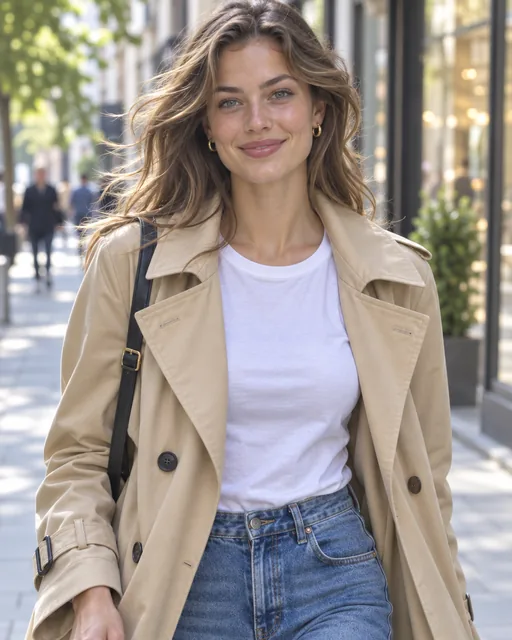
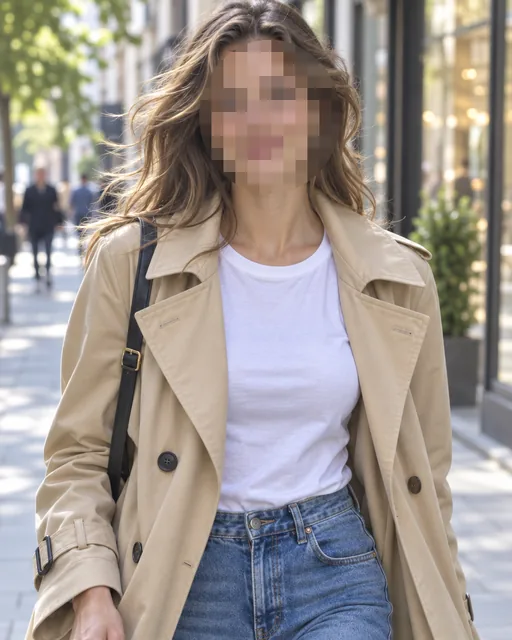
Pixelate, blur or cover faces, text and plates in a picture, free in your browser.
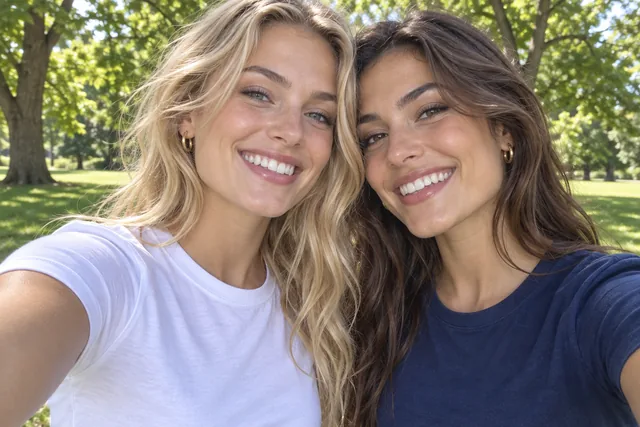
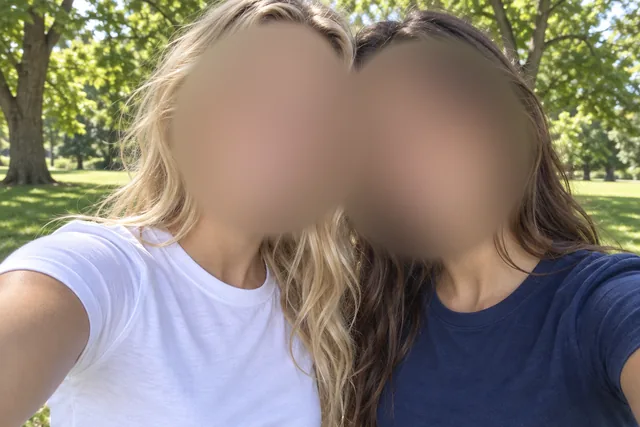
Blur faces, logos or the whole picture, with soft edges, free in your browser.
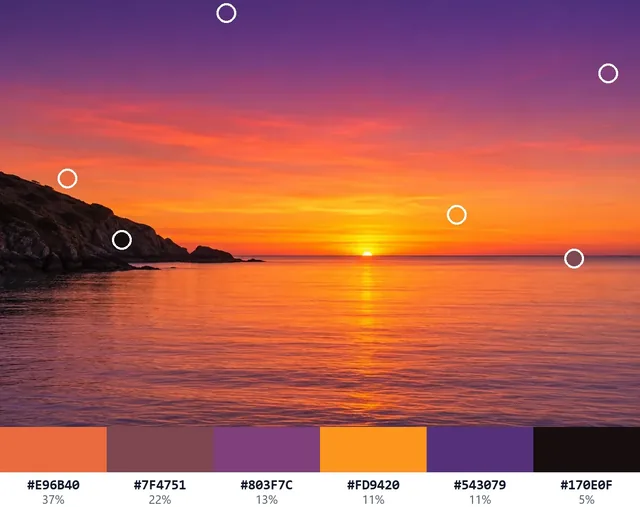
Get any pixel's HEX, RGB and more from a picture, plus its main colors, free in your browser.
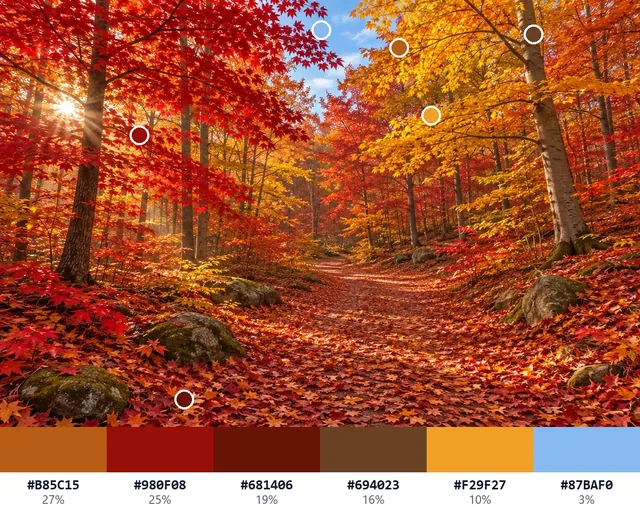
Get a picture's color palette in five moods, with shares and exports, free in your browser.
Enhance & restore
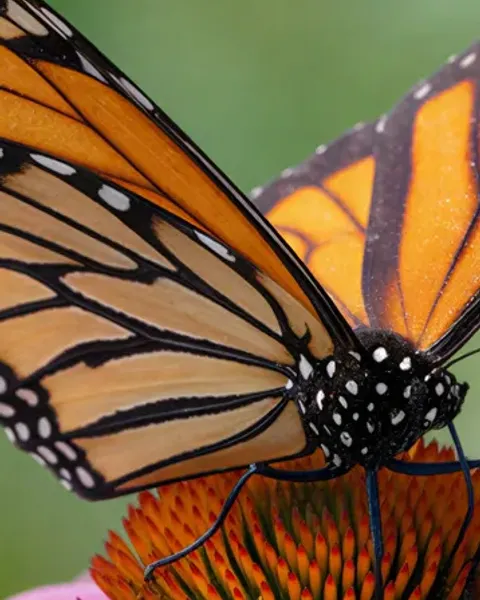
Unblur a soft photo and enlarge it 2× or 4× in one pass.
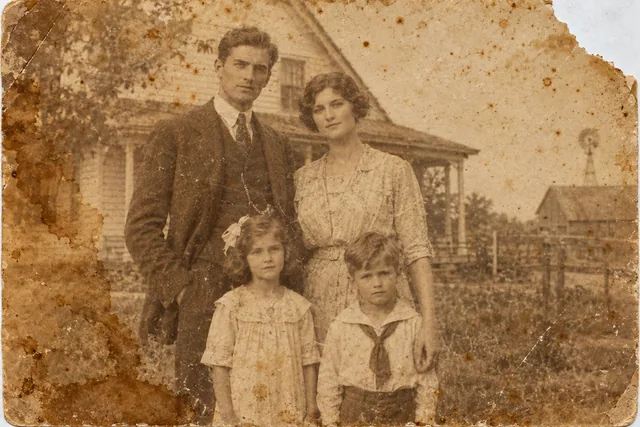
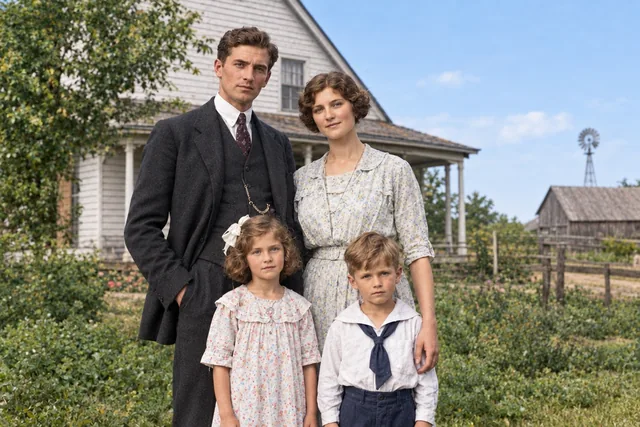
Repair scratches, stains and fading on old photos, and add natural colour if you like.
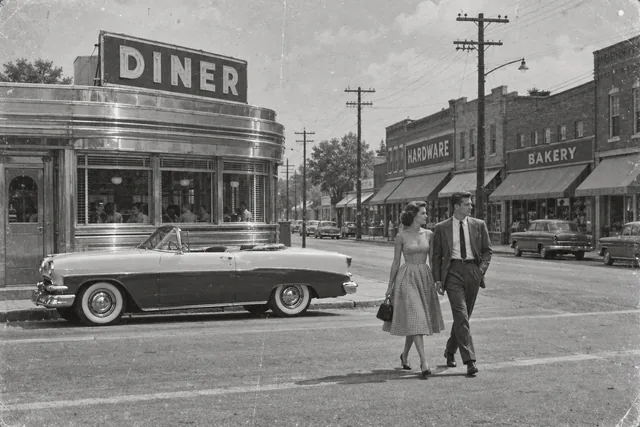
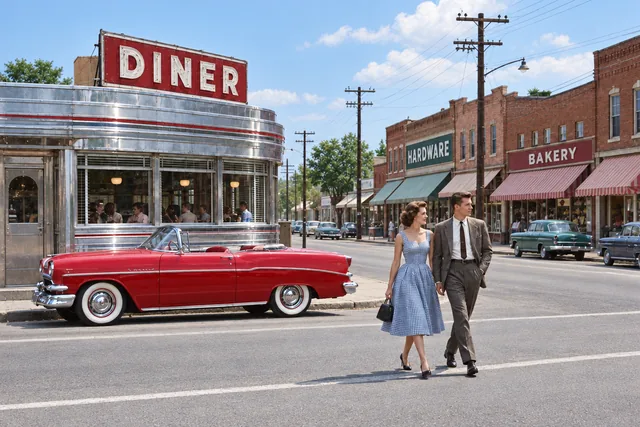
Turn black and white and sepia photos to natural color, following the colors you remember.
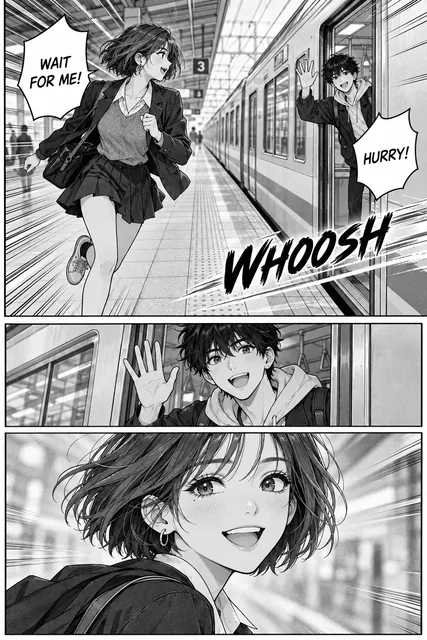
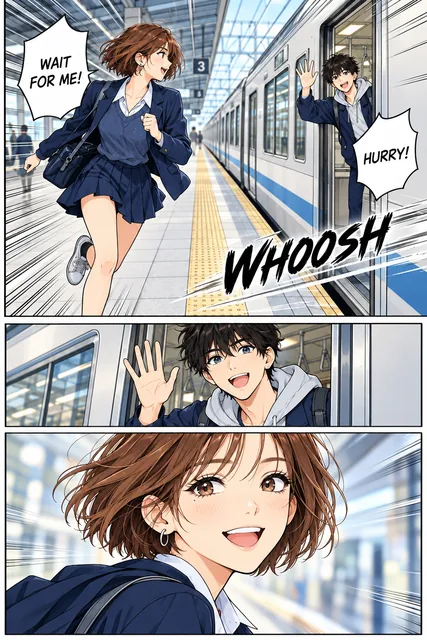
Color black and white manga pages, comics, line art and sketches, every line and word kept.
GIF & animation
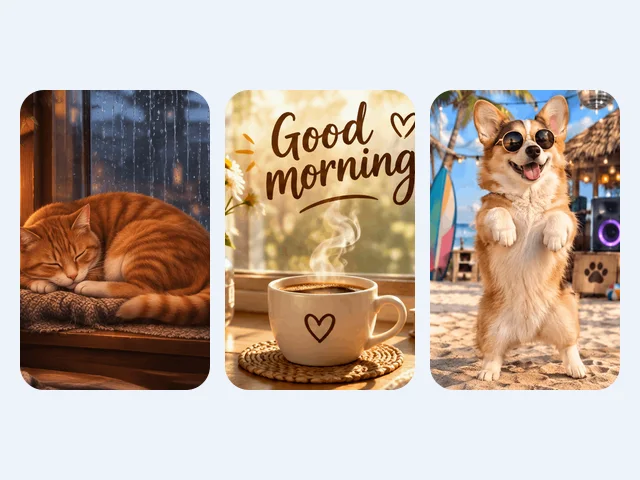
Looping GIFs from words or a picture, as a scene or transparent.
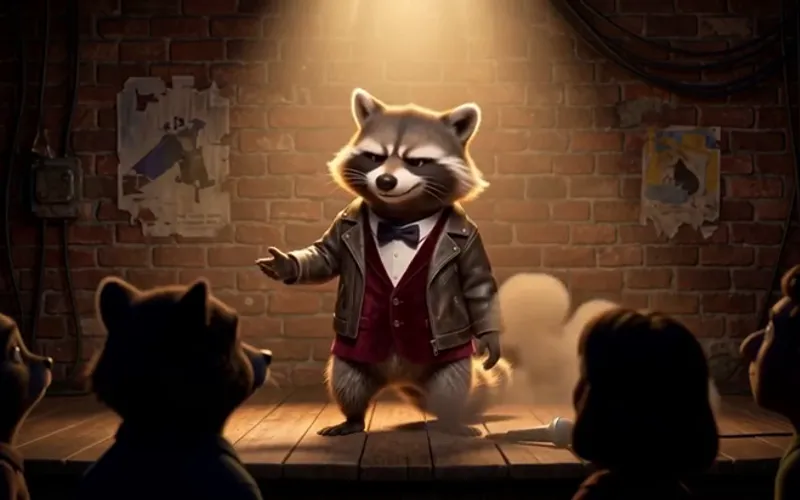 MP4 → GIF
Trim and crop a clip, watch the file size live and save a GIF under 5, 8, 10 or 15 MB.
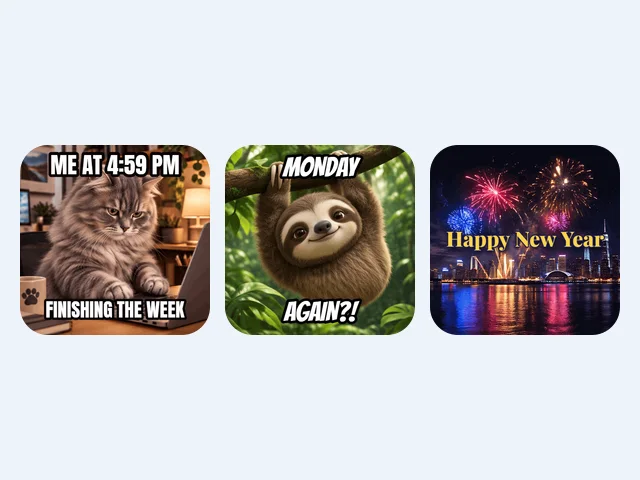
Meme text, caption bars and subtitles on any GIF, free in your browser.
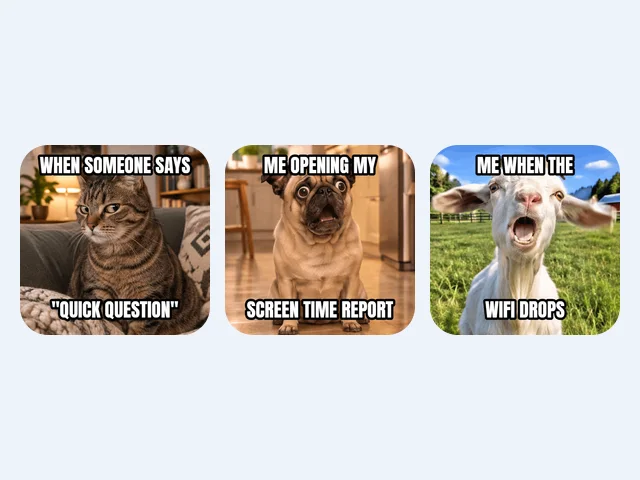
Pick a meme template or your own GIF and add top and bottom text.
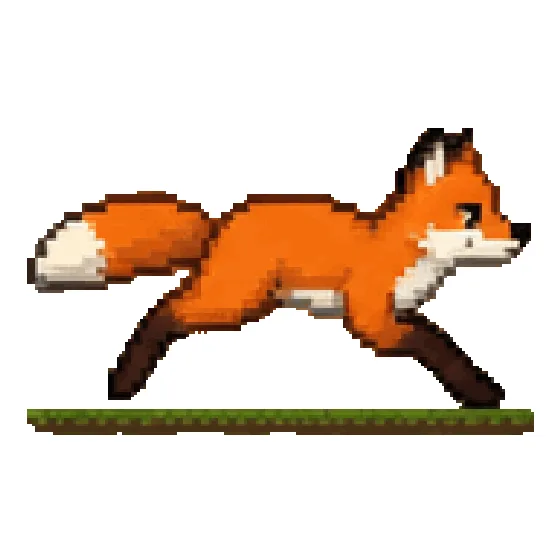
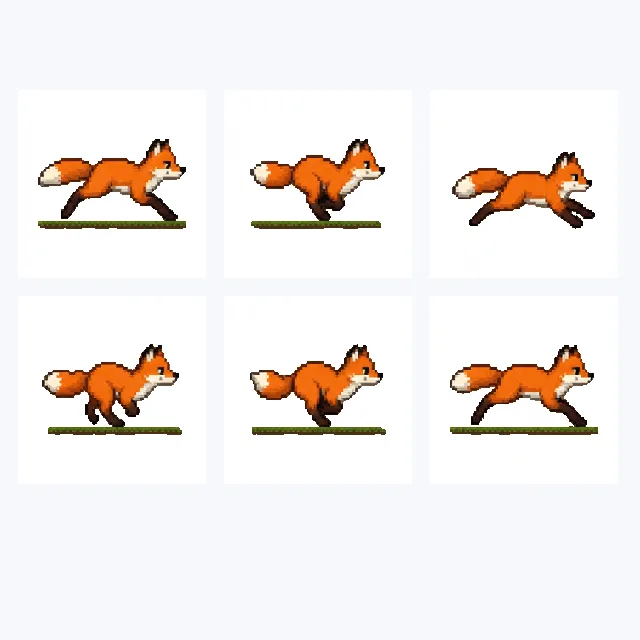
Split a GIF into frames and save them as PNG, JPG or WebP.
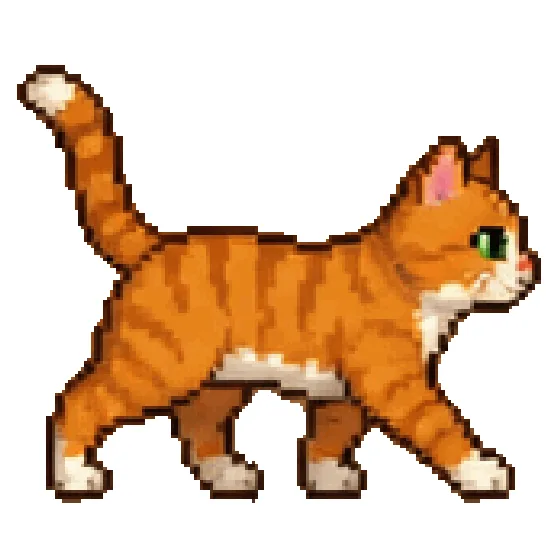
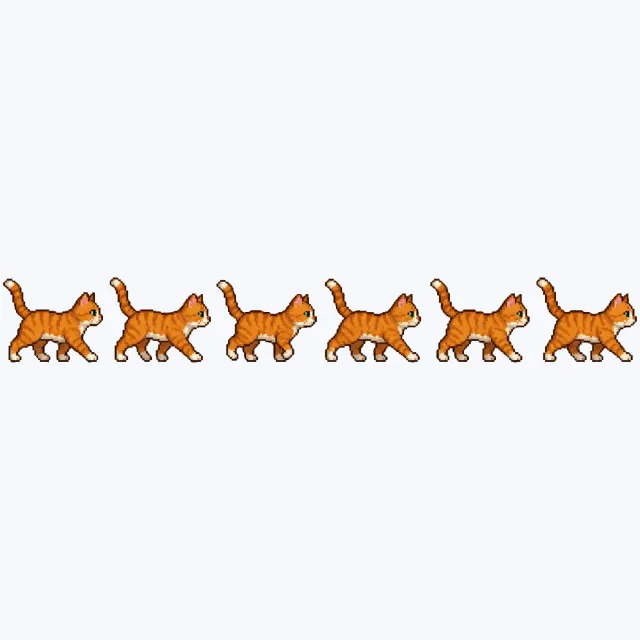
Turn an animated GIF, WebP or a short clip into one sprite sheet PNG with a JSON atlas and CSS, in your browser.
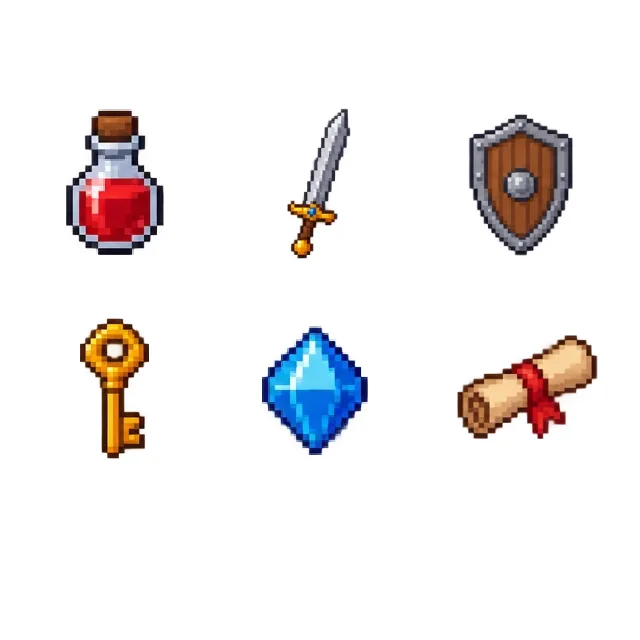
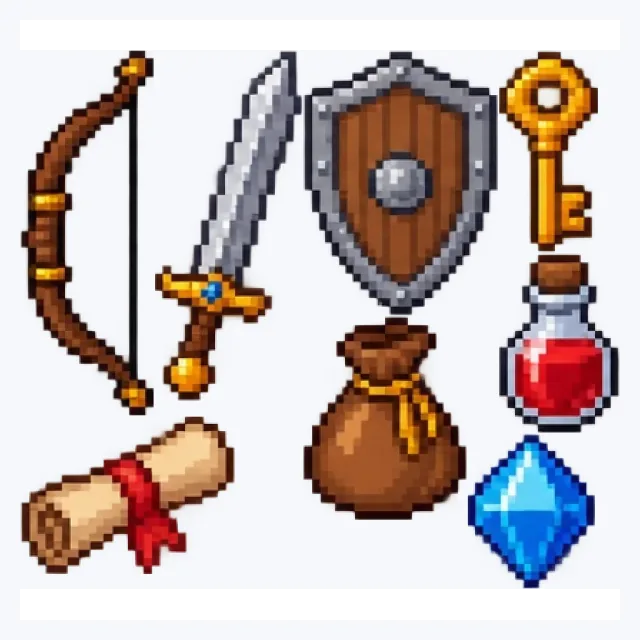
Pack frames, icons or items into one sprite sheet with an atlas.
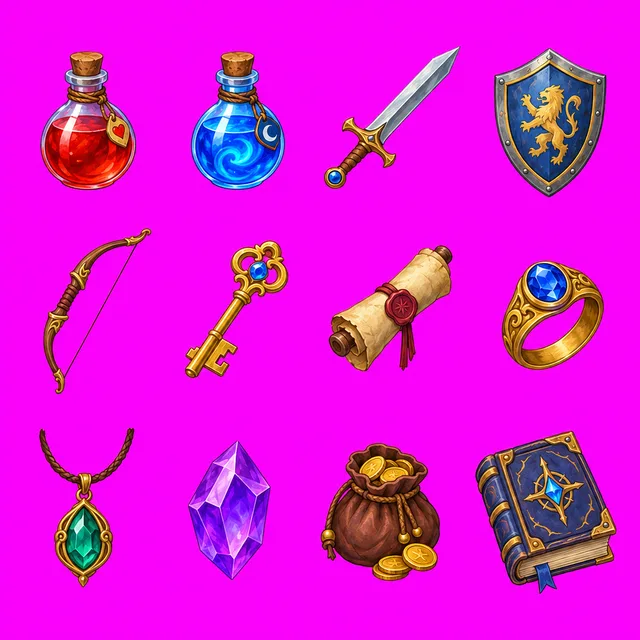
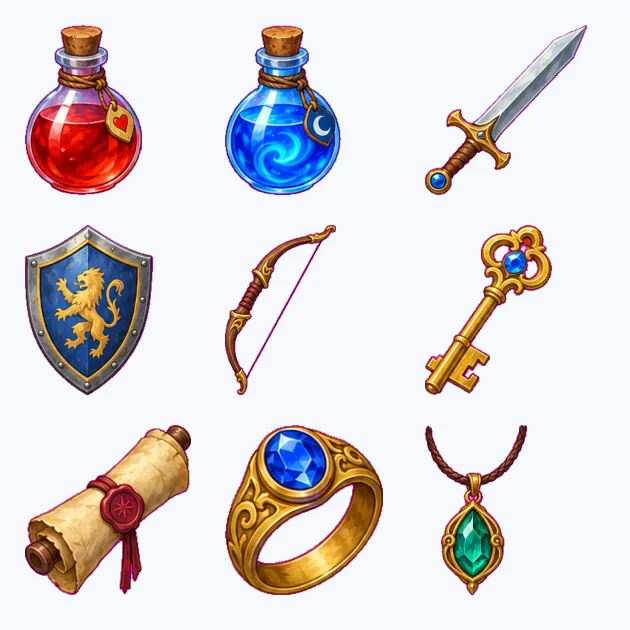
Split a sprite sheet into PNG frames by background or by grid, with GIF and JSON atlas downloads, in your browser.
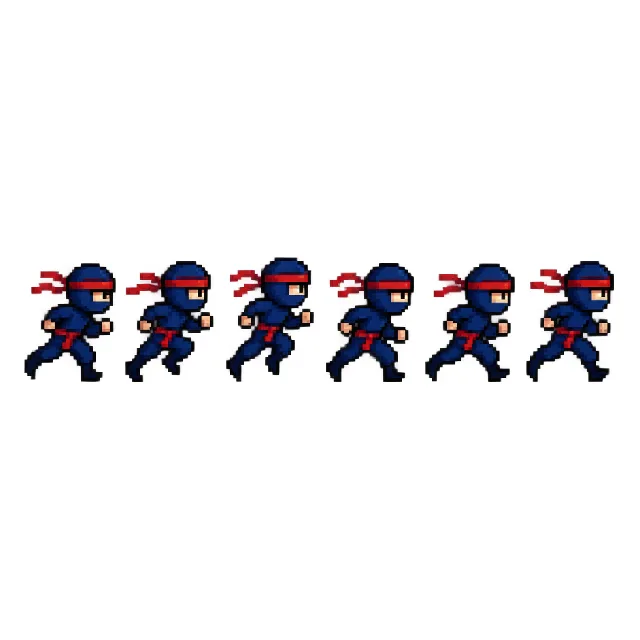
Play a sprite sheet as an animation and save it as a GIF or APNG.
Print & cut
Split a design into one layer per color: screen-printing films with registration marks, or layered SVG and DXF for Cricut and Silhouette, in your browser.
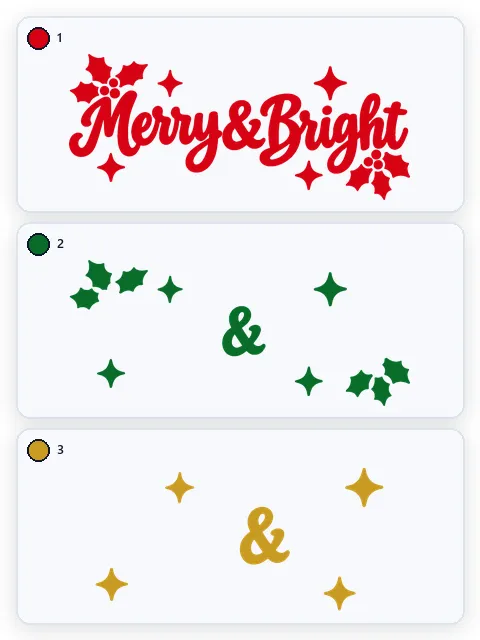
Convert an image to a layered SVG for Cricut and Silhouette: one layer per vinyl color, stacked or knockout, in inches or mm, in your browser.
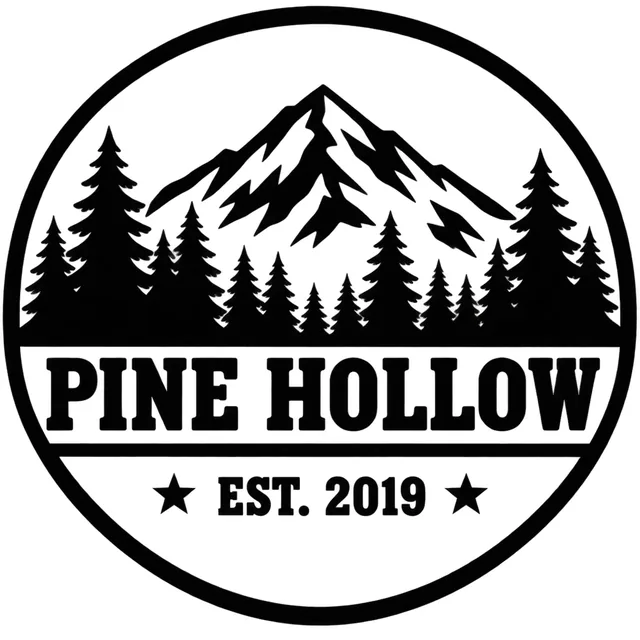
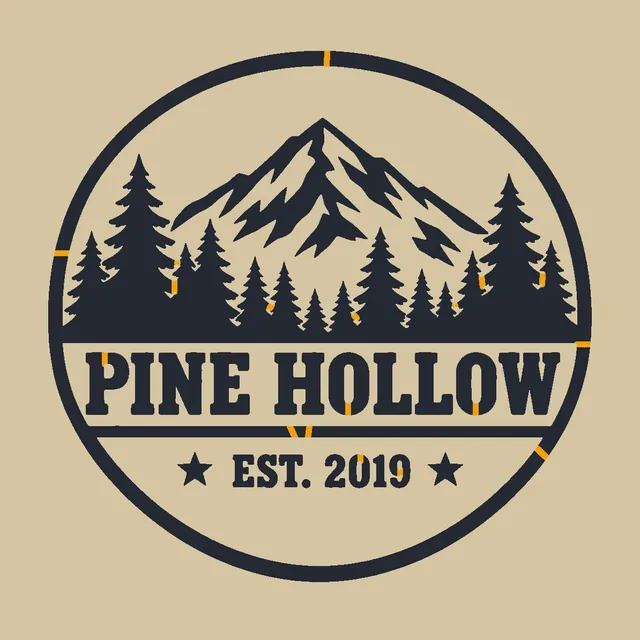
Turn a picture into a cuttable stencil: bridges added, up to 4 layers, SVG, DXF and real-size PDF, free in your browser.
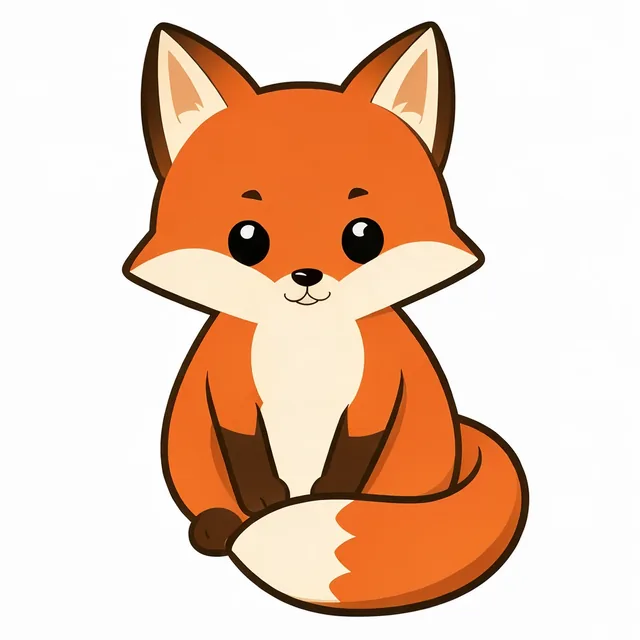
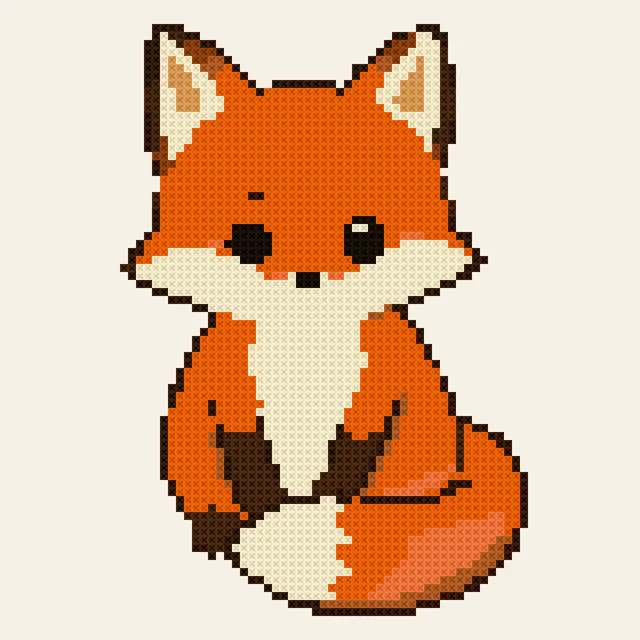
Turn a photo or a drawing into a cross stitch pattern with DMC thread numbers, a color key and a printable PDF chart, free in your browser.
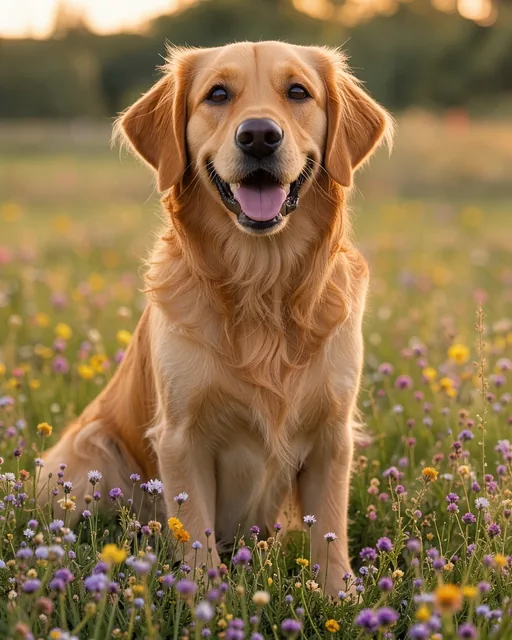
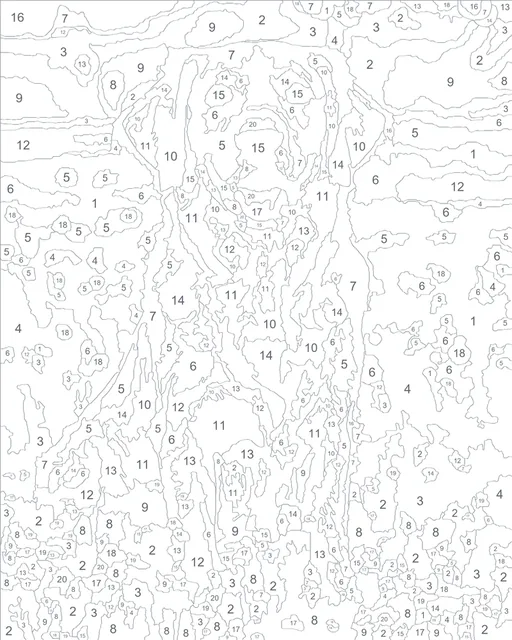
Turn a photo into a paint by numbers template with numbered areas, a color key and a PDF to print at paper or canvas size, free in your browser.
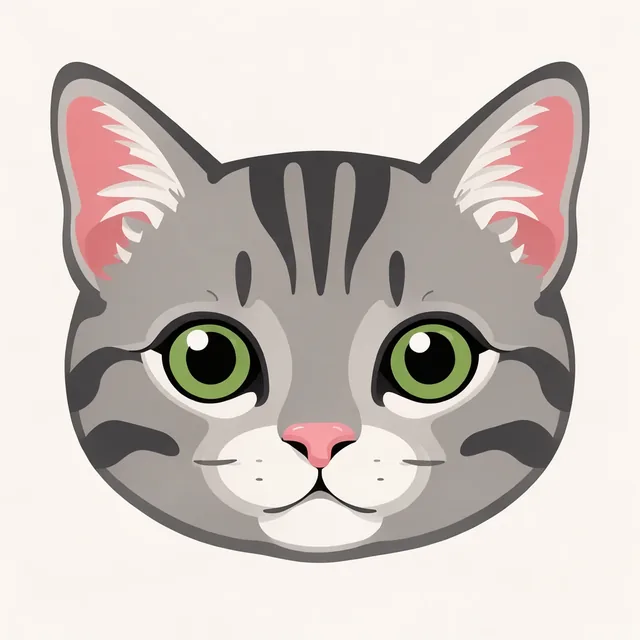
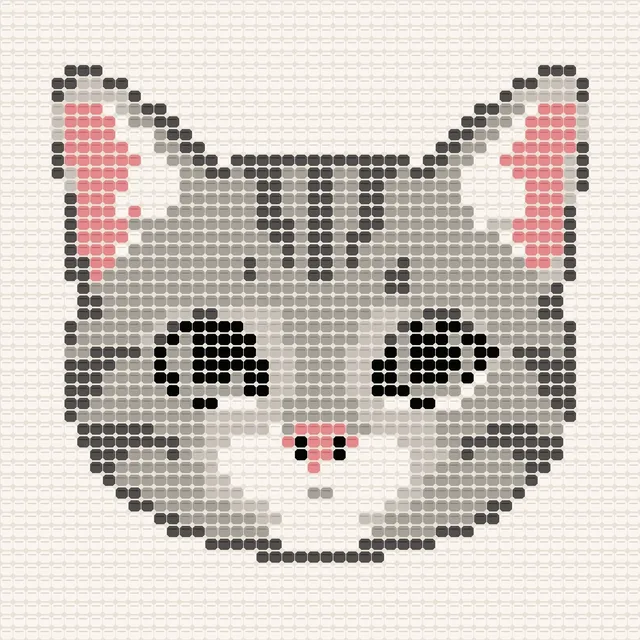
Turn a picture into a crochet graph for a graphgan or a C2C blanket, with written row-by-row instructions and a PDF chart, free in your browser.
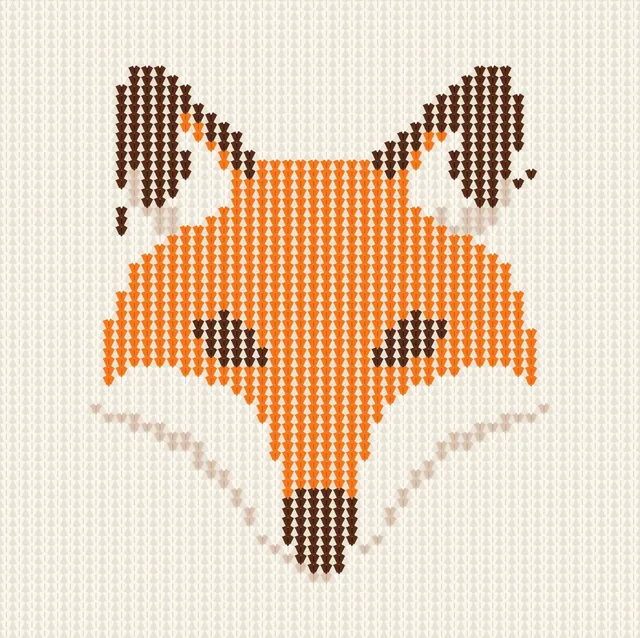
Turn a picture into a colorwork knitting chart shaped by your gauge, with long floats marked, written rows and a PDF, free in your browser.
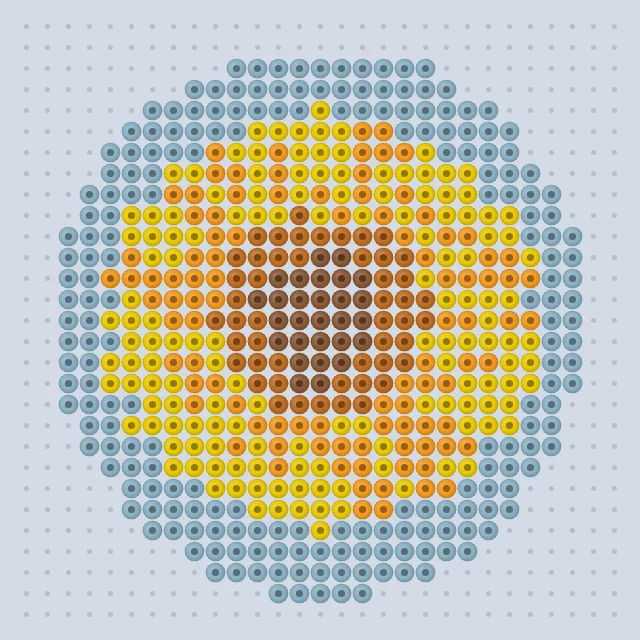
Turn a picture into a fuse bead pattern with real Perler, Hama or Artkal colors, laid out on pegboards.
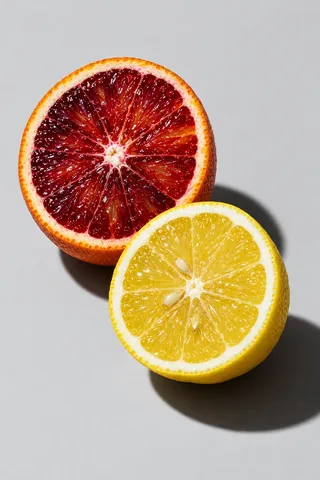
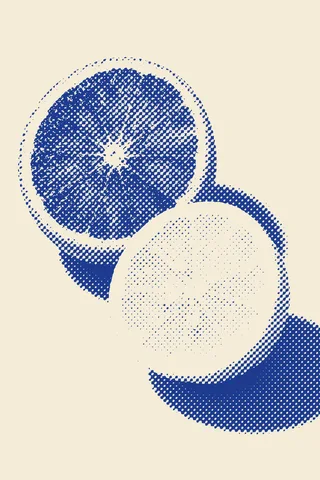
Turn a photo into halftone dots, in one ink or CMYK: PNG and SVG for designs, films for screen printing and transparent PNG for DTF, in your browser.
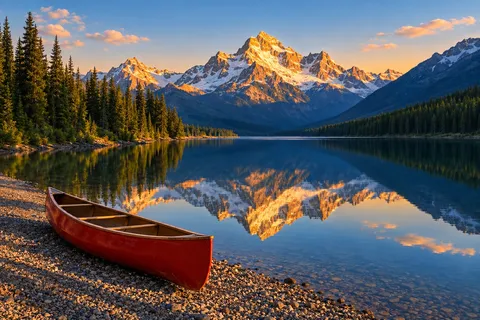
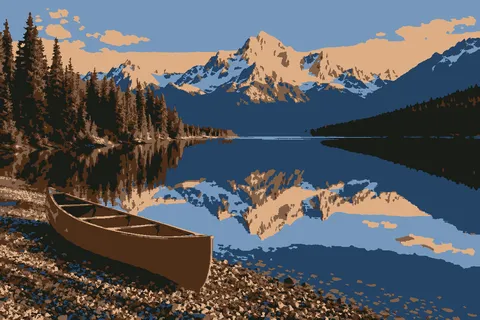
Turn a photo into a few flat colors, by levels or an exact number of colors, then save PNG or a layered PSD, in your browser.
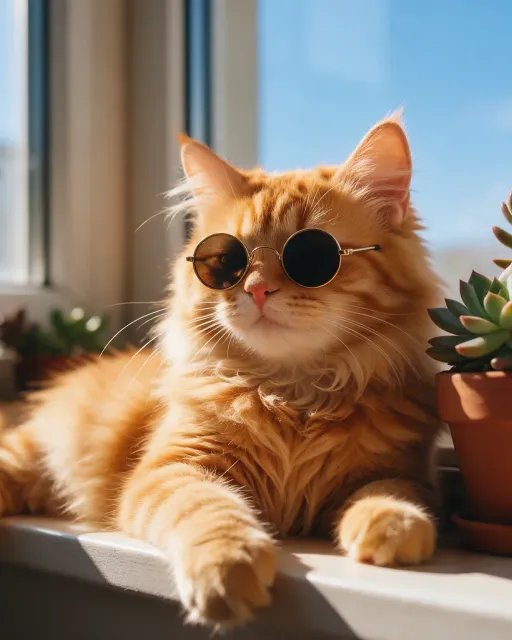
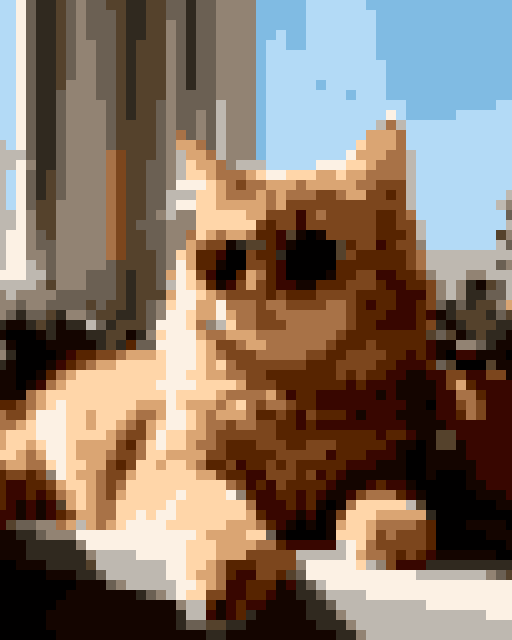
Turn a photo into crisp pixel art with retro palettes and dithering, then save PNG or PSD.

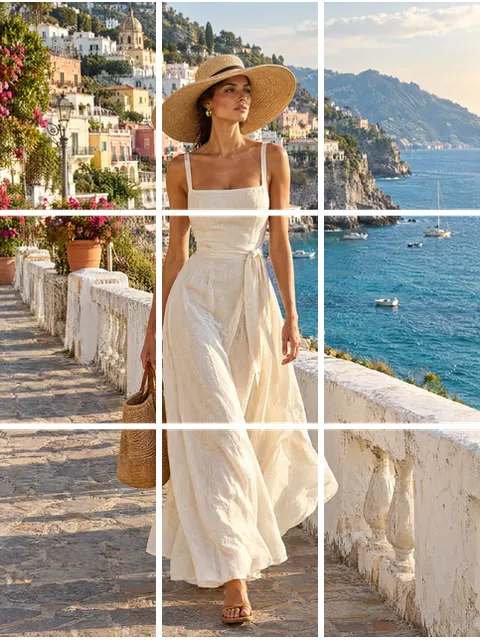
Cut a picture into a grid, an Instagram 3:4 grid, a seamless carousel or a poster printed on several pages, in your browser.
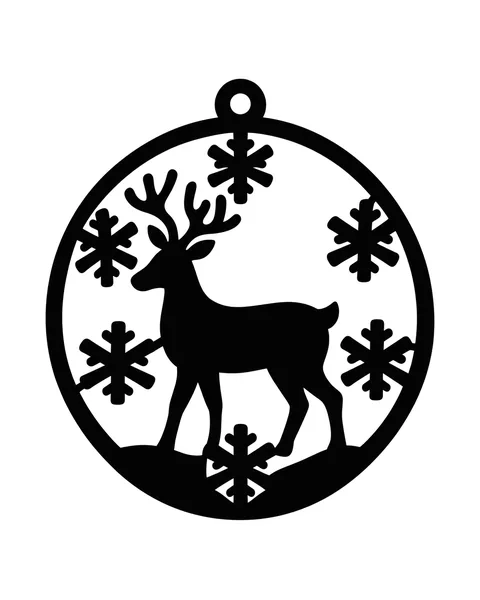
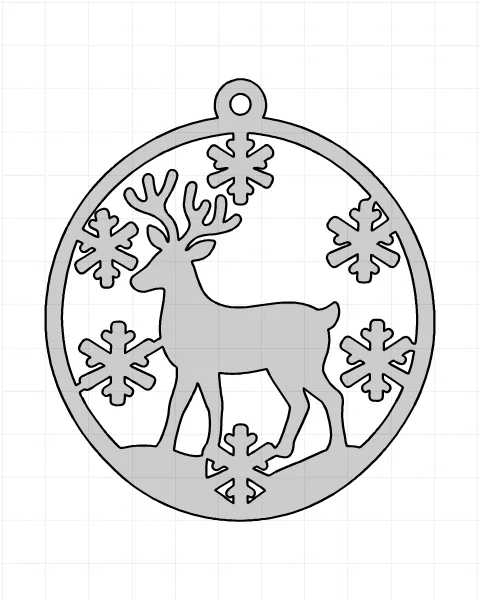
Convert PNG and JPG to DXF for laser, CNC and plasma cutting: real size in mm or inches, closed paths, true arcs and one layer per color, in your browser.
 SVG → DXF
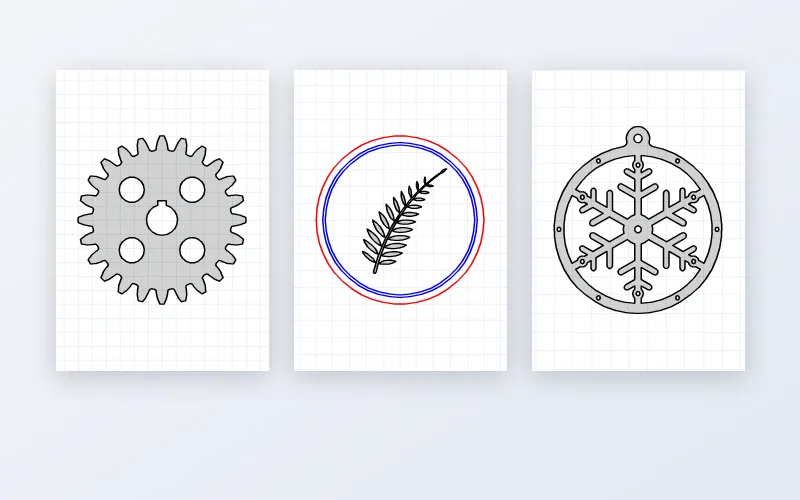
Convert SVG to DXF for laser, CNC and CAD: real size in mm or inches, true arcs and circles, layers by color, text traced to outlines, many files at once.
 DXF → SVG
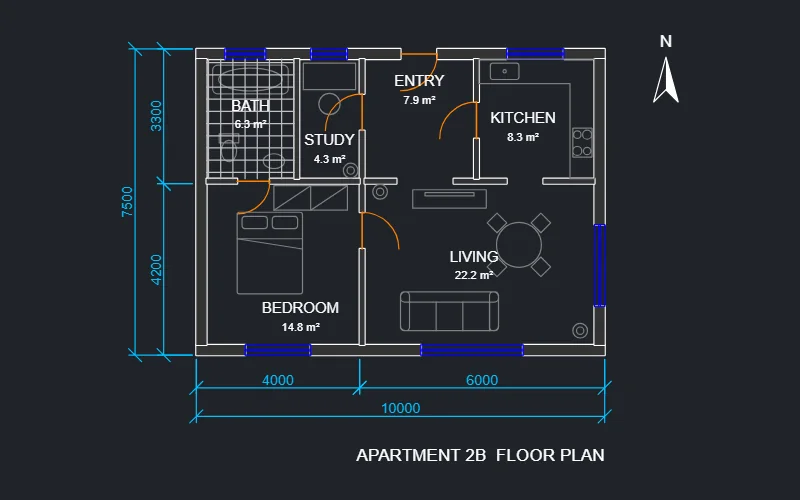
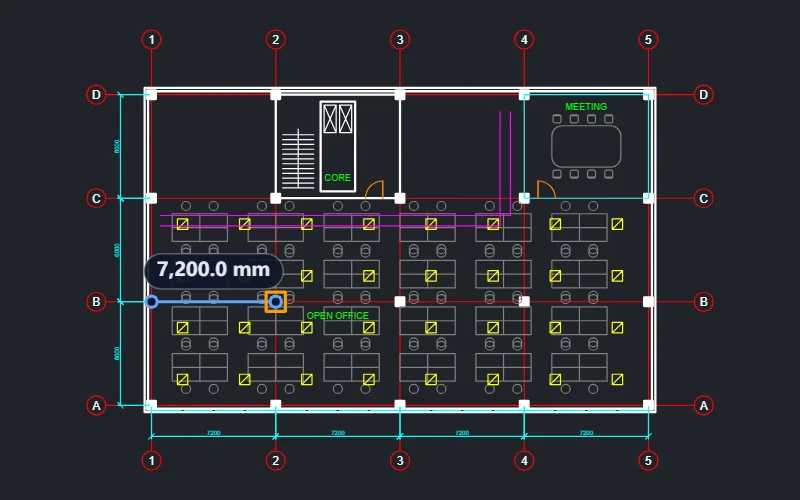
Convert a DXF drawing to a real-size SVG with its layers.
 DXF
Open a DXF drawing in your browser: layers, measuring, details.
 DXF → PDF
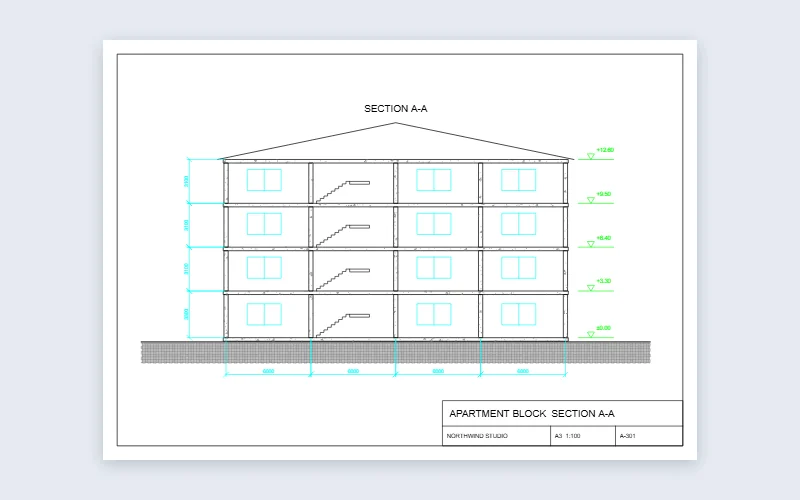
Print a DXF drawing to a vector PDF on any sheet, fitted or at scale.
Converters
 WebP → PNG
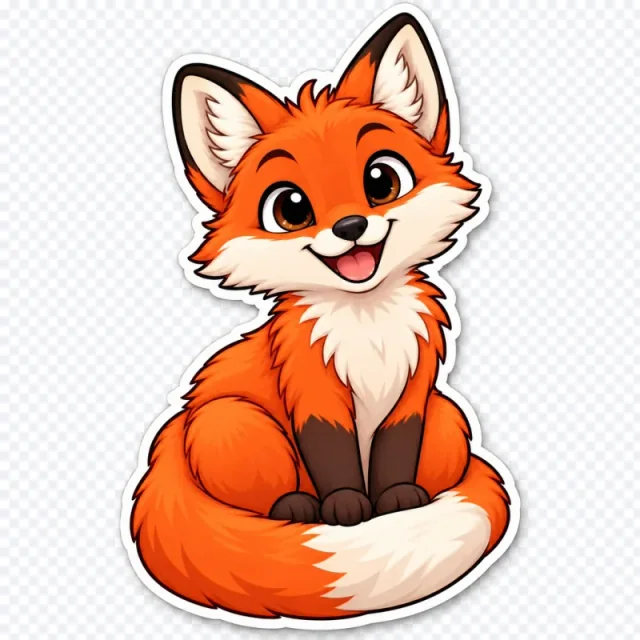
Convert WebP files to PNG in a batch, transparency kept.
 WebP → JPG
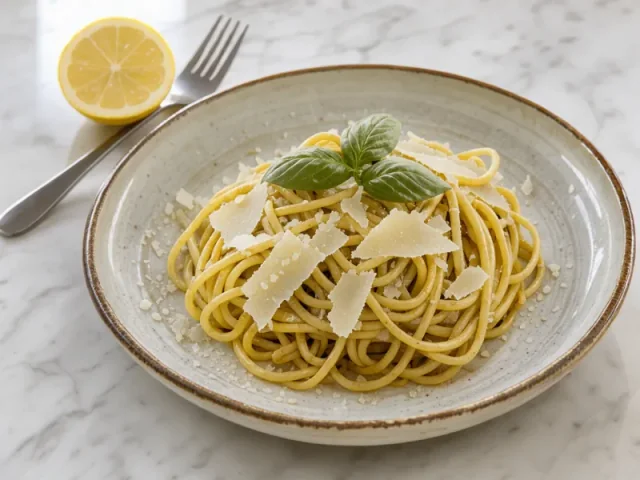
Convert WebP files to JPG in a batch, with the quality you choose.
 PNG → JPG
Convert PNG files to much smaller JPG files in a batch.
 JPG → PNG
Convert JPG files to exact PNG copies in a batch, transparent in one click.
 AVIF → PNG
Convert AVIF files to PNG in a batch, transparency kept.
 AVIF → JPG
Convert AVIF files to JPG that opens in every app, in a batch.
Trace a PNG, JPG or logo into a clean SVG, free in your browser; AI for hard pictures.
 SVG → PNG
Turn SVG files into PNG, JPG, layered PSD or, where your browser supports it, WebP, with web fonts and diagram text kept.
 SVG → JPG
Turn SVG files into sharp JPGs on white or any color, with crisp colored text at every quality.
 SVG → PDF
Turn SVG files into vector PDFs at A4, Letter or their own size, shadows and web fonts kept, many files in one PDF.
 SVG → ICO
Turn SVG files into ICO icons with every size drawn sharp, transparency kept, and a full favicon set.
 SVG
Open SVG files safely, many at once: zoom without blur, check fonts, layers and code, then save PNG, JPG or PSD.