Write the prompt like a brief
First the image: who or what is on the cover, where, and in what light, such as "a cat asleep by a rainy window". Then the words, each in its own quotes: the title, then the artist.
Describe the art, put the album title and artist in quotes and pick one of 11 genres: the album cover generator spells every word exactly and gives you a square cover ready for streaming.
Try one of these
Eight covers in eight genres, each made with this album cover generator from one prompt and the genre tagged on it, every title and artist read back against its quotes. The artists and albums are invented.
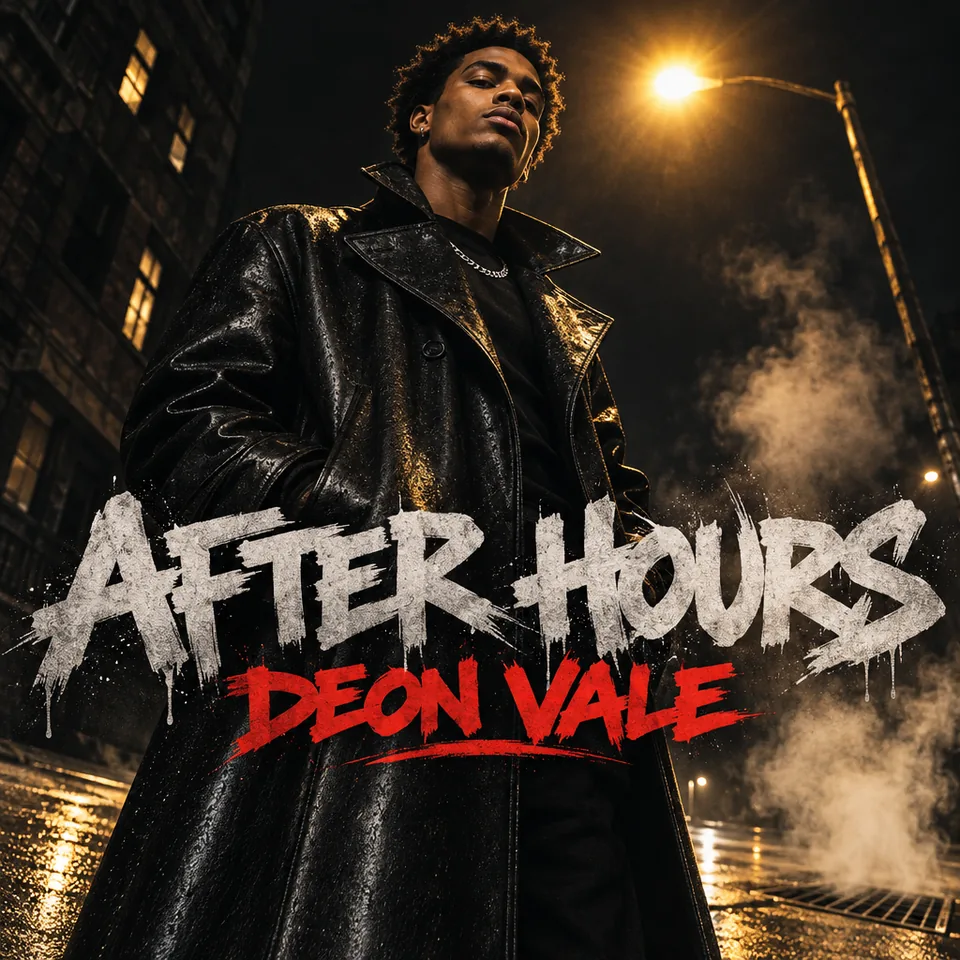
After Hours, a rapper under a streetlight · Hip-hop
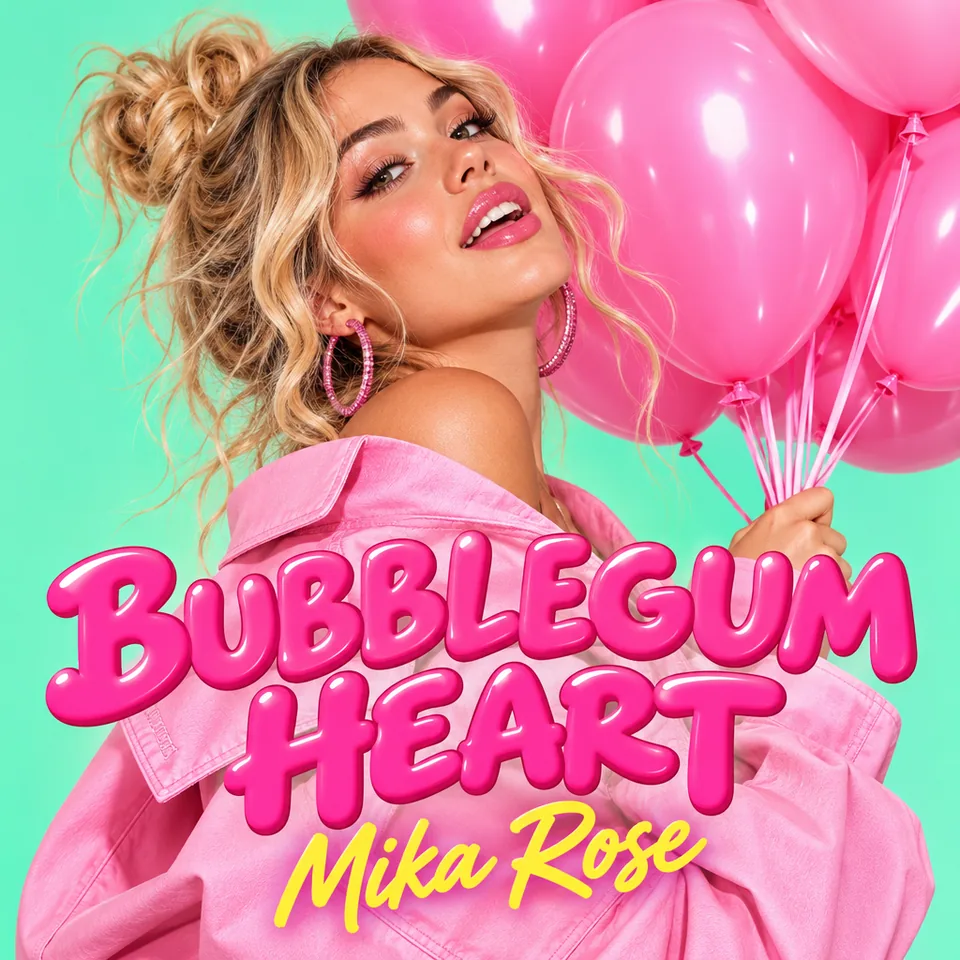
Bubblegum Heart, a bunch of pink balloons · Pop
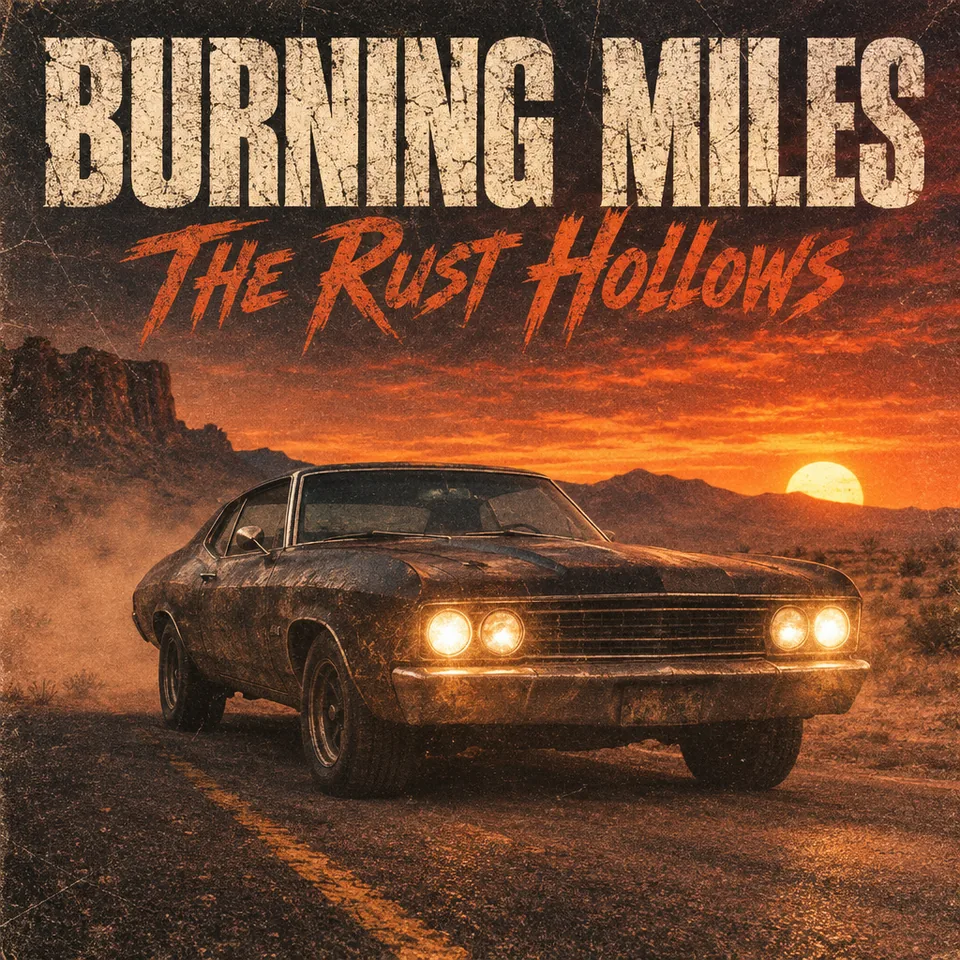
Burning Miles, a muscle car at dusk · Rock
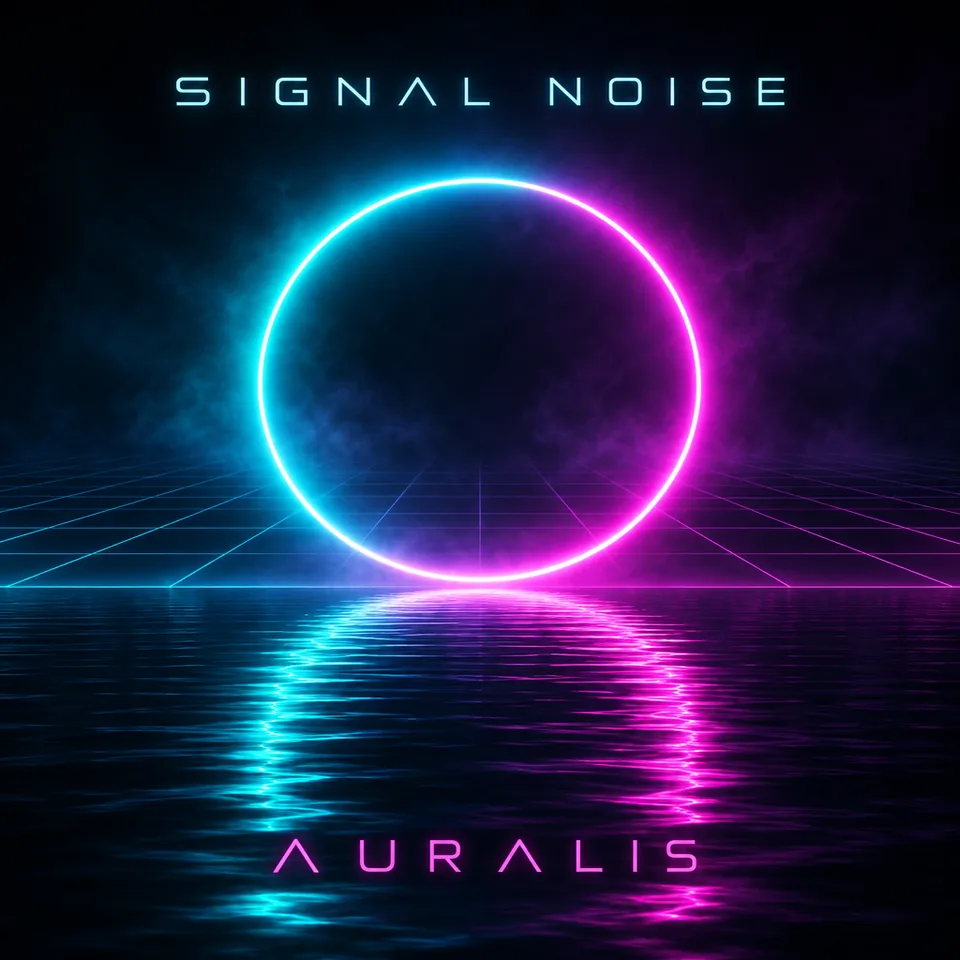
Signal Noise, a neon ring over black water · Electronic
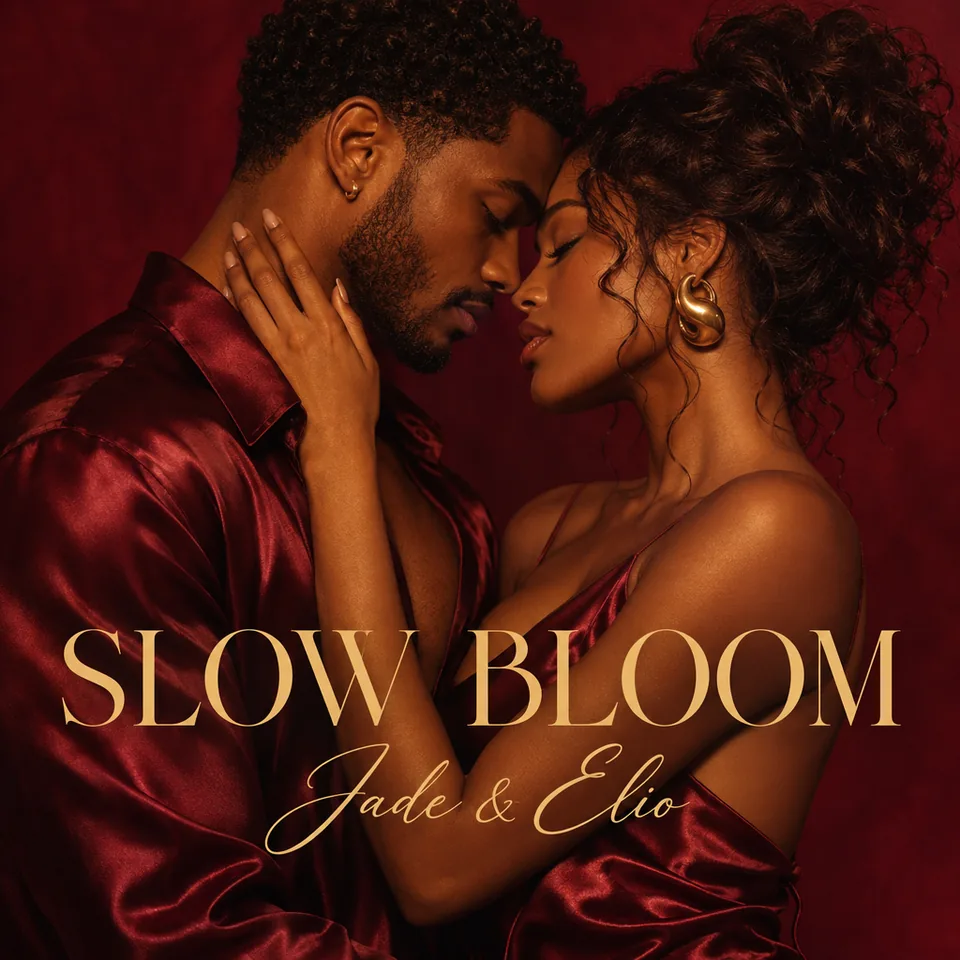
Slow Bloom, a duet in warm light · R&B and soul
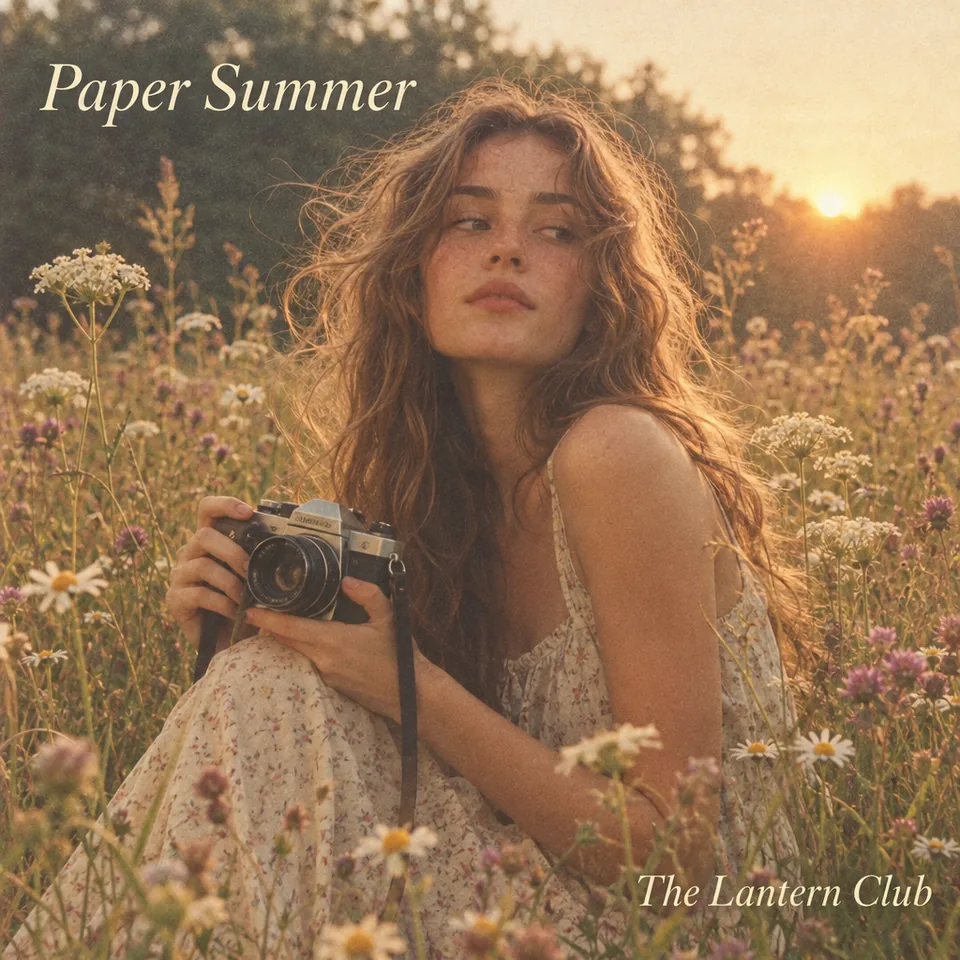
Paper Summer, a film camera in wildflowers · Indie and folk
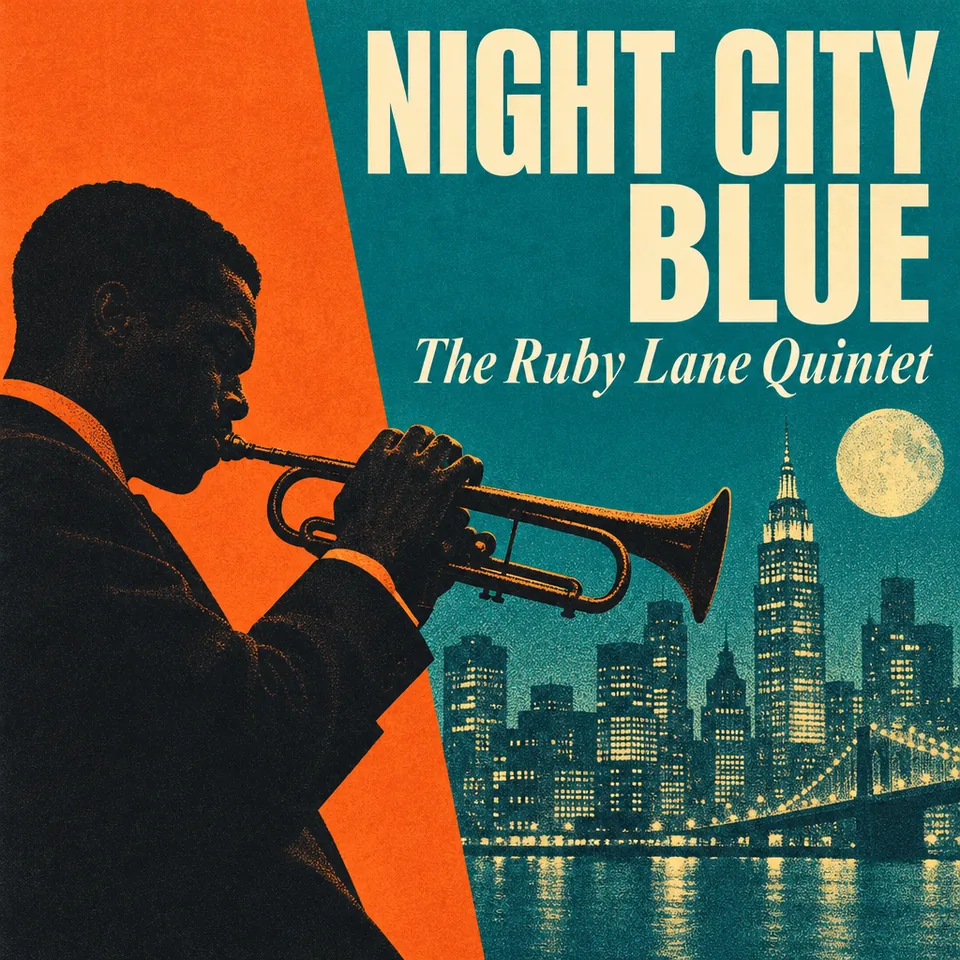
Night City Blue, a trumpet and a skyline · Jazz
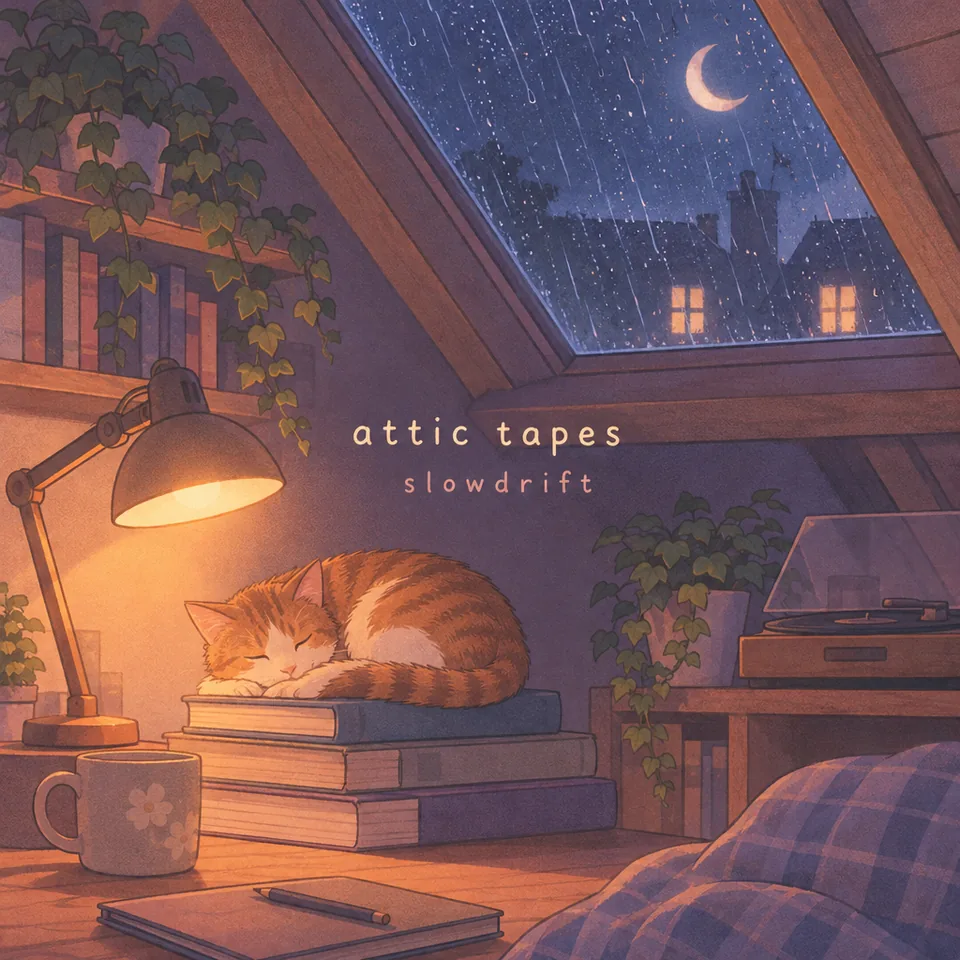
Attic Tapes, a cat asleep in the rain · Lo-fi
Three steps and about half a minute from an idea to finished cover art.
Write what the cover shows: the subject, the place, the light. Then the words in quotes: the album title first, then the artist name. Leave the quotes out for artwork without any text.
Choose Hip-hop, Pop, Rock, Electronic, Lo-fi or another genre, or keep Any genre and let your description set the look. Covers are always square; 4K is the size for a release.
Your covers land in your history in about half a minute. Download the original, or the 3000 × 3000 JPG that streaming services and distributors ask for.
Six things this album cover maker does best, for covers people stream, print and share.
The album title and the artist name in your quotes come out letter for letter, styled to the genre, with nothing added: no stray words, no fake label logos, no barcode.
Each genre adds its own art direction: heavy lettering for hip-hop, glossy colour for pop, film grain for rock, neon for electronic, mid-century blocks for jazz, a cosy illustration for lo-fi.
Every cover from this album cover generator is square from the start, and one click saves a 3000 × 3000 JPG, the size streaming services and music distributors ask for, with full colour detail in the lettering.
1K is quick for trying ideas; 2K and 4K draw a larger, sharper cover with crisper small lettering. Pick 4K for the cover you release.
Add a photo of yourself, your band or a logo as a reference picture and the album cover generator builds the art around it, the people still looking like themselves.
Send a cover to image to video for a looping canvas clip, to the upscaler for a print, or to Edit text in image to change a word without making the cover again.
Five short notes on prompts, text, genres, sizes and rights.
First the image: who or what is on the cover, where, and in what light, such as "a cat asleep by a rainy window". Then the words, each in its own quotes: the title, then the artist.
A title and an artist name read best, even as a small thumbnail. Leave out the quotes and the album cover generator draws a cover with no text, ready for your own lettering.
The genre pill adds one line of art direction, so your prompt can stay about the music. Pick Any genre when you want full control and describe the style yourself.
Streaming services and distributors ask for a square cover of at least 3000 × 3000 pixels. Make the final cover at 4K and use the 3000 × 3000 JPG button; 1K is perfect for drafts.
Use your own title, name and photos, or ones you have the rights to, as every example here does with invented artists. Covers you make are yours to release, print and share.
Musicians and creators who need cover art today, ready in about half a minute.
Singles, EPs and albums with cover art that matches the sound, without waiting on a designer.
A cover for every beat tape, lo-fi drop or type beat upload, in the same style across a series.
Square artwork for playlists, mixes and podcast episodes that stands out in a feed.
Covers for demos, live recordings and mixtapes, and art for merch and gig posters.
Short answers to the questions people ask most.
Covers use credits: from 3 credits a cover at 1K, 5 at 2K and 8 at 4K, and the button shows the total before you run. Every cover you make is kept in your history.
Square, at least 3000 × 3000 pixels for streaming services and most distributors. Every cover from this album cover maker is square, and the 3000 × 3000 JPG button saves exactly that size.
Yes. Put the title and the artist name in quotes and the AI album cover generator letters them exactly. Every example on this page was read back against its quotes.
Yes. Leave out the quotes and the album cover generator draws the art with no words at all, ready for your own lettering.
Yes. Add a photo of yourself or your band as a reference picture and describe the scene: the cover is built around you, still looking like you.
Hip-hop, Pop, Rock, Electronic, R&B and soul, Indie and folk, Jazz, Lo-fi, Metal, Country and Classical, each with its own art direction. Any genre follows your description.
Yes, under our terms of service, and the covers carry no watermark. Use your own ideas, names and photos, or ones you have the rights to.
Yes. Singles, EPs, mixtapes, playlists and podcasts all use the same square artwork: quote the name you need and pick the genre that fits.
Describe the art, quote the title and artist, pick a genre. Your cover is ready in about half a minute.
Make an album cover