Tabby cat face
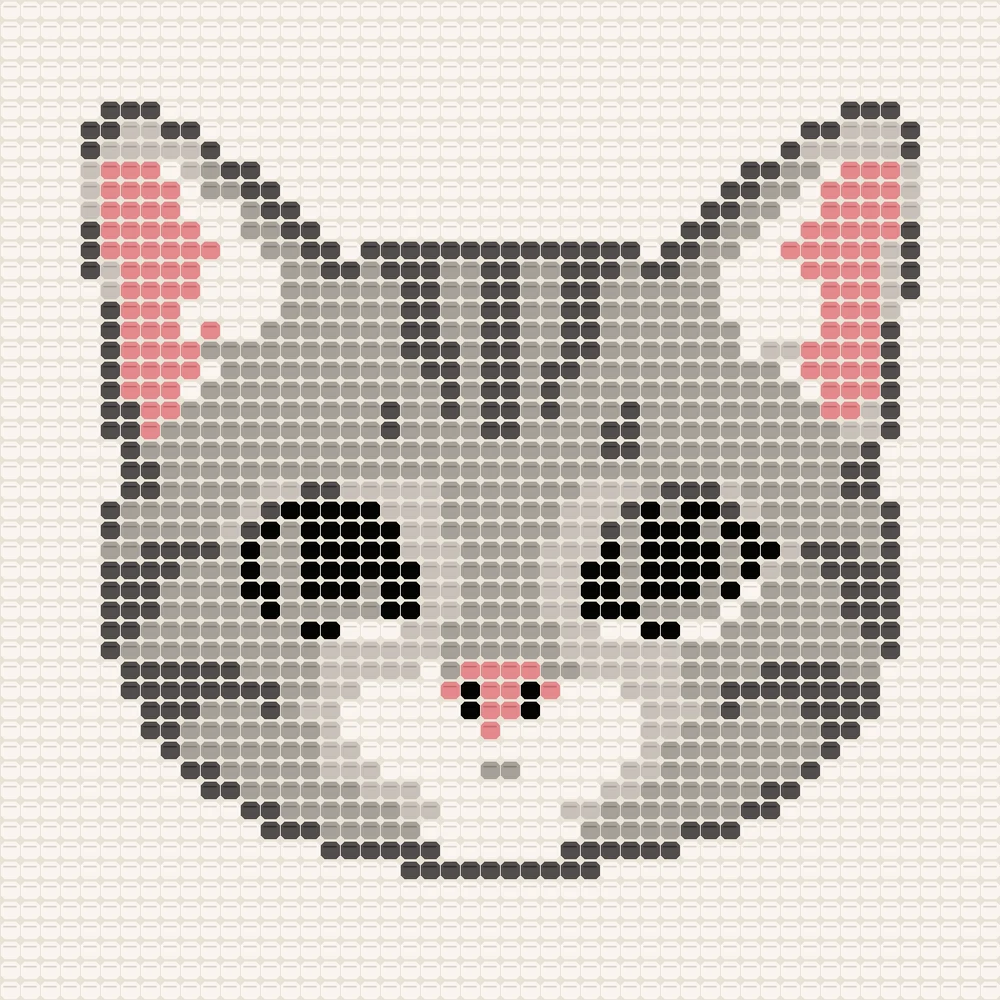
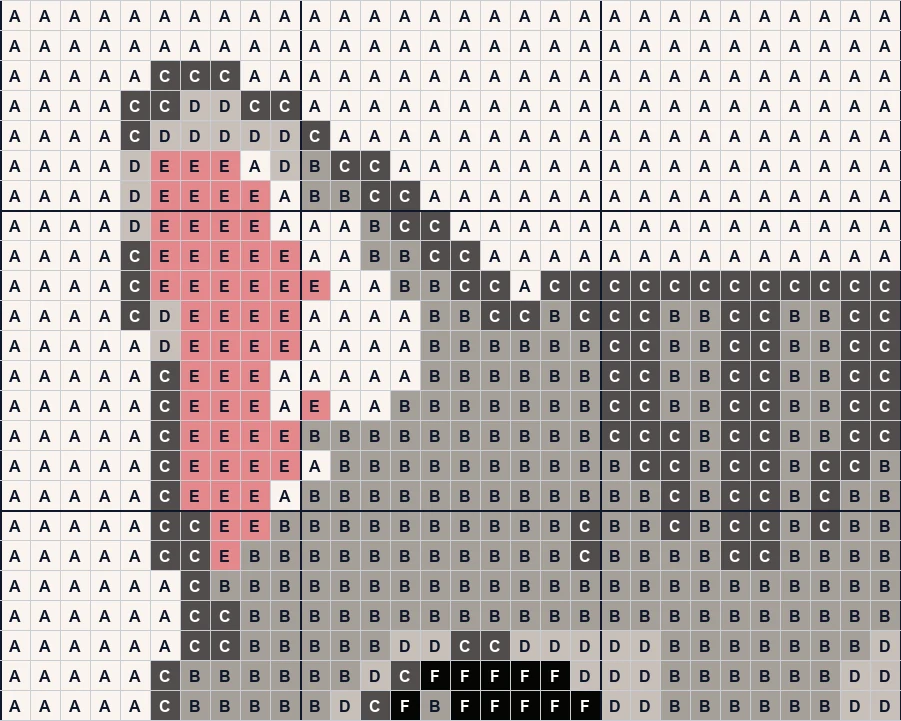
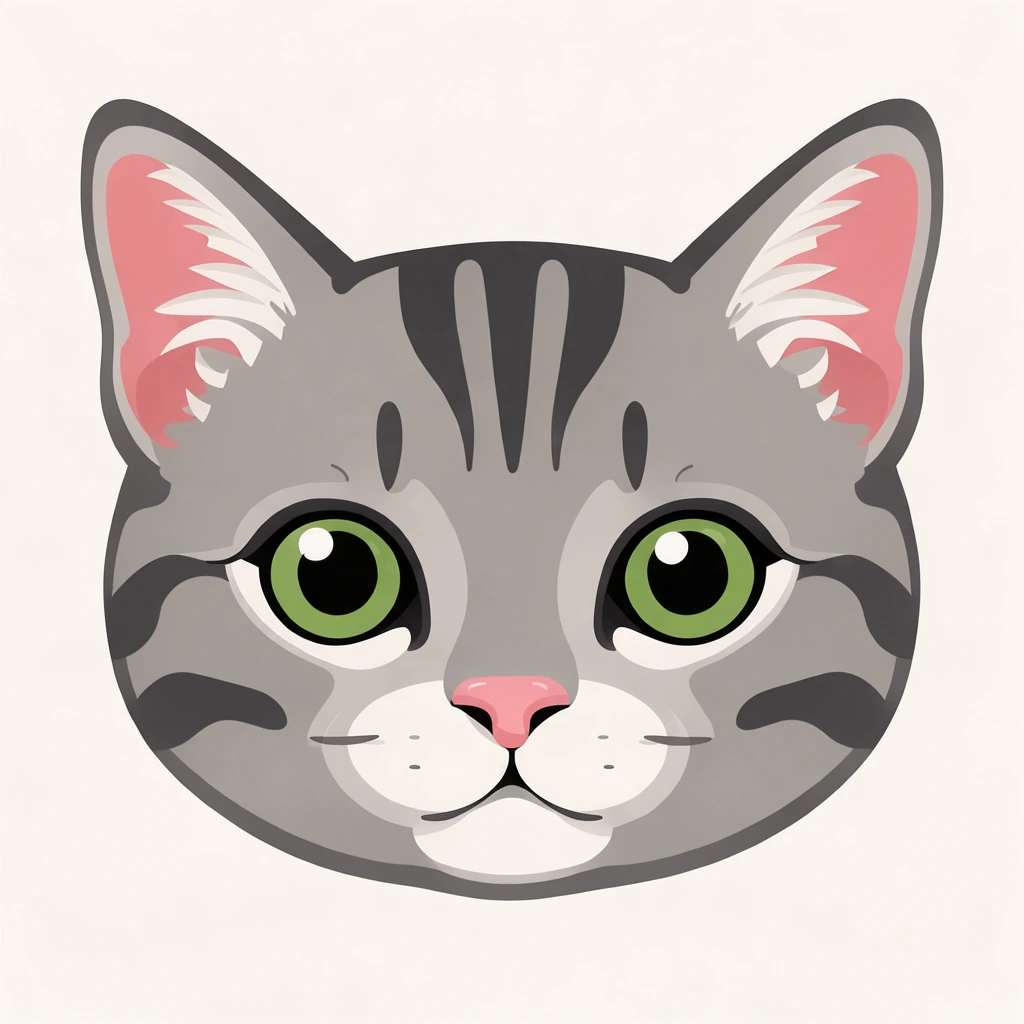
50 × 50 stitchesA graphgan of a cat face in six colors, green eyes and pink nose included.
Turn a drawing, a logo or a photo into a crochet graph for a blanket: this crochet graph generator makes a graphgan or a C2C graph in your colors and writes every row out for you, free in your browser.
Drop a picture to make a crochet graph
A drawing, a logo or a photo: PNG, JPG, WebP or GIF. You can also paste one with Ctrl+V.
Each crochet graph below was made here from the picture in its corner: the finished blanket on the left, a close-up of the chart on the right.
A graphgan of a cat face in six colors, green eyes and pink nose included.
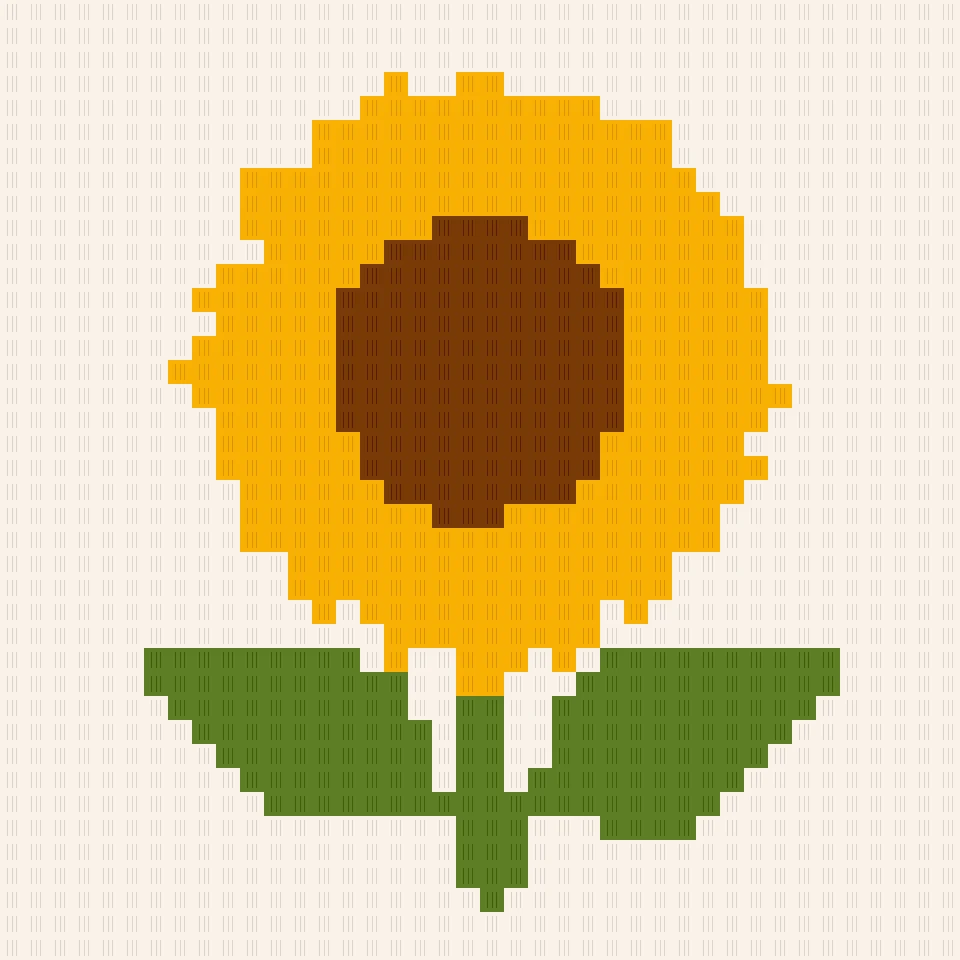
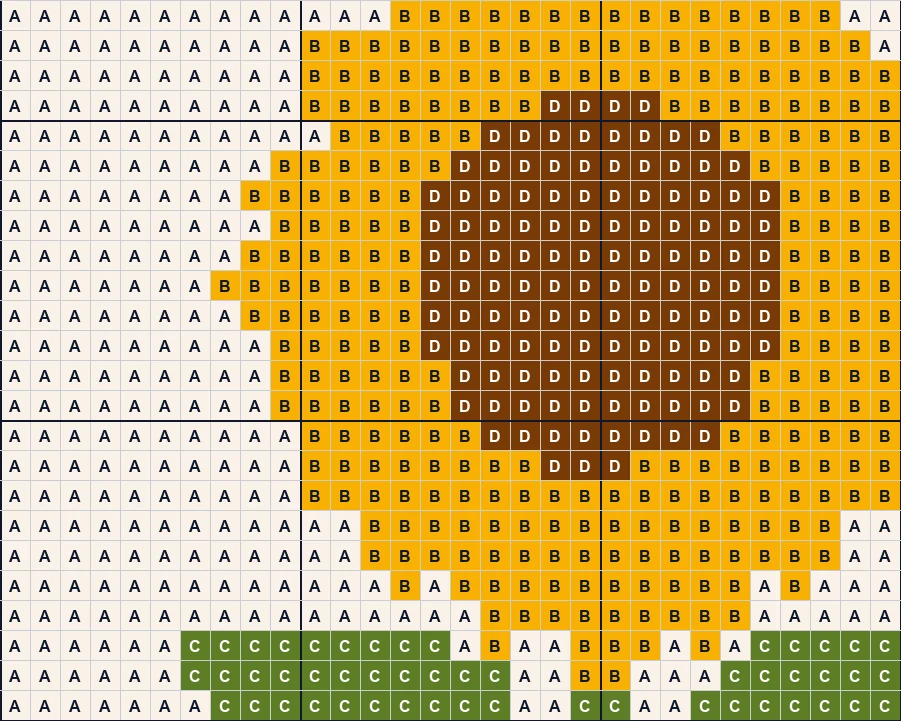
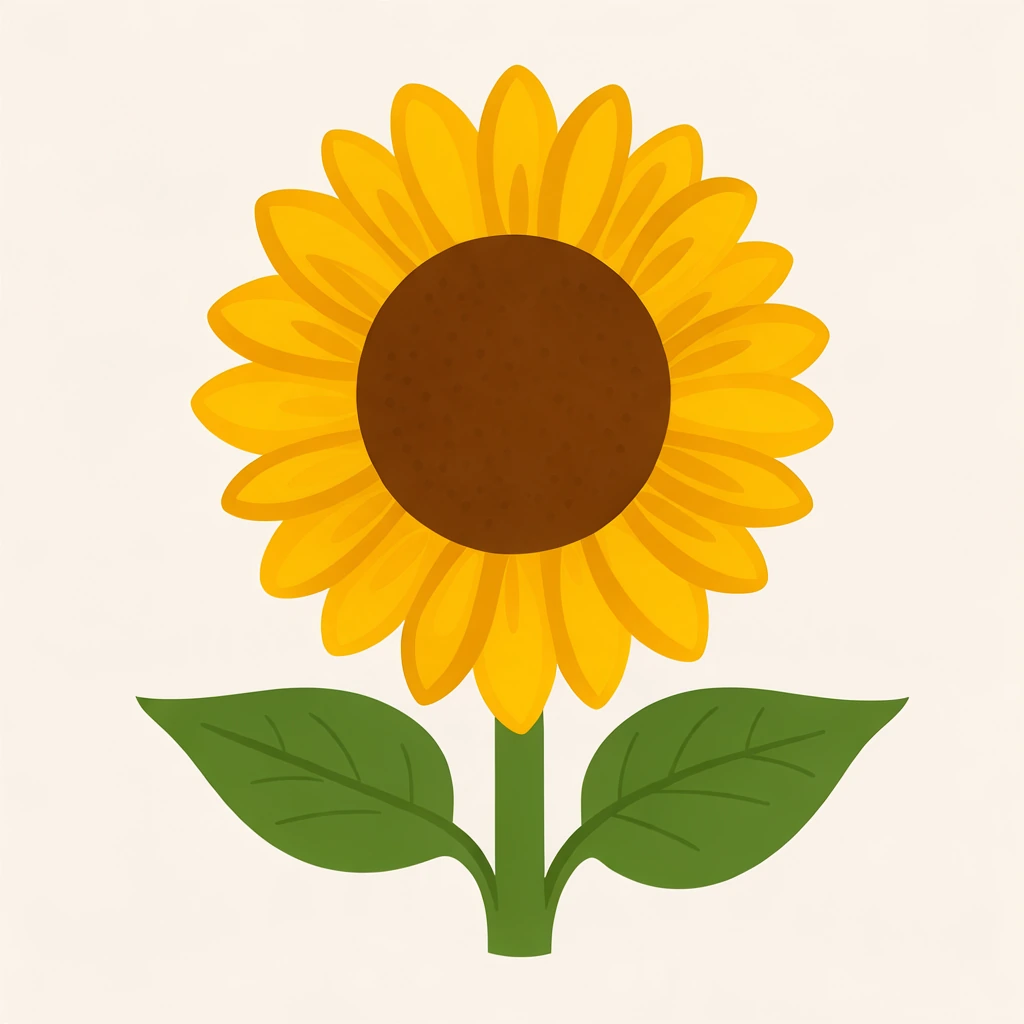
A bold C2C sunflower: a quick first corner-to-corner blanket.
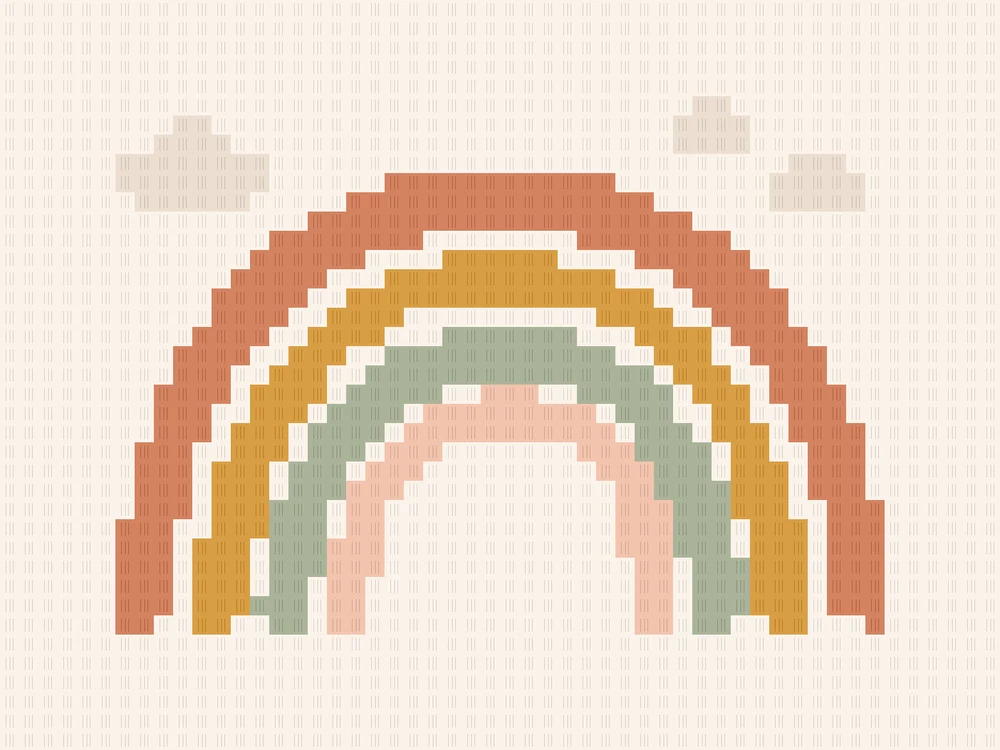
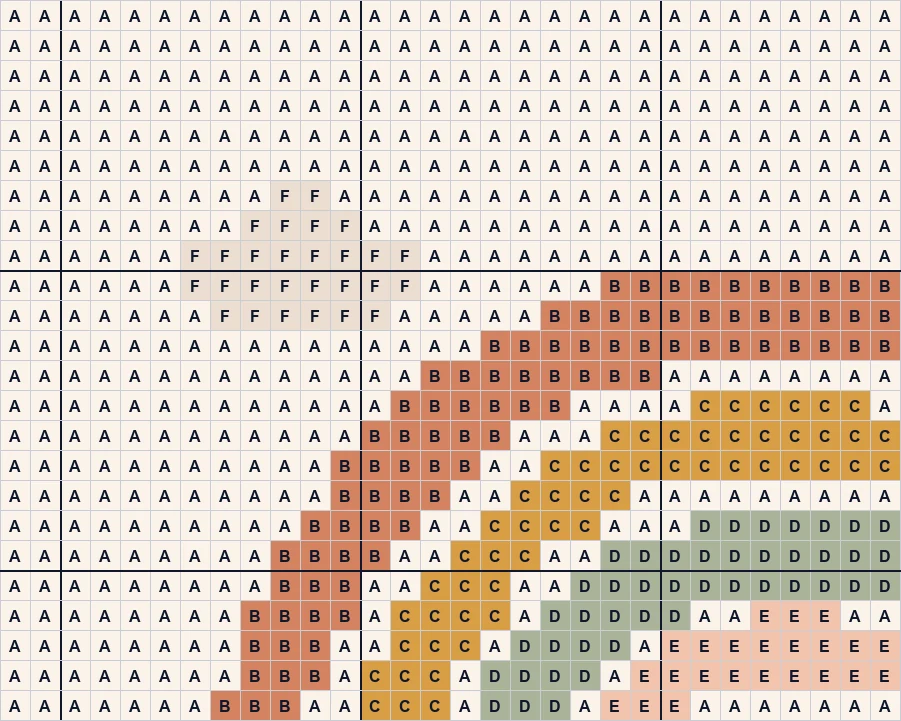
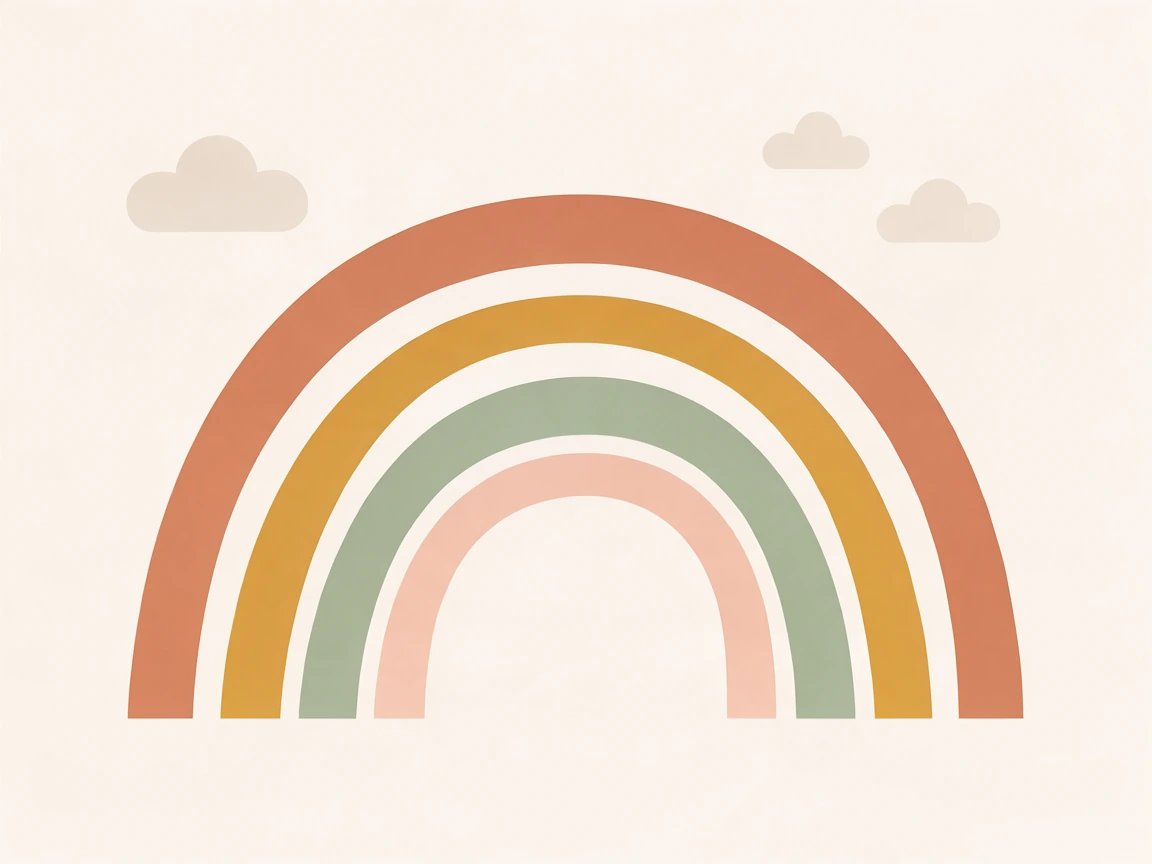
Soft rainbow arcs and two clouds in a wide C2C graph.
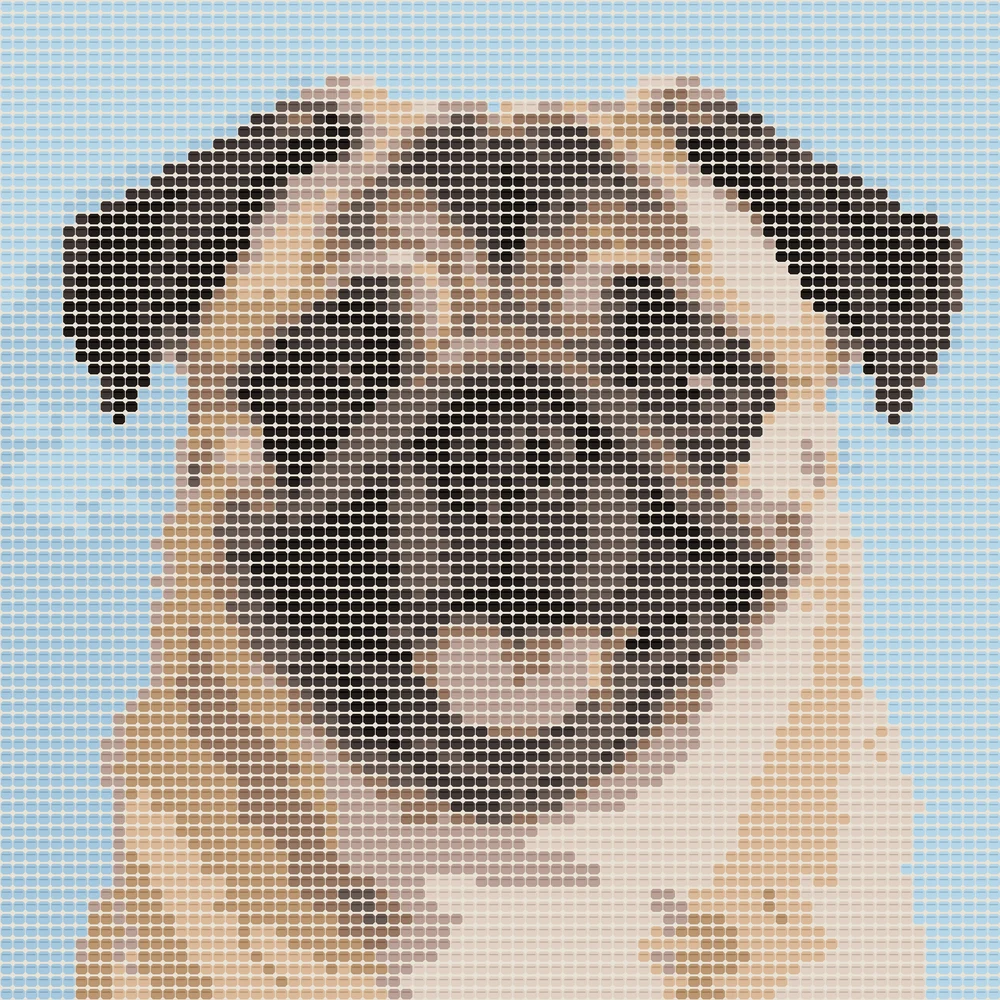
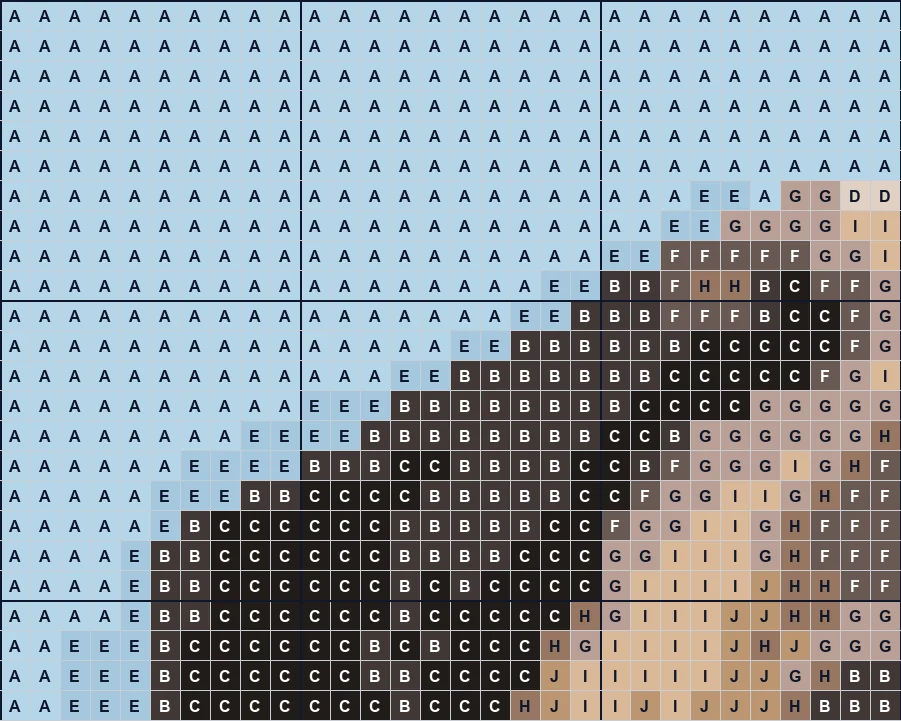
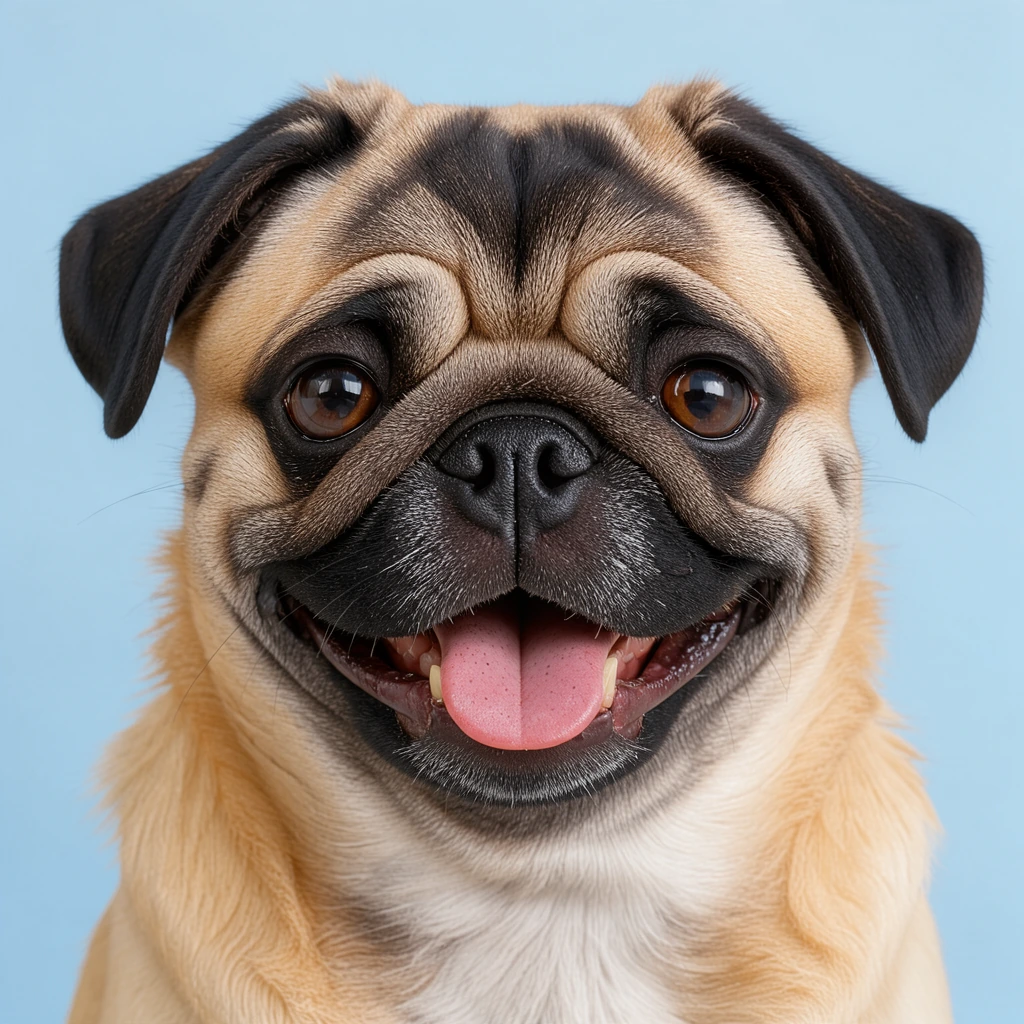
A photo of a pug as an 80-stitch graphgan in ten colors.
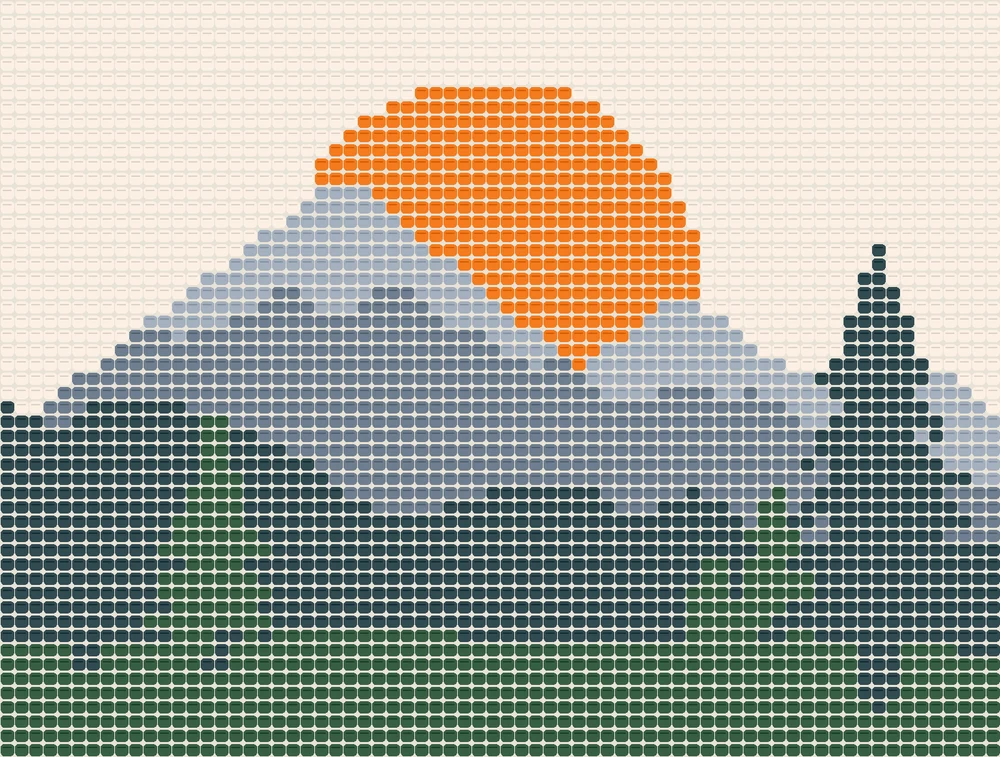
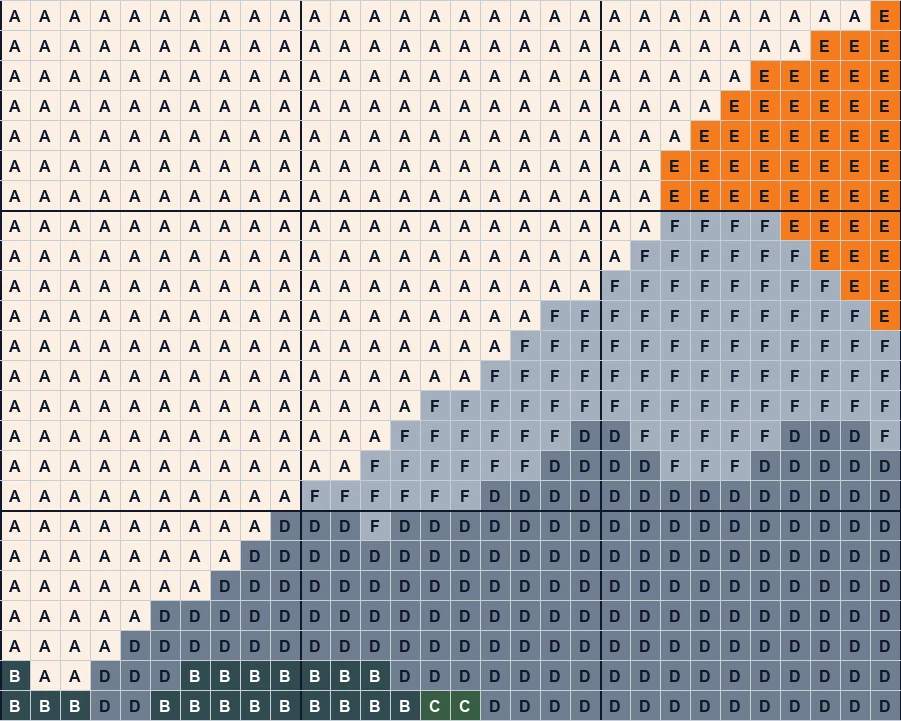
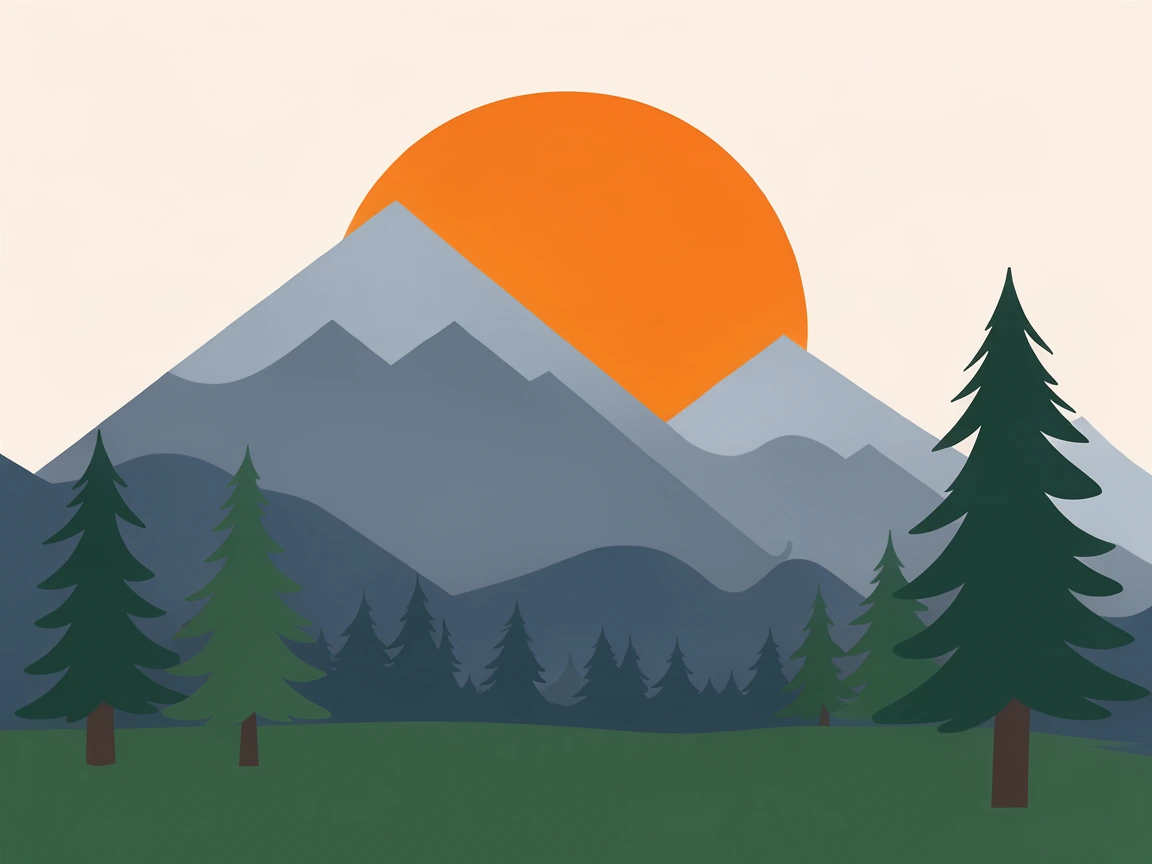
Layered mountains, a big sun and pines for a nursery or a cabin.
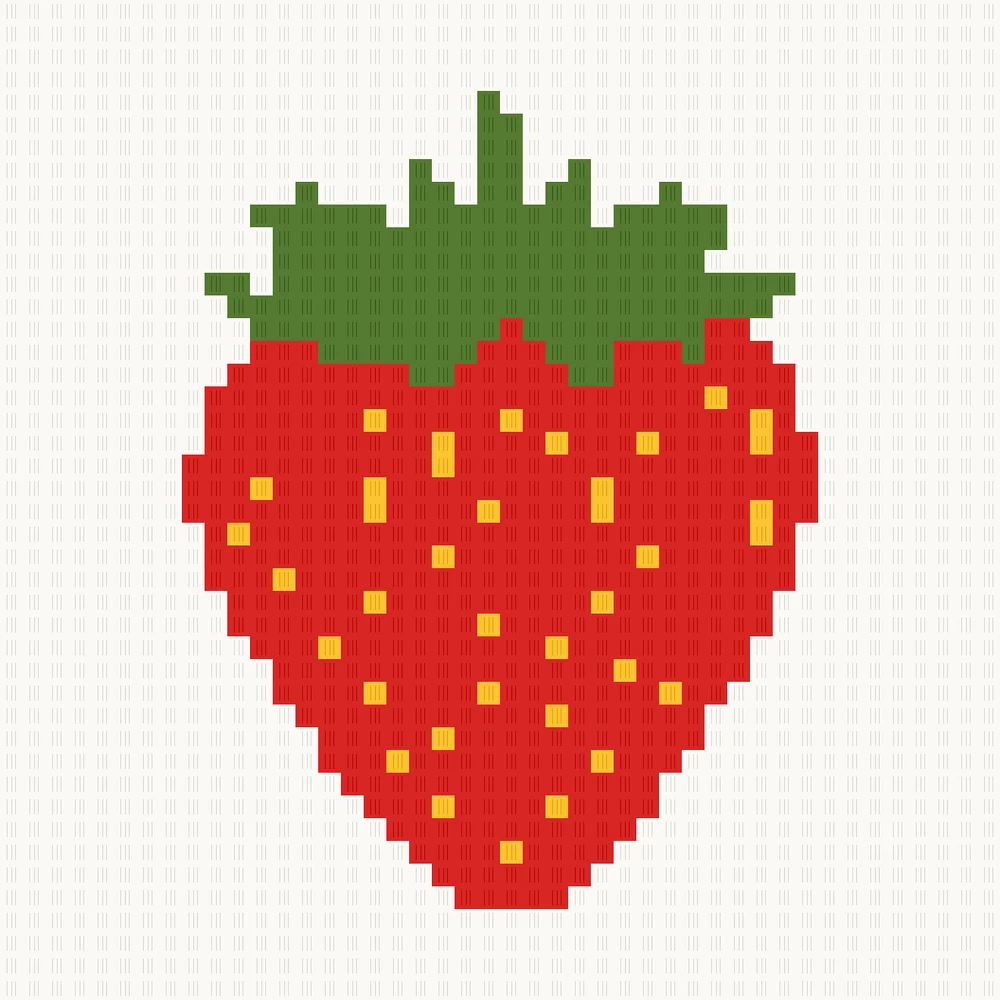
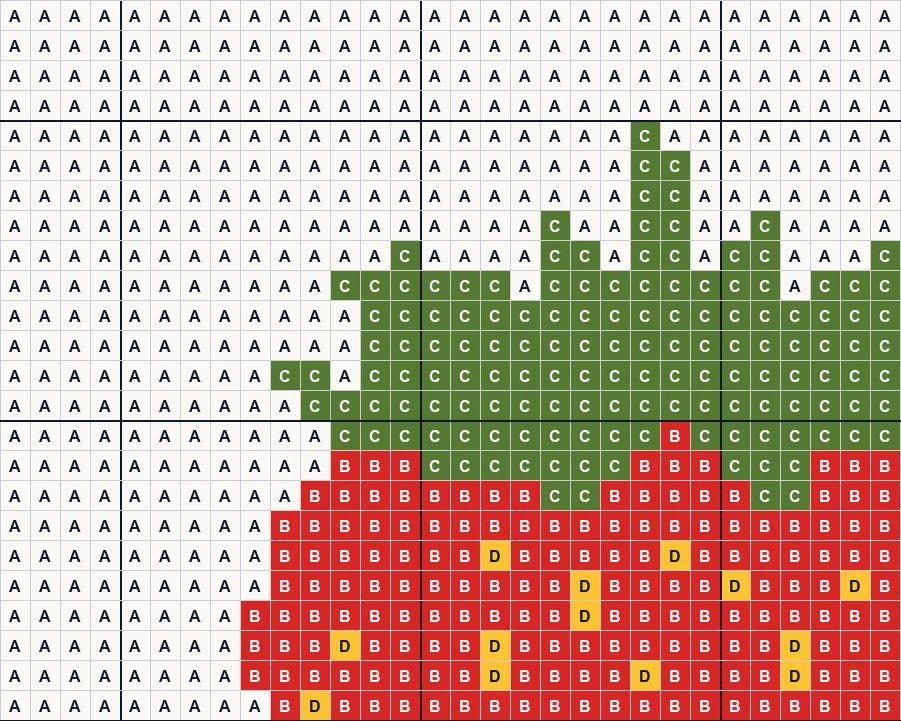
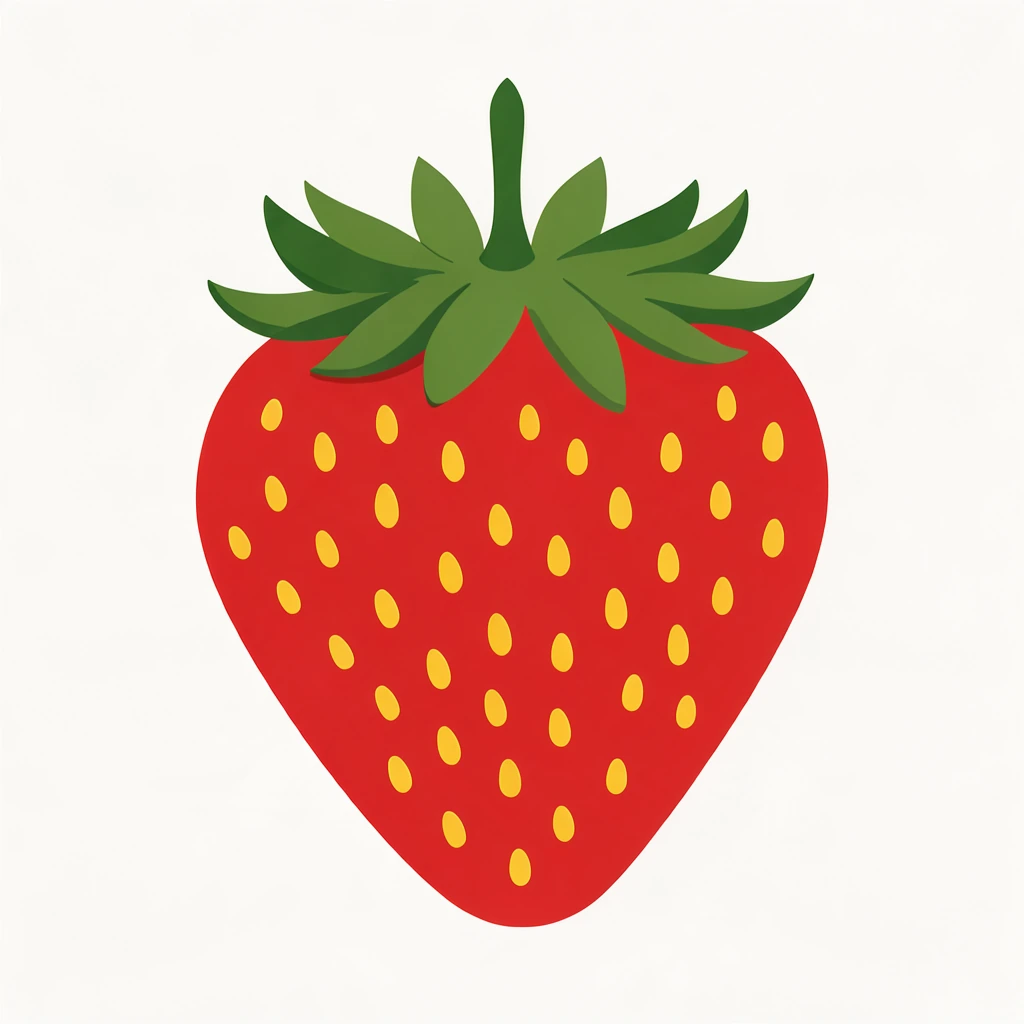
A C2C strawberry with every seed kept: tidy single stitches turned off.
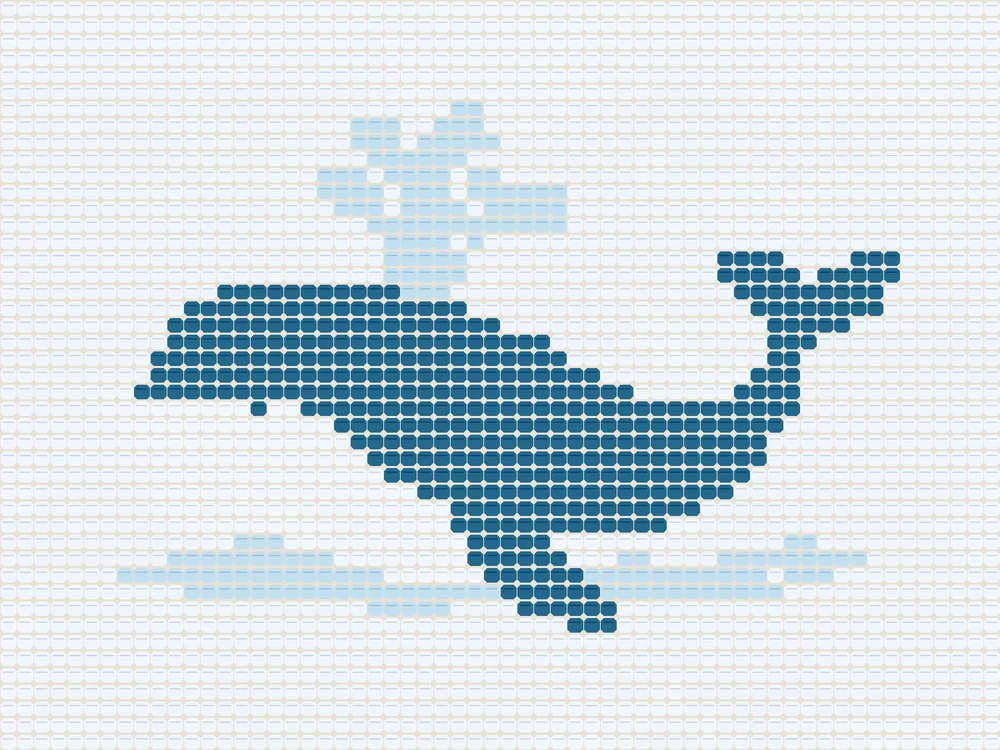
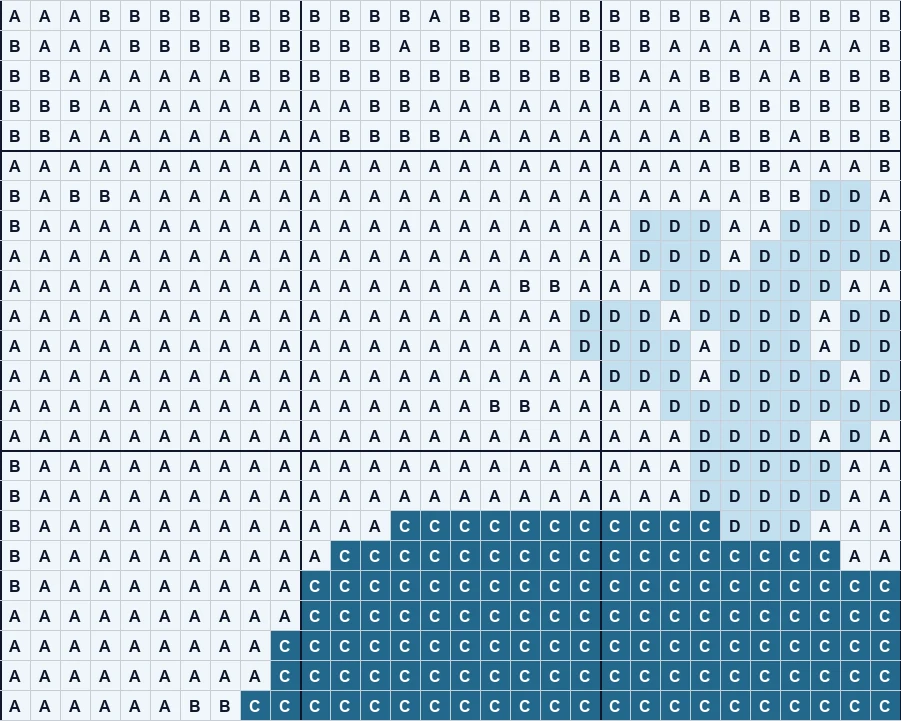
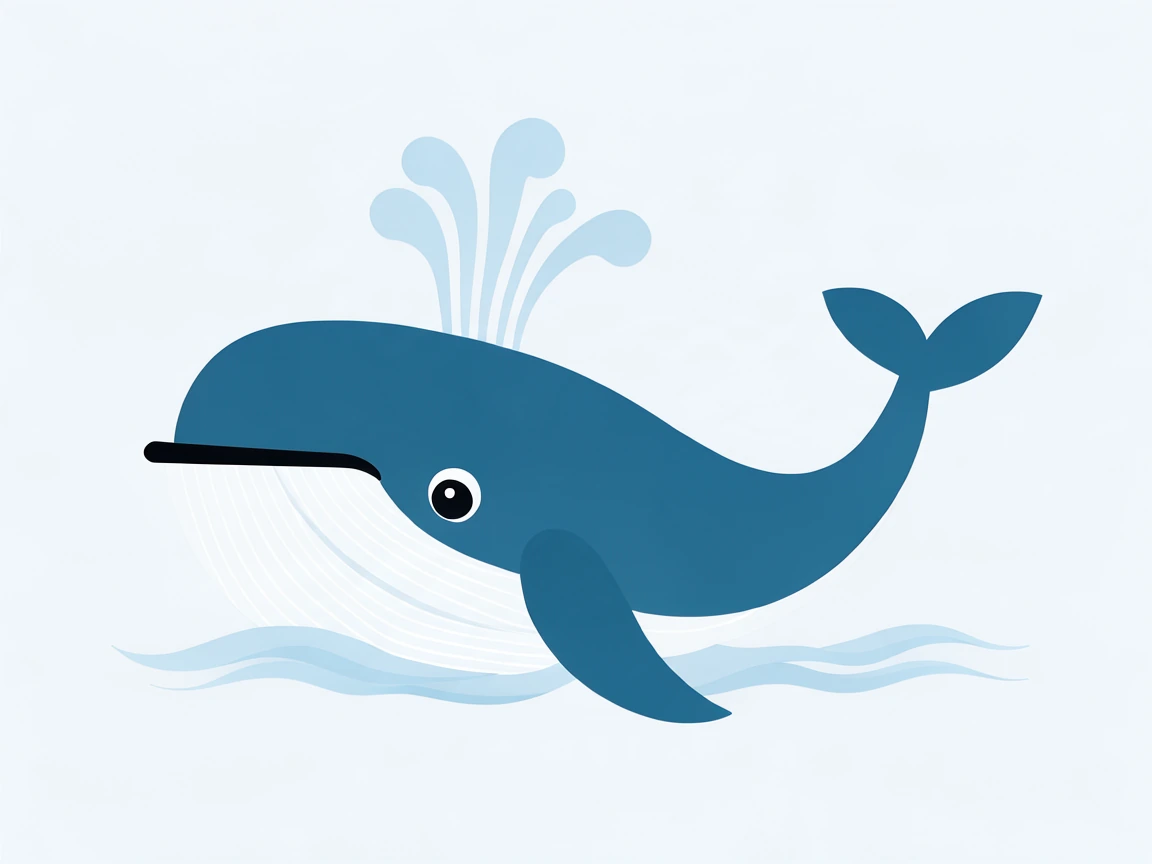
A cute whale and its spout in four colors for a baby blanket.
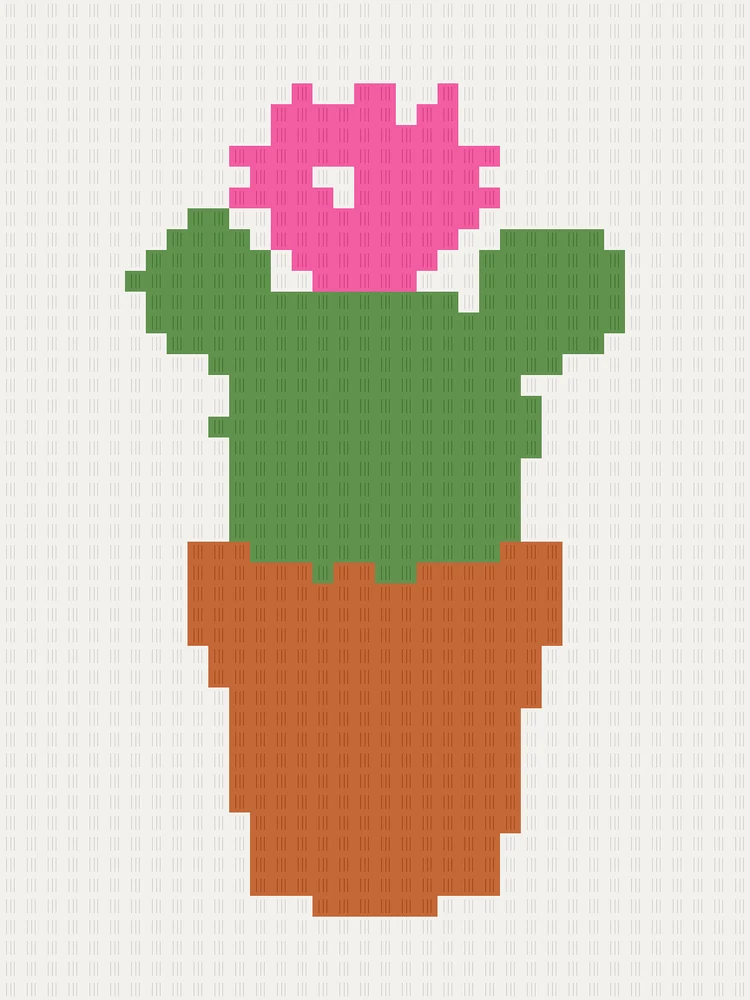
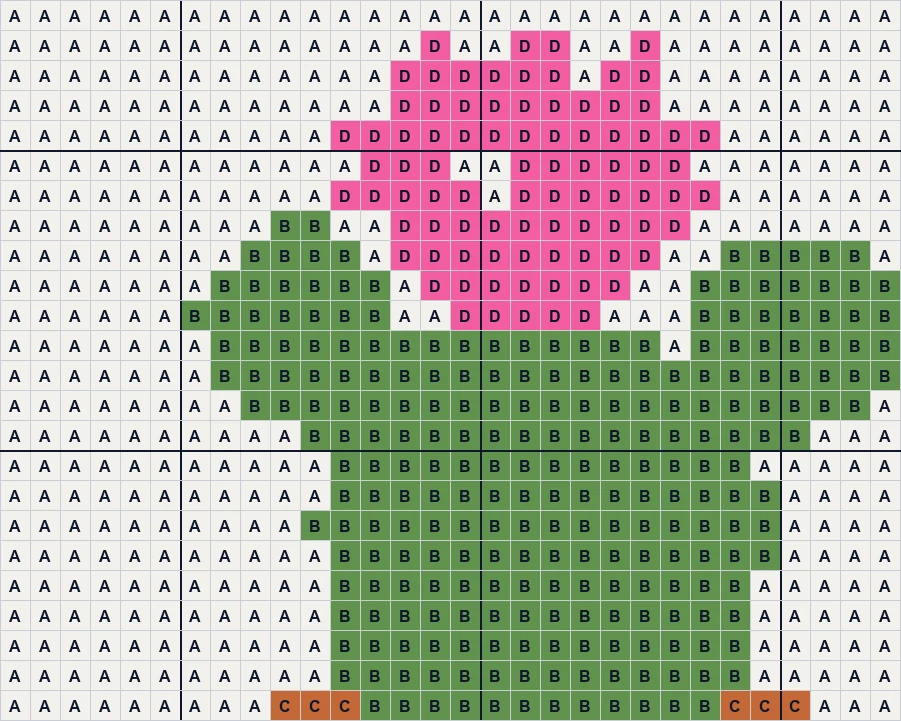
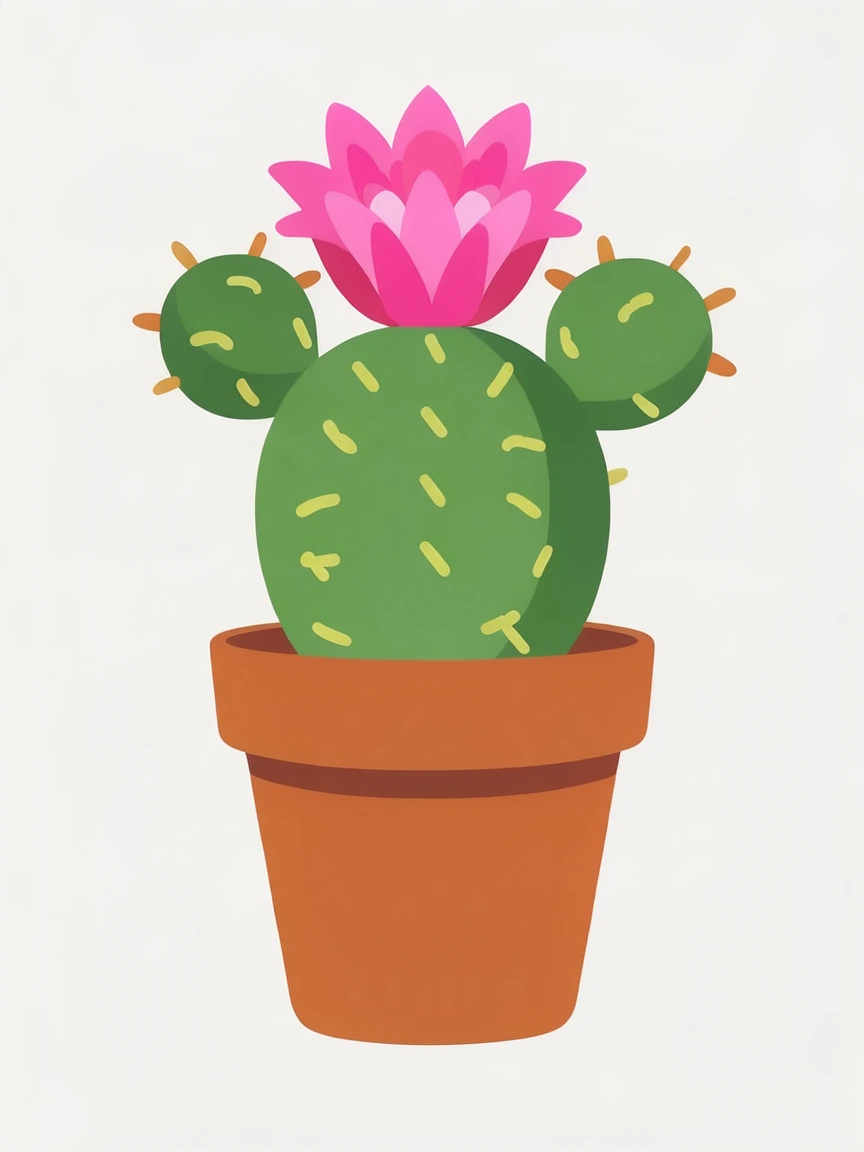
A tall C2C cactus with a pink flower, ready for a pillow.
Three steps to make a crochet graph, all in your browser.
Drop a drawing, a logo or a photo, choose a file or paste one with Ctrl+V. A first graph appears at once.
Pick one stitch per square or corner-to-corner blocks, the stitches across and the most yarn colors. The rows update as you change them.
Download a PDF with the chart, the color list and every row written out, a text file of the rows, a PNG chart or the color list.
Six things that make a graph easy to crochet.
One single crochet per square, from 10 to 250 stitches across and 2 to 16 yarn colors lettered A, B, C by how much you need of each.
Corner-to-corner rows list their blocks in the order you make them, with the direction of each row and whether each end increases or decreases, from the first block to the last.
Each row is written as color counts, like 12 A, 3 B, 5 A, in the direction you work it, so you can follow the words instead of counting squares on the crochet graph.
Drawings and logos keep crisp edges and thin lines; lone stitches are tidied away, or kept when every small detail matters.
The chart in color or in letters, a bold line every 10 stitches and row numbers on the side each row starts, then the color list and all the rows, on Letter or A4.
Every graph and every file are free, with no account and no watermark. Your picture is turned into a graph on your own device and never uploaded.
Five short notes on pictures, styles, size, colors and reading the rows.
Bold shapes and a few colors make the best blankets: cartoons, logos, letters and simple landscapes. For a photo, choose a clear face or pet on a plain background and give it more stitches.
A graphgan works one single crochet per square, row by row, and shows fine detail. C2C works small blocks of trebles diagonally from a corner: quicker, chunkier and great for bold designs. Each square of the graph is one block.
Size comes from your stitches across and your own tension. Crochet a small swatch, measure how many stitches or blocks fit in 10 cm, and divide: 100 single crochet at 18 per 10 cm make about 55 cm.
Each letter is one yarn. The color list counts the stitches of each, so you can see which colors need the most yarn. Fewer colors mean fewer ends to weave in.
Graphgan rows start at the bottom right: odd rows from right to left, even rows from left to right. C2C rows follow their arrows from the start corner; increase at an end while the blanket grows along that edge, then decrease.
Anyone crocheting a picture into a blanket or a pillow.
Graphgans and C2C blankets of a pet, a name or a favorite design.
Soft nursery blankets with whales, rainbows and sunsets.
Small C2C squares and tapestry pieces from a quick graph.
A first chart and written rows for your own designs.
Answers about graphs, C2C, sizes and printing.
Open the picture here, choose graphgan or C2C, the stitches across and the most colors, then download the PDF with the chart and every row written out. It takes about a minute.
Yes. Every graph, the PDF, the written rows, the PNG and the color list are free, with no sign-up, no watermark and no limit.
A corner-to-corner graph, where each square is one small block of trebles worked diagonally from a corner. The written rows list each diagonal's blocks with its direction and where it increases or decreases.
A blanket worked in single crochet, one stitch per square of the graph, row by row, changing colors as the graph shows.
Bold designs look great with 3 to 6 colors; photos need 8 to 12. Fewer colors mean fewer yarn changes and ends to weave in.
Measure a swatch in your yarn: stitches or blocks per 10 cm. The width in stitches divided by that number, times 10, gives the width in centimeters.
Yes. The PDF prints the chart across Letter or A4 pages, in color or in letters, followed by the color list and all the written rows.
No. Your picture is opened and turned into a graph on your own device, and the PDF and the other files are made in your browser.
Open a picture and download a graph with every row written out, free in your browser.
Open a picture