Photo to Anime Converter

Use our photo to anime studio to turn any portrait, couple selfie, pet snapshot, or street view into hand-drawn Japanese animation art. Pick from six eras, keep your real setting or step into a painted world, test live film grades, and export PNGs, Before/After cards, and 1024x1024 avatars.

Try one of these edits

  • 6 Japanese anime eras & styles
  • Keep Scene or Anime World backdrop
  • Free Split Card + 1024px Avatar PFP
  • From 3 credits per artwork

Real Photo to Anime Examples Across 6 Styles

Every card below pairs an original photograph with its finished 2D character illustration. Click any example to load its exact aesthetic, backdrop mode, and reference picture right into the studio.

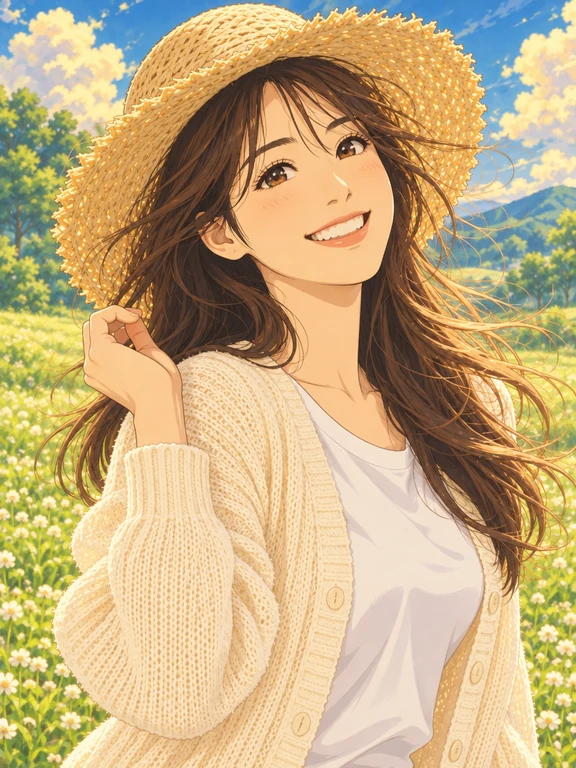
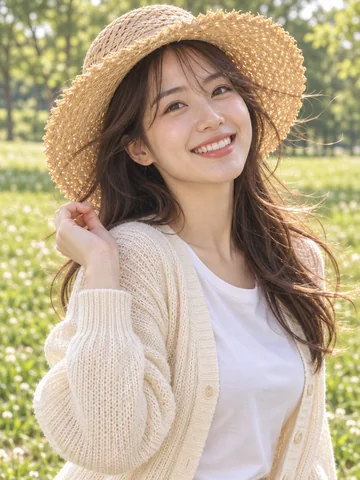
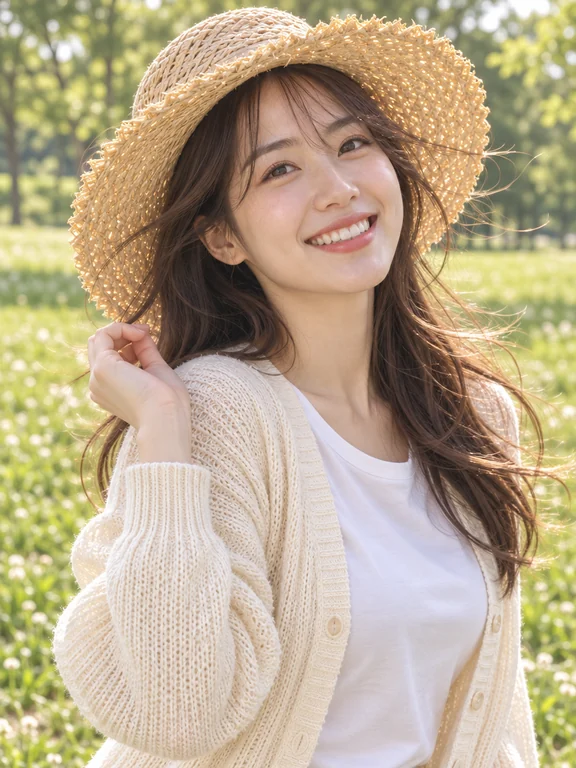
  • Sunhat portrait in Cozy Painted Fantasy with sunlit wildflower meadow backdropOriginal photo

    Cozy Painted FantasySunhat portrait in Cozy Painted Fantasy with sunlit wildflower meadow backdrop

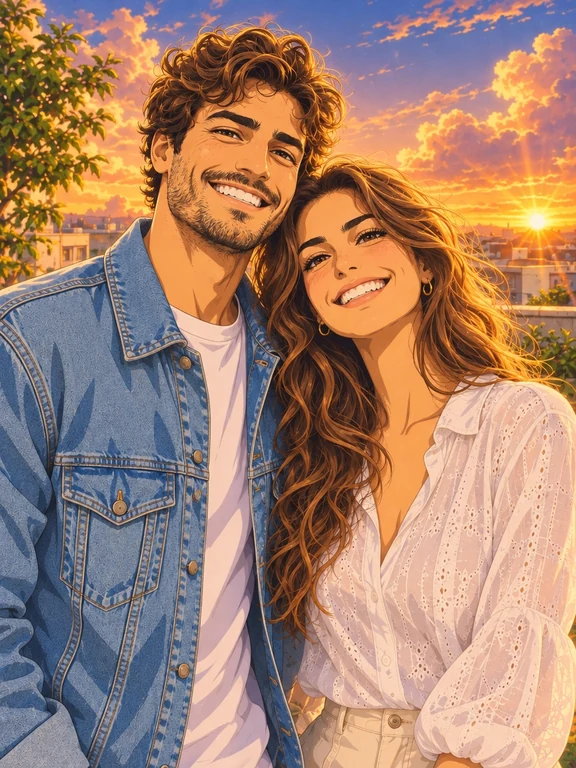
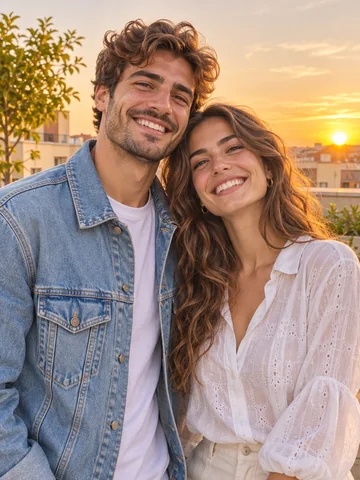
  • Couple selfie in Luminous Cinema with golden-hour cumulus cloudsOriginal photo

    Luminous CinemaCouple selfie in Luminous Cinema with golden-hour cumulus clouds

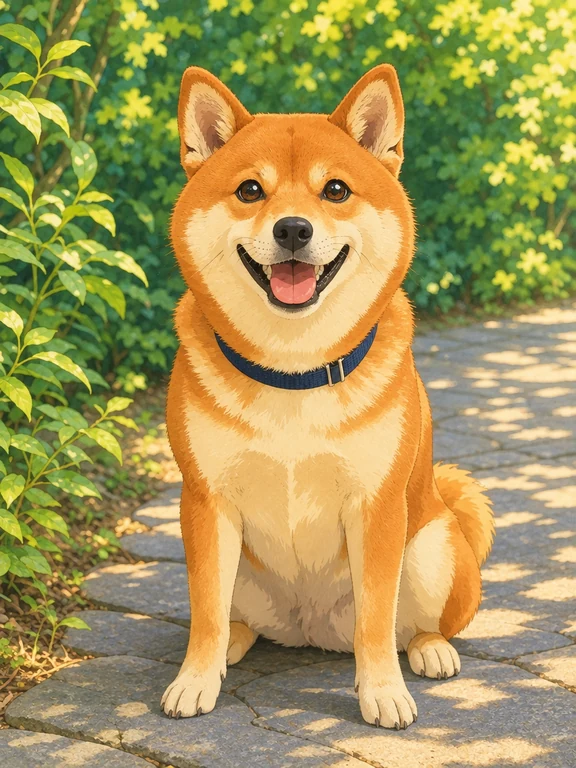
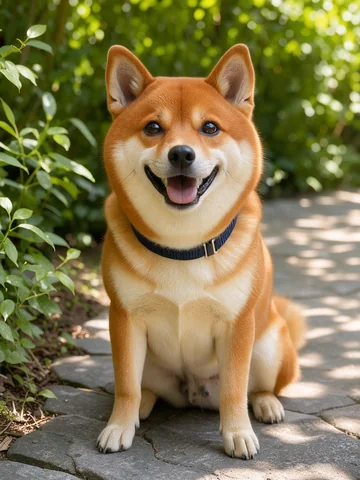
  • Shiba Inu garden photo in Cozy Painted Fantasy keeping the original stone pathOriginal photo

    Cozy Painted FantasyShiba Inu garden photo in Cozy Painted Fantasy keeping the original stone path

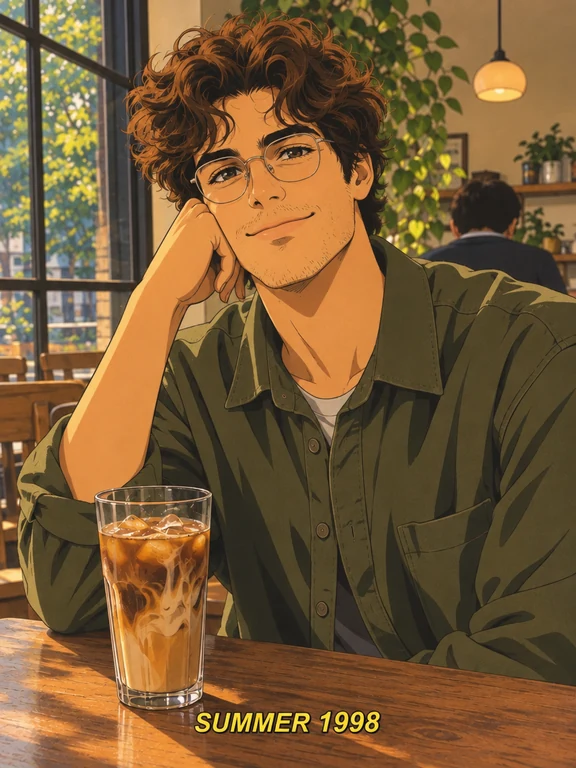
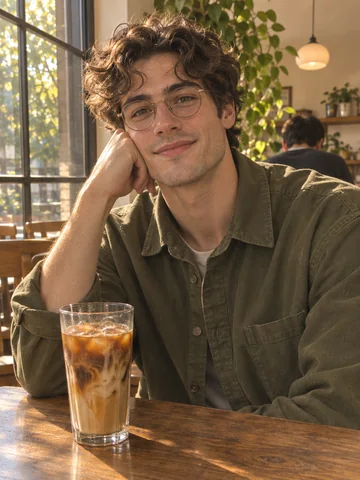
  • Iced coffee portrait in 90s Retro Cel with "SUMMER 1998" broadcast subtitleOriginal photo

    90s Retro CelIced coffee portrait in 90s Retro Cel with "SUMMER 1998" broadcast subtitle

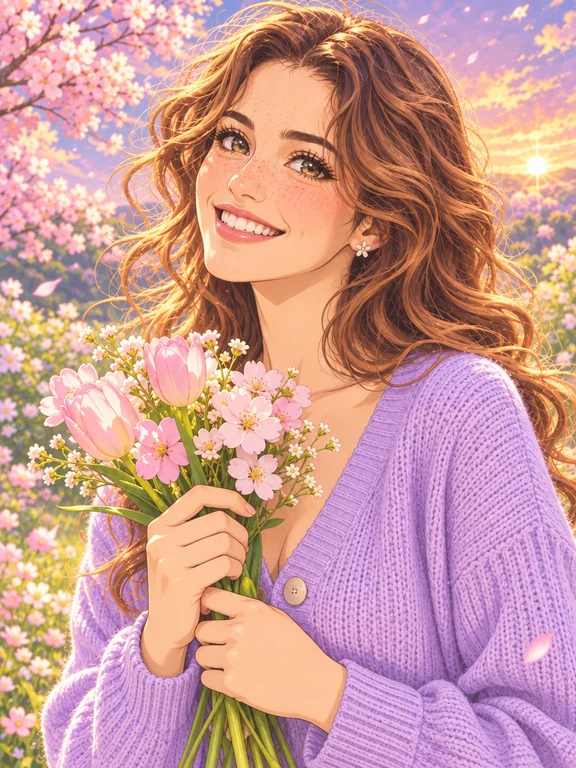
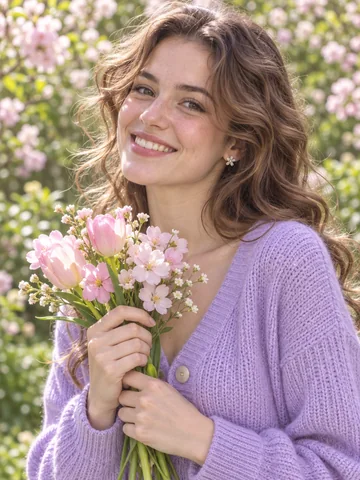
  • Spring bouquet portrait in Pastel Shojo with soft sakura petal bokehOriginal photo

    Pastel ShojoSpring bouquet portrait in Pastel Shojo with soft sakura petal bokeh

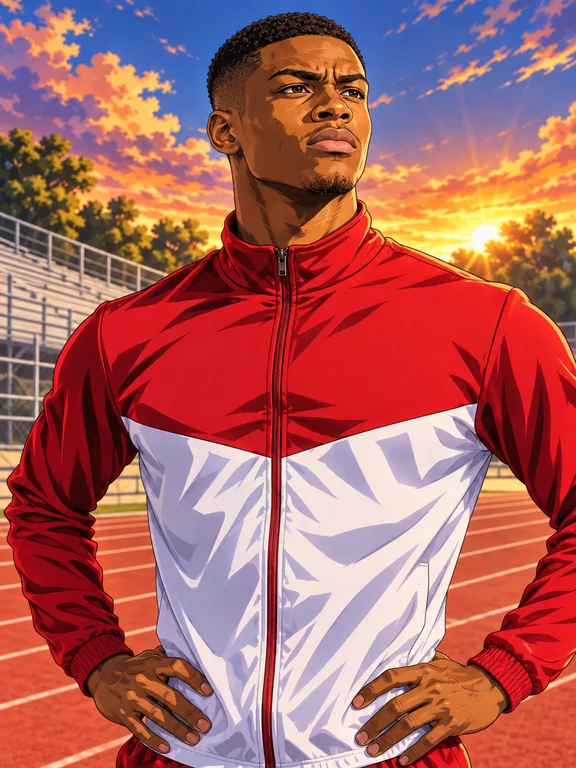
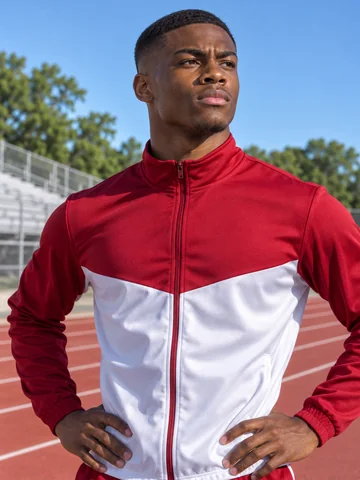
  • Track athlete portrait in Shonen Action with dynamic rim lightingOriginal photo

    Shonen ActionTrack athlete portrait in Shonen Action with dynamic rim lighting

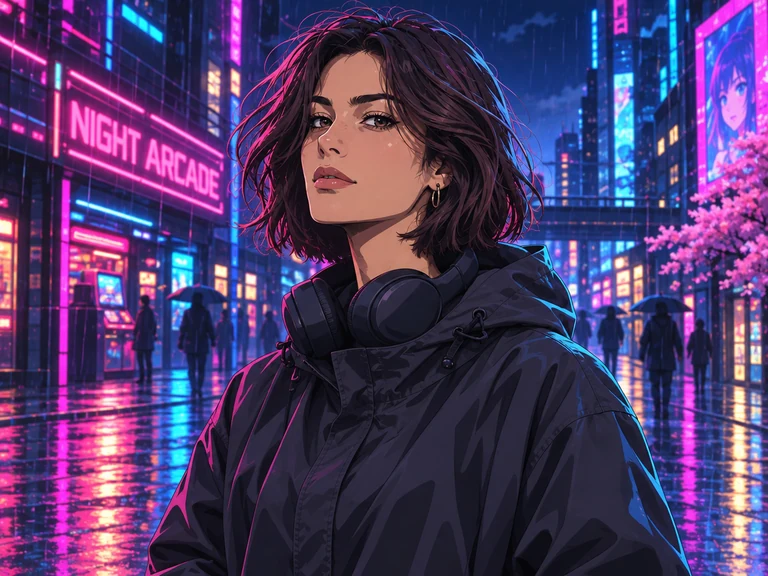
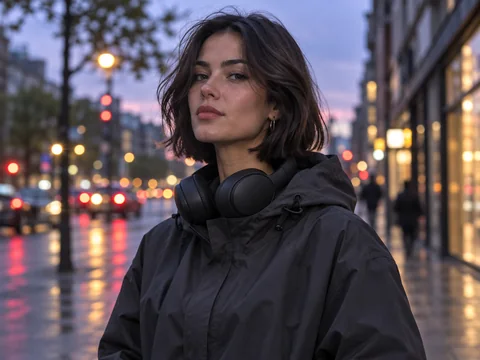
  • Evening street portrait in Cyber Neon with glowing "NIGHT ARCADE" signOriginal photo

    Cyber NeonEvening street portrait in Cyber Neon with glowing "NIGHT ARCADE" sign

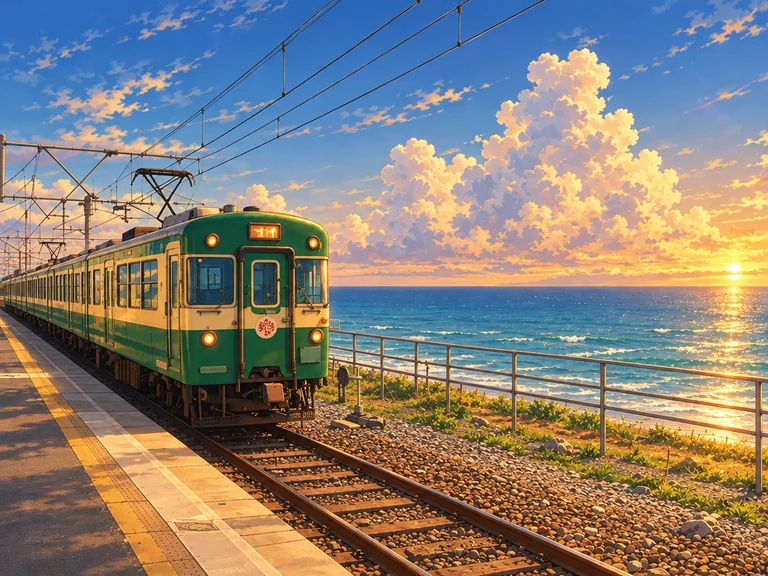
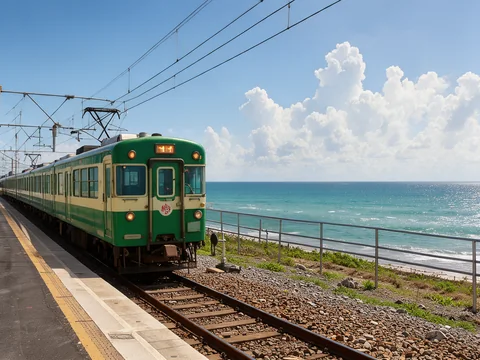
  • Seaside railway travel photo in Luminous Cinema keeping the ocean platformOriginal photo

    Luminous CinemaSeaside railway travel photo in Luminous Cinema keeping the ocean platform

How to Convert Photo to Anime in Three Steps

Our character workflow preserves the identity, hairstyle, expression, and clothing of every person or pet while redrawing every pixel as genuine 2D animation art.

  1. Drop in a solo selfie, couple photo, family portrait, dog or cat snapshot, or street landscape, or combine two separate portraits into one shared frame. Choose Keep Original Scene to paint your real room or street as anime background art, or pick Cinematic Anime World to transport your subject into a matching animated sky or night city.

  2. Select Cozy Painted Fantasy, Luminous Cinema, 90s Retro Cel, Pastel Shojo, Shonen Action, or Cyber Neon. Add optional notes for weather, props, or quoted text such as "SUMMER 1998" for subtitles and neon signs, then run your image to anime artwork in 1K, 2K, or 4K.

  3. Open your finished artwork to switch live between Crisp HD, 90s VHS Grain, and Cinema Vivid at zero extra cost. Download the full-resolution PNG, a ready-to-post Before/After comparison card, or a centered 1024x1024 profile picture.

Why Creators Choose This Photo to Anime Studio

Built for likeness accuracy, authentic cel and theatrical brushwork, and instant social publishing, this studio goes far beyond a basic one-click filter.

  1. True Facial Likeness, Glasses & Outfit FidelityOriginal photo

    True Facial Likeness, Glasses & Outfit Fidelity

    Instead of stamping a generic face onto everyone, our character engine preserves eye spacing, natural skin tone warmth, curls, bangs, beards, eyeglasses, jewelry, and fabric patterns while translating them into expressive 2D linework.

  2. Six Distinct Japanese Animation AestheticsOriginal photo

    Six Distinct Japanese Animation Aesthetics

    Move effortlessly from warm gouache meadow nostalgia in Cozy Painted Fantasy and sun-drenched skies in Luminous Cinema to 90s Retro Cel broadcast frames, dreamy Pastel Shojo romance, bold Shonen Action, and rain-lit Cyber Neon.

  3. Keep Original Scene or Step Into an Anime World

    Keep Original Scene or Step Into an Anime World

    Have a scenic travel photo in Tokyo, Paris, or by the coast? Keep Original Scene redraws every building, table, and tree into hand-painted background art. Shooting in a messy bedroom or office? Cinematic Anime World replaces clutter with clouds, blossoms, or neon alleys.

  4. Portraits, Couples, Pets, Cars & LandscapesOriginal photo

    Portraits, Couples, Pets, Cars & Landscapes

    Works effortlessly whether your upload features one person, two friends from separate pictures, a golden retriever or tuxedo cat, a vintage scooter, or a wide coastal train station. Aspect ratios snap automatically to portrait or landscape.

  5. Live Film Grades: Crisp HD, 90s VHS & Cinema Vivid

    Live Film Grades: Crisp HD, 90s VHS & Cinema Vivid

    Fine-tune the mood in your browser without spending extra credits. Toggle 90s VHS Grain for warm analog scanlines and halation, Cinema Vivid for rich theatrical contrast, or Crisp HD for clean digital cel clarity.

  6. 1-Click Before/After Split Card & 1024px PFPOriginal photo

    1-Click Before/After Split Card & 1024px PFP

    Skip third-party collage apps. Export a side-by-side Original Photo + Anime Card with a crisp white divider for TikTok, Instagram Reels, and X, plus an upper-portrait-framed 1024x1024 avatar PNG for Discord, Steam, Twitch, and YouTube.

Complete Guide to High-Likeness Photo to Anime Art

Learn how to pick the right anime aesthetic, lighting, and backdrop mode when you convert photo to anime for avatars, prints, and social reveals.

Choosing the Best Source Photo for Image to Anime

A great transformation starts with clear lighting on your subject. Natural window light, outdoor shade, or golden-hour sun lets the engine read facial structure, hair partings, eyewear frames, and collar details cleanly. Avoid heavy motion blur or extreme shadows covering half the face. Front-facing, three-quarter, and candid profile angles all translate naturally into 2D character design, and uploading two separate portraits lets you unite long-distance couples, friends, or a person and their pet in one cohesive animated scene.

Matching Each of the 6 Anime Styles to Your Subject

Each style in our photo to anime converter is tuned for a distinct visual mood. Cozy Painted Fantasy pairs gentle ink outlines with painterly gouache foliage and sunlit clouds, making it ideal for outdoor portraits, families, and pets. Luminous Cinema emphasizes dramatic sky gradients, rim light on hair strands, and crisp architectural detail for couples and travel shots. 90s Retro Cel recreates hand-inked acetates, hard cel shadow planes, and classic late-nineties television warmth. Pastel Shojo adds luminous multi-highlight eyes and floral bokeh for romantic portraits, Shonen Action brings dynamic angular brushwork to sports and fitness photos, and Cyber Neon bathes night streetwear in cyan and magenta reflections.

Matching Each of the 6 Anime Styles to Your SubjectOriginal photo

When to Use Keep Original Scene vs Cinematic Anime World

When your original photo already has a memorable location, such as a cozy coffee shop, bookshop aisle, garden bench, or seaside train platform, leave Backdrop set to Keep Original Scene. Every prop, cup, window, and horizon line stays anchored to your real memory while transforming into painted animation background art. When you want to turn a quick hallway, car-seat, or bedroom selfie into a hero portrait, switch to Cinematic Anime World so your likeness and outfit appear in front of towering summer clouds, floating blossoms, or neon night skylines.

When to Use Keep Original Scene vs Cinematic Anime World

Adding Subtitles, Manga Sound Text, and Neon Signage

Want your artwork to read like an authentic frame from an animated feature or retro broadcast? Wrap exact English words in double quotation marks inside the prompt box. For example, pair 90s Retro Cel with a prompt asking for a yellow bottom subtitle reading "SUMMER 1998", or pair Cyber Neon with a glowing street sign reading "NIGHT ARCADE". Keeping quoted text concise (one to four words) ensures crisp, legible hand-lettered typography integrated right into the scene.

Preparing Avatars, Viral Reveal Cards, and Wall Prints

Once your run finishes, click the tile to open the interactive grading studio. For Discord, Twitch, Steam, Slack, or TikTok profile pictures, hit 1024px Avatar PFP: it crops a square centered on the upper portrait zone so heads and hats never get clipped. For Reels, Shorts, and carousel posts, click Before / After Card to generate a balanced side-by-side comparison PNG in one second. If you plan to print a framed poster or acrylic standee, generate at 2K or 4K resolution, or send your finished character to Image to Layers or AI Sticker Generator next.

Preparing Avatars, Viral Reveal Cards, and Wall Prints

Popular Ways to Use Photo to Anime Art

From gaming avatars and couple gifts to travel journals and content channels, creators use imagetopsd.ai every day to reimagine favorite moments.

  • Discord, Steam, Twitch & Social Avatars

    Stand out across gaming servers, creator channels, and social profiles with a custom anime filter portrait that actually looks like you, complete with your signature hairstyle, glasses, and headphones in a crisp 1024x1024 PFP.

  • Couple Portraits, Anniversary Prints & Gifts

    Convert photo to anime for engagements, anniversaries, birthdays, and Valentine cards. Combine up to two photos into a romantic Luminous Cinema sky or Pastel Shojo blossom frame ready for framing at 2K or 4K.

  • Beloved Dog & Cat Anime Companions

    Transform Shiba Inus, golden retrievers, corgis, tabbies, and rescue pets into expressive painted anime companions while preserving ear shape, coat markings, collars, and personality.

  • TikTok & Reels Before/After Reveal Posts

    Transform travel snaps, cafe moments, sports cars, and street outfits into eye-catching 2D reveals using the built-in 90s VHS Grain grade and 1-click side-by-side Before/After Card.

Photo to Anime Frequently Asked Questions

Everything you need to know about credits, likeness accuracy, styles, backdrop modes, and export formats in our character studio.


Turn Your Favorite Photo into Anime Art Now

Upload a selfie, couple portrait, pet, or travel snapshot, pick from 6 Japanese anime aesthetics, and export full-res PNGs, Before/After cards, and 1024px avatars in seconds.

Convert Photo to Anime