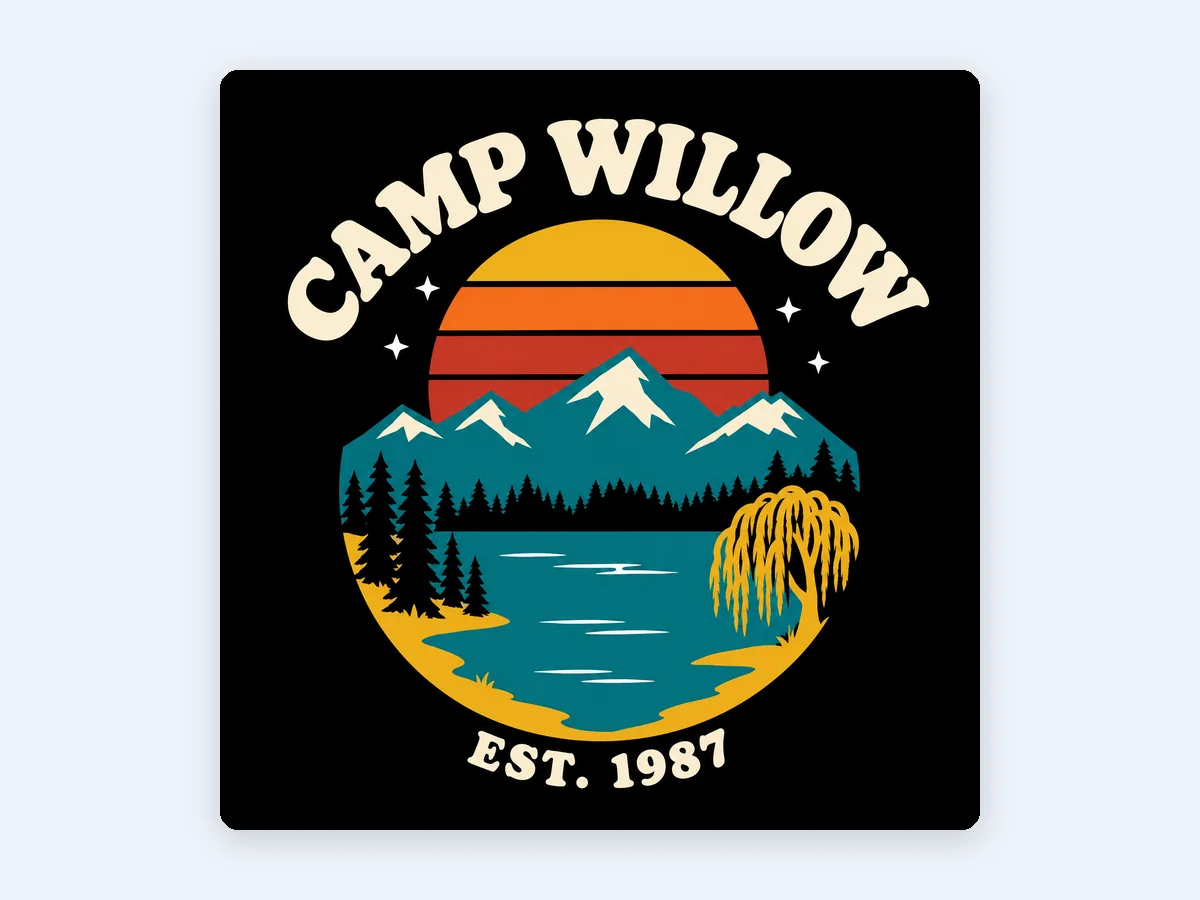
Camp Willow retro sunset badge
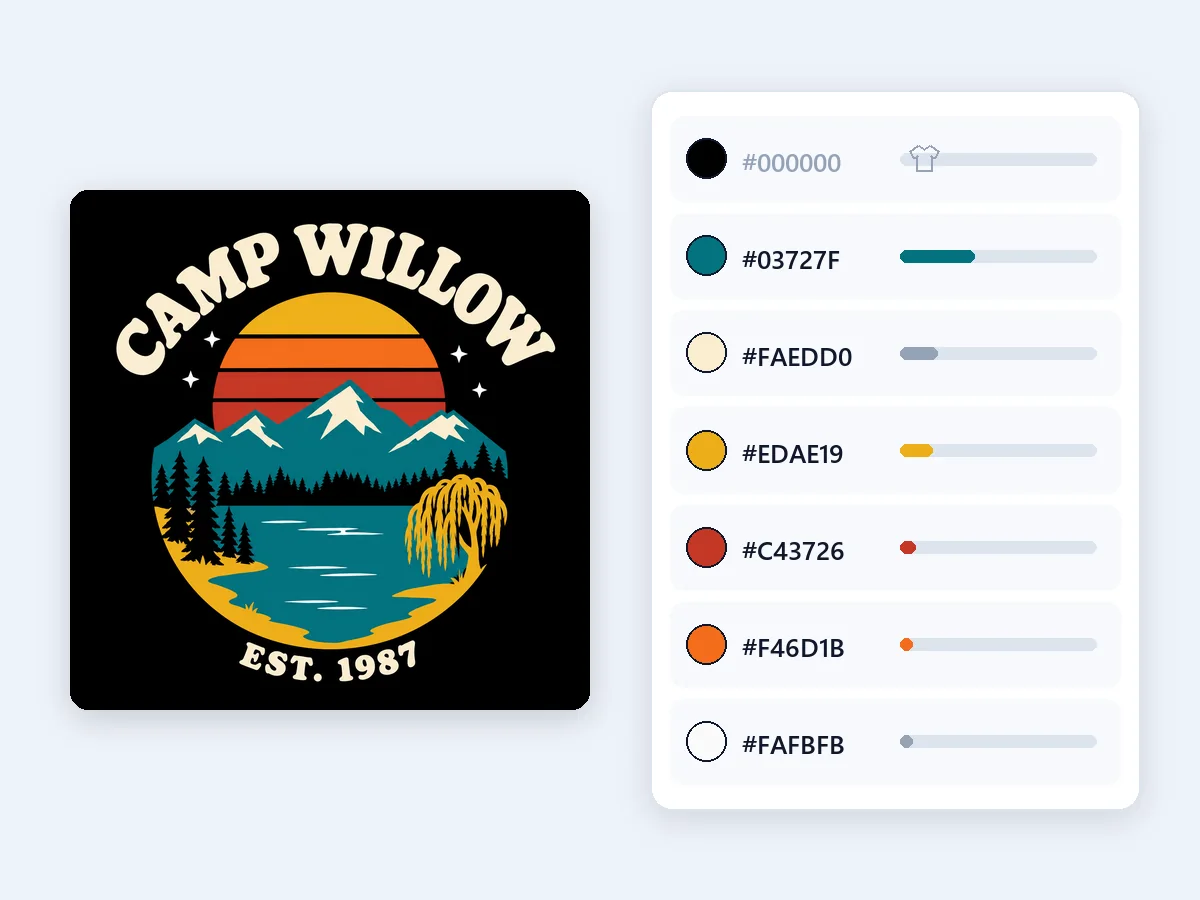
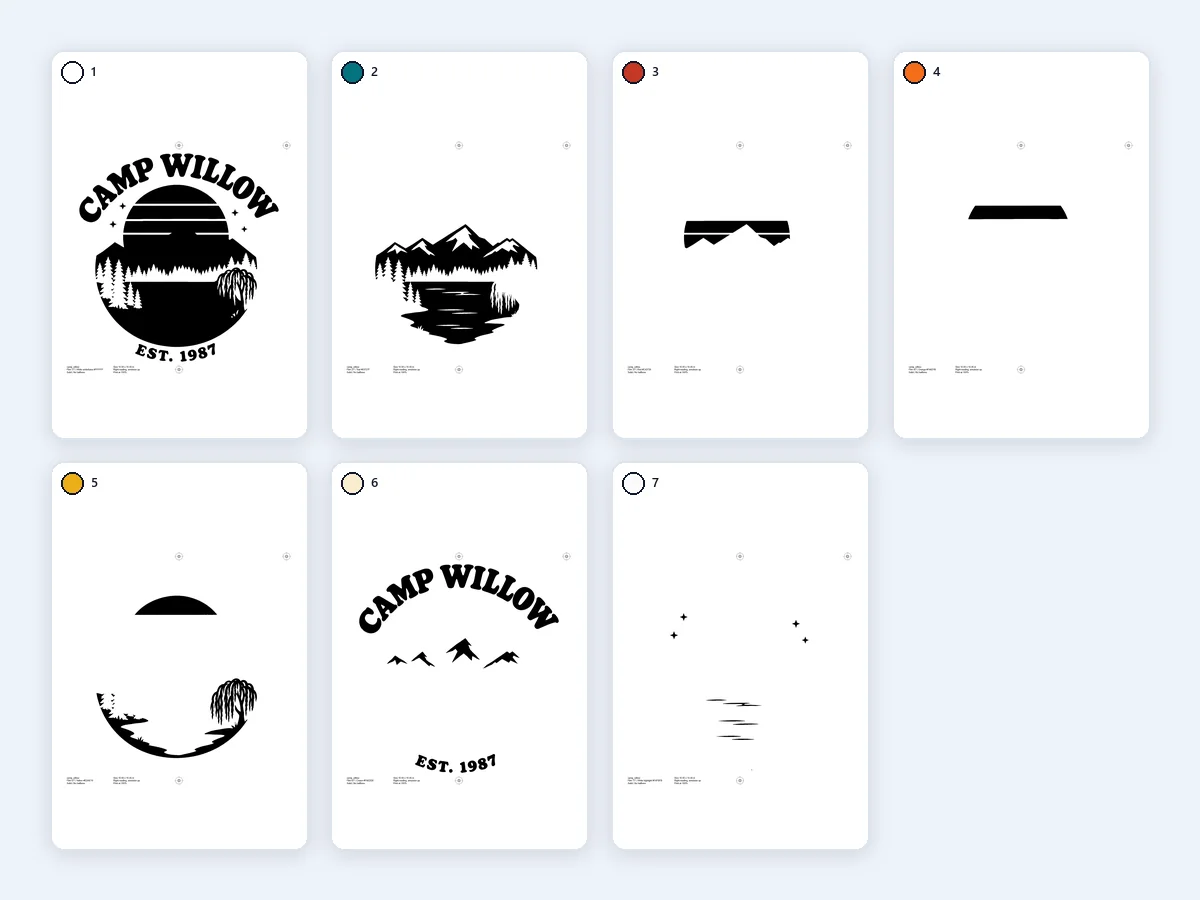
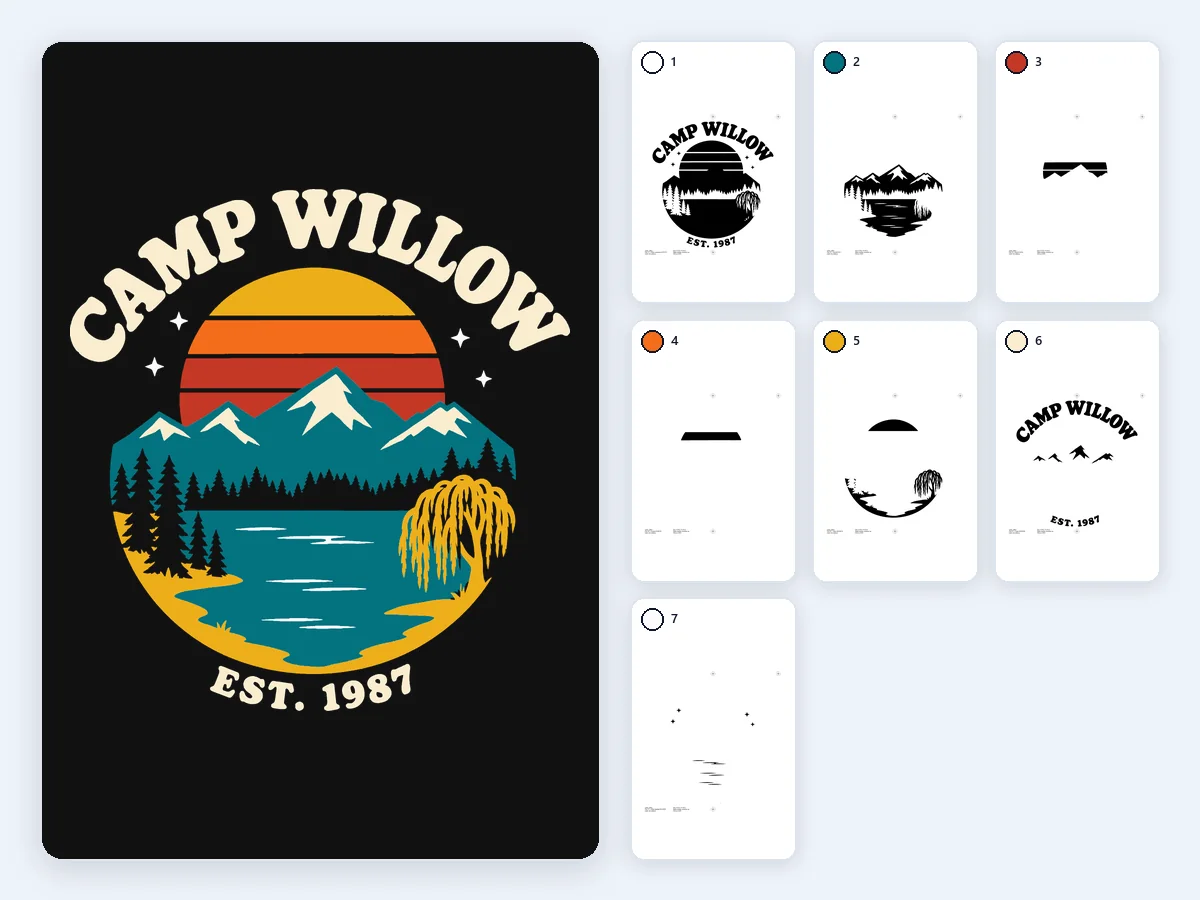
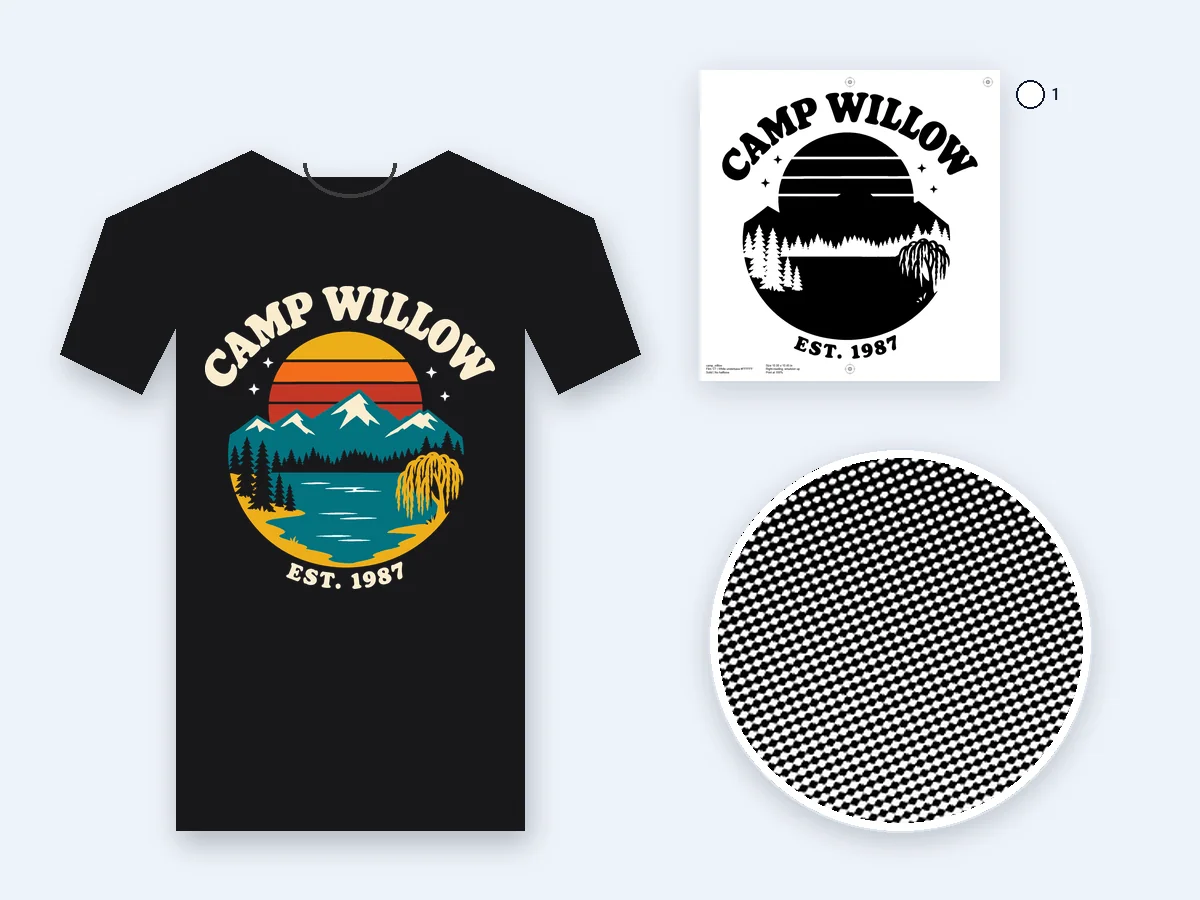
Black tee: sunset, lake, pines and willow in five inks over a white underbase choked 0.5 pt, with the white printed last as a highlight. Every film carries the same three marks.
This color separation tool turns one design into a film for every ink, with registration marks, or into one layer per color for your cutting machine. Free, and your picture never leaves your device.
Need registration marks only?
Or start with an example
Eight original designs, each separated with the settings that suit it, from dark tees to layered vinyl and papercraft. Open one to load the same picture and settings.
Black tee: sunset, lake, pines and willow in five inks over a white underbase choked 0.5 pt, with the white printed last as a highlight. Every film carries the same three marks.
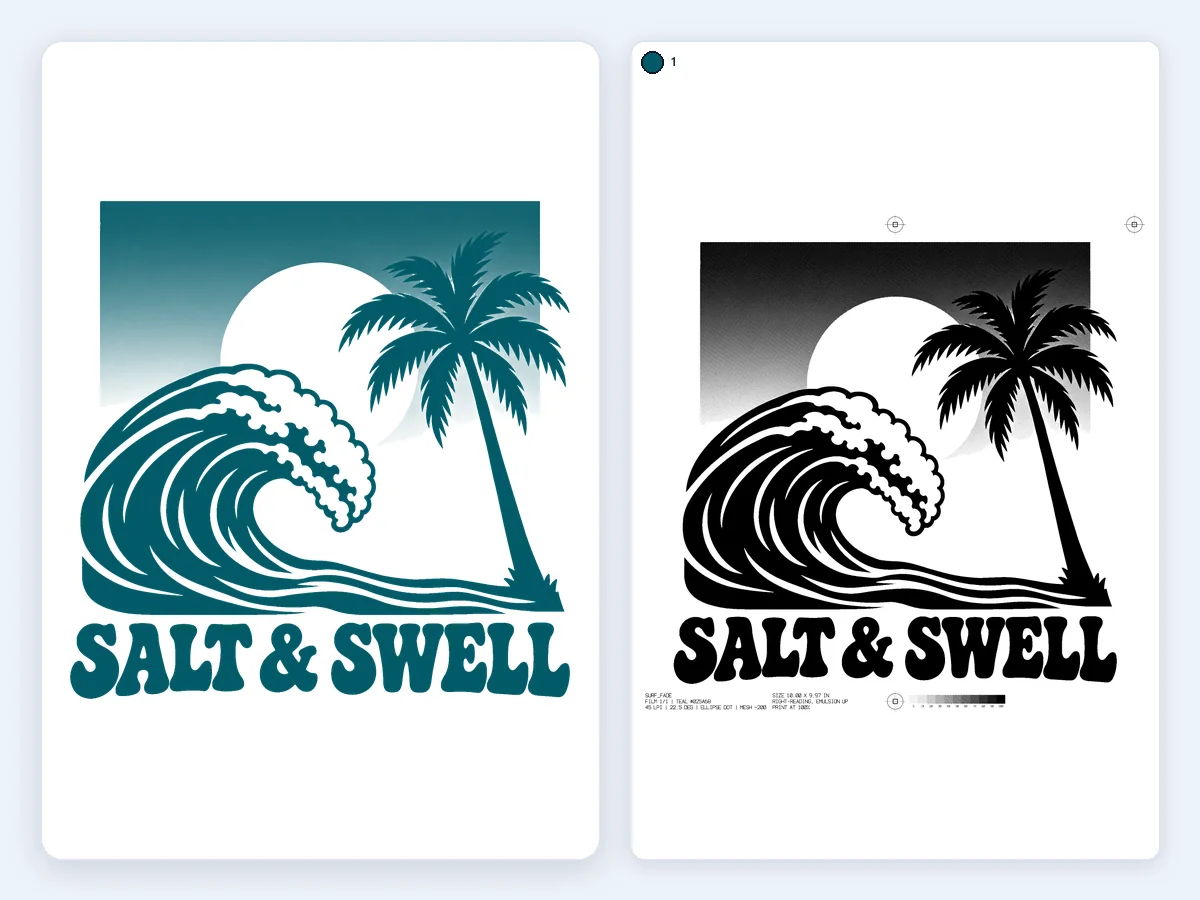
One deep-teal ink fading into a white shirt, the sun left as bare fabric: a single film of 45 LPI elliptical halftone dots at 22.5°, with a mesh suggestion on its label.
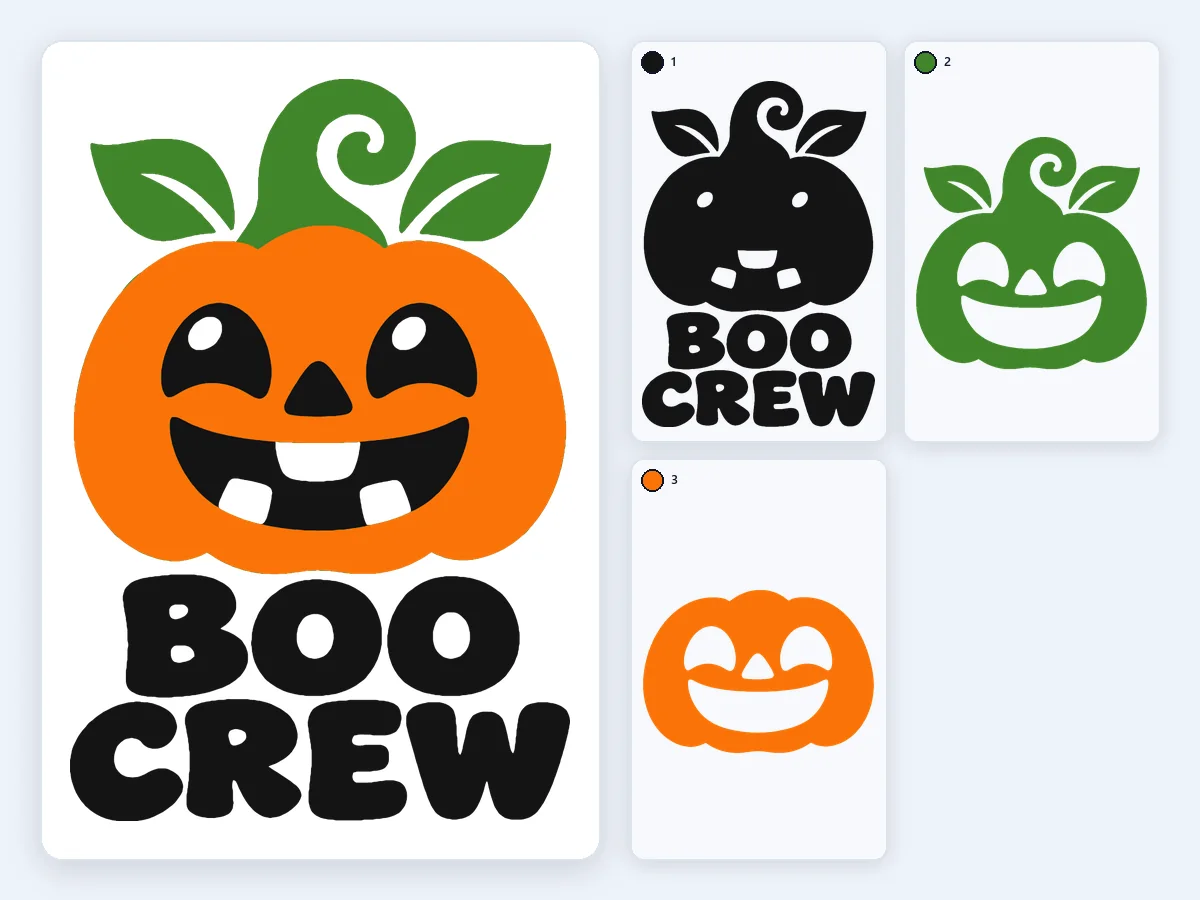
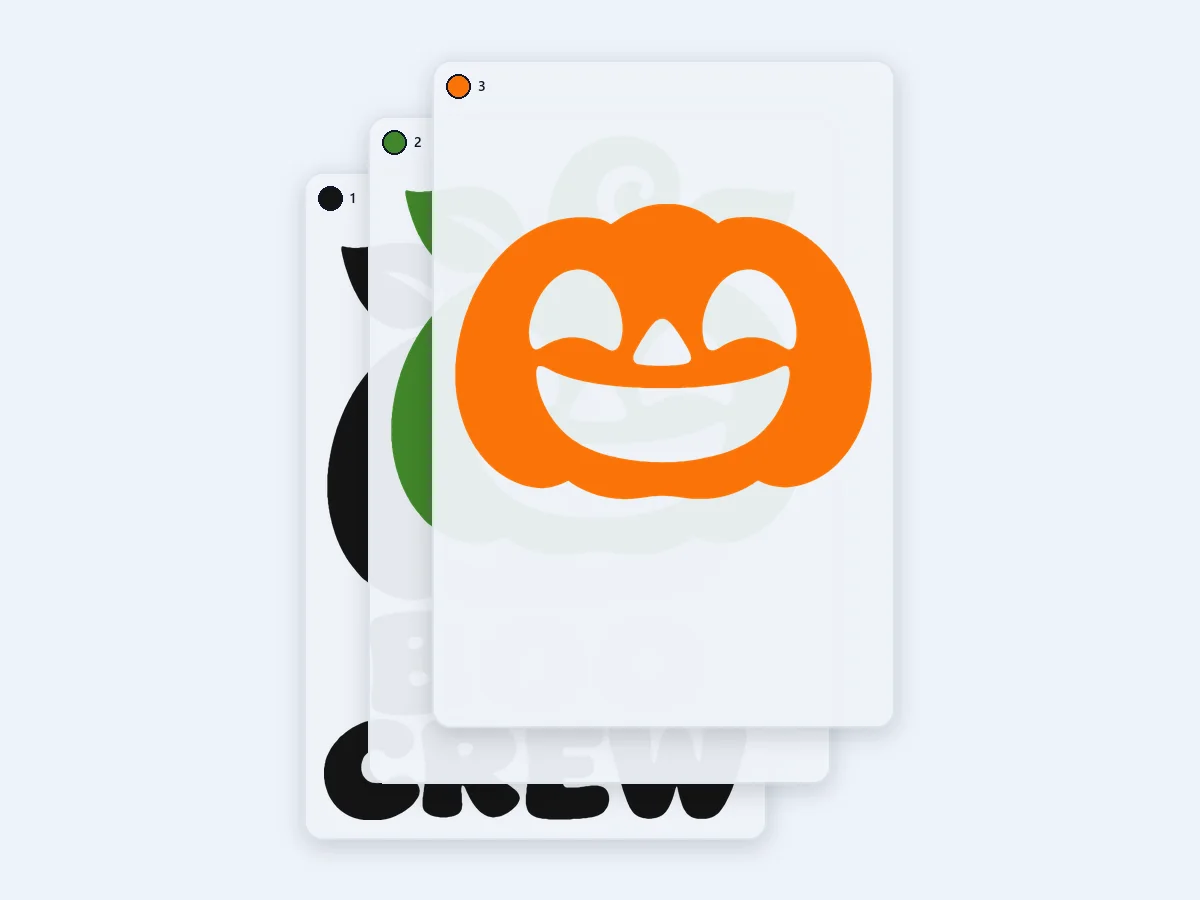
A jack-o'-lantern in 3 colors of Cricut iron-on, stacked: each layer runs under the ones above it, so no gaps show after pressing.
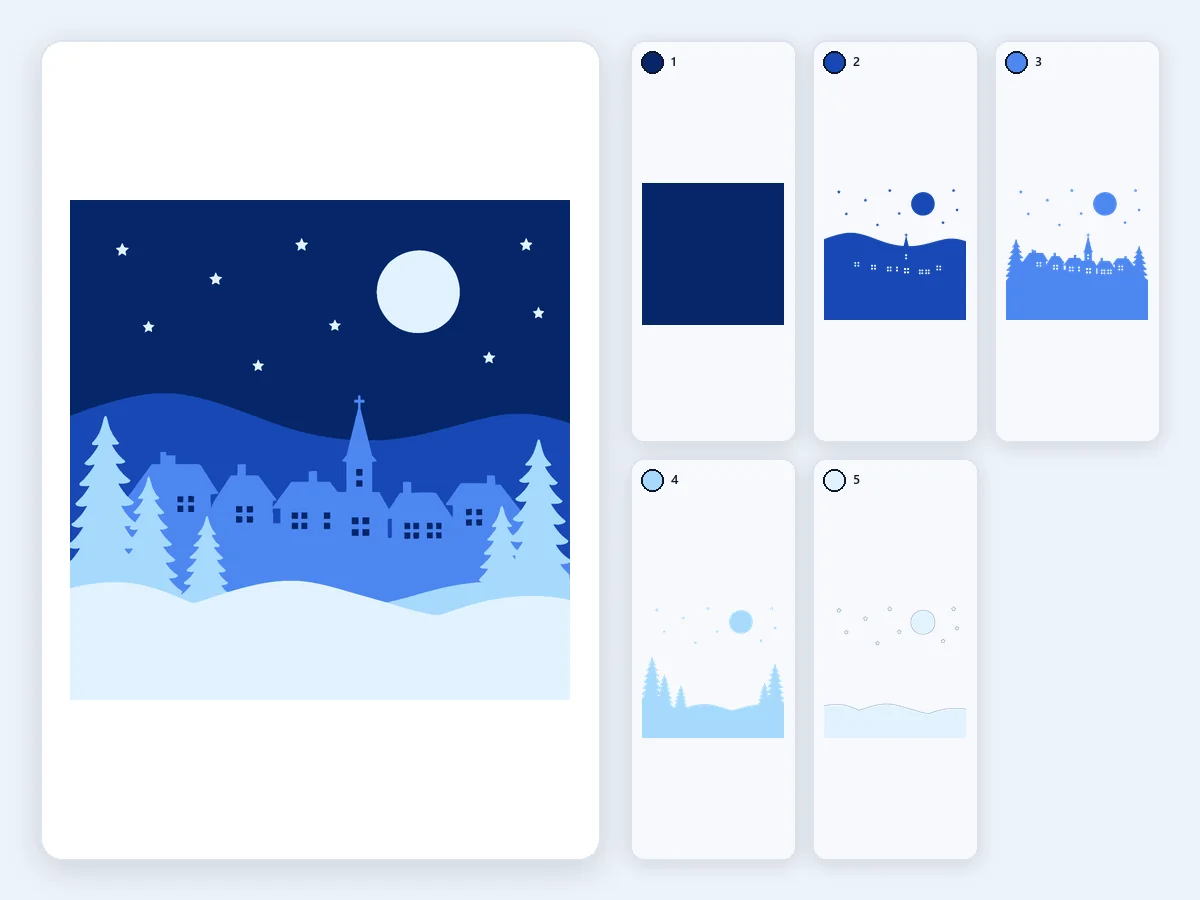
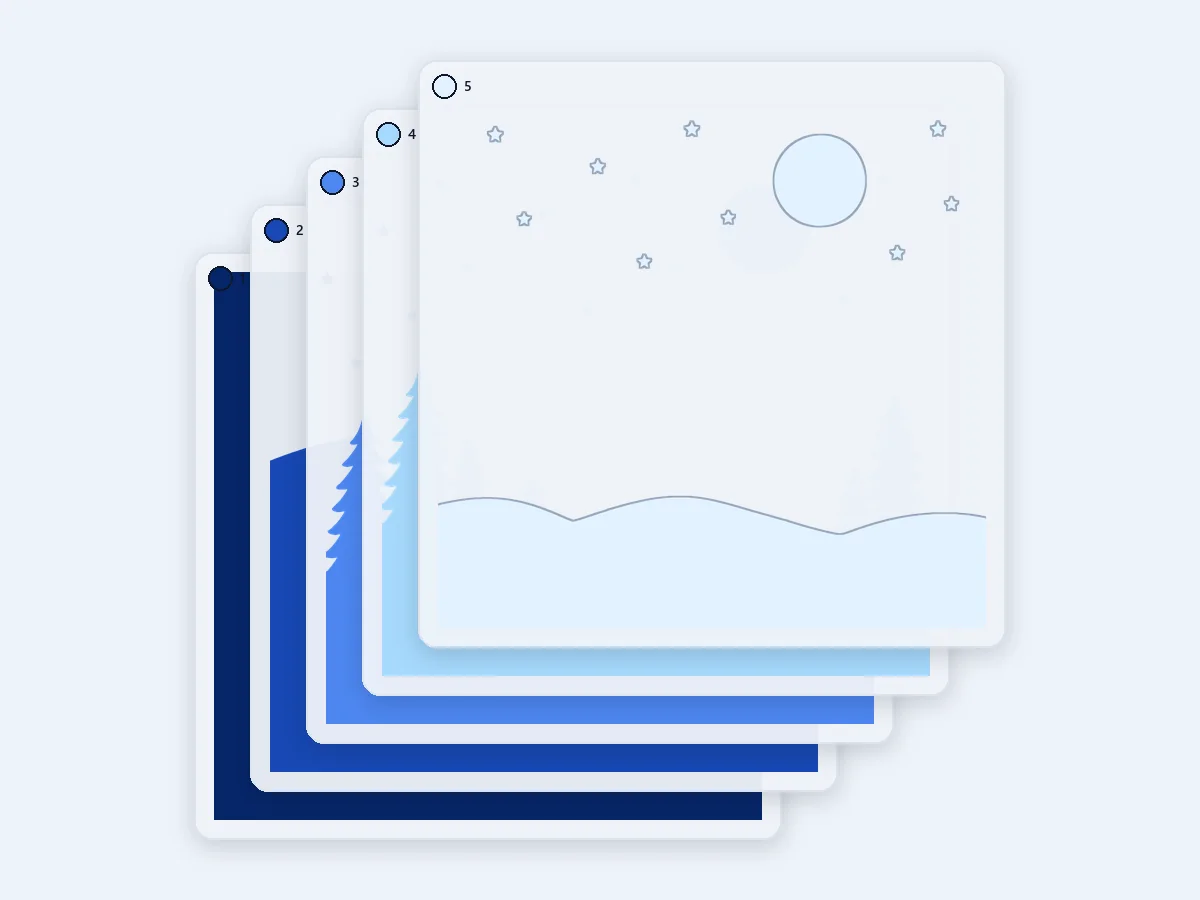
Papercraft in 5 blues, stacked from the starry sky to the snow in front: an SVG with one group per sheet of card, at its real size.
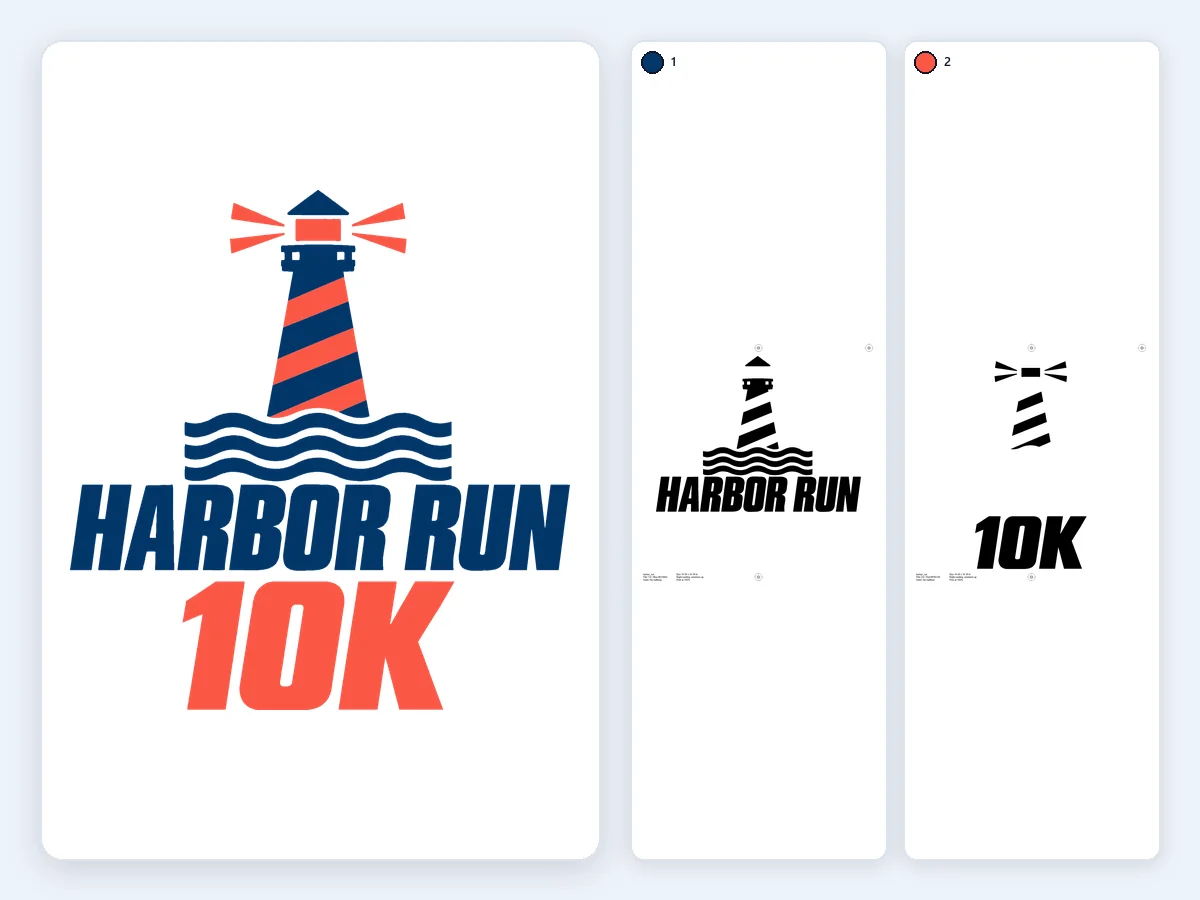
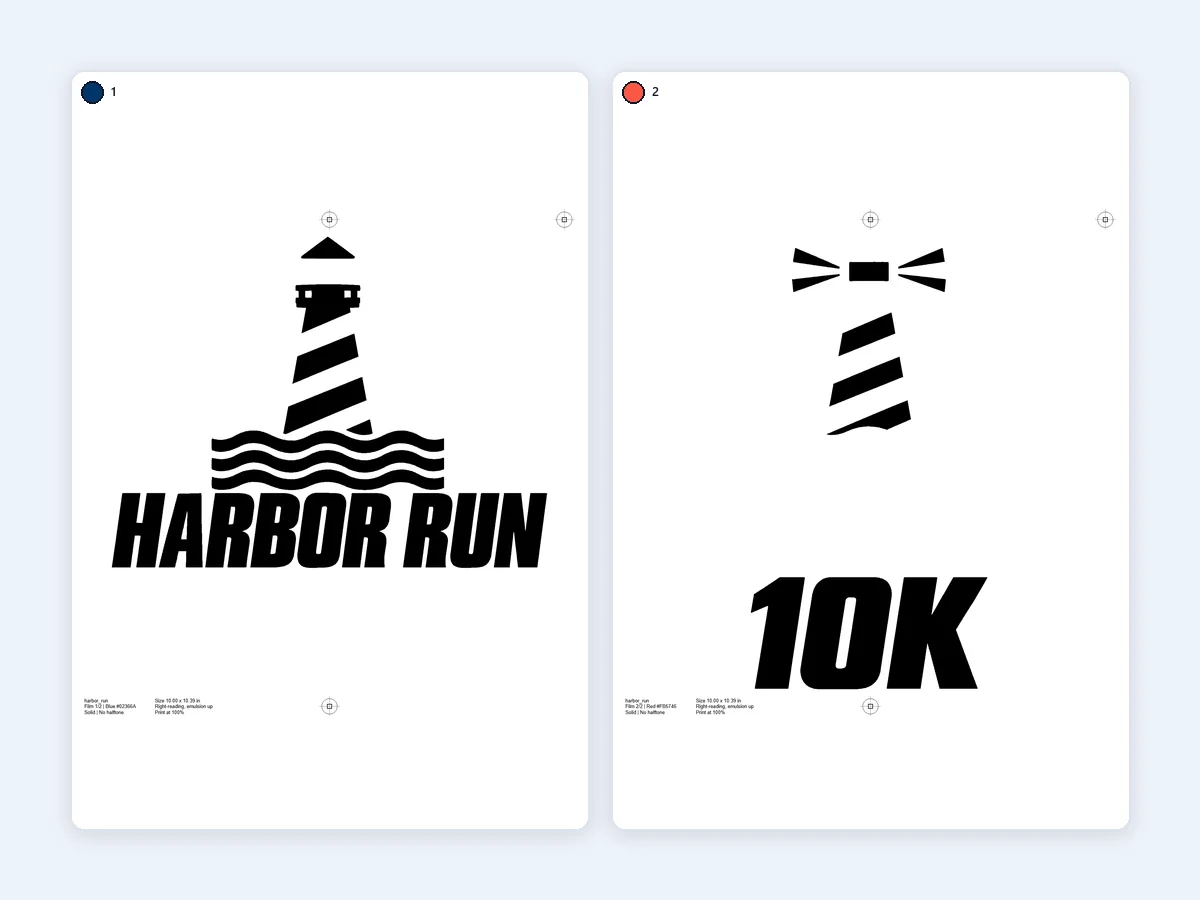
Light tee, navy and coral: two films with registration marks in the same place, so the lighthouse and the lettering line up on press at the first try.
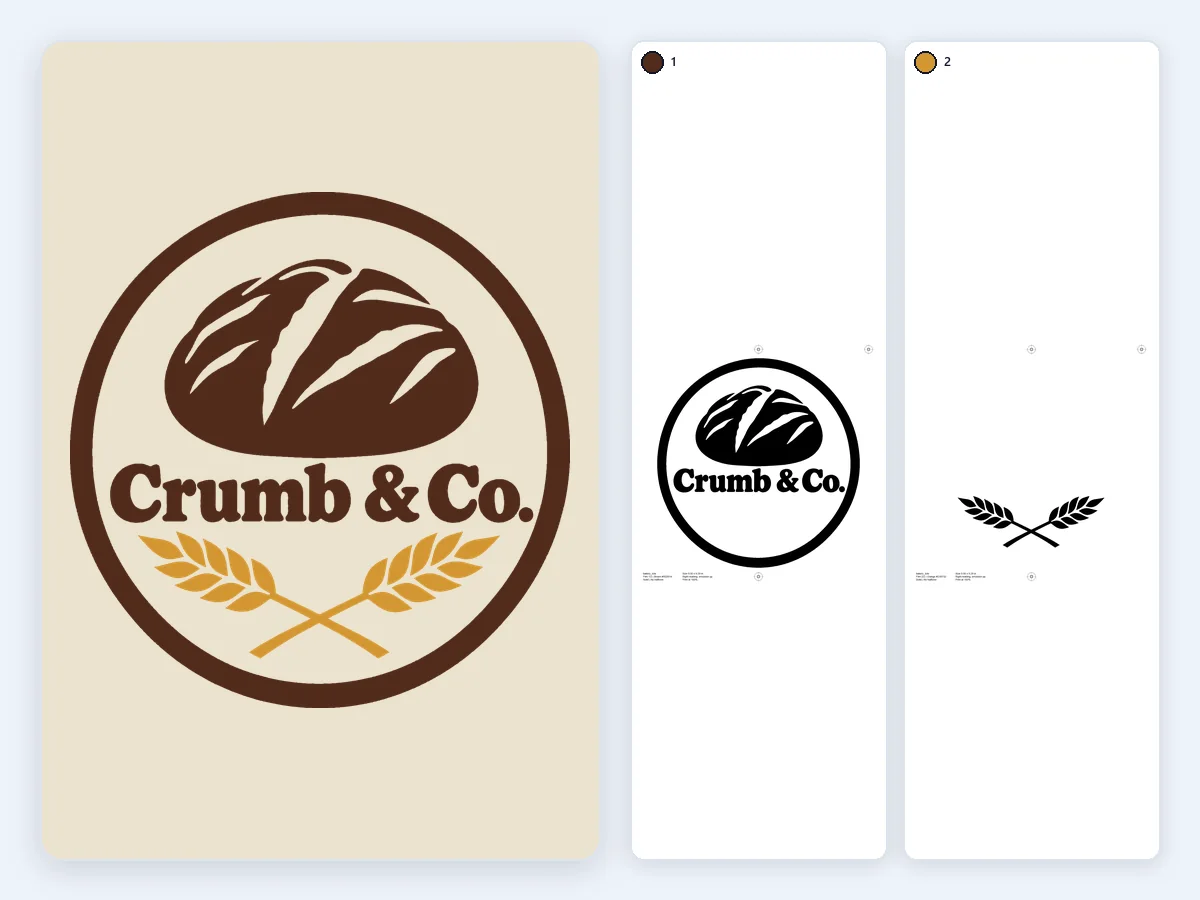
A transparent PNG of a loaf and crossed wheat for natural canvas: the cream matches the canvas and stays unprinted, so it takes two inks, each with its own film.
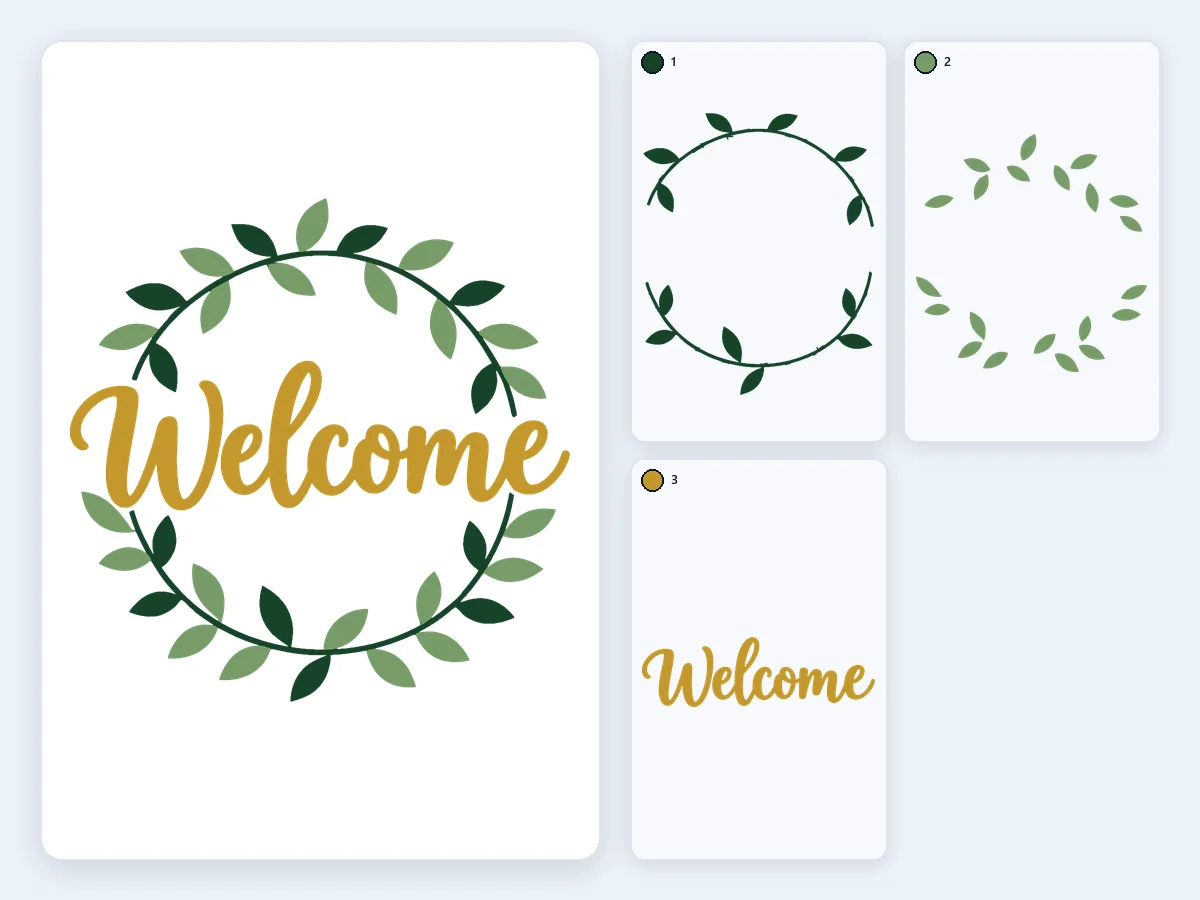
Sage, dark green and gold adhesive vinyl in 3 knockout layers with a 0.5 mm overlap and registration squares, so every color lands in place.
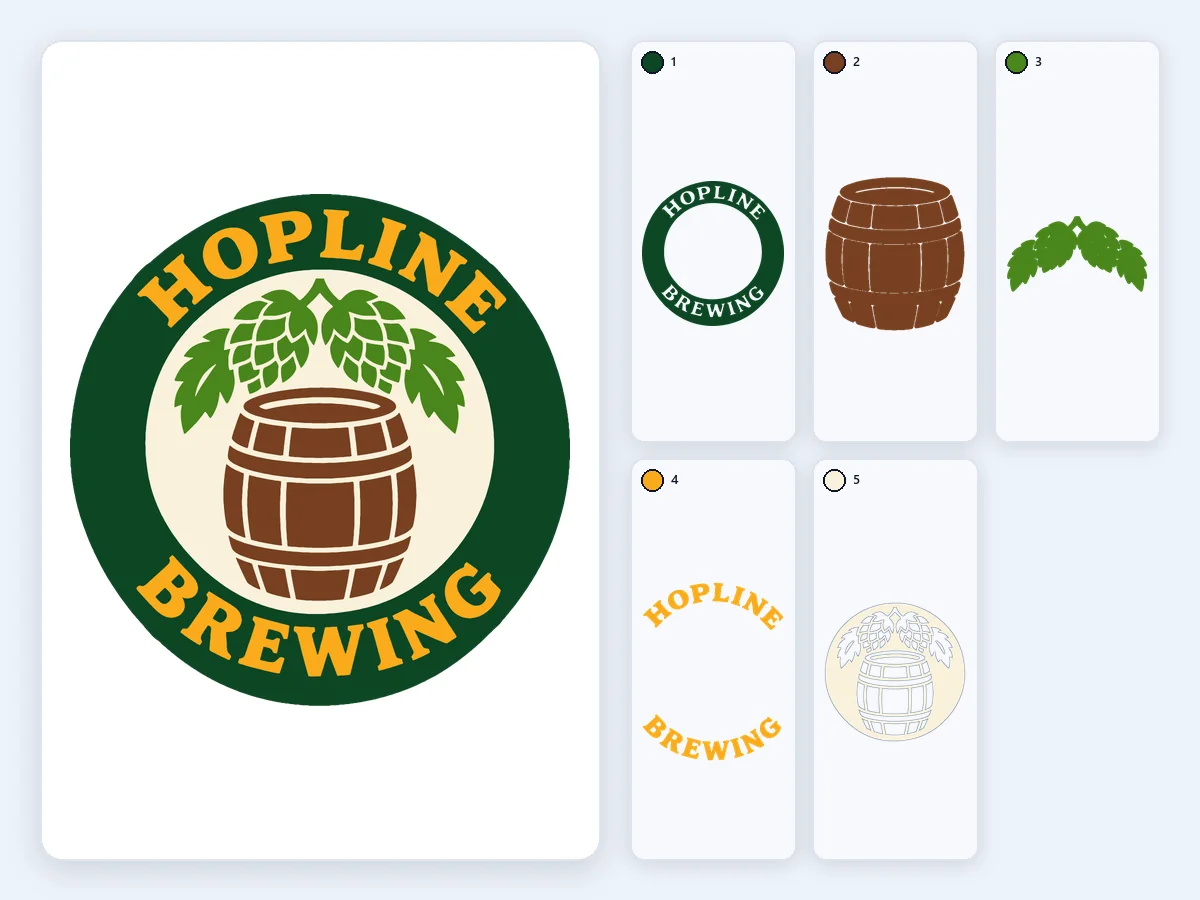
A barrel and hops in five colors, one layer and one file each: ready for laser settings by color or for the embroidery digitizer.
Black tee: sunset, lake, pines and willow in five inks over a white underbase choked 0.5 pt, with the white printed last as a highlight. Every film carries the same three marks.
A transparent PNG of a loaf and crossed wheat for natural canvas: the cream matches the canvas and stays unprinted, so it takes two inks, each with its own film.
Papercraft in 5 blues, stacked from the starry sky to the snow in front: an SVG with one group per sheet of card, at its real size.
Light tee, navy and coral: two films with registration marks in the same place, so the lighthouse and the lettering line up on press at the first try.
A jack-o'-lantern in 3 colors of Cricut iron-on, stacked: each layer runs under the ones above it, so no gaps show after pressing.
A barrel and hops in five colors, one layer and one file each: ready for laser settings by color or for the embroidery digitizer.
One deep-teal ink fading into a white shirt, the sun left as bare fabric: a single film of 45 LPI elliptical halftone dots at 22.5°, with a mesh suggestion on its label.
Sage, dark green and gold adhesive vinyl in 3 knockout layers with a 0.5 mm overlap and registration squares, so every color lands in place.
Add a design, check the colors, download. The preview shows every film or layer before you print or cut.
Drop, choose or paste a PNG, JPG or WebP, then pick Screen printing or Cutting machine. A transparent or white background is left out automatically.
The tool finds the inks for you, or you set 1 to 12. Merge, drop, recolor or rename any color, add one with the eyedropper, and mark the garment color so it is not printed.
Set the print size in inches or cm, then download film PNGs or a PDF for your screens, or SVG, PSD and DXF files for your cutter, layered or one per color, all in one ZIP.
Six things this tool does best, from finding the right inks to files your press or cutter reads at the right size.
 Original
Small, distinct colors, such as a small red heart or a thin accent line, keep a film of their own. The soft edge colors between two inks are merged automatically and listed, so no film holds only a thin outline. Merge, drop, recolor or rename any ink, or add one with the eyedropper.
Each ink becomes a 1-bit black film PNG at 300, 600 or 720 dpi with the dpi written in, or one page of a PDF. Every film carries the same registration marks and a label with the ink, its HEX, the size, Print at 100% and its place in the print order; a screened film also names its LPI, angle and mesh.
Pick the garment color and it is left out of the films. On a dark shirt you get a white underbase choked 0.5 pt and a highlight white, with a 0.5 pt trap and a mirror switch when you need them. Fades become 45 LPI elliptical halftone dots at 22.5°, all three adjustable.
For Cricut, Silhouette and other cutting machines, choose stacked layers that leave no gaps, or knockout layers one sheet thick with a 0.5 mm overlap. Add registration squares, get advice when a design needs more than 4 layers, and download one SVG, PNG or DXF per color.
Download a layered PSD with one layer per ink for Photoshop, and an SVG with one group per color, written in inches or millimeters so it opens at the size you set. The tool also checks the SVG against Cricut's 5,000-path upload limit.
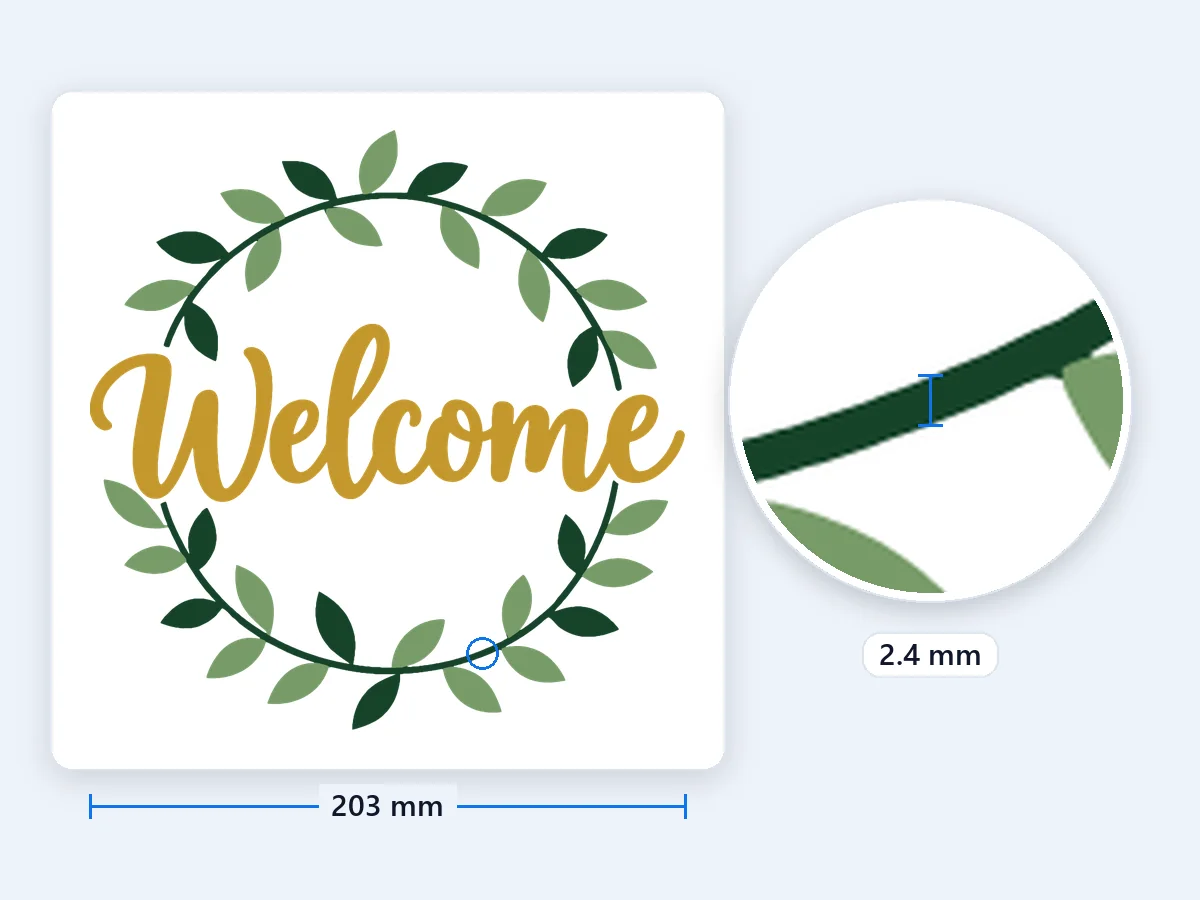
Before you burn a screen or cut a sheet, the tool measures the design at its print size and points out lines under 0.3 mm, gaps under 1 mm, specks to weed and more than 6 screens. Each note names its color, so you can merge or drop it before you download.
How color separation for screen printing and vinyl works, with the settings that print and cut best.
Color separation splits a design into one layer per ink or material. In screen printing, each layer becomes a film positive: solid black wherever that ink prints, clear everywhere else. You expose one screen per film and print the inks one after another, lined up by registration marks. For cutting machines, each color becomes a layer you cut from its own sheet of vinyl, card or fabric and stack in order. This tool does both from the same picture, right in your browser.
Spot color separation prints each flat color with its own premixed ink. It suits logos, badges, lettering and illustrations, and it is what this tool does best. Where a spot color fades or carries a shadow, the fade is printed as halftone dots: small dots in the light areas, large dots where the ink is full. Simulated process and CMYK build photographs from many halftoned inks and are a craft of their own. For a crisp, bright print on few screens, design in flat colors and let one ink fade where you want a gradient.
Print each film on waterproof inkjet transparency film, at 100% or Actual size, with your printer's darkest black setting; a RIP or an all-black ink set gives the densest black. Hold a film up to the light: the black areas should block it completely. Films are right-reading by default, placed with the printed side against the print side of the screen, which suits most exposure setups. Turn on Mirror when your shop exposes them the other way. Film PNGs carry their dpi, 600 by default, so they print at exactly the size on the label.
Registration marks are small targets outside the design, at exactly the same place on every film. This tool puts three on each film, at the top center, the bottom center and the top right, so a film turned over shows at once; switch to four corners if you prefer. Print the first color on a test sheet, then move each next screen until its marks sit exactly on the printed ones, and every ink lands where it belongs. Need marks alone for your own artwork? Download registration marks only, on an A4 or Letter page, as PDF, SVG or PNG.
Ink on a dark shirt needs a white base under it to stay bright. Choose the garment color and the tool builds the underbase from every color except black and the shirt itself, choked 0.5 pt so no white peeks out at the edges. It prints first and is flash cured, the colors follow from dark to light, and a highlight white prints last. The shirt's own color is never printed: it simply shows through. You can set the choke from 0 to 2 pt and change the print order.
In Cricut Design Space, choose Upload, pick the SVG and add it to your canvas: each color arrives as its own layer, and the file carries the size you set here, in inches or millimeters. Cricut mirrors iron-on designs on the mat screen, so the files come unmirrored; turn on Mirror only for cutters that expect mirrored files. Silhouette Studio Designer Edition and up open the SVG directly. In the free Basic Edition, open the DXF files instead, one per color, named in stacking order with their HEX. A DXF can open at another scale, so turn on registration squares here and check their 5 mm size after importing.
Stacked layers put each color on a full piece under the colors above it, so nothing gaps when the vinyl shrinks under heat. Knockout layers cut each color only where it shows, so the print stays one sheet thick and soft; a 0.5 mm overlap under the next layer hides small shifts. Keep iron-on to 3 or 4 layers, press the lower layers briefly and give the top one the full time, and put glitter or holographic vinyl on top. Adhesive vinyl lines up best with registration squares: lift each layer with transfer tape and set its squares on the ones below.
Every ink is one film and one screen, and on a dark shirt the underbase takes one more. Most presses have 4 to 8 heads, so the tool flags a design with more than 6 screens and lets you merge similar colors. Fewer colors also mean faster setup and cheaper prints: two or three strong inks often read better than seven. Before you download, look at the notes at your print size: lines under 0.3 mm and gaps under 1 mm tend to fill in or wash out, and tiny specks are slow to weed. Each label suggests a mesh, about 4.5 times the halftone LPI.
Four everyday jobs for a free color separation tool.
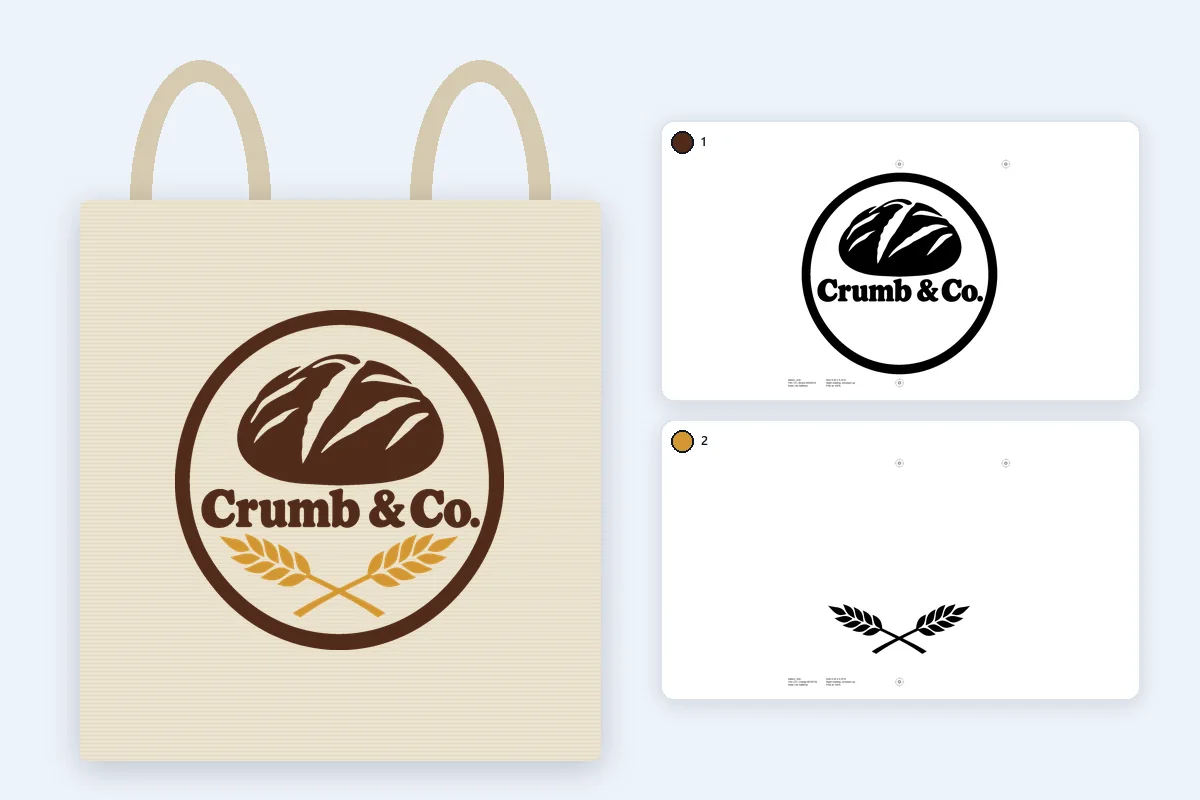
Band merch, team shirts, race tees and shop totes, with one film per ink for any screen printing press.
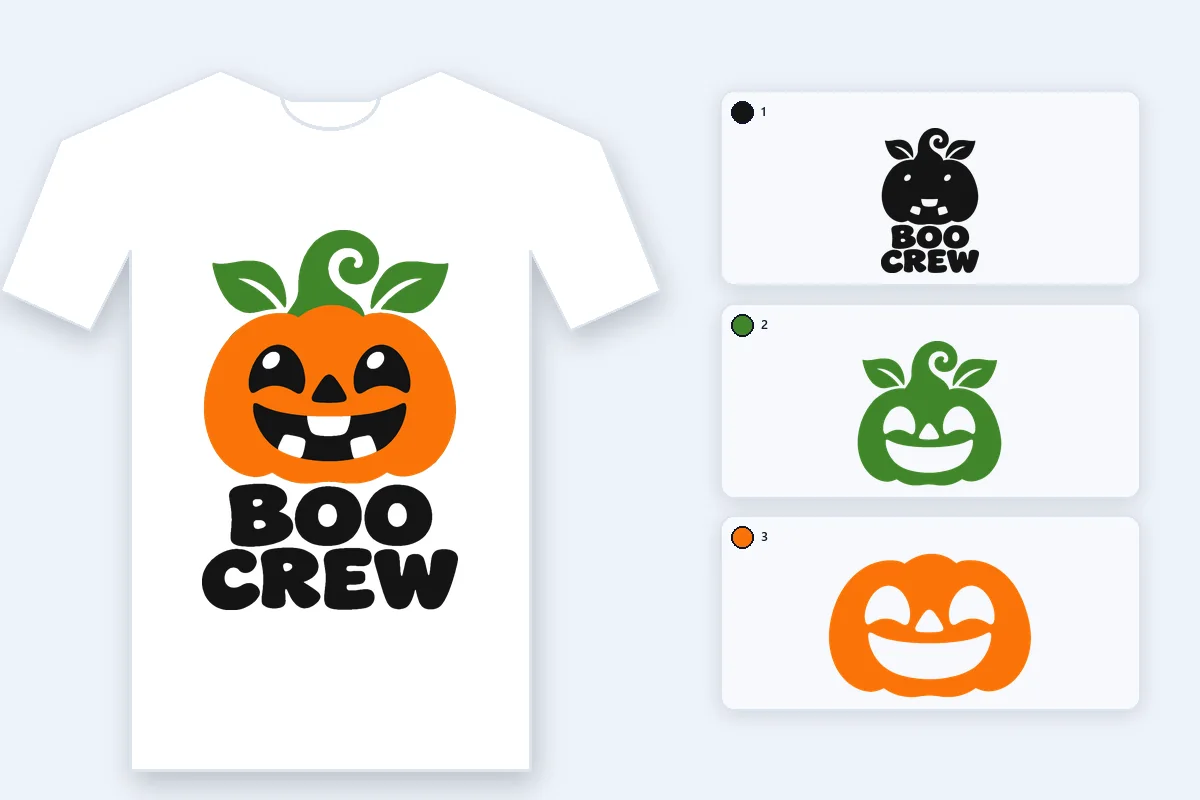
Iron-on shirts and adhesive decals, cut color by color from one SVG or one file per color.
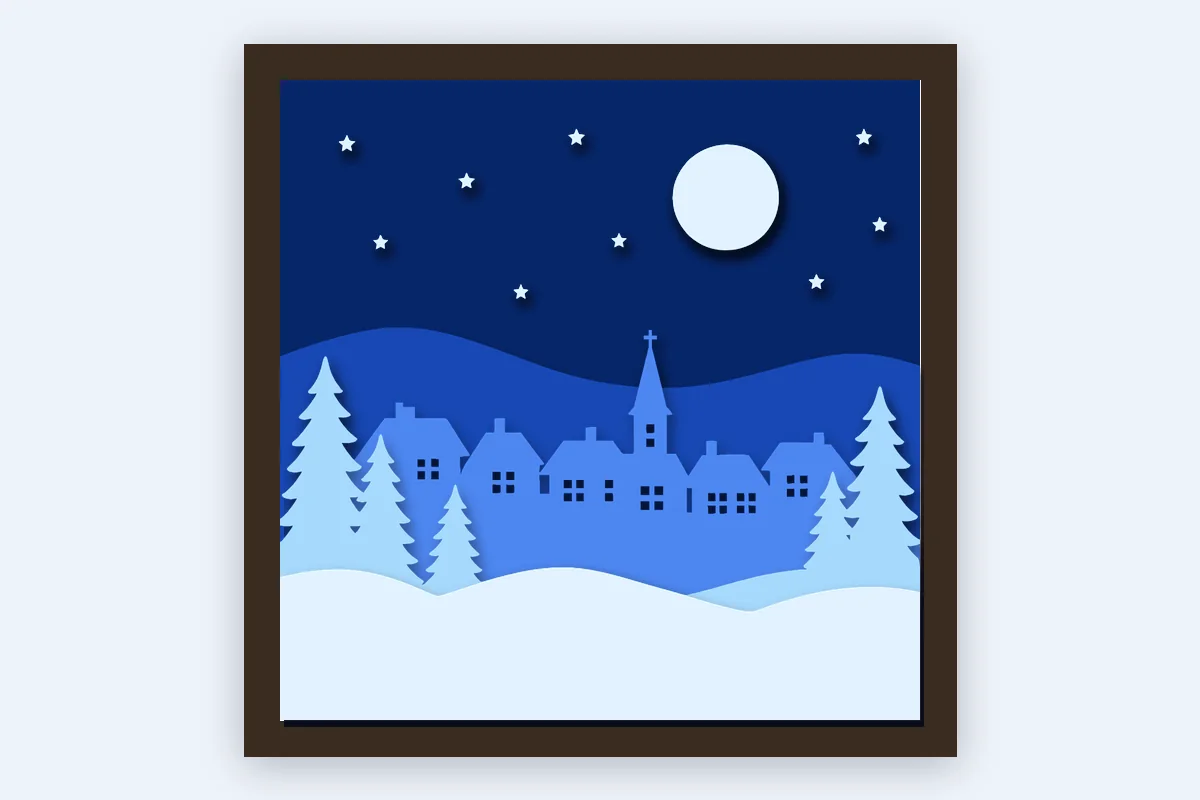
Layered stickers, shadow boxes and card art, with one sheet per shade stacked in order.
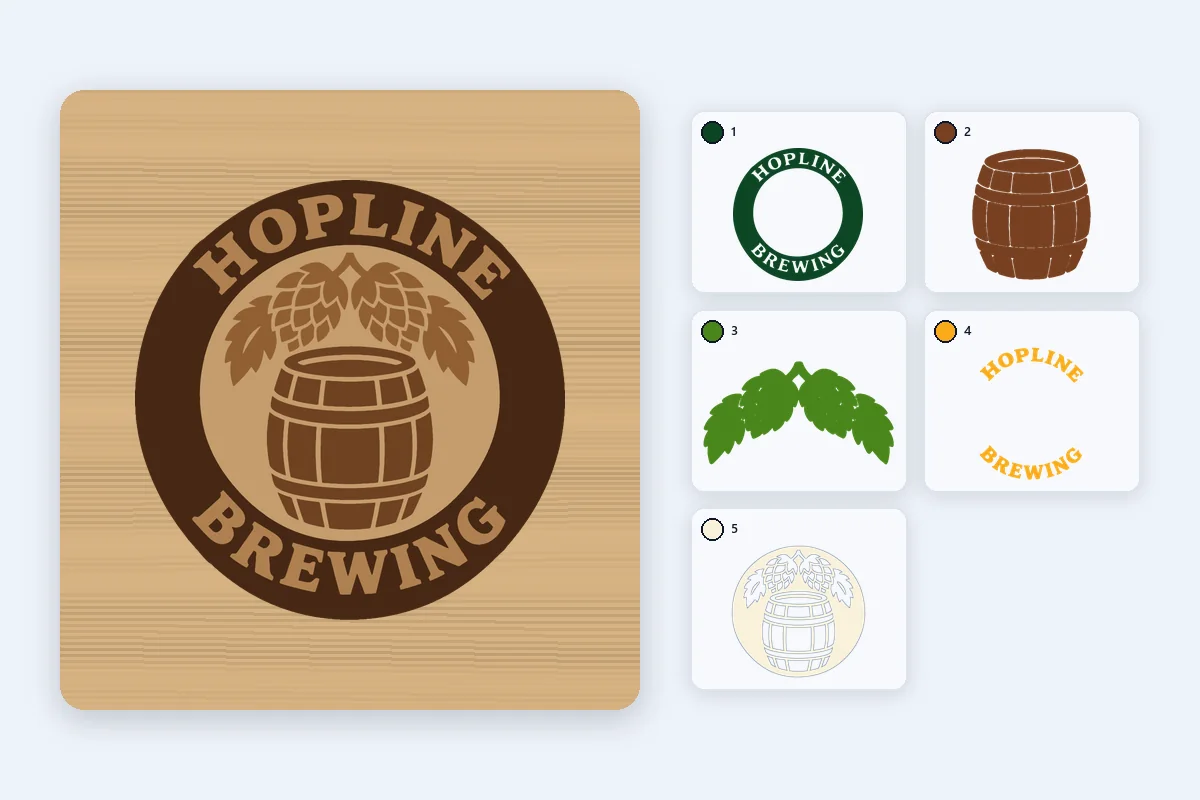
Each color on its own layer, for its own laser power and speed, or as clean color areas for an embroidery digitizer.
Price and privacy, dark shirts, gradients, colors, films, Cricut and file types.
Drop a design, check the colors, and download films or layers. Free color separation in your browser, nothing uploaded.
Separate colors