

AI Christmas Card Generator

Describe the card, put your greeting and names in quotes, then pick one of 9 card types or add your own photo: the Christmas card generator spells every word exactly as you wrote it, at a real card size with print bleed and a PDF.

Try one of these

  • Greetings and names spelled as written
  • 5 × 7, A6 and square, with print bleed
  • From 3 credits a card
  • No watermark, private history

Christmas cards made with this AI Christmas card generator

Eight cards for eight kinds of Christmas, each made by the AI Christmas card generator from the prompt, type and size tagged on it, every word read back against its quotes. The names are invented.

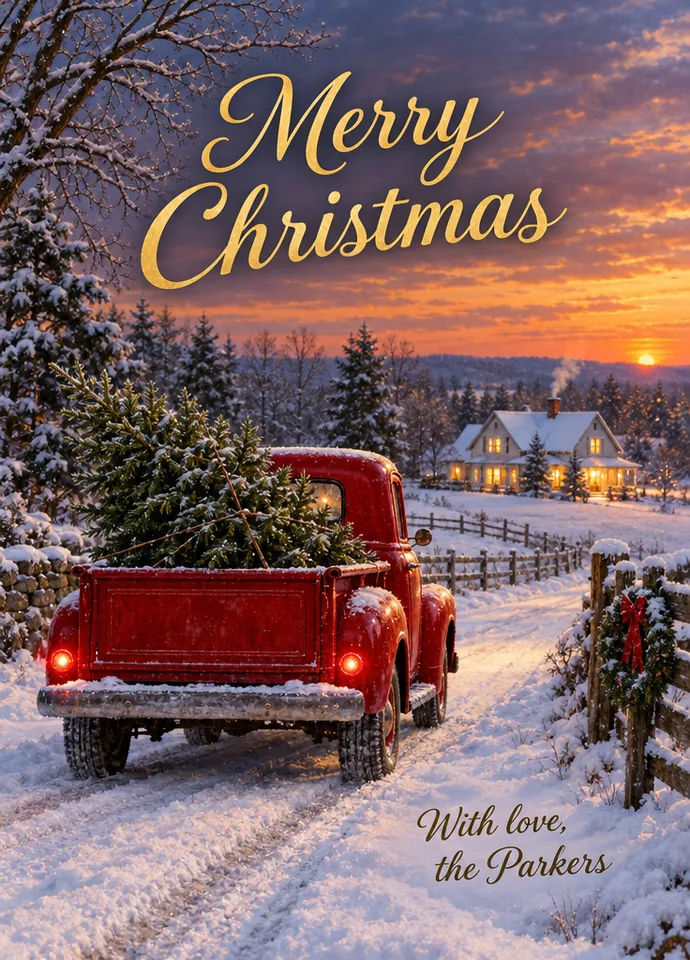
  • Tree farm truck at dusk · Classic · 5 × 7 in

    Tree farm truck at dusk · Classic · 5 × 7 in

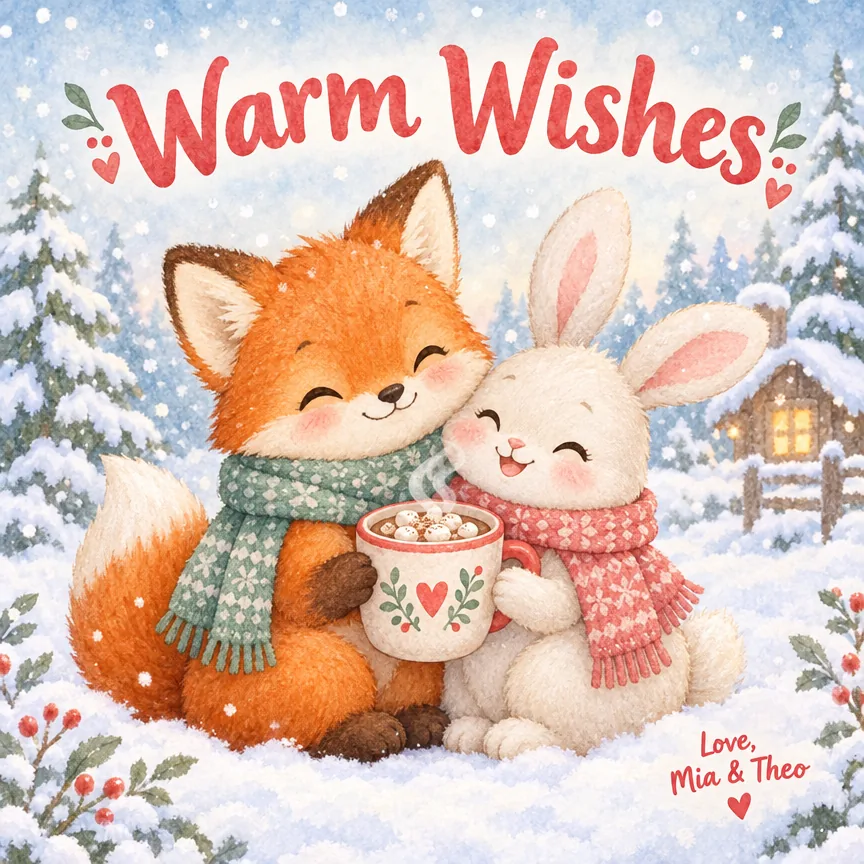
  • Fox and bunny with cocoa · Cute · Square

    Fox and bunny with cocoa · Cute · Square

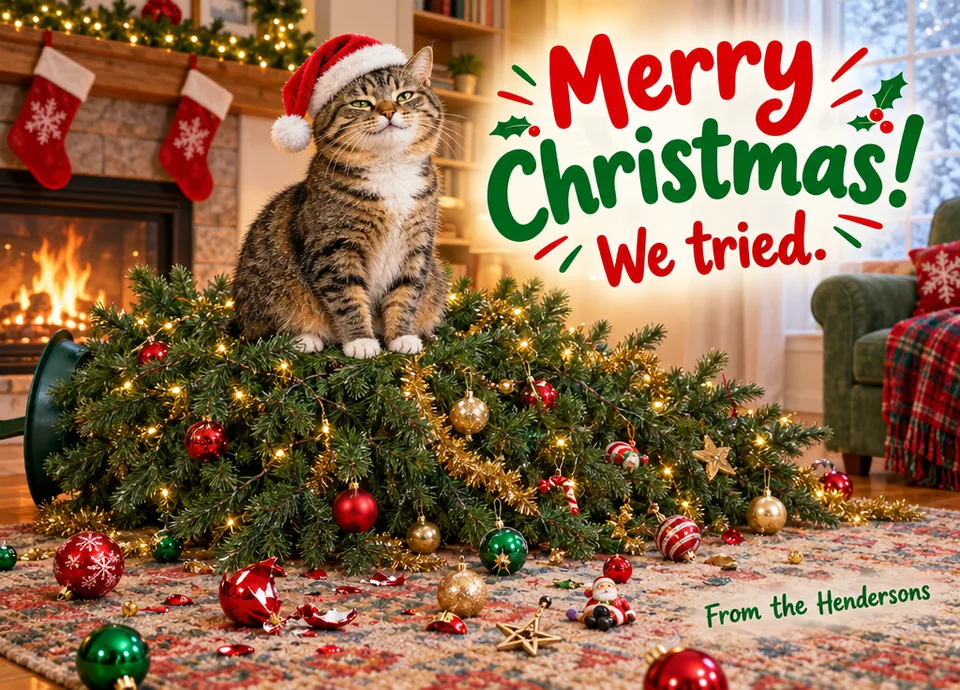
  • The cat and the fallen tree · Funny · 7 × 5 in

    The cat and the fallen tree · Funny · 7 × 5 in

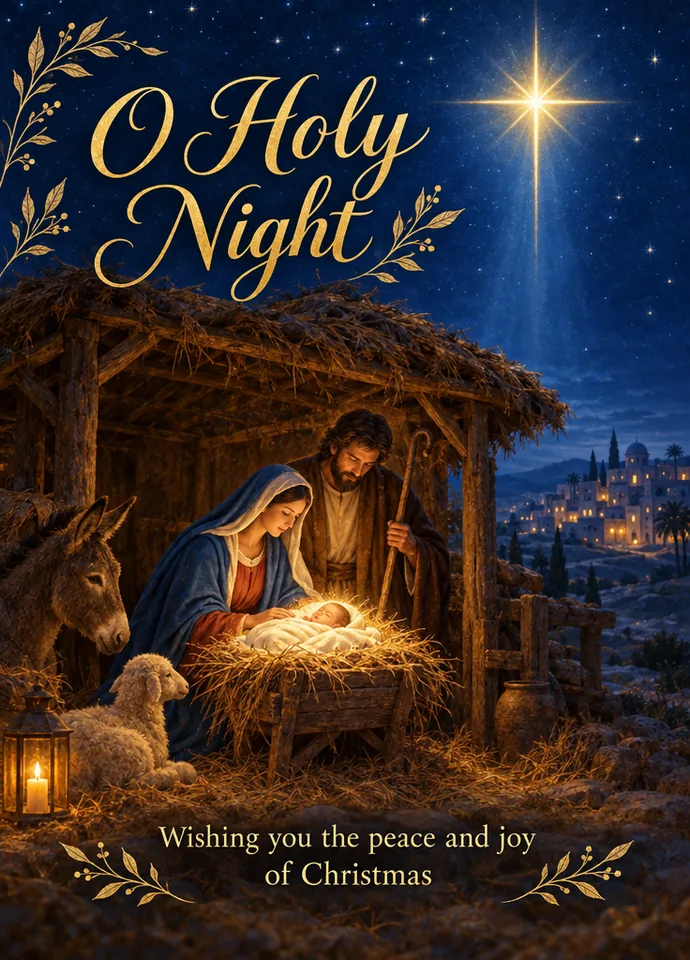
  • O Holy Night nativity · Nativity · 5 × 7 in

    O Holy Night nativity · Nativity · 5 × 7 in

  • Golden retriever by the fire · Pet · Square

    Golden retriever by the fire · Pet · Square

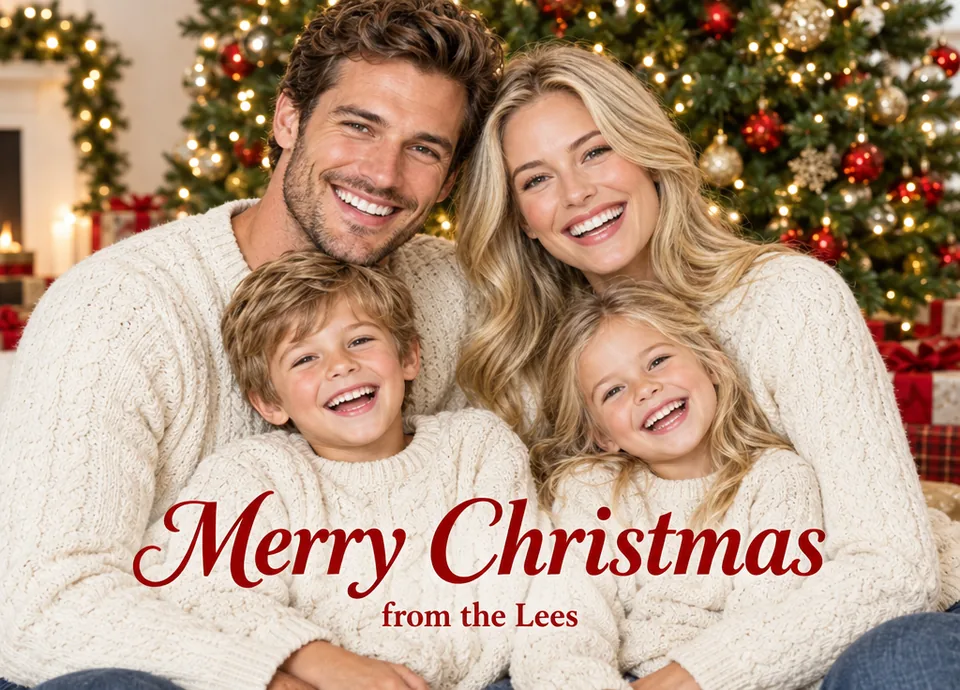
  • Family in matching sweaters · Family photo · 7 × 5 in

    Family in matching sweaters · Family photo · 7 × 5 in

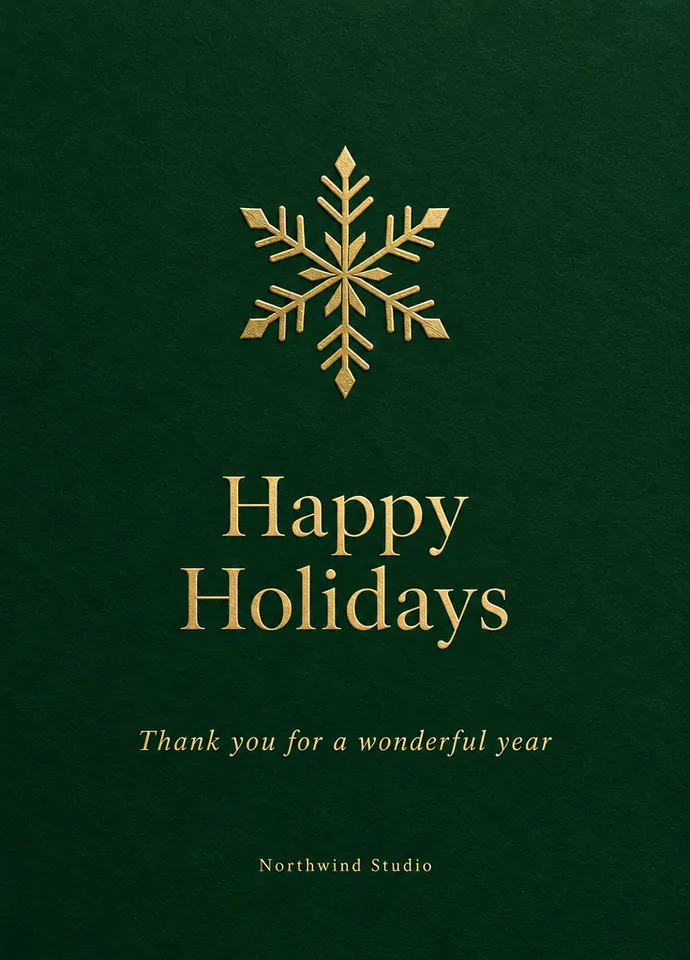
  • Gold snowflake for a studio · Business · A6

    Gold snowflake for a studio · Business · A6

  • New Year fireworks · New Year · 5 × 7 in

    New Year fireworks · New Year · 5 × 7 in

How to make a Christmas card with the AI Christmas card generator

Three steps and about half a minute from an idea and a greeting to a card ready to print, post or send with the Christmas card maker.

  1. Write what the front shows, then each line of text in its own quotes: the greeting first, then the signature. Pick a card type and start from its ready draft, or add your own family or pet photo.

  2. 5 × 7 in upright or sideways, A6 or a 5.5 in square. The card is drawn at that size plus 0.125 in of print bleed on every side, so it trims cleanly at any print shop.

  3. Your cards land in your history in about half a minute. Download the PNG, a PDF with crop marks or a sheet of two to print at home, or send a card on to change one word or bring it to life as a video.

What this AI Christmas card generator does best

Six things this Christmas card maker does best, for cards that go in the mail, on the mantel or into a message.

  1. Every word as you wrote it

    Every word as you wrote it

    Greetings, names and signatures in quotes come out letter for letter, and the card carries just the words you wrote. Every example on this page was read back word by word, and a name you want to change later takes one click in Edit text in image.

  2. Real card sizes with print bleed

    Real card sizes with print bleed

    5 × 7 in, 7 × 5 in, A6 and a 5.5 in square are drawn with 0.125 in of bleed on every side, and the PDF carries crop marks and trim boxes, the way print shops ask for cards.

  3. Two cards on one sheet at home

    Two cards on one sheet at home

    The print at home PDF puts two cards on one Letter or A4 sheet, matched to your country, with cut marks in the margins. Print at actual size on card stock and cut along the marks.

  4. 9 card types that know the look

    9 card types that know the look

    Classic, cute, funny, nativity, family photo, pet, business, season's greetings and New Year cards each add their own design brief, and a ready draft to change.

  5. Your photo on the card

    Your photo on the card

    Add a family photo or a picture of your pet as a reference and the AI Christmas card generator designs the whole card around it. A sharp photo with faces toward the camera gives the closest likeness.

  6. From card to animated greeting

    From card to animated greeting

    Send a finished card to Image to video for a moving greeting to share in a message, or to the image upscaler for an even larger print.

Guide: great cards from an AI Christmas card generator

Five short notes on prompts, wording, photos, printing and changes.

Write the card prompt in two parts

First the picture: one scene and a mood, such as "a red pickup carrying a Christmas tree down a snowy lane at dusk". Then each line of text in its own quotes, in reading order: "Merry Christmas", then "With love, the Parkers". One clear scene and two short lines make the strongest card front.
Write the card prompt in two parts

Keep the words short and type them the way they should print

A greeting of two to five words and a signature line read best on a card front. Type names exactly as they should appear, with capitals and the ampersand, such as "Love, Mia & Theo". Longer wishes belong inside the card, written by hand.

Get the closest likeness from your photo

Use a sharp, well lit photo where every face looks toward the camera, and say how to use it, such as "use this photo of our family in front of the tree". Two to four people keep faces closest to the photo; for a larger group, make a few cards and keep the best.

Get the closest likeness from your photo

Card sizes, bleed and printing

Every size carries 0.125 in of bleed on each side. At 1K a 5 × 7 card comes out at 736 × 1024 pixels, about 140 DPI, right for screens and home printers; 2K gives about 280 DPI and 4K about 424 DPI for a print shop. Print the PDF at actual size on 250 to 300 gsm card stock and trim along the crop marks.

Change one word without starting over

Plans change and so do names. Open the card in Edit text in image and replace just that line in the same lettering, or reuse the prompt with new words for a fresh design. Every card you like stays in your history with its settings.

Who uses the AI Christmas card generator

Anyone who wants a card that looks made for them, ready in about half a minute.

  • Families

    Photo cards from this year's picture, signed with every name spelled right.

  • Pet owners

    Cards starring the dog or the cat, with a pun to match, such as Happy Howlidays.

  • Small businesses

    Elegant holiday cards for clients and teams, with the company name small and tidy.

  • Churches and schools

    Nativity cards and season's greetings for congregations, classes and parents.

AI Christmas card generator FAQ

Short answers to the questions people ask most.


Make your first card with the AI Christmas card generator

Describe it, quote your greeting, pick a size. Your Christmas card is ready in about half a minute.

Make a Christmas card