

Photo to Line Drawing

Upload 1 or 2 photos of portraits, couples, pets, homes, flowers or classic cars to convert photo to line drawing artwork on pure #FFFFFF white. Choose from 6 precision ink styles, strip messy backgrounds with Subject Only mode, preview white-on-black laser engraving for free, and export transparent PNGs, Letter/A4 PDFs, or 1-click SVG and DXF vectors from 3 credits.

Try one of these edits

  • 6 precision styles from Clean Outline to Technical Pen
  • Subject Only vs Full Scene toggle removes background clutter
  • Free transparent ink PNG, Letter/A4 PDF & White-on-Black mode
  • 1-click handoff to free SVG & DXF vectorizers (3 credits 1K)

Real Photo to Line Drawing & Outline Examples

Every piece below started as an ordinary camera snapshot, ran through our image to line drawing pipeline, and was normalized to pure #FFFFFF paper. Compare the corner source photo and click any card to load its exact style and background setting.

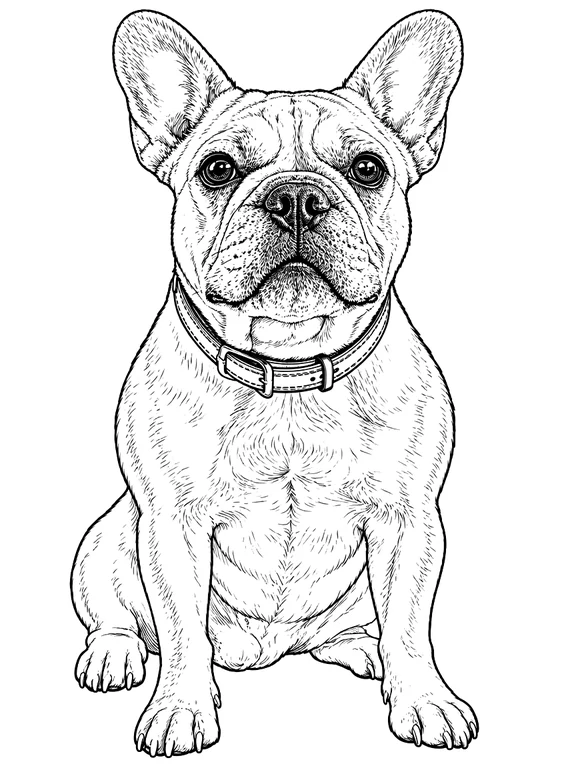
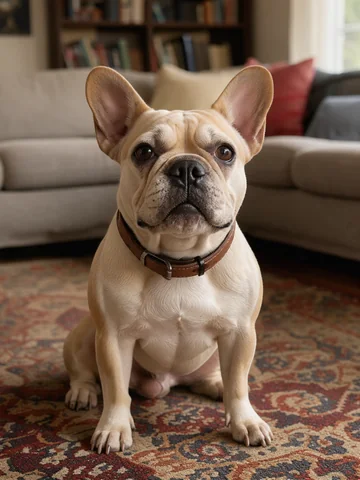
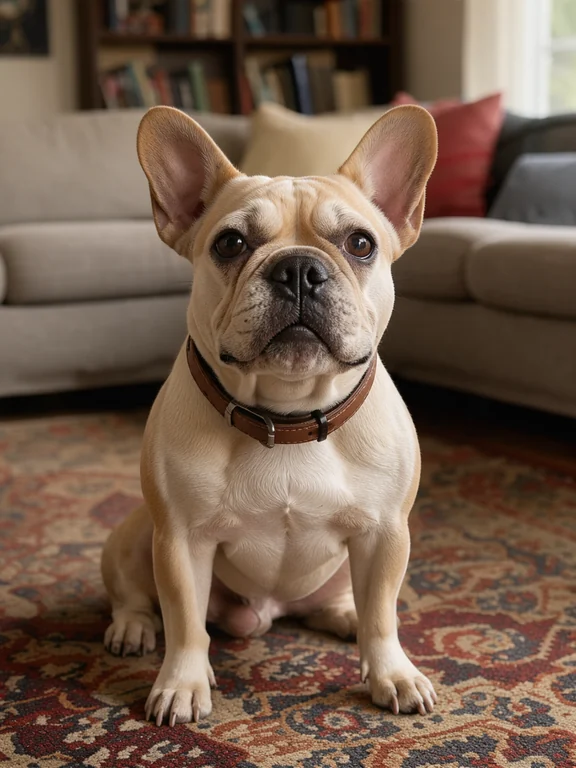
  • French bulldog isolated from a busy rug in Clean Outline (Subject Only)Original photo

    Clean OutlineFrench bulldog isolated from a busy rug in Clean Outline (Subject Only)

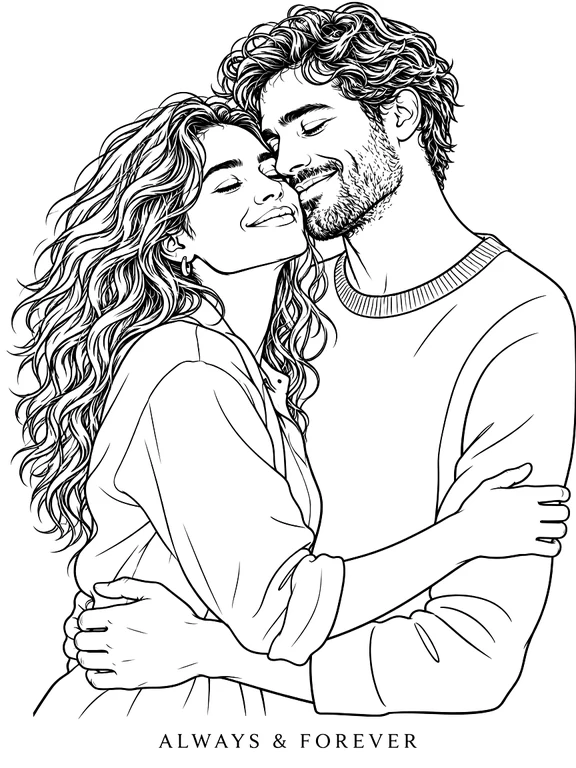
  • Golden-hour couple embrace in One-Line Art with "ALWAYS & FOREVER" inscriptionOriginal photo

    One-Line ArtGolden-hour couple embrace in One-Line Art with "ALWAYS & FOREVER" inscription

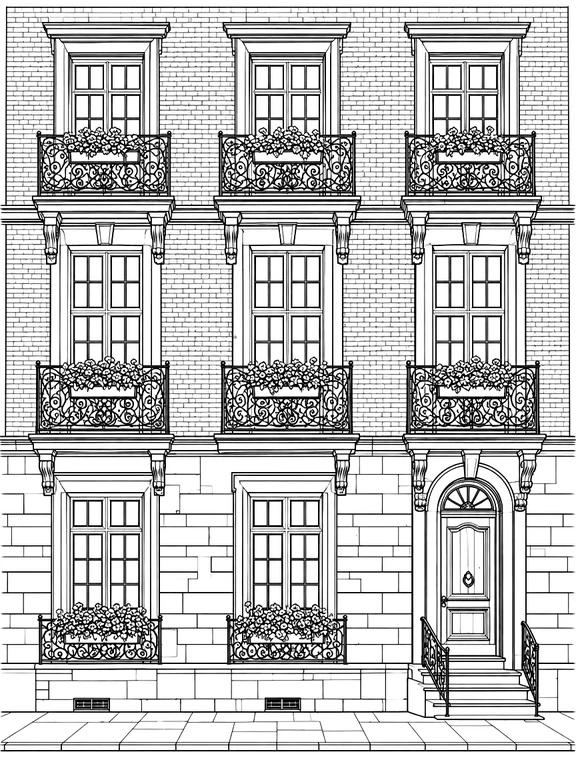
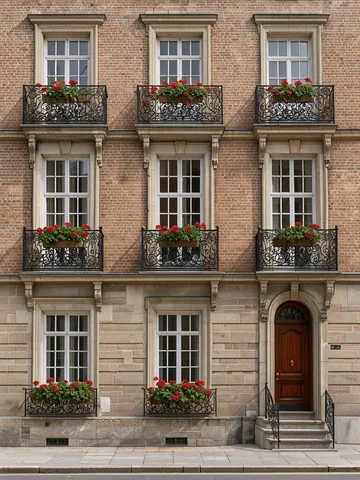
  • European brick townhouse and iron balconies in Technical Pen (Full Scene)Original photo

    Technical PenEuropean brick townhouse and iron balconies in Technical Pen (Full Scene)

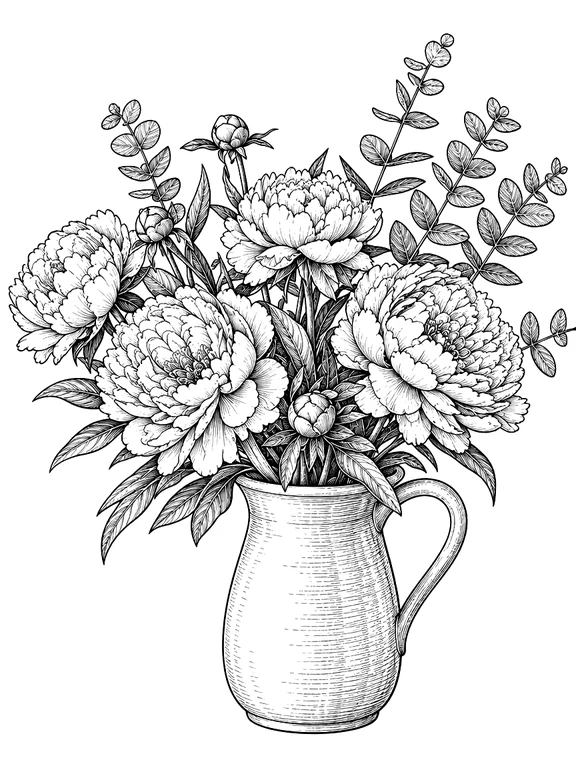
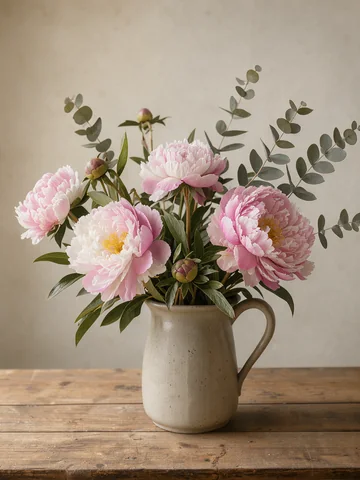
  • Garden peonies in a ceramic pitcher in Vintage Ink (Subject Only)Original photo

    Vintage InkGarden peonies in a ceramic pitcher in Vintage Ink (Subject Only)

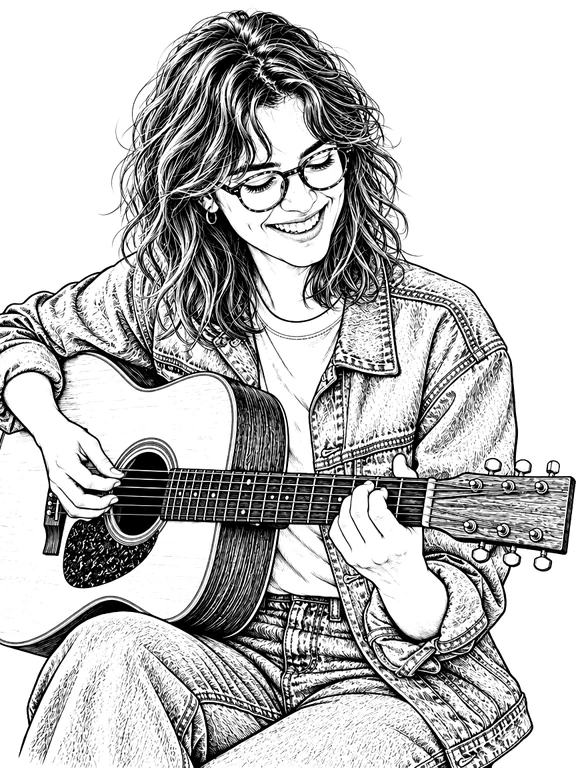
  • Acoustic guitarist with glasses in tapered Comic G-Pen ink lineworkOriginal photo

    Comic G-PenAcoustic guitarist with glasses in tapered Comic G-Pen ink linework

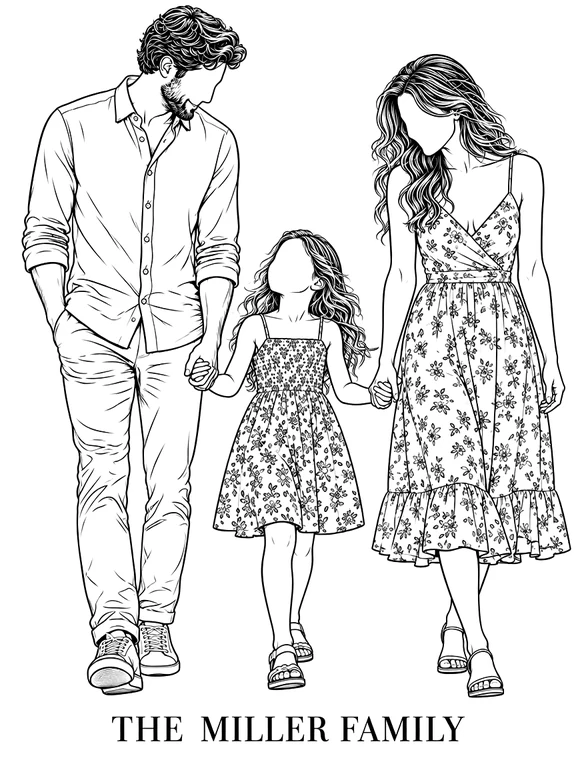
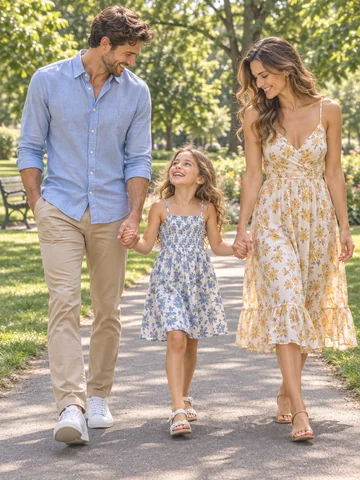
  • Parents and daughter walking in Minimalist Portrait with "THE MILLER FAMILY"Original photo

    Minimalist PortraitParents and daughter walking in Minimalist Portrait with "THE MILLER FAMILY"

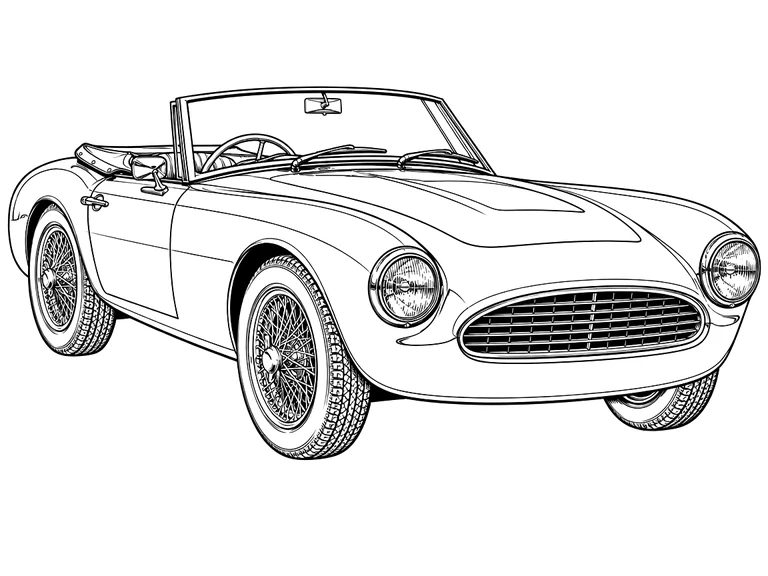
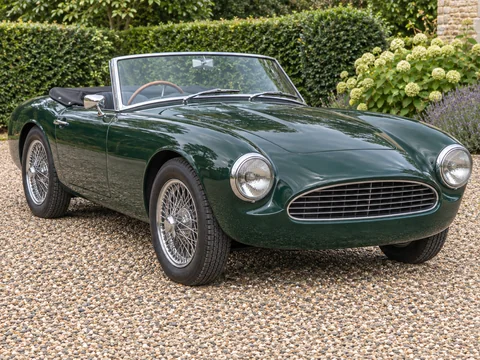
  • 1960s roadster sports car in 4:3 Technical Pen blueprint lineworkOriginal photo

    Technical Pen1960s roadster sports car in 4:3 Technical Pen blueprint linework

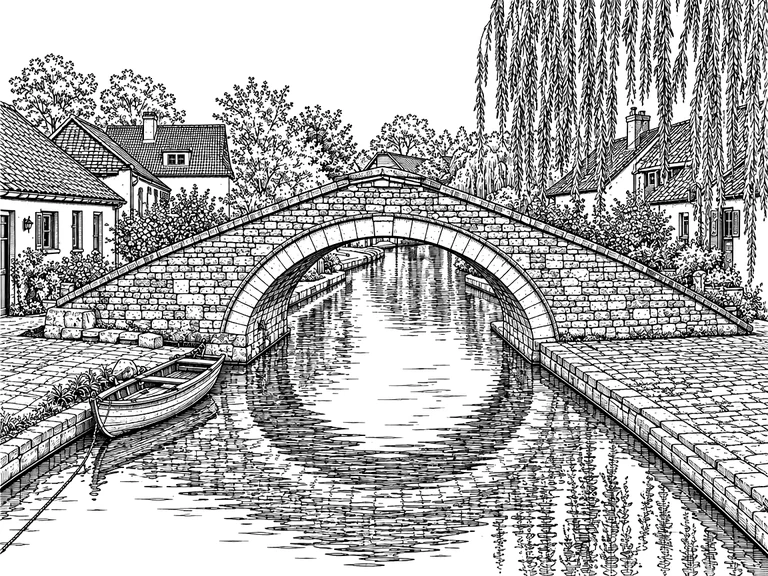
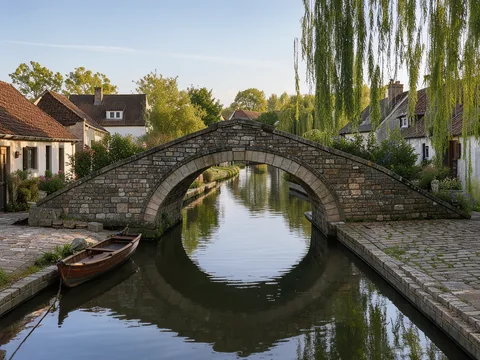
  • Stone village canal bridge and rowboat in 4:3 Vintage Ink (Full Scene)Original photo

    Vintage InkStone village canal bridge and rowboat in 4:3 Vintage Ink (Full Scene)

How to Convert Photo to Line Drawing in 3 Steps

Skip manual pen-tool tracing and noisy Photoshop edge filters. Go from a raw snapshot to clean studio ink contours ready for print, digital illustration, or CNC/laser cutting in under a minute.

  1. Drop in a portrait, pet, bouquet, house facade, or two separate photos you want composed together. Keep Subject Only active to strip busy living rooms or sidewalks down to pure white, or switch to Full Scene when architectural or landscape perspective is the star. Add text in quotes like "ALWAYS & FOREVER" for custom inscriptions.

  2. Pick Clean Outline for photo to outline transfers, woodburning, embroidery and vinyl cutting; One-Line Art or Minimalist Portrait for modern wall prints and gifts; Technical Pen for crisp 0.25mm building and vehicle elevations; Vintage Ink for botanical etching; or Comic G-Pen for dynamic character line art.

  3. Toggle Standard, Bold ink, or White on black (ideal for checking dark slate, anodized metal, or acrylic LED laser engravings) at zero extra cost. Download a pure-white PNG, an alpha-transparent ink PNG for Procreate and Illustrator, a 1:1 Letter/A4 transfer PDF, or send straight to our free SVG and DXF converters.

Why Makers & Illustrators Choose This Photo to Line Art Studio

Basic threshold and Sobel filters turn skin pores, grass, and background shelves into thousands of jagged grey speckles. Our picture to line drawing studio redraws deliberate, continuous black ink strokes with true structural understanding.

  1. True Structural Contours Instead of Noisy Edge FiltersOriginal photo

    True Structural Contours Instead of Noisy Edge Filters

    Instead of Posterize + Find Edges hacks that smear dark hair and shadow areas into blotches, our dedicated ink-contour engine traces clean anatomical contours, eyeglass frames, pet whiskers, and architectural trim on spotless #FFFFFF white.

  2. Subject-Only Isolation Eliminates Messy BackgroundsOriginal photo

    Subject-Only Isolation Eliminates Messy Backgrounds

    The top frustration when turning an image to outline for engraving or embroidery is background sofas, trees, and parked cars turning into visual spaghetti. Subject Only isolates your person, pet, flower, or vehicle cleanly with a finished silhouette.

  3. 6 Purpose-Built Styles Including One-Line & Faceless Portraits

    6 Purpose-Built Styles Including One-Line & Faceless Portraits

    From continuous single-line gallery prints and faceless custom family portraits to 0.25mm technical pen elevations and dip-pen botanical line art, every style targets a distinct artistic or fabrication workflow.

  4. Live White-on-Black Laser, Slate & Acrylic Lamp PreviewOriginal photo

    Live White-on-Black Laser, Slate & Acrylic Lamp Preview

    Laser engraving on black slate, dark walnut, anodized aluminum cards, or edge-lit acrylic LED lamps inverts dark and light. Preview and download crisp white-on-black PNGs directly inside the viewer without spending another credit.

  5. Alpha-Transparent Ink PNG for Procreate, Photoshop & Figma

    Alpha-Transparent Ink PNG for Procreate, Photoshop & Figma

    Click Transparent ink PNG to strip every white paper pixel to 0% opacity while keeping anti-aliased black strokes intact. Drop the layer straight into Procreate, Clip Studio Paint, Photoshop, or Illustrator over watercolour washes or vector layouts.

  6. Seamless 1-Click Handoff to Free SVG & CAD DXF VectorizersOriginal photo

    Seamless 1-Click Handoff to Free SVG & CAD DXF Vectorizers

    Auto-tracers fail on raw photos because of shadows and color gradients. Converting your photo to line art here first gives our free in-browser PNG to SVG and PNG to DXF tools razor-clean black-and-white input for Cricut, Glowforge, and LightBurn.

Artist & Maker Guide: Getting the Cleanest Picture to Line Drawing Results

Match your source photo, background mode, and export format to your physical craft or digital design pipeline.

Choosing Between Line Drawing, Coloring Page & Pencil Sketch

Use this **photo to line drawing** studio when you want crisp artist contours, architectural pen work, minimalist one-line art, or clean maker outlines for SVG/DXF cutting and engraving. If you specifically want wide closed white regions and a school Name/Date line for kids crayons, use Photo to Coloring Page instead.

When to Use Subject Only vs Full Scene Mode

Pick **Subject Only** for pet memorials, couple portraits, floral stems, cars, and product illustrations where background clutter would distract from the silhouette. Switch to **Full Scene** for house portraits, wedding venues, historic streetscapes, and travel memories where windows, bridges, and trees tell the story.

When to Use Subject Only vs Full Scene ModeOriginal photo

Preparing Clean Outlines for Laser Engraving, CNC & Cricut

For woodburning, leather stamping, rotary CNC, or vinyl plotting, start with **Clean Outline** + **Subject Only**, switch to **Bold ink** in the viewer to thicken delicate strokes, and click **Vectorize to SVG** or **Convert to DXF** to generate clean cut/score paths at zero extra credit cost.

Preparing Clean Outlines for Laser Engraving, CNC & Cricut

Combining Two Separate Photos Into One Custom Portrait

Want a memorial or anniversary gift bringing together two people or a pet from separate snapshots? Attach up to 2 photos at once, pick **Minimalist Portrait** or **Clean Outline**, and add a short note such as standing side by side with `"THE MILLER FAMILY"` centered underneath.

Printing Transfer Sheets at Exact Scale on Letter or A4

Hand-embroidery, linocut carving, pyrography, and watercolor artists often transfer outlines via carbon paper or a lightbox. Export the 1-page **US Letter or A4 Print PDF** (always rendered black-on-white with 10 mm safe margins) for crisp home printing.

Printing Transfer Sheets at Exact Scale on Letter or A4

Popular Ways to Use Photo to Line Drawing

One clean black-ink extraction powers physical workshop crafts, custom gifting, architectural prints, and digital illustration.

  • Laser Engraving, Woodburning, Embroidery & Cricut

    Turn pet photos, classic cars, and botanicals into clean image to outline patterns ready for LightBurn, Glowforge, leather tooling, hand embroidery hoop transfers, or Stencil Maker.

  • Custom Couple, Family & Pet Memorial Wall Prints

    Create high-margin personalized first-home architectural prints, wedding welcome signage in One-Line Art, and faceless family or pet outline portraits at 2K or 4K print resolution.

  • Architectural Elevations, Urban Sketching & Product Manuals

    Convert real-estate exterior photos, storefront facades, industrial prototypes, and step-by-step assembly photos into clean technical fine-liner diagrams without grey background wash.

  • Digital Inking Base for Procreate, Manga & Watercolor

    Export the transparent ink PNG as a Reference or Multiply layer for digital painting, or test instant palettes on your line art with AI Manga & Line Art Colorizer.

Photo to Line Drawing FAQ

Clear answers on credits, Subject Only isolation, laser/SVG workflows, transparent layers, and photo privacy.


Turn Your Photo Into a Crisp Line Drawing Today

Upload any portrait, pet, building, or product photo to convert photo to line drawing art with Subject Only isolation, transparent ink PNG, PDF, and 1-click SVG/DXF vector handoff.

Create Line Drawing Now