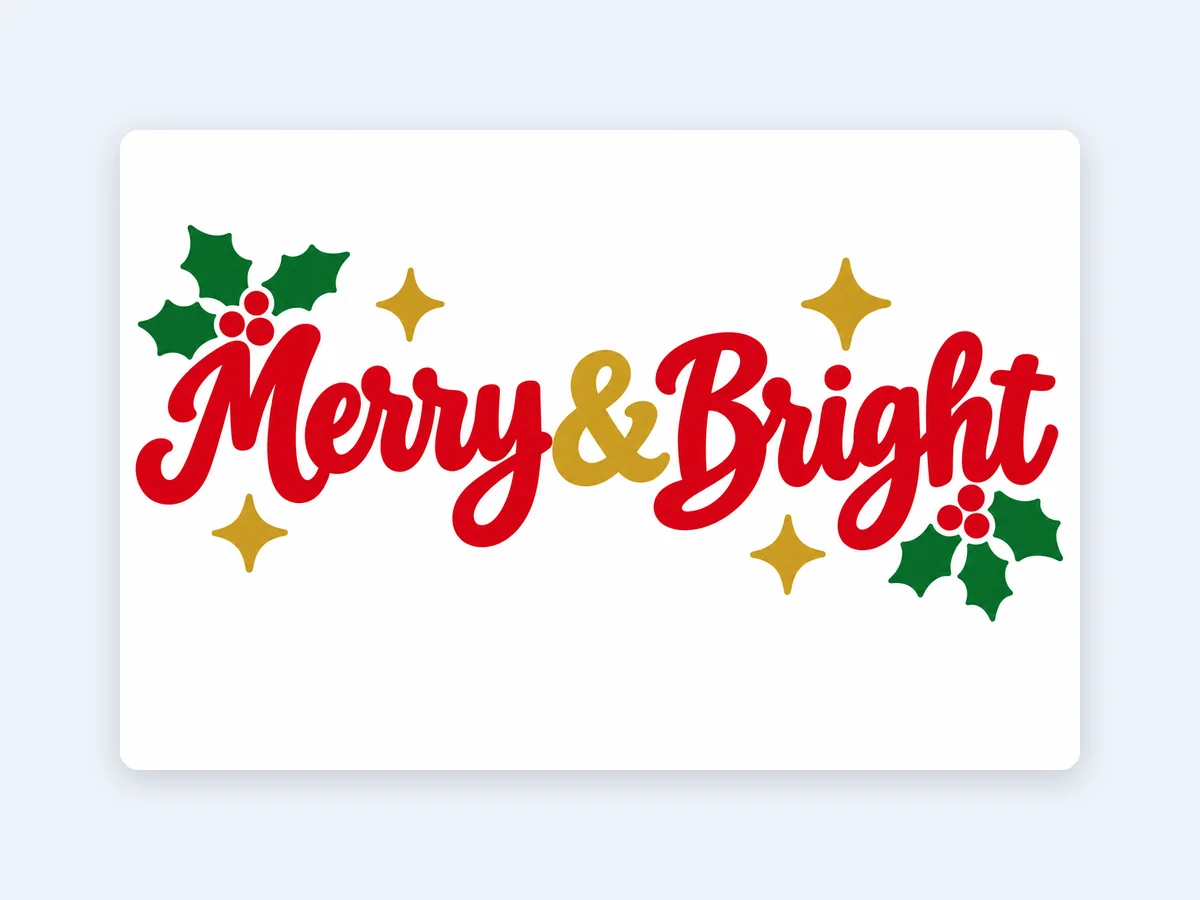
Merry & Bright holiday sweatshirt
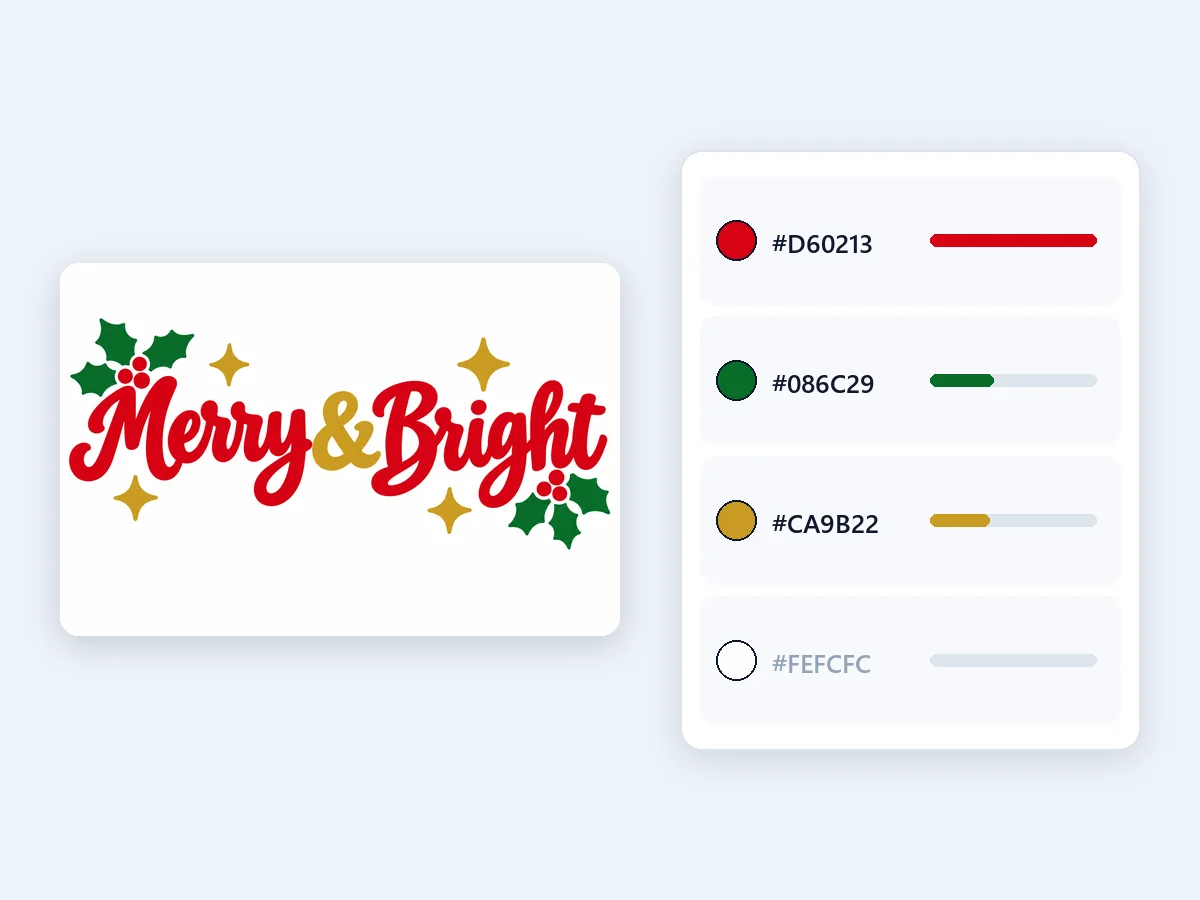
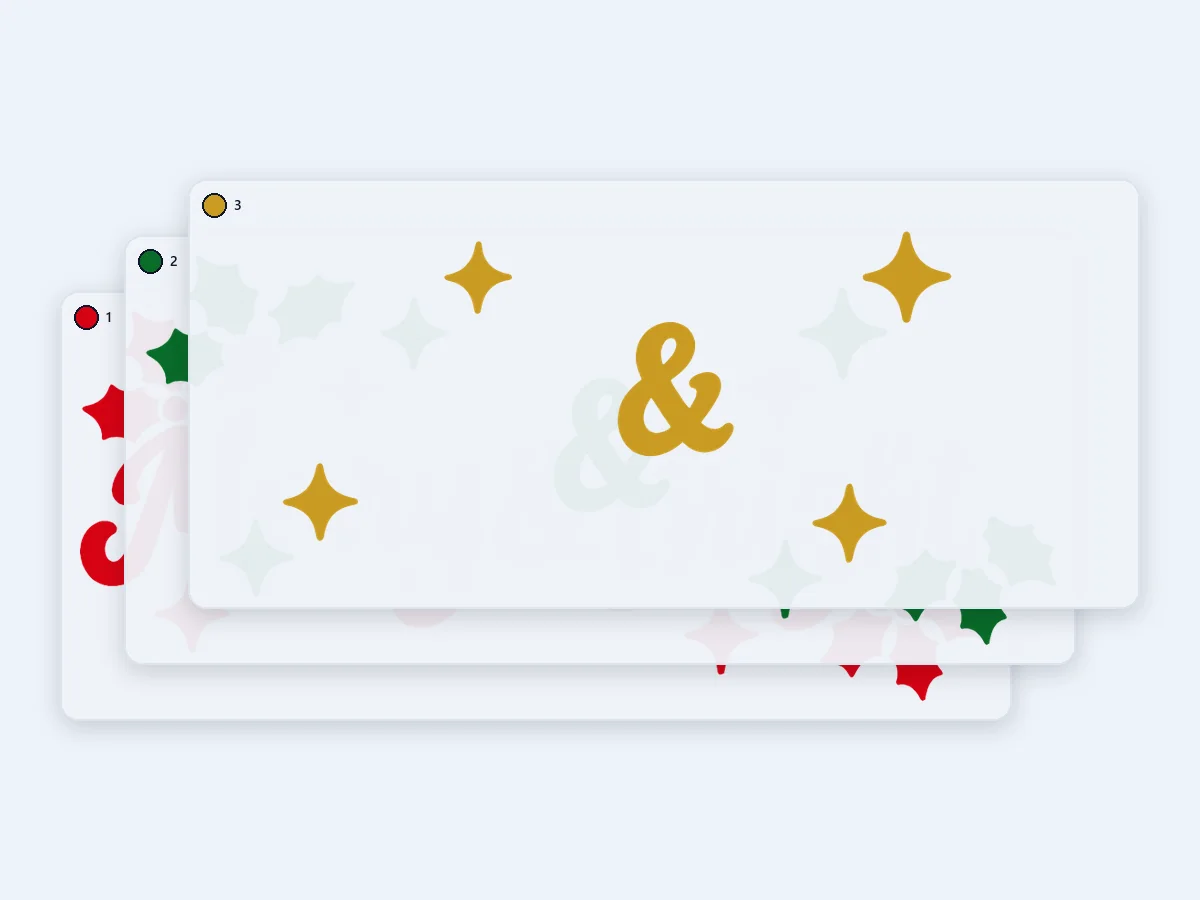
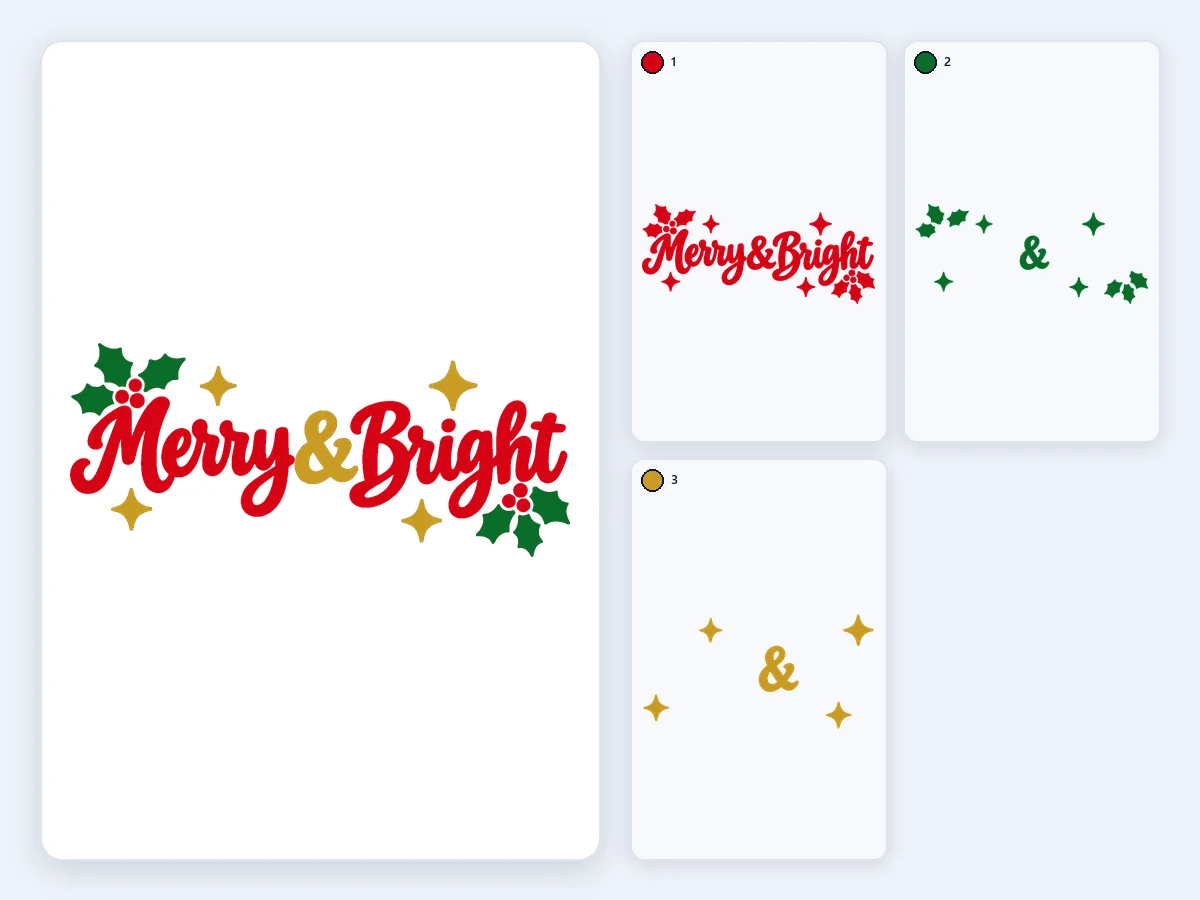
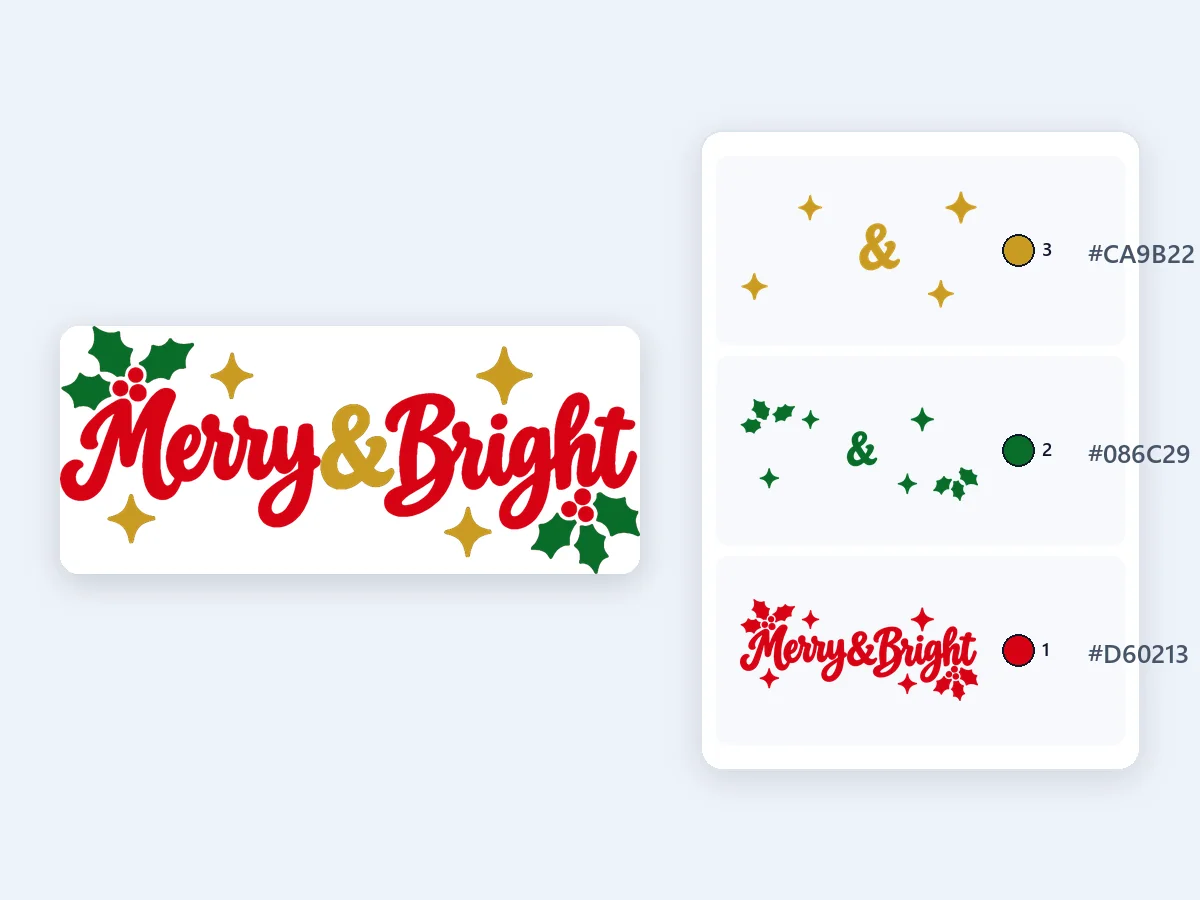
Red script, green holly and gold stars in three colors of iron-on, stacked at 10 in: each layer reaches under the ones above it, so no gaps show after pressing.
Turn any picture into a layered SVG for Cricut and Silhouette, with one layer per vinyl color at the exact size you cut. Free, and your picture never leaves your device.
Or start with an example
Printing on screens instead? Color separation makes films with registration marks.
Eight original designs, each turned into an SVG for Cricut with the settings that suit it, from iron-on sweatshirts and team tees to tumbler decals, ornaments and a cardstock cake topper. Every card shows the design and its layers apart. Open one to load the same picture and settings.
Red script, green holly and gold stars in three colors of iron-on, stacked at 10 in: each layer reaches under the ones above it, so no gaps show after pressing.
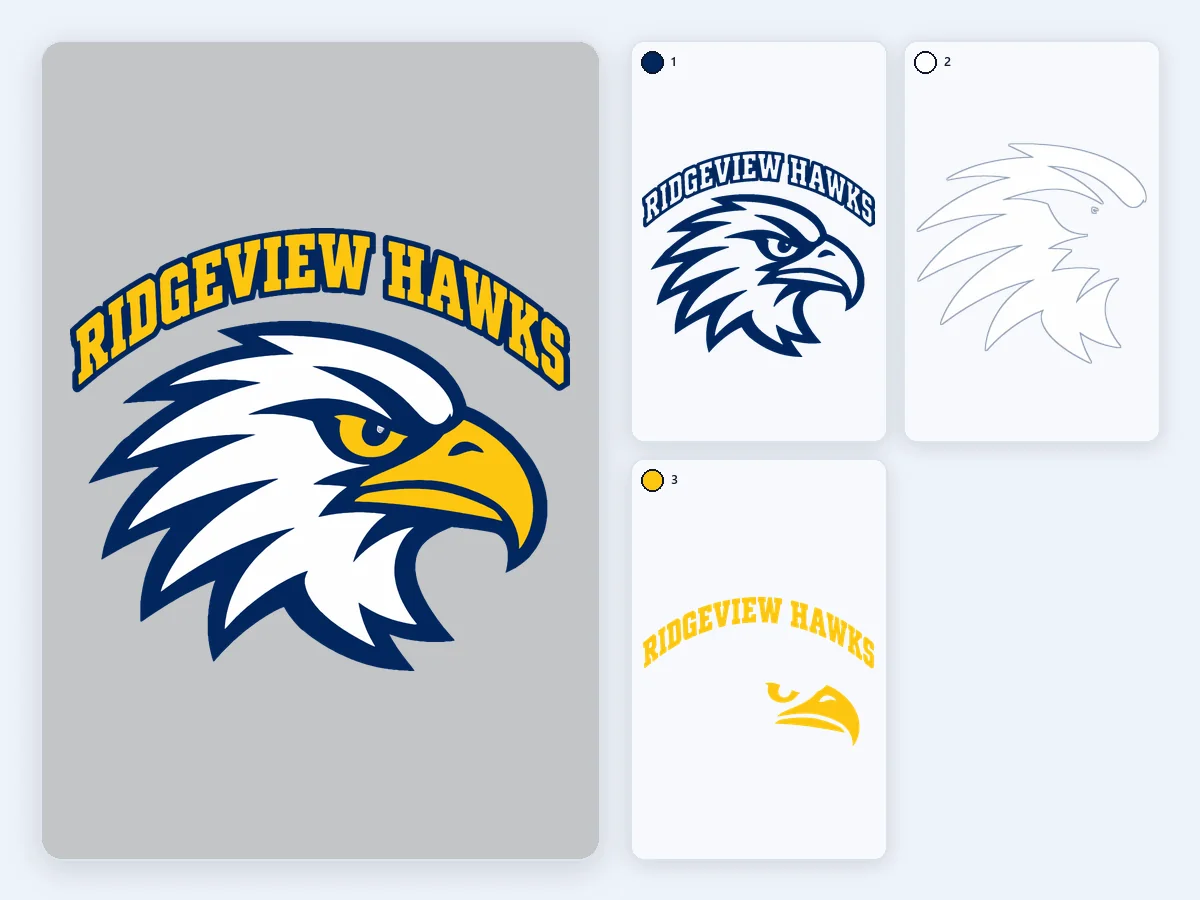
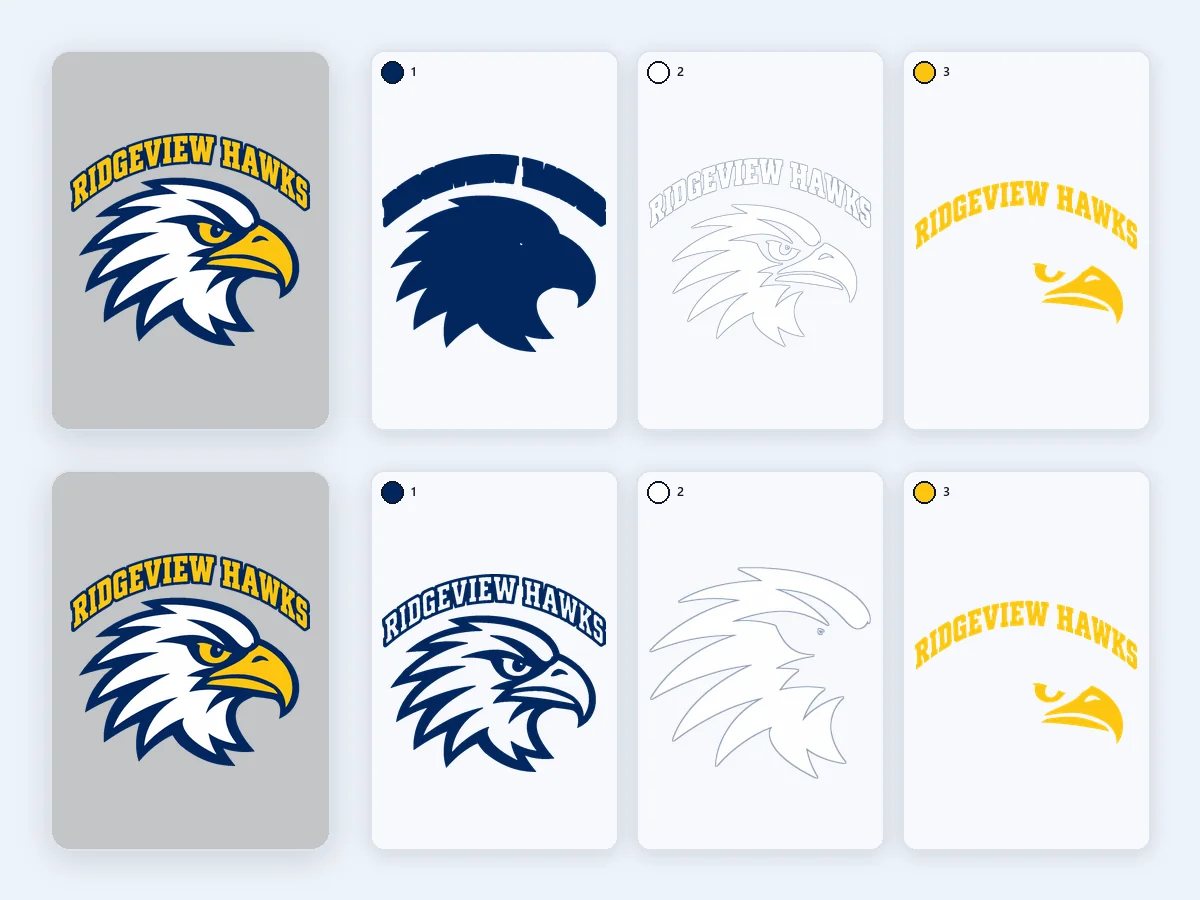
A fictional school's eagle head and arched lettering in navy, gold and white, as knockout layers at 8 in with a 0.5 mm overlap, so the print stays one sheet thick and soft.
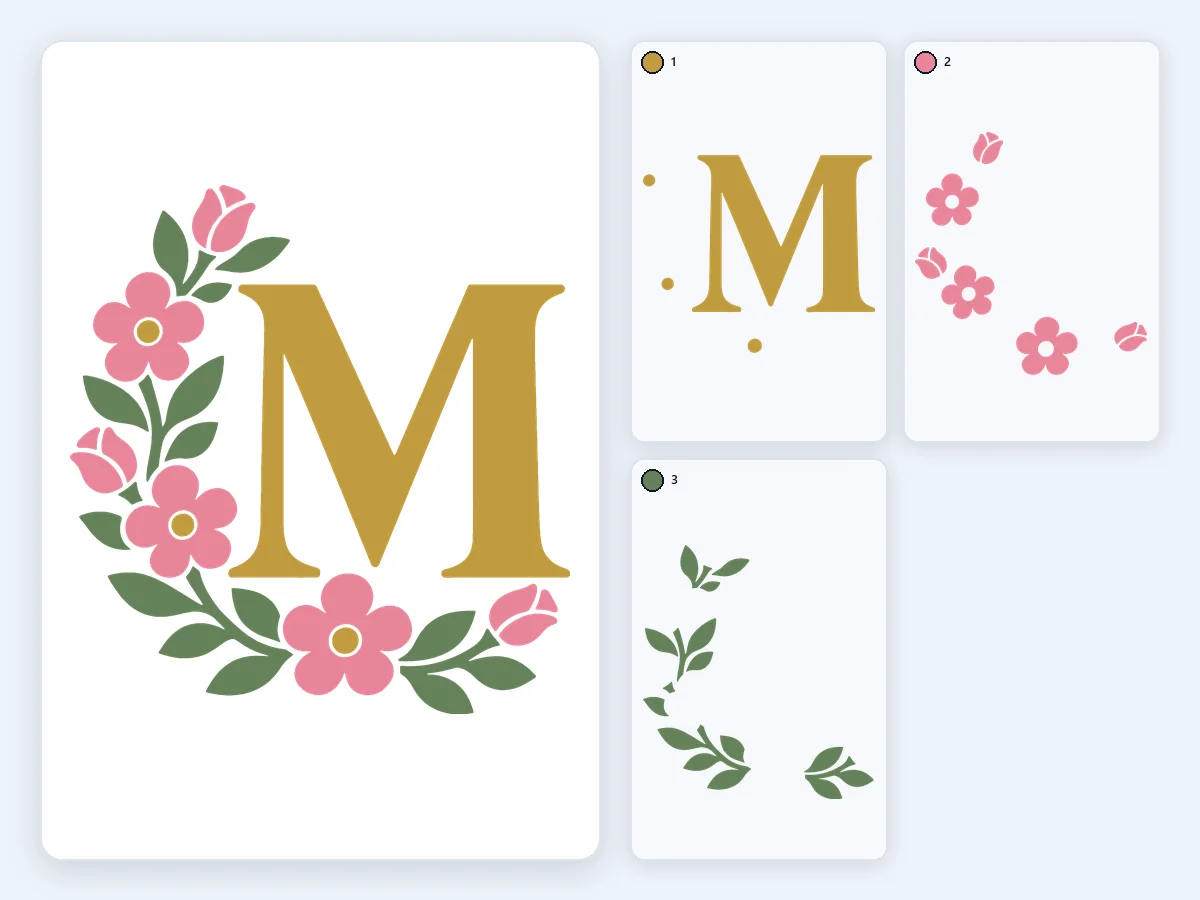
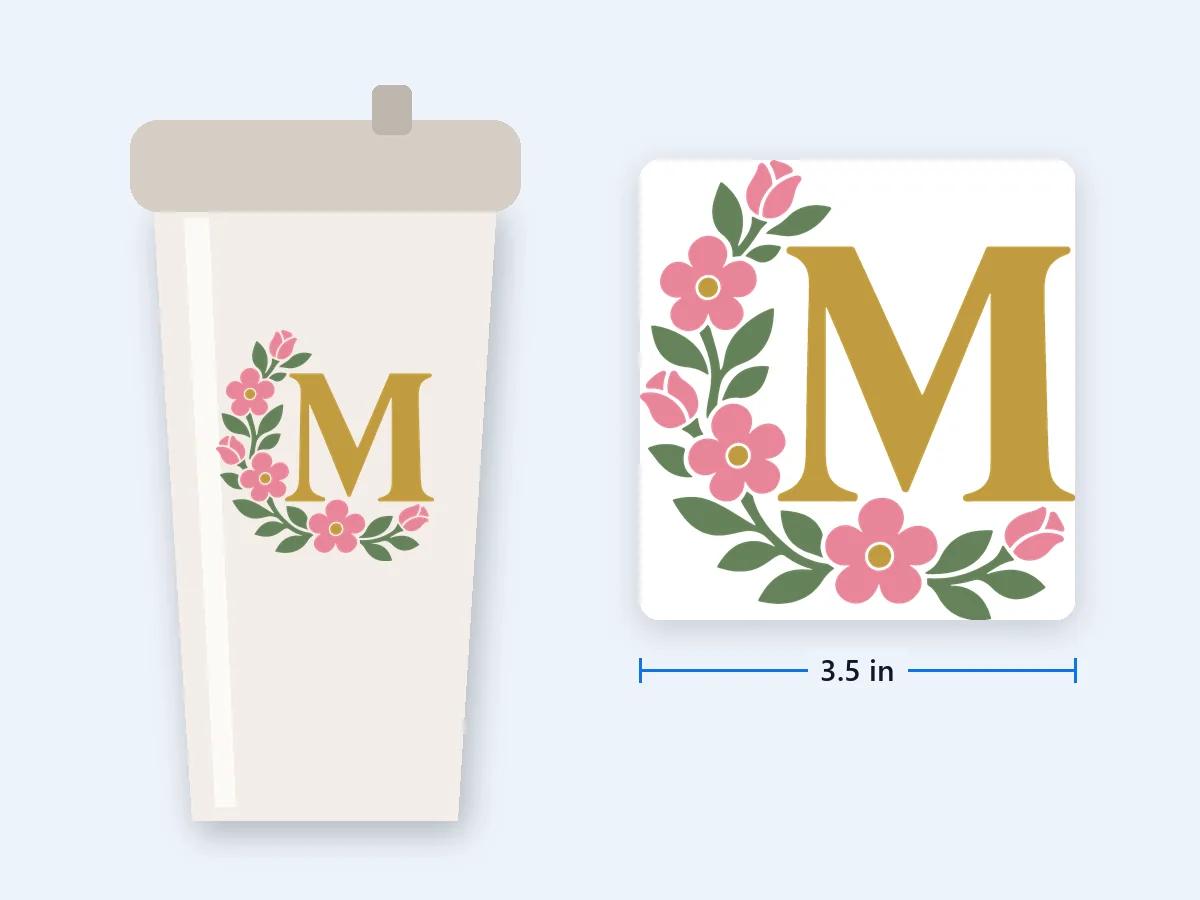
A gold letter M in a half wreath of dusty pink blossoms and sage leaves, as knockout layers of adhesive vinyl at 3.5 in, the size of a tumbler decal.
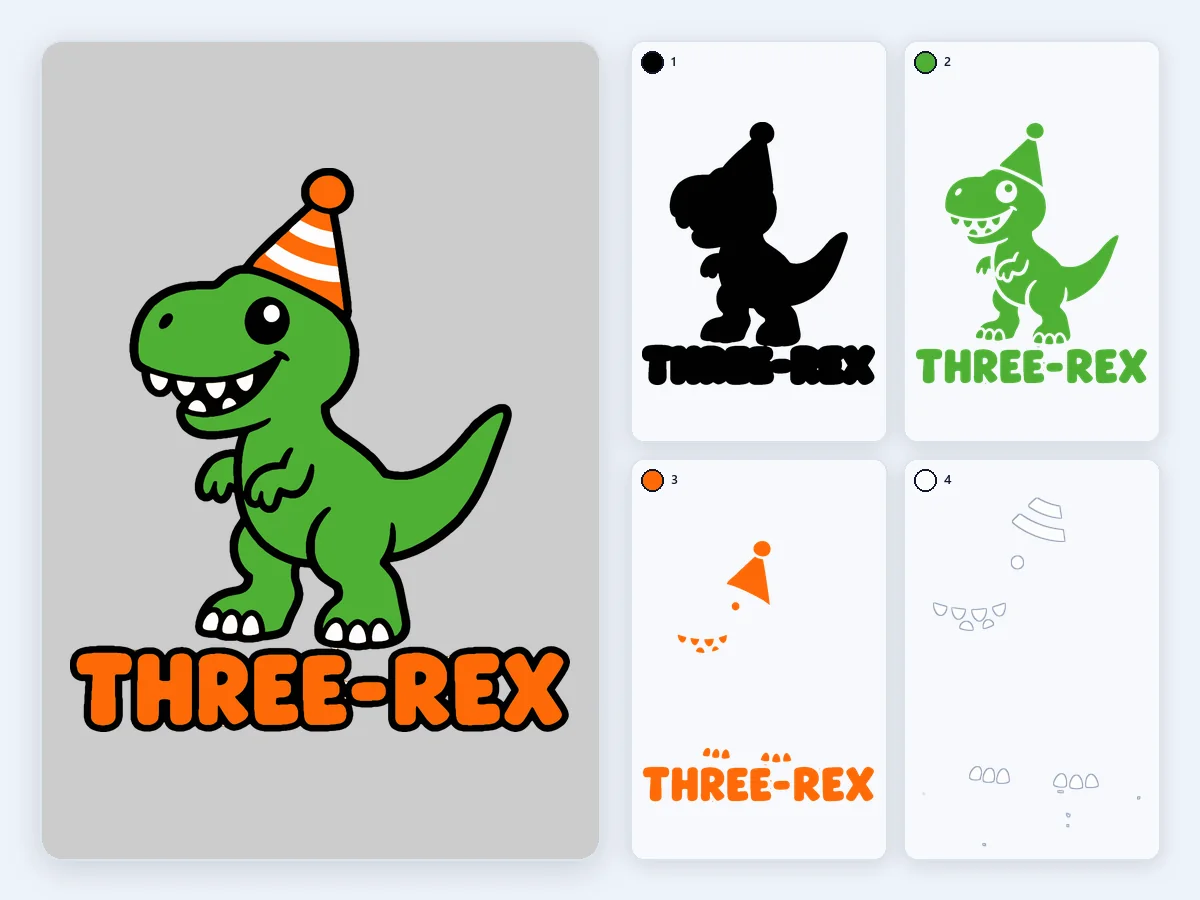
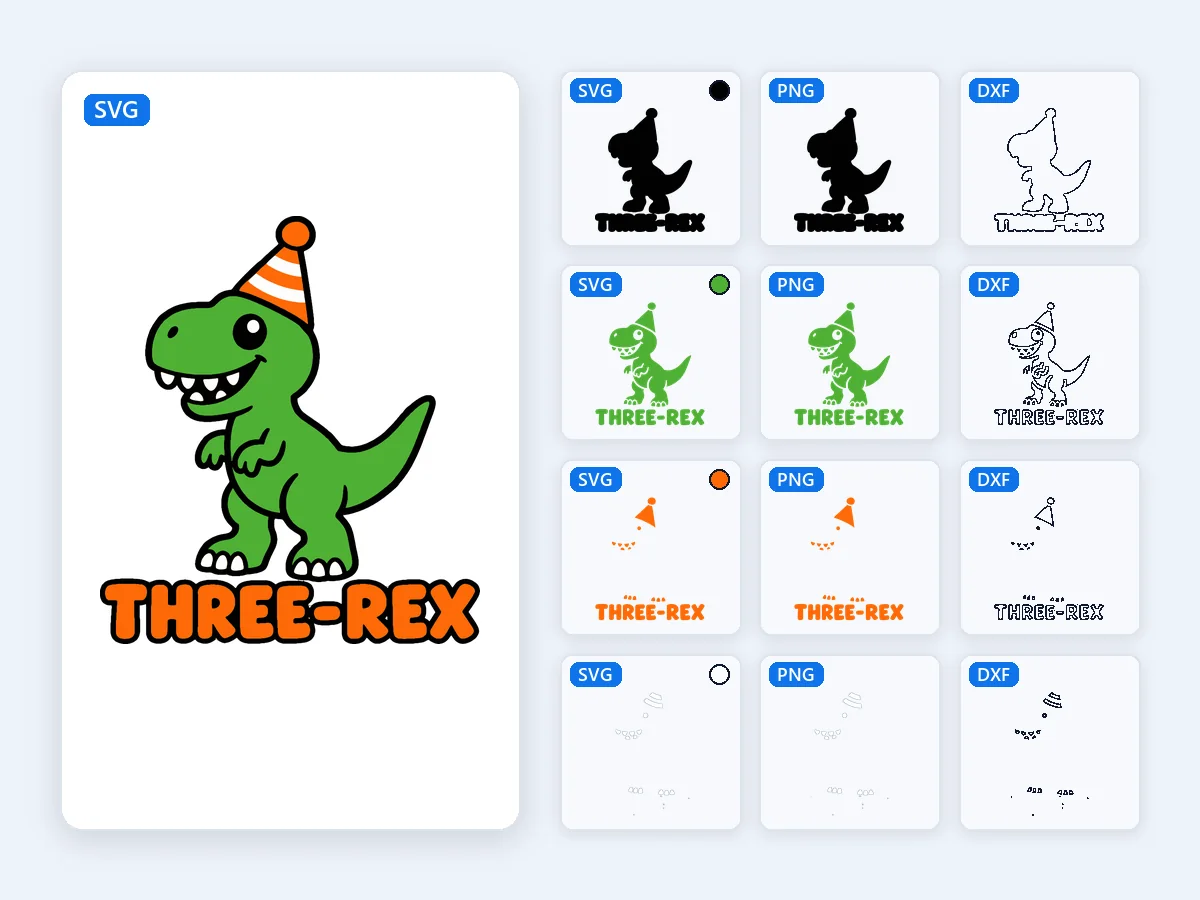
A party-hat dinosaur and chunky lettering in green, orange, black and white, stacked at 8 in: four layers of iron-on, the most that press cleanly on a kid's tee.
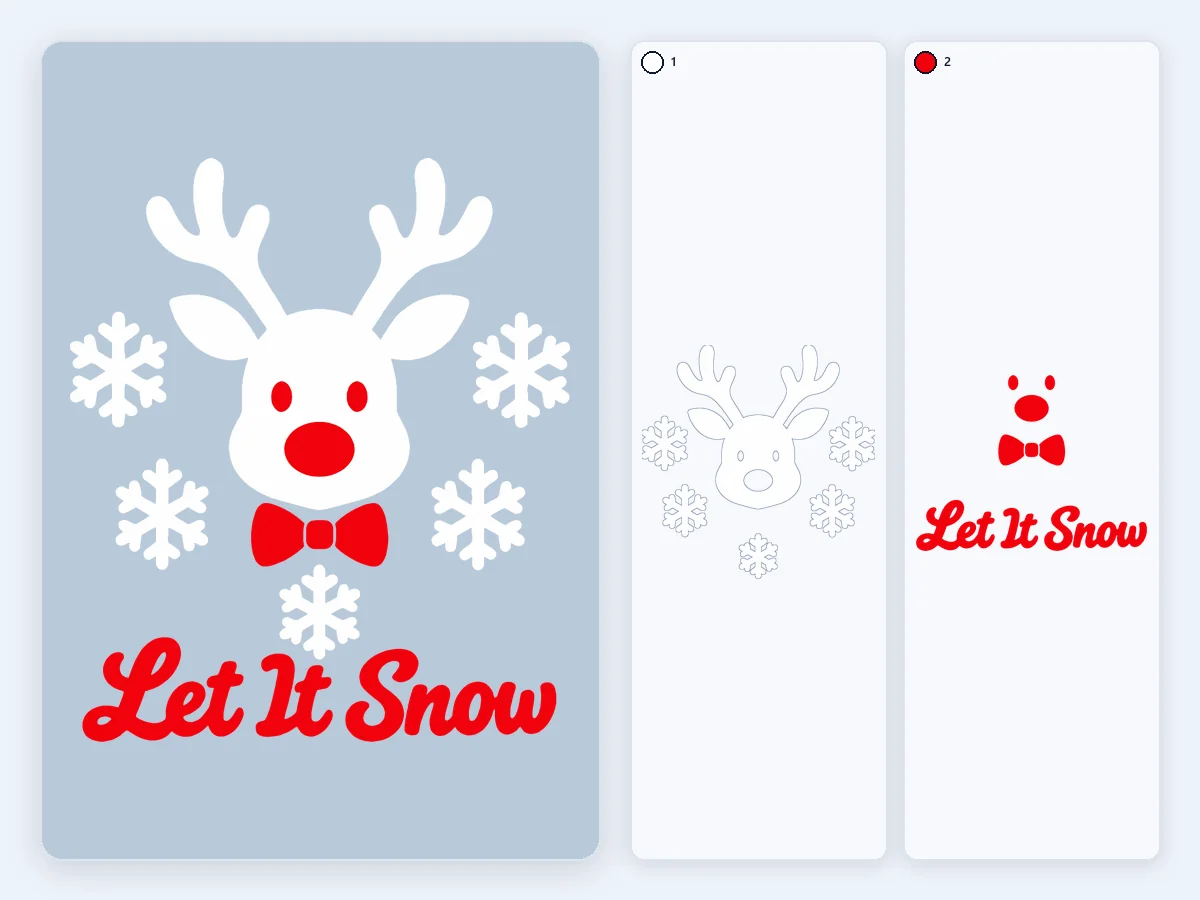
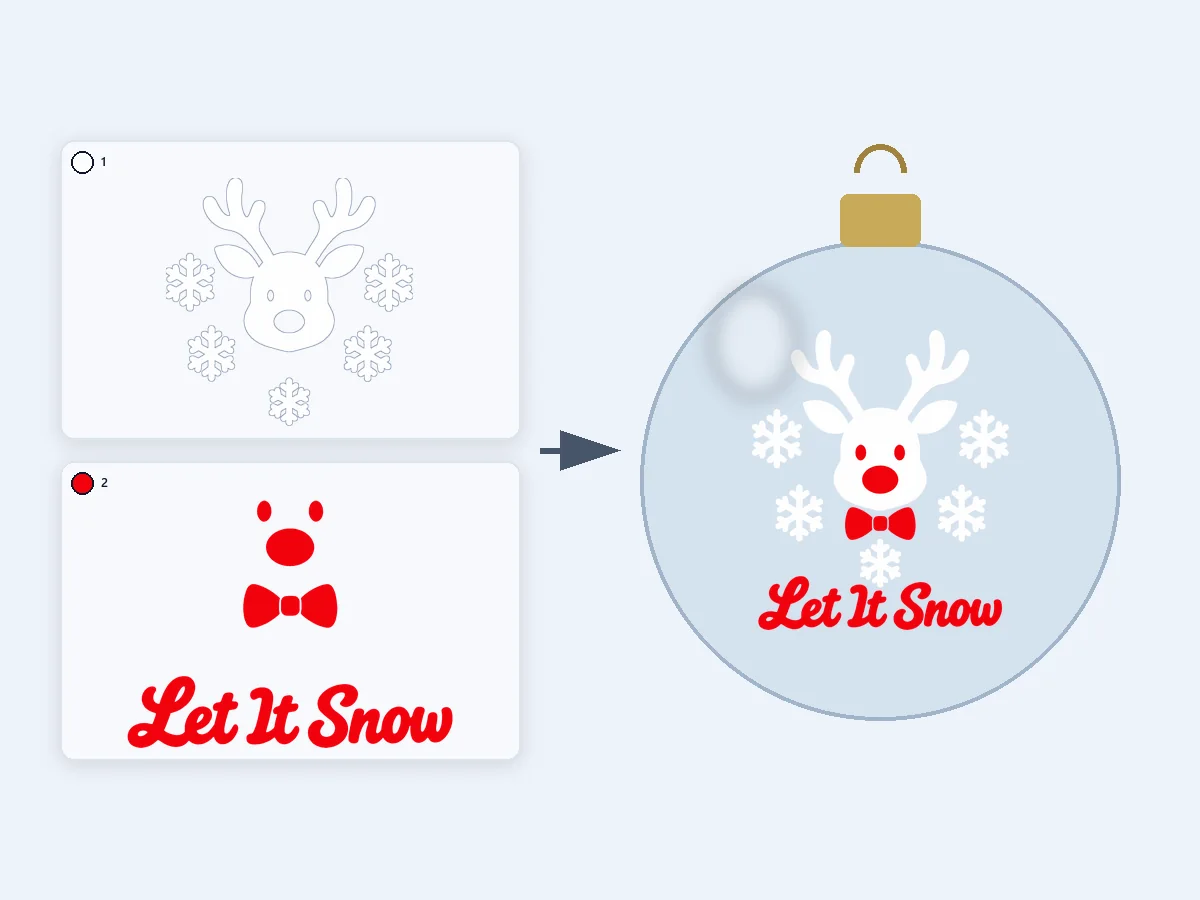
A reindeer head, snowflakes and lettering on a transparent background in white and red, as knockout layers at 3 in. The transparent area is left out by itself.
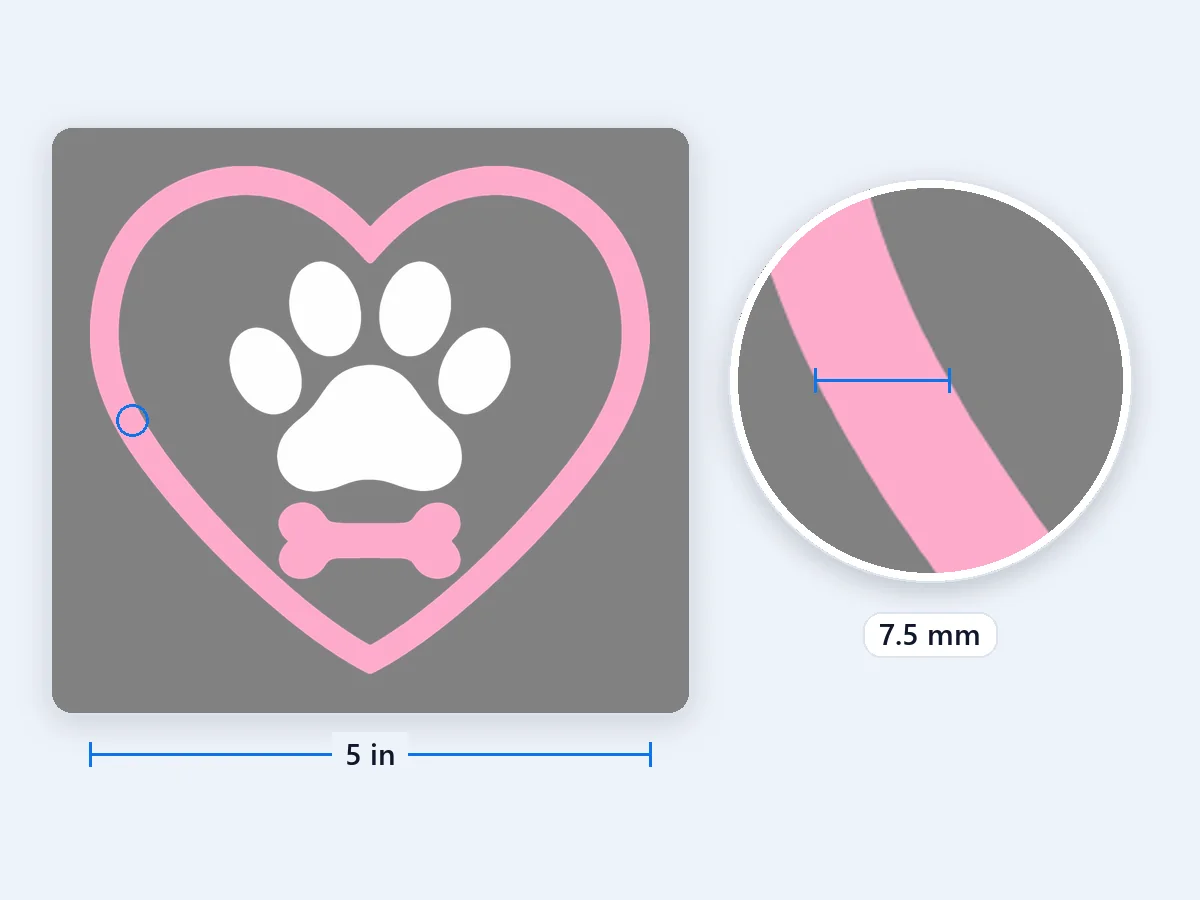
A paw print and a little bone inside a heart, in white and pink knockout layers at 5 in, a car window decal that stays one sheet of vinyl thick.
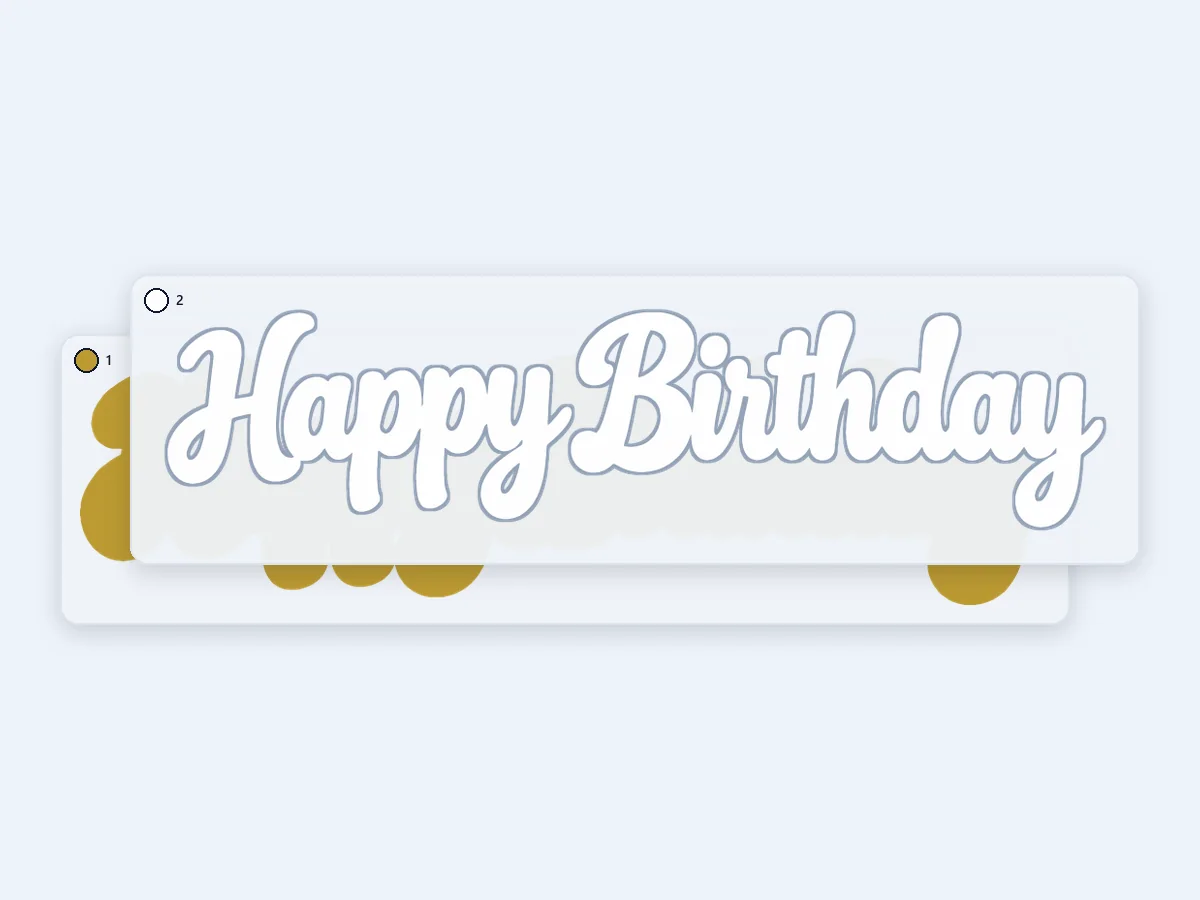
White script over a gold backing that follows the letters, stacked at 7 in for cardstock: the bottom layer is the backing, and the white letters glue on top.
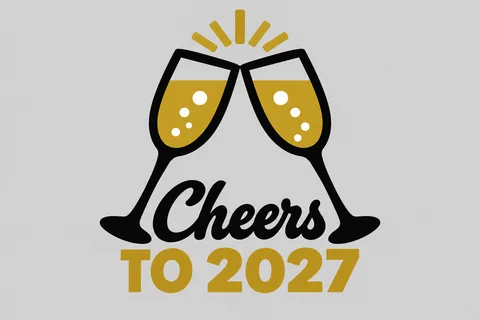
Two clinking champagne glasses and the year in gold, black and white, as knockout layers at 7 in for a New Year's Eve shirt or a party sign.
Add a picture, check the colors, download. The preview shows every layer, and the size it will cut at, before you download.
Drop, choose or paste a PNG, JPG or WebP. A transparent or white background is left out by itself, and the picture is read right in your browser, never uploaded.
The tool finds one color per vinyl for you, or you set 1 to 12. Merge, drop, recolor or rename any color, add one with the eyedropper, and mark the material color so it stays uncut and shows through.
Choose stacked or knockout layers and set the width in inches or cm. Then download the layered SVG for Cricut, one SVG, PNG or DXF per color, a layered PSD, or all of them in one ZIP.
Six strengths that take a picture from one flat file to layers your cutting machine cuts at the right size.
 Original
Small, distinct colors, such as a tiny red heart or a thin accent, keep a layer of their own. The soft fringe colors along every edge are merged automatically and listed, so no layer holds only a thin outline. White inside a letter, the hole of an O or an A, stays open when the material is white, so there is no ring of white vinyl to weed.
Stacked layers put each color on a full piece under the colors above it, so heat never opens a gap. Knockout layers cut each color only where it shows, one sheet thick, and reach 0.25, 0.5 or 1 mm under the next layer to hide small shifts. Either way the layers come together exactly like your picture.
Set the width in inches or centimeters, and the SVG is written in inches or millimeters, so it opens in Design Space at that size, ready to cut. Every other file carries the same size, from the DXF to the PSD.
Download one SVG with a named group per color, stacked bottom to top, or one SVG, PNG or DXF for each color, named with its place in the stack and its HEX. A layered PSD with one layer per color and a ZIP of everything are free too.
Turn on registration squares and every layer gets two 5 mm squares in exactly the same place, so adhesive vinyl lines up through transfer tape. The layers come in order: outer shapes and the base at the bottom, the small pieces they enclose on top. Move any layer up or down, and mirror the files for software that cuts them exactly as they are.
Before you cut, the tool measures the design at its finished size and points out lines under 0.3 mm, gaps under 1 mm, pieces under 2 mm² that are slow to weed, more than 4 layers of iron-on and more than the 5,000 paths Cricut Design Space reads. Notes on lines, gaps and small pieces name their color, so you can merge or drop it first.
What a layered SVG is, how to make SVG files for Cricut from your own pictures, and how to upload, layer and size them.
A layered SVG is one SVG file that keeps each color of a design as its own group of shapes, stacked from bottom to top, so a cutting machine cuts every color from its own material. Cutting machine software reads each group as a layer, and the colors line up again when you put them together. A good cut file holds only filled, closed shapes, real units such as inches or millimeters, and one group per vinyl color. That is exactly what this tool writes, with each group named after its color and its place in the stack.
Open your picture on this page. The tool reads the colors and gives each one its own layer, so there is no tracing every color by hand: fringes along the edges are merged and listed, and you can merge, drop or add colors until each one matches a vinyl you own. Mark the material color: on white vinyl, a white shirt or white card, the white parts stay uncut and show through. Choose stacked or knockout, set the width you will cut, read the notes, then download the SVG. It takes seconds in your browser, and the picture is never uploaded.
In Cricut Design Space, select Upload on the design panel to the left of the Canvas, then Upload Image, and browse to the SVG. Continue, name the image and select Upload: it lands on the Canvas as one group, with a layer for each color. An SVG keeps its size when it is uploaded, so the design arrives at the width you set here. Ungroup it to move, hide or resize a single color, and use Attach in the Layers panel on pieces you want cut in the same arrangement. Select Make It and each color goes to its own mat. Design Space reads up to 5,000 paths in one SVG, and this tool counts them before you download.
Stacked layers suit heat transfer vinyl: each color is a full piece under the colors above it, so nothing gaps when the vinyl shrinks under heat. Knockout suits adhesive vinyl and soft prints: each color is cut only where it shows, the decal stays one sheet thick, and a 0.5 mm overlap under the next layer hides small shifts. For iron-on, check that every mat is mirrored in Design Space (it turns Mirror on when you pick an iron-on material), press the lower layers for a few seconds each and give the top layer the full time, with glitter or holographic vinyl on top. For adhesive vinyl, turn on registration squares, lift each layer with transfer tape and set its squares on the ones below.
Iron-on presses cleanly up to 4 layers, so the tool notes a design with more and lets you merge similar colors; adhesive vinyl, cardstock and papercraft take more. The finished size decides what cuts well: lines under 0.3 mm tend to tear as you weed, gaps under 1 mm are fiddly to clear, and pieces under 2 mm² are easy to lose. When a note names a color, cut the design larger or merge that color away. Specks under 0.5 mm² are cleaned up for you, and a design that needs more than 5,000 paths is flagged before it reaches Design Space.
Silhouette Studio Designer Edition and up opens the layered SVG directly, with each color as its own group. In the free Basic Edition, open the DXF files instead, one per color, named in stacking order with their HEX. A DXF can open at another scale, so turn on registration squares here and check that they measure 5 mm after importing. Brother ScanNCut owners import the SVG in CanvasWorkspace, which sends it on to the machine. Whatever the software, the files carry the same layers and the same size.
Flat colors with clean edges cut best: logos, lettering, clip art, badges and sticker designs. Two to five colors make a light stack that is quick to weed. For a photo or a hand drawing, make one-color line art first with the Line art preset of PNG to SVG, a single layer that cuts clean. No design yet? Create one with the AI sticker generator, which uses credits, then split it into layers here for free.
Four everyday projects for a free SVG with layers, cut on Cricut, Silhouette and other cutting machines.
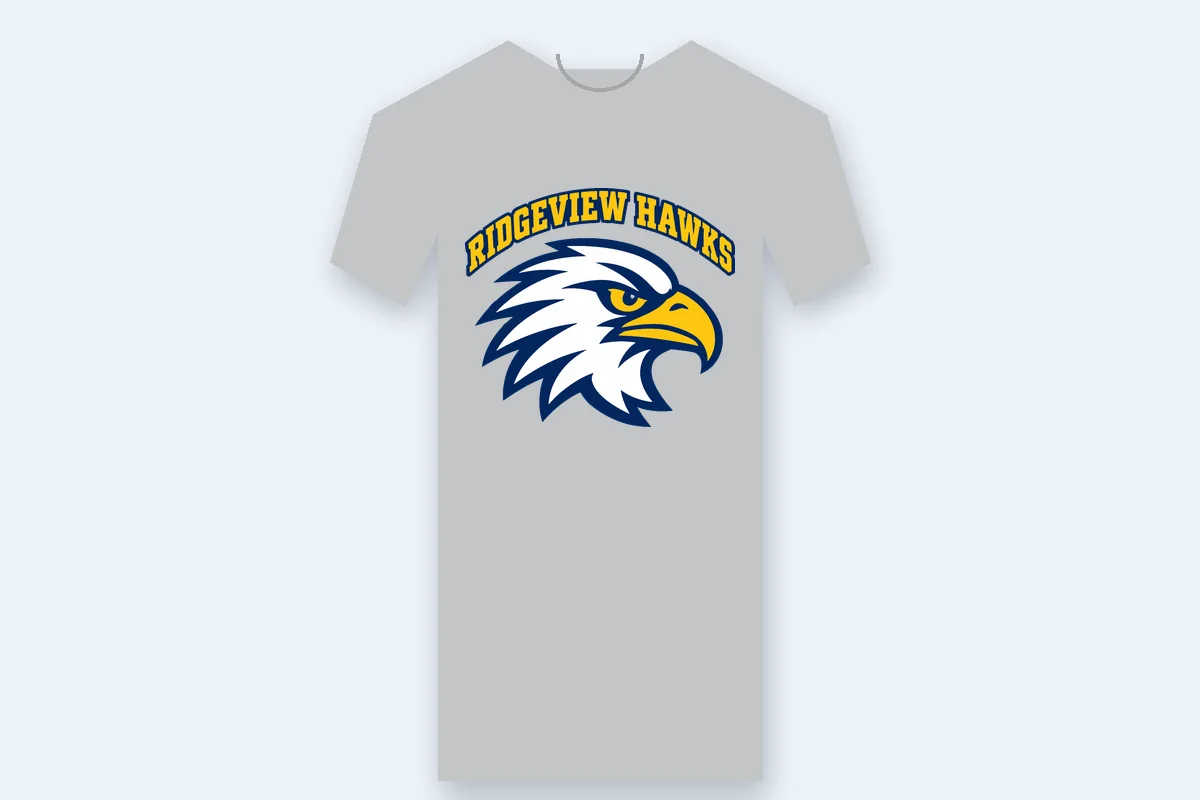
Team shirts, birthday tees and holiday sweatshirts in two to four colors of heat transfer vinyl, stacked so nothing gaps after pressing.
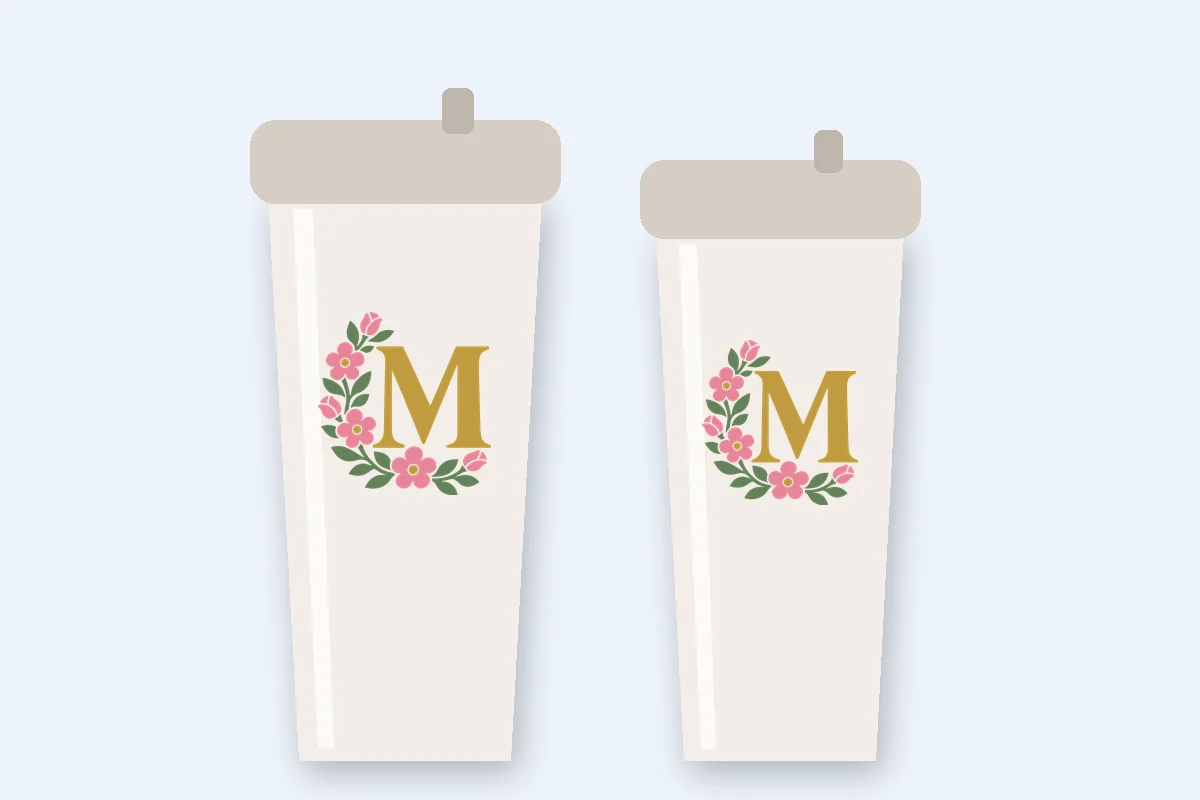
Adhesive vinyl monograms, names and holiday decals in knockout layers, one sheet thick on a curved surface.
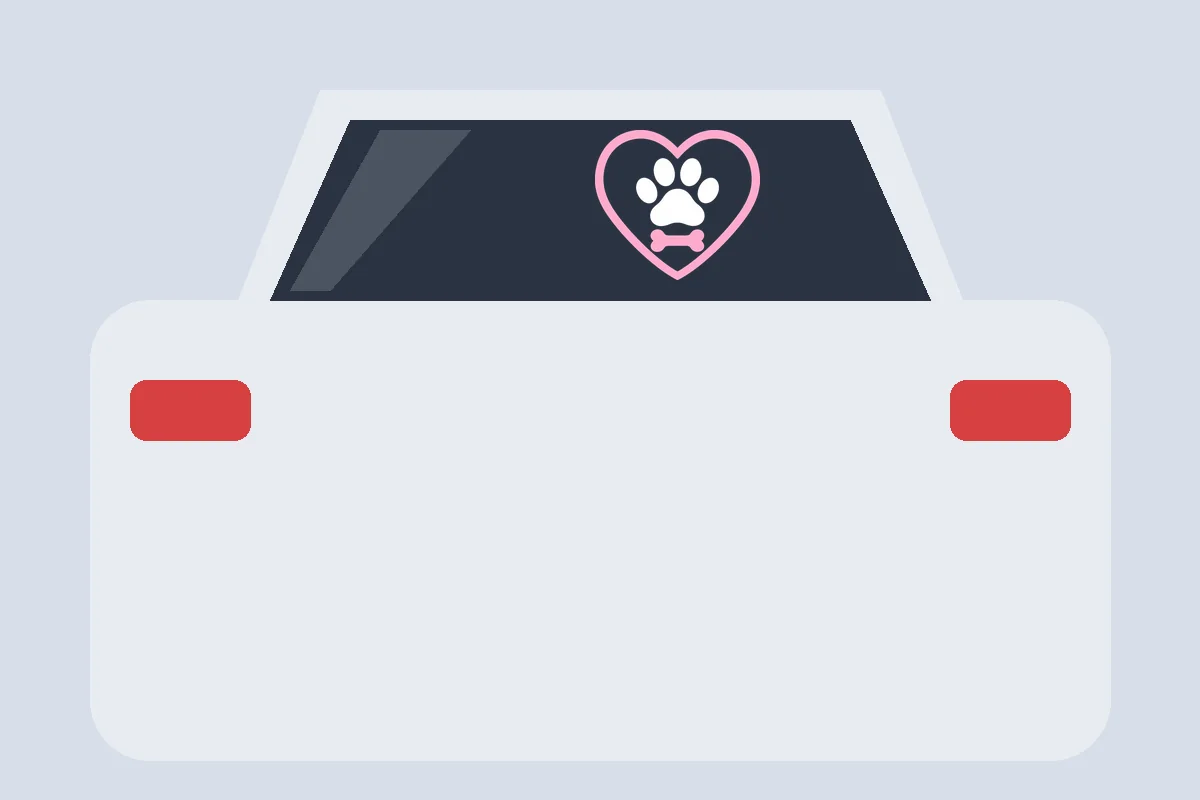
Outdoor vinyl for car windows, shop windows and laptops, every color lined up with registration squares through transfer tape.
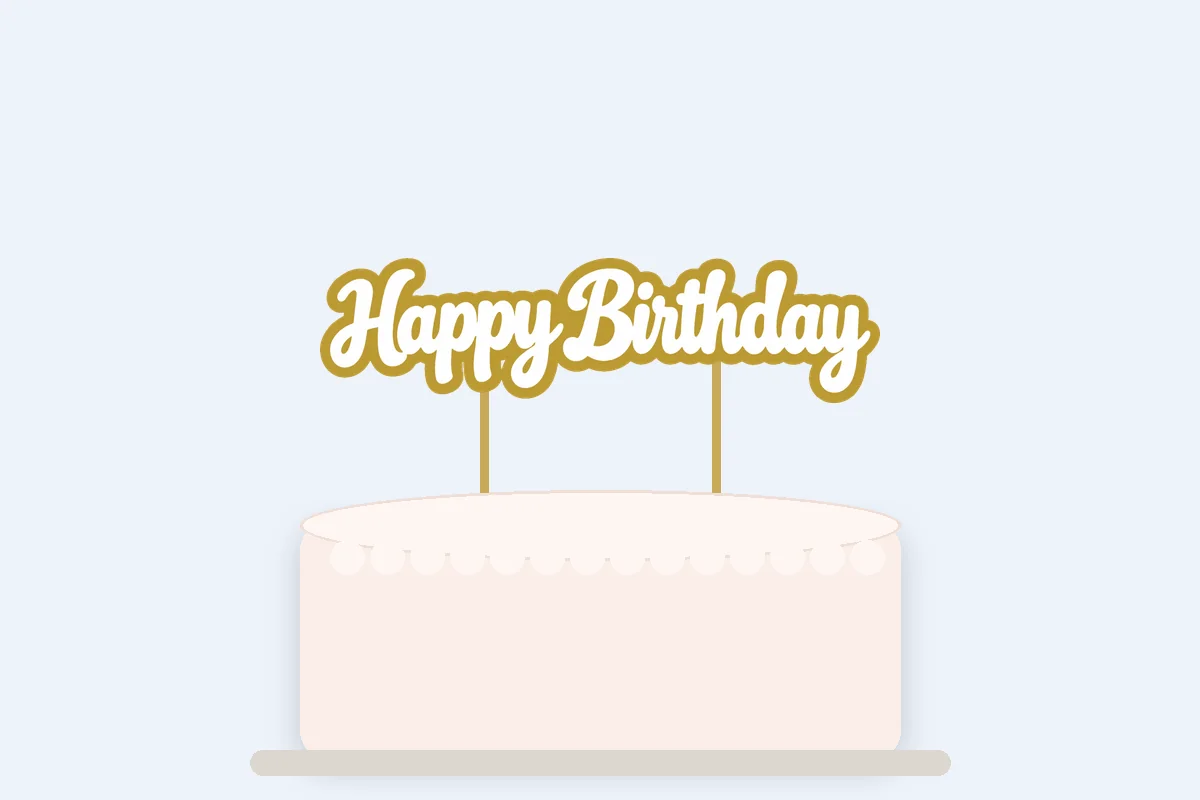
Cardstock cards, cake toppers and layered paper art, each color cut from its own sheet and glued in order.
Price and privacy, uploading to Design Space, SVG or PNG, layering vinyl, Silhouette and Brother.
Drop a picture, check the colors and download a layered SVG with one layer per vinyl color, at the size you cut. Free in your browser, nothing uploaded.
Split into layers