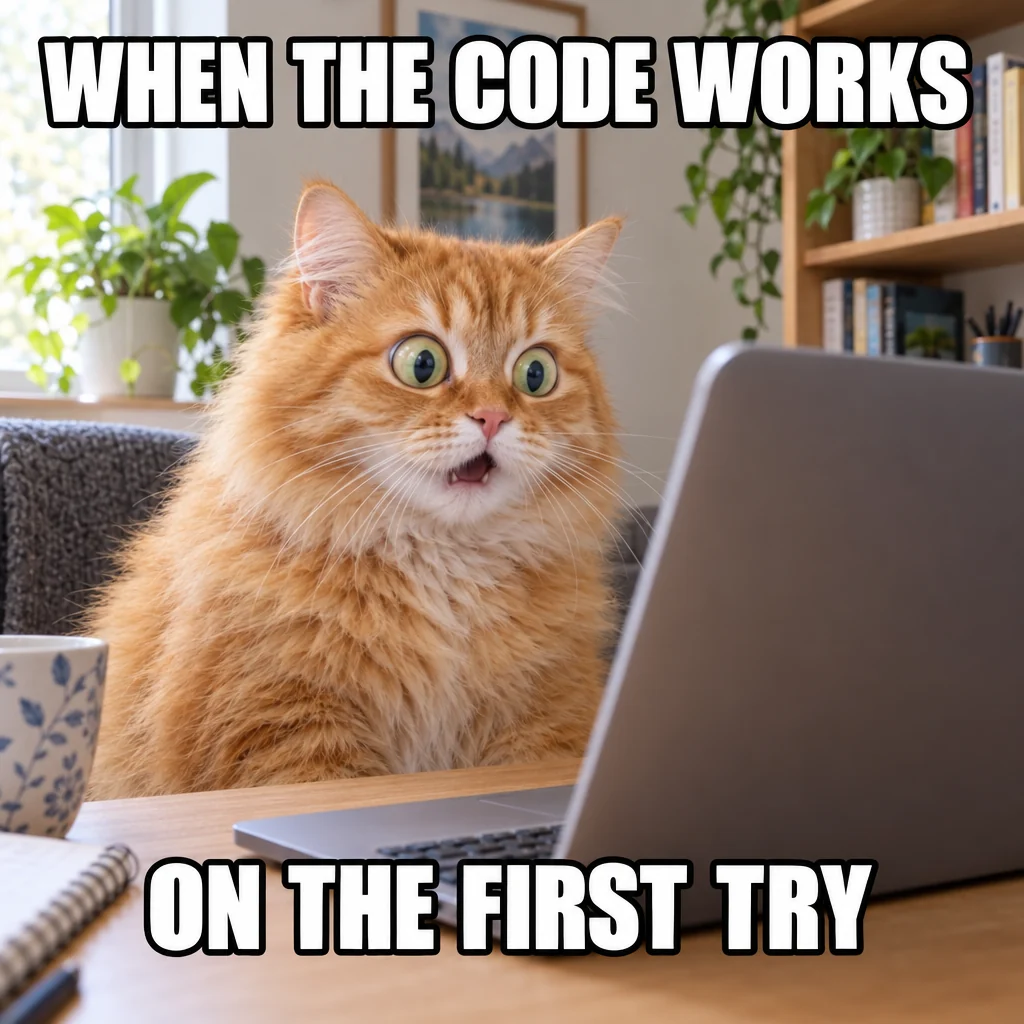
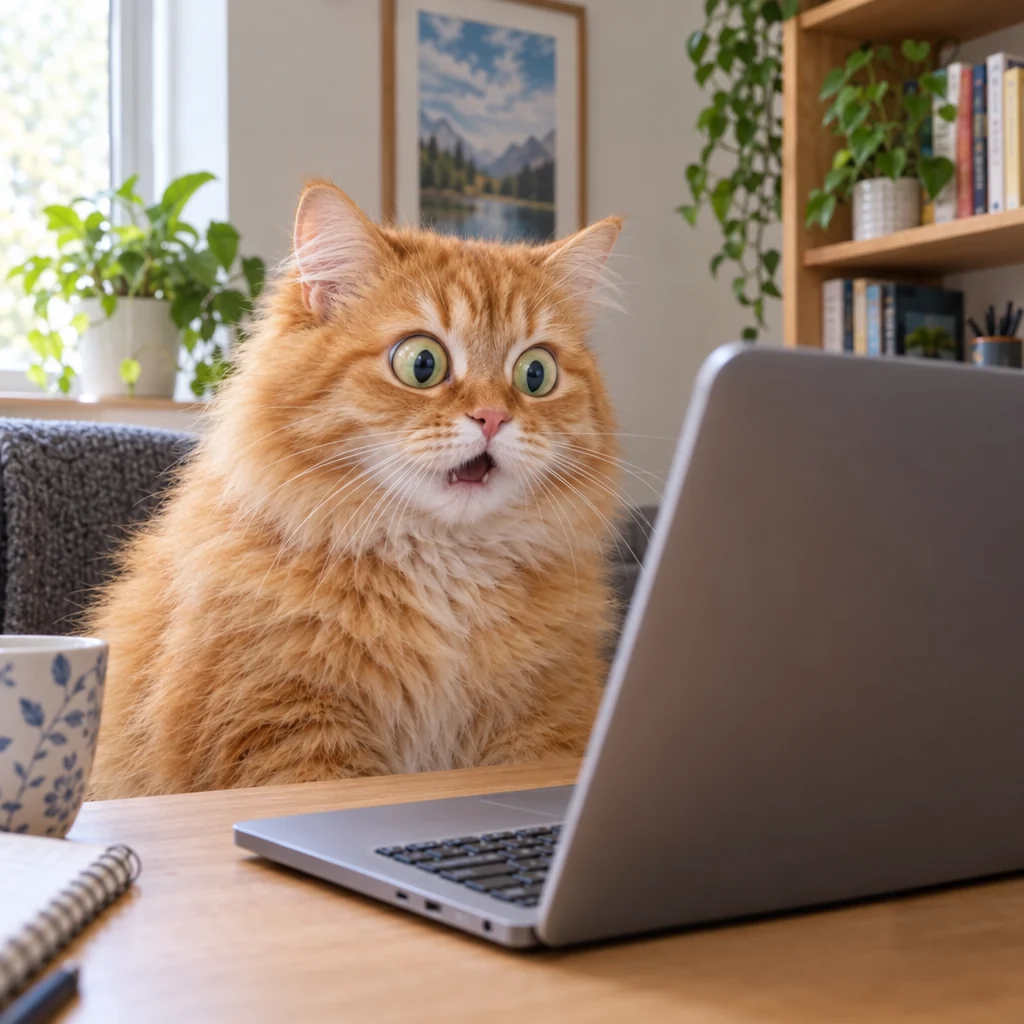
Meme: both captions removed
- WHEN THE CODE WORKS
- ON THE FIRST TRY
Thick white outlined letters gone; the cat, the laptop and the shelves are untouched.
Remove text from image files in one click: this AI text remover finds every word, erases it and fills the background at full resolution. Everything else stays exactly as it was, and any line you want back returns with one click.
Finds and removes every line; the rest stays as it was. Bring any line back in the result.
Try one of these
No Photoshop and no clone brush: a clean picture in about half a minute.
Upload or paste a meme, product photo, poster, sign photo or comic page as JPG, PNG or WebP.
Leave All text on and every line is found for you; name anything to keep, like a brand. Or switch to Brush and paint over just the words you want gone.
In about 30 seconds the words are gone. Bring back any line in the result, then download a PNG at the original size or a layered PSD.
Every picture here was made with our own image model, then cleaned with this AI text remover: meme captions, a date stamp, Chinese signs, comic speech bubbles and a magazine cover. The perfume ad kept its brand name on purpose.
Thick white outlined letters gone; the cat, the laptop and the shelves are untouched.
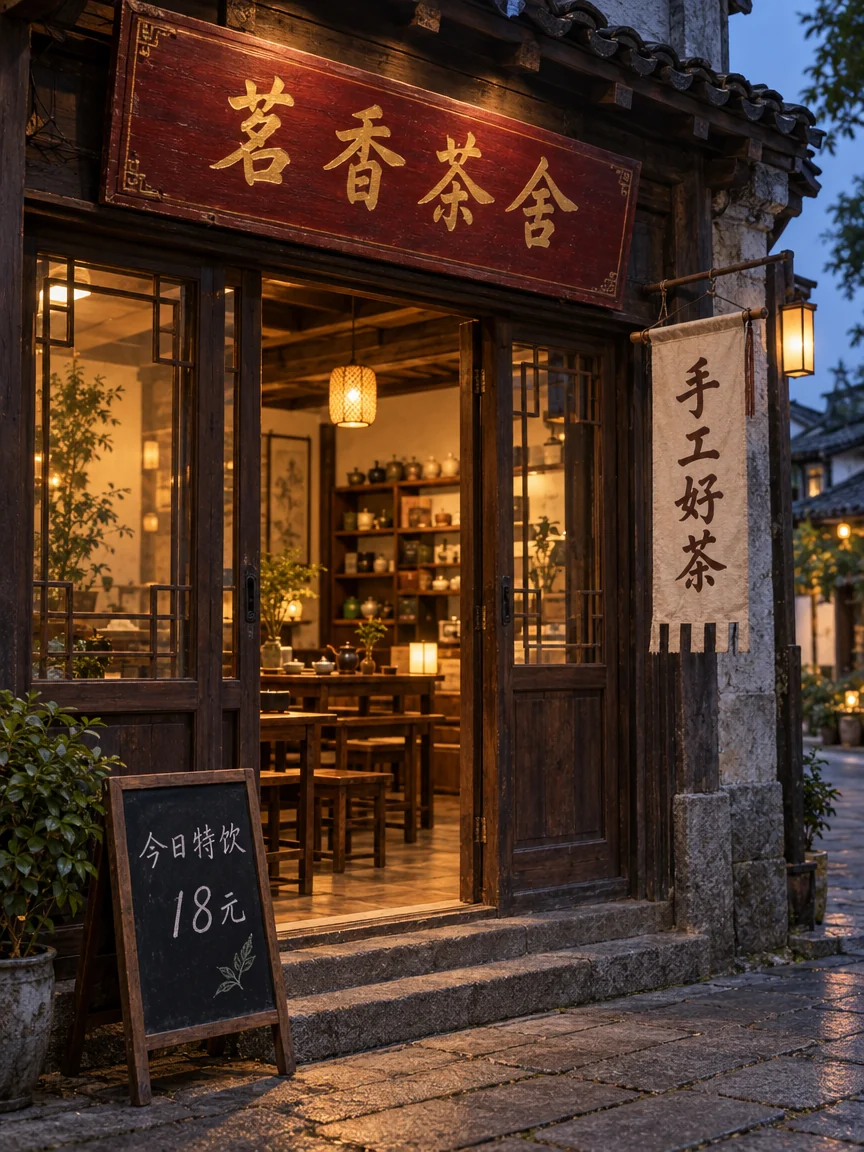
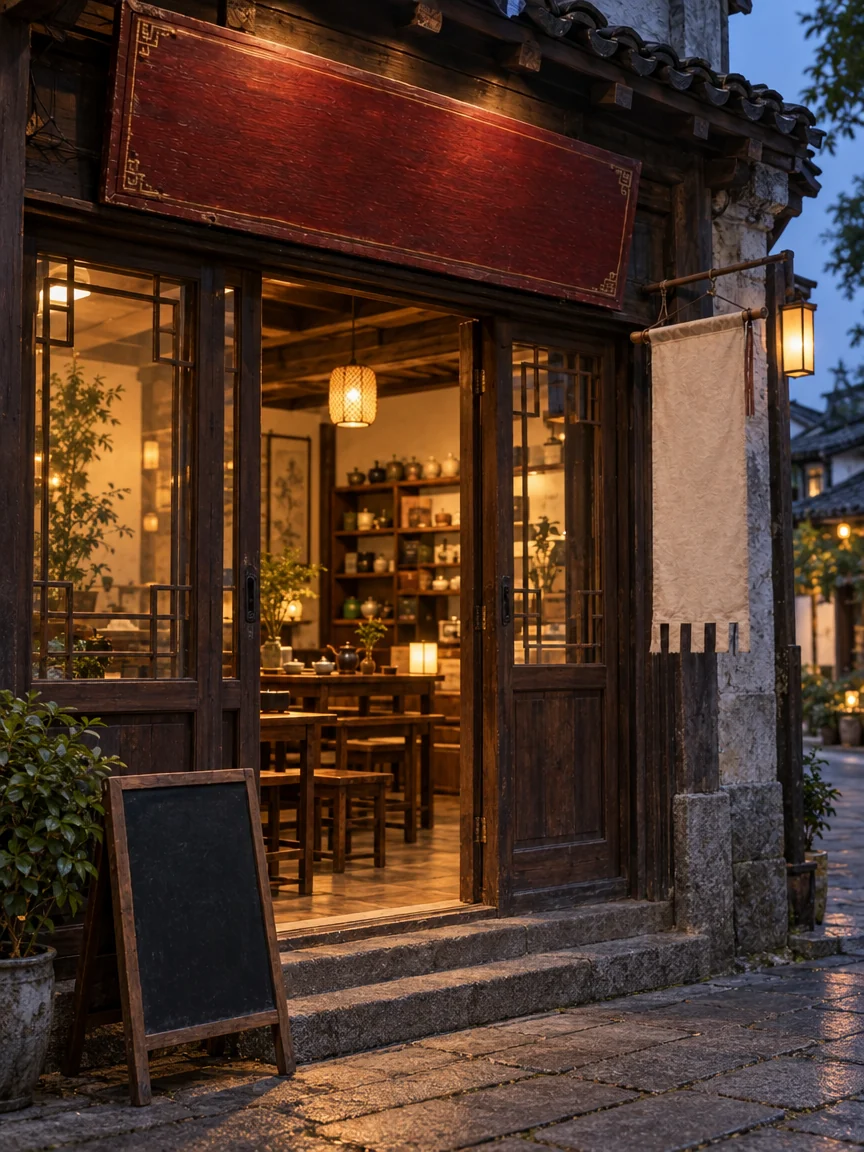
The gold signboard, the hanging banner and the chalkboard are blank, wood grain and cloth folds kept.
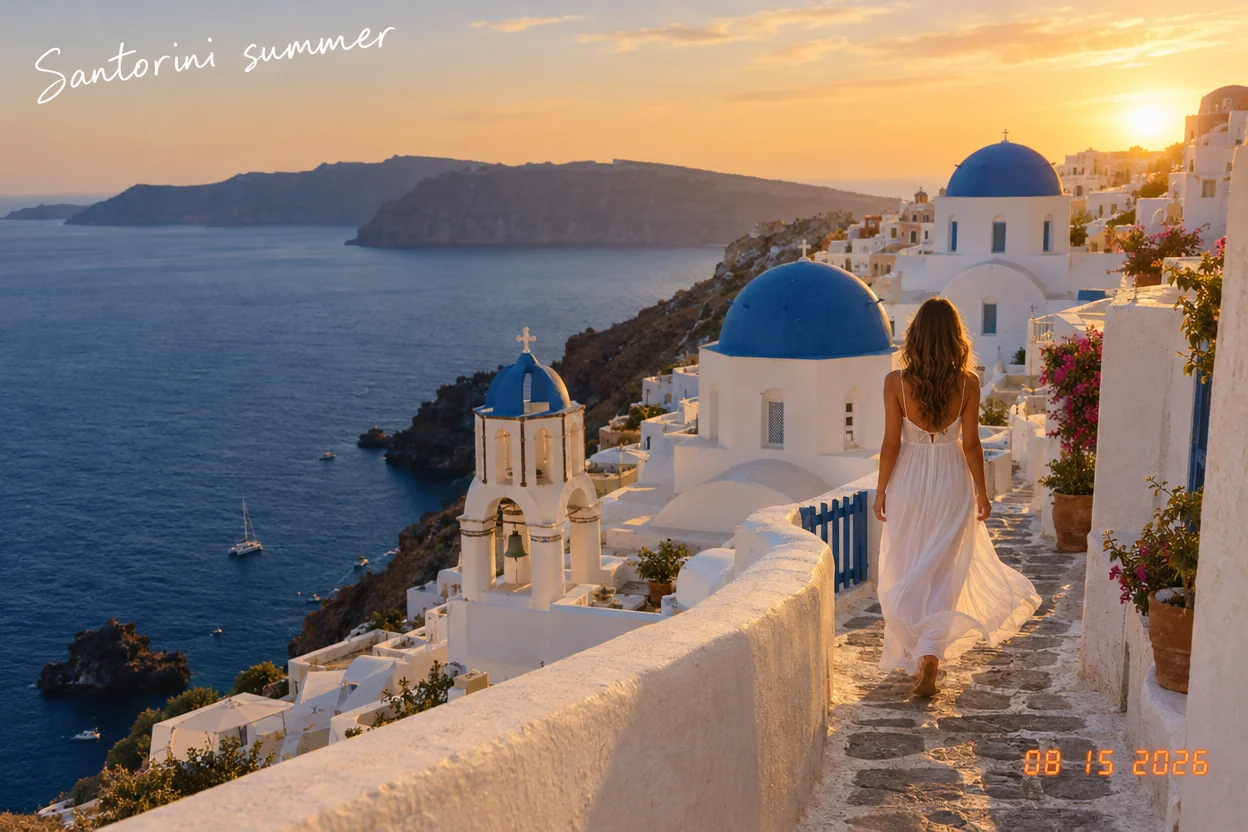
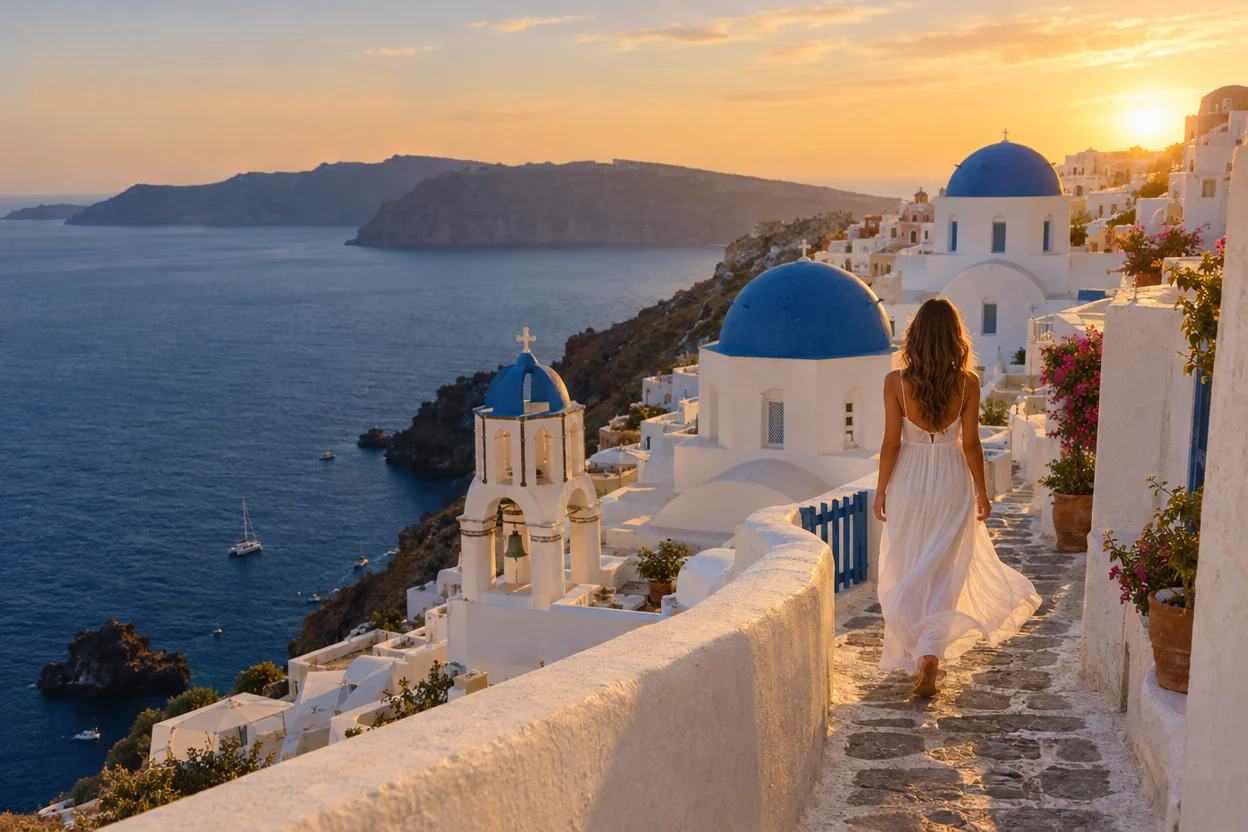
The handwritten caption in the sky and the orange date in the corner, gone from a photo you would want to print.

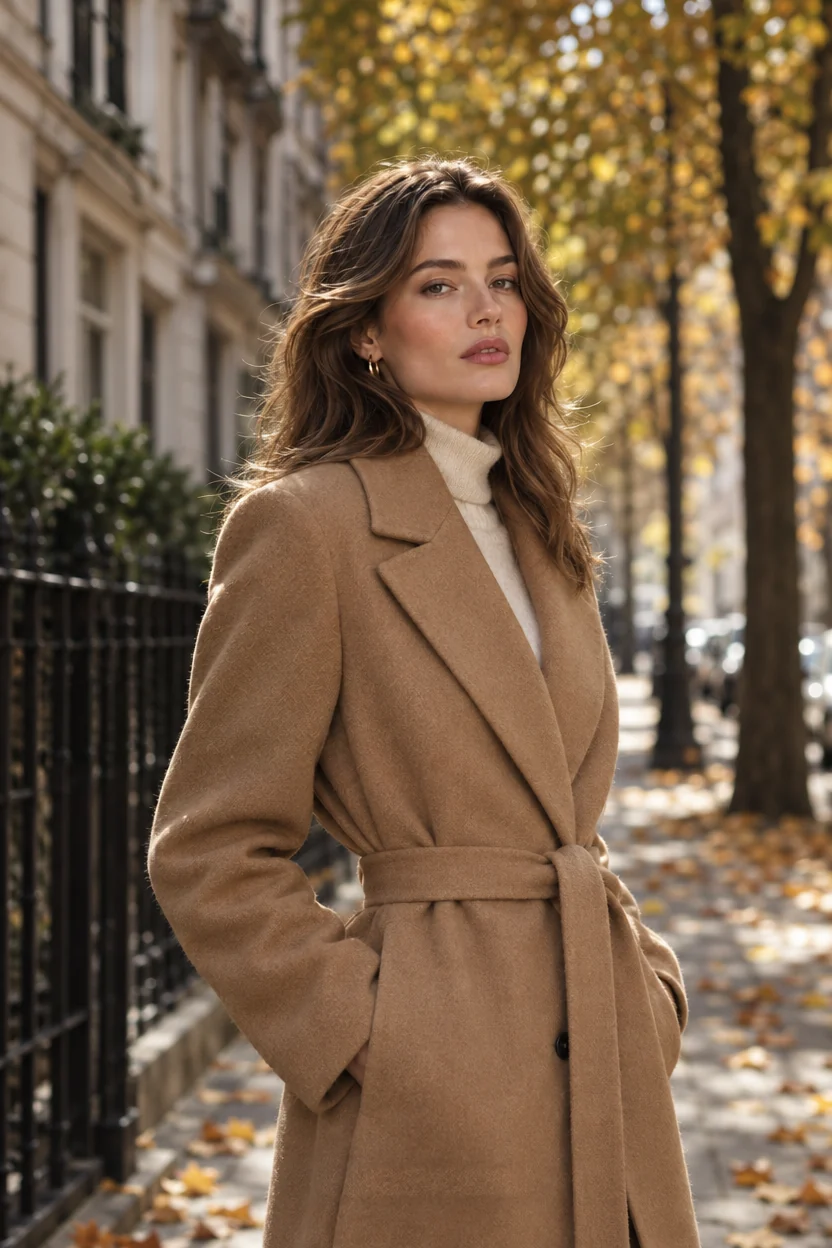
The masthead behind the model, the headline and the small print, leaving a clean editorial photo.
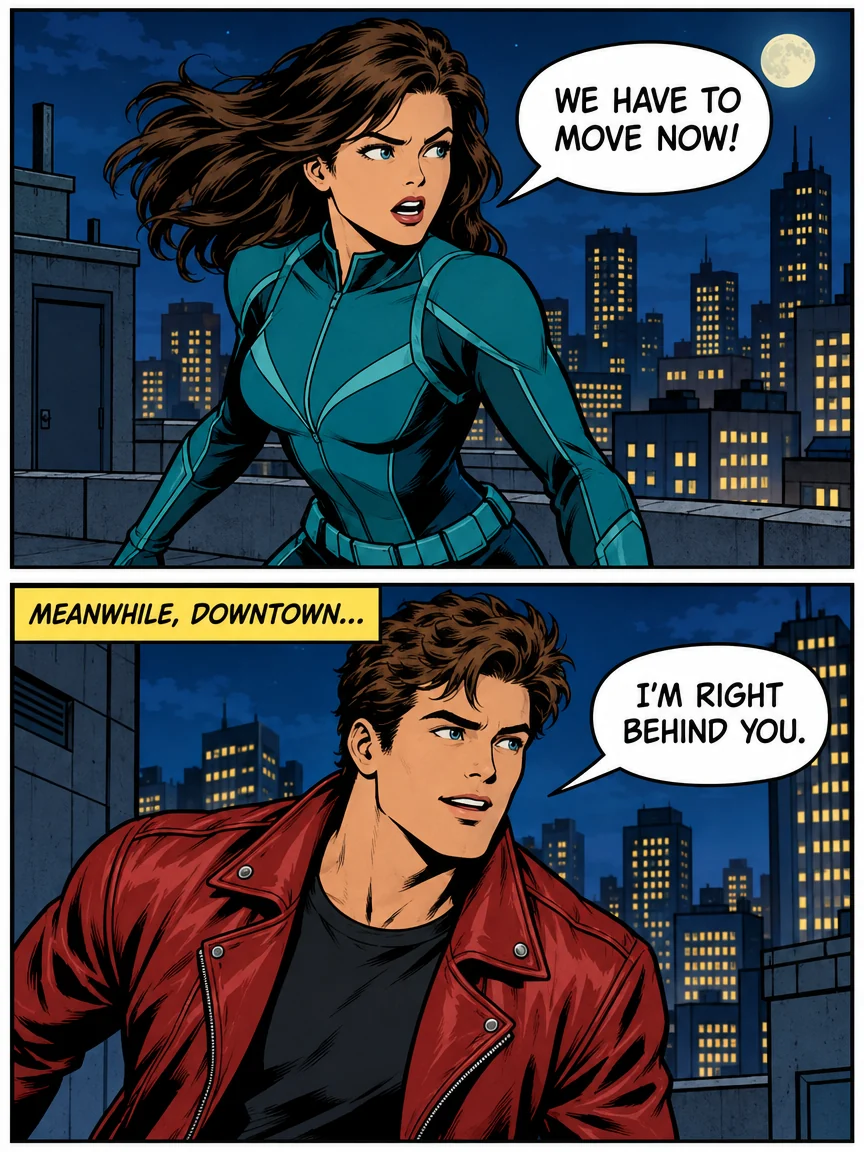
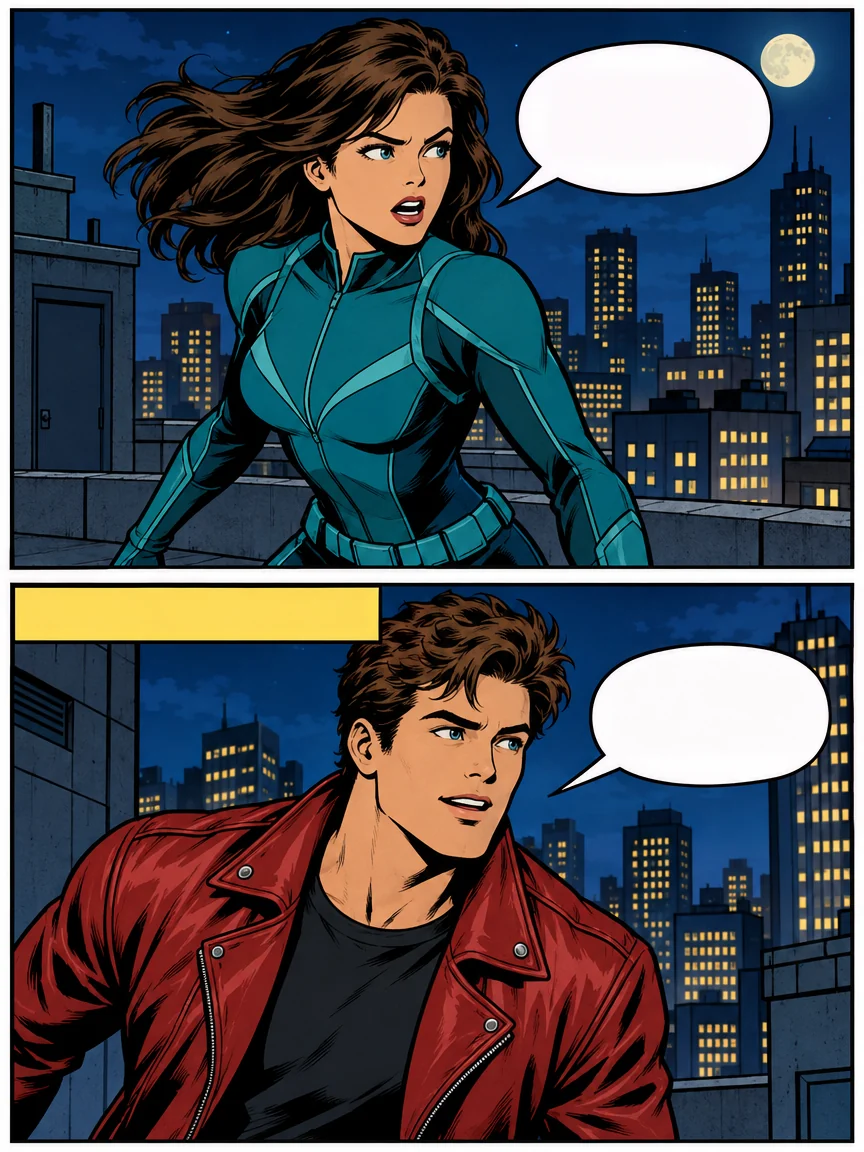
Lettering out of two bubbles and a caption box; the bubbles and the art stay, ready for new words.
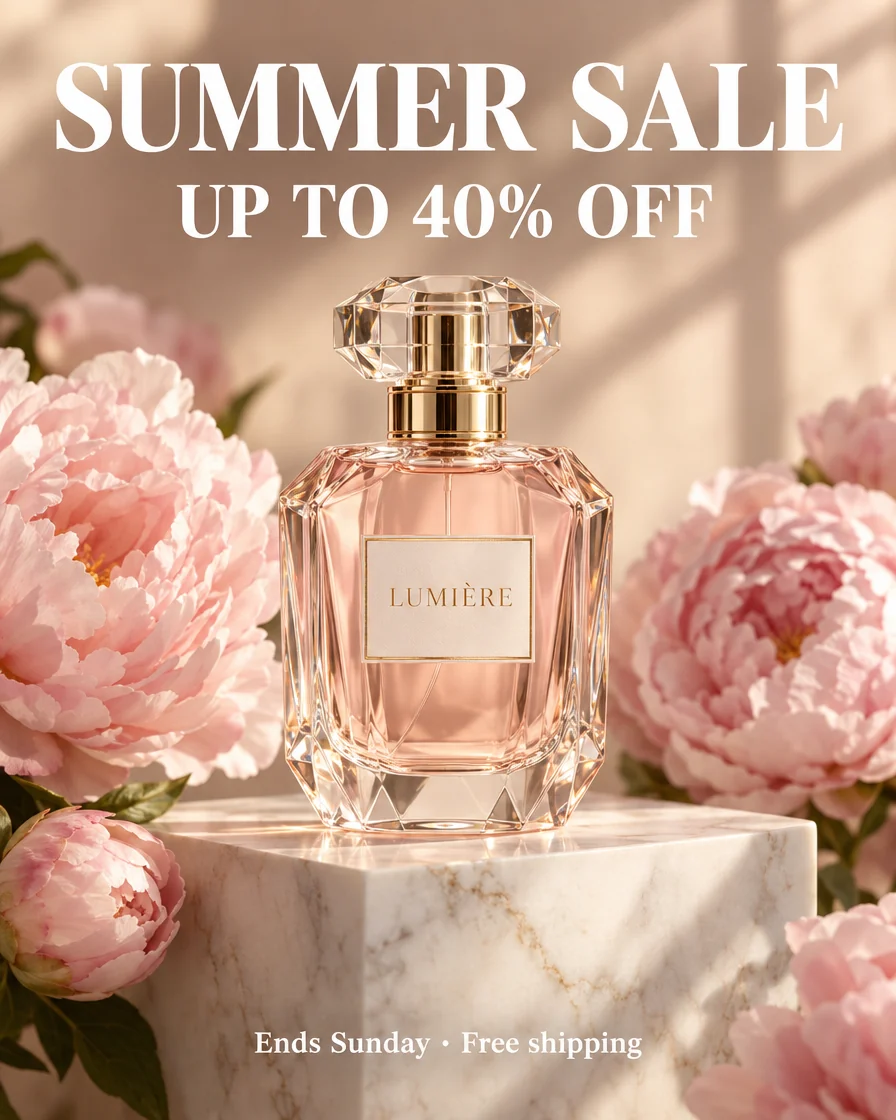
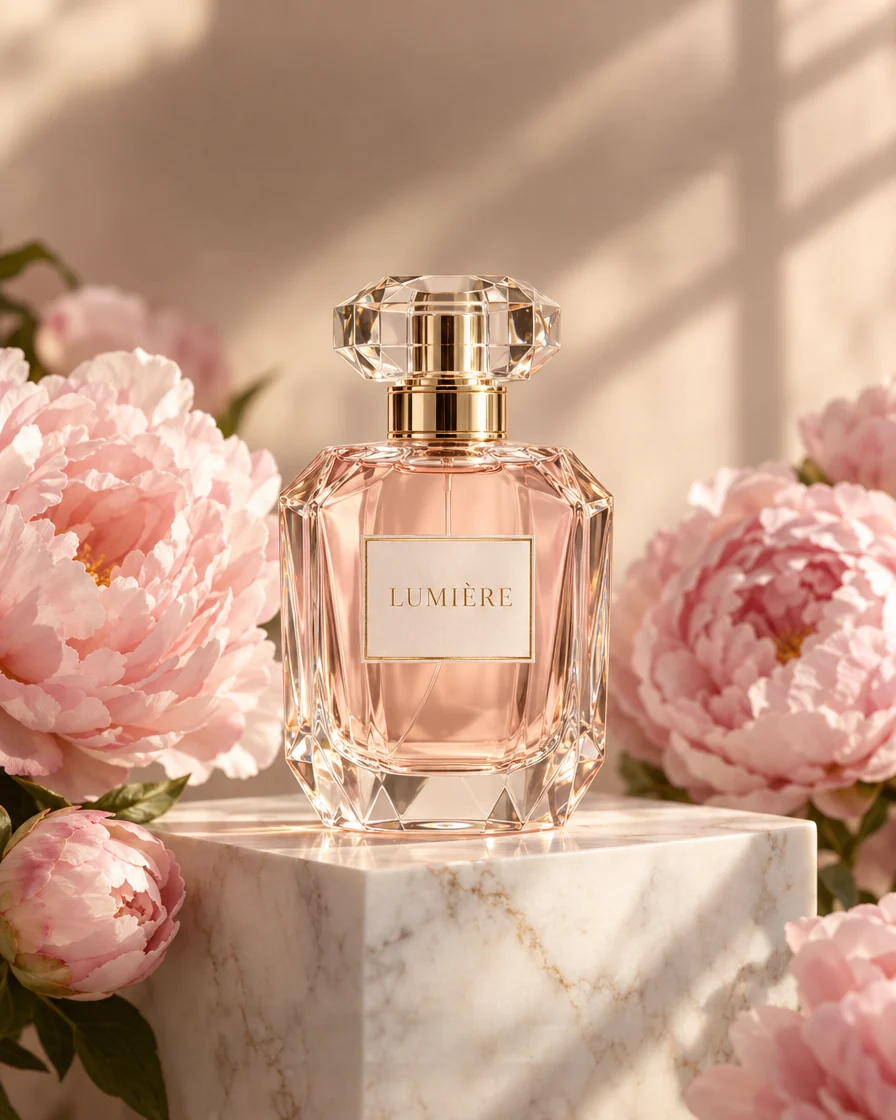
Asked to keep the brand, the tool removed only the promotion around the bottle.
Like any text removal, it is strongest where the background is easy to see around the words. Here is what to expect.
If one line stays or something looks off, bring the line back, paint it with Brush or run the picture again.
An AI text remover that only touches the words and lets you choose what stays.
All text mode reads the whole picture, captions, signs, labels and bubbles alike, and removes every line in one run for one price.
We lay the result back over your original and keep the new pixels only around the words, so faces, products and backgrounds keep their exact pixels at full resolution.
The result lists every line it removed. Want the logo or the price back? One click restores it in your browser, and the downloads follow, with no new run.
Switch to Brush and paint over just the words you want gone, for 2 credits; only the painted area is erased.
Remove Chinese, Japanese or Korean text as well as Latin, from shop signs to vertical manga lines.
Download a Photoshop file with your original at the bottom and every cleaned area on its own layer: hide one and the text is back.
Five things that make every removal come out clean.
In Photoshop you would select the words and use Content-Aware Fill or Generative Fill. Here the words are found for you and the background is filled in one run, at the original size.
Type what to keep before you run, for example the brand name, and those words are left alone. After the run, any removed line can come back with one click.
Tiny print, text on a busy pattern or text you only want gone in one place: switch to Brush, paint over it with a little margin and run. Only the painted area is erased.
On comics and manga the lettering goes and the bubbles stay, ready for your own words. Then open the result in Edit text in image or Translate text in image.
The PNG is the clean picture at its original size. The PSD keeps your original as one layer and each cleaned area as another, so you can bring a word back in Photoshop.
From online shops to meme makers, people need to remove text from image files every day.
Clear old prices, sale stickers and promotions from your own product photos and banners.
Get a clean meme template to write your own caption on.
Take date stamps and old captions off photos before printing or posting.
Reuse a poster or an ad: clear the old words and set new ones.
Quick answers about removing the words from a picture.
Add a picture and get a clean version, everything else untouched, in about 30 seconds.