Start with depth behind the subject
A street, a park or a room stretching away gives the blur something to work with. Keep a little space between the subject and the wall behind it.
Blur background of a photo the way a portrait lens does. AI finds your subject and reads how far away everything is, so the ground at its feet stays sharp, the far background melts away and lights turn into soft bokeh. Set the strength, then download at full size.
Blur the background of any photo by depth, like a portrait lens, with the subject kept sharp.
Try one of these
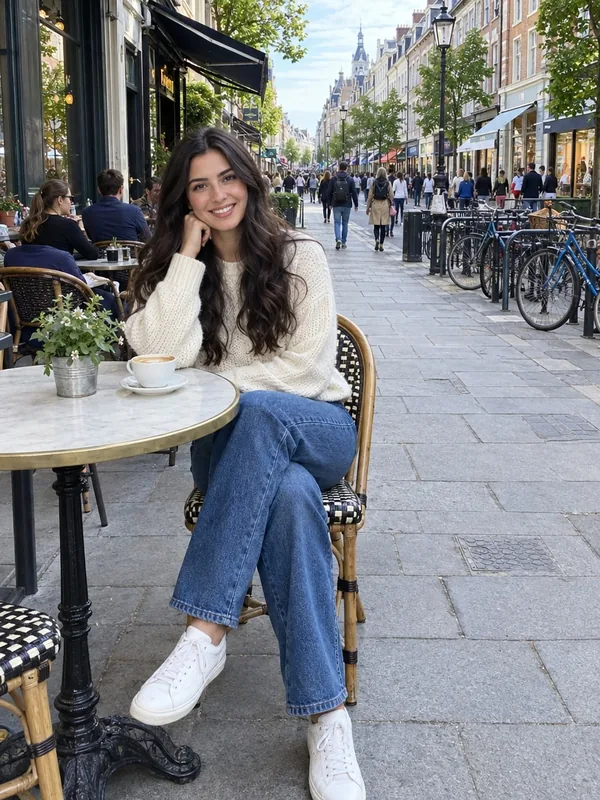
Eight phone photos, sharp from front to back, each given a blurry background by this tool. Use one to try every setting.
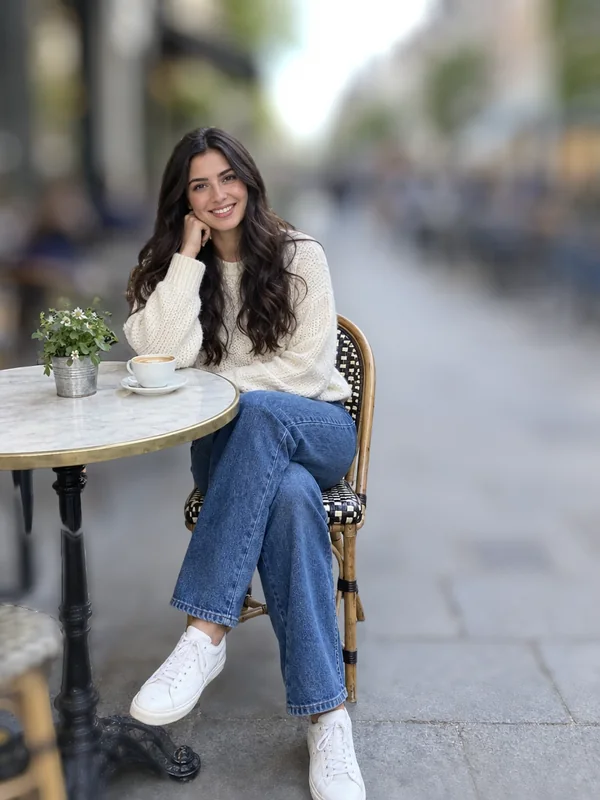
The busy street behind her melts away while her table and chair stay crisp.
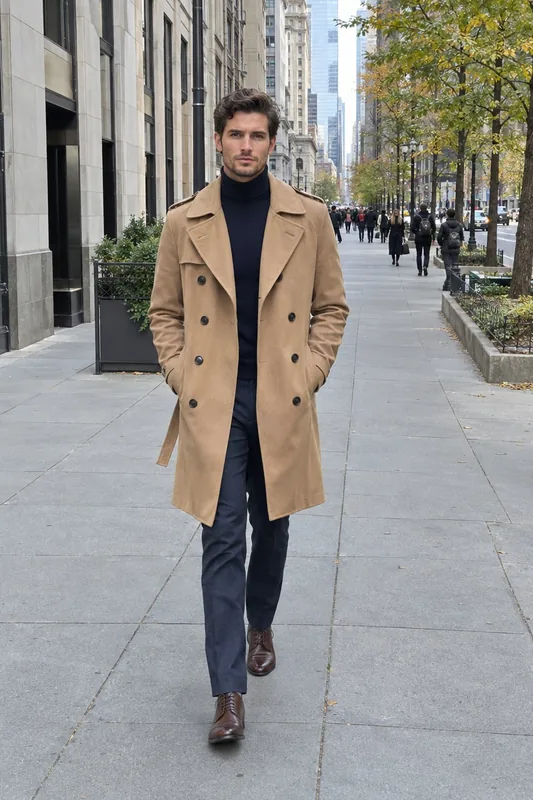
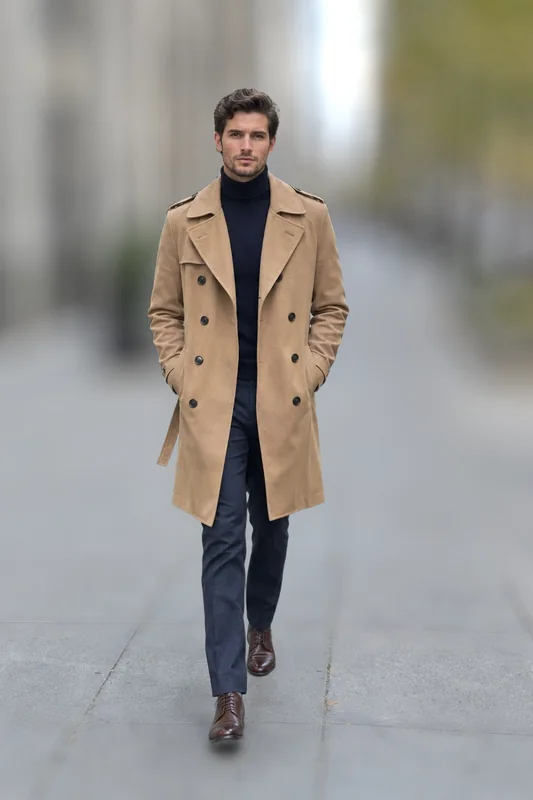
The sidewalk stays sharp at his feet and blurs more with every step into the distance.
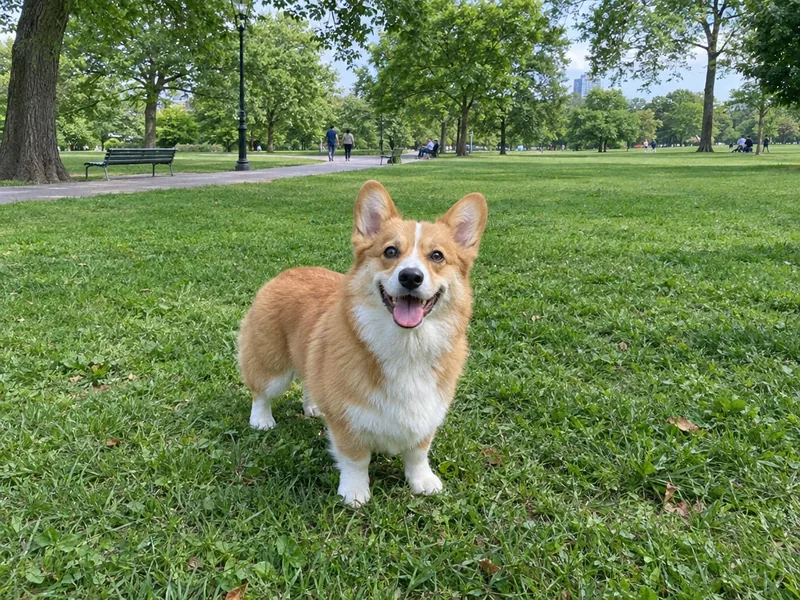
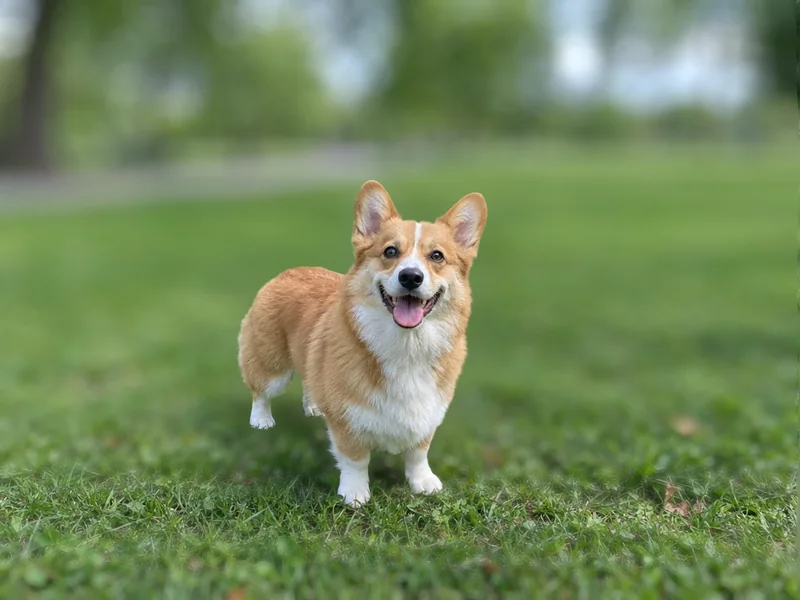
Grass sharp around the paws, the trees behind turned into soft green light.
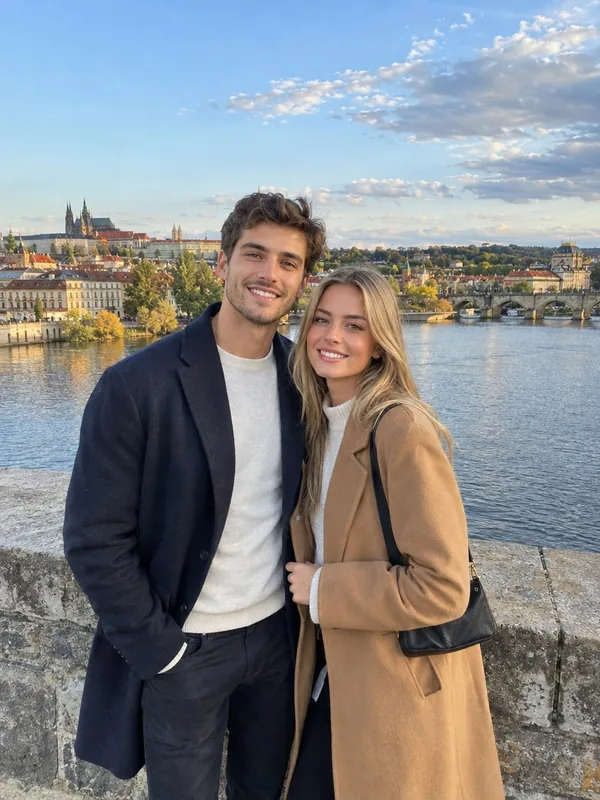
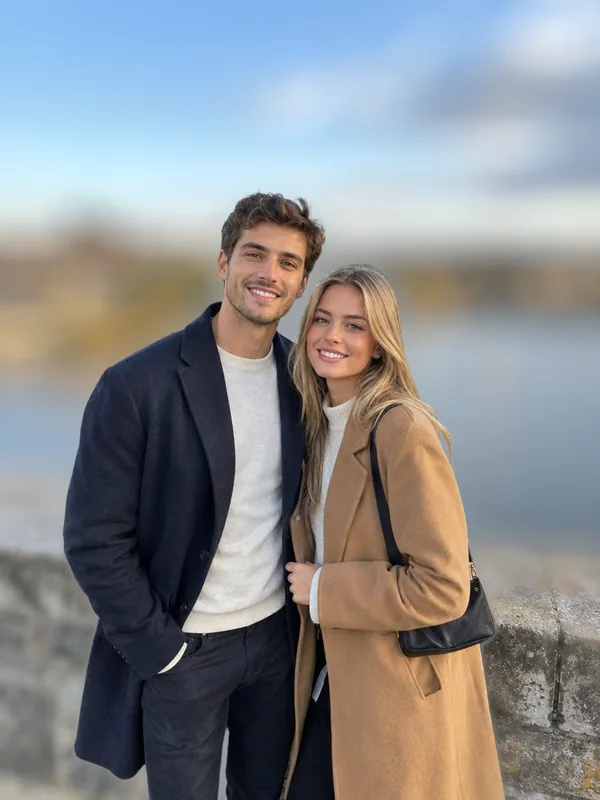
Two people kept sharp, the river and skyline behind them blurred like a lens at f/1.8.
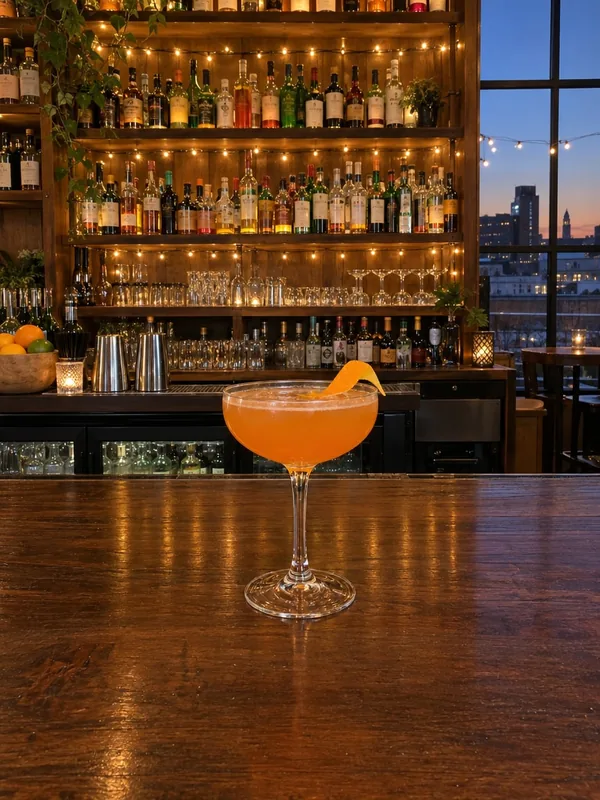

Shelf lights bloom into round bokeh behind the glass, the counter softly fading in front.
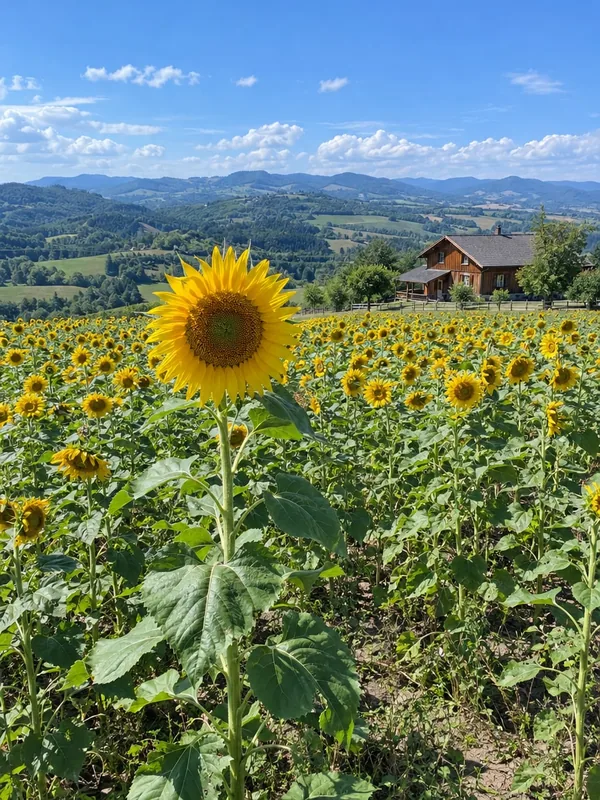
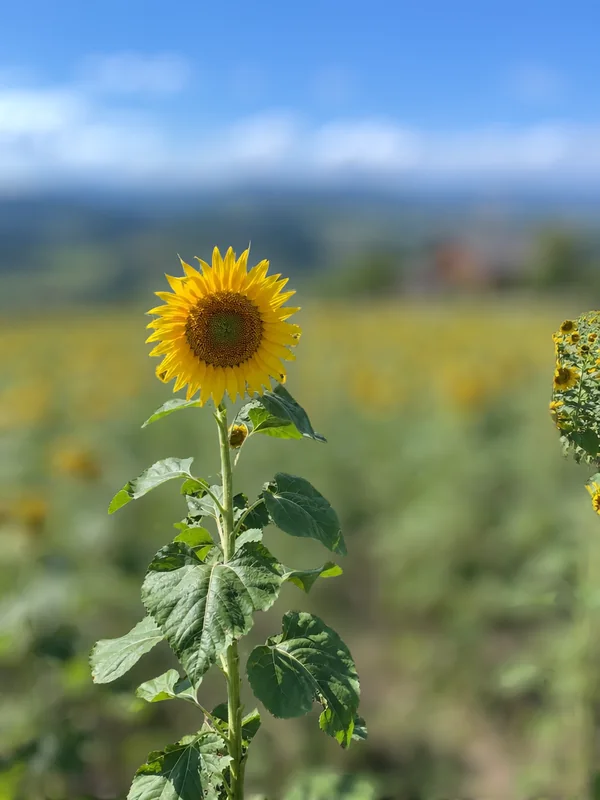
One flower in focus, the field and farmhouse behind it washed into color.
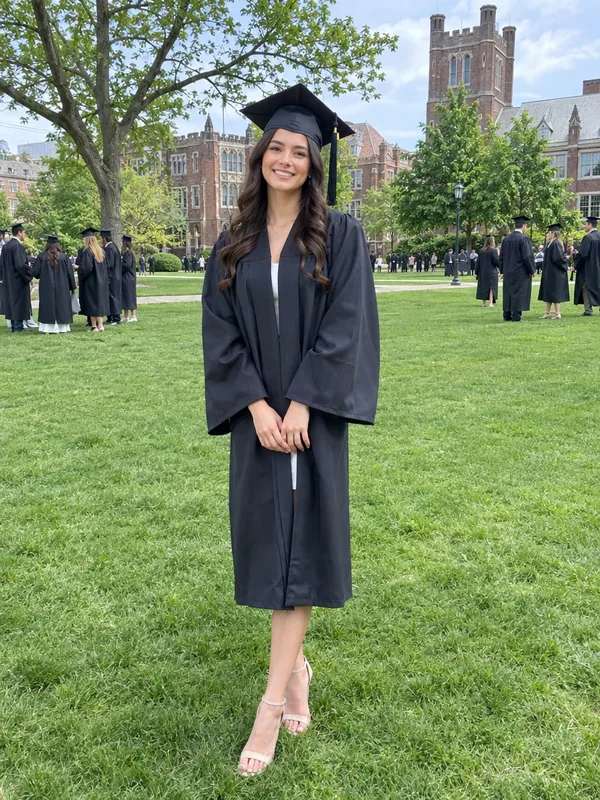
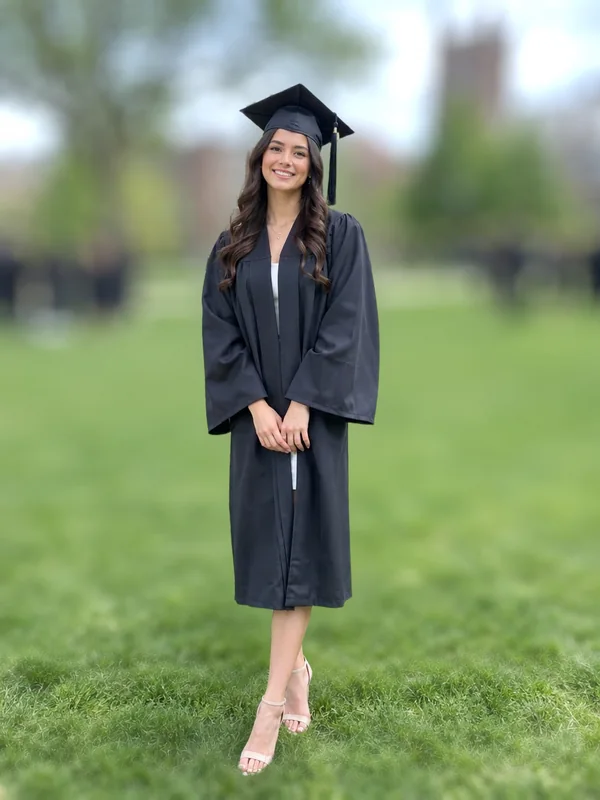
The graduate stands out from the crowd and campus behind her, hair edges kept.
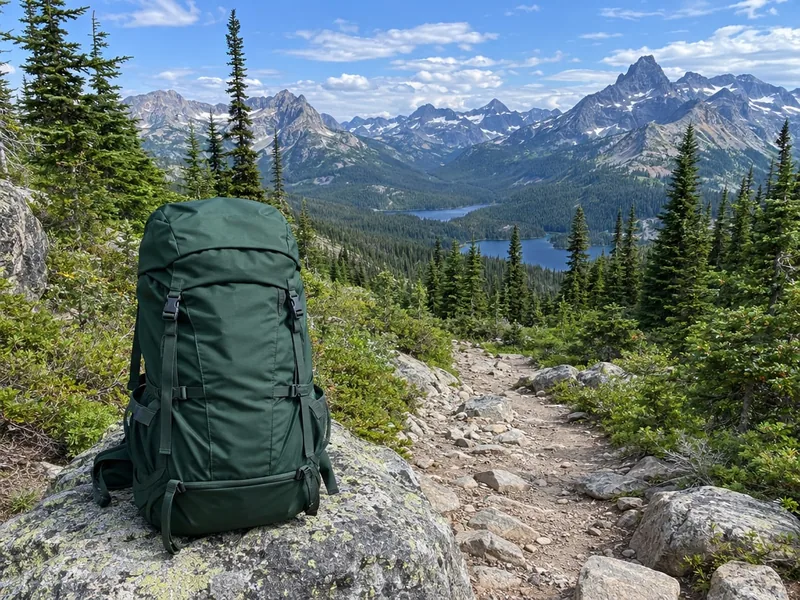
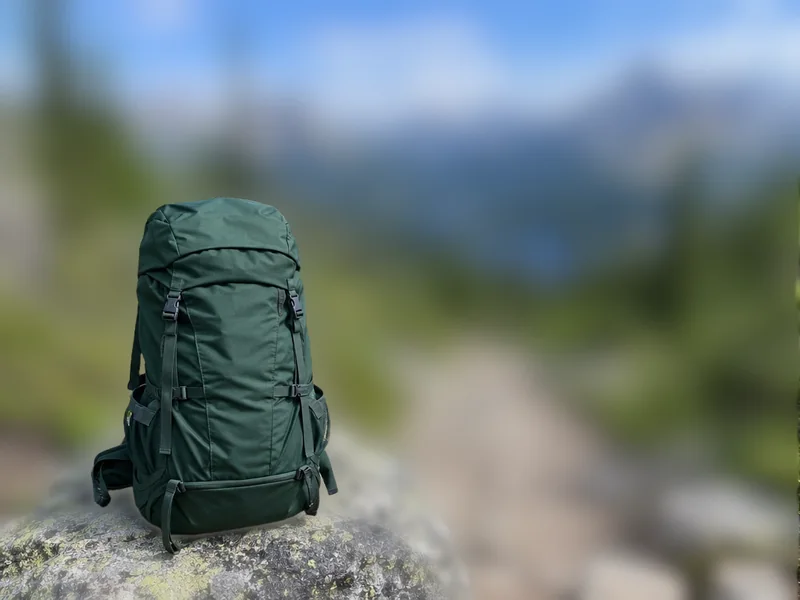
A smooth blur over the trail and peaks, the rock under the bag still readable.
Blur background of a photo in three steps.
Drop, paste or choose a photo of a person, a pet, a drink or a product, taken anywhere.
Choose light, medium or strong blur and lens bokeh or a smooth blur. AI finds the subject and the depth of the scene.
Fine-tune the strength, the lens and the depth as often as you like, then download a full-size JPG or PNG.
Six things this background blur does well, for portraits, pets and products.
AI reads how far away every part of the photo is, so distant buildings blur more than the wall just behind your subject, as with a real lens.
The ground at the subject's feet stays in focus and softens gradually, so people and pets never look cut out and floating.
Lens blur works in real light, so lamps, string lights and sun through leaves bloom into round bokeh.
The subject is lifted out before the blur, so hair, fur and glasses keep their edges with no halo.
One credit prepares the photo; the strength, the lens and the depth then change as often as you like without another credit.
Download the photo at its own full size as a JPG or PNG, with the subject's pixels untouched.
Five short tips to blur background so the photo looks real.
A street, a park or a room stretching away gives the blur something to work with. Keep a little space between the subject and the wall behind it.
Light blur suits group and travel photos, medium suits most portraits, and strong gives the creamy look of a fast lens.
Lens blur turns lights into round bokeh and suits evenings, bars and city scenes. Smooth blur gives a soft, even look for nature and products.
By distance keeps the ground near the subject sharp and blurs the far background most. Even blurs the whole background alike for a clean studio feel.
Show the original to compare, then download a JPG for sharing or a PNG for further editing, both at full size.
Common reasons to blur the background of a photo.
Give phone portraits and profile photos the soft background of a portrait lens.
Make the person stand out from busy streets and crowds in travel photos and stories.
Draw the eye to a drink, a dish or a product with a soft, glowing background.
Bring graduations, weddings and birthdays into focus by softening everyone in the background.
Answers about depth, strength, lenses and credits.
Upload the photo, choose the strength and lens, and press Blur background. In under a minute the subject is sharp and the background blurred; adjust it and download.
Yes. AI measures how far away each part of the photo is, so what is level with the subject stays sharp and the far background blurs most. You can switch to an even blur.
1 credit a photo. Changing the strength, the lens or the depth afterwards is free.
Yes. Lens blur turns bright spots like lamps and string lights into round, glowing bokeh, as a fast lens does.
Yes. The subject's pixels are kept exactly as in your photo, with clean edges on hair and fur.
Yes. People, pets, drinks, food, flowers and products all work; the subject is found automatically.
The same size as your photo. Download a JPG or a PNG at full resolution.
Photos with some distance behind the subject, such as a street, a park or a room, give the most natural background blur.
Upload a photo and get a sharp subject on a soft, natural blurry background in under a minute.
Upload a photo