
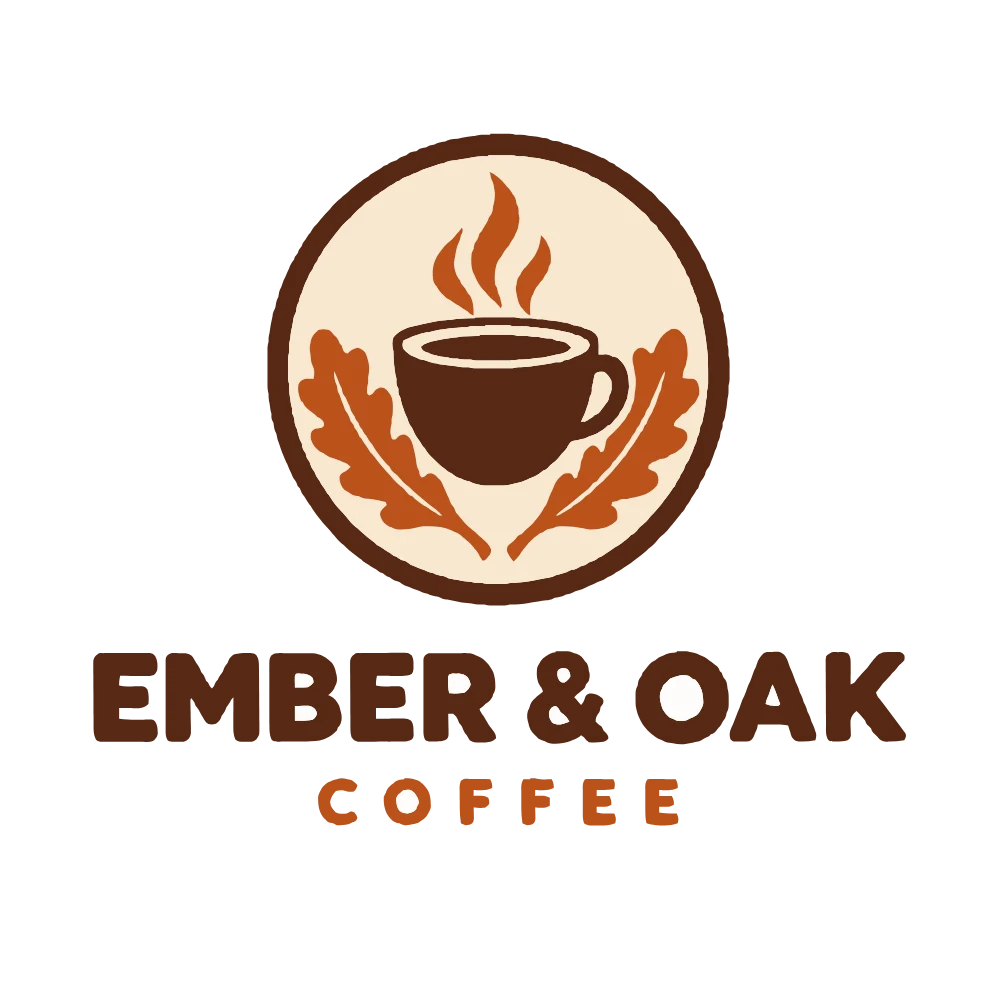
Coffee logo, transparent background
Free: 4 colors · 36 paths · 60 KB
Every tone of the badge kept, the transparent background too, and the lettering crisp at any size.
Convert PNG to SVG free in your browser: real vector paths, exact colors and transparency, with nothing uploaded. For small text or a photo, a 1-credit AI vectorizer goes further.
Small text, fine lines or a photo with detail: the AI vectorizer traces it on our server in a 1-credit run, and you compare it with the free result.
Turn a picture into a clean SVG with AI: small text, fine detail and photos.
No Illustrator and no account: a clean vector file in a second or two.
A PNG, JPG or WebP: a logo, icon, sticker design, line drawing or photo. It stays on your device.
Logo & illustration, Line art, Photo poster or Cutting machine. Auto finds the real colors; change any color or remove it in the palette.
Download the SVG or a PNG of it, copy the code, or send a hard picture to the AI vectorizer below.
Every picture here was made with our own image model, then traced by this PNG to SVG converter in a browser with the settings you load. Switch three of them to AI to compare the AI vectorizer.
Free: 4 colors · 36 paths · 60 KB
Every tone of the badge kept, the transparent background too, and the lettering crisp at any size.
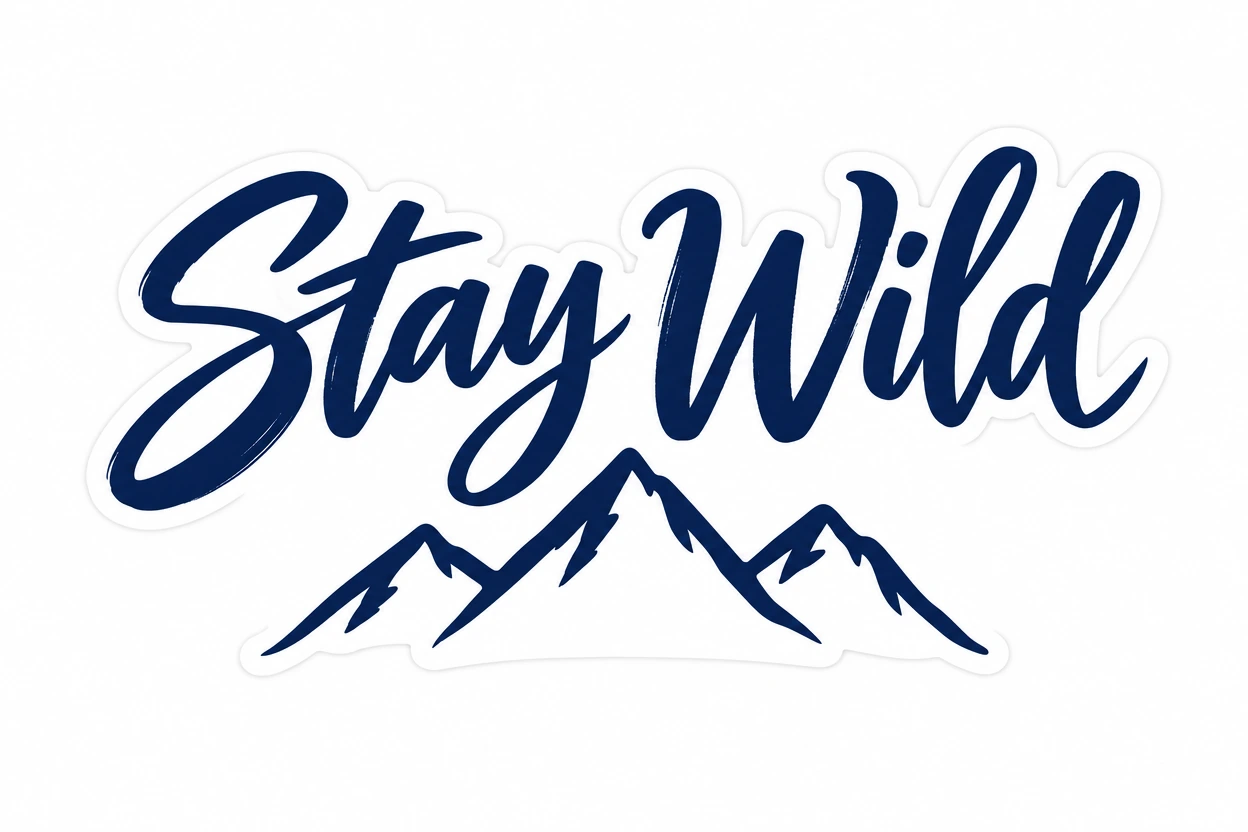
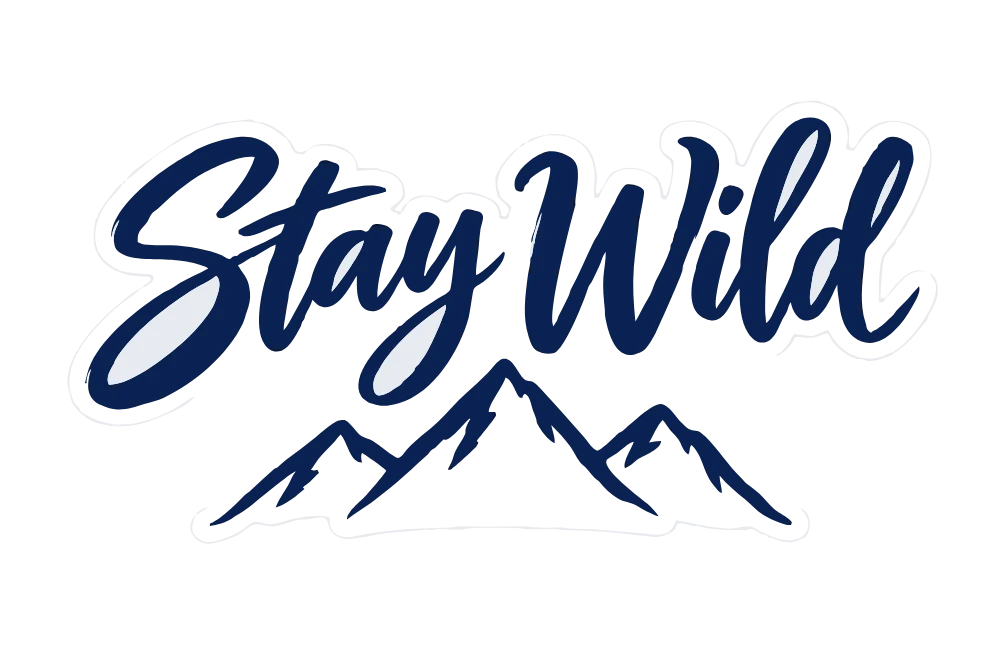
Free: 2 colors · 16 paths · 19 KB
Cutting machine preset: smooth curves in two colors, the sticker's white outline kept as its own layer.
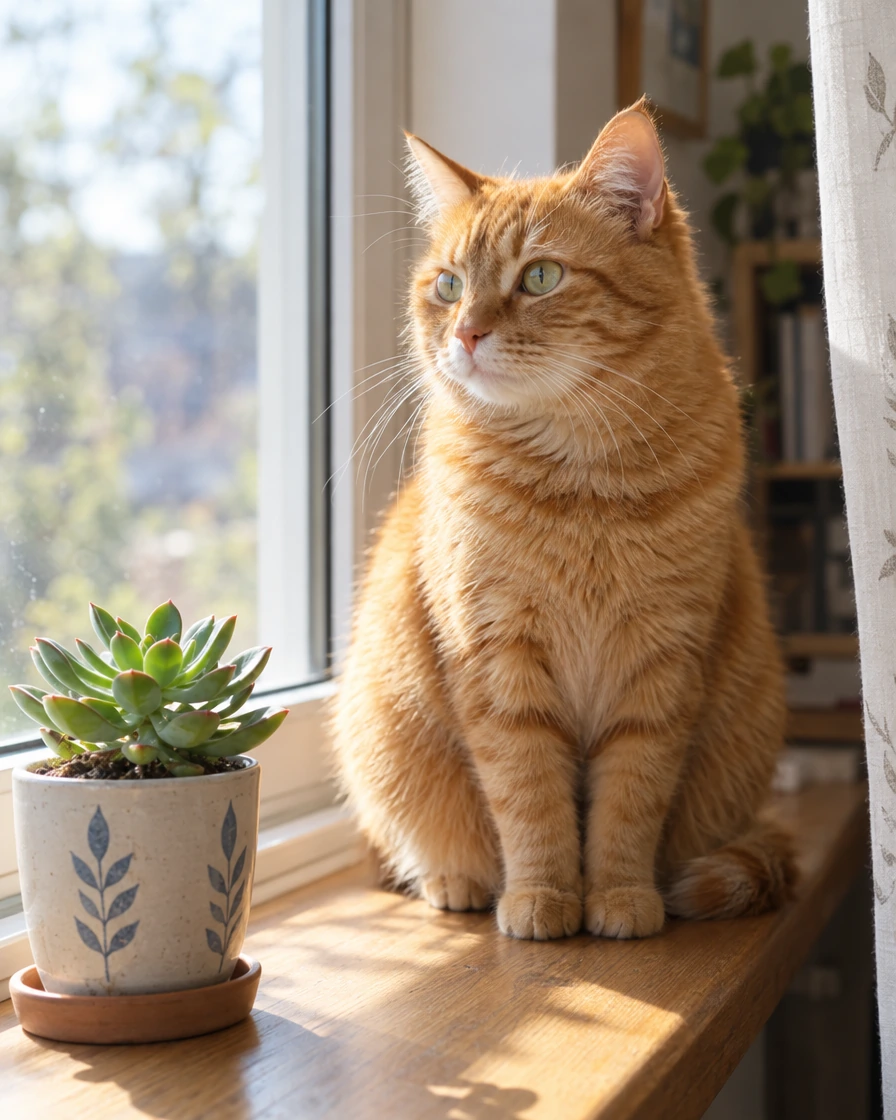
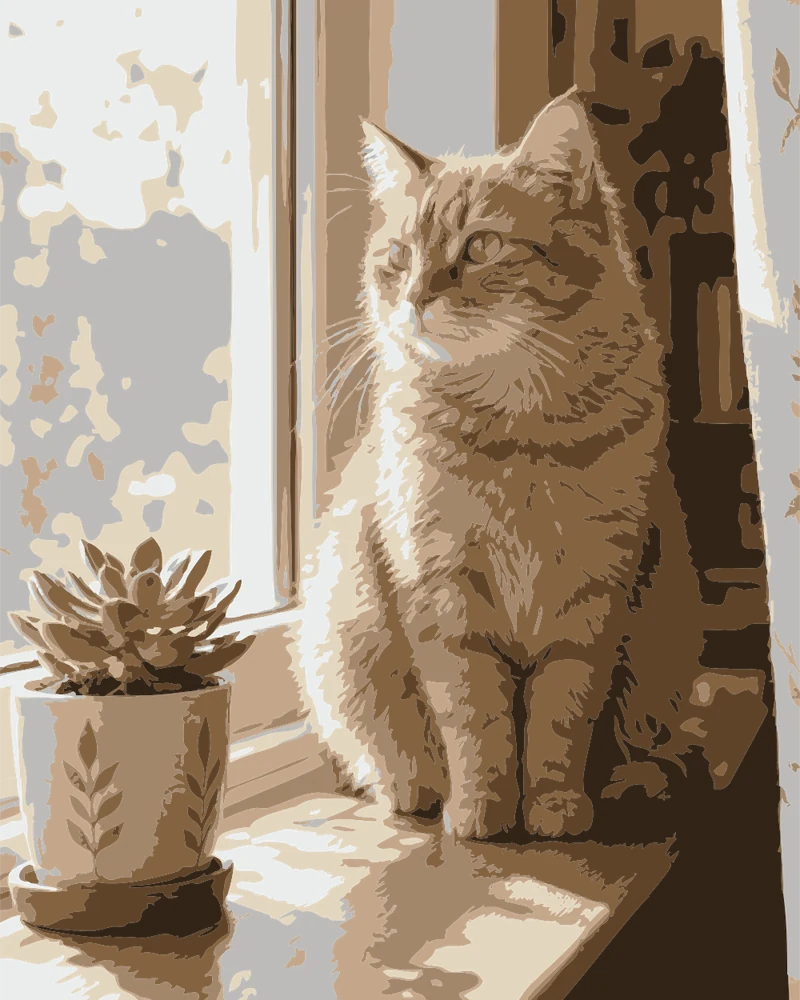
Free: 8 colors · 740 paths · 323 KB
Photo poster preset: eight flat colors in a light file; the AI version keeps far more of the fur.
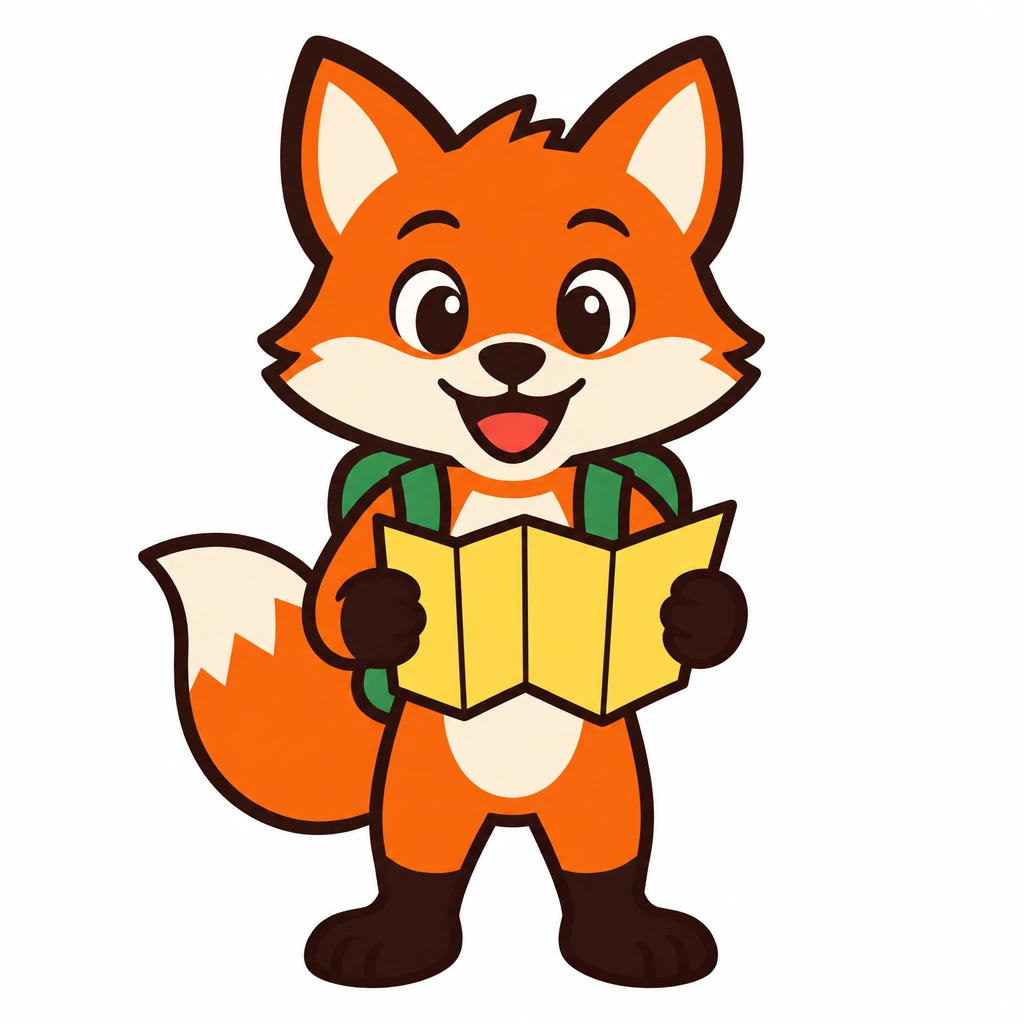

Free: 8 colors · 42 paths · 87 KB
Every color of the illustration kept apart, down to the red of the tongue; the dark outline in one piece.
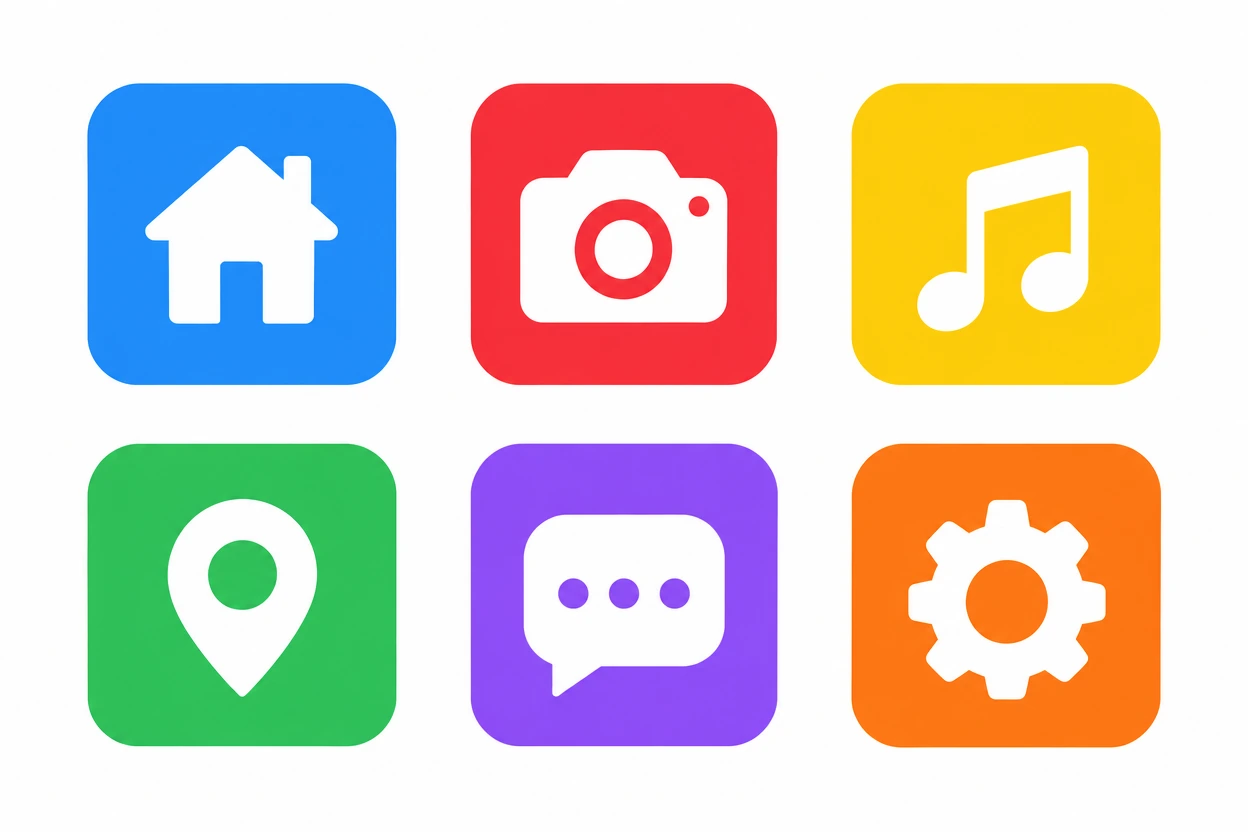
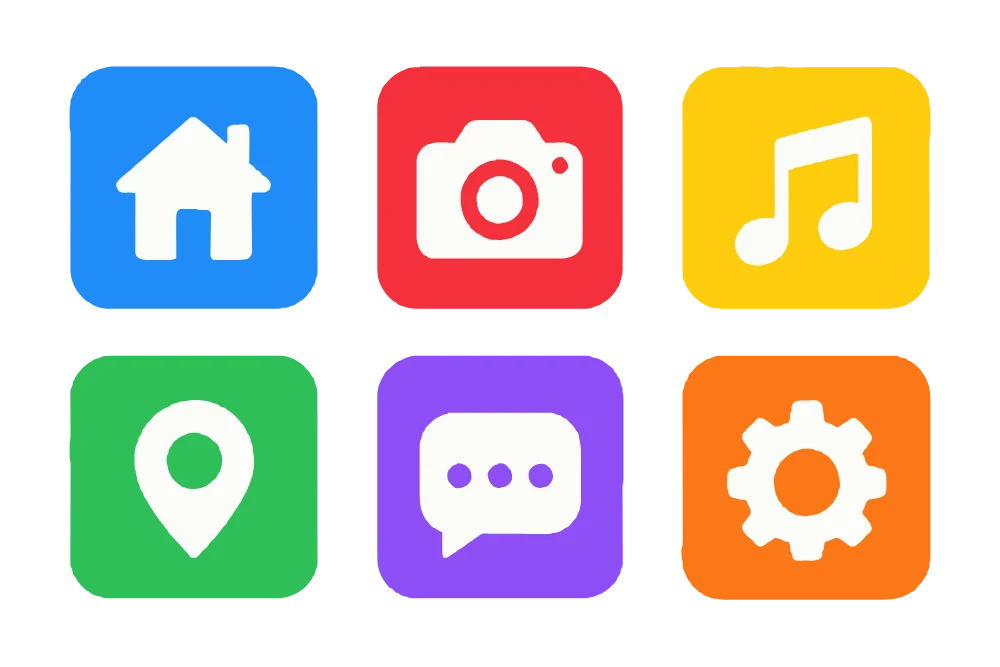
Free: 7 colors · 20 paths · 45 KB
Blue and purple, yellow and orange stay separate colors; every white glyph is a crisp shape.
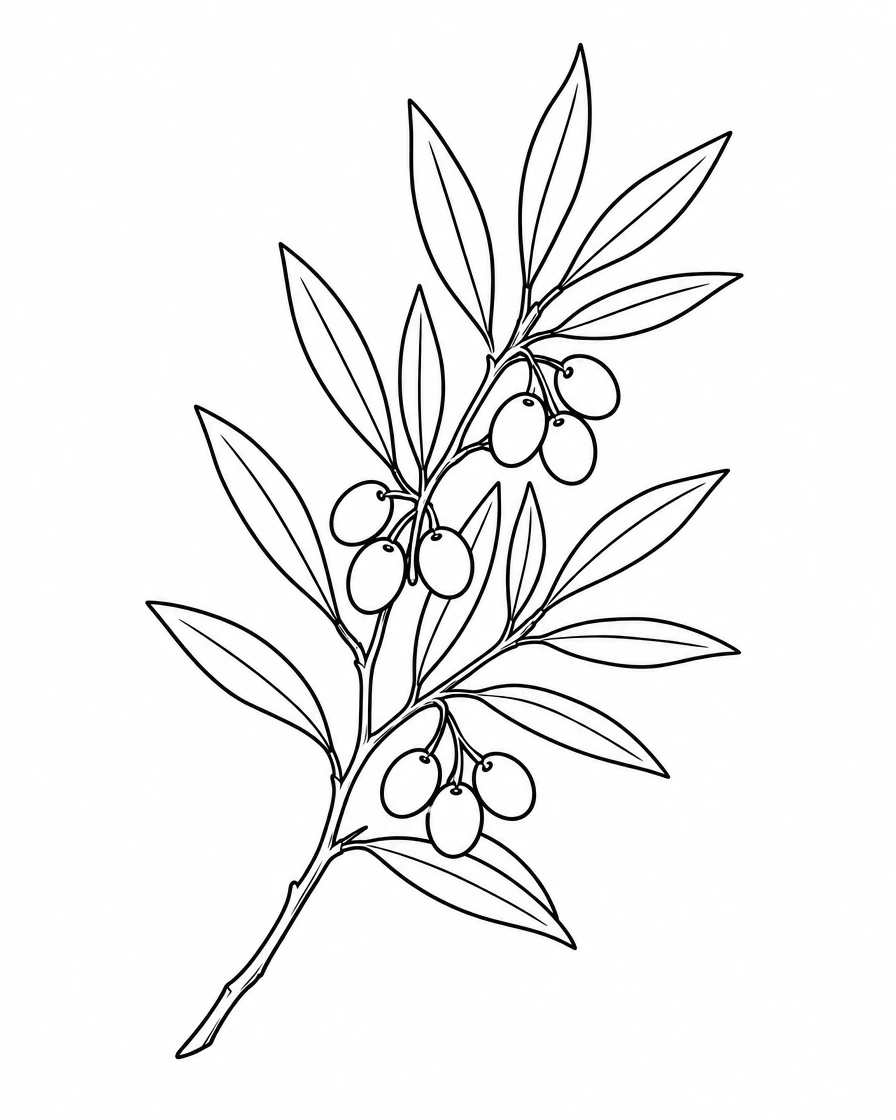

Free: 1 color · 9 paths · 94 KB
Line art preset: the ink traced, the paper gone, ready for an engraver or a stencil.
Tracing turns pixels into shapes of flat color. Here is where it shines and where to expect less.
Small pictures are enlarged before tracing, and the result shows its colors, paths and file size, so nothing changes silently.
Many free converters stop at a preview, add a watermark or ask for an account. This one doesn't, and its files stay clean.
No sign-up, no watermark, no daily limit. The tracing runs in your browser, so your logo never leaves your device.
Auto finds the picture's real colors, or pick 2 to 16. Change any color, merge two close ones, or remove one to leave it see-through.
A viewBox, one named group per color and paths only: no embedded picture and no script. It opens cleanly in Illustrator, Figma, Inkscape and Cricut Design Space.
The Cutting machine preset keeps a few smooth layers that never overlap, for Cricut, Silhouette and laser cutters.
Small text, fine detail or a photo: send the same picture to the AI vectorizer, a 1-credit run, and compare both results side by side.
A transparent PNG stays transparent, holes and soft edges included, and a white background goes with one switch.
What tracing does, how to get the cleanest file, and when AI is worth it.
A PNG stores pixels; an SVG stores shapes. To make the switch, a tracer finds the area of each color and draws its outline as smooth curves. That gives real paths you can scale and recolor. Some sites only wrap the PNG inside an SVG file: it looks the same, but it can't be scaled or edited.
Start from the largest, sharpest picture you have. Choose the fewest colors that still look right: every extra color adds shapes. For a logo on white, keep Remove white background on; for a scanned drawing, use Line art and move Line weight until the strokes look right.
A photo traced to SVG becomes a poster: flat areas of color, like screen printing. Photo poster keeps the file light with eight colors by default. Gradients become bands of color. When a photo should keep more detail, the AI vectorizer does better, and its file is bigger.
Trace for free first. If small letters thicken, fine lines break or a photo needs more detail, send the same picture to the AI vectorizer under the tracer: it draws the shapes with fewer, cleaner curves. It runs on our server in about 15 seconds, as a 1-credit run.
Open the SVG in Illustrator, Inkscape, Figma or Canva to edit it, or upload it to Cricut Design Space or Silhouette Studio to cut it: each color is its own group, so each becomes its own layer. Need a bigger PNG or a JPG again? Send the SVG to SVG to PNG.
Convert PNG to SVG once, then use one clean vector everywhere a picture has to stay sharp.
Turn an old PNG logo into an SVG that stays sharp on a business card, a website and a shop sign.
Make cut files for stickers, shirts and decals, with one layer per color.
Send printers and embroiderers a vector they can scale to any size.
Get light, editable SVG icons and illustrations for apps, slides and websites.
Answers to the questions people ask most about converting PNG to SVG.
Drop a picture and get a clean SVG in seconds: free, in your browser, nothing uploaded.