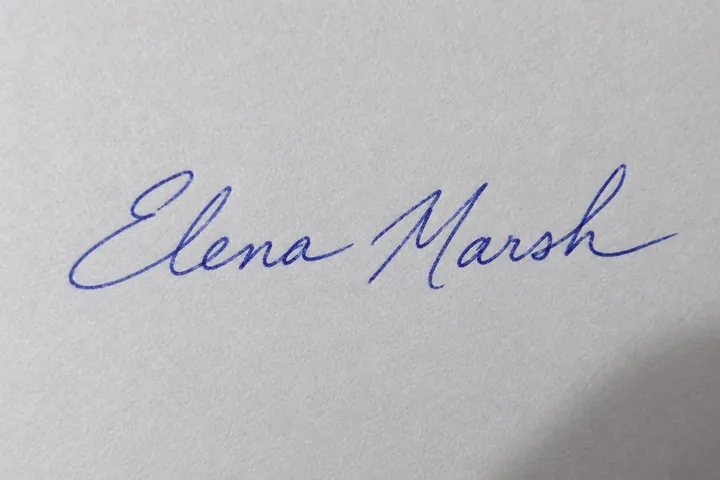
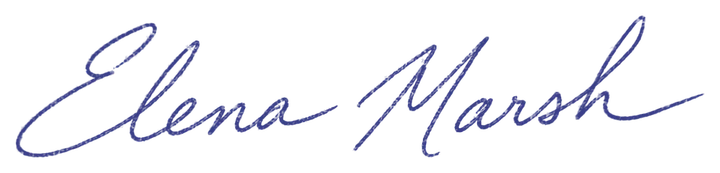
Blue ballpoint
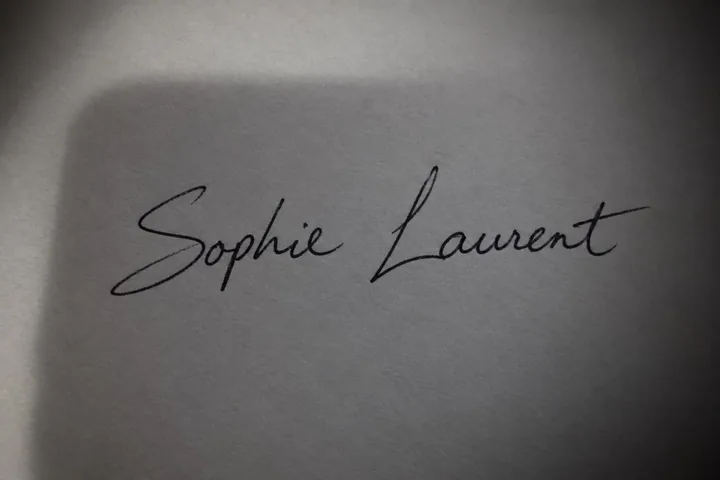
A ballpoint signature on printer paper, its blue ink kept.
Snap or scan your handwritten signature and get a transparent signature PNG in seconds: the paper, ruled lines and shadows are removed, the ink stays smooth in its own color, black or blue. Free and private, it runs in your browser, so your signature never leaves your device.
Drop a photo or scan of your signature
JPG, PNG, WebP, BMP or AVIF. Your signature stays in your browser.
Eight signatures photographed for these examples, each made into a signature PNG by this page's own engine. Open one to try every setting.
A ballpoint signature on printer paper, its blue ink kept.
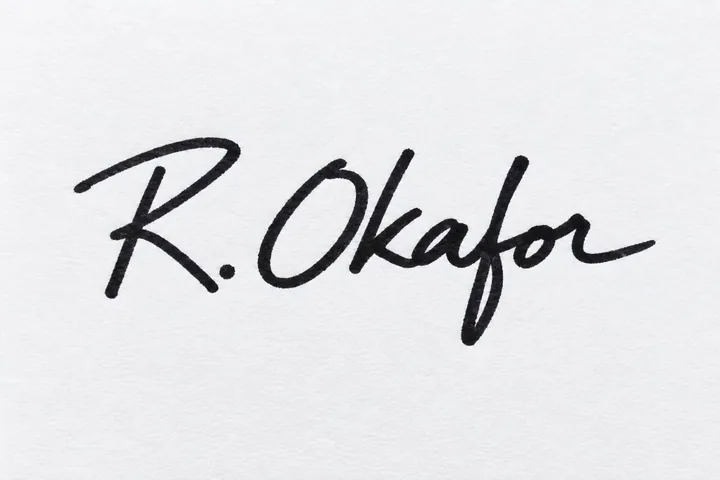
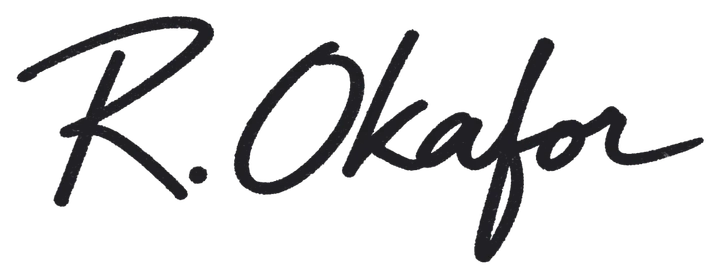
A bold marker signature with every stroke solid.
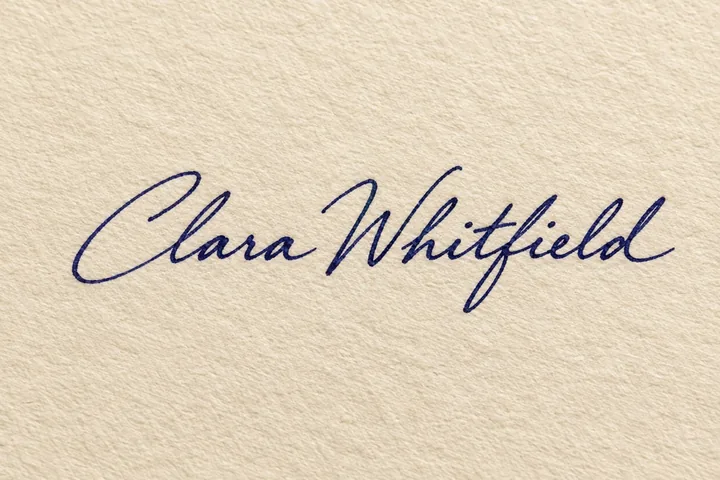
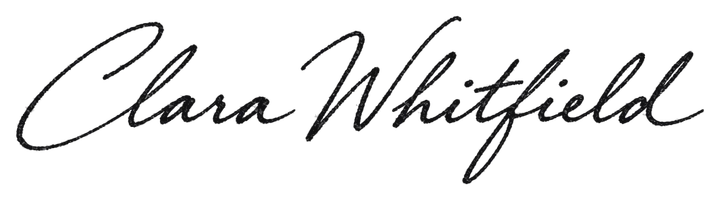
Navy ink on cream paper, thin and thick strokes kept, made pure black.
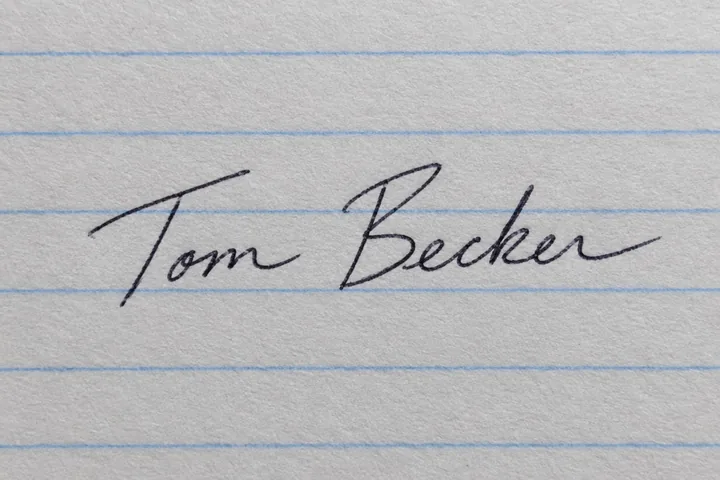
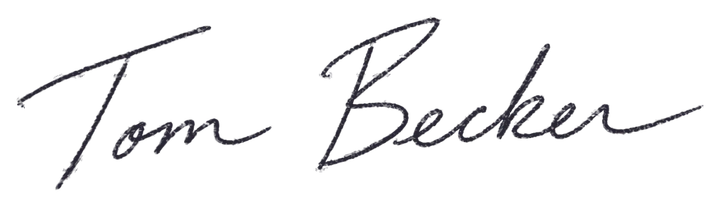
The blue ruled lines removed, the signature kept whole.
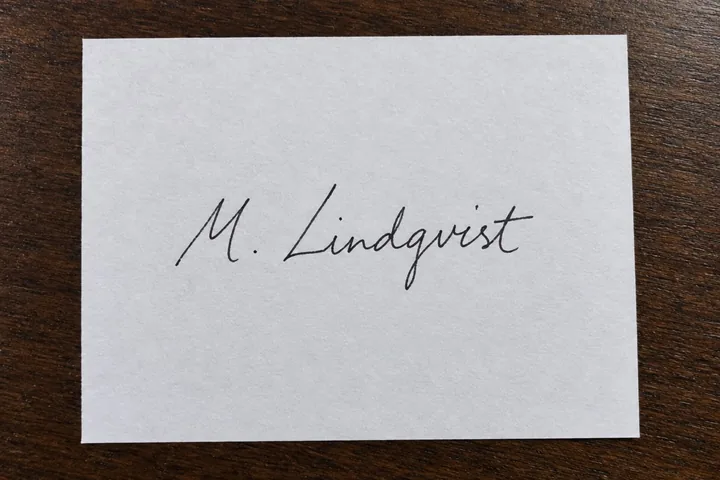

The wooden desk around the sheet left out; only the ink stays.
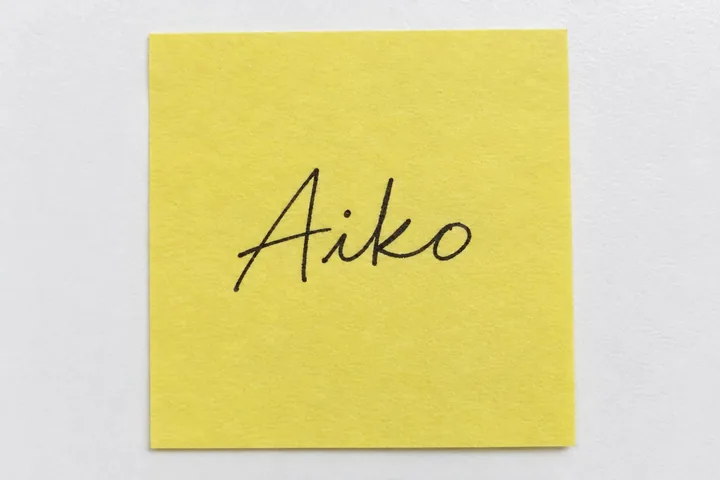
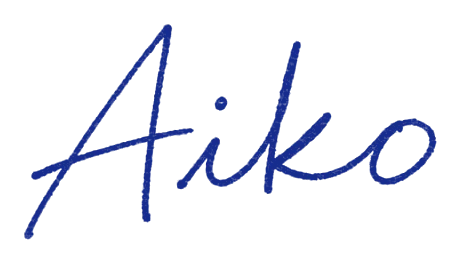
A yellow note removed and the black ink turned blue.
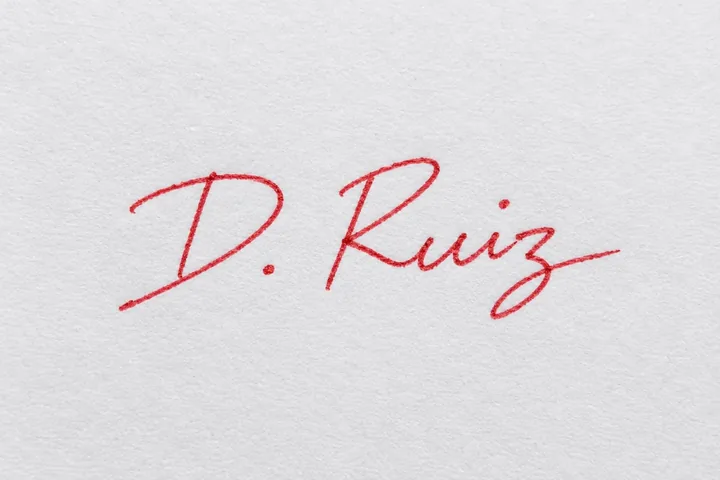

A quick red signature kept in its own color.
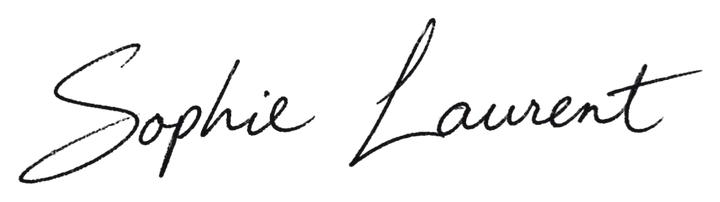
The phone's shadow across the paper removed, every stroke even.
Three steps, and your signature is never uploaded.
Sign on white paper, then take a photo or scan it. Drop, paste or choose the picture; on a phone you can take the photo right here.
The paper, lines and shadows are removed at once. Keep the ink's own color or pick black, blue or any color, and set how faint a stroke still counts.
Save a transparent signature PNG cropped to the ink, at full size or 1200, 600 or 300 pixels wide, or an SVG that stays sharp at any size.
Six things it does well, from a quick phone photo to a signature on lined paper.
 Photo
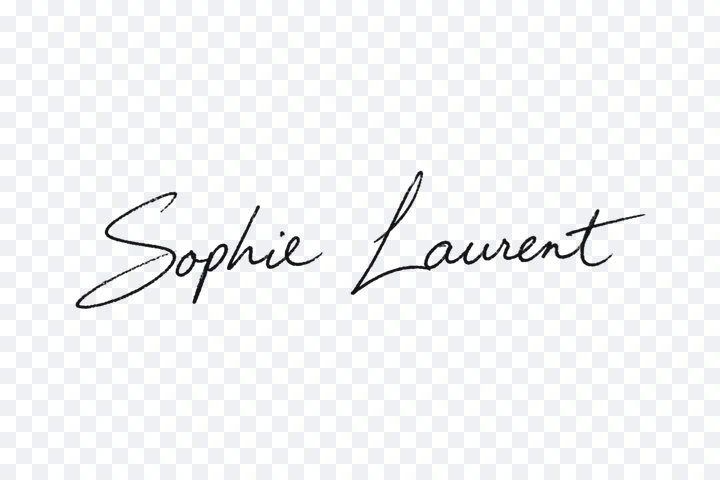
Paper, light and shadow are read around every stroke and taken out, so a quick phone photo makes a clean transparent signature.

Each edge pixel keeps its own share of ink, so curves stay soft and the signature looks handwritten on any document, never jagged.
 Photo
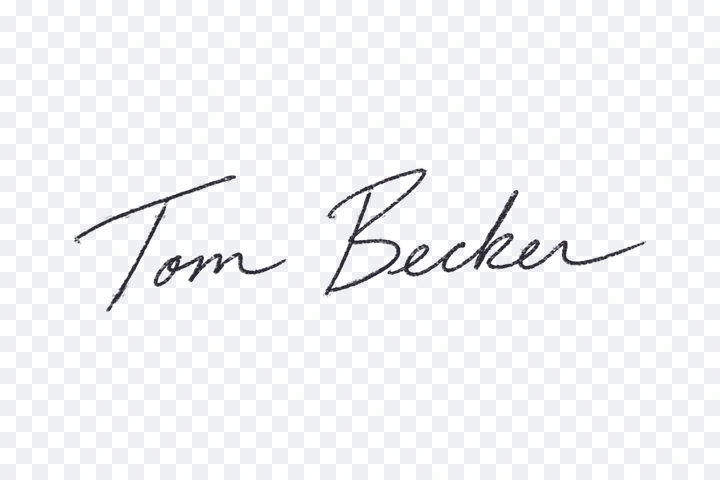
Ruled lines, paper texture and stray dots are removed, while the dot of an i and every small stroke stay.
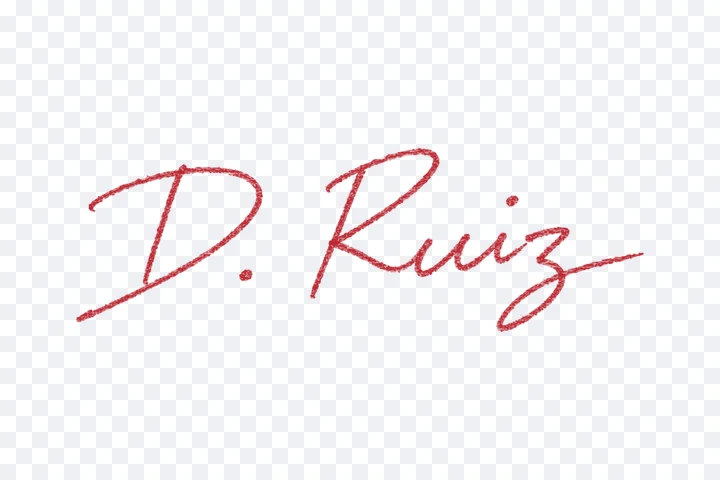
Keep the ink's own color, or make the whole signature black, blue or any color, even from the first stroke to the last.
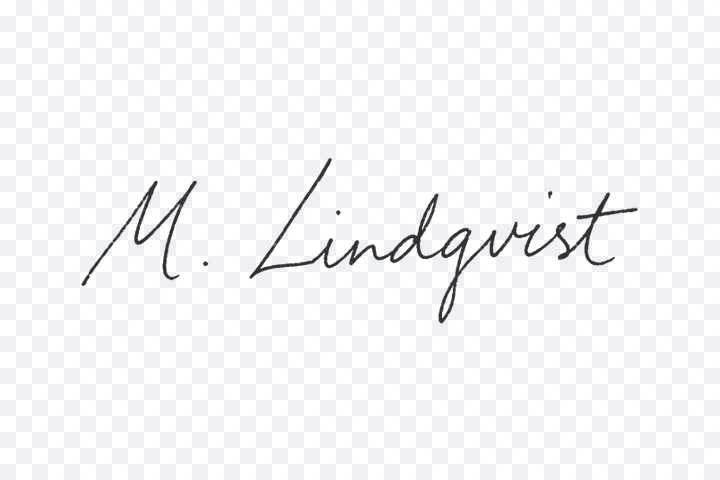 Photo
A desk, a page edge or a printed mark around the paper is left out, and the signature PNG is cropped to the ink with the margin you choose.
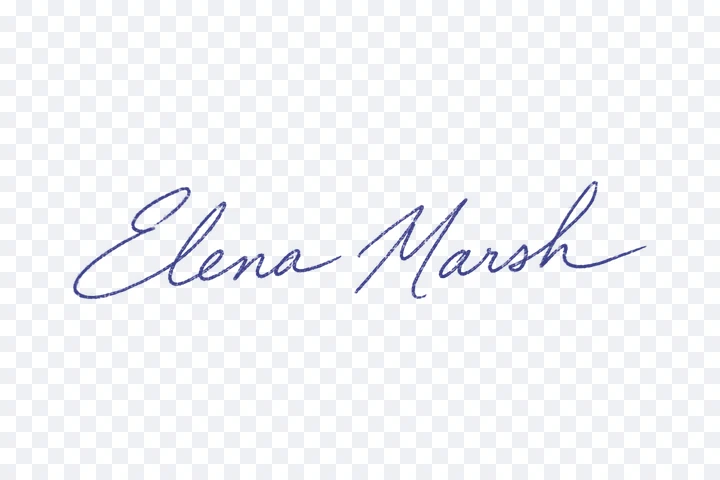
Everything runs in your browser: your signature is never uploaded, and there is no account and no watermark.
Five short tips for a transparent signature that looks real.
Use a dark pen on white paper. A felt-tip or gel pen gives the boldest strokes; a fine ballpoint works too.
Photograph from straight above in daylight, with the signature filling most of the frame. A soft shadow is fine: it is removed.
Raise Sensitivity when faint strokes go missing; lower it when paper texture or lines show. Clear specks takes away tiny dots.
Keep the signature only clears marks away from it, such as a desk, a page edge or a printed line, while the dot of an i stays.
Place the signature PNG in Word, Google Docs, a PDF editor or your email signature. Use the SVG when it must stay sharp at any size.
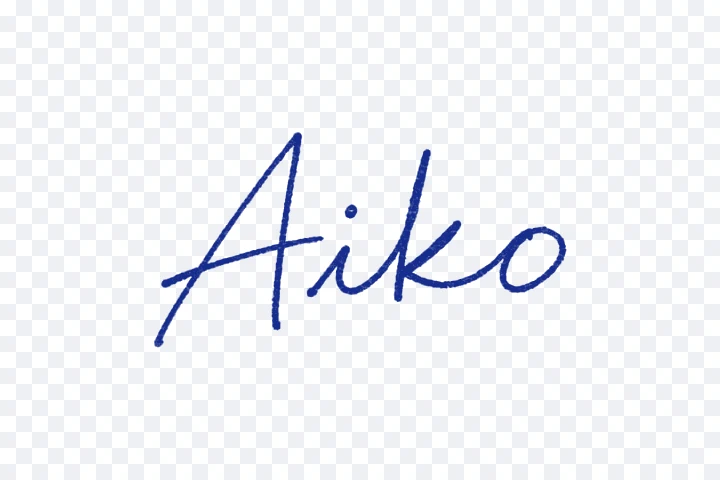
Common reasons to turn a handwritten signature into a PNG.
Sign invoices, quotes and contracts as PDFs without printing and scanning every page.

Add a manager's signature to letters, certificates and offer letters in one clean color.
Sign certificates, report cards and award templates in one go.
Put a handwritten signature under emails, newsletters and letterheads.
Answers about transparent signatures, ink colors, files and privacy.
Photograph or scan your signature on white paper and open it here. The paper is removed at once; choose the ink color and download the transparent signature PNG.
Yes. It runs entirely in your browser, with no account, no watermark and full-size downloads.
No. Your signature is read on your device and never sent to a server, so it stays private.
Open the photo: paper, light and shadows are removed around the ink. Keep the signature only also clears a desk or a page edge around the paper.
Yes. Choose Black or Blue to recolor every stroke evenly, keep the ink's own color, or pick any color you like.
Yes. Insert the PNG as a picture in Word or Google Docs, or place it with a PDF editor; the transparent background keeps the text around it visible.
Yes. Download the SVG for a vector signature that stays sharp at any size, in the ink color you chose.
Open JPG, PNG, WebP, BMP or AVIF photos and scans. On a phone you can take the photo directly.
Photograph your signature and download a clean transparent signature PNG in seconds, free and private in your browser.
Open a signature