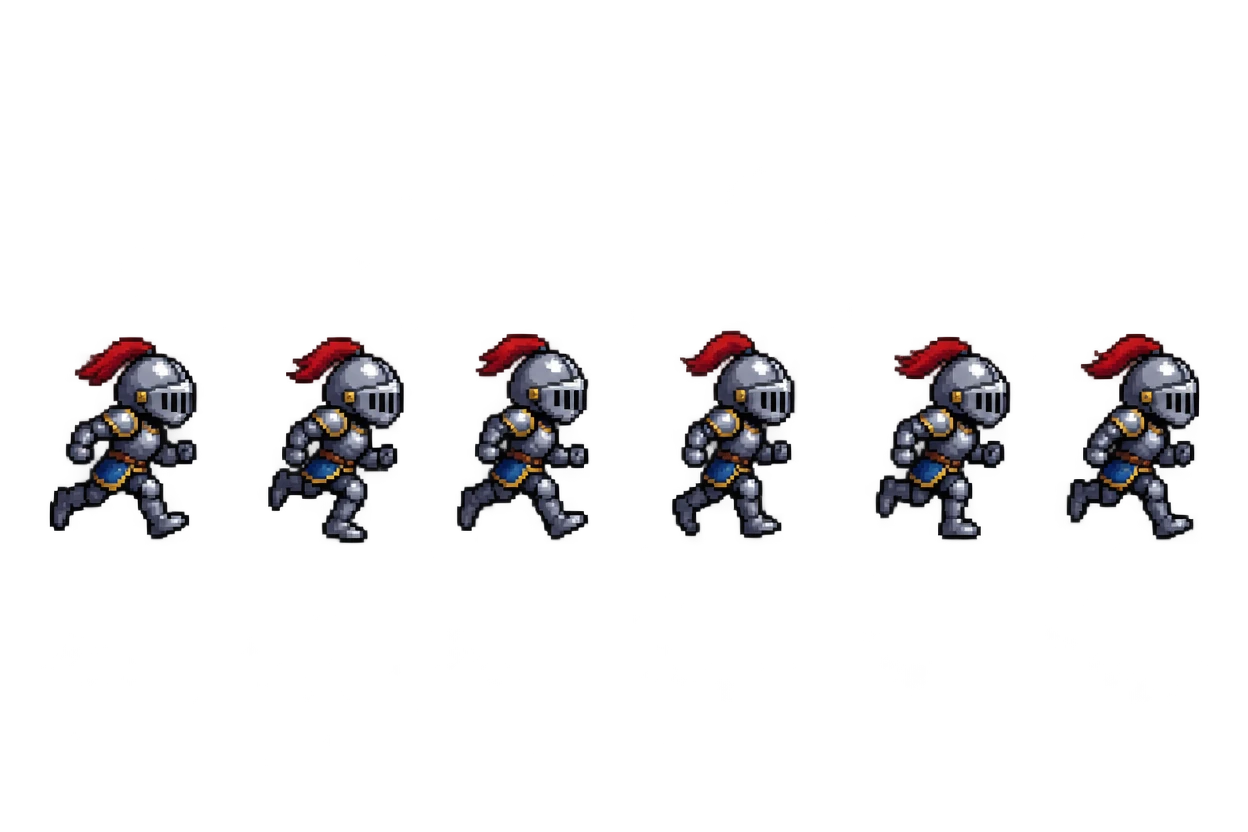

Pixel knight run cycle
Six frames on transparency, found by background and set to one size, so the animation plays without jumping.
Drop a sheet and this free sprite sheet cutter finds every sprite on a transparent or one-colour background, or slices it by grid. Download the frames as PNGs, a looping GIF or a JSON atlas, all in your browser.
Drop a sprite sheet here
PNG, JPG, WebP or GIF. Everything stays in your browser.
Eight sheets made for these examples, each cut by this page's own sprite sheet cutter. Open one to try every setting.
Six frames on transparency, found by background and set to one size, so the animation plays without jumping.


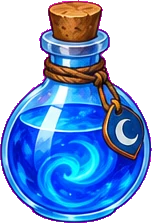

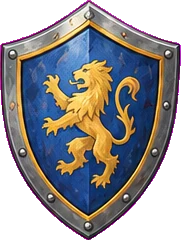





Twelve inventory icons on a solid magenta background, each cut out as a transparent PNG.










Twelve flat icons; parts a few pixels apart, like a cart's wheels, stay with their icon.
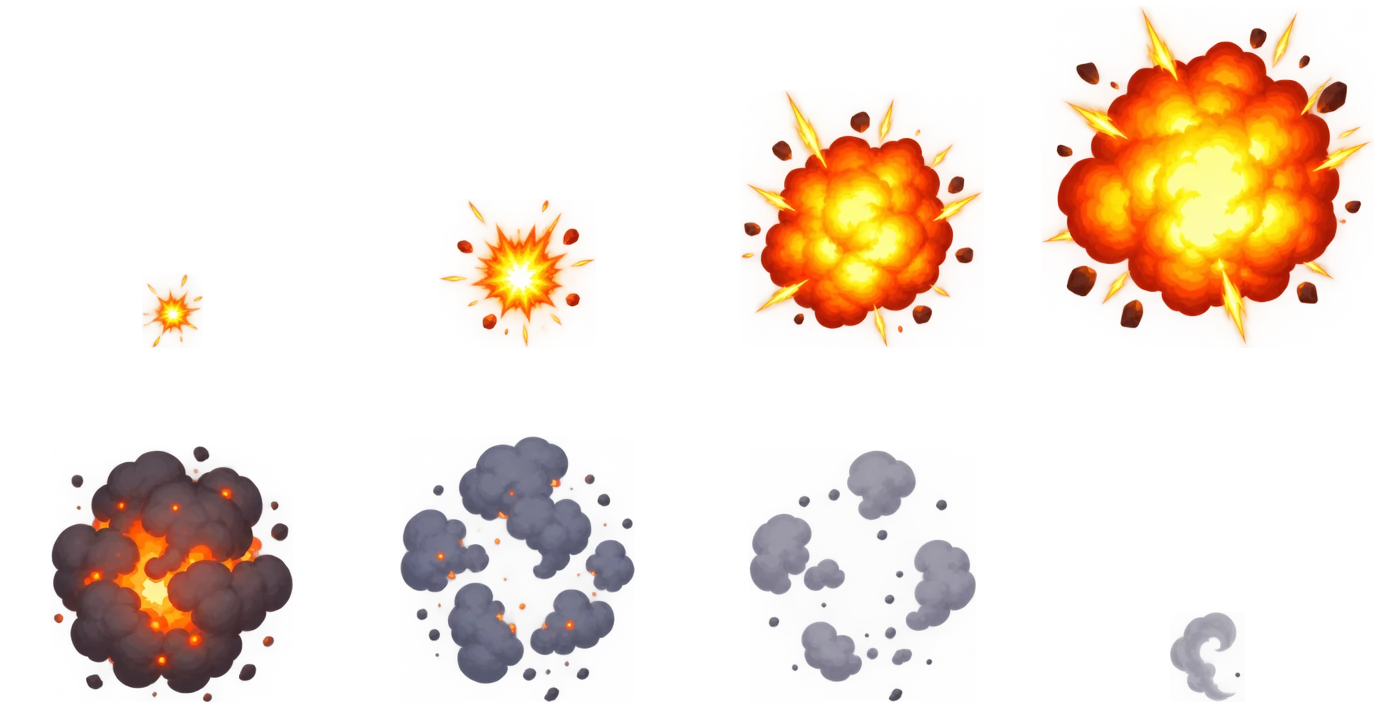

Eight effect frames sliced by columns and rows, then played as a looping GIF.


Four frames with their ground shadows, aligned bottom centre for the animation.


Eight frames with a soft glow; the faint glow setting keeps each coin apart.
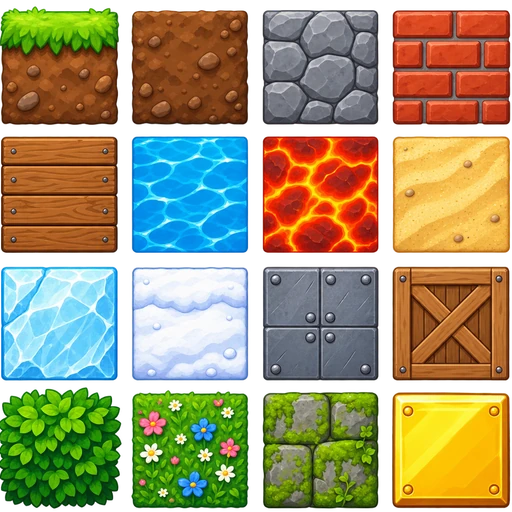

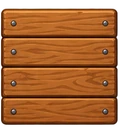
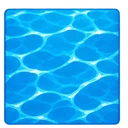
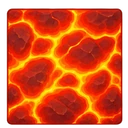
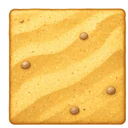
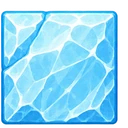
Sixteen tiles touching each other, sliced by a 128 px cell size.
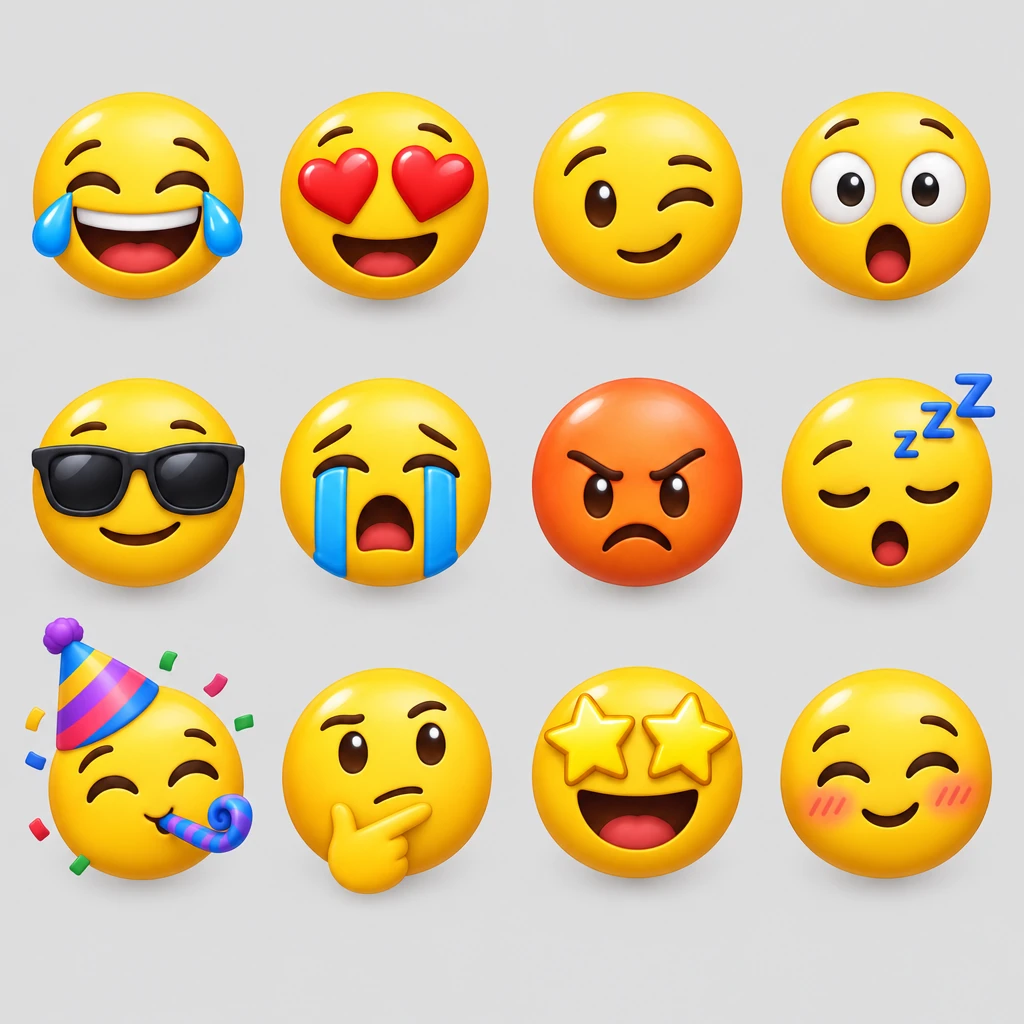









Twelve faces on a light grey background, ready for chat stickers.
Three steps, and nothing is uploaded.
Drop, paste or choose a PNG, JPG, WebP or GIF. The sheet stays on your device.
By background finds every sprite on transparency or one colour, magenta and white included. By grid slices equal cells by columns and rows or by cell size, with offset and spacing.
Save every sprite as a PNG in one ZIP, play the frames and save an animated GIF, or take a JSON atlas for your engine.
Six things it does well, from a single icon set to a whole animation.
SheetIt reads the background from the sheet's edges: transparency, magenta, white or any flat colour, within a tolerance you set. Every sprite comes out as a transparent PNG.
 Sheet
Pieces a few pixels apart, like a sword's glint, a shadow or a cart's wheels, join their sprite, and tiny specks are left out. Sprites are numbered in reading order.
Same size frames puts every sprite on one canvas size, bottom centre, so feet stay on the ground. Play the frames at any speed and save a looping GIF.
Download frame names and positions in the JSON hash format that Phaser and PixiJS read, next to the PNGs.

Slice by columns and rows or by cell size with offset and spacing, skip empty cells, add padding, and enlarge pixel art 2× or 4× with sharp pixels.
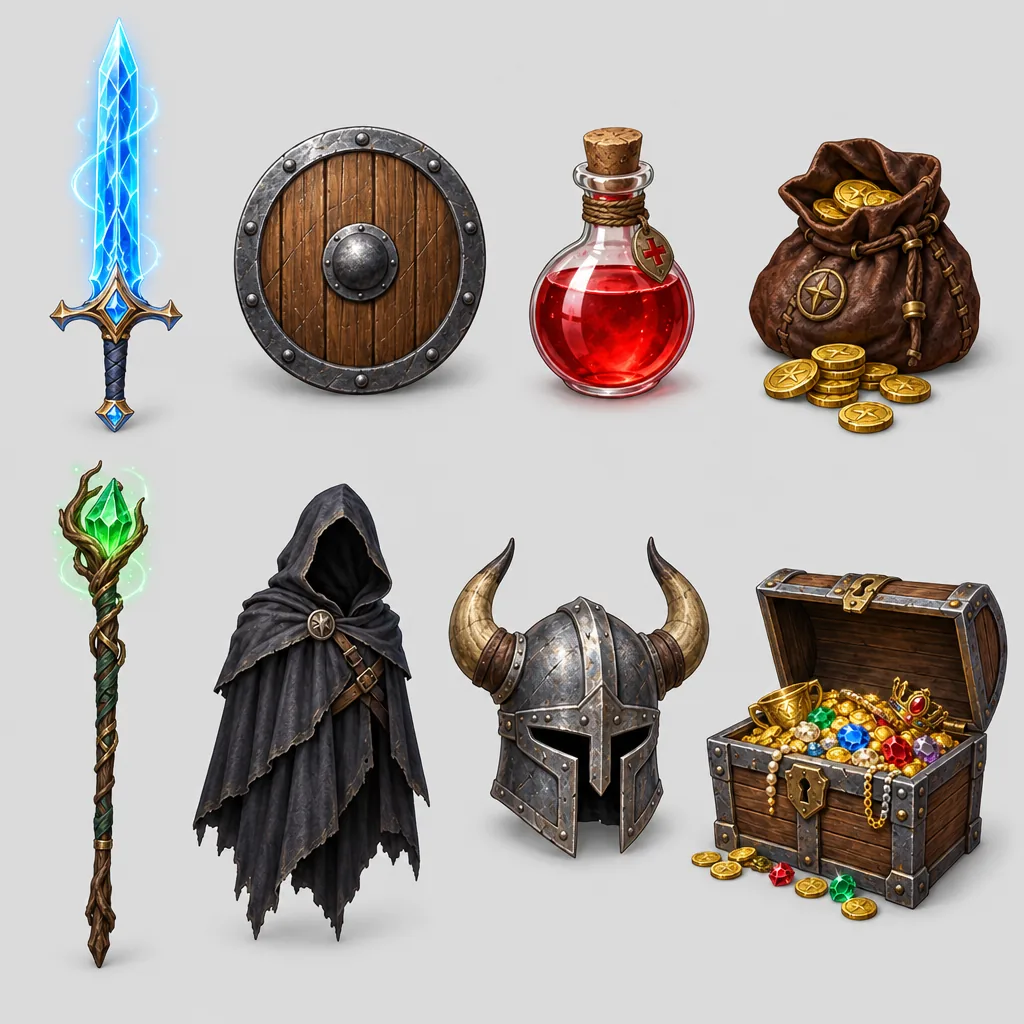
A picture without a clean background, like a painted scene or a photo, goes to the AI image cutout in one click, which cuts out every object for 1 credit.
Six short tips for clean sprites with this sprite sheet cutter.
Use By background when sprites stand apart on transparency or one colour, even with uneven spacing. Use By grid when every frame sits in an equal cell, or when tiles touch each other.
Raise the tolerance if a little of the background stays around the sprites; lower it if parts of a sprite disappear. Pick the background colour by hand when the sheet's edges are busy.
Join parts within keeps detached pieces with their sprite; raise it for icons made of separate parts. Ignore specks removes stray dots. On a transparent sheet, the faint glow setting keeps glowing sprites apart.
Turn on Same size frames for walk cycles and effects, check the animation, then save the GIF or the ZIP. Grid frames keep the cell size unless you trim them.
Enlarge 2× or 4× for crisp, bigger frames for a preview or a store page; every pixel stays square.
Each PNG is named from your file and numbered in reading order. The JSON atlas keeps each frame's place on the original sheet.
Common reasons to split a sprite sheet.
Split a downloaded or old sheet into frames to rebuild animations in your engine.
Cut your own sheets into single frames, enlarge them crisply and share animated previews.
Pull single icons out of an icon sheet as transparent PNGs.
Split a sticker or emoji sheet into one file per sticker for chat apps.
Answers about cutting sprite sheets, files and privacy.
Open the sheet, leave By background on or switch to By grid, check the boxes over the sheet, then download the ZIP of PNGs, the animated GIF or the JSON atlas.
Yes. It runs entirely in your browser, needs no account and adds no watermark.
No. The sheet is read and cut on your device; nothing is sent to a server, and the tool keeps working offline once the page has loaded.
Yes. It reads the background colour from the sheet's edges and makes it transparent in every PNG. Adjust the colour tolerance or pick the colour by hand.
Use By grid with columns and rows or a cell size, plus offset and spacing. Empty cells are skipped, and each frame keeps the cell size for animations.
Yes. Play the frames at any speed and save a looping GIF with a transparent background.
The JSON hash format is read by Phaser, PixiJS and many other engines and tools; it lists each frame's name and position on the sheet.
Cut it by grid, or send it to the AI image cutout, which finds and cuts out every object for 1 credit.
Open a sheet and download every sprite as a PNG in seconds, free and in your browser.
Open a sprite sheet