
 Clip: Grok Imagine 1.5GIF · 4.4 MB
Judging cat reaction
400 × 400 · 12 fps · 5.0 s
Made with File size set to 5 MB: the converter picked 400 px at 12 fps. Fur and a slow push-in change every pixel, the heaviest kind of GIF.
This video to GIF converter turns any clip into a GIF right in your browser. Trim the moment, crop it, and watch the file size change as you pick the width and frame rate. Nothing is uploaded, and it is free.
Or try a sample video
Open a video, choose the moment and the size, and convert video to GIF in seconds.
Choose or drop an MP4, MOV or WebM file. It plays from your own device; nothing is sent to a server.
Drag the handles on the filmstrip to pick the moment. Choose width, frame rate, speed, crop and loop; the size estimate updates as you go.
Press Make GIF. A short clip is ready in a second or two; check it, then download the GIF.
Each GIF below was made on this page from its clip, with the numbers of the real file. Press Open this clip to make the same GIF in the converter above.
Clip: Grok Imagine 1.5GIF · 4.4 MB400 × 400 · 12 fps · 5.0 s
Made with File size set to 5 MB: the converter picked 400 px at 12 fps. Fur and a slow push-in change every pixel, the heaviest kind of GIF.
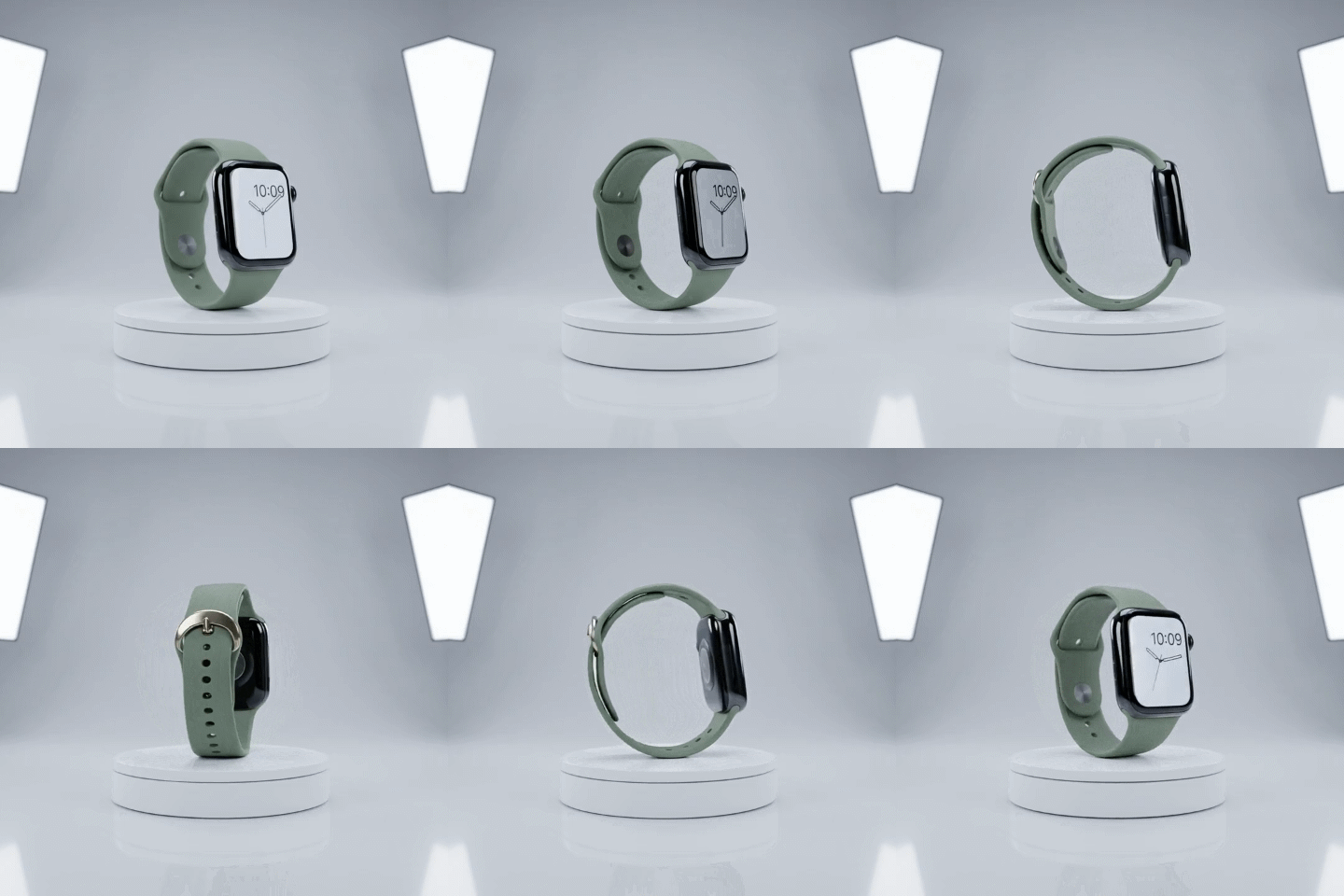
 Clip: Kling 3.0 ProGIF · 1.0 MB
480 × 480 · 15 fps · 5.0 s
A plain studio background hardly changes as the watch turns, which keeps a smooth 15 fps spin near 1 MB for a product page or email.
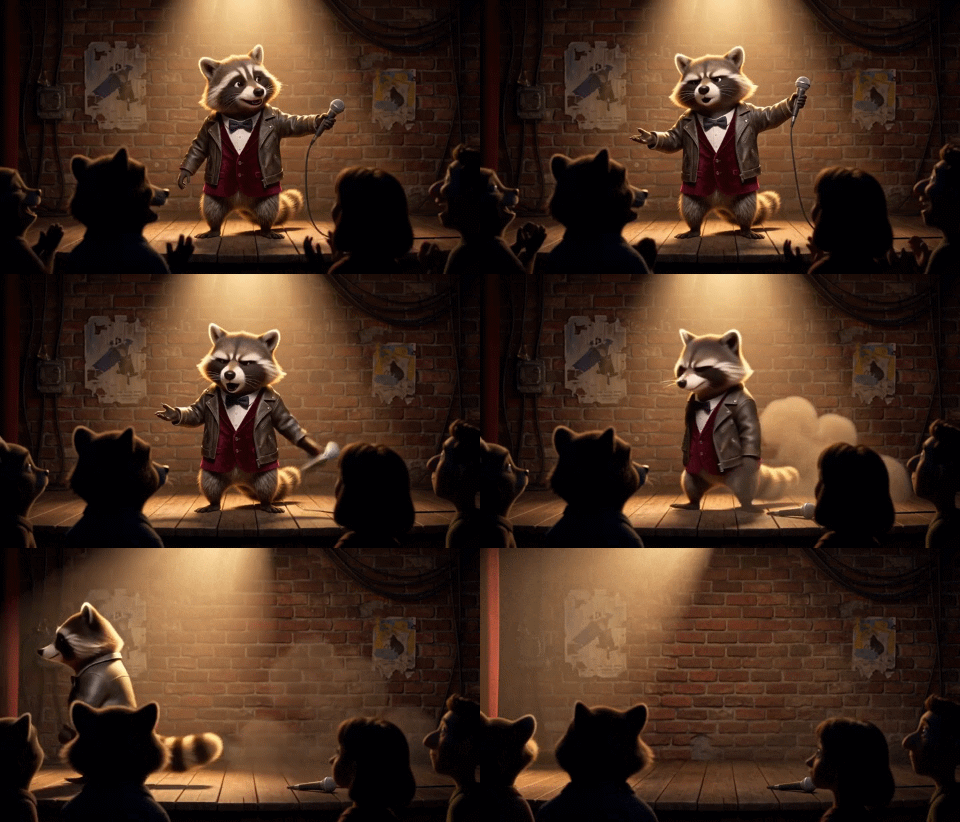
 Clip: MiniMax H3 MaxGIF · 1.5 MB
480 × 274 · 12 fps · 5.2 s
A 3D cartoon on a dark stage: few colours and a still background make a 480 px reaction GIF of about 1.5 MB.

 Clip: Seedance 2.0GIF · 3.5 MB
480 × 480 · 12 fps · 5.0 s
Confetti everywhere is the hardest case for a GIF: every frame is new. 480 px at 12 fps comes to about 3.5 MB.
 Clip: Seedance 2.0GIF · 1.4 MB
640 × 368 · 15 fps · 5.0 s
Only the steam and the rain move. Everything else is kept from the first frame, so 640 px at 15 fps stays near 1.4 MB.
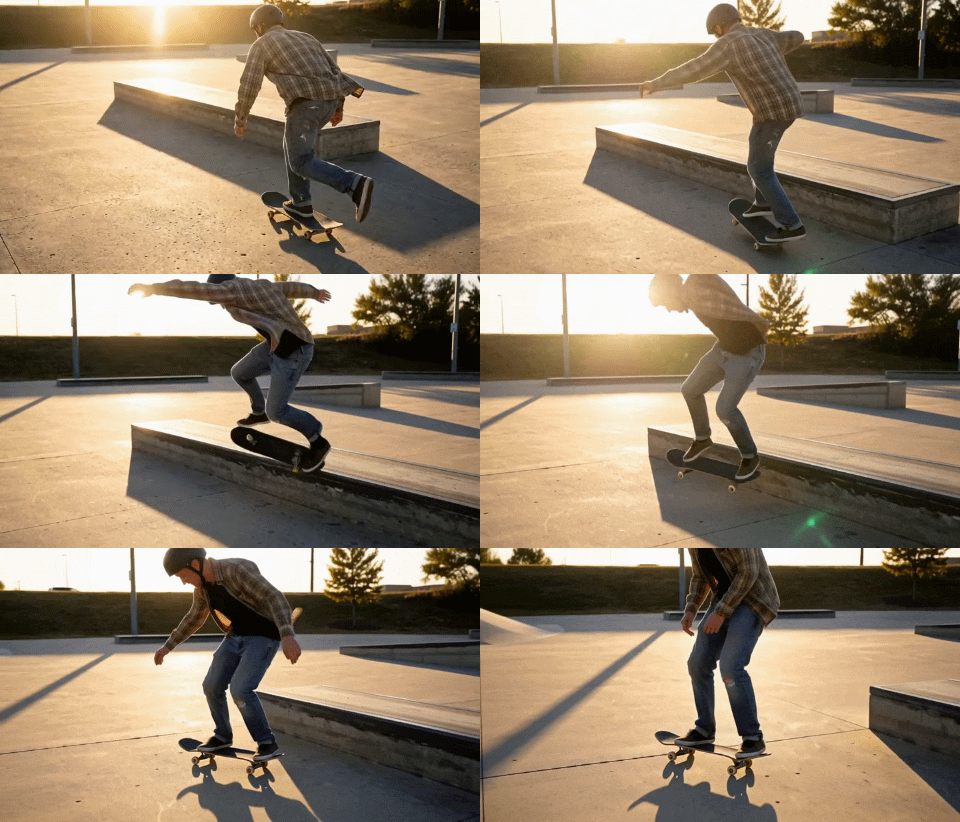 Clip: MiniMax H3 MaxGIF · 4.1 MB
480 × 274 · 15 fps · 5.1 s
A moving camera changes the whole frame, so even 480 px at 15 fps comes to about 4 MB. For chats with a size limit, set File size.
Clip: Grok Imagine 1.5GIF · 4.4 MB400 × 400 · 12 fps · 5.0 s
Made with File size set to 5 MB: the converter picked 400 px at 12 fps. Fur and a slow push-in change every pixel, the heaviest kind of GIF.
Clip: Seedance 2.0GIF · 1.4 MB640 × 368 · 15 fps · 5.0 s
Only the steam and the rain move. Everything else is kept from the first frame, so 640 px at 15 fps stays near 1.4 MB.
Clip: Seedance 2.0GIF · 3.5 MB480 × 480 · 12 fps · 5.0 s
Confetti everywhere is the hardest case for a GIF: every frame is new. 480 px at 12 fps comes to about 3.5 MB.
Clip: MiniMax H3 MaxGIF · 4.1 MB480 × 274 · 15 fps · 5.1 s
A moving camera changes the whole frame, so even 480 px at 15 fps comes to about 4 MB. For chats with a size limit, set File size.
Clip: Kling 3.0 ProGIF · 1.0 MB480 × 480 · 15 fps · 5.0 s
A plain studio background hardly changes as the watch turns, which keeps a smooth 15 fps spin near 1 MB for a product page or email.
Clip: MiniMax H3 MaxGIF · 1.5 MB480 × 274 · 12 fps · 5.2 s
A 3D cartoon on a dark stage: few colours and a still background make a 480 px reaction GIF of about 1.5 MB.
A GIF holds at most 256 colours and has no sound. Here is what converts well and what needs care.
Tip: 480 px at 12 frames per second suits chats and docs. For Discord or email, set File size to 8 or 10 MB.
A free GIF maker that keeps your video on your device and tells you the file size before you make it.
The video to GIF conversion runs in your browser, so a large file starts at once and stays private. Once the page has loaded it works offline too.
The estimate updates as you change the width, frame rate or trim, so you know the size before you make the GIF.
Pick a file size and the converter chooses the largest width and smoothest frame rate that fit, then checks the result.
Pixels that do not change are kept from the frame before, so a GIF with a still background can be a fraction of the usual size.
One palette for the whole GIF, with dithering for smooth gradients, so skies and skin band less and colours do not flicker.
No account, no daily limit and no watermark on the GIF. Use it as often as you like.
Five tips for converting video to GIF files that look good and stay small.
A GIF works best as a short loop of 2 to 10 seconds. Drag the handles on the filmstrip, or play the video and press Set start here and Set end here.
Width and frame rate decide most of the file size. 480 px at 12 fps suits chats and docs; 640 to 800 px at 15 fps suits a web page. Doubling the width roughly quadruples the size.
Discord, Slack and email limit file size. Set File size to 8 or 10 MB and the converter picks the width and frame rate for you; if the clip is too long to fit, it tells you.
Crop to 1:1 for chats, 9:16 for stories or 16:9 for slides, then drag the box on the video to keep the subject in the frame.
No video yet? Animate a photo with our image to video AI, download the MP4 and make a GIF of it here.
Converting video to GIF gives you a clip that plays everywhere without a play button, the easiest way to show motion.
Turn a funny moment into a reaction GIF for Slack, Discord or messages.
Show a click path or a bug with a screen recording made into a GIF.
Product spins and demos that play in email, where video does not.
Loops for posts, forums and articles.
Answers about price, privacy, size, formats and quality.
Open a video, pick the moment and download the GIF. Free, private, no upload.