
Poster in a Google font
210 × 297 mm · PDF · A4
Abril Fatface loads before drawing, so the title keeps its font instead of a stand-in.
Convert SVG to PDF that stays vector: lines, shapes and text stay sharp at any zoom, while shadows, masks and web fonts come out as your browser shows them. Pick A4, Letter or the original size and merge many SVGs into one PDF. Free, on your device.
·No SVG at hand?
Converted on your device; files aren't uploaded to our servers. Web fonts and linked images in an SVG are downloaded by your browser from their own servers, so the file looks right.
SVG to PDF: add, choose, download.
Drop up to 50 files, .svg or .svgz, 20 MB each, or paste SVG code.
Original size, A4 or US Letter, with or without a margin. Vector is the default; Picture gives an exact 300 DPI copy.
Save each PDF, a ZIP, or every file as one PDF, a page each.
Original files we drew for this page, each an SVG to PDF case that often goes wrong.
210 × 297 mm · PDF · A4
Abril Fatface loads before drawing, so the title keeps its font instead of a stand-in.
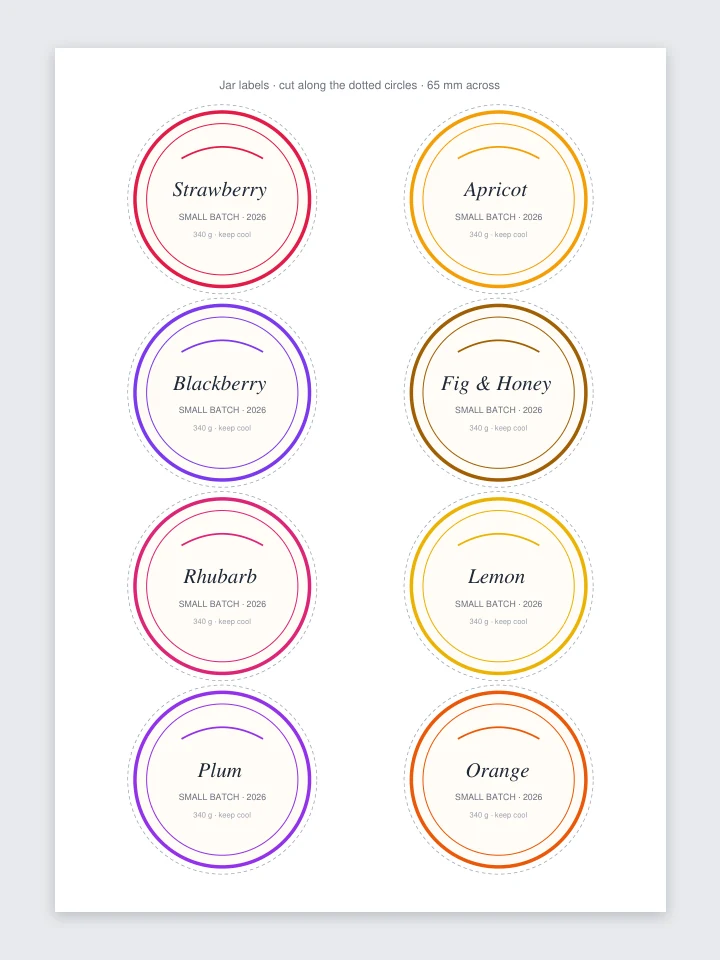
210 × 297 mm · PDF
An SVG drawn at 210 × 297 mm becomes an A4 page of exactly that size.
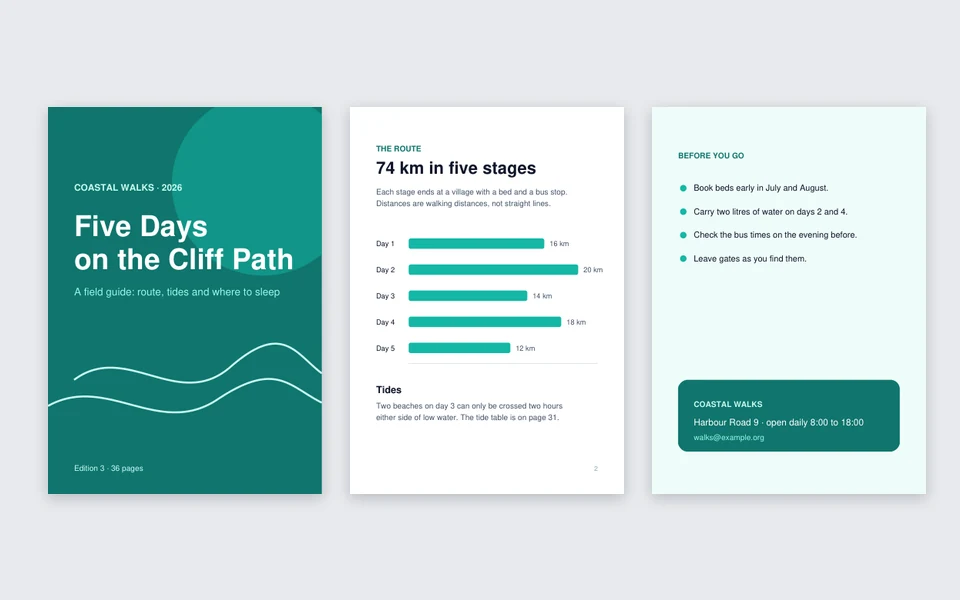
3 files · 111 × 157 mm · PDF
Three SVGs merged into one PDF, each page at its own size.

210 × 297 mm · PDF · A4
Chinese text shows as written, not as broken characters.
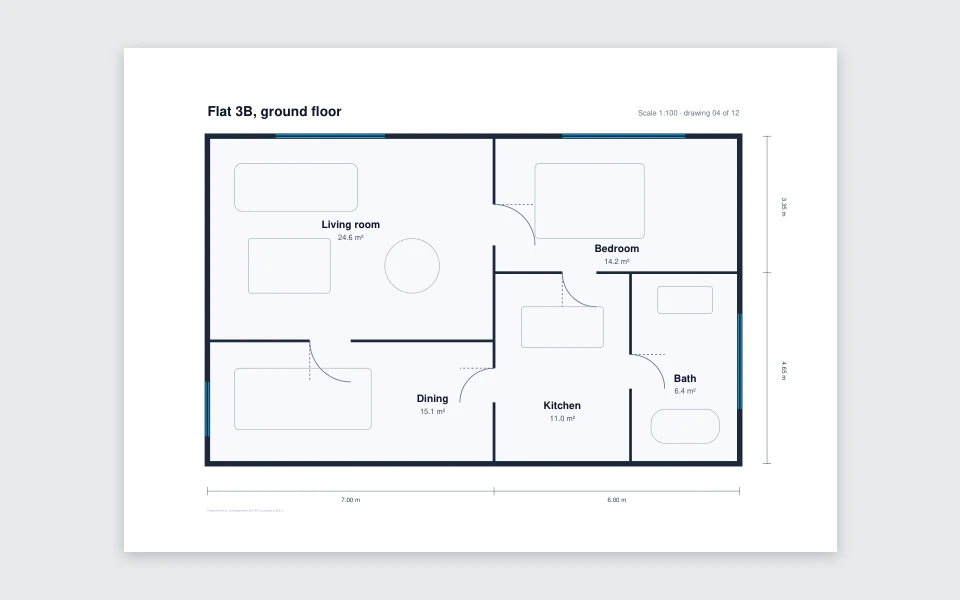
297 × 210 mm · PDF · A4
Hairlines, labels and a 4 px note stay vector: zoom in as far as you like.
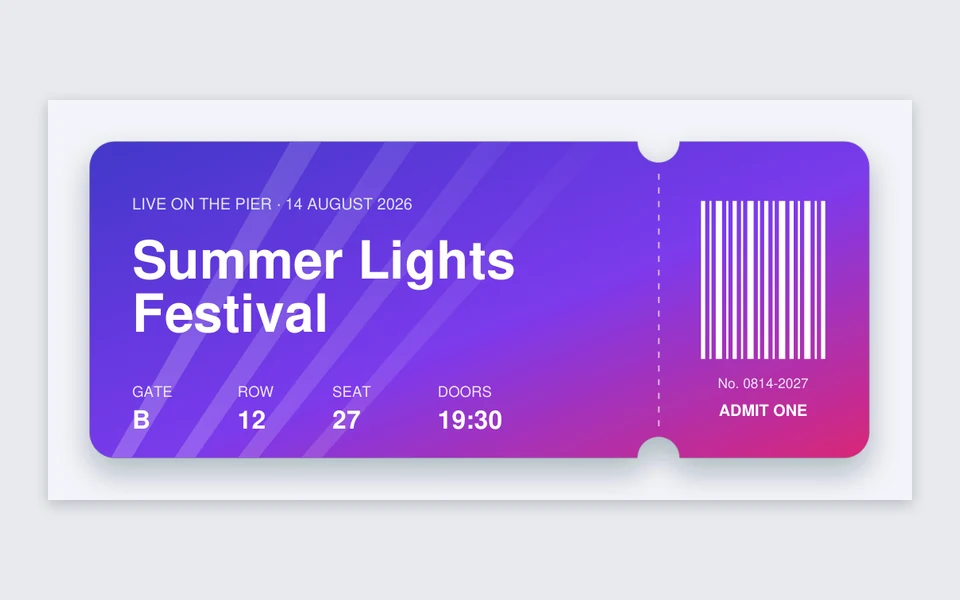
217 × 101 mm · PDF
The shadow and the fading light rays go in as 300 DPI pictures; the text stays selectable.
210 × 297 mm · PDF · A4
Abril Fatface loads before drawing, so the title keeps its font instead of a stand-in.
297 × 210 mm · PDF · A4
Hairlines, labels and a 4 px note stay vector: zoom in as far as you like.
210 × 297 mm · PDF · A4
Chinese text shows as written, not as broken characters.
217 × 101 mm · PDF
The shadow and the fading light rays go in as 300 DPI pictures; the text stays selectable.
210 × 297 mm · PDF
An SVG drawn at 210 × 297 mm becomes an A4 page of exactly that size.
3 files · 111 × 157 mm · PDF
Three SVGs merged into one PDF, each page at its own size.
A PDF keeps vector shapes and plain text; some SVG effects need a picture.
Tip: need a picture file instead? Open SVG to PNG, or choose Picture as the PDF type here.
Many SVG to PDF converters upload your file, swap fonts without a word, or turn every page into one flat picture.
Paths, gradients, patterns, clip paths, markers and plain text become real PDF vectors, sharp at any zoom.
Shadows, masks, blend modes and HTML labels are drawn by your browser at 300 DPI and put back exactly in place.
Each file says which parts went in as pictures and why, such as a drop shadow or text in Montserrat.
A4 is 210 × 297 mm and Letter is 8.5 × 11 in; the original size follows the SVG at 96 px to the inch.
Merge up to 50 SVGs in list order, each page at its own size, or save them separately as a ZIP.
Google Fonts in your SVG load before drawing, and Chinese or emoji text shows right instead of broken characters.
What changes when an SVG becomes a PDF.
Paths, shapes, dashed strokes, linear and radial gradients, patterns, clip paths, markers, opacity and embedded PNG or JPEG pictures all become PDF drawing commands, so lines and curves stay sharp at any zoom and the file stays small. Text in Arial, Helvetica, Times or Courier uses the PDF’s own fonts and can be selected and searched.
Filters such as drop shadows, masks, blend modes, CSS transforms and HTML inside the SVG have no direct PDF version. Instead of dropping them, this SVG to PDF converter draws just those parts with your browser at 300 DPI, the usual print resolution, and places them exactly where they were. Everything around them stays vector.
A PDF can only show text in fonts it carries. Text in a web font or another installed font, and Chinese, Japanese or emoji text, is kept as a 300 DPI picture of exactly what your browser shows, so the look is right but that text can’t be selected. Converters that swap fonts instead often turn a brand font into Comic Sans or Times.
Original size makes the page the SVG’s own size at 96 px to the inch, so an SVG drawn in millimeters keeps its exact size. A4 and US Letter fit the drawing inside the margin you pick, centered, and turn the page to landscape for wide drawings. Every PDF’s size is shown in millimeters before you save it.
For home and office printing, any PDF from this page is ready. Most print shops accept RGB PDFs and convert the colors themselves; ask yours whether they need CMYK or bleed, which this page does not add. Keep the SVG as your editable master.
Places that want a PDF, not an SVG.
Plans, labels and posters at an exact paper size.
Several pages of SVG artwork in one PDF to send or print.
A file anyone can open on any device, without an SVG viewer.
Upload fields that take PDF but refuse SVG.
Converting, vector, text, fonts, merging, page size, printing and privacy.
Vector PDF with effects kept, any page size, one PDF from many files. Free, on your device.