
Illustration, smallest file
864 × 1,152 px · PNG 2.3 MB → JPG 170 KB
Quality 70 for chats and quick sharing.
Convert PNG to JPG in seconds: drop your files, pick the quality and get light JPG files that open and upload everywhere, a whole batch at once. Everything runs on your device, so nothing is uploaded.
No PNG file at hand?
Converted on your device: nothing is uploaded, and it keeps working offline once the page has loaded.
Eight PNG files made for these examples, each turned into a much smaller JPG by this page's own PNG to JPG converter. Open one to see the result and every setting.
864 × 1,152 px · PNG 2.3 MB → JPG 170 KB
Quality 70 for chats and quick sharing.

512 × 512 px · PNG 2.6 MB → JPG 100 KB
Saved at 50% for upload forms with a size limit.
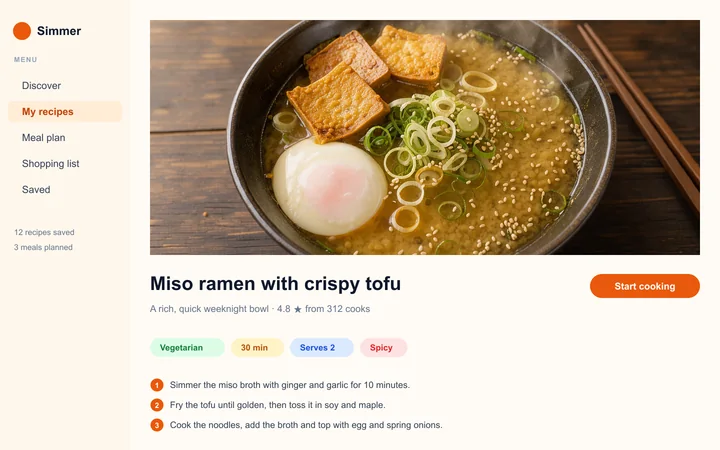
1,440 × 900 px · PNG 1.4 MB → JPG 264 KB
Photo and small colored text both stay sharp, at a fraction of the size.

1,344 × 768 px · PNG 2.3 MB → JPG 330 KB
A large render ready to email in seconds.
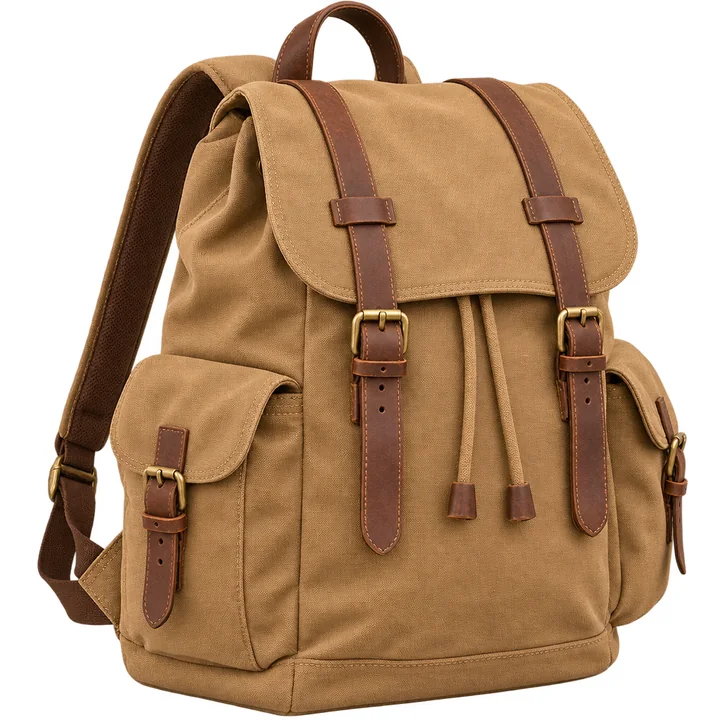
1,024 × 1,024 px · PNG 2.4 MB → JPG 326 KB
See-through areas filled with clean white for shop listings.

1,024 × 1,024 px · PNG 1.4 MB → JPG 169 KB
Transparency filled with soft yellow instead of white.

1,152 × 864 px · PNG 2.7 MB → JPG 519 KB
Quality 95 for prints and photo books.
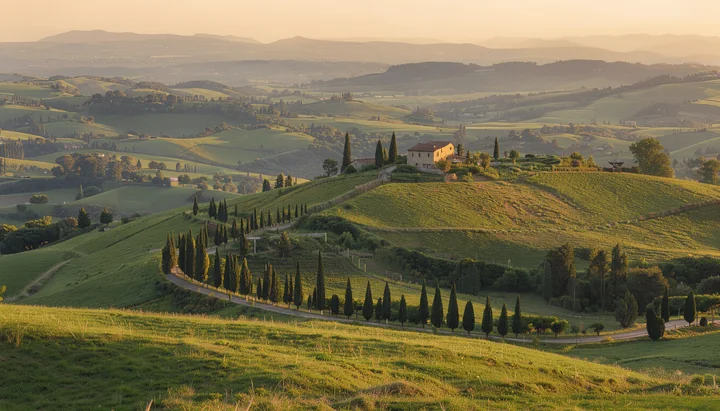
1,344 × 768 px · PNG 2.7 MB → JPG 399 KB
A heavy 16-bit PNG from a photo editor, now a light JPG at quality 90.
864 × 1,152 px · PNG 2.3 MB → JPG 170 KB
Quality 70 for chats and quick sharing.
1,440 × 900 px · PNG 1.4 MB → JPG 264 KB
Photo and small colored text both stay sharp, at a fraction of the size.
1,344 × 768 px · PNG 2.3 MB → JPG 330 KB
A large render ready to email in seconds.
1,024 × 1,024 px · PNG 2.4 MB → JPG 326 KB
See-through areas filled with clean white for shop listings.
512 × 512 px · PNG 2.6 MB → JPG 100 KB
Saved at 50% for upload forms with a size limit.
1,024 × 1,024 px · PNG 1.4 MB → JPG 169 KB
Transparency filled with soft yellow instead of white.
1,152 × 864 px · PNG 2.7 MB → JPG 519 KB
Quality 95 for prints and photo books.
1,344 × 768 px · PNG 2.7 MB → JPG 399 KB
A heavy 16-bit PNG from a photo editor, now a light JPG at quality 90.
Three steps, and your pictures never leave your device.
Drop, paste or choose up to 100 PNG pictures, screenshots and exports. Each one starts converting the moment it arrives.
Choose a quality from maximum to smallest file, a color for transparent areas, and the full size or 75, 50 or 25%.
Save each JPG on its own or all of them in one ZIP, named after the original PNG files.
Six things it does well, from one screenshot to a folder of product photos.
Photos, renders and screenshots saved as PNG are heavy. As a JPG they often weigh a tenth as much, and every row shows the size before and after.
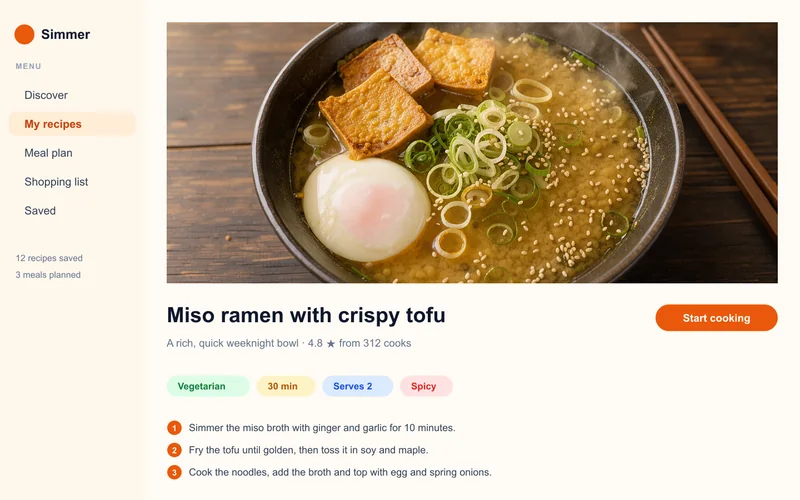
Our own encoder keeps full color detail (4:4:4) at every quality, so small red, blue and green lettering in screenshots stays crisp, even at the smallest file size.
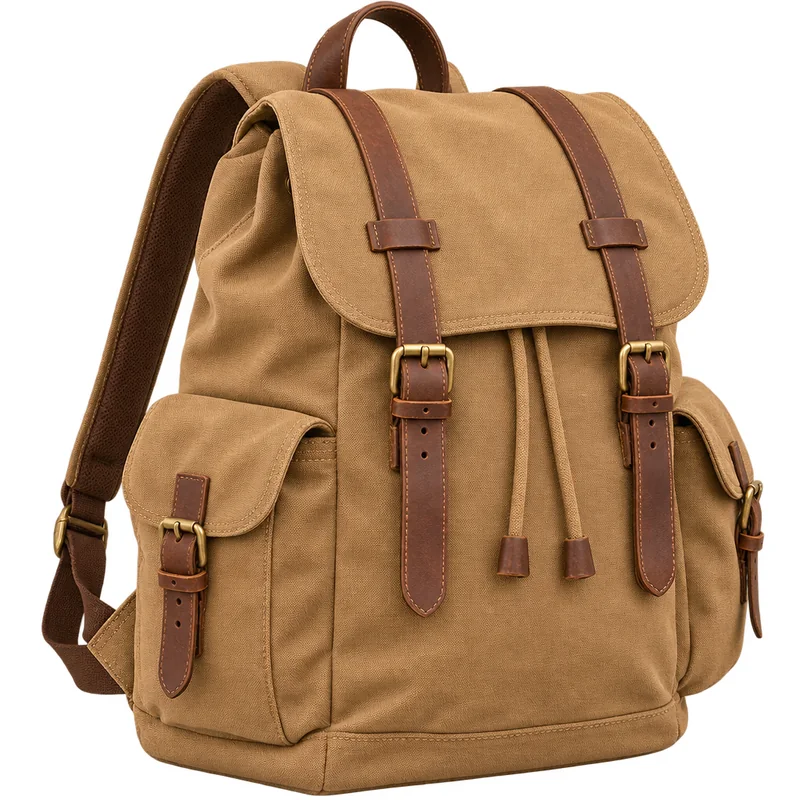
JPG has no transparency, so see-through areas are filled with white by default, as shops ask for. Pick black or your brand's own color for logos and stickers.

Maximum for prints, high for everyday use, standard or smallest file for email and forms. 16-bit PNG exports convert cleanly at every setting.

Add up to 100 PNG files and they convert one after another, resized if you like. Change a setting and the whole list converts again; one click saves every JPG in a ZIP.

The converter runs entirely in your browser: no upload, no account, no watermark, and it keeps working without a connection.
Five short tips for JPG files that look right and stay small.
PNG keeps every pixel, which makes photos and screenshots large. Upload forms, email, shops and many apps prefer JPG, so converting gives a file that is light and opens everywhere.
High quality (90) suits nearly every photo and screenshot. Use maximum (95) for prints, and standard or smallest file when a form or an email has a size limit.
A JPG can't be see-through, so choose the color the picture will sit on: white for shops and documents, your brand's color for a website or a slide.

Save at 75, 50 or 25% when a large PNG only needs to fill a profile photo, an email or a thumbnail. The browser's high-quality resize keeps edges smooth.
For a logo that sits on many backgrounds, keep the PNG or switch the list to PNG with one click; use JPG for everything that goes into a form, an email or a shop.
Common reasons to convert PNG to JPG.
Turn product cut-outs into white-background JPG files that marketplaces accept.
Share screenshots in docs, tickets and posts without heavy files.
Send photos and scans to forms that only take JPG under a size limit.

Send renders and illustrations to clients and print shops as light JPG files.
Answers about converting PNG to JPG, quality and privacy.
Drop your PNG files on the converter at the top of this page. Each one becomes a JPG at once; download them one by one or all together as a ZIP.
Yes. It runs entirely in your browser, needs no account, adds no watermark and saves every JPG at full size.
No. Every file is converted on your device; nothing is sent to a server, and it keeps working offline once the page has loaded.
Photos, renders and screenshots with pictures often shrink to a tenth of the PNG size at high quality (90). Each row shows the size before and after, so you can try a setting and see.
JPG has no transparency, so they are filled with white, or with black or any color you pick. Choose the color the picture will sit on.
Yes. Add up to 100 PNG files; they convert one after another, and one click downloads every JPG in a ZIP.
High quality (90) is right for nearly everything. Pick maximum (95) for printing, or standard (80) and smallest file (70) to keep files small for email and forms.
Yes. JPG and JPEG are two names for the same format, so converting PNG to JPEG or to JPG gives exactly the same file; only the extension differs.
Drop your PNG files and download light JPG files in seconds, free and private in your browser.
Choose PNG files