Start from a good scan
A flatbed scan at 600 DPI gives the most detail. With a phone, lay the print flat in soft daylight, hold the phone straight above it and avoid glare; take it out of a glossy frame first.
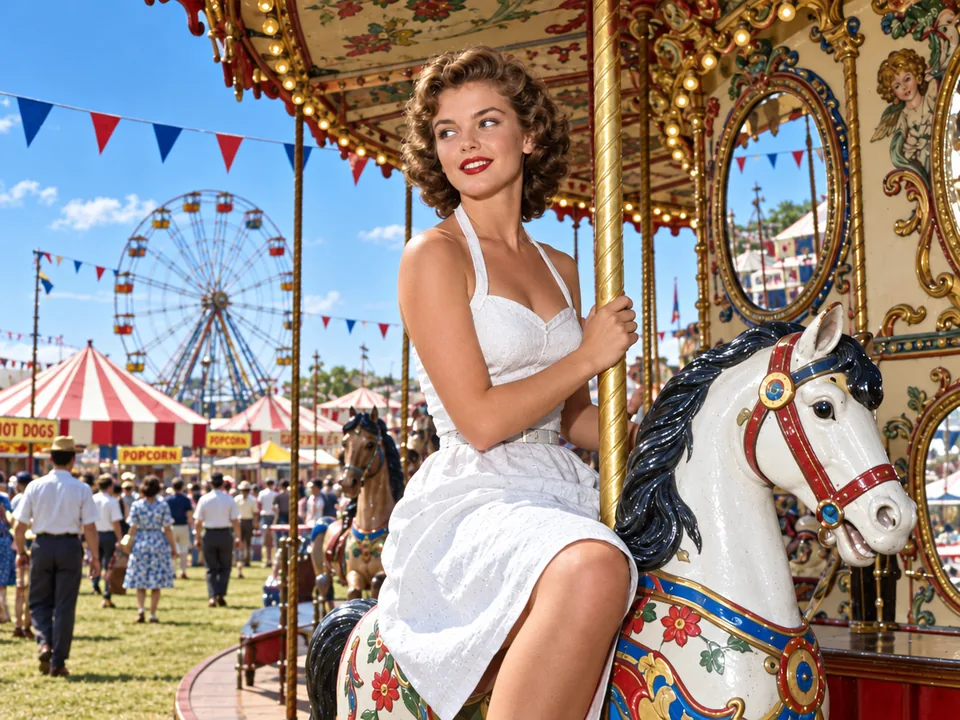
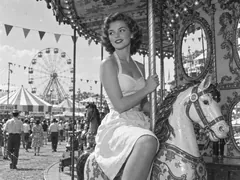
Colorize black and white photos and sepia prints in about half a minute: natural colors true to their day, every face kept as it was and the colors you remember followed, with scratches repaired in the same run.
Try one of these edits
Black and white and sepia photos made for these examples, each given color in one run. The original sits in the corner.
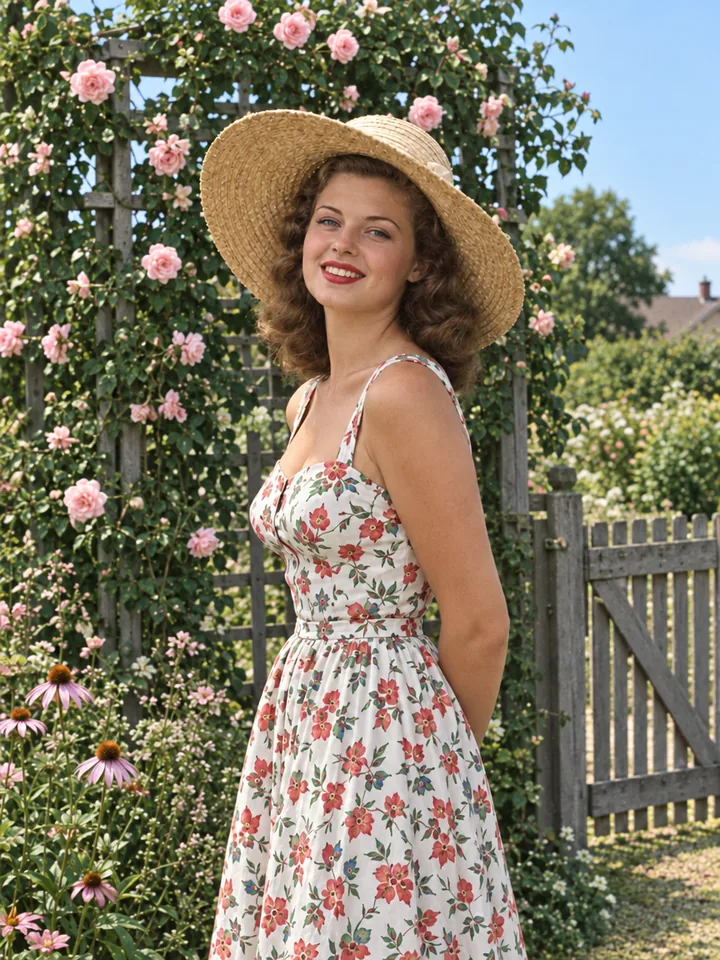
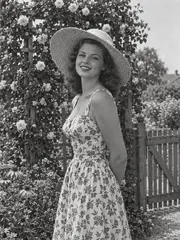
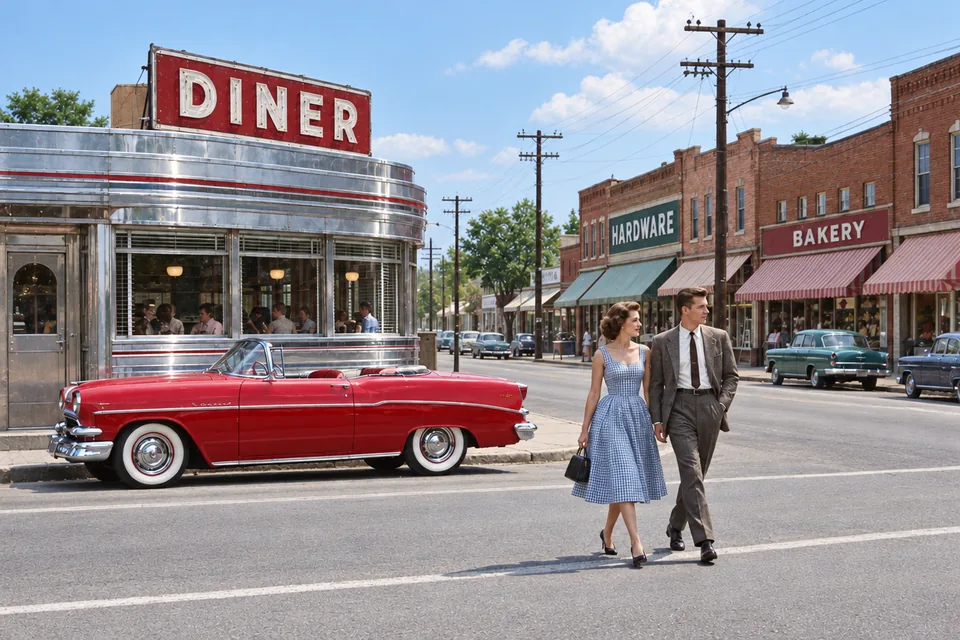
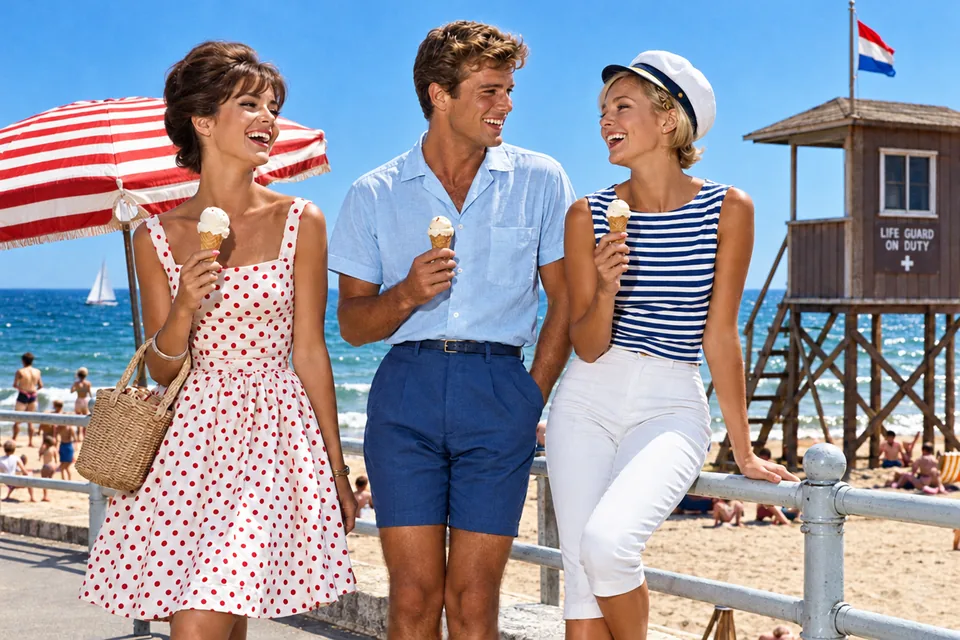
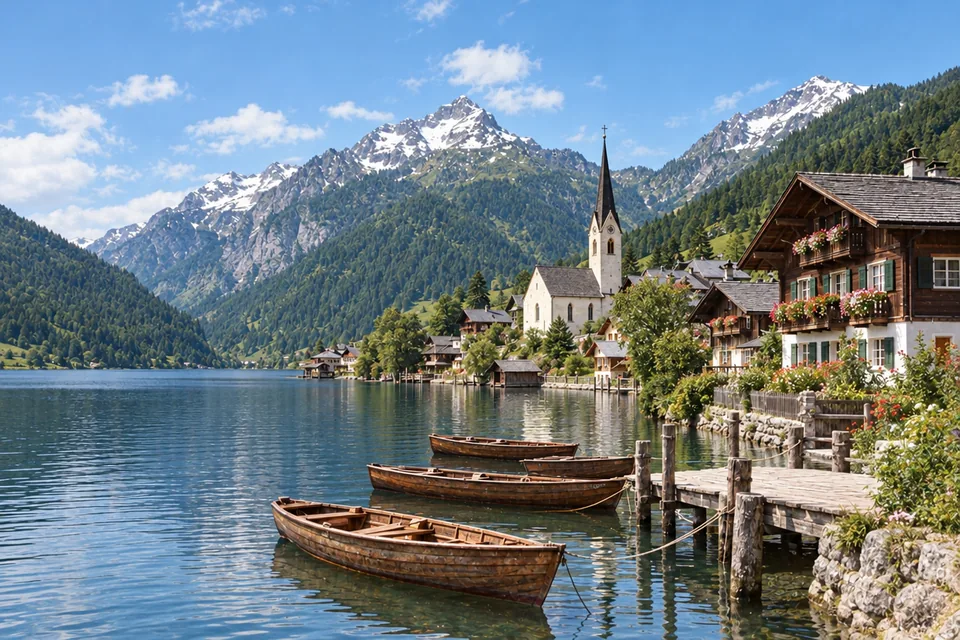
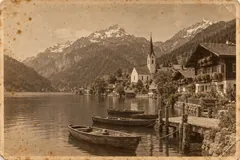
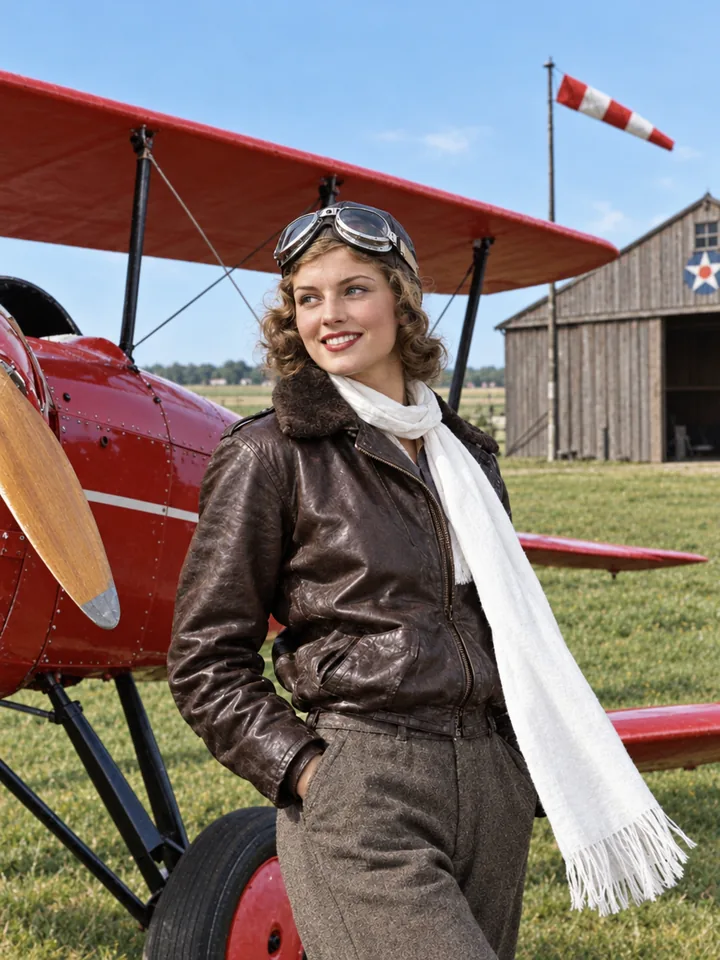
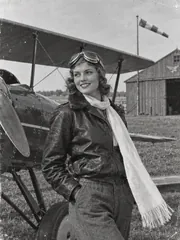
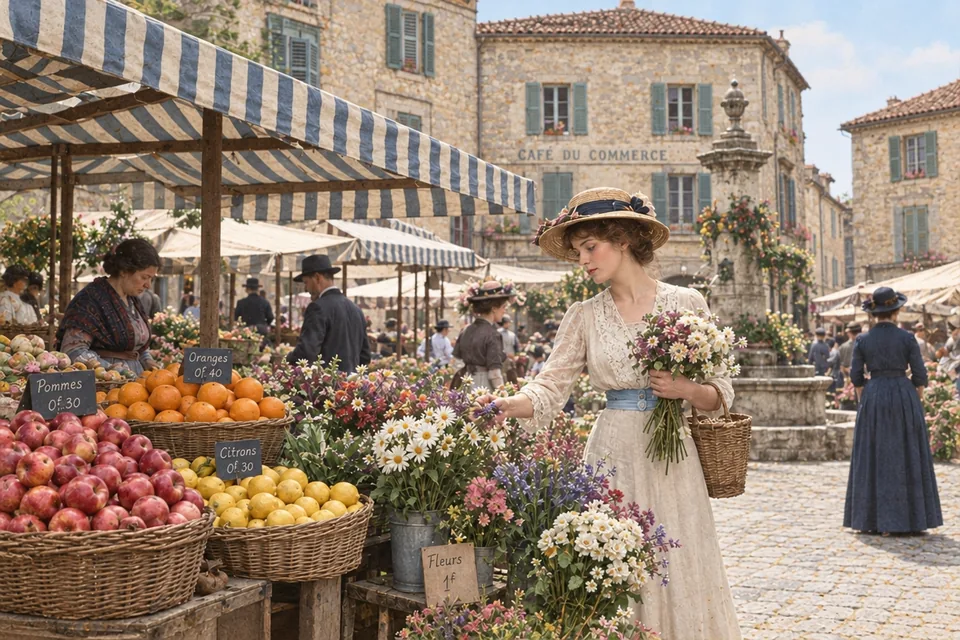
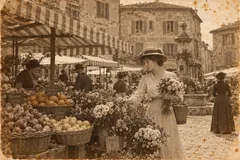
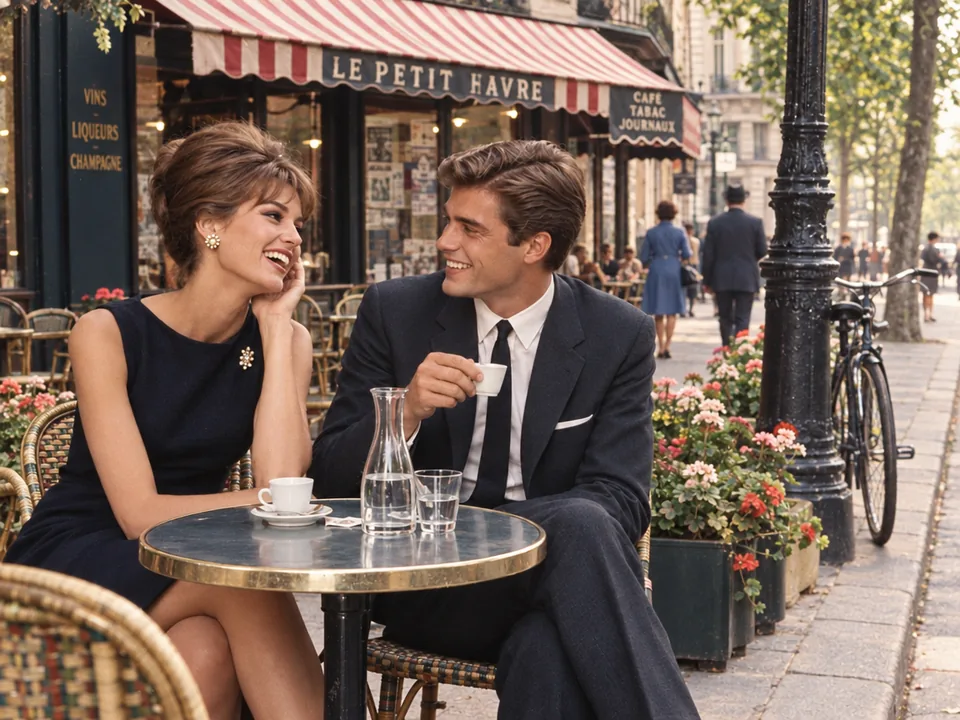
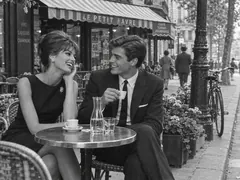
Three steps to colorize a photo, from a black and white print to full color.
Scan the print or photograph it flat in daylight, then drop the file in. Black and white and sepia photos both work, and the result keeps the photo's shape.
Choose natural colors, vivid modern color, the look of color film or soft hand-tinted color. Note any color you remember: "her scarf was white".
The color version arrives in about half a minute. Download it at 1K, 2K or 4K, upscale it for a large print, or bring it to life as a video.
Six things it does best, from a family portrait to a whole street.
Eyes, smiles, hairstyles and expressions stay exactly as they were. Only color is added, so a grandparent still looks like themselves.
Skin, hair, clothes, sky, water and buildings get the colors a color photo would have shown that day, never a painted look.
Natural, vivid modern color, the warm look of a color film print or soft hand-tinted color: pick one before you start.
Write what you know, such as "the convertible was cherry red" or "the house was white", and the result follows it.
Scratches, dust, stains and creases are removed while color is added. Choose Color only to keep the print's grain and marks.
Sepia postcards take color just like black and white photos, and lettering on a sign or the pattern of a dress keeps every detail.
Five short tips for scanning, looks, colors and sizes.
A flatbed scan at 600 DPI gives the most detail. With a phone, lay the print flat in soft daylight, hold the phone straight above it and avoid glare; take it out of a glossy frame first.
Natural suits family photos and archives. Vivid makes an old street look photographed today, Color film gives the warm, softly faded print of its era, and Hand-tinted lays soft pastel color over the photo like early colored portraits.
A short note makes the photo match your memory: "his eyes were green", "the plane was red", "the door was blue". Name only the colors you are sure of and the rest stays natural.
Repair and colorize removes scratches, dust and stains as it adds color. Color only keeps the print's grain and every mark, for a result that stays as close to the original as possible.
A colorized photo costs 3 credits at 1K, 6 at 2K and 8 at 4K. Choose 4K for prints and frames; the upscaler can take it further.
Families, family historians, video makers and anyone with a box of black and white prints.
See grandparents' portraits and weddings in color for a frame or a gift.
Bring old photos to color for a family tree, a memorial or a reunion slideshow.
Show the past in color in documentaries, history channels and social posts.
Show old streets, markets and villages in color for a town archive or a book.
Answers about colorizing photos, colors, faces, price and sizes.
Scan or photograph the print, add it here, pick a look, name any colors you remember and run. In about half a minute the color version is ready to download.
Skin, hair, clothes, sky and buildings get natural colors true to the photo's era. When you know a color, write it in the notes and the photo follows it.
Yes. Every face, expression and hairstyle is kept as it was and only color is added, so the people look like themselves, only in color.
Yes. Sepia and brown-toned prints take color just like black and white photos, from studio portraits to old postcards of towns and harbors.
A colorized photo costs 3 credits at 1K, and the button shows the price before you start. Every result is yours to download with no watermark.
Yes. Repair and colorize, the default, removes scratches, dust, stains and creases in the same run; Color only keeps the print as it is.
Choose 1K, 2K or 4K; the photo keeps its own shape. For a large print, send it on to the upscaler.
Yes. Your photos and results are visible only to you and are not used to train AI; every upload passes our content checks.
Add a scan or a phone photo of an old print and see it in natural color in about half a minute.
Colorize a photo