Show the whole garment
Keep the whole piece in the frame, front on, with sleeves and hem visible. Any room works; even light shows the fabric best.
Upload a garment photographed on a mannequin, a dress form or a model, and AI removes the body and redraws the garment as a hollow ghost mannequin photo, the inside of the neckline showing, or as a neat flat lay. Every button, seam and pattern is kept, on pure white, ready for any store.
Turn a garment on a mannequin or a model into a hollow product photo or a flat lay on white.
Try one of these
Eight garments photographed on store mannequins, a dress form and models, each turned into a product photo on white by this tool.
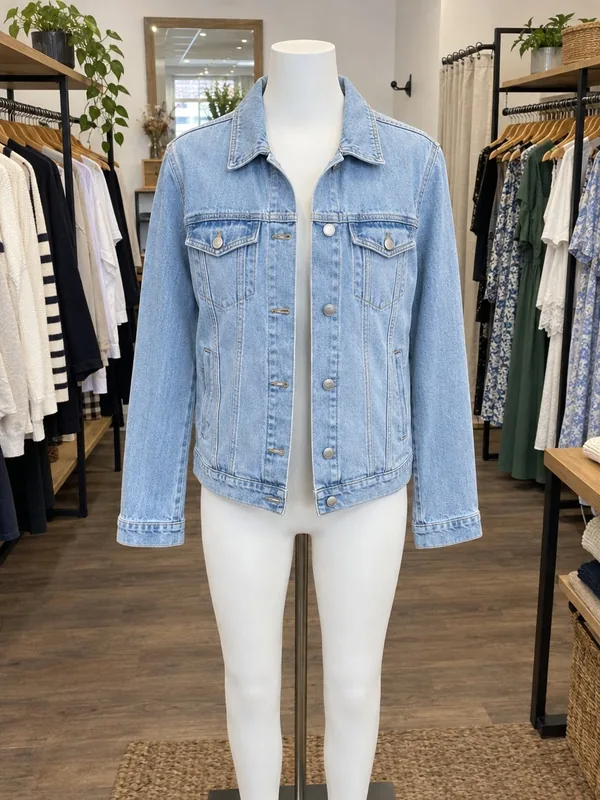
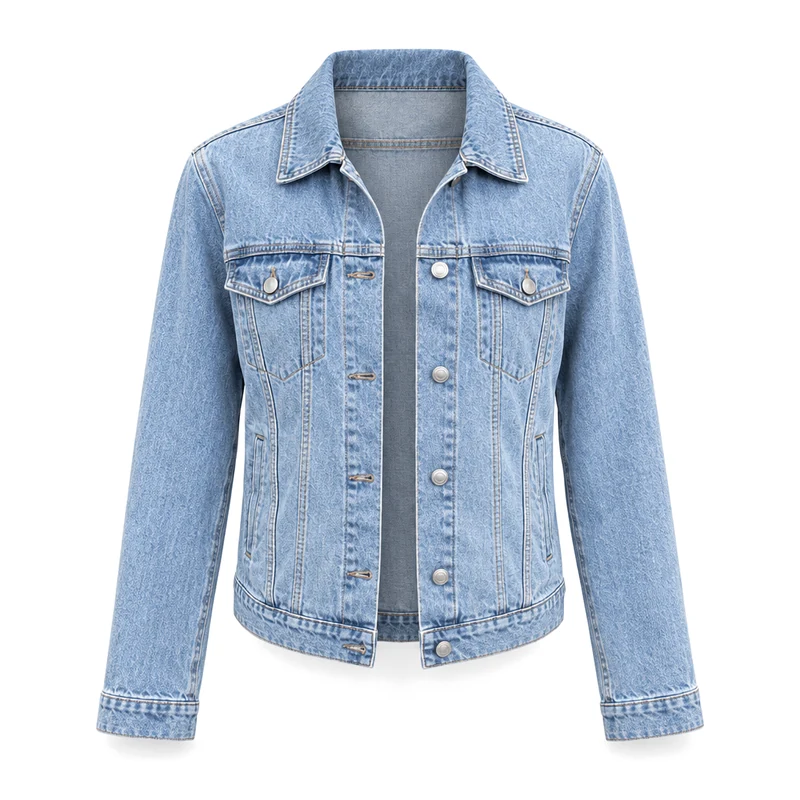
The mannequin gone, the open jacket hollow with the inside of the collar showing.
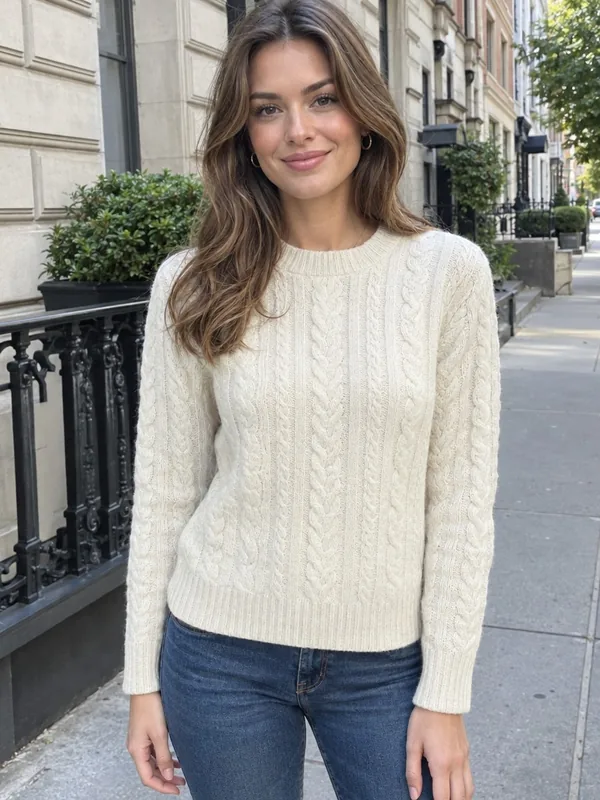
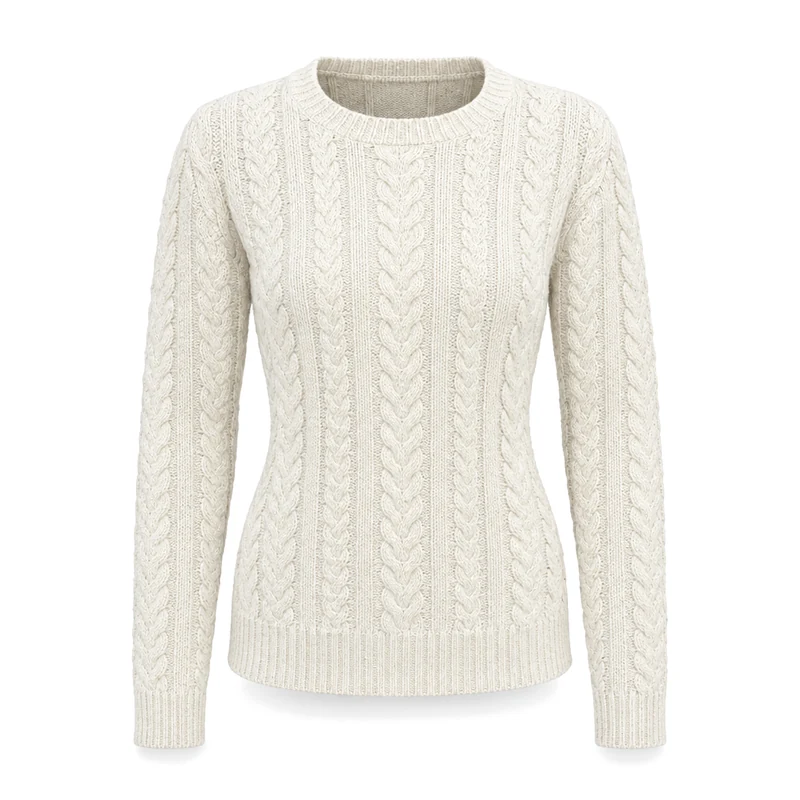
The model removed and every cable of the knit kept, the neckline open and hollow.
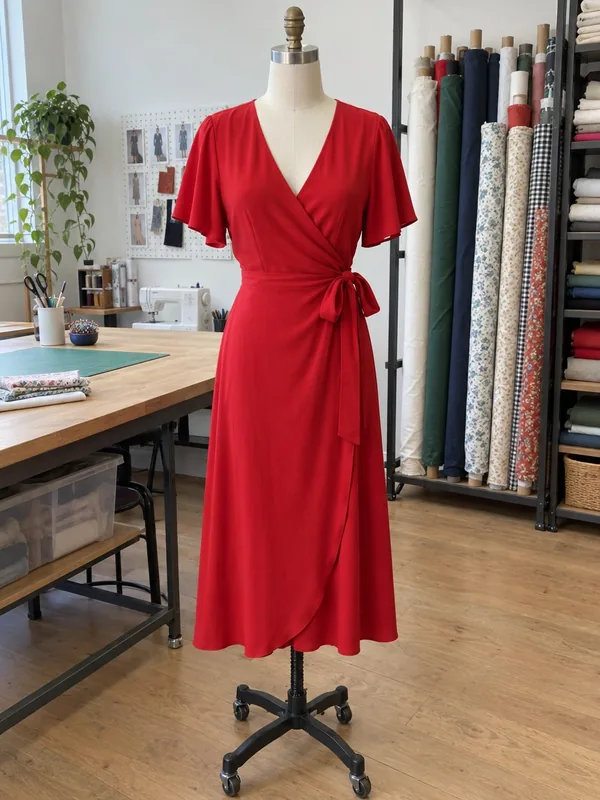
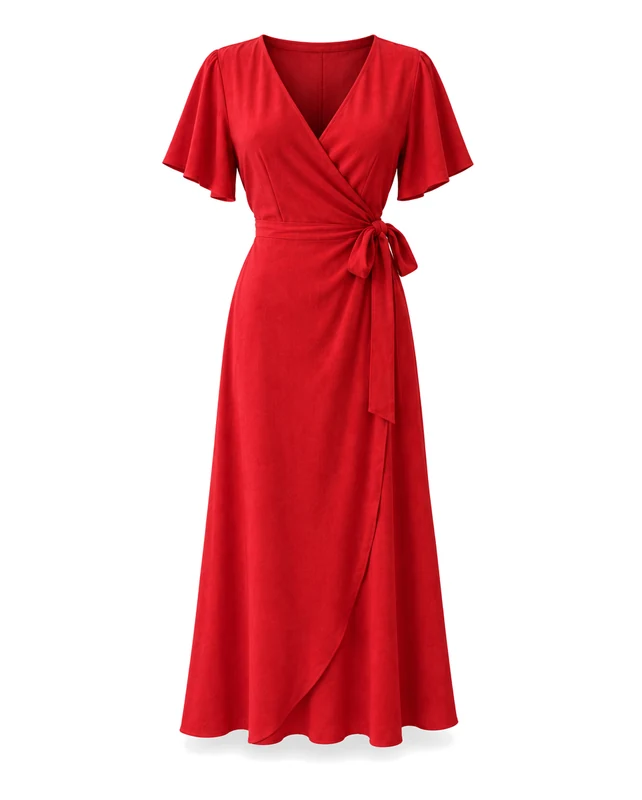
The stand and form gone, the tie and flutter sleeves keeping their shape in 4:5.
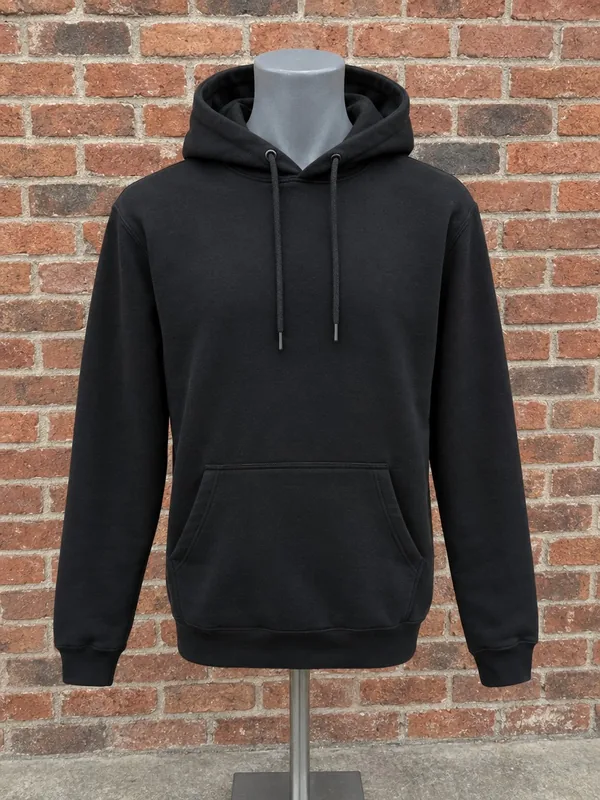
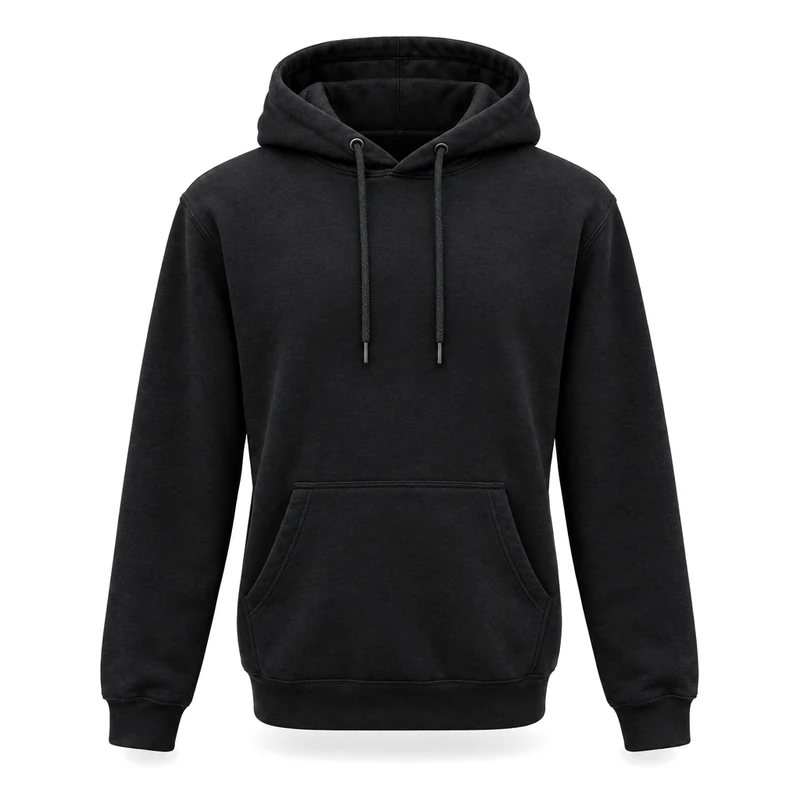
The inside of the hood shows, drawstrings and pocket kept, on pure white.
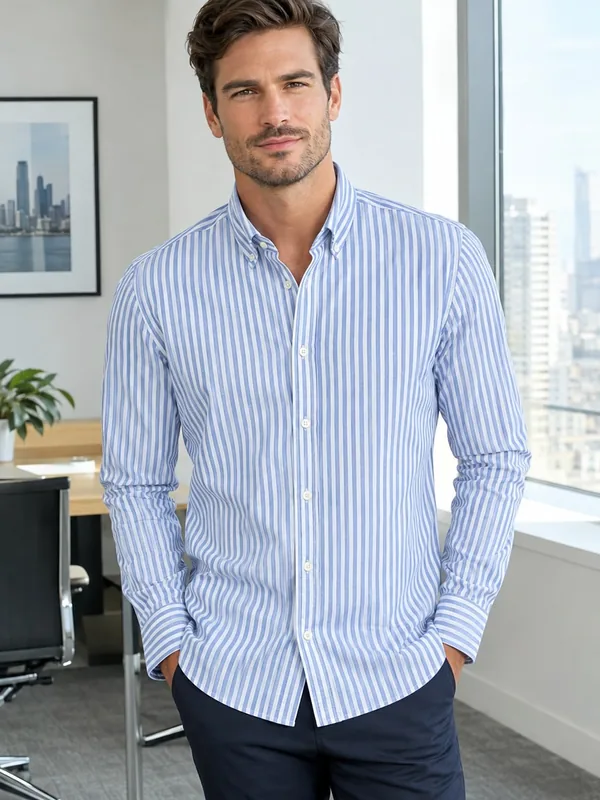
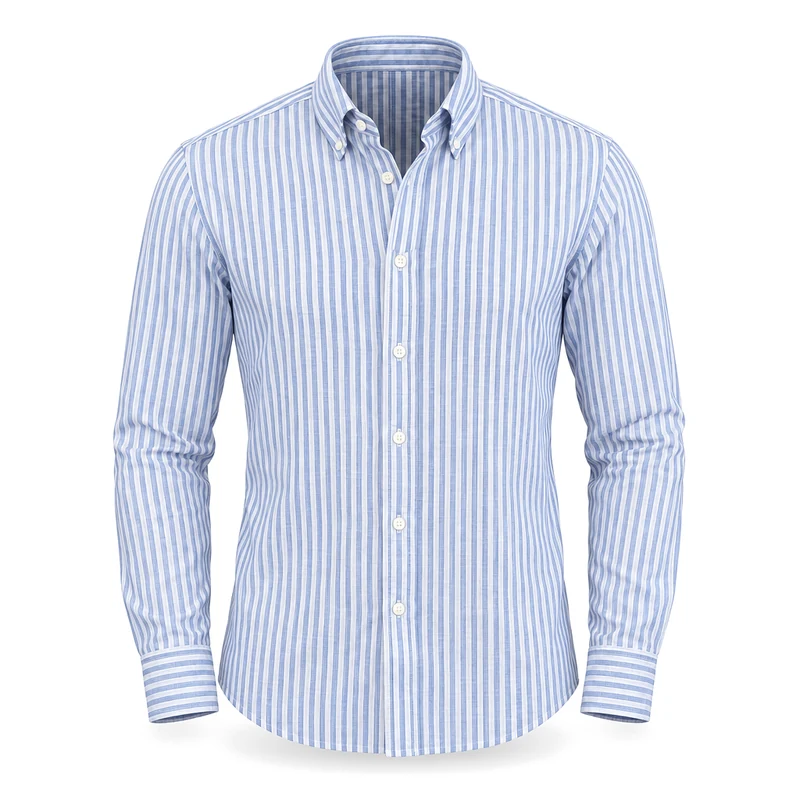
An office photo turned into a crisp product shot, stripes and collar buttons kept.
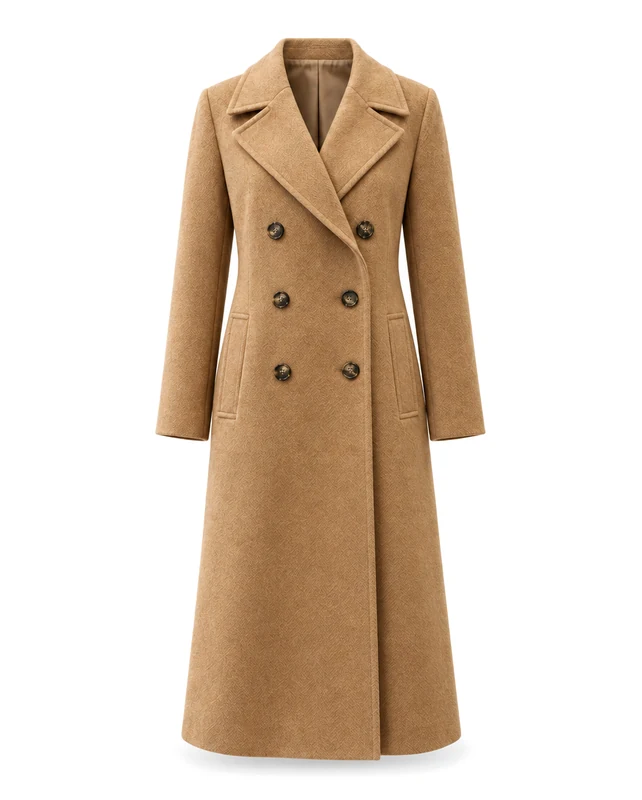
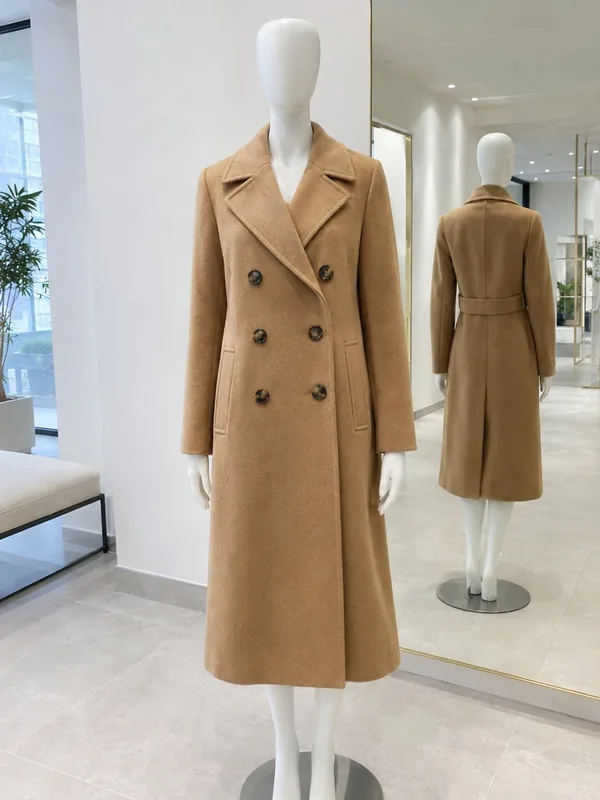
A long double-breasted coat, buttons and lapels exact, in a 4:5 frame.
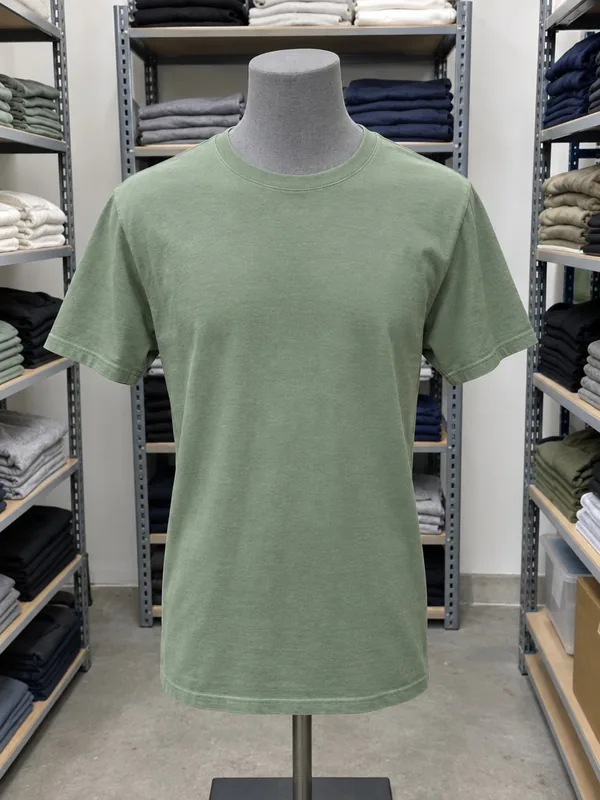
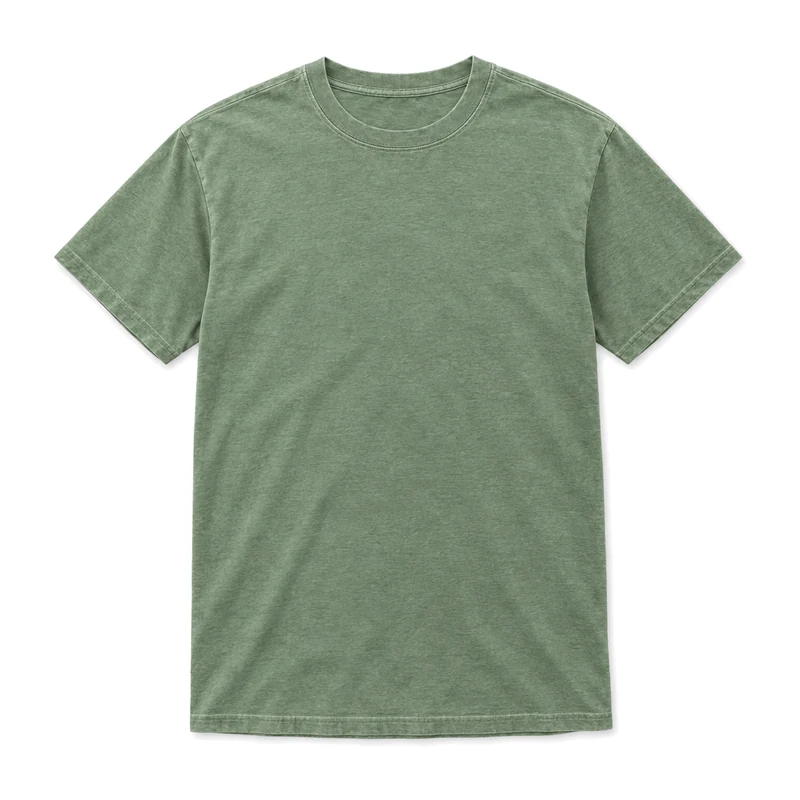
A tee from a stock room laid flat and seen from above, soft folds and shadow.
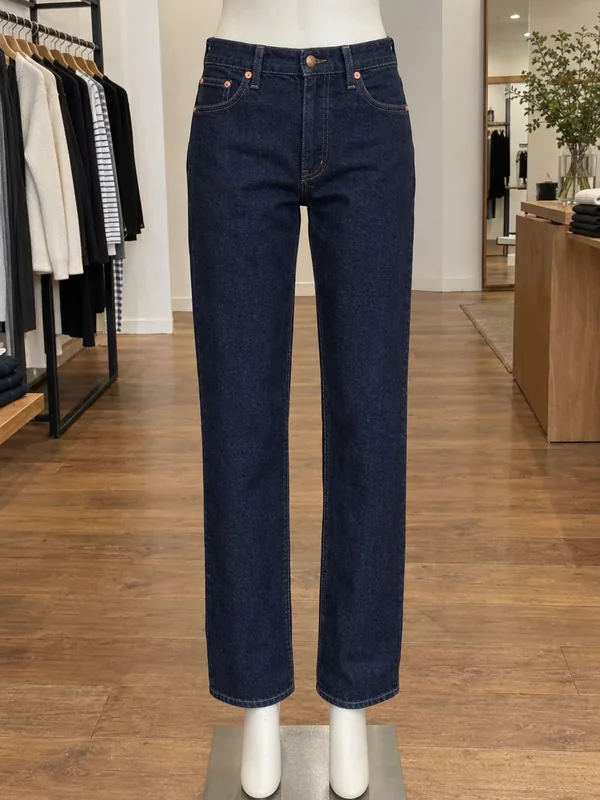
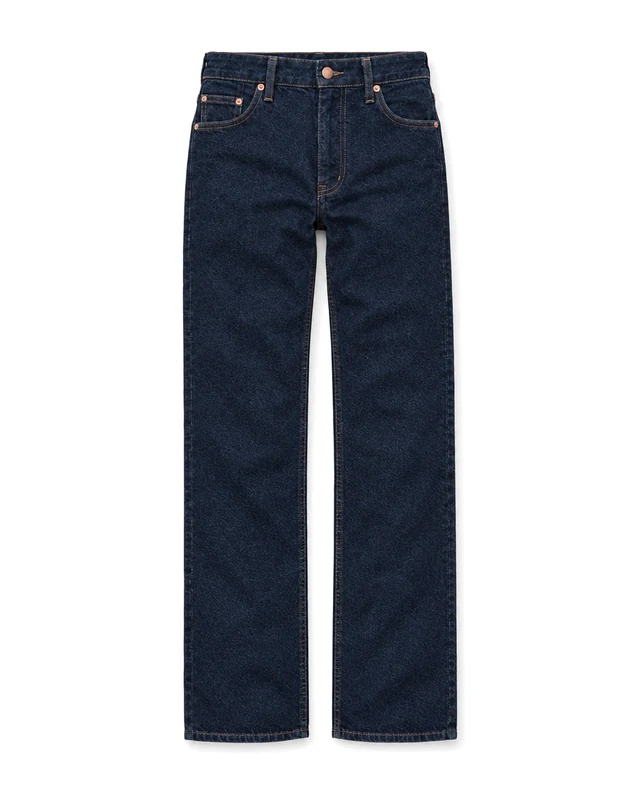
Straight-leg jeans laid flat with rivets and stitching kept, in 4:5.
Three steps from a mannequin photo to a store-ready product shot.
Drop, paste or choose a photo of the garment on a mannequin, a dress form or a person, taken anywhere.
Choose a hollow 3D shape or a top-down shot laid flat, and a square or 4:5 frame.
In under a minute the garment is ready on pure white. Download a JPG or PNG, or run it again for another version.
Six things it does well, for tops, dresses, outerwear and more.
The garment keeps its worn 3D shape as if on an invisible body, with the inside of the neckline and hood showing, the classic ghost mannequin effect.
Shoot on a store mannequin, a torso or a friend; the body, neck and stand disappear either way.
Dresses, coats and jumpsuits come out whole, in a 4:5 frame when they are long.
Pick the flat style and the garment is laid neatly flat and photographed from above, sleeves at the sides.
Colour, fabric, knit, prints, buttons, zips, pockets and drawstrings stay as they are in your photo.
The download makes the background exactly RGB 255, 255, 255, as marketplaces ask, with a soft shadow under the garment.
Five short tips for ghost mannequin photos that sell.
Keep the whole piece in the frame, front on, with sleeves and hem visible. Any room works; even light shows the fabric best.
Button or zip it as you want it shown and smooth out big creases; the result keeps the garment as you styled it.
The hollow shape suits jackets, shirts, knitwear and dresses that look best with volume. Laid flat suits tees, jeans and casual pieces.
Upload a photo of the back and the result keeps the back view, with the inside of the front neckline showing.
Use the same style and frame for every product so your collection looks consistent, then download JPGs for the store.
Common reasons to remove the mannequin from clothing photos.
Consistent product shots for every item without a studio or a retoucher.
Pure white listings that meet marketplace photo rules, square or 4:5.
Line sheets, lookbooks and wholesale catalogs from simple sample photos.
Clean garment cut-outs for posts, ads and banners in seconds.
Answers about styles, garments, backgrounds and credits.
A product photo where the garment keeps the shape of a body but the mannequin or model is invisible, often with the inside of the neckline showing. It is also called an invisible mannequin photo.
Upload a photo of the garment on a mannequin, a dress form or a person, choose a style and a frame, and press Make ghost mannequin. The result is ready in under a minute.
3 credits a photo, for either style. Run it again for another version at the same price.
Yes. The person is removed completely and only the garment stays, holding its worn shape.
Shirts, tees, knitwear, hoodies, jackets, coats, dresses, skirts and trousers all work, front or back.
Yes. The download sets the background to RGB 255, 255, 255 and keeps the soft shadow under the garment.
The hollow style shows the garment standing in a 3D shape, front on. The flat style shows it laid flat and photographed from above.
About one megapixel: 1024 × 1024 pixels in a square frame or 912 × 1136 in 4:5, as JPG or PNG.
Upload a garment photo and get a hollow product shot or a flat lay on pure white in under a minute.
Upload a photo