ImageToPsd.AI vs Photoshop: One-Step AI Edits for PSD Work
ImageToPsd.AI is the all-in-one AI image editor that turns any image into a layered PSD, a new style or a video: words removed and frames extended in one run.
 ImageToPsd.AIPublished Oct 15, 2026
ImageToPsd.AI vs Photoshop is a question of how many steps an edit takes. ImageToPsd.AI is the all-in-one AI image editor that turns any image into a layered PSD, a new style or a video: removing every word from a picture, extending it to a new shape or splitting it into layers is one run in the browser, and the result comes back as a PNG or a PSD ready to open in Photoshop. Photoshop is Adobe's image editor for detailed work by hand.
At a glance
| What we compare | ImageToPsd.AI | Photoshop |
|---|---|---|
| What it is | AI tools in the browser, 32 of them, each a single step | Adobe's image editor, on desktop, the web and mobile |
| How you start | Open the page; nothing to install, the 13 free tools need no account | Through a Creative Cloud plan, paid monthly or yearly |
| AI use | Credits, with the cost of each run on its button | Generative credits, 250 a month on the Photoshop plan |
| Price | No charge for the browser tools; AI runs on credits, from $9.90 a month | US$22.99 a month on an annual plan billed monthly |
Every word gone from a picture, in one run
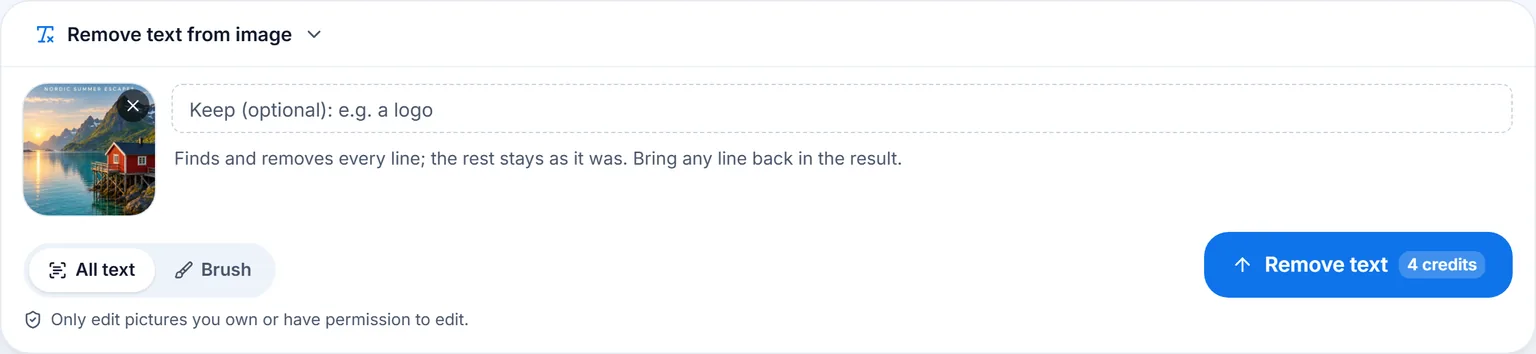
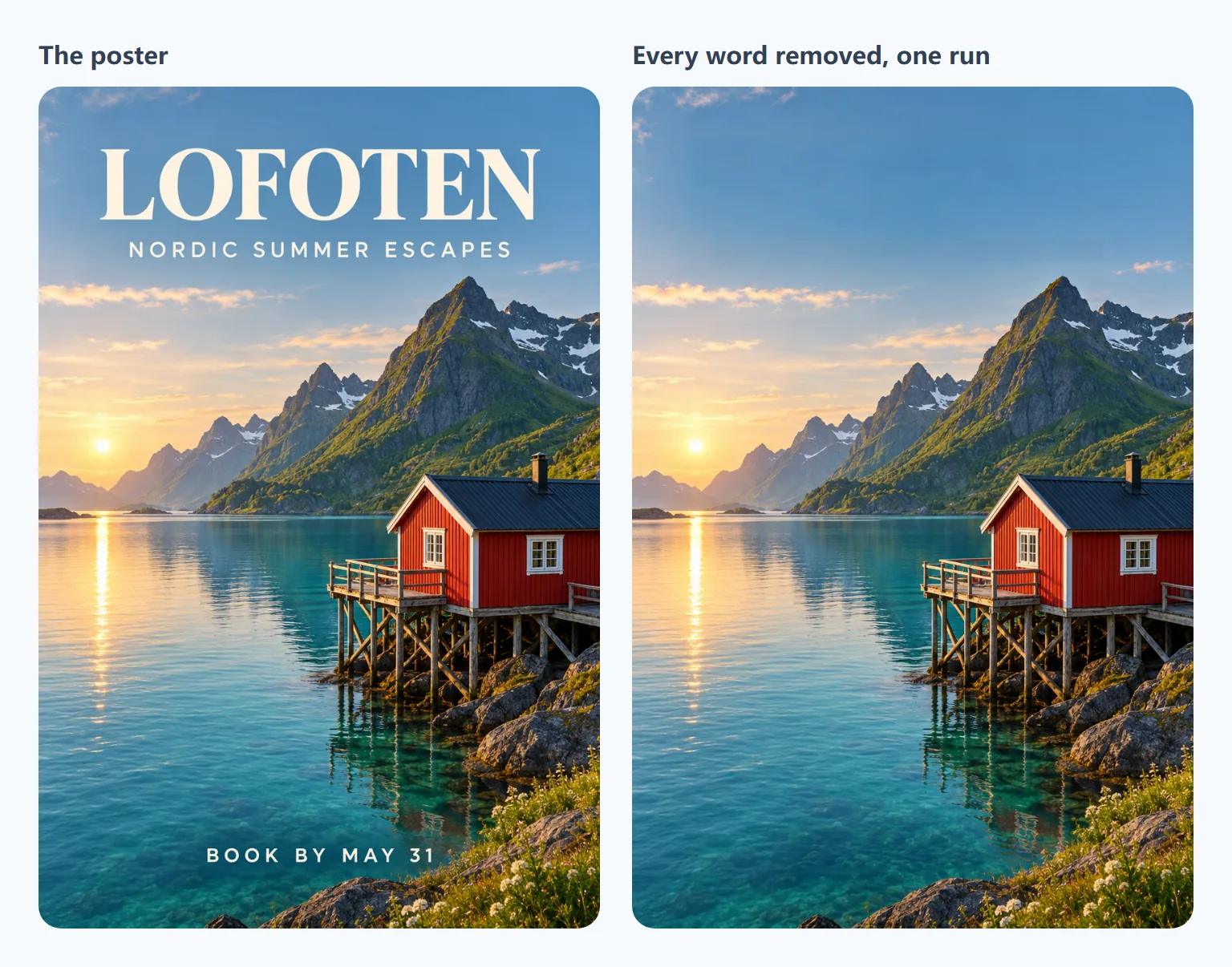
Remove text from image finds every line of text in a picture and paints the scene back in where it was. A travel poster for Lofoten went there from the AI poster generator with Next → Remove text, set to All text:
In 38 seconds, for 4 credits, all three lines were gone: LOFOTEN, NORDIC SUMMER ESCAPES and BOOK BY MAY 31. The sky, the water and the rocks behind them were filled in to match, and the rest of the picture stayed the original's own pixels.
Each removed line can be brought back in the result for free, one by one, and a short note keeps a logo or a name from being removed at all. To erase just one spot, the Brush mode paints over it for 2 credits.
A new shape, with the scene carried on
The image extender widens or heightens a picture and paints the new area to match. The clean Lofoten picture, a 2:3 portrait, became a 16:9 banner in 31 seconds:
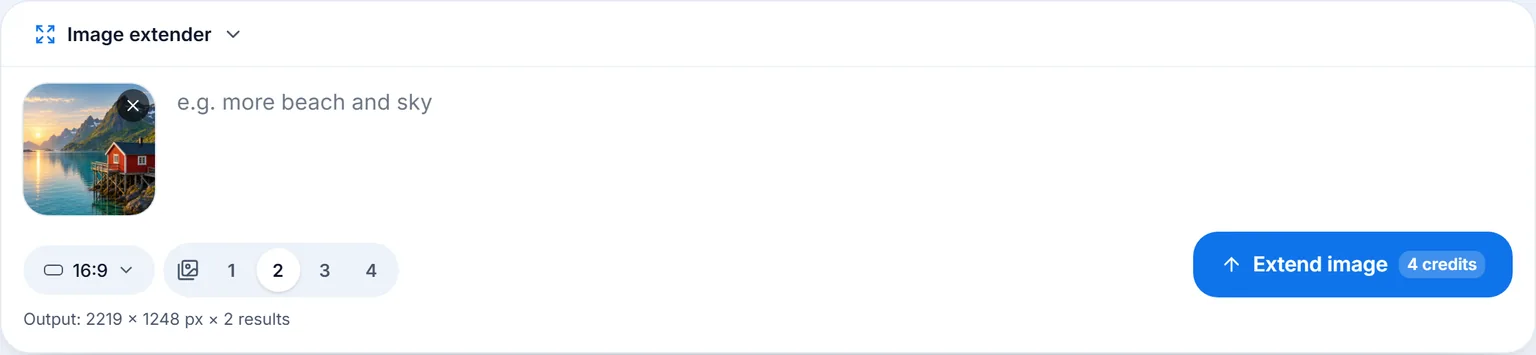
It came back as two 2219 × 1248 px takes to choose from, 2 credits each, with more fjord, mountains and boardwalk on both sides of the cabin.
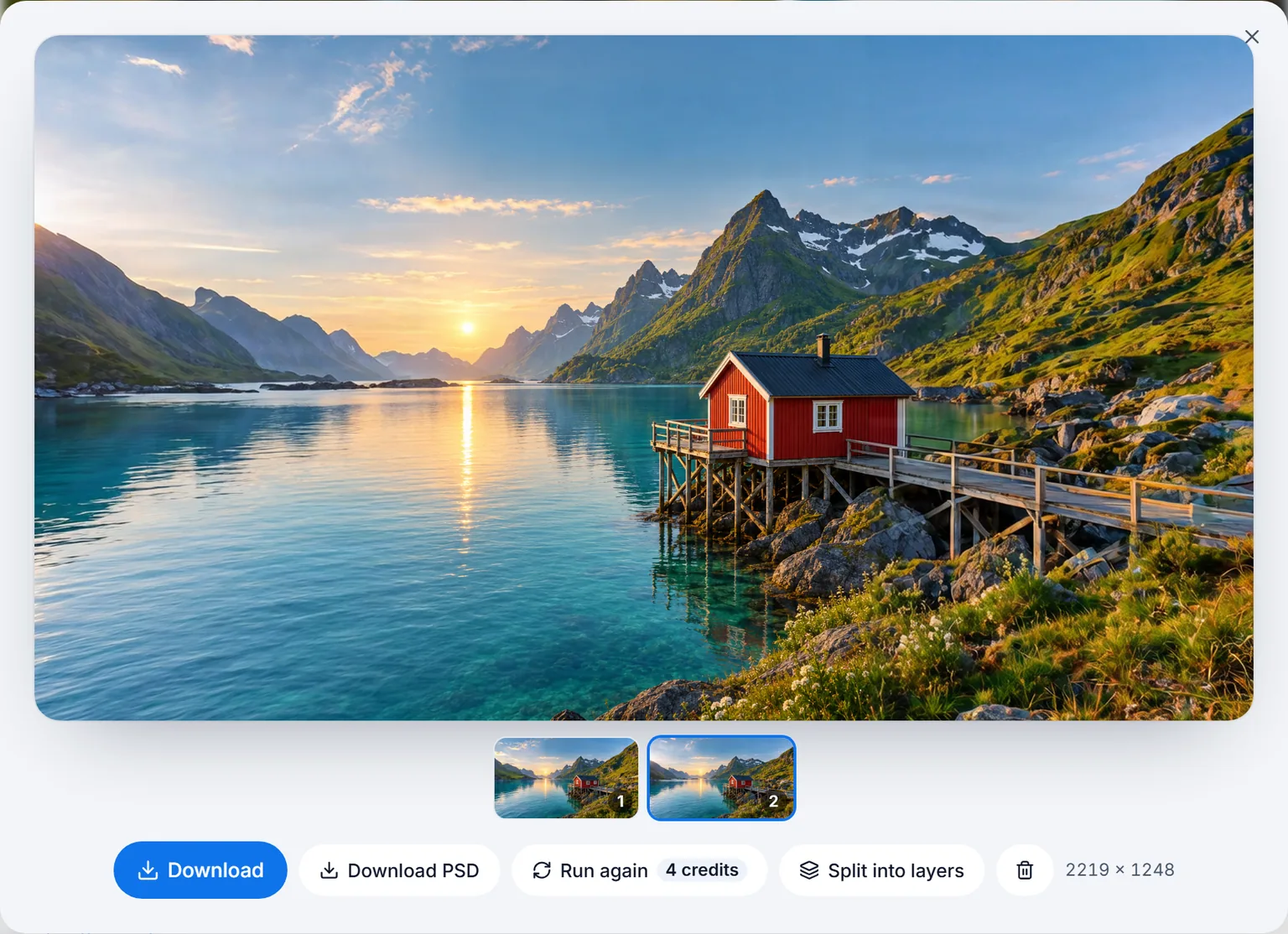
There are 7 shapes, from a square post and a 9:16 story to a 3:1 website banner, and up to 4 results a run, each at least 2048 px on its long side. Download PSD puts the extended picture at the bottom and the original above it on its own layer, with a mask that blends it in, so you can show more or less of the original by painting the mask in Photoshop.
Layers that open in Photoshop
Every result has Split into layers and Convert to PSD in its Next menu. Image to PSD separates the subject, the words and the background onto named layers and paints in what was hidden behind them, and the PSD opens in Photoshop as normal pixel layers. A full walkthrough with timings is in ImageToPsd.AI vs Photopea.
Files that Photoshop reads as its own
- PSD. Results come as layered PSD files; the Library of Congress keeps a public description of the format, PSD up to 30,000 px a side.
- PNG. PNG downloads keep full color and, for cut-outs, transparency, as in the W3C PNG Specification.
Who ImageToPsd.AI is for
- Marketers and social media managers who turn one picture into many shapes and need the old wording off it first.
- Photographers and travel brands who reuse a shot as a banner, a story and a print.
- Designers in Photoshop who want the slow parts done before they start: text cleared, the canvas extended, the layers split.
- Teams without Photoshop on every machine: the tools run in any browser, in 6 languages.
- Any budget: the free tools cost nothing, and each AI run shows its price on the button.
Pricing
The 13 browser tools are free. Removing all text is 4 credits a run, the brush 2, and each extended result 2; a Pro PSD is 20. A plan begins at $9.90 a month with 200 credits, and the pricing page lists the rest.
FAQ
Can I use ImageToPsd.AI together with Photoshop?
Yes. Every result downloads as a PNG, and the PSD tools and the image extender also save PSD files that open in Photoshop with their layers.
Can I keep a logo while removing the rest of the text?
Yes. Write it in the keep field before the run, or bring any removed line back in the result afterwards, at no cost.
What shapes can the image extender make?
Square, 4:5, 16:9, 9:16, 3:2, 2:3 and 3:1, with up to 4 results a run to choose from.
Do I need to install anything?
No. Every tool runs in the browser on Windows, Mac, Chromebooks and phones.
Will the rest of my picture change?
No. Outside the removed words, the picture keeps the original's own pixels; around them, the new background is blended in.
Keep going
- Clear the words: Remove text from image
- Change the shape: image extender
- Get layers: Image to PSD
- More comparisons: ImageToPsd.AI vs Photopea, ImageToPsd.AI vs Canva, ImageToPsd.AI vs Adobe Express
Remove the text from your first picture and see the scene behind it.