Shoot the whole subject
Keep the whole product in the frame with a little space around it, in even light. Any background works; a plain one gives the cleanest edges.
Upload a product photo or a portrait and AI cuts it out cleanly, then puts it on a pure white background with a natural shadow, centered in a square or 4:5 frame. Get a white background photo for shop listings, catalogs and profiles, and download a full-size JPG or PNG.
Put any photo on a pure white background with a shadow, sized for shops.
Try one of these
Eight photos taken in real places, each made into a white background photo by this tool. Use one to try every setting.
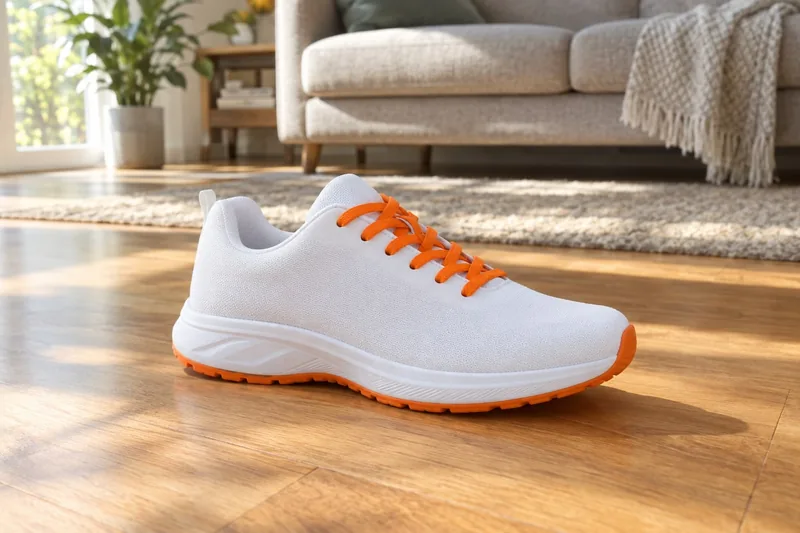
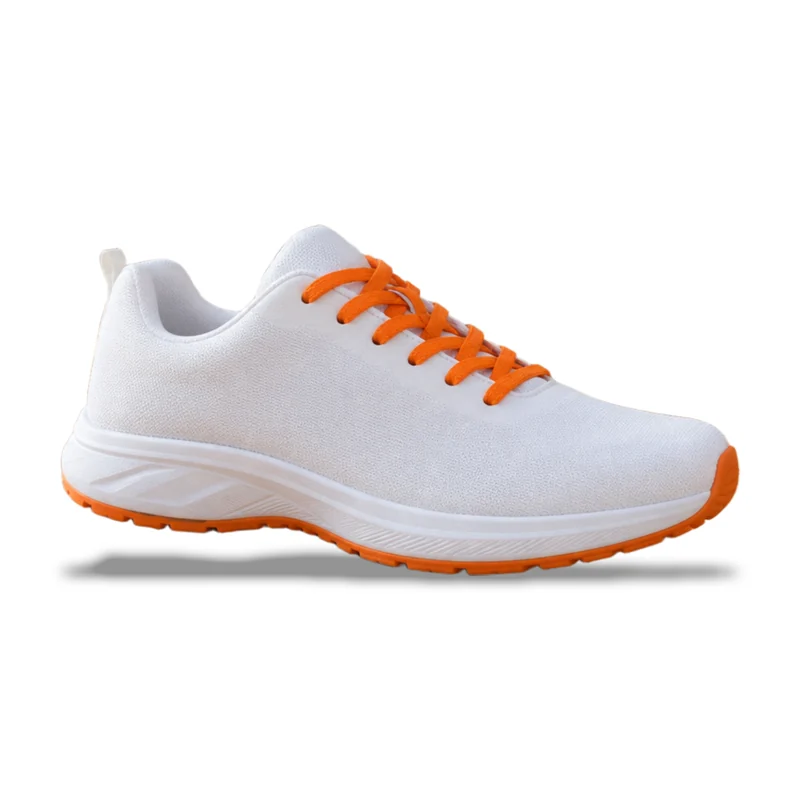
A shoe in a living room, now on white with a floor shadow, square for any shop.
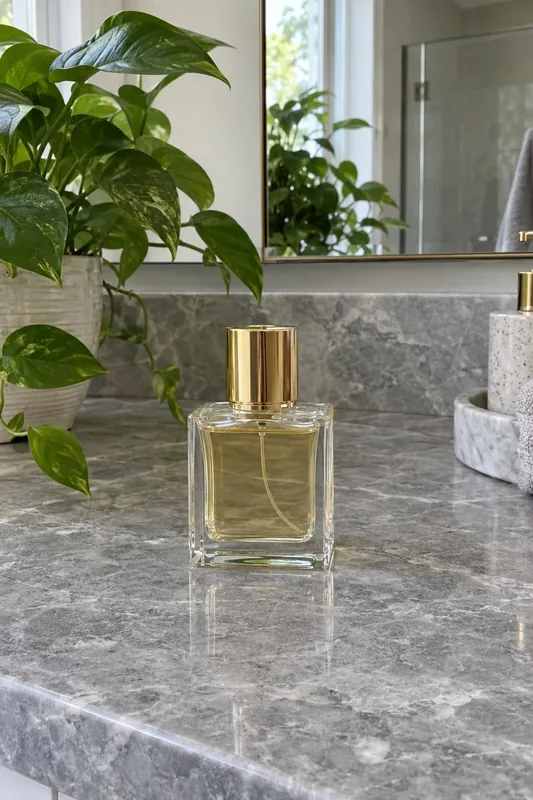
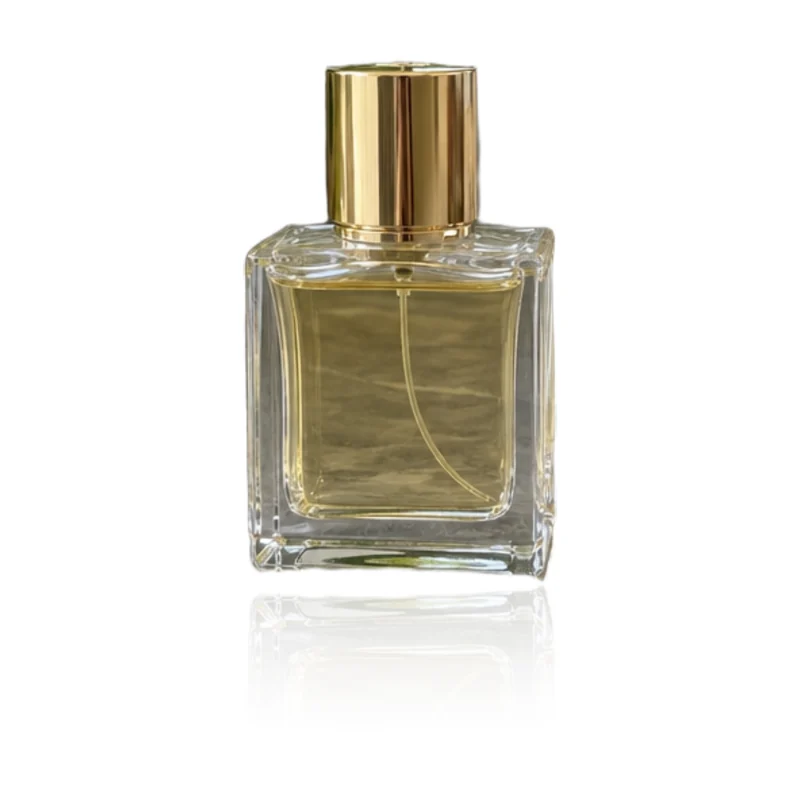
Clear glass kept clear, with a soft reflection under the bottle.
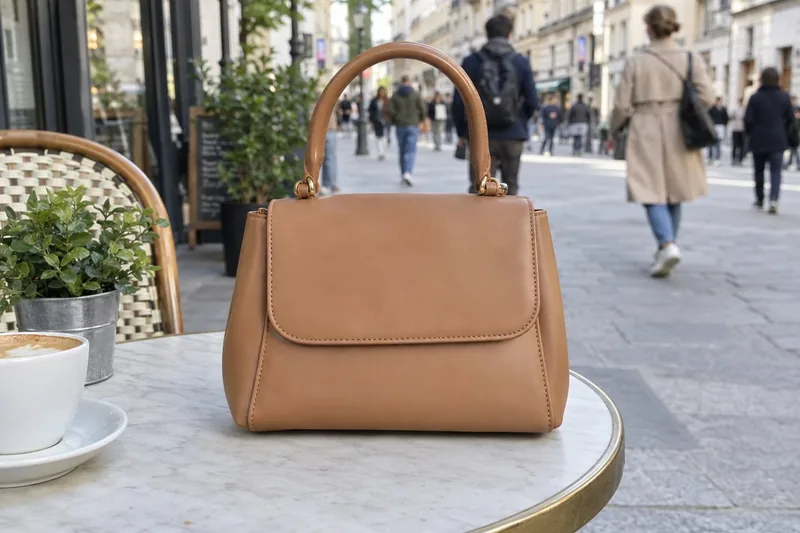
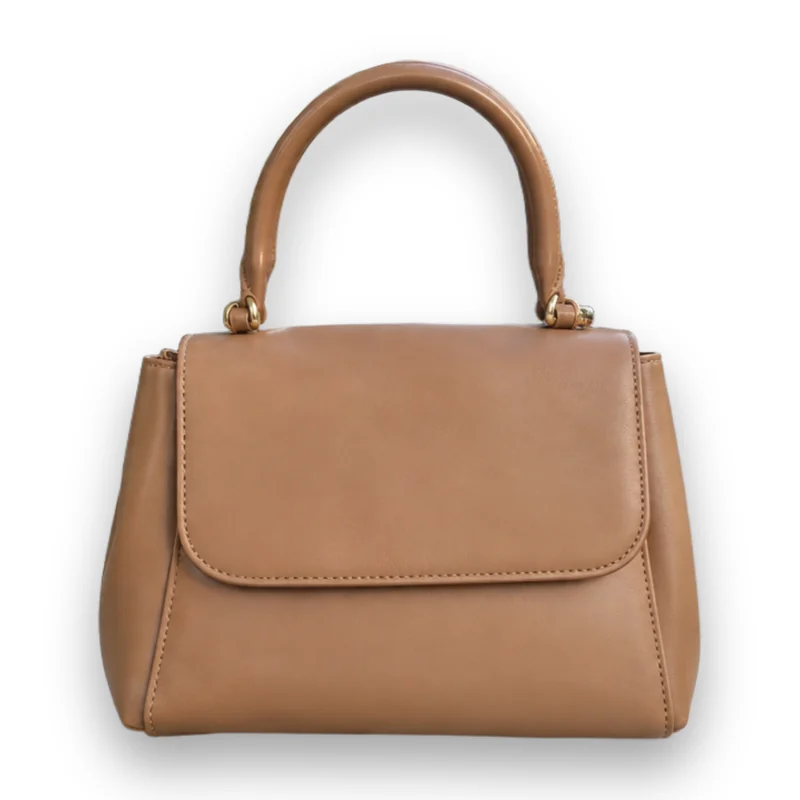
A busy street behind the bag replaced by pure white and a soft shadow.
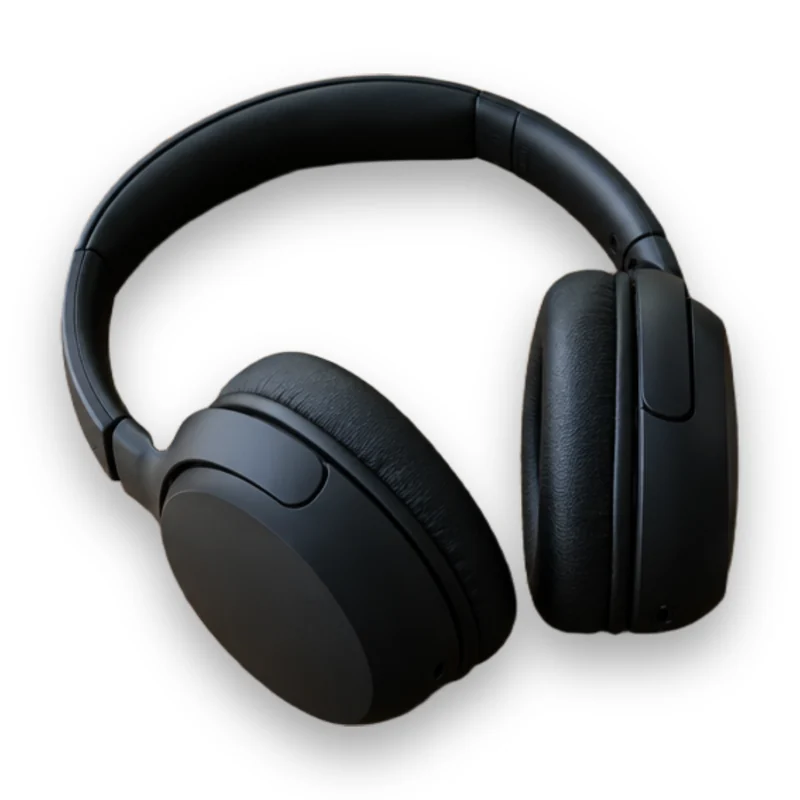
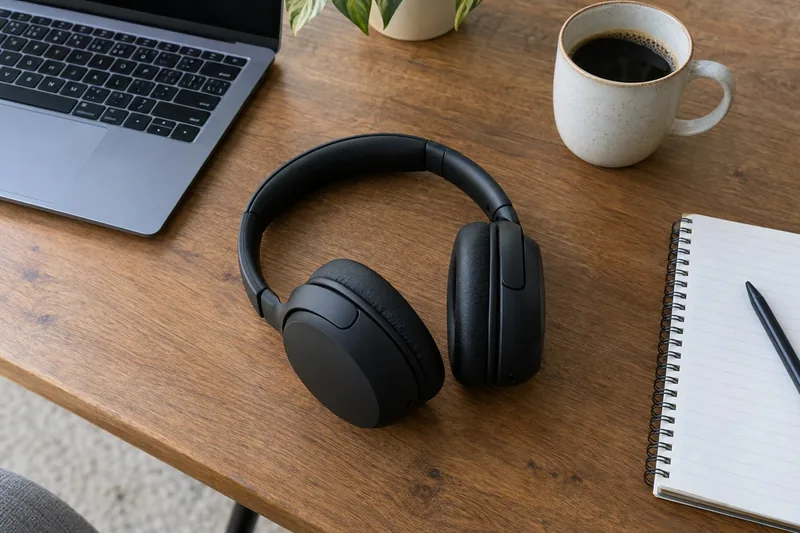
Matte black headphones lifted off a cluttered desk with every edge clean.
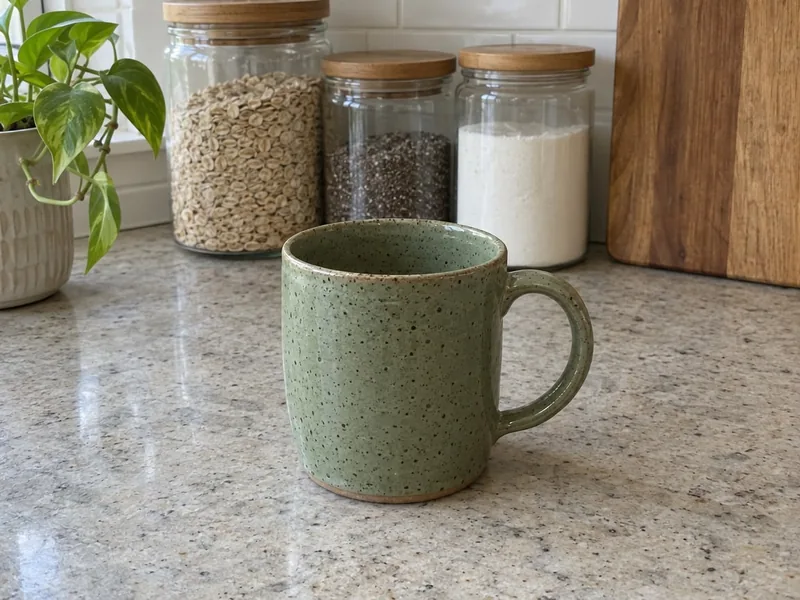
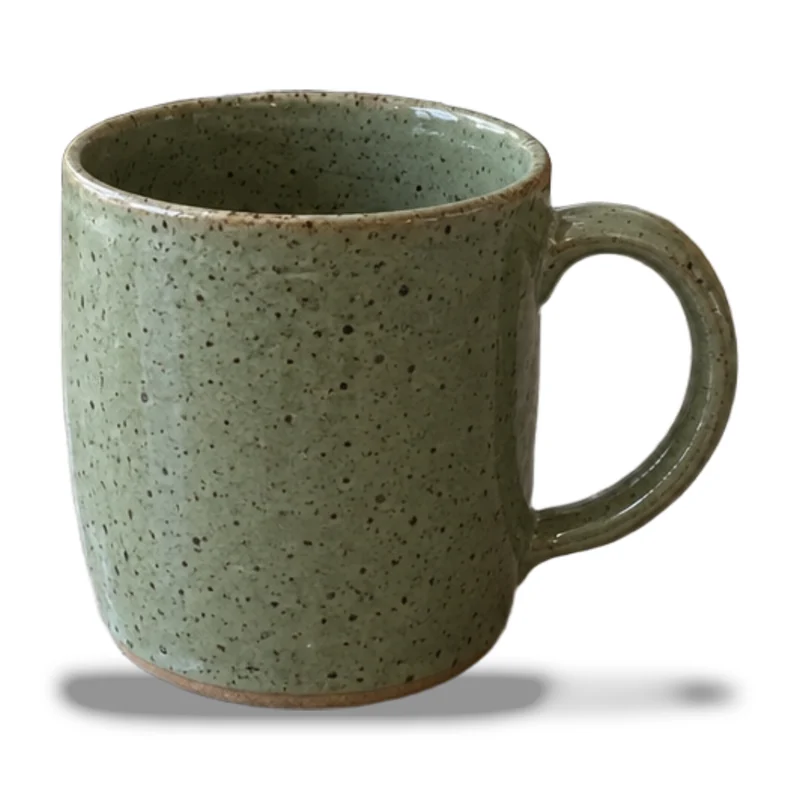
A handmade mug with its handle hole cleared and a floor shadow.


A professional headshot on white in a 4:5 frame, hair edges kept.
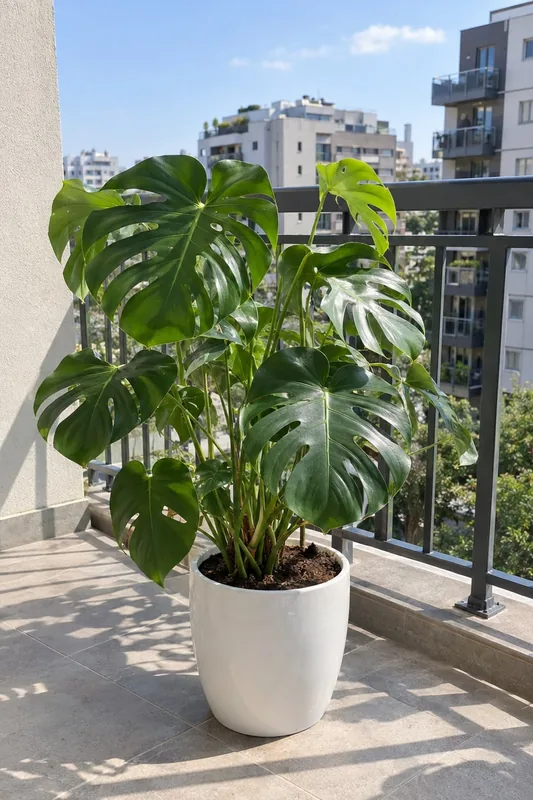
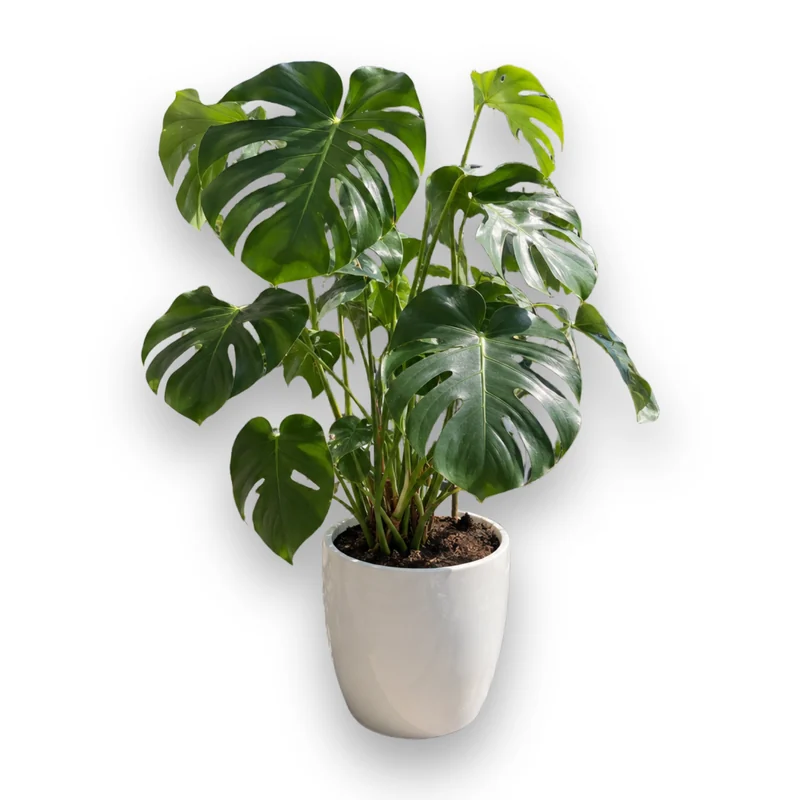
Every leaf cut out from the city behind, on white with a soft shadow.
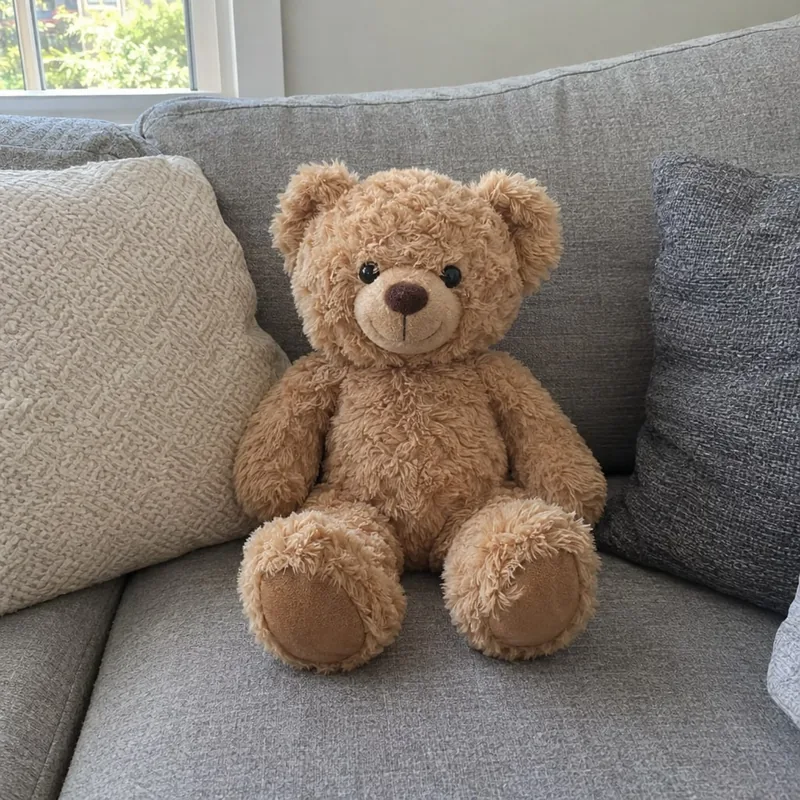
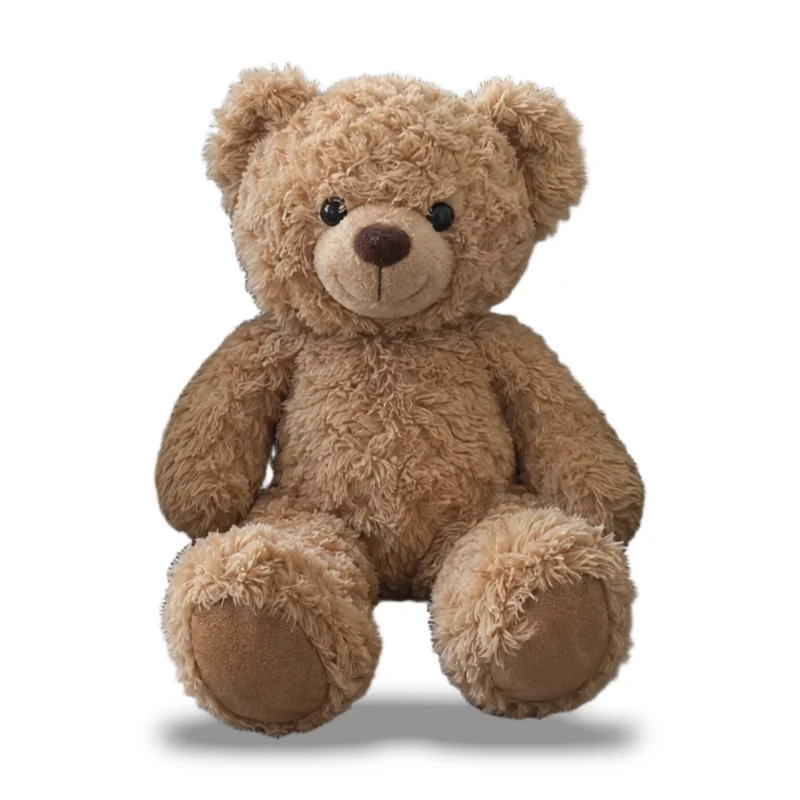
Fluffy fur kept soft at the edges, on white with a floor shadow.
Three steps from any photo to a clean white background photo.
Drop, paste or choose a product photo or a portrait, taken anywhere: a desk, a shelf, a street.
Choose a soft shadow, a floor shadow or a reflection, and a square, 4:5 or original frame. AI cuts the subject out and lays it on white.
Change the shadow, frame, size and how much the subject fills, as often as you like, then download a JPG or PNG.
Six things it does well, from shoes and bottles to portraits.
The background is pure white, RGB 255, 255, 255, all the way to the edges, the way shops and catalogs show products.
A soft shadow, a floor shadow under the base or a gentle reflection grounds the product on the white background, so it never looks pasted on.
The subject is centered in a square or 4:5 frame and fills 85% of it by default, at 1000, 1600 or 2000 pixels or its own full size.
Hair, fur, leaves, handles and clear glass come out cleanly, with holes such as a mug handle cleared.
One credit cuts the photo out; the shadow, frame, size and shade then change as often as you like without another credit.
Put a portrait on a white background for a profile, a CV or a team page, standing on the bottom edge as in the photo.
Five short tips for product photos and portraits on white.
Keep the whole product in the frame with a little space around it, in even light. Any background works; a plain one gives the cleanest edges.
A floor shadow suits shoes, bags and objects that stand; a soft shadow suits most products; a reflection suits glass, bottles and jewelry.
Use a square frame for most marketplaces and 4:5 for social posts. 85% fill and 2000 pixels suit product listings with zoom.
Choose 4:5 and no shadow for a profile or CV photo. A head-and-shoulders photo stands on the bottom edge as it did in the photo.
Download a JPG for shops and websites, or a PNG for print and further editing. Both keep the white pure.
Common reasons to make a photo background white.
List products on marketplaces and your own shop with matching white background photos.
Shoot handmade goods at home and present them on a white background like studio photos in catalogs and line sheets.
Put headshots on white for profiles, CVs, badges and team pages.
Get clean product shots for ads, banners and presentations in seconds.
Answers about white backgrounds, shadows, sizes and credits.
Upload the photo and press the button: AI cuts out the subject and puts it on pure white with the shadow and frame you chose. Then adjust and download.
Yes. The background is RGB 255, 255, 255 everywhere outside the subject and its shadow, as product listings ask.
1 credit a photo. Changing the shadow, frame, size or shade afterwards is free.
Choose 1000, 1600 or 2000 pixels on the longer side, or the subject's own full size. The square frame fits most marketplaces.
Yes. Pick a soft shadow, a floor shadow under the base or a reflection, or no shadow for a flat look.
Yes. Hair is kept, and a head-and-shoulders photo stands on the bottom edge of a 4:5 frame, ready for a profile or a CV.
Yes. Choose pure white, a soft off-white or any color you like; the shadow follows the subject on every shade.
Upload JPG, PNG or WebP photos, and download a full-size JPG or PNG with the white background.
Upload a photo and get a clean white background photo with a natural shadow in seconds, ready for your shop.
Upload a photo