Scan or photograph the print well
A flatbed scan at 600 DPI is best. With a phone, lay the print flat in soft daylight, hold the phone straight above it and avoid glare; take it out of a glossy frame first.
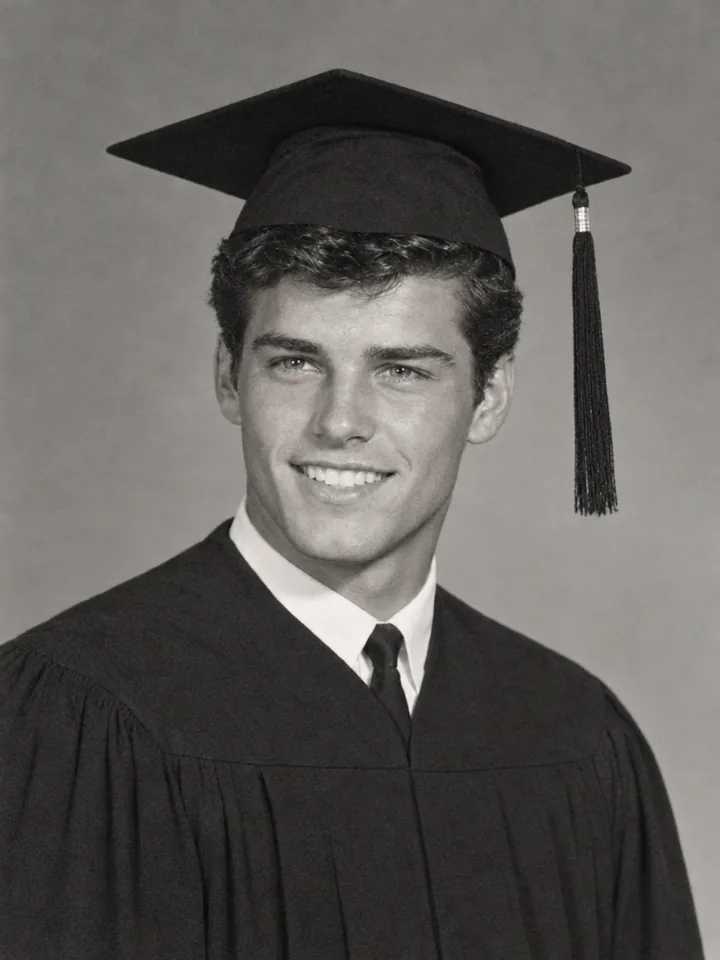
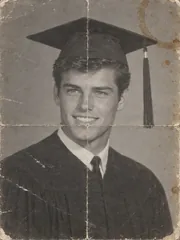
Restore old photos from a scan or a phone photo of the print: scratches, cracks, stains and fading are repaired in about half a minute, every face stays as it was, and black-and-white photos can get natural colour.
Try one of these edits
Damaged prints made for these examples, each restored in one run. The old photo sits in the corner.
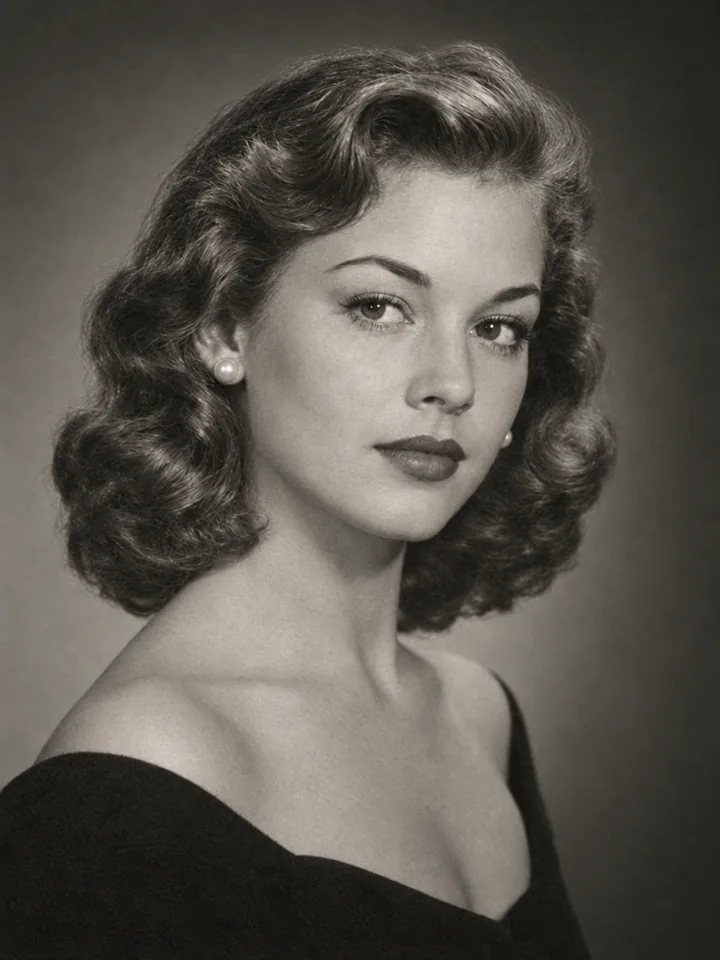
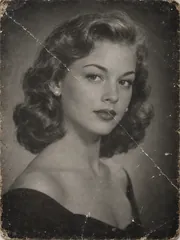

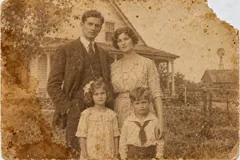
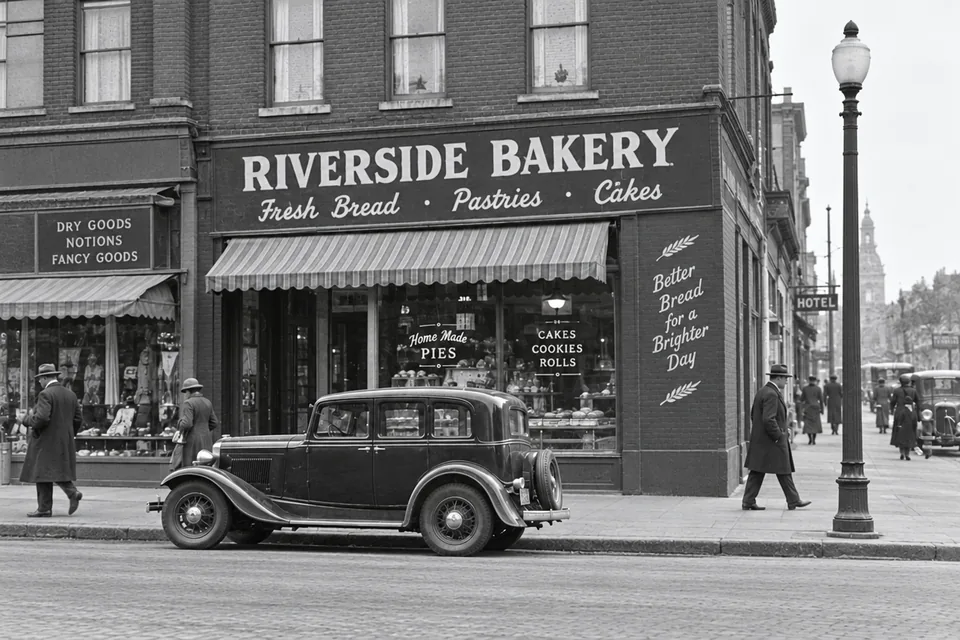
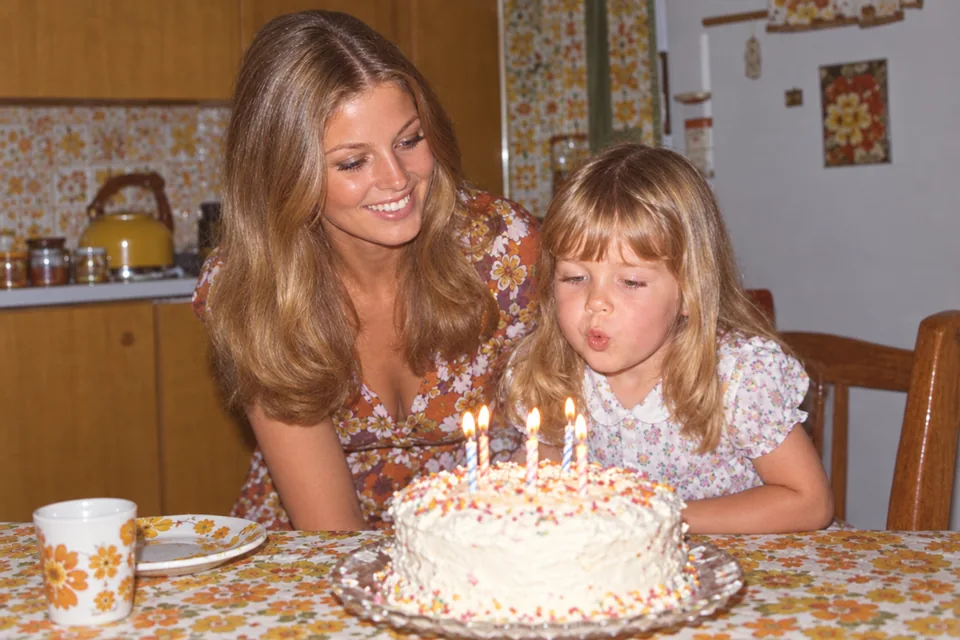
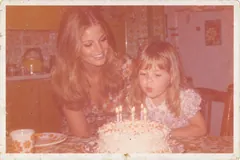
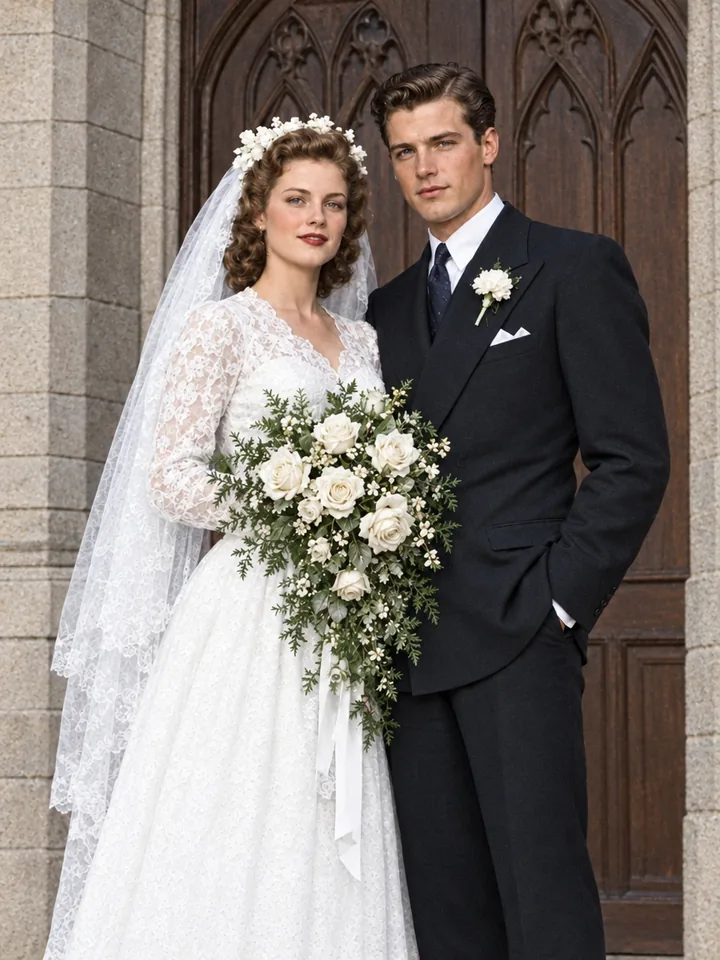
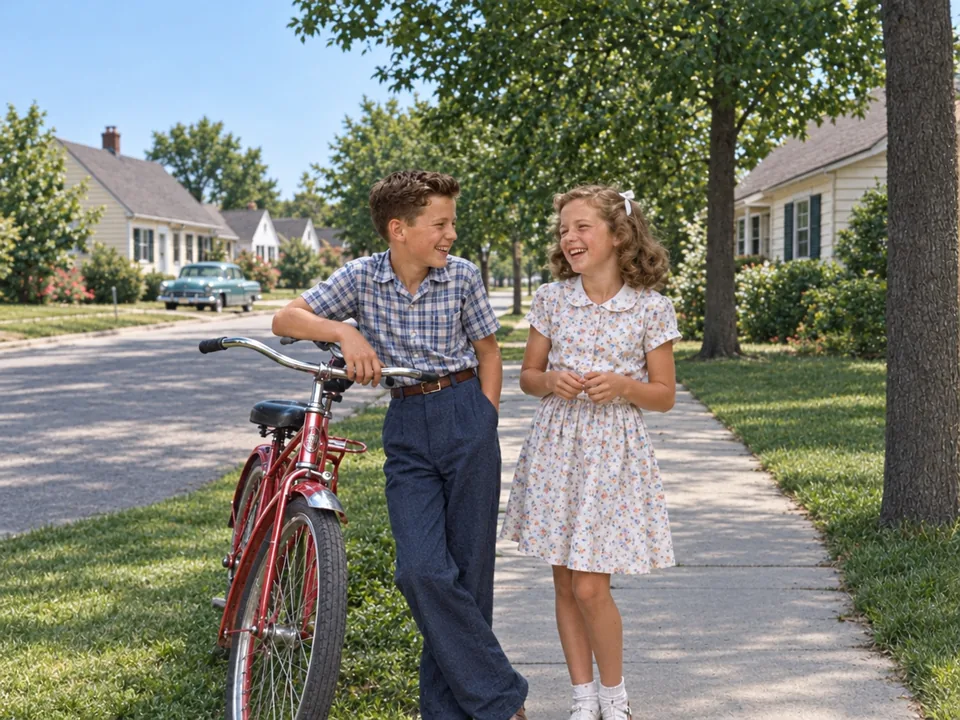
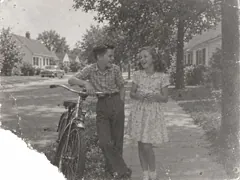
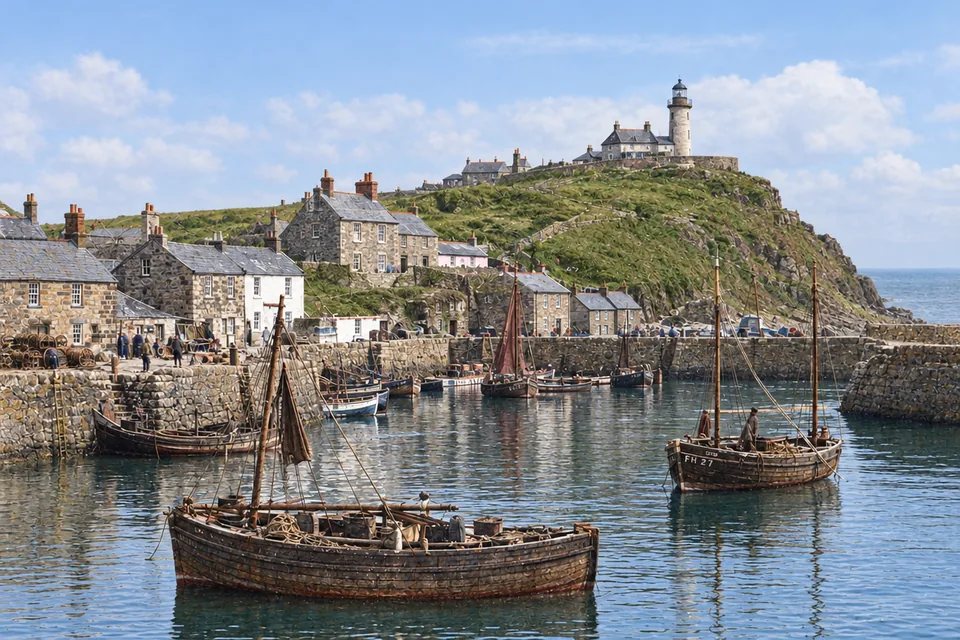
Three steps from a damaged print to a clean photo you can print again.
Scan the print or photograph it flat in daylight, then drop the file in. One photo at a time; the restored picture keeps its shape.
Keep a black-and-white or sepia photo as it is, or add natural colour. Add a note if you know a detail: "her bouquet was white roses".
The restored photo arrives in about half a minute. Download it at 1K, 2K or 4K, upscale it for a large print, or bring it to life as a video.
Six things it does best, from a cracked portrait to a stained family photo.
Eyes, smiles, hairstyles and expressions are kept exactly as they were, so a grandparent still looks like themselves, only clearer.
Water stains, foxing spots and torn or missing corners are rebuilt from what is around them, so the whole picture is complete again.
Seventies and eighties prints that turned orange or pink get their natural colours and contrast back, without looking redrawn.
Shop signs, uniforms, patterns and backgrounds are repaired, not replaced: the words on a sign read exactly as they did.
Creases from a wallet, white scratches and dust specks disappear from the photo while the grain of the original stays natural.
Turn on Add colour and black-and-white photos get realistic colours of their era; notes like "the bicycle was red" are followed.
Five short tips for scanning, colour, notes and sizes.
A flatbed scan at 600 DPI is best. With a phone, lay the print flat in soft daylight, hold the phone straight above it and avoid glare; take it out of a glossy frame first.
Crop away the album page or the table around the print before you upload. The restoration keeps the photo's own shape, so a portrait stays a portrait.
Keep its colours leaves a black-and-white or sepia photo in its tone and brings a faded colour print back to life. Add colour gives natural colours of the photo's era.
A short note helps when you know a detail: "her dress was navy blue", "the house was white", "his eyes were green". The restoration follows it.
A restored photo costs 3 credits at 1K, 6 at 2K and 8 at 4K. Choose 4K for prints and frames; the upscaler can take it further.
Families, family historians and anyone with a box of prints.
Bring grandparents' portraits and wedding photos back for a frame or a gift.
Clean up old prints for a family tree, a memorial or a reunion slideshow.
Give seventies and eighties prints their real colours back.
Restore old streets, shops and harbours for a town archive or a book.
Answers about restoring old photos, colour, faces, price and sizes.
Scan or photograph the print, add it here, choose whether to keep its colours or add colour, and run. In about half a minute you get the restored photo to download.
Yes. The restoration keeps every face, expression and hairstyle as it was and only repairs the damage, so the people look like themselves, only clearer.
Yes. Choose Add colour for natural colours true to the photo's era, and add a note if you remember a colour, such as a dress or a car.
Yes. Cracks, creases, water stains, spots and torn or missing corners are repaired from what is around them.
A restored photo costs 3 credits at 1K, and the button shows the price before you start. Every photo you restore is yours to download with no watermark.
Yes. Keep its colours brings back the natural colours and contrast of prints that turned orange, pink or pale.
Choose 1K, 2K or 4K; the photo keeps its own shape. For a large print, send it on to the upscaler.
Yes. Your photos and results are visible only to you and are not used to train AI; every upload passes our content checks.
Add a scan or a phone photo of an old print and get it back restored in about half a minute.
Restore a photo