
Event invitation
Google Fonts render right; file info says they came from the web.
This SVG viewer shows each file as a picture, so code hidden inside never runs. Open 50 at once, zoom without blur, check fonts, layers and code, then save PNG, JPG or PSD. Free.
Or open an example
Files open on your device and are never uploaded; nothing in them runs. Web fonts and linked images in an SVG are downloaded by your browser from their own servers, as listed in the file's info; a file that carries code requests none of them.
Nothing to install; any modern browser works.
Drag files in, pick them, or paste anywhere on the page. SVG code works too.
Several files open as thumbnails; one file opens large. Zoom in and read its info, layers or code.
Download a 2× PNG, a JPG on white or a layered PSD, or fine-tune in a converter via More export options.
Original files, each testing what an SVG viewer must handle.
Google Fonts render right; file info says they came from the web.

Hides a script, yet shows only as a picture, flagged as carrying code.

Spins in the SVG preview; a download keeps the first frame.
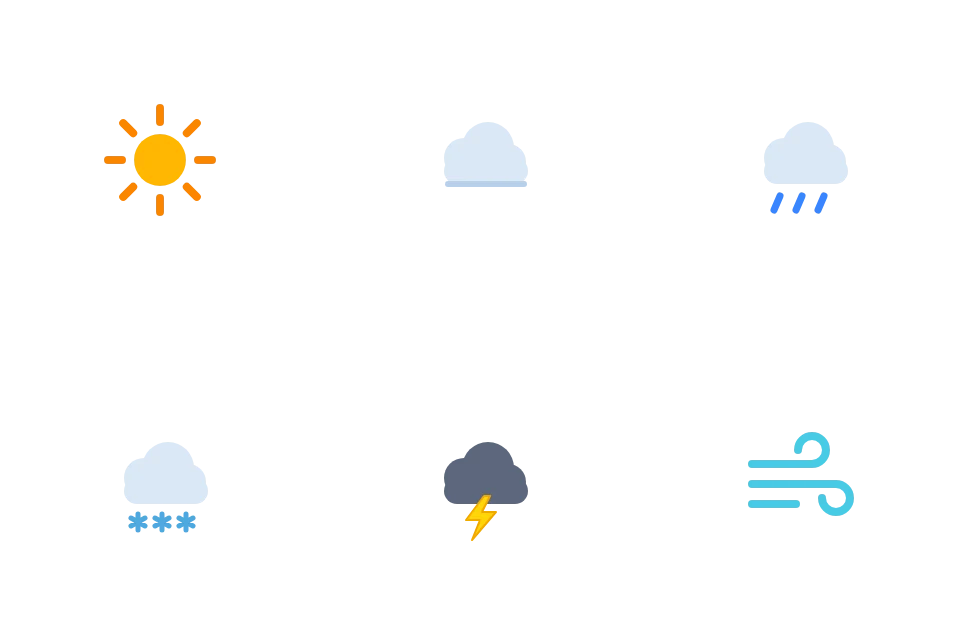
Six files in one gallery, saved together as a PNG ZIP.

Named groups become layers to hide, solo or save as a PSD.
Google Fonts render right; file info says they came from the web.
Spins in the SVG preview; a download keeps the first frame.
Named groups become layers to hide, solo or save as a PSD.
Six files in one gallery, saved together as a PNG ZIP.
Hides a script, yet shows only as a picture, flagged as carrying code.
Each file is drawn as an image, with fonts and linked images built in.
Tip: for exact pixels, DPI or a colored background, use More export options or SVG to PNG.
Some online viewers run a file's code on their own page; others swap fonts or break images.
The SVG viewer shows each file only as an image: scripts stay inert, but are counted.
Web fonts, linked images and draw.io text look as designed; a missing xmlns is added and noted.
Up to 50 thumbnails with name, size and problem count; open one and step through.
Each zoom redraws the vector at the new size, so edges and text stay crisp.
Top-level groups by Inkscape, Illustrator or Figma name, or id. Hide one, or solo it.
Colored, numbered lines with XML errors marked; files over 1 MB show as plain text.
Checks and fixes for common problems.
An SVG is code, not just a picture, and may hold scripts. On Windows, double-clicking one usually opens your browser, which runs them; security firms tracked phishing emails with such attachments in 2025 and 2026. This SVG viewer only shows the file as an image, and counts the scripts, event handlers and javascript: links inside.
File Explorer draws no SVG thumbnails by default, so a folder of icons or cut files looks like one repeated icon. Select them all and drop them into the SVG viewer: up to 50 open as a gallery with names, sizes and problem counts. Open any one large, or zip them all as PNGs.
Code instead of a picture usually means a missing xmlns, common in markup copied from web pages; the SVG viewer adds it. XML errors are read leniently, like a web page, with the original line and column in file info. A wrong font or blank area often means something failed to load; the note says what.
File info in the SVG viewer gives size on disk, width and height in the file's units and pixels, viewBox, and element and layer counts. Each font is marked as in the file, from the web, on this device or missing. External files show if they loaded; the code count shows what a browser would run.
Keep the SVG to edit or resize: it stores shapes, so it never blurs. PNG suits slides, chats and forms that refuse SVG, keeping transparency; JPG is smaller, on white. In the layered PSD, each top-level group is a layer. For a flat photo, AI image to PSD builds layers for credits.
From one odd attachment to a full icon set.
See what an emailed SVG shows, and if it carries code.
Preview Cricut or Silhouette designs layer by layer.
Check sizes, viewBox, fonts and code in a designer's SVGs.
Real thumbnails for whole icon sets.
Opening, safety, thumbnails, conversion and privacy.
Drop them into the free SVG viewer: no sign-up, no code run, nothing uploaded.