

Photo to Sticker Maker

Upload a photo of yourself, your pet, a couple, or a favorite object and convert photo to sticker art on a real transparent background. Pick from 8 tailored styles including Cartoon, Cute Chibi, 3D Vinyl, Anime, and real Photo Cutout, switch live white die-cut borders for free, and export full-size PNGs, 512 px chat stickers, or a 12-up printable PDF sheet.

Try one of these edits

  • True transparent PNG + likeness lock
  • 8 styles incl. Anime & Photo Cutout
  • Free live border, chat WebP & print PDF
  • From 3 credits per sticker at 1K

Real Stickers Made with Photo to Sticker

Every example below started from the real source photograph shown in the corner and went straight through our photo to sticker pipeline on a transparent canvas. Click any card to load its photo, style, and optional caption into the workspace above.

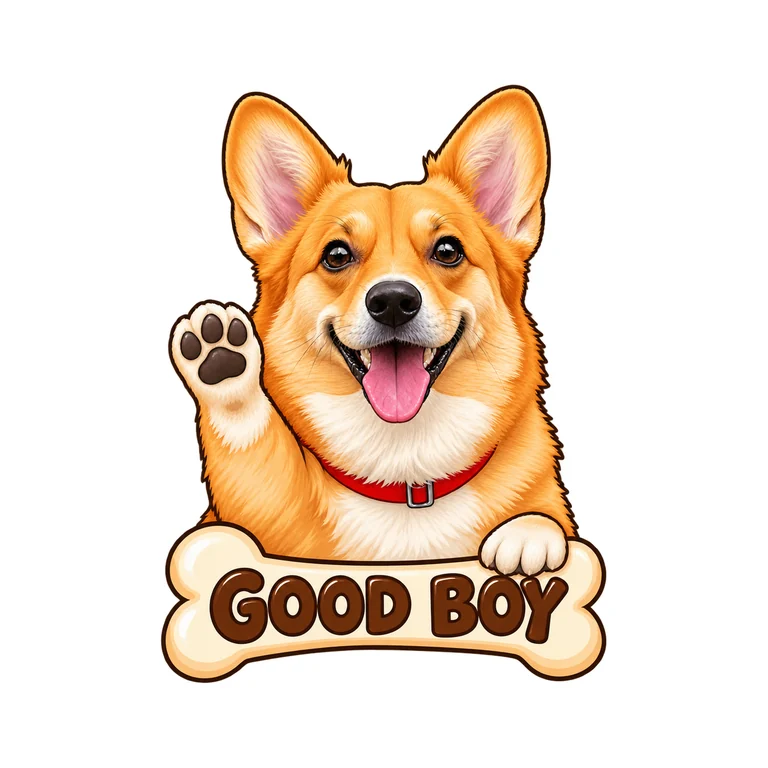
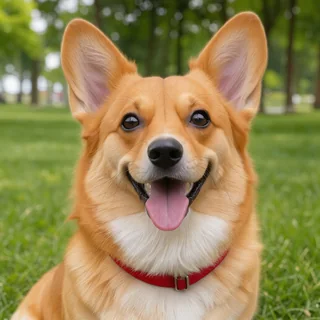
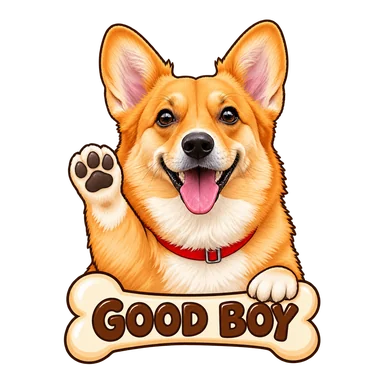
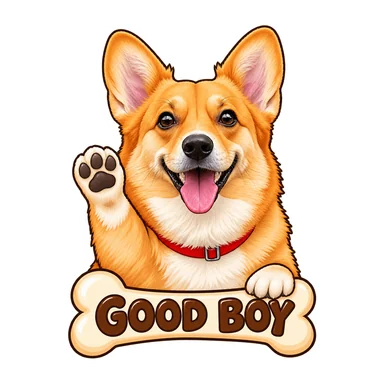
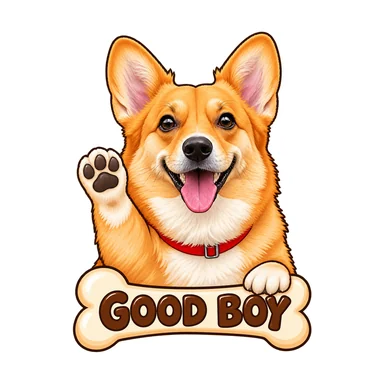
  • Golden corgi cartoon sticker with "GOOD BOY" badgePhoto

    CartoonGolden corgi cartoon sticker with "GOOD BOY" badge

  • Cafe portrait turned into a cute chibi stickerPhoto

    Cute chibiCafe portrait turned into a cute chibi sticker

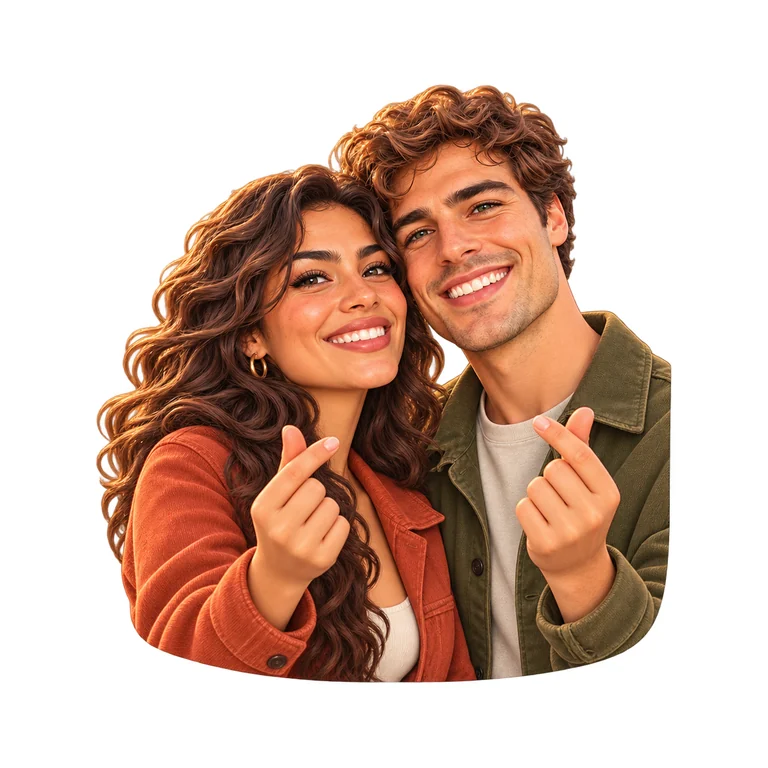
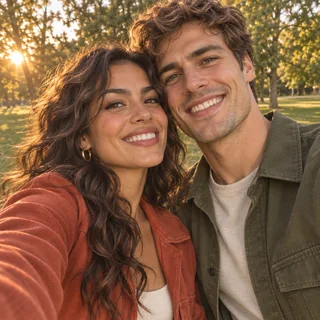
  • Outdoor couple selfie as a glossy 3D vinyl stickerPhoto

    3D vinylOutdoor couple selfie as a glossy 3D vinyl sticker

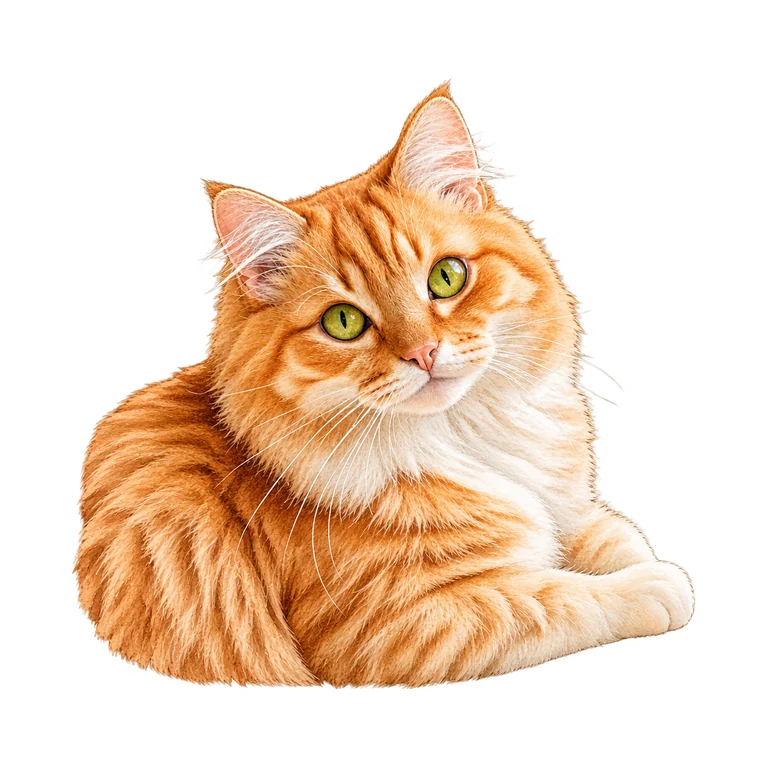
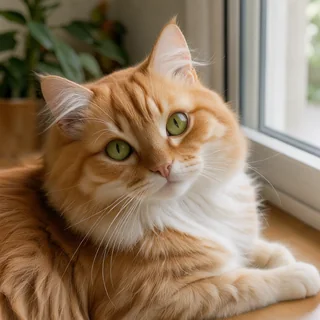
  • Orange tabby cat photo converted to watercolor stickerPhoto

    WatercolorOrange tabby cat photo converted to watercolor sticker

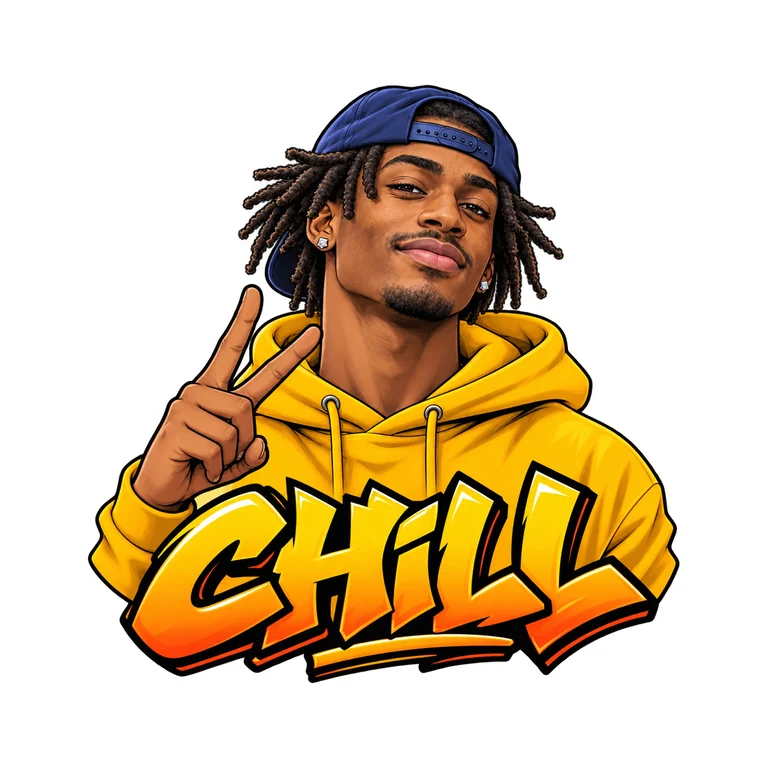
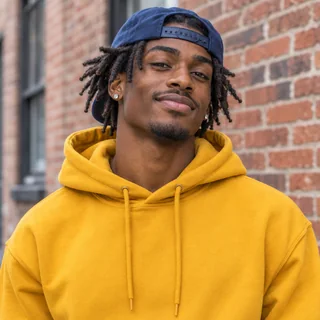
  • Streetwear portrait as an anime sticker with "CHILL"Photo

    AnimeStreetwear portrait as an anime sticker with "CHILL"

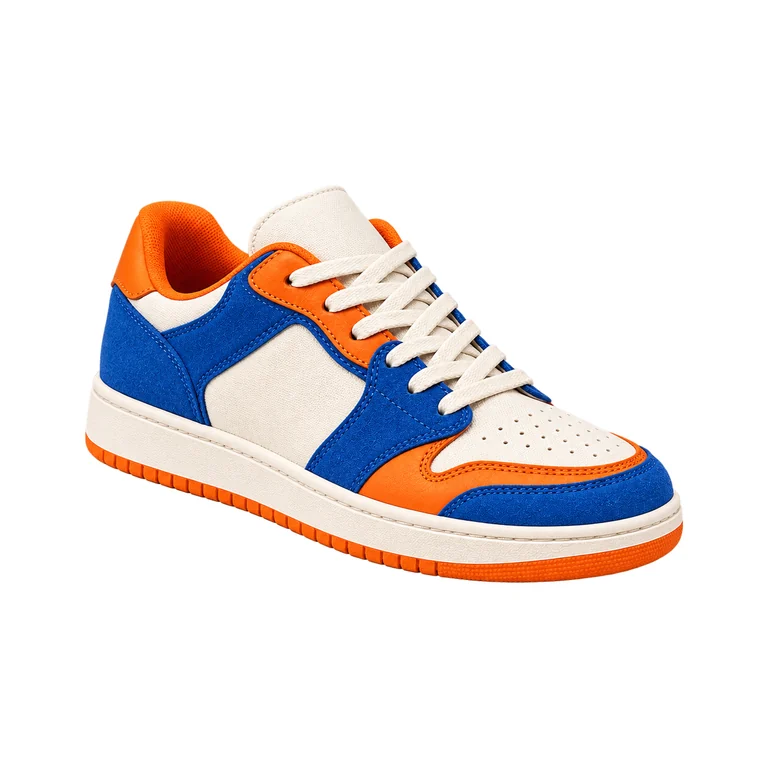
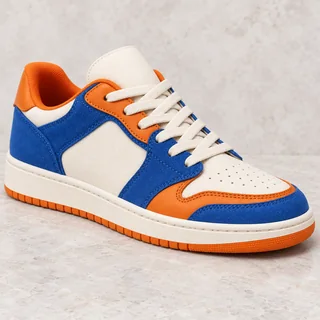
  • Color-block sneaker as a crisp photo cutout stickerPhoto

    Photo cutoutColor-block sneaker as a crisp photo cutout sticker

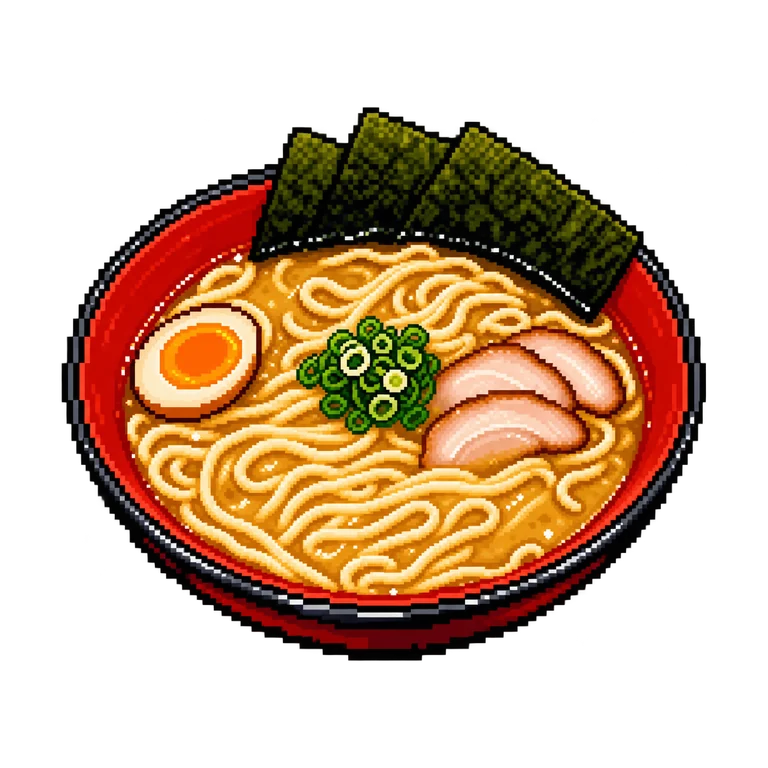
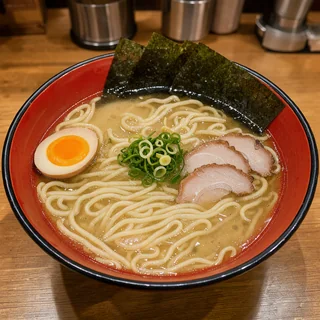
  • Tonkotsu ramen bowl turned into a pixel art stickerPhoto

    Pixel artTonkotsu ramen bowl turned into a pixel art sticker

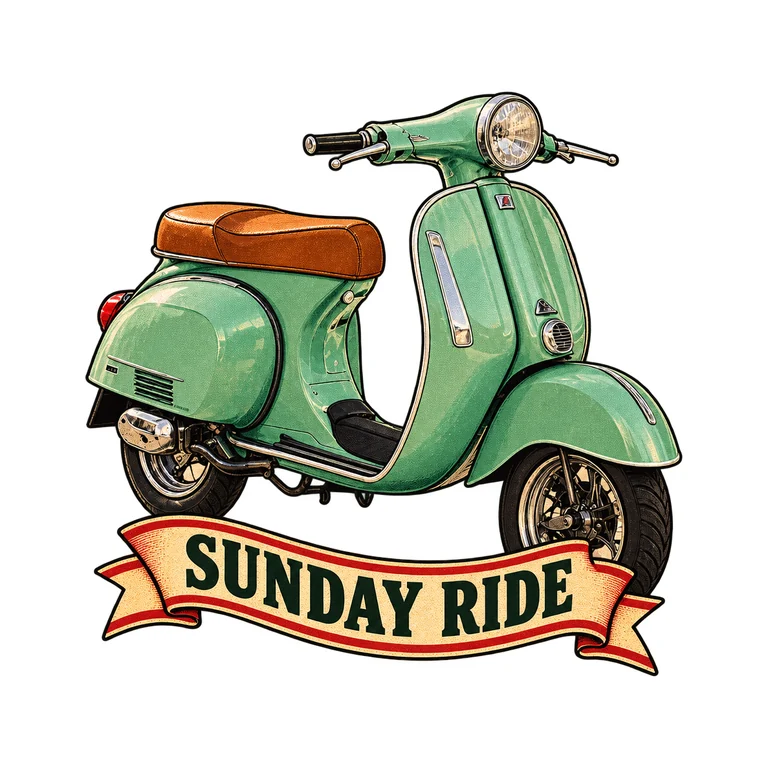
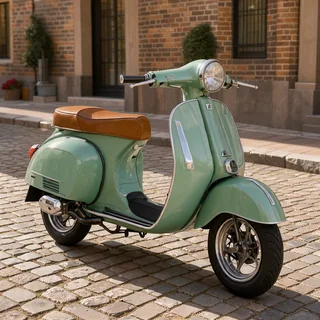
  • Mint vintage scooter as a retro badge stickerPhoto

    Retro badgeMint vintage scooter as a retro badge sticker

How to Turn a Photo into a Sticker in 3 Steps

You do not need manual lasso selection, layer masks, or prompt engineering to make sticker from photo uploads. Upload your picture, choose a look, and download chat-ready or print-ready files in about thirty seconds.

  1. Drop in a clear portrait, pet snapshot, product shot, or two separate photos you want combined into one couple or pet-and-owner sticker. Leave the text box blank to convert the photo faithfully as it is, or add a pose note and quoted words such as "GOOD BOY".

  2. Choose Cartoon, Cute Chibi, 3D Vinyl, Anime, Watercolor, Pixel Art, or Retro Badge when you want stylized illustration that preserves facial features and markings, or select Photo Cutout to keep the real photograph cleanly isolated.

  3. Open your finished transparent sticker and switch freely between None, Thin, and Thick white die-cut borders with zero extra credit cost. Download the high-resolution PNG, a 512 x 512 WebP under 100 KB for messaging apps, or a 12-sticker Letter or A4 print sheet PDF.

Why Creators Use This Photo to Sticker Tool

Most generic image generators either replace a person’s face with a stranger or bake a fake gray checkerboard into the background. Our photo to sticker workflow is engineered around identity preservation, true alpha transparency, and physical print production.

  1. Likeness lock for faces, glasses, outfits, and pet markingsPhoto

    Likeness lock for faces, glasses, outfits, and pet markings

    When you turn photo into sticker art, recognizable details matter most. Our framing locks onto eye shape, hairstyle, skin tone, glasses, clothing colors, and exact dog or cat fur markings so friends immediately recognize who is on the sticker.

  2. 8 dedicated styles from Anime to real Photo Cutout

    8 dedicated styles from Anime to real Photo Cutout

    Switch from bold cel-shaded Cartoon and glossy 3D Vinyl figures to delicate Watercolor washes, 16-bit Pixel Art, or true photographic isolation. Whether you want an illustrated mascot or a photographic die-cut decal, one workspace covers every look.

  3. Combine two photos into one couple or pet stickerPhoto

    Combine two photos into one couple or pet sticker

    Attach two separate snapshots, such as you and your partner or a child and the family dog, and merge both subjects into one connected picture to sticker design without awkward copy-paste seams or mismatched lighting.

  4. Live None, Thin, and Thick die-cut borders for free

    Live None, Thin, and Thick die-cut borders for free

    Because the AI draws your subject without a baked-in outline on a genuine transparent PNG, your browser computes an exact Euclidean die-cut white border around the silhouette in real time. Change border thickness anytime without paying for another run.

  5. Instant 512 x 512 chat sticker WebP under 100 KB

    Instant 512 x 512 chat sticker WebP under 100 KB

    Messaging sticker packs have strict pixel and file-size rules. One click trims empty transparent margin, pads your bordered design into a crisp 512 x 512 square, and compresses a transparent WebP ready for WhatsApp, Telegram, Discord, or Slack.

  6. 1-click Letter & A4 printable sticker sheet PDF

    1-click Letter & A4 printable sticker sheet PDF

    Skip manual page layout in desktop software. Export a print-ready 3 x 4 sheet of twelve 2.1-inch stickers on US Letter or A4 paper with safe home-printer margins and subtle dashed trim guides for scissors, paper trimmers, or vinyl kiss-cut sheets.

Complete Guide: Getting Crisp Results from Photo to Sticker

Five practical tips on choosing source photos, keeping likeness intact, adding custom captions, sizing borders for kiss-cut vinyl, and printing sticker sheets at home.

1. Choosing a clear source photo for the sharpest likeness

Good lighting and unobstructed features make every photo to sticker conversion noticeably sharper. Pick a snapshot where the face, pet, or object is in focus and lit evenly from the front rather than silhouetted against a bright window. Slightly cropped shoulders or ears are automatically completed into a neat, self-contained sticker silhouette, and busy backgrounds like crowded cafes, bedrooms, or park trees are stripped away cleanly so only your subject remains.

2. Stylized illustration vs. real Photo Cutout mode

Different projects call for different levels of abstraction when you convert photo to sticker graphics. Choose Cartoon, Cute Chibi, Anime, or 3D Vinyl when making reaction packs, laptop decals, or creator merch where bold outlines read clearly even at small thumbnail sizes. Choose Photo Cutout when you want the exact real-world pixels and photographic texture of a toddler’s funny expression, a sneaker listing, a handmade ceramic mug, or a pet’s fur isolated cleanly with a classic white vinyl border.

2. Stylized illustration vs. real Photo Cutout modePhoto

3. Leaving the prompt empty vs. adding poses and quoted text

Unlike text-only generators, the prompt field here is completely optional. Leaving it blank tells the engine to keep your photo’s natural pose, expression, and outfit while translating it into your chosen style. When you want a custom twist, write a short note such as winking with a coffee cup or waving one paw. To print words on a badge or ribbon, wrap the exact characters in double quotes like "GOOD BOY" or "CHILL" so nothing extra is invented.

3. Leaving the prompt empty vs. adding poses and quoted text

4. Picking the right border width for dark chats and Cricut cutters

A white die-cut border does two important jobs at once. In dark-mode chat apps such as WhatsApp, Telegram, and Discord, dark hair, black hoodies, and shadowy outlines vanish against charcoal backgrounds unless a Thin or Thick white border separates them cleanly. On physical vinyl cutters like Cricut and Silhouette, the Thick border bridges narrow gaps between fingers, whiskers, and lettering so the blade follows one smooth, peel-friendly contour without tearing delicate corners.

5. Resolution choices (1K, 2K, 4K) and printing on sticker paper

A 1K run (3 credits with one photo) outputs a 1024 x 1024 transparent PNG, which prints razor-sharp up to 3.4 inches wide at 300 DPI and fills every cell of our 12-up Letter and A4 PDF sheets with room to spare. Step up to 2K (6 credits) or 4K (8 credits) when printing oversized bumper stickers, water-bottle wraps, or packaging seals. Load matte or glossy inkjet sticker paper at 100% actual scale (no fit-to-page shrinking) for accurate 2.1-inch decals.

5. Resolution choices (1K, 2K, 4K) and printing on sticker paper

Popular Ways People Use Photo to Sticker

From personal family group chats to small-batch Etsy sticker shops, turning everyday camera-roll snapshots into die-cut stickers takes seconds.

  • Personal WhatsApp, Telegram, and Discord reaction packs

    Use photo to sticker on selfies, couple moments, and funny pet faces to build 512 x 512 chat packs for family and team threads.

  • Weddings, birthdays, graduations, and party favors

    Make sticker from photo portraits of the bride and groom, birthday kid, or graduate, then print 12-up Letter or A4 sheets for gift bags, cups, and envelopes.

  • Pet portraits, Etsy merch, and small-business packaging

    Offer custom pet photo to sticker commissions, branded product decals, and thank-you packaging seals ready for kiss-cut vinyl or print-then-cut machines.

  • Journals, planners, laptops, and scrapbooks

    Convert photo to sticker designs from travel dishes, scooters, and sneakers in watercolor, retro badge, or pixel styles for journals and laptops.

Photo to Sticker Frequently Asked Questions

Clear answers on credits, transparent PNGs, likeness accuracy, chat app sizes, printable PDF sheets, and commercial rights.


Start Your First Photo to Sticker Creation Today

Upload a portrait, pet, or product snapshot to turn photo into sticker art in 8 styles with transparent PNG, 512 px WebP, and print sheet PDF exports.

Upload a Photo Now