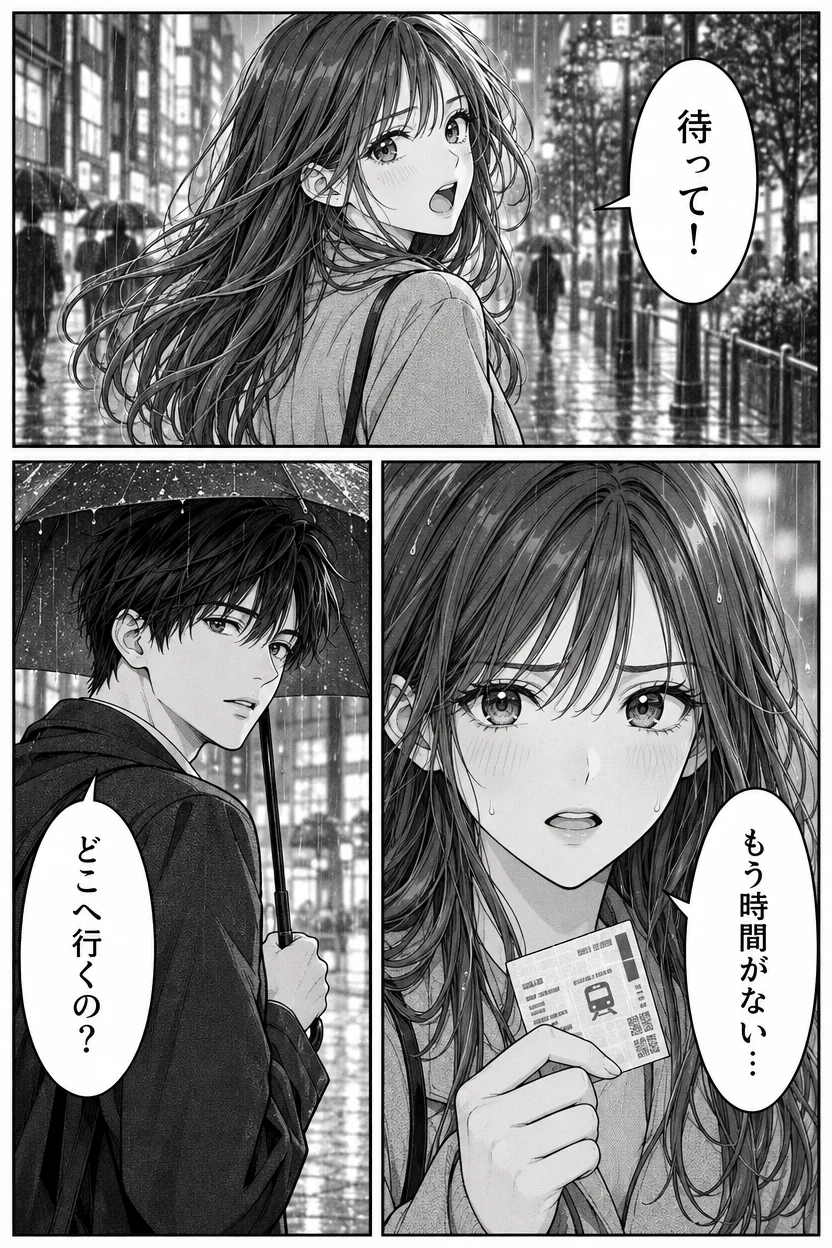
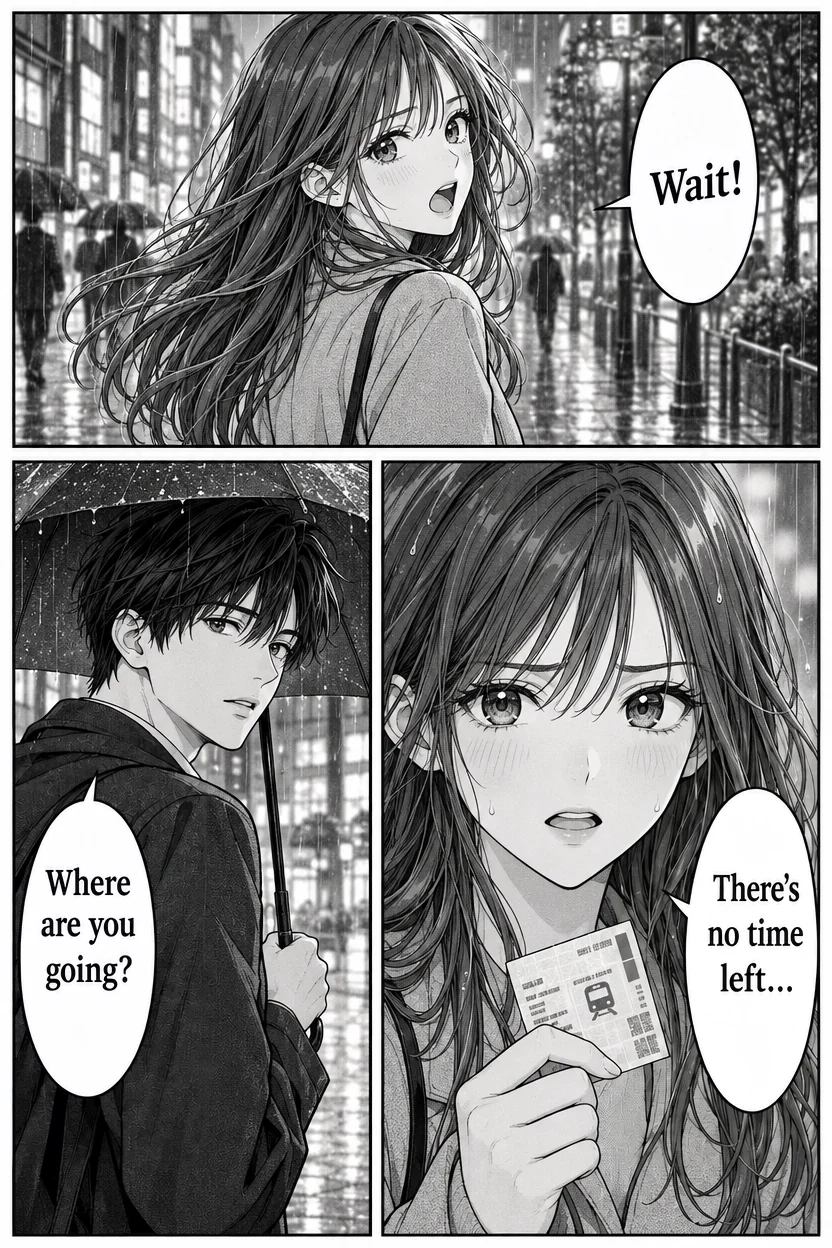
Manga page: vertical Japanese into English
- 待って! → Wait!
- どこへ行くの? → Where are you going?
- もう時間がない… → There's no time left...
Three vertical speech bubbles, lettered in English the way a translated manga is, with the art and screentone untouched.
Translate text in image files without retyping a word: pick a language and every line is read, translated and written back in its own font, size and color. The rest of the picture stays exactly as it was, at full size.
Each line is written back in its own style. Names, prices and links stay as they are.
Try one of these
No retyping and no design file: translate text in an image in about half a minute.
Upload or paste a menu, label, poster, sign, screenshot or manga page as JPG, PNG or WebP.
Choose the language to translate into. The language in the picture is found for you; add a note if something should stay as it is.
In about 30 seconds every line is translated in place. Download a PNG at the original size or a PSD with each line on its own layer.
Every picture here was made with our own image model, then run through this AI image translator: Japanese, Chinese, Korean and Spanish into English, and an English menu into Chinese.
Three vertical speech bubbles, lettered in English the way a translated manga is, with the art and screentone untouched.
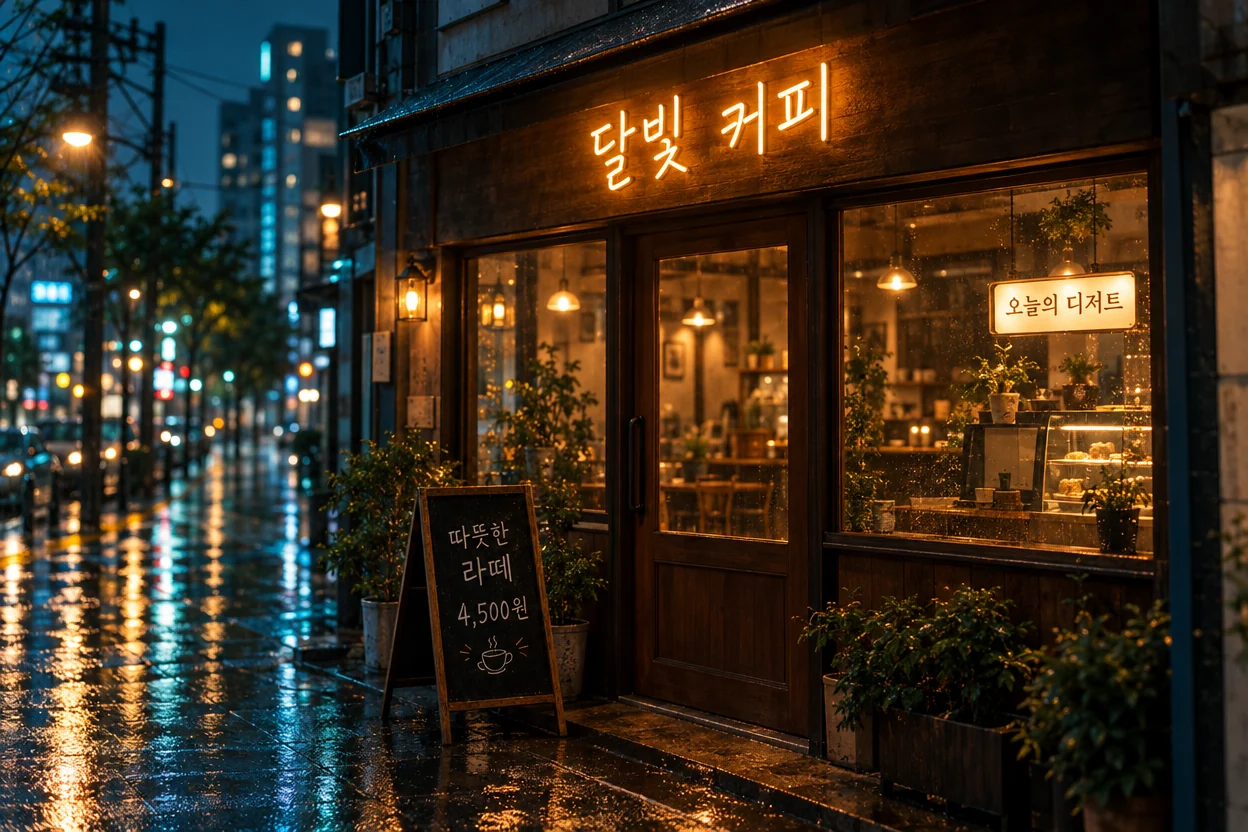
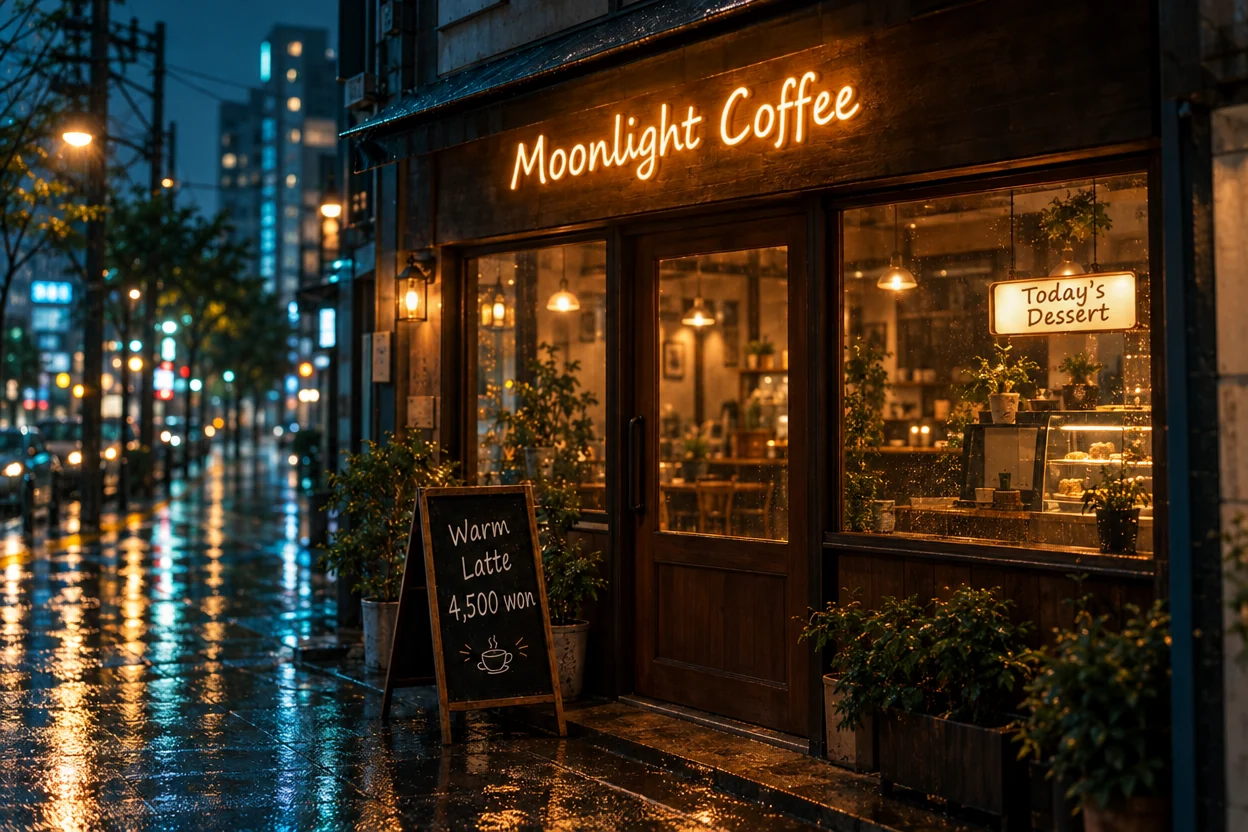
A neon sign, a lit window sign and a chalkboard, each translated in its own light and hand.
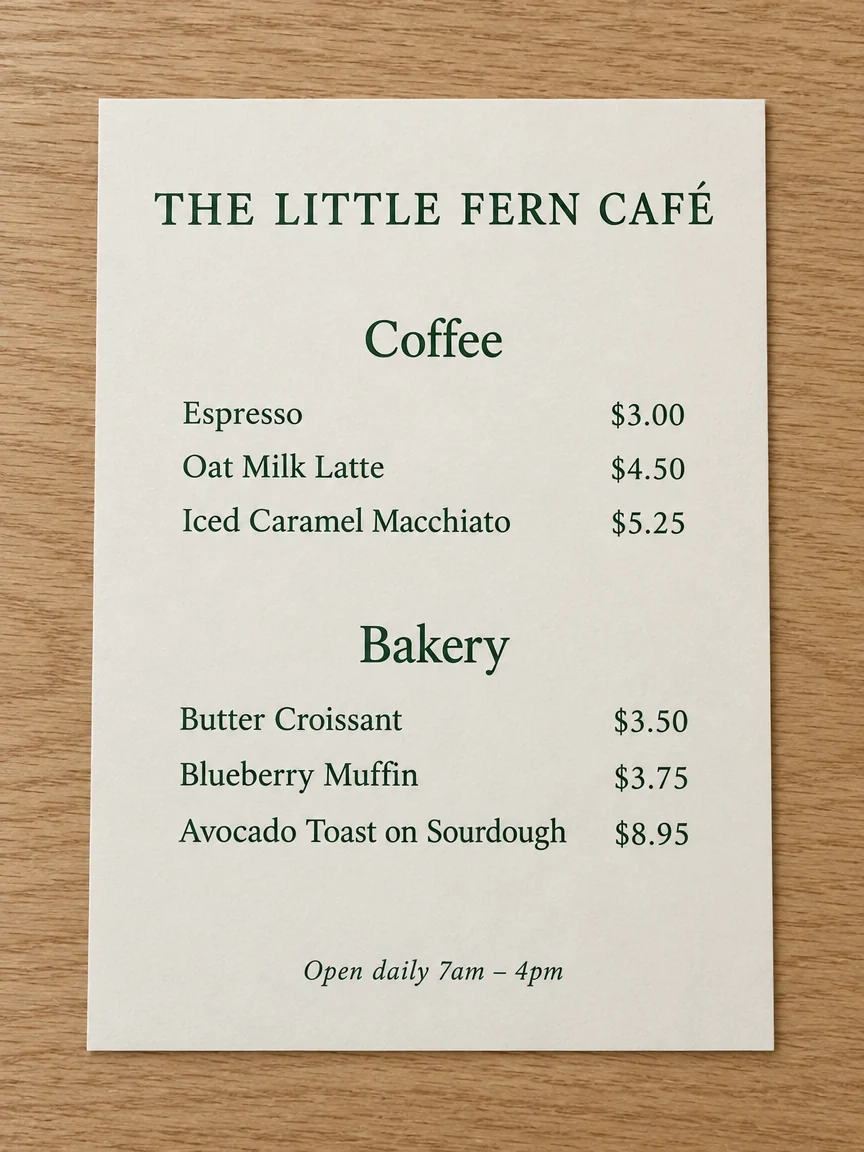
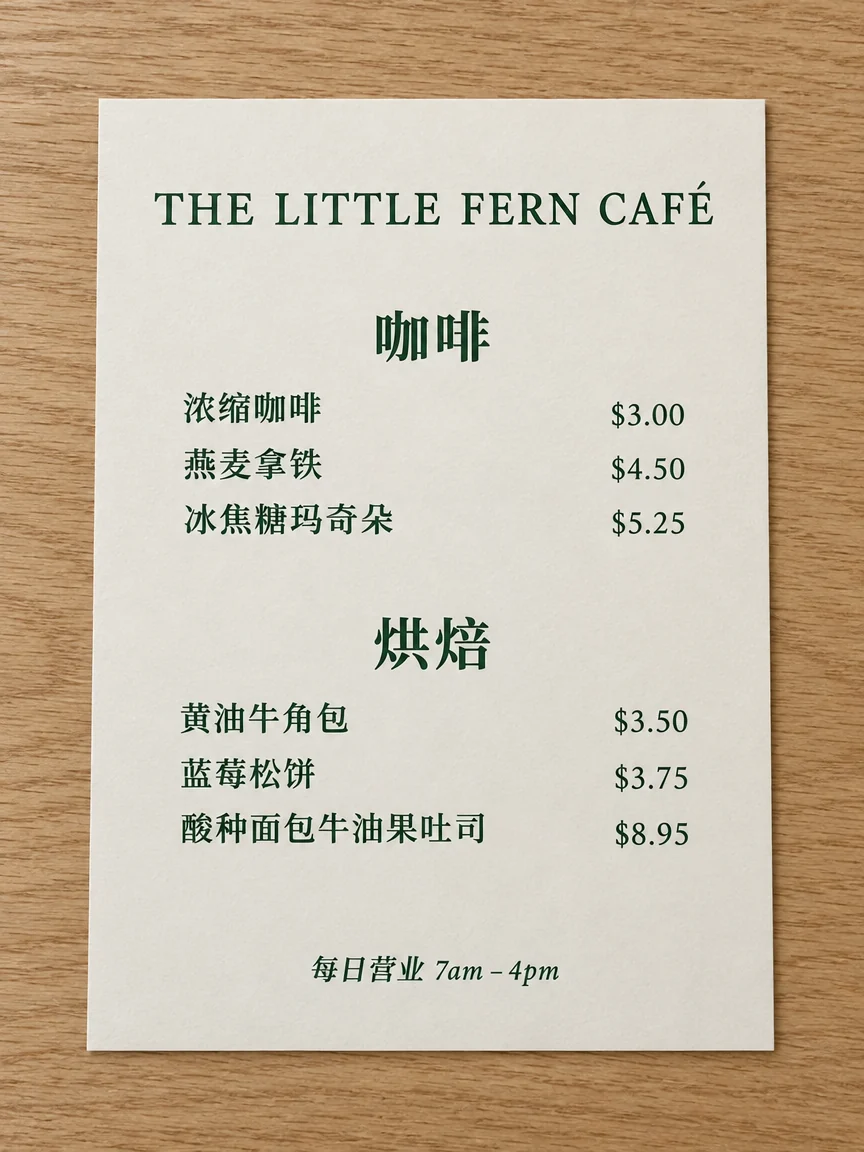
Nine lines and two headings in one run; the café's name and every price stay as they were.


A bold retro title and two smaller lines, in the poster's own lettering over the illustration.
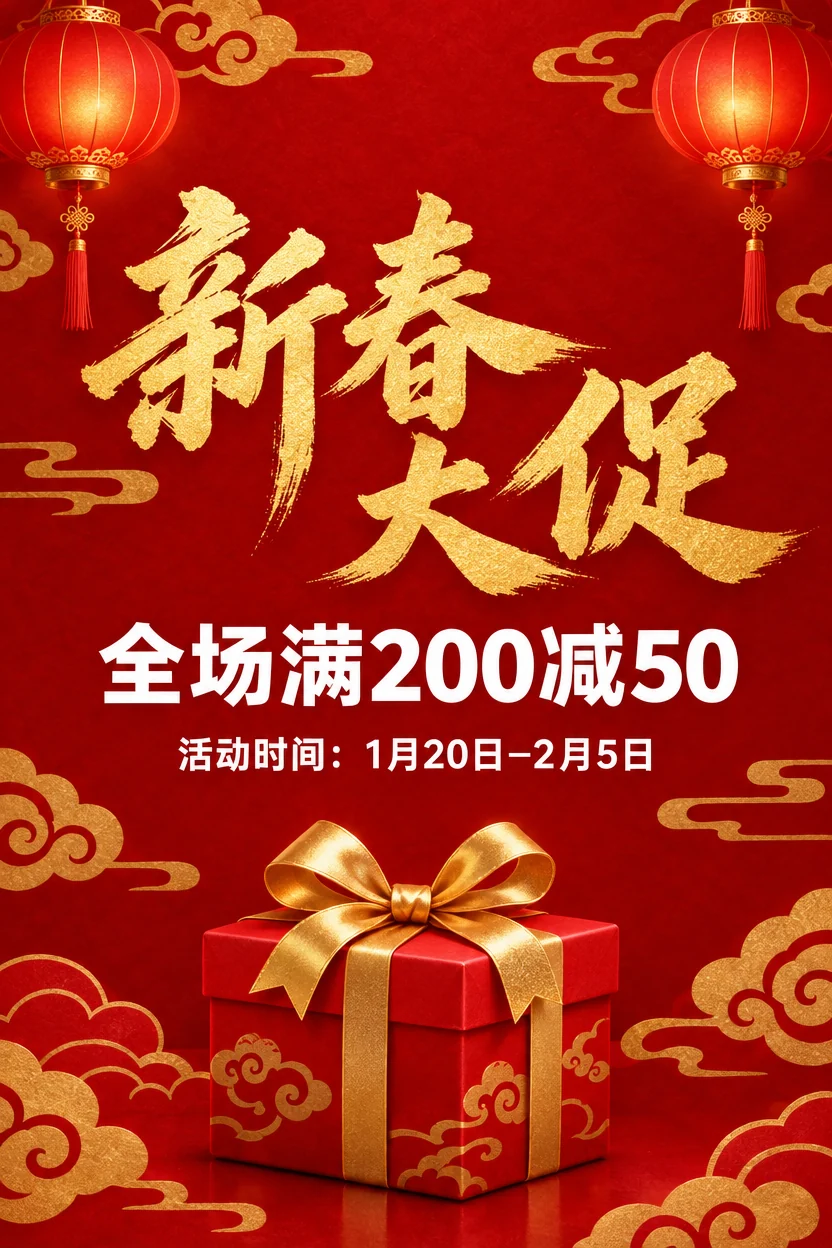

Gold brush calligraphy becomes a gold brush-script English title; the longer offer line is set to fit.
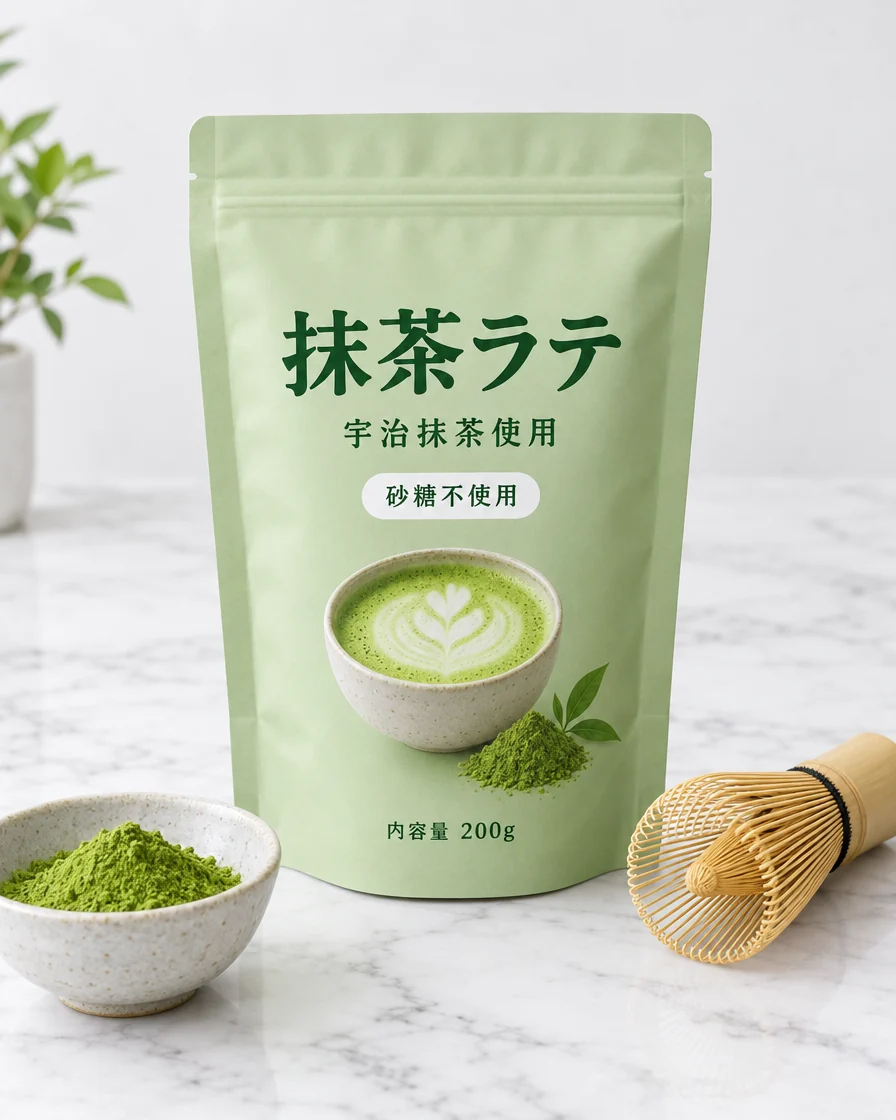

The title, the badge and the small print on a product photo, set in the label's own green type.
Like any image translation, it is strongest on clear, sharp text. Here is what to expect.
The translation comes from an AI model, so check names, numbers and anything important before you print. A line you want worded differently is one click away.
An image text translator that changes only the words, in the lettering that was there.
Other image translators redraw the whole picture or cover the text with plain boxes. We lay the result back over your original and keep the new pixels only where lines were, so faces, products and backgrounds keep their exact pixels at full resolution.
Each translation is written in the style of the line it replaces: weight, color, perspective and texture, from neon signs to brush calligraphy. A longer line is set a little smaller to fit.
Translate image text to English from Chinese, Japanese or Korean, vertical manga bubbles included, or the other way round, among 19 languages.
Up to 30 lines are read and translated together for one price. Brand names, prices and web addresses stay as written.
Download a Photoshop file with your original at the bottom and every translated line on its own layer, ready to hide, move or retouch.
The result lists every line as original and translation. Want other wording? Press the pencil next to a line and rewrite just that one in Edit text in image.
Five things that make every translation come out right.
The language in the picture is detected for you. Pick the language you want, English by default, and run. Text that is already in that language is left alone.
If you just want to understand a menu or a sign, a camera translator shows the meaning on screen. This tool is for when you need the picture itself in another language, to print, post or sell with.
Names, prices, numbers and web addresses are kept as written. To keep more, say so in the note, for example: keep the title in English.
Each speech bubble is translated as one line and lettered to fit the bubble, across it for English. Clean scans at full size work best; sound effects drawn into the art stay as they are.
The PNG is the finished picture at its original size. The PSD keeps your original as one layer and each translated line as another, so you can adjust the lettering in Photoshop.
From online shops to comic fans, people need pictures in another language every day.
Put product photos, labels and banners into the language of each market you sell in.
Offer the same menu board in English, Chinese, Japanese or Spanish for visitors.
Localize posters, social posts and ads without sending every file back to a designer.
Read a page in your own language with the art left as it was drawn.
Quick answers about translating the words in a picture.
Add a picture, pick a language and get every line translated in the original lettering in about 30 seconds.