

Logo on white
White removed everywhere, so the holes in the letters turn clear too.
Drop a logo, icon, drawing or product shot and its white, black or color background turns transparent at once, with soft, clean edges. This free PNG maker runs in your browser, so nothing is uploaded, and photos with detailed backgrounds go to our AI background remover.
Drop a picture to make it transparent
JPG, PNG, WebP, GIF, BMP or AVIF. Everything stays in your browser.
Eight pictures made for these examples, each made transparent by this page's own PNG maker. Open one to try every setting.
White removed everywhere, so the holes in the letters turn clear too.


A color background removed, the white sticker outline kept.
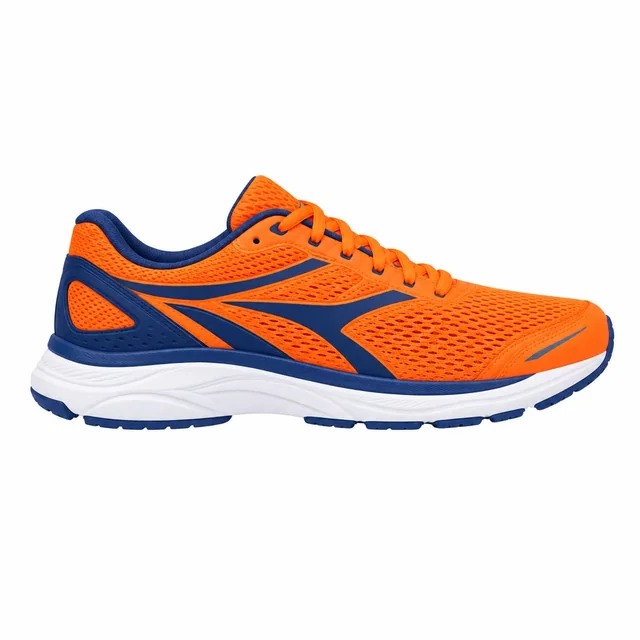
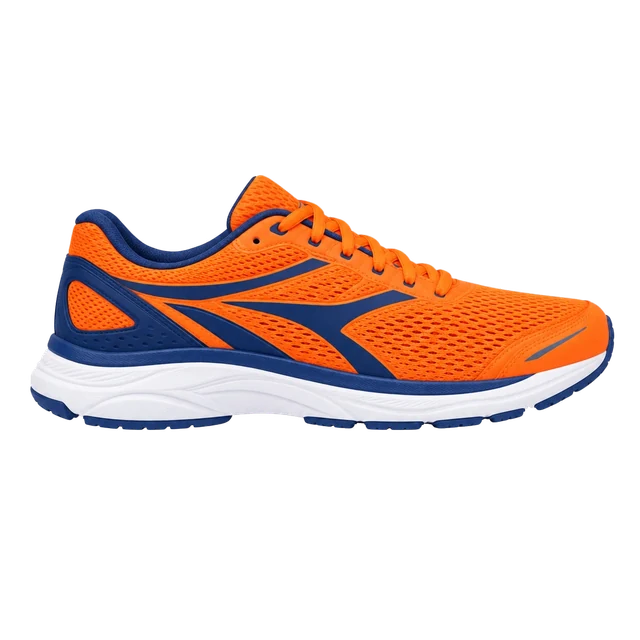
A product shot cut out cleanly, white sole included.
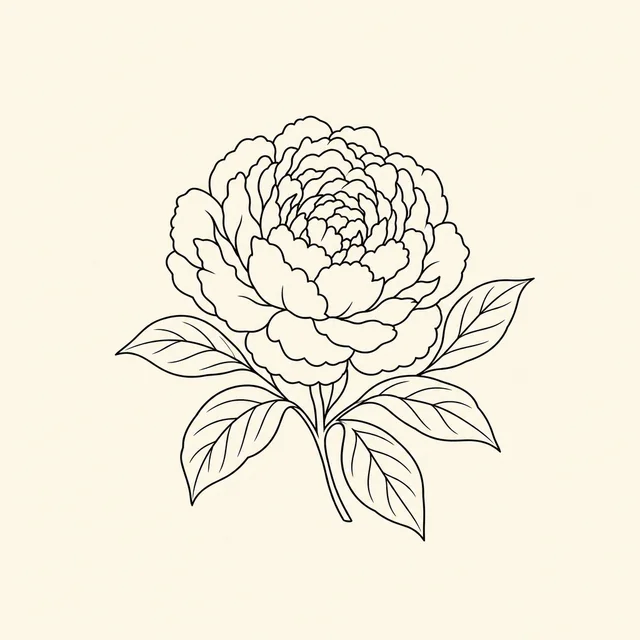
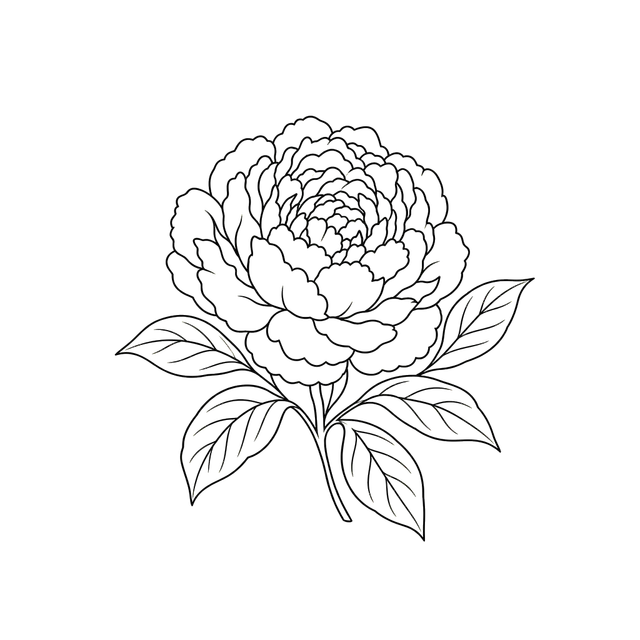
The paper removed inside every petal, ready for a coloring page.
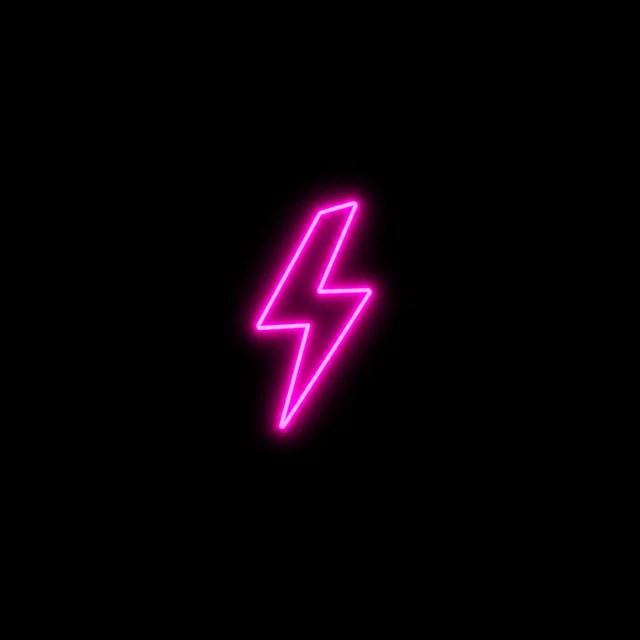
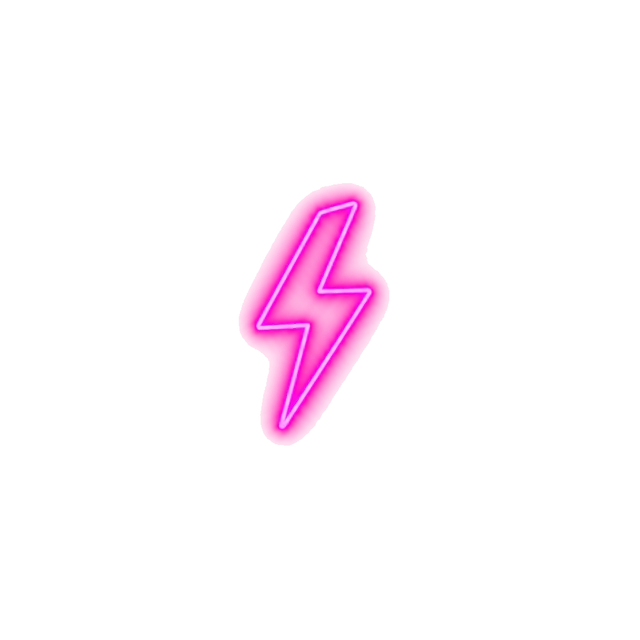
Soft removal turns the glow into transparency.


A chroma green background removed with a one-pixel trim.


A pastel background removed around every sprinkle.


Hard edges kept, so every pixel stays crisp.
Three steps, and nothing is uploaded.
Drop, paste or choose a JPG, PNG, WebP or GIF. The background color is read from the edges and removed at once.
Click any area to remove that color too, or bring back a part. Set the tolerance, keep soft edges and trim a halo.
Save a transparent PNG or WebP at full size, cropped to the subject if you like, ready for any design.
Six things it does well, from a logo on white to a neon glow on black.
OriginalWhite, black, one color or a green screen: the color is read from the picture's edges and removed the moment the picture opens.
Click a color to remove it too, or switch to Bring back and click a part to restore it. Undo goes back one click at a time.
Edge pixels are unmixed from the background, so curves stay smooth on any new background with no white or colored outline.
Turn on Everywhere to clear the background color inside letters and shapes as well, the way a logo needs it.
Soft removal fades glows and light effects into transparency and keeps line art crisp, with the background's tint taken out.
This PNG maker runs entirely in your browser: no upload, no account, no watermark, and full-size downloads.
Five short tips for a clean transparent PNG.
Logos, icons, scans, illustrations and product shots on one color come out best. For a photo with a detailed background, use the AI background remover.
Raise the tolerance for JPG noise, shadows or paper texture; lower it when parts of the subject are close to the background color.
Turn on Everywhere so the inside of letters such as O, A and B turns transparent too. Click any leftover area to remove it.
Keep Soft edges on for smooth curves. A one-pixel shrink cuts away a thin halo left by a compressed JPG.
Switch the preview to white, black or your own color to see how the PNG will look, then crop to the subject and download.
Common reasons to make an image background transparent.
Place logos and icons on any color, slide or mockup without a white box around them.
Cut product shots out of a plain studio background for listings and ads.
Prepare stickers, sublimation designs and print-on-demand art as transparent PNG files.
Drop drawings, scans and illustrations onto slides, thumbnails and worksheets.
Answers about making transparent PNGs, edges and privacy.
Open the picture in the PNG maker: its plain background is removed at once. Click any area to fine-tune, then download the transparent PNG.
Yes. It runs entirely in your browser, needs no account, adds no watermark and saves at full size.
No. Your picture is made transparent on your device; nothing is sent to a server.
Open the picture and the white is removed from the edges inward. Turn on Everywhere to clear white inside letters and shapes as well.
Yes. Logos on one color are what it does best: Everywhere clears the holes in the letters, and soft edges keep the outline smooth.
Send them to the AI background remover with one click; it cuts people, pets and products out of any scene for 1 credit.
No. Edge pixels are unmixed from the background color, so curves stay soft and no white or colored outline is left.
Open JPG, PNG, WebP, GIF, BMP or AVIF pictures, and save a transparent PNG or WebP at full size.
Open a picture and download a clean transparent PNG in seconds, free with this PNG maker in your browser.
Open a picture