Glowing koi DTF tee
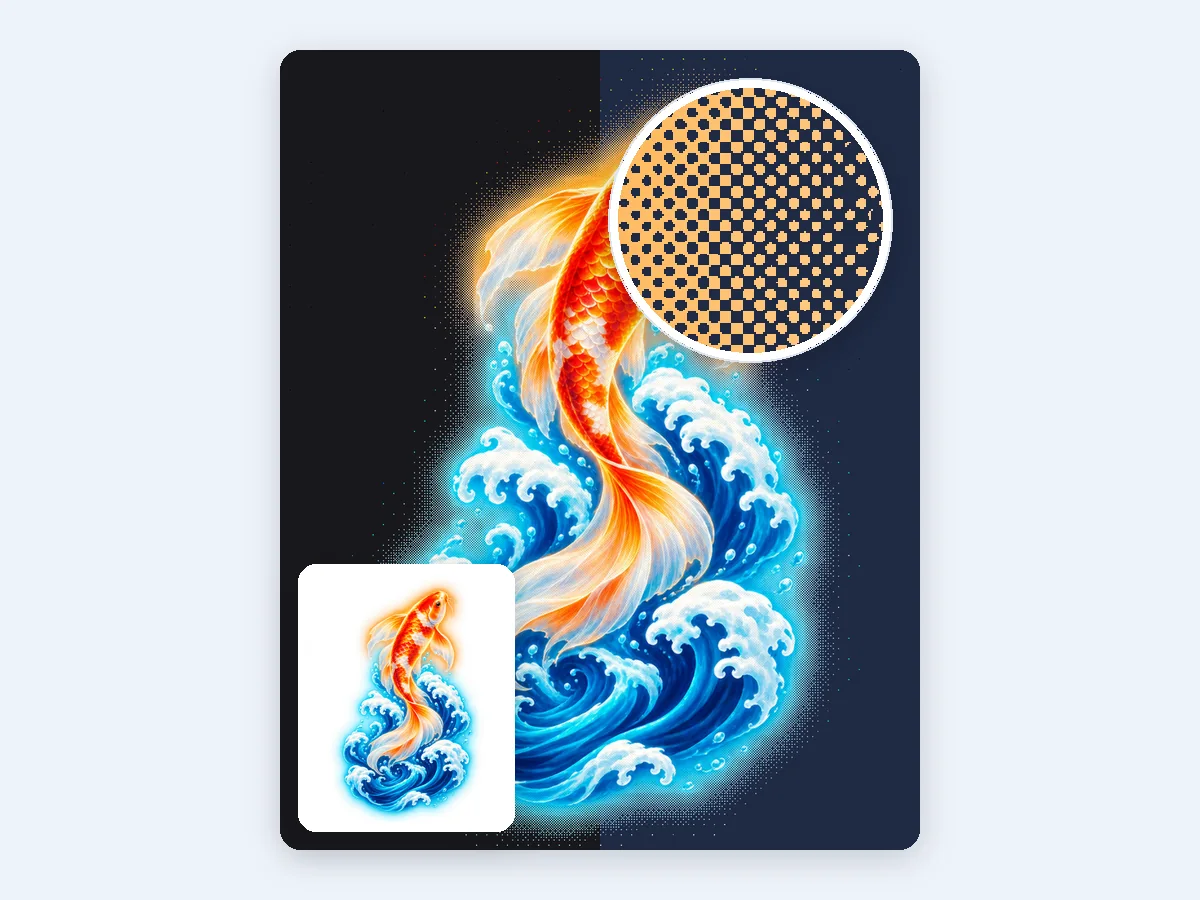
A streetwear koi and waves on a transparent background. The DTF preset turns the soft glow into solid dots in the design's own colors, shown here on black and navy shirts.
Turn any photo into a halftone image of crisp, accurate dots for posters, comics, screen printing, DTF and laser engraving. CMYK, print-size PNG and SVG, free in your browser.
Or try one of these
Eight original pictures, each turned into a halftone image with the preset that suits it, from a DTF tee and CMYK rosettes to a screen printing film and a laser engraving file. Open one to load the same picture and settings, then make it your own.
A streetwear koi and waves on a transparent background. The DTF preset turns the soft glow into solid dots in the design's own colors, shown here on black and navy shirts.
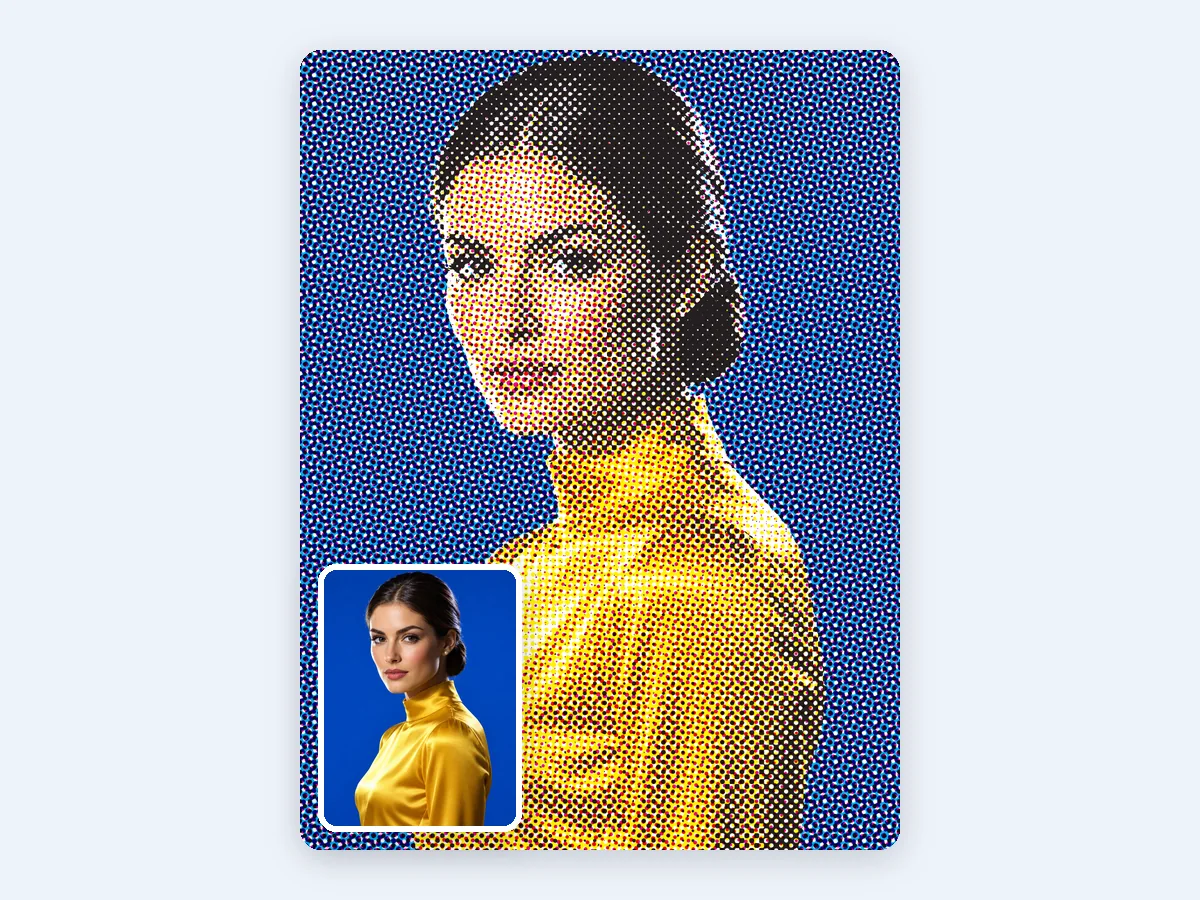
A fashion portrait as a CMYK halftone on a coarse grid, so the rosette is easy to see, with the cyan, magenta, yellow and black plates each at its own angle.
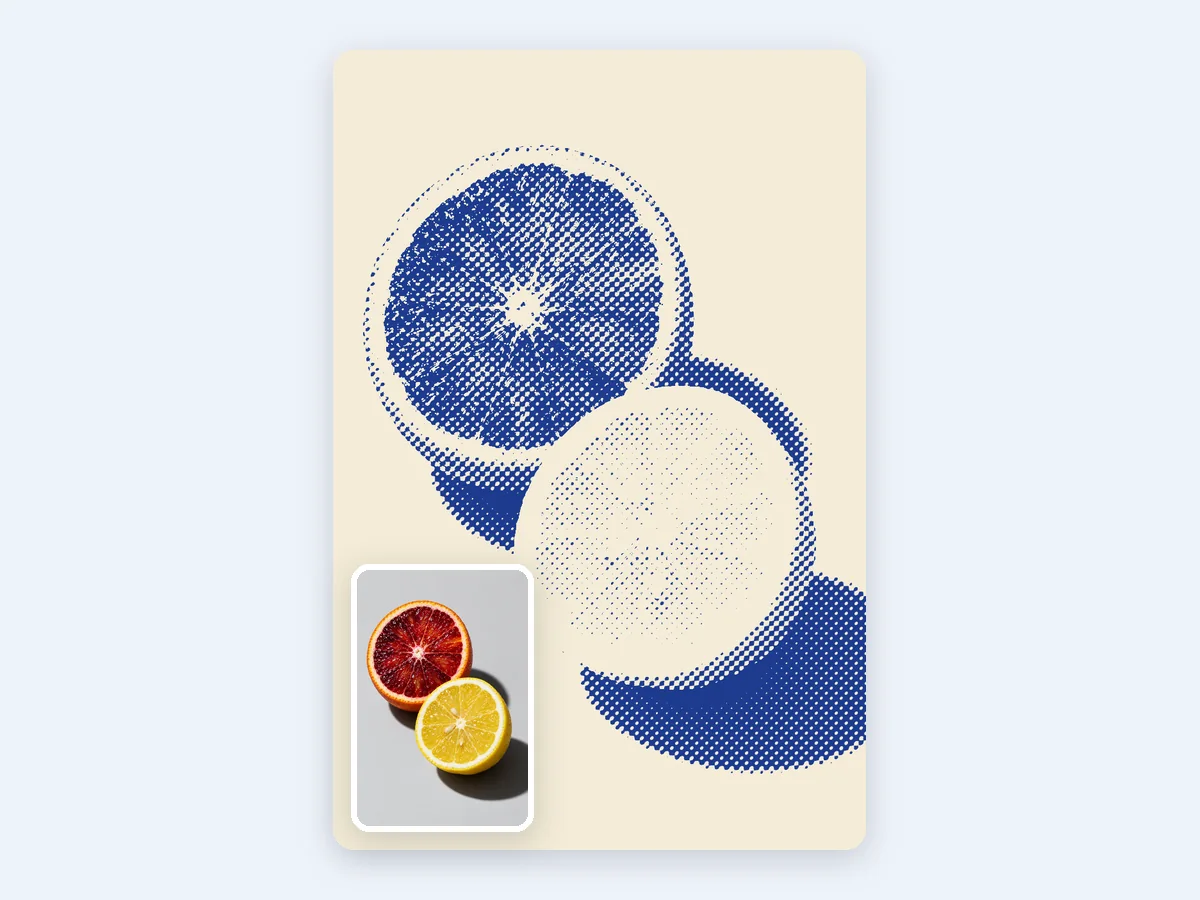
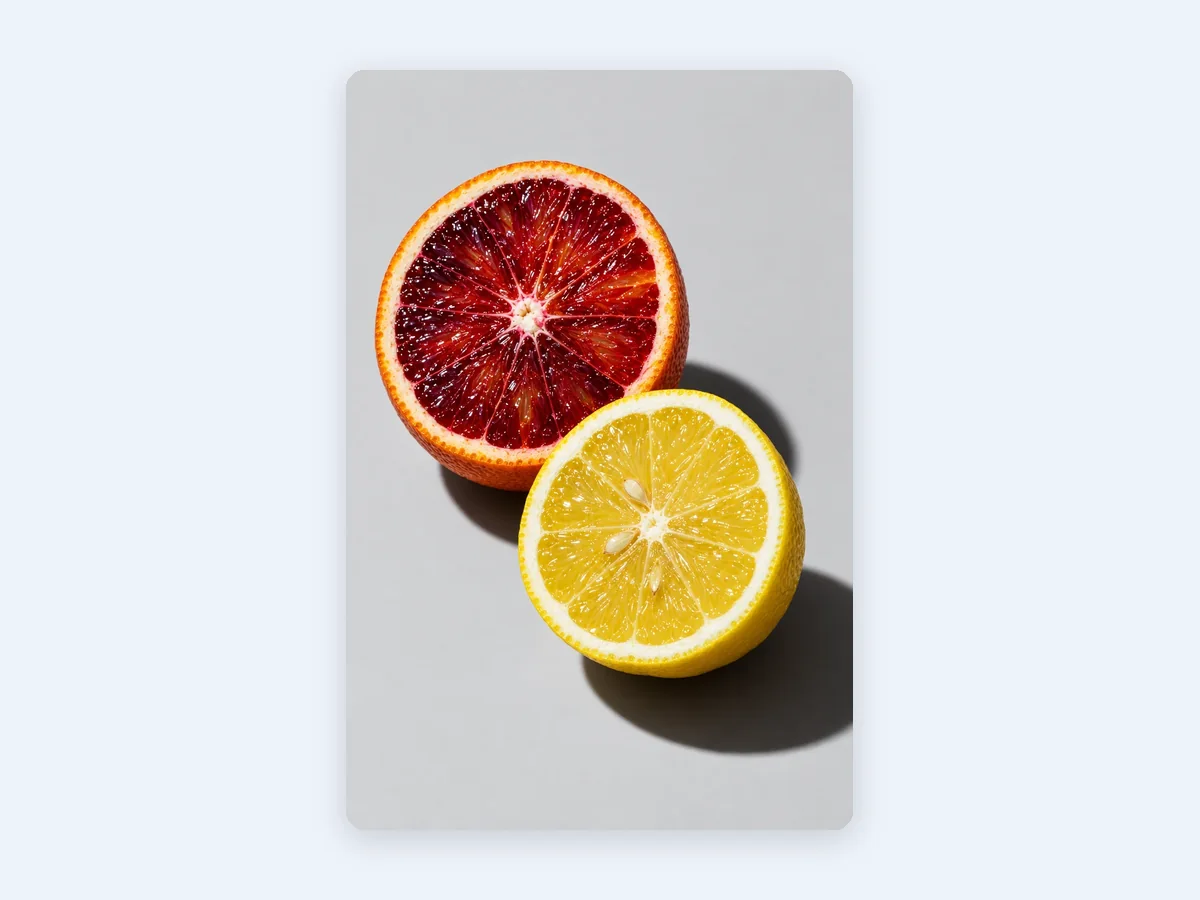
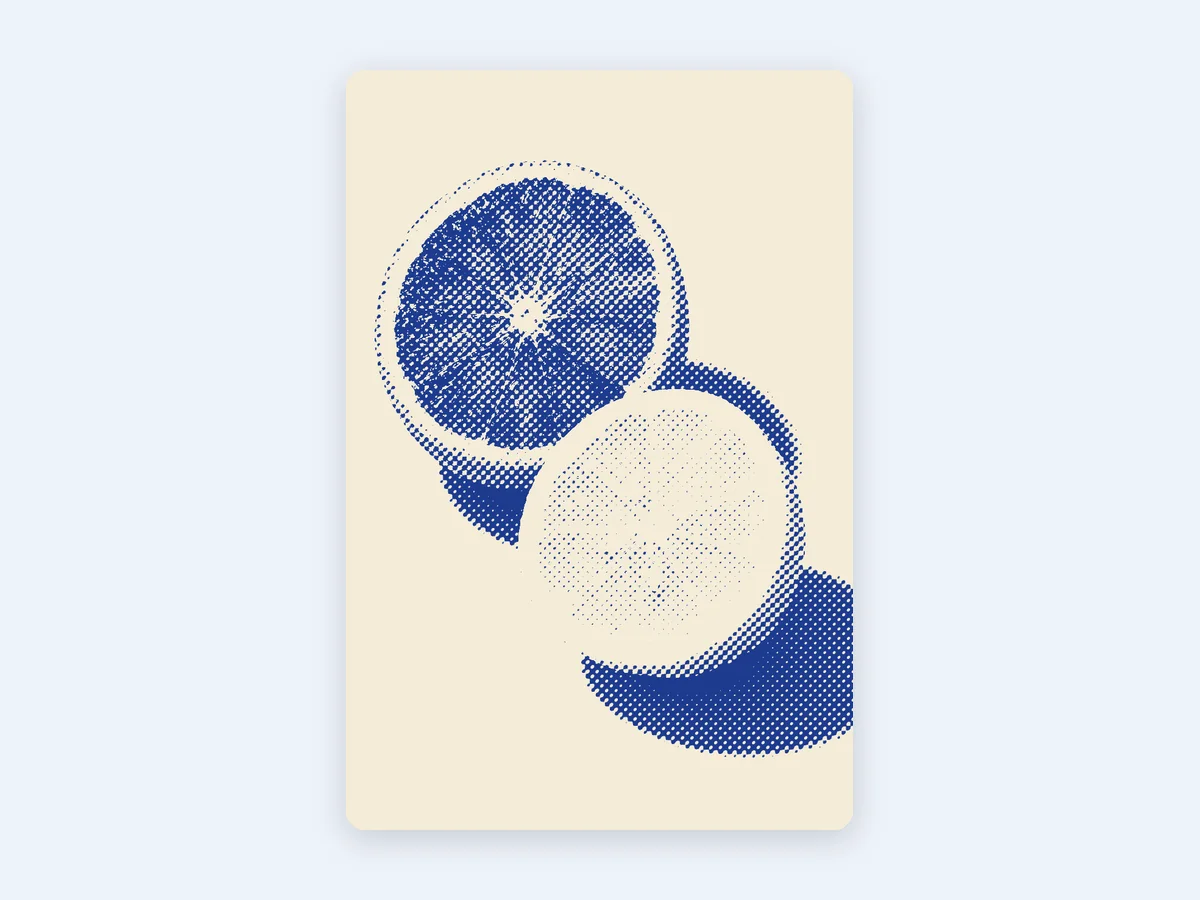
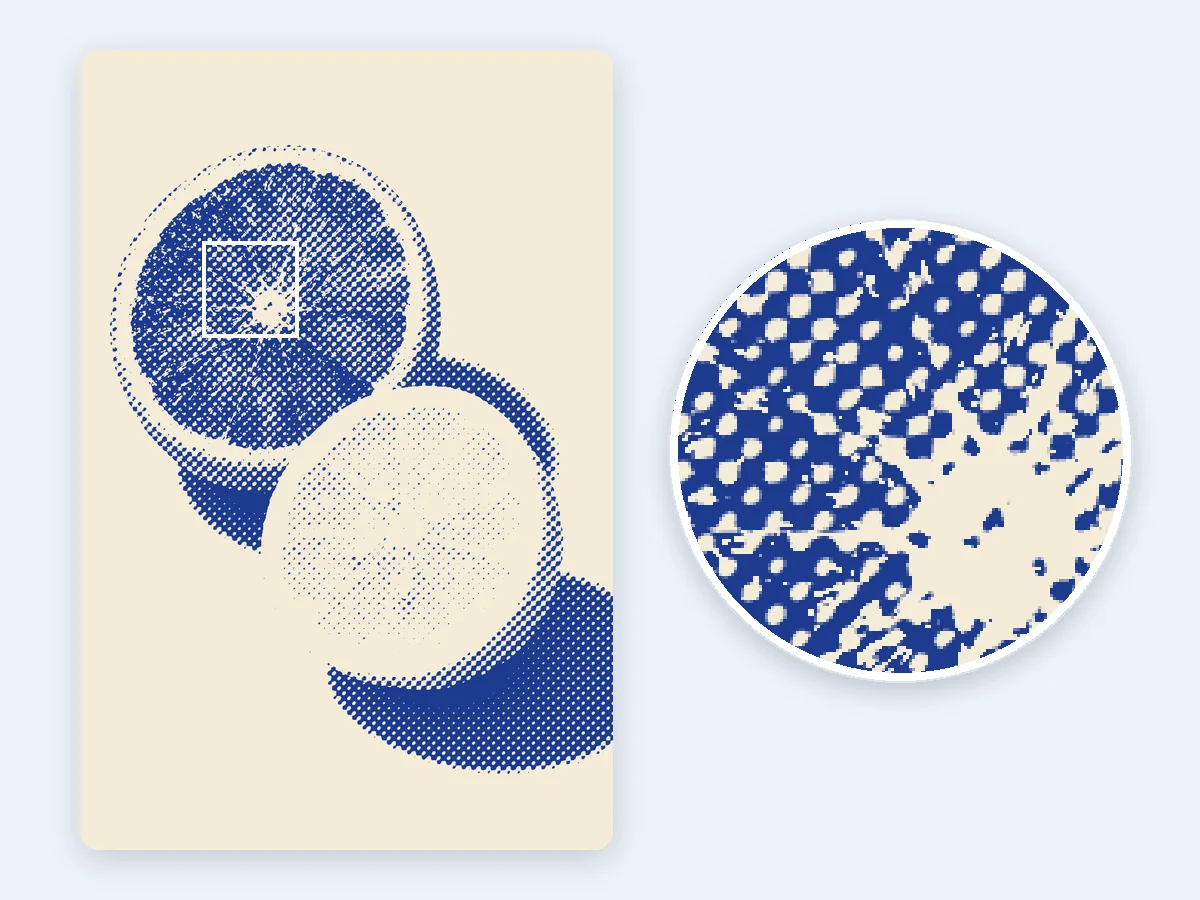
A cut blood orange and lemon in deep blue elliptical dots on cream paper: one ink and one paper color give the X-ray halftone look.
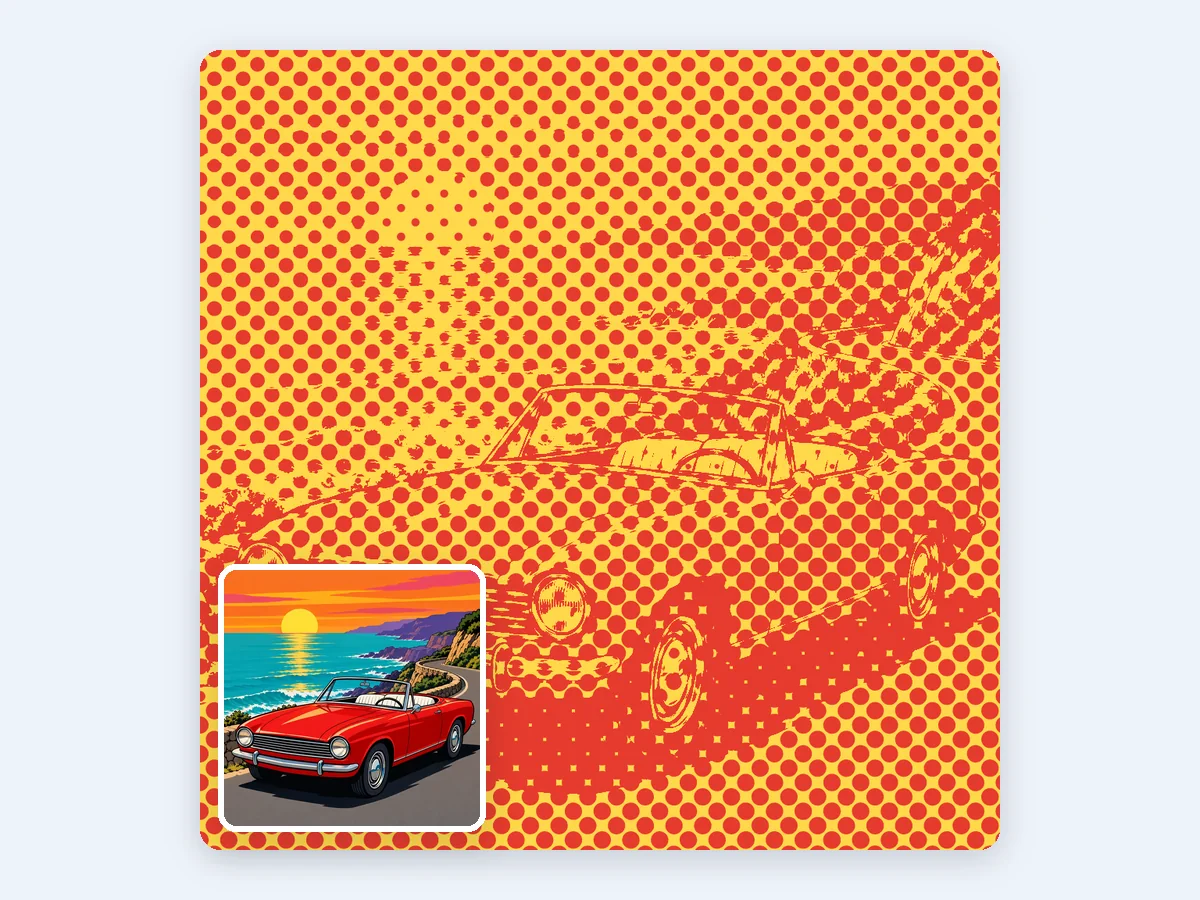
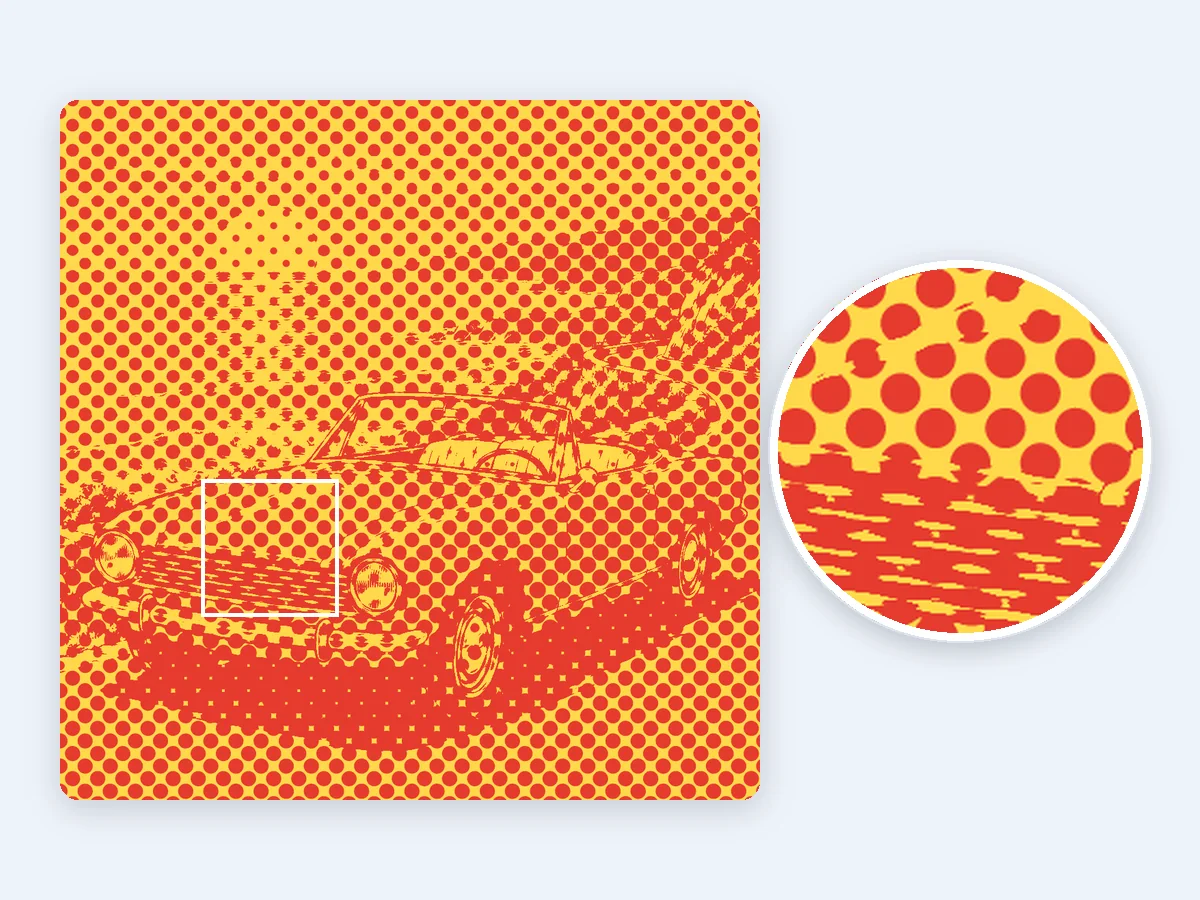
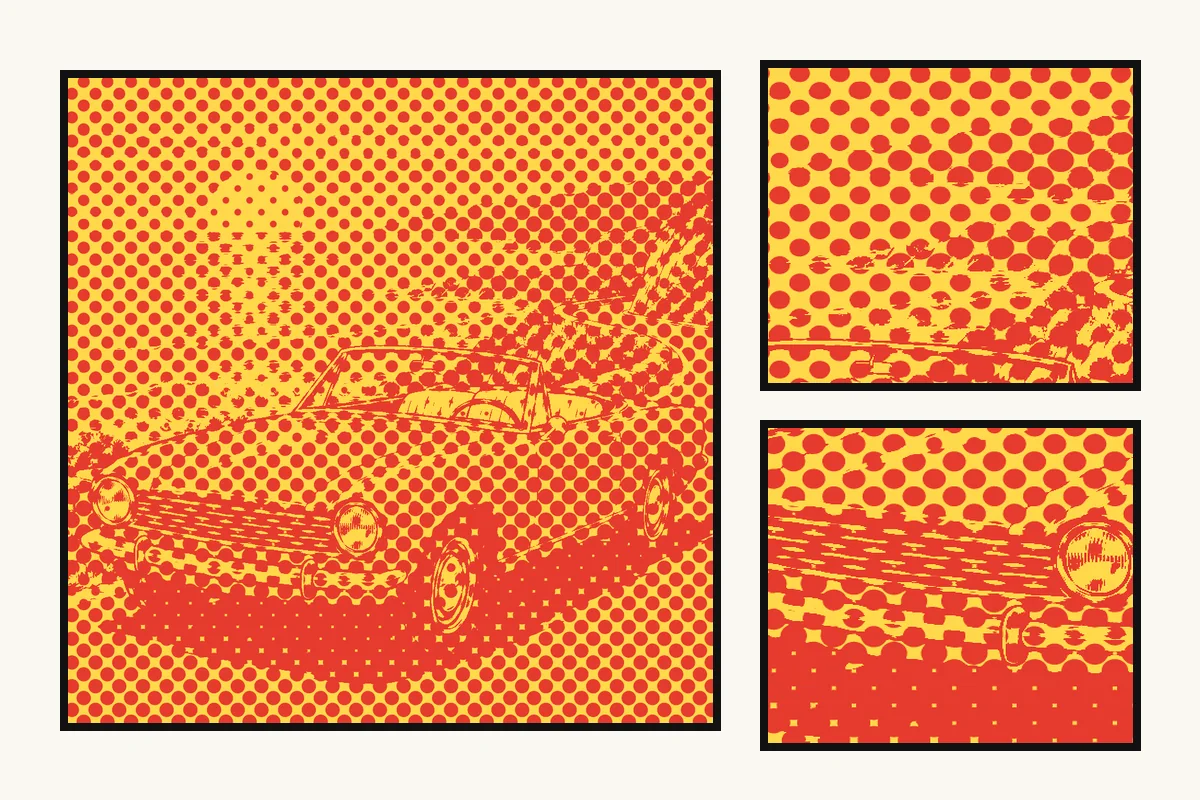
A convertible by the sea at sunset in big red Ben-Day dots on yellow, made with the Comic preset's plain round dots.
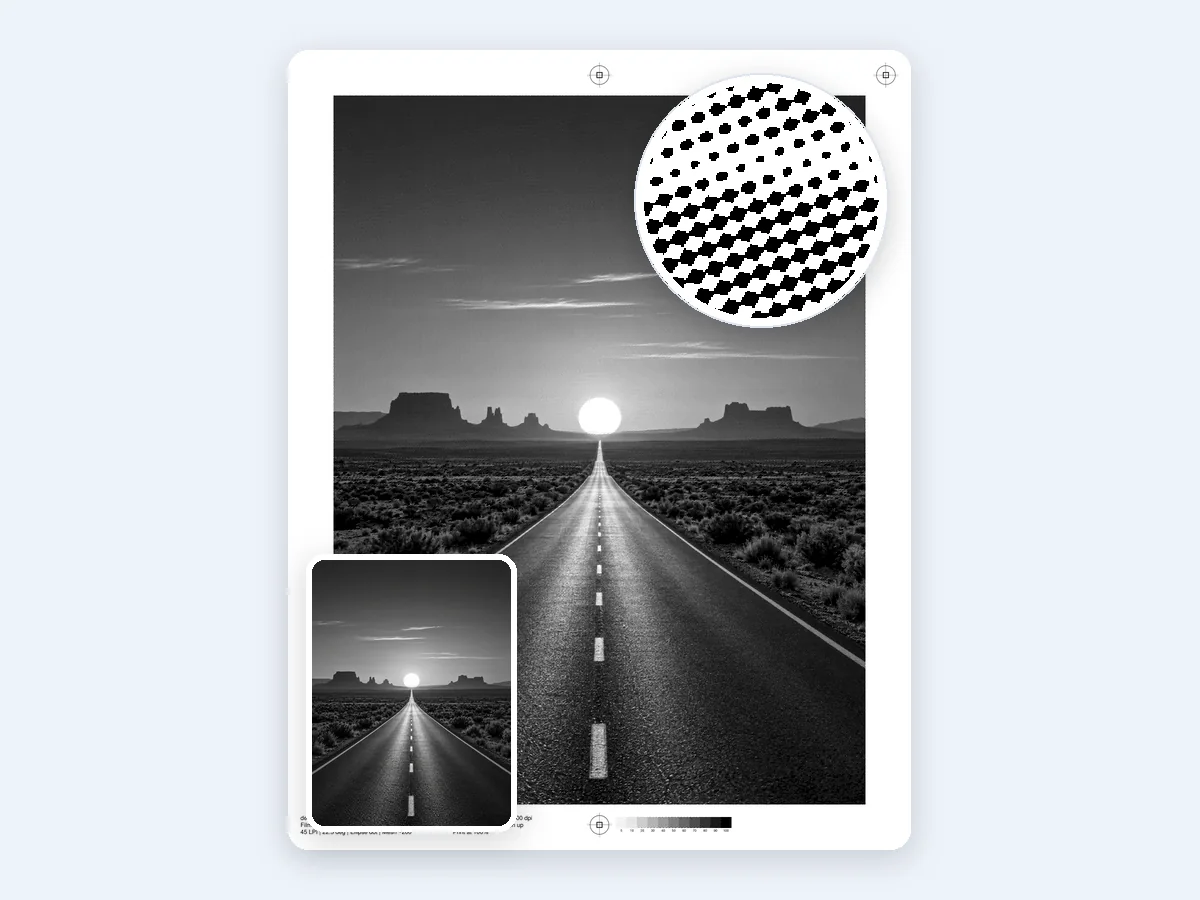
A black and white desert road under a huge setting sun as a 1-bit film: 45 LPI, 22.5° and 600 dpi, with registration marks and a gray strip.
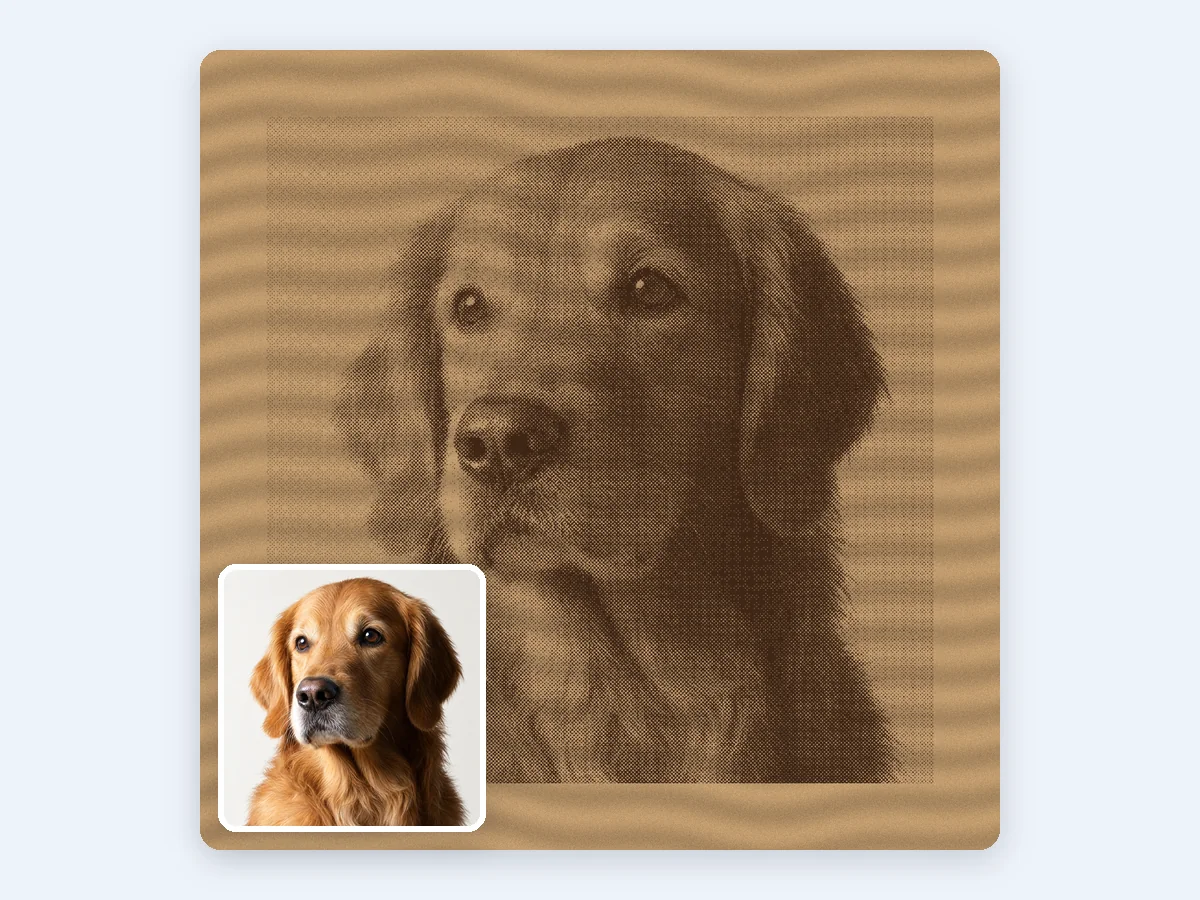
A golden retriever portrait as a 1-bit laser engraving file with 64 cells per inch at 254 dpi, shown here on wood.
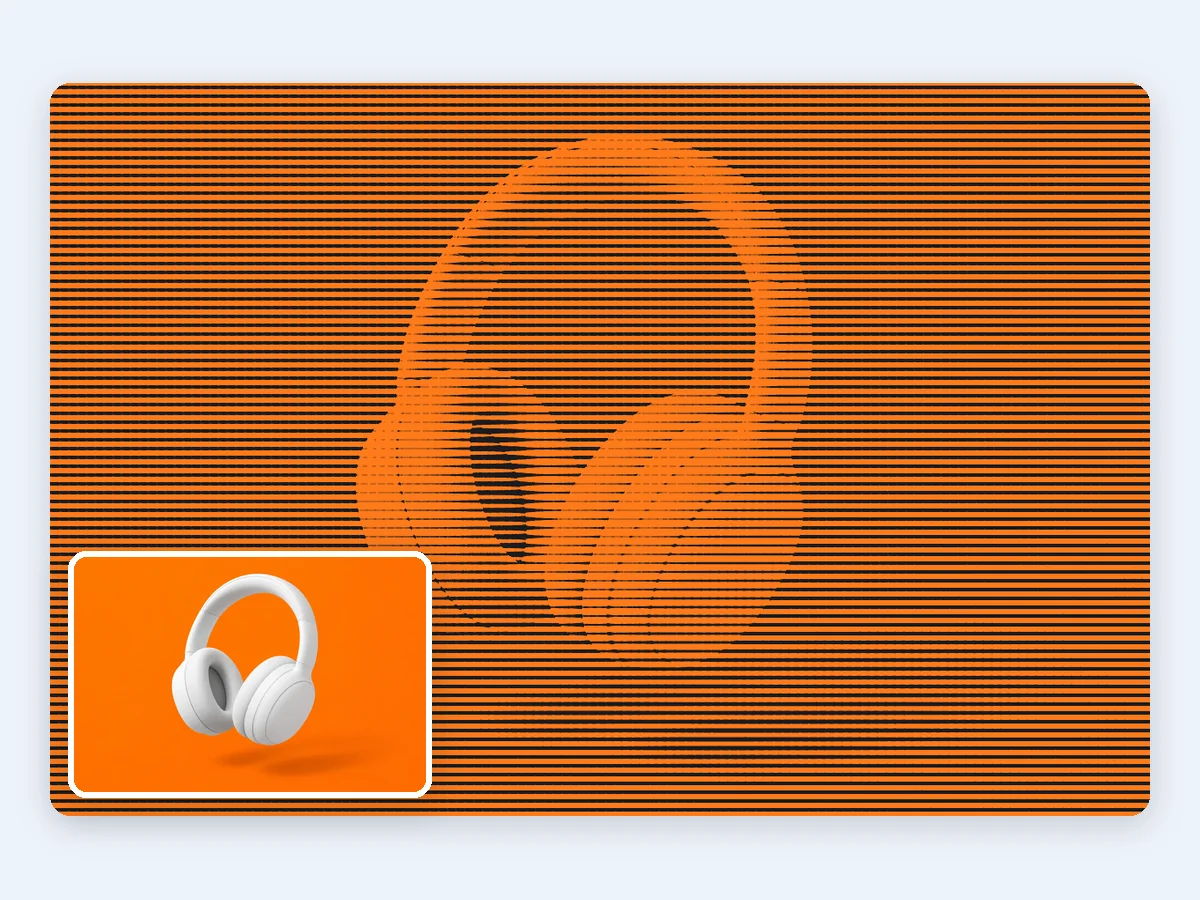
Matte white headphones on orange for a tech poster: a line screen at 0° turns the shading into lines of changing width, saved as an SVG.
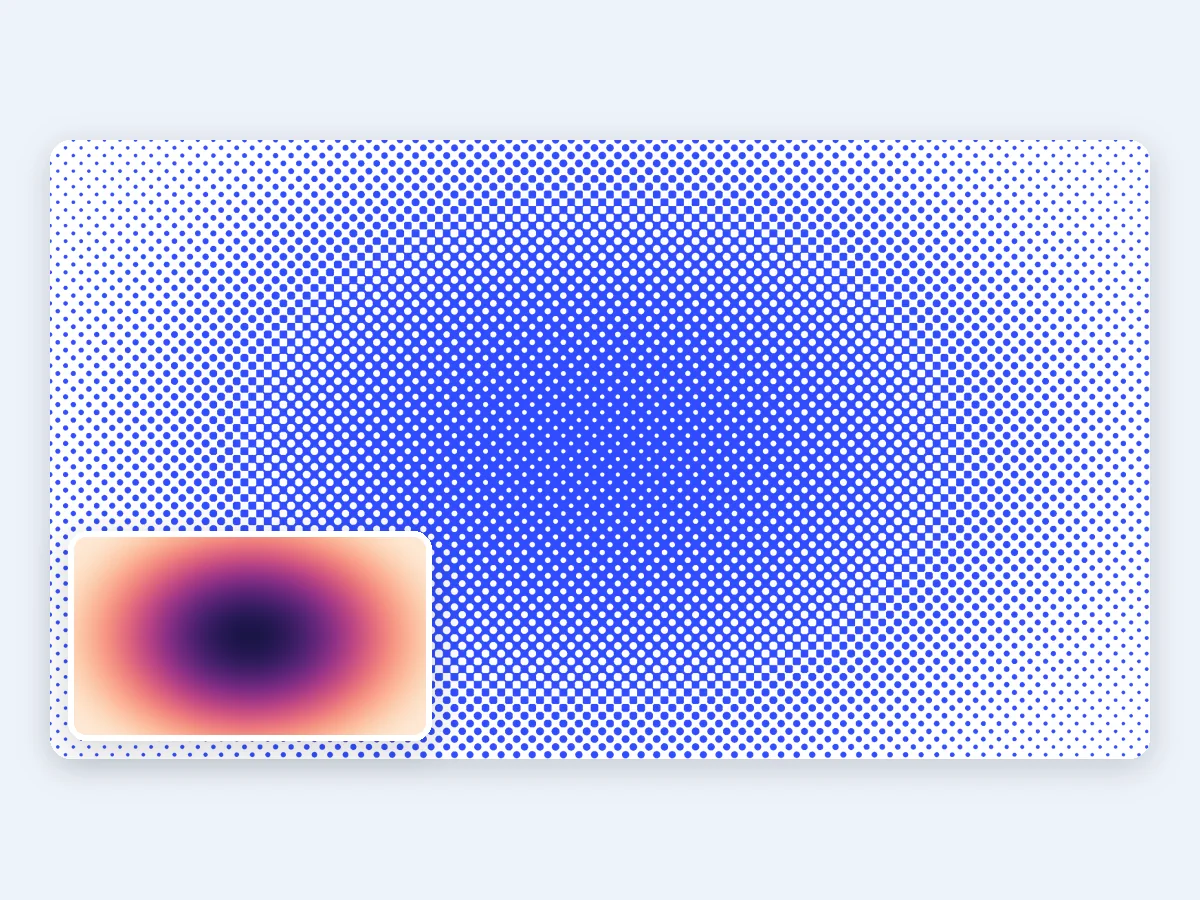
A radial gradient made into a halftone gradient background for web heroes and posters, with dots that grow toward the center, as an SVG or a transparent PNG.
Add a picture, pick what it is for, download. The preview and the loupe show the real dots before you save.
Drop, paste or choose a PNG, JPG or WebP. It opens at full size right in your browser, transparency included, and nothing is uploaded.
Start from a preset, Graphic, Comic, Screen print, DTF or Laser, then set the dot shape, the grid or LPI, the angle and the tone. Switch to CMYK for a four-color halftone effect.
Save a PNG at print size and DPI, an SVG of vector dots, a layered PSD, film PDFs with registration marks, or all of them in one ZIP.
Five strengths that take a halftone image from a quick effect on screen to a file that prints, cuts and engraves.
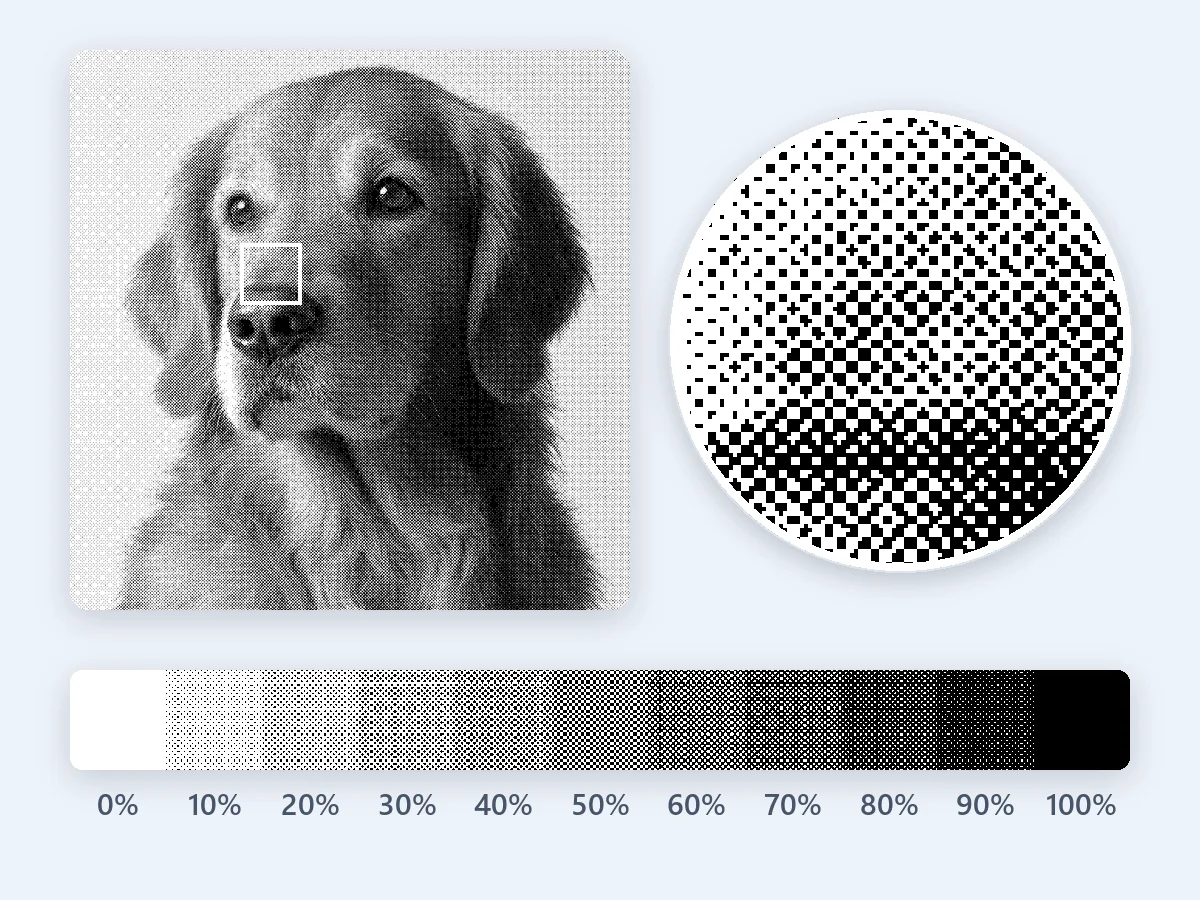
Every dot is made at the output resolution, so each step of a gray ramp gets the ink it asks for: a 30% gray becomes 30% ink, 100% prints solid and white stays clean paper. Fine lines, small type and solid edges stay crisp, so the halftone effect keeps the detail of your photo.
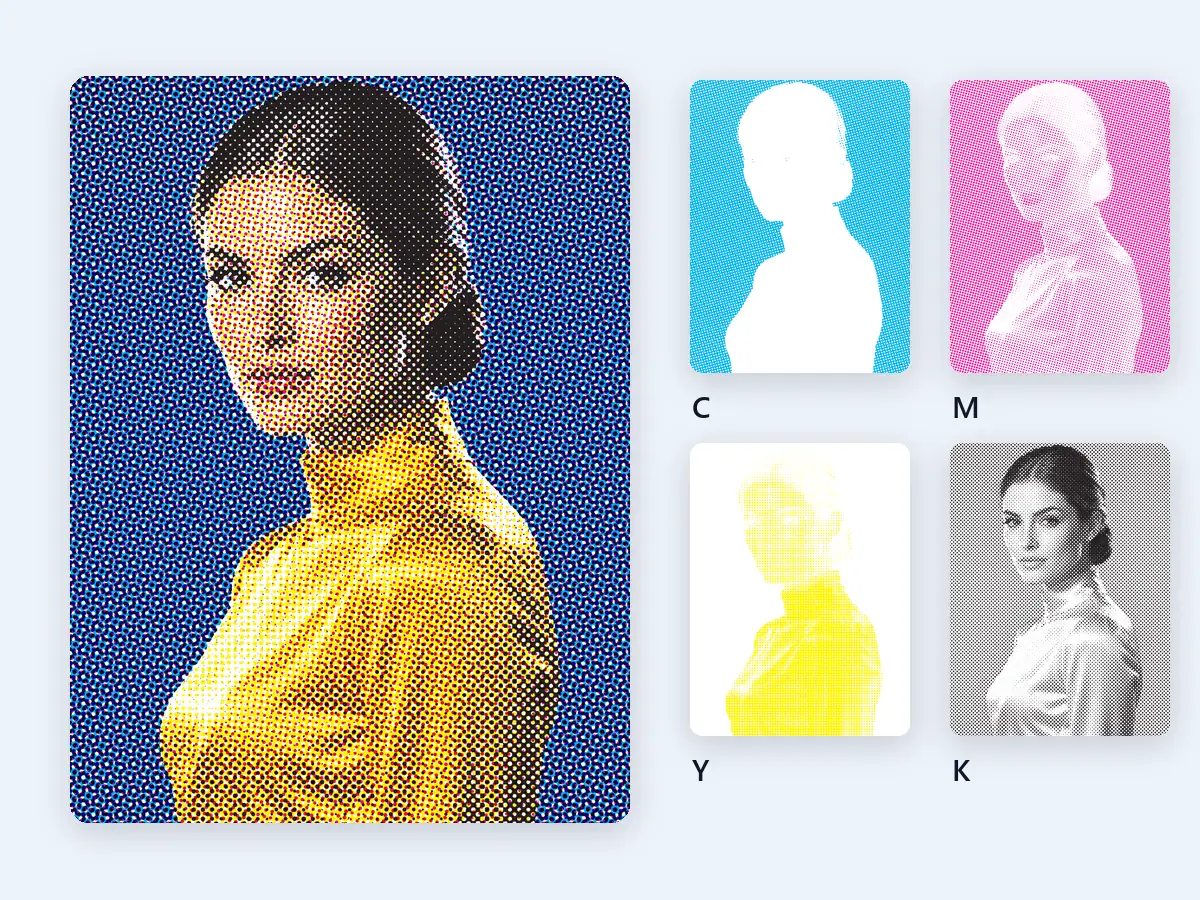
CMYK mode splits the picture into cyan, magenta, yellow and black and screens each plate at its own angle, so the dots form the classic rosette. Download the color composite or a layered PSD with one multiply layer per ink. At print size you also get four 1-bit plates, and the Screen print preset adds a film for each ink.
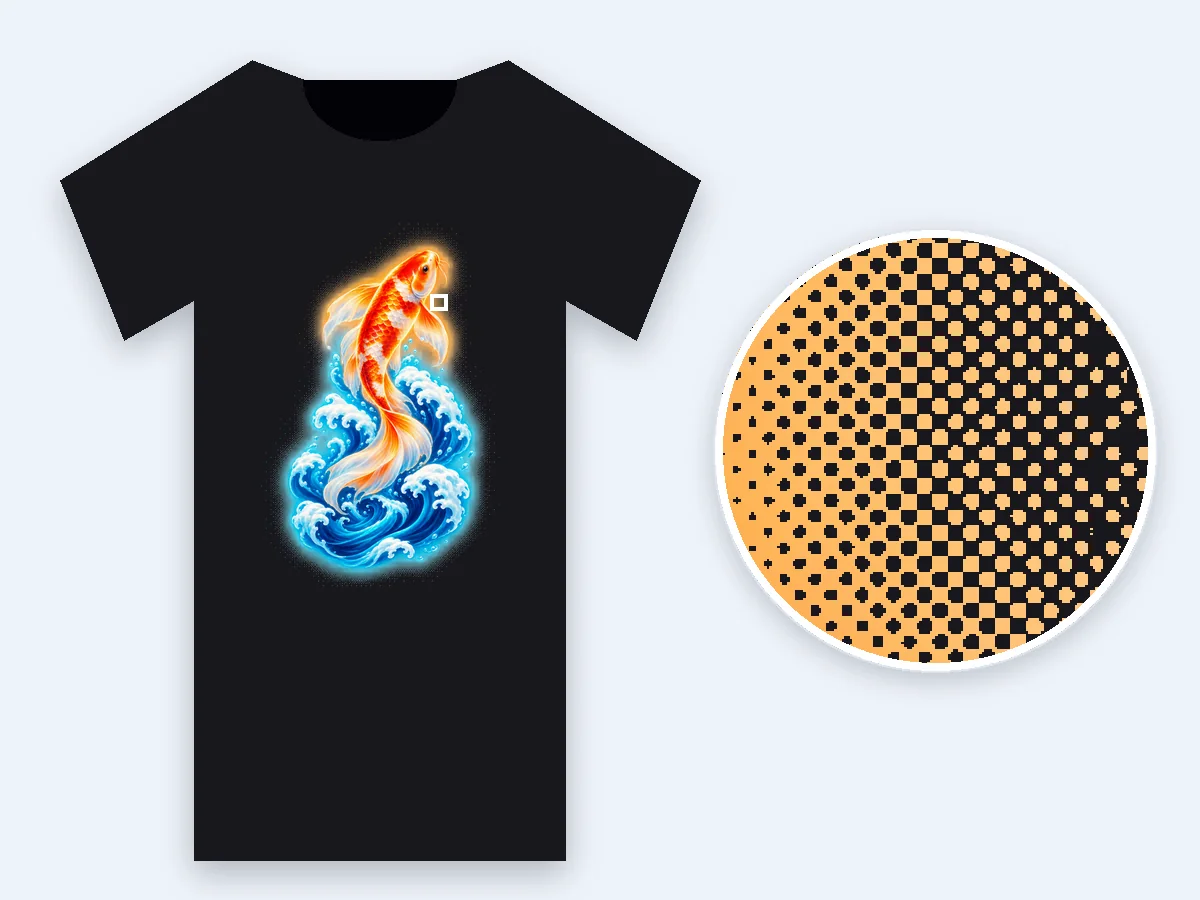
The DTF preset turns soft glows, shadows and gradients into solid dots in the design's own colors. You get a transparent PNG at print size and 300 dpi, every pixel fully on or fully off, and the smallest dot stays printable: below 0.46 mm, light tones thin out instead of shrinking.
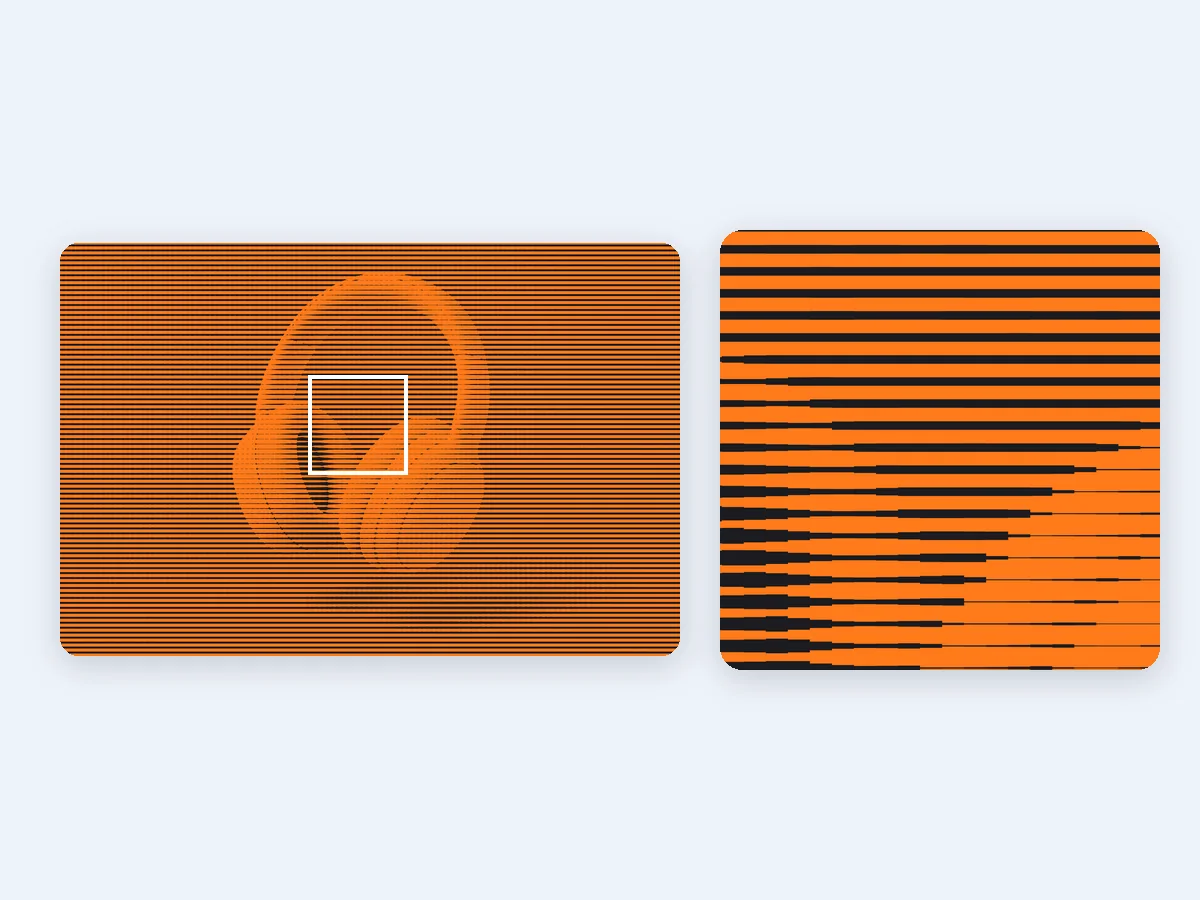
The SVG holds true vector dots, one compound path per ink, with print sizes in inches or millimeters and no picture hidden inside. Cutting machines, laser software and design apps such as Illustrator and Inkscape read it as clean shapes at any size.
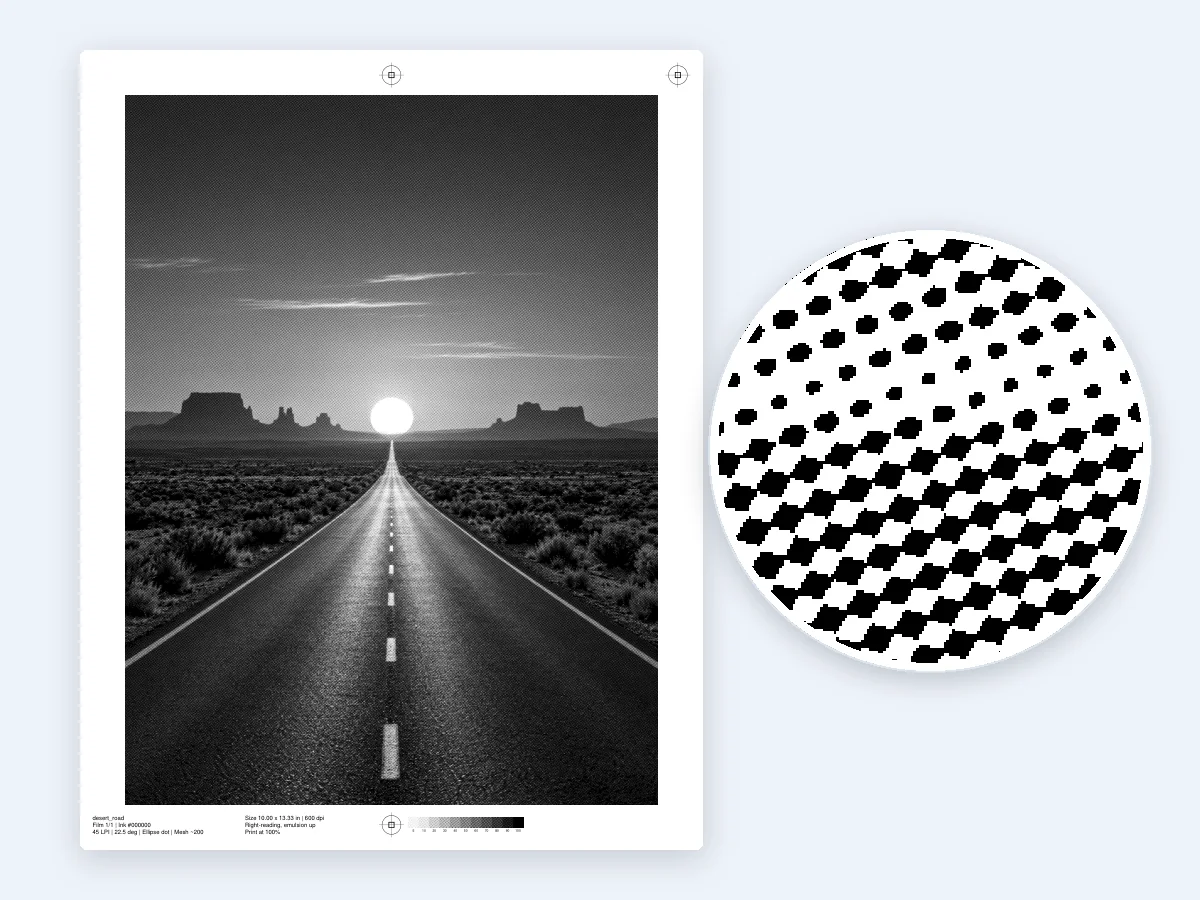
The Screen print preset makes 1:1 film PDFs with registration marks, a label with the LPI, the angle and a suggested mesh, and a gray strip from 5 to 100% to check the dots on press. Mirror the film when your shop exposes it emulsion side down.
What a halftone is, the settings that matter, and how to make the right halftone image for print, transfers, engraving and comics.
A halftone is a picture made of dots of one solid ink: large dots where the picture is dark, small dots where it is light, so the eye reads them as smooth shades. Presses, printers and engraving lasers mark a spot fully or not at all, never in gray, which is why photos in newspapers, on T-shirts and on wood are printed as halftones. A halftone generator does this to a digital picture. It lays a grid over the image, measures the tone in each cell and draws a dot of the right size there, for print or as a halftone effect in design.
Most halftones are AM screens (amplitude modulated): the dots sit on a fixed grid and change size with the tone. FM screens (frequency modulated) keep the dots small and equal and change how many there are; they show no moiré, with a grainier texture. This halftone generator makes AM dots, the classic halftone look, in seven shapes: round, elliptical, square, line, diamond, cross, and plain round dots that never turn into holes. Then comes color: one ink on paper, a CMYK halftone of four inks, a duotone look from one deep ink on a tinted paper, or the Ben-Day dots of comics. For flat bands of color instead of dots, try posterize image.
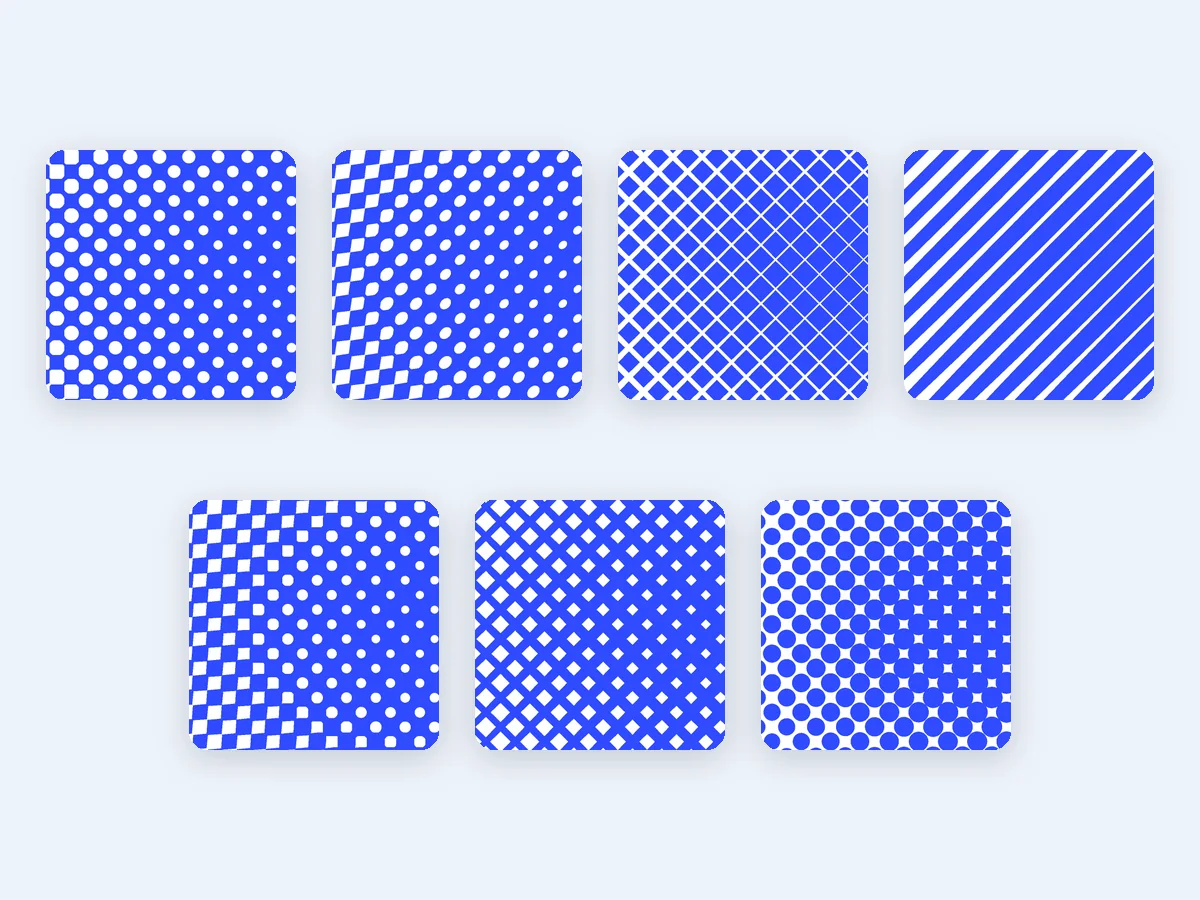
LPI (lines per inch) counts the rows of halftone dots in an inch, DPI counts the printer's dots and PPI counts the picture's pixels. A good halftone image starts from a picture with 1.5 to 2 times the LPI in pixels per printed inch, so a 45 LPI print 10 inches wide wants about 675 to 900 pixels across. The output DPI decides how many shades one dot can show, about (DPI ÷ LPI)² + 1: 600 dpi at 45 LPI gives about 179 levels, 300 dpi about 45. Before you download, a check compares your picture and DPI with the LPI and tells you when a higher DPI or a larger picture would give smoother tones.
Dot rows at 45° are the hardest for the eye to see, so a one-color halftone uses 45°. In a CMYK halftone, cyan, magenta and black sit 30° apart and yellow, the faintest ink, sits 15° from its neighbor: cyan 15°, magenta 75°, yellow 0° and black 45° for round dots, so the inks form a small, even rosette. Two screens at nearly the same angle or ruling make moiré, a wavy pattern. Screen printing mesh is itself a grid of threads at 0° and 90°, and 45° falls on its knuckles, so screen printers turn halftones to about 22.5°, the Screen print preset's default.
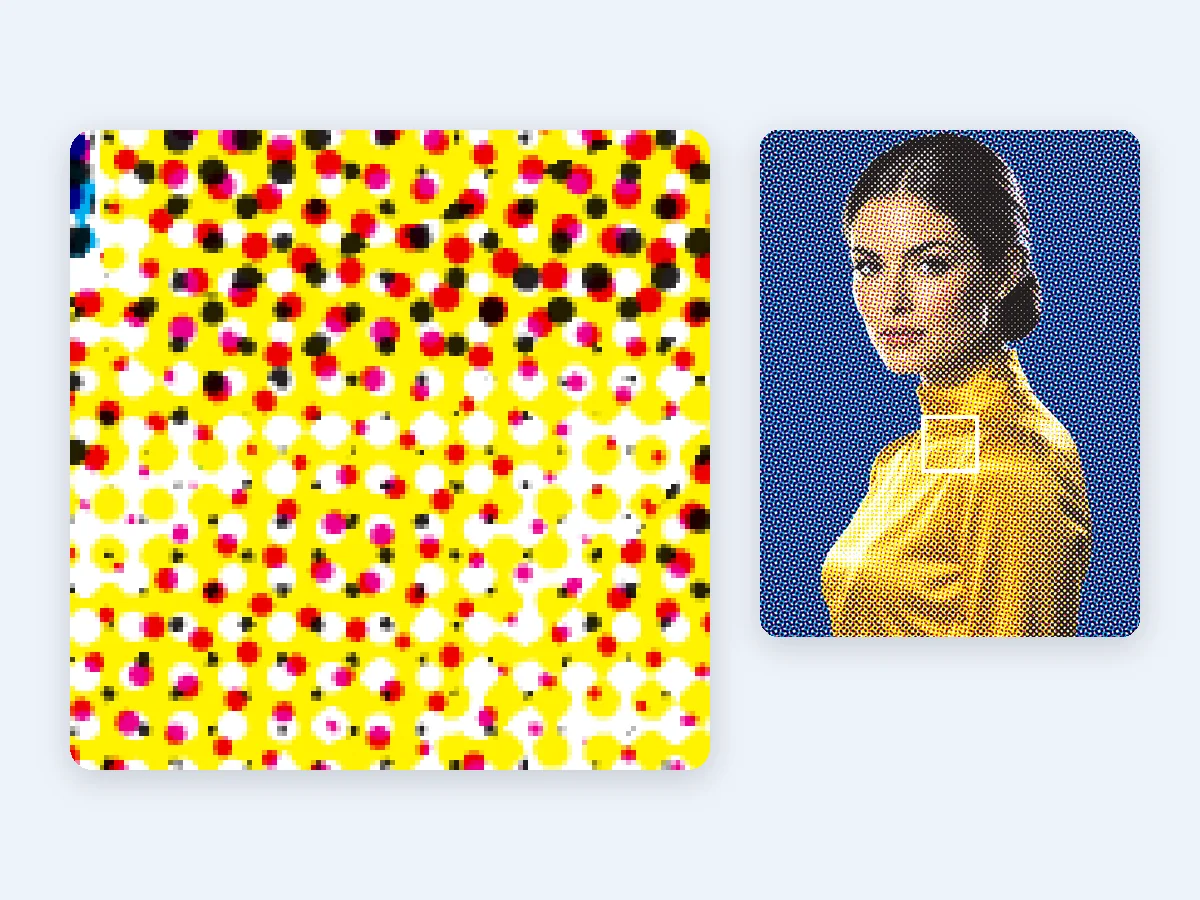
Open your picture, choose CMYK and pick a grid: a coarse one for a pop look where the rosette shows, a fine LPI for print. The CMYK halftone generator converts the colors to cyan, magenta and yellow, builds the black plate and keeps the total ink at 300% by default. Black generation, under color removal and the total ink limit are all adjustable, and each plate is then screened at its own angle. Download the composite PNG for screens and social posts, a layered PSD or an SVG with one group per ink. At print size you also get four 1-bit plates, and with the Screen print preset a film for each ink. To match a particular press exactly, ask the print shop to separate with its own color profile.
A DTF printer lays solid ink with white under it, so a semi-transparent glow or shadow turns into a cloudy block. A DTF halftone replaces those soft areas with solid dots and open space: the dots carry the color, the gaps let the shirt show through, and the print feels softer and breathes better. The DTF preset keeps solid areas solid and screens what is semi-transparent, or every tone against the shirt color when you choose, at 35 LPI and 45° by default. It exports a transparent PNG at your print size and 300 dpi. Keep small text, thin lines and QR codes solid, and halftone in one place only: when the file is already screened, leave halftones off in the RIP.
Apparel screen printing usually runs 35 to 65 LPI. The Screen print preset starts at 45 LPI with elliptical dots at 22.5° on a 1-bit film at 600 dpi, and its label suggests a mesh of about 4.5 times the LPI, around 200 for 45 LPI. A dot under about 5% is too small to hold on the screen, so the preset drops tones under 5% and prints tones over 95% solid. Ink spreads on fabric, often 25 to 35% at the 50% dot, and screen printers commonly plan for 30%: enter your shop's figure as dot gain compensation and the midtones are lightened to match. For a design with several flat inks, color separation makes one film per ink, with halftones for the fades.
A laser burns a dot or leaves it, so photos are engraved as halftones. Keep the cells per inch near a quarter of the engraving DPI, so each cell holds enough dots to show tone. The Laser preset starts at 254 dpi with 64 cells per inch and round dots at 45°, and writes the DPI into a 1-bit PNG so it engraves at the size you set. Set the DPI to your machine's and keep the grid near a quarter of it. For laser software that works with vectors, download the SVG instead. Run a small test on your wood, slate or leather, then adjust the white point or midtones for the cleanest halftone photo.
The little dots in comics are Ben-Day dots, from a printing process Benjamin Day patented in 1879: even dots laid over flat areas, unlike the dots of a photo halftone, which grow and shrink with the tone. Pop artists later painted the dots large, with flat primary colors and black outlines, to echo comic printing. The Comic preset gives this comic halftone in one step: plain round dots on a grid of about a fortieth of the picture's width, red on yellow to start, or CMYK at 15°, 75°, 0° and 45° for a printed comic feel. For a retro game look made of pixels instead, try photo to pixel art.
Six jobs this free halftone generator handles from the same picture, on screen, on fabric, on wood and on vinyl.
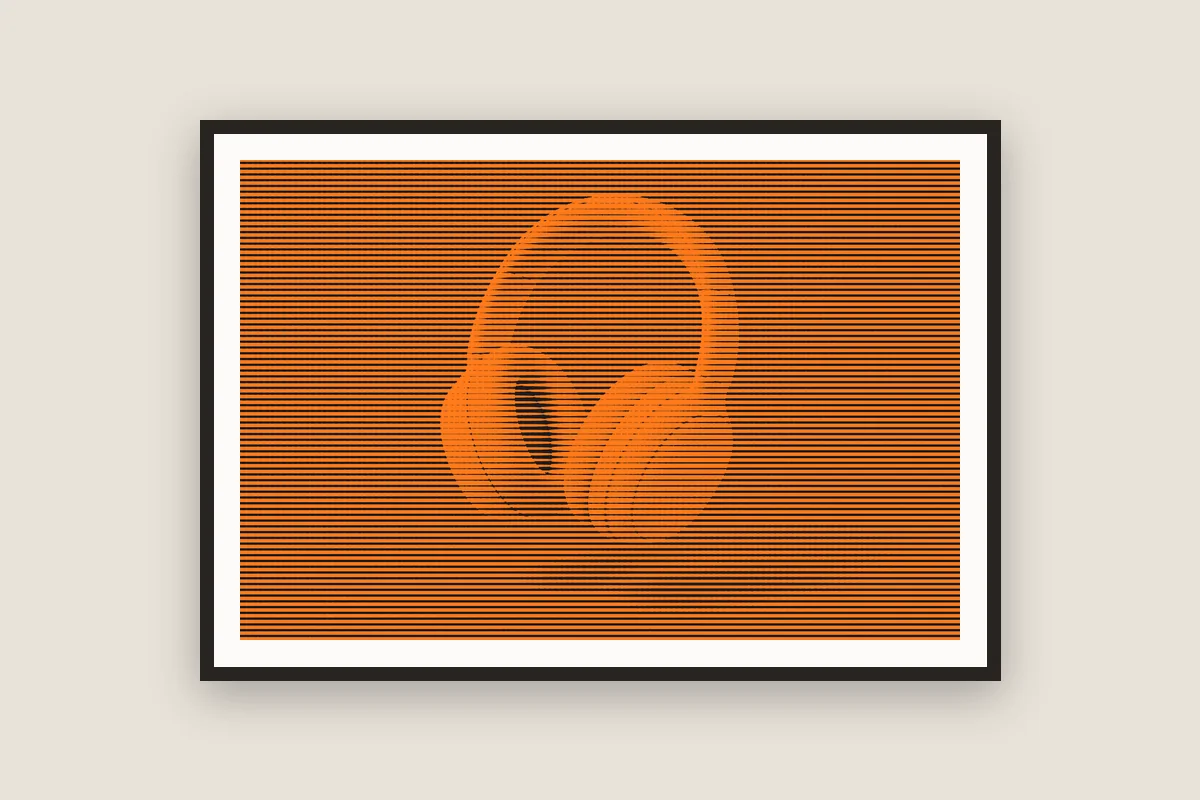
Give photos and product shots a bold halftone effect for posters, covers and social posts, as a PNG or a sharp SVG.
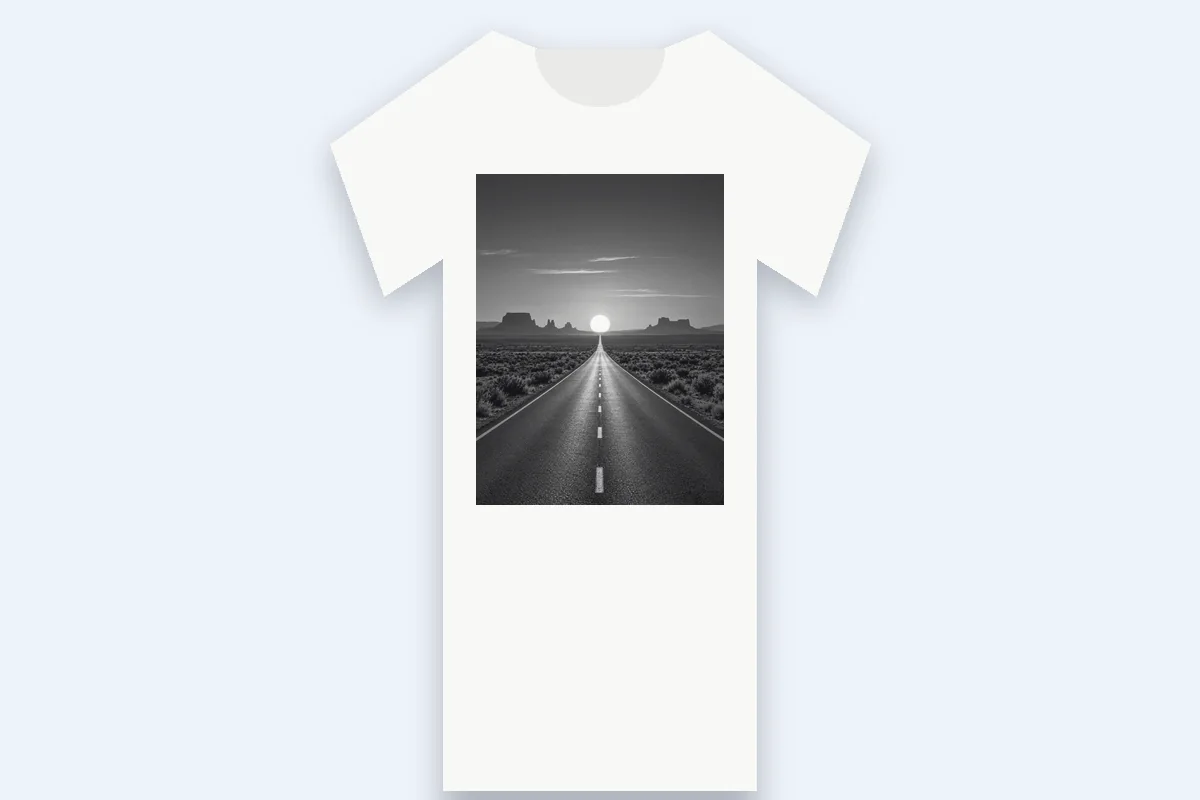
Turn a photo into a 1-bit film with registration marks and a suggested mesh, ready to expose a screen for a one-color tee.
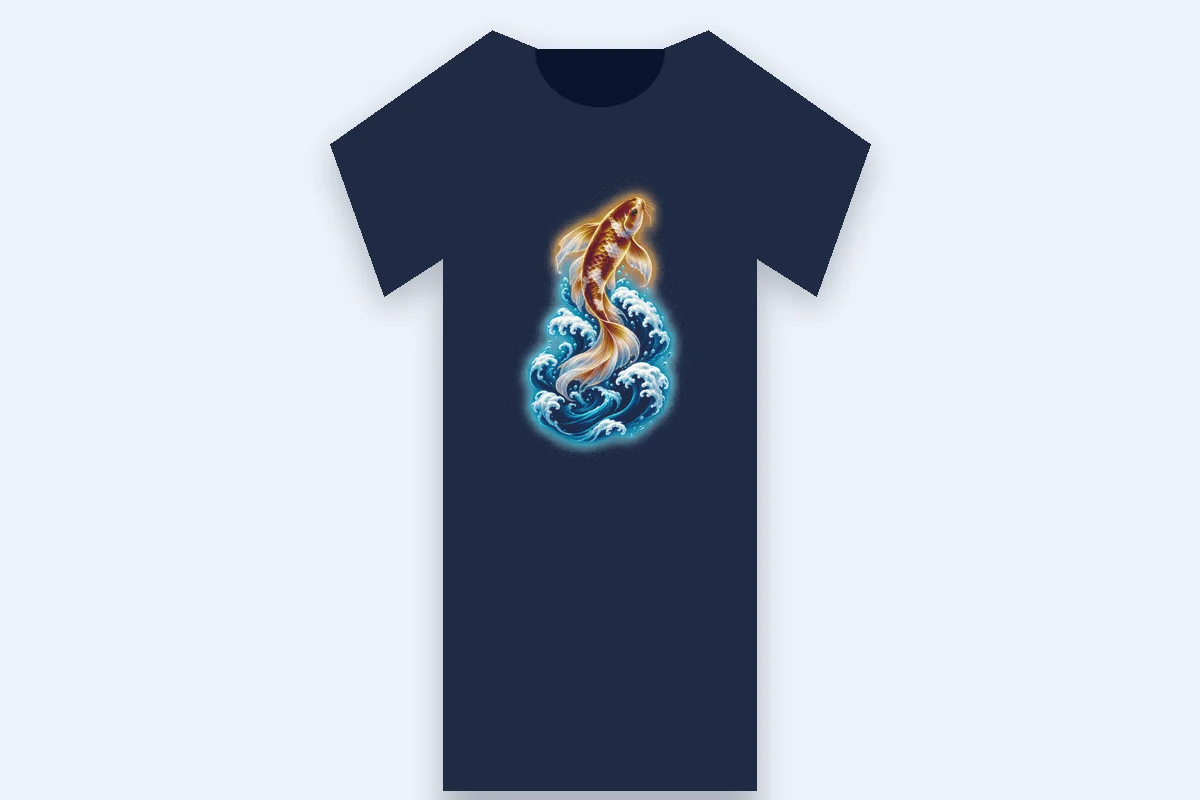
Make glows, shadows and fades printable as solid dots on a transparent PNG at print size and 300 dpi.
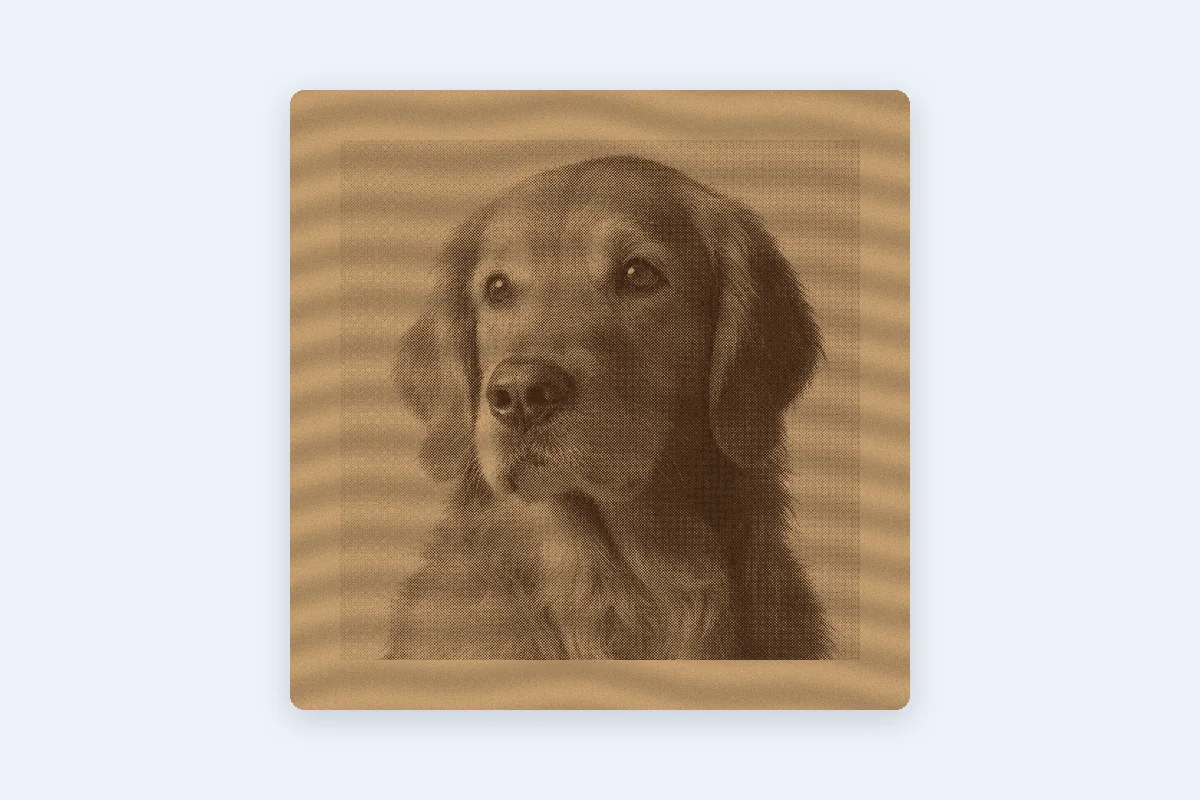
Engrave portraits and pet photos on wood, slate or leather from a 1-bit PNG at your machine's DPI.
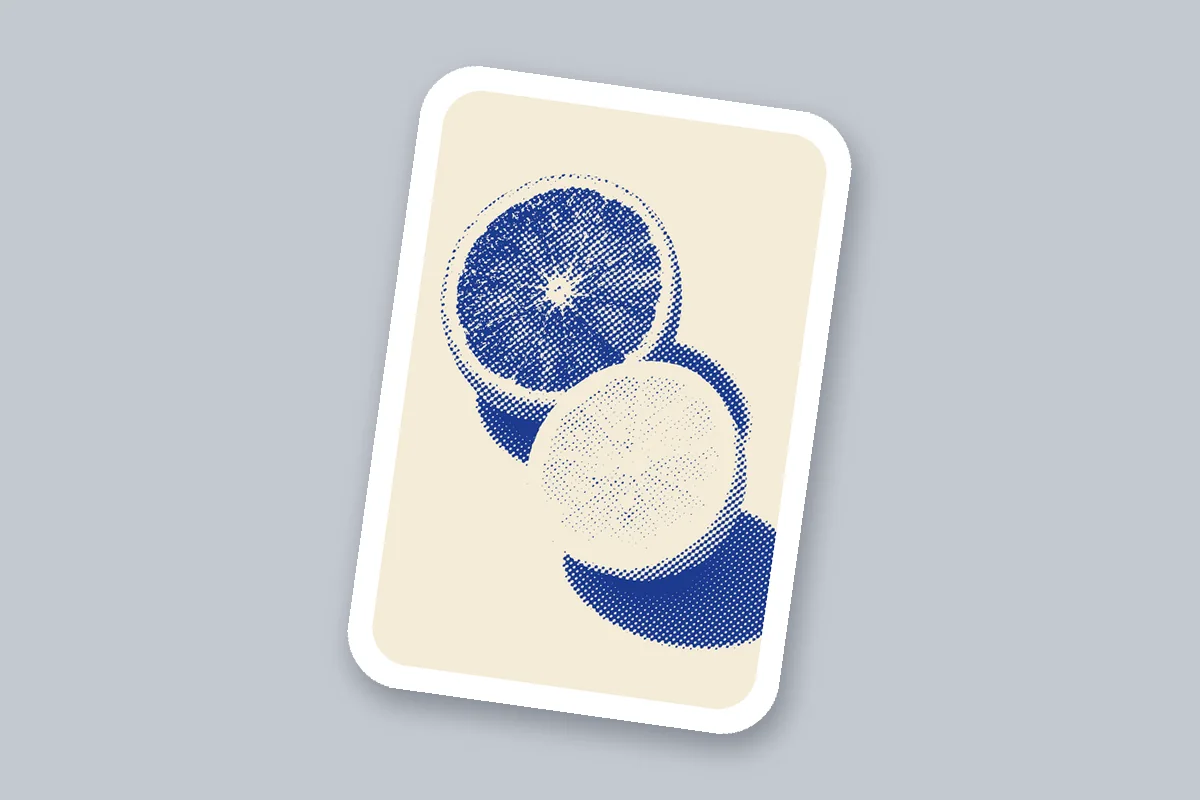
Use the vector dots as a cut file or a sticker design, sized in inches or millimeters for cutting machines.
Add Ben-Day dots and CMYK rosettes to comic panels, pop-art portraits and retro illustrations.
How it works, price and privacy, CMYK, DTF, screen printing, angles, comics and phones.
Drop a picture, pick the dots and download a halftone image as PNG, SVG or films at print size. Free in your browser, nothing uploaded.
Make a halftone