
Logo with a soft shadow
960 × 960 px · JPG · q90
Empty areas turn white; the shadow and filter stay.
Convert SVG to JPG with crisp colored text at every quality, on white or any background. Shadows, fonts and labels come out as your browser shows them. Free, with real file sizes.
·No SVG at hand?
Converted on your device; files aren't uploaded to our servers. Web fonts and linked images in an SVG are downloaded by your browser from their own servers, so the file looks right.
Add, choose, download.
Drag in as many as 50 files, .svg or .svgz, 20 MB each. Only have code? Paste it.
White by default, or black or any color. Quality starts at High (90), size at 2×.
Check each file's real size, then save one or a ZIP.
Original SVG to JPG tests, each aimed at a common failure.
960 × 960 px · JPG · q90
Empty areas turn white; the shadow and filter stay.
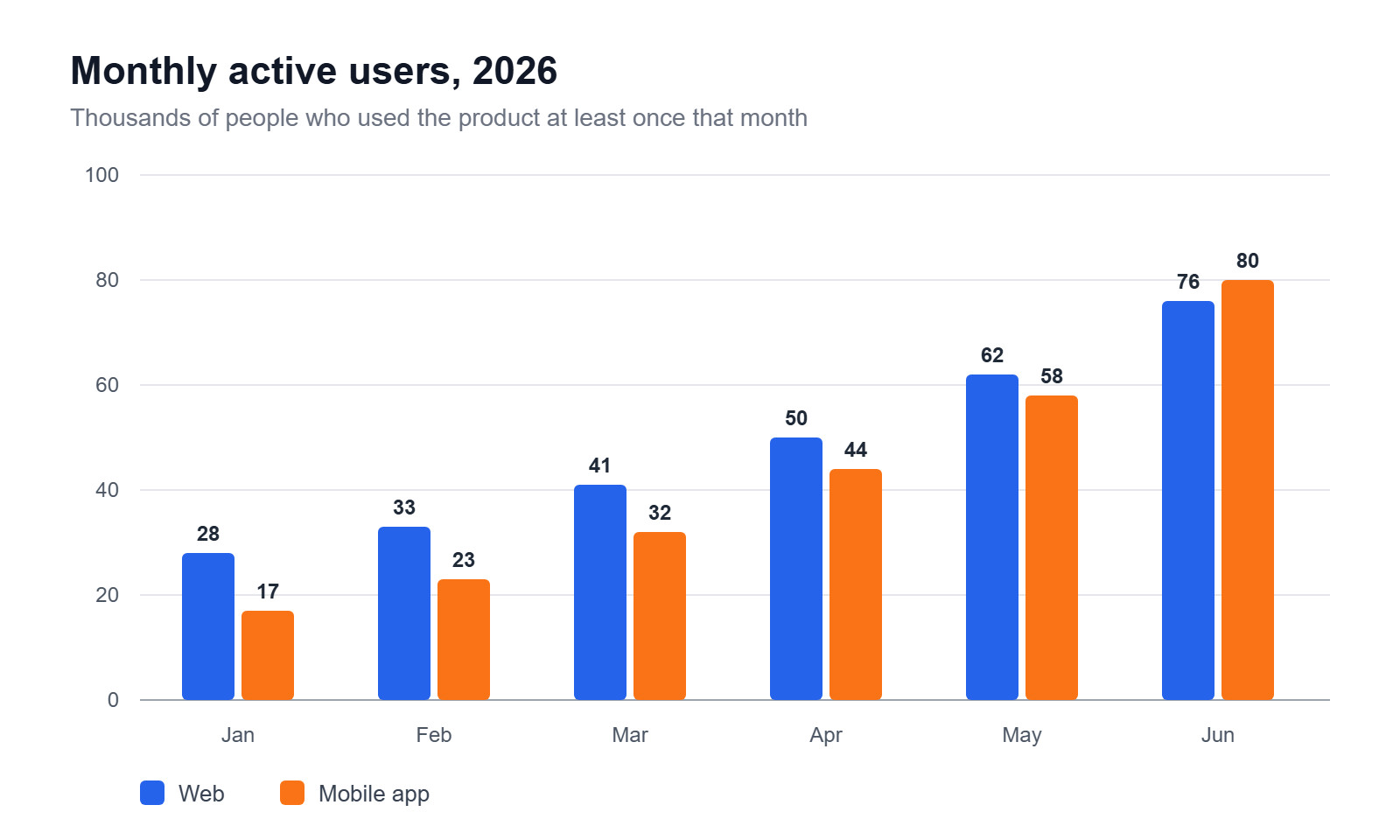
1,600 × 960 px · JPG · q90
Thin lines and labels stay sharp on white.

600 × 200 px · JPG · q70
600 px wide on Smallest file (70), still readable.
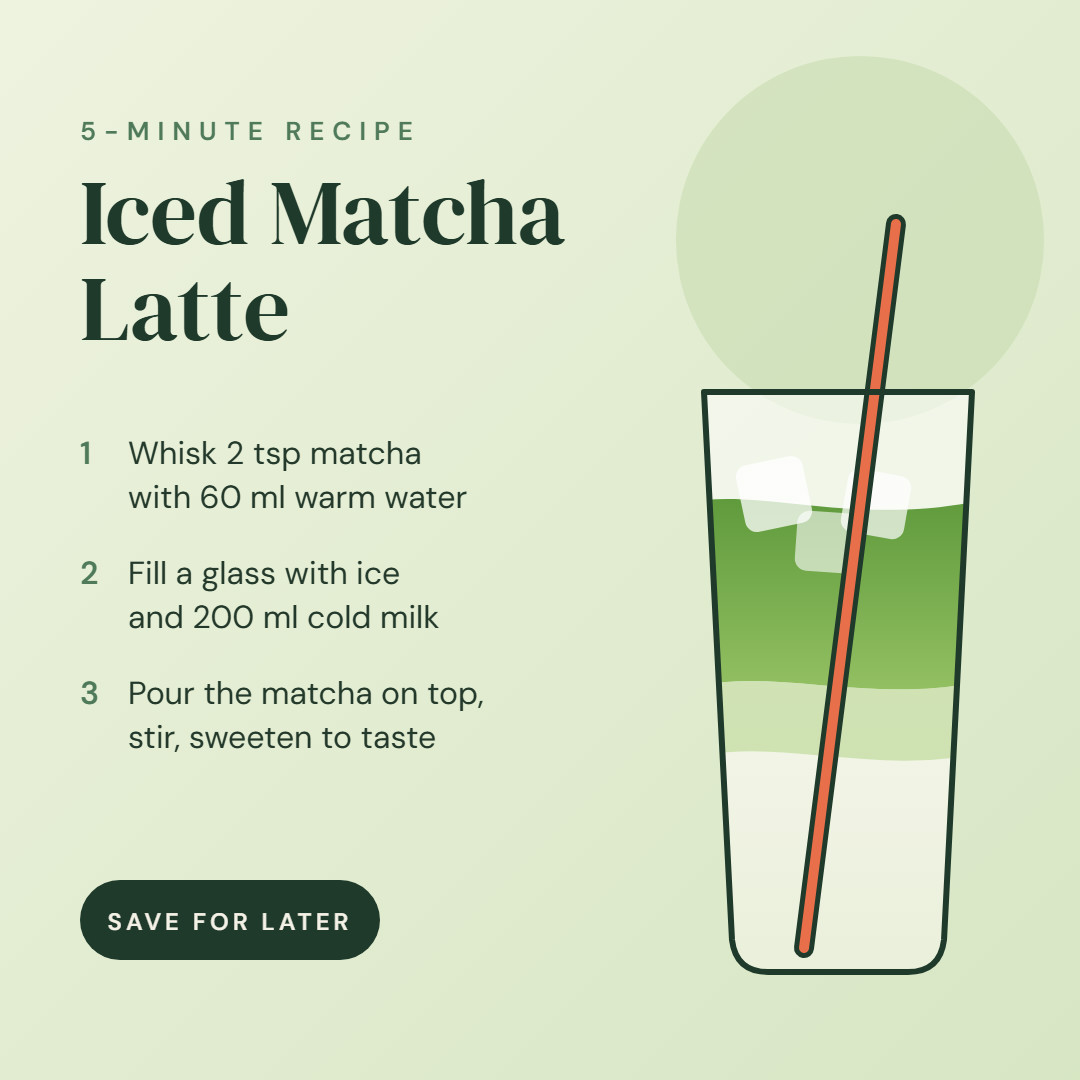
1,080 × 1,080 px · JPG · q90
Typed as 1080 × 1080 pixels, no scale math.

1,280 × 720 px · JPG · q90
Outlined yellow and red titles at 1280 × 720, the size YouTube recommends, at 91 KB.
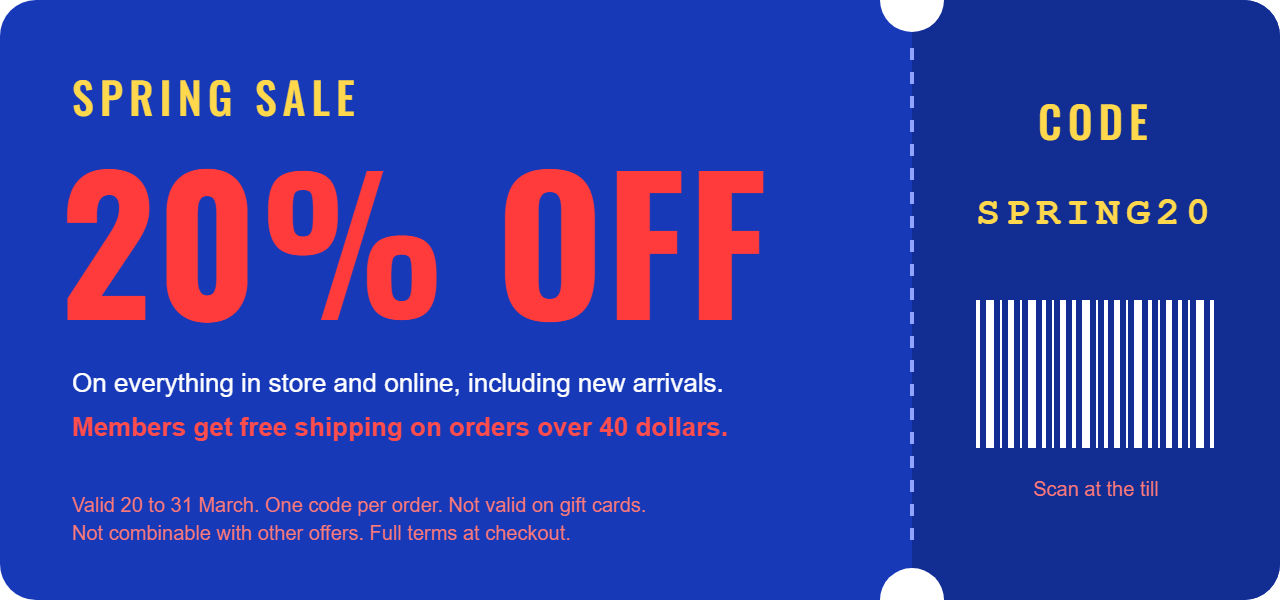
1,280 × 600 px · JPG · q80
Tiny colored text stays clean at every quality. Zoom in.
960 × 960 px · JPG · q90
Empty areas turn white; the shadow and filter stay.
1,280 × 600 px · JPG · q80
Tiny colored text stays clean at every quality. Zoom in.
1,080 × 1,080 px · JPG · q90
Typed as 1080 × 1080 pixels, no scale math.
600 × 200 px · JPG · q70
600 px wide on Smallest file (70), still readable.
1,600 × 960 px · JPG · q90
Thin lines and labels stay sharp on white.
1,280 × 720 px · JPG · q90
Outlined yellow and red titles at 1280 × 720, the size YouTube recommends, at 91 KB.
JPG drops transparency and some detail to keep files small.
Tip: need a see-through background? Choose PNG here, or open SVG to PNG.
Many converters drop shadowed graphics or text, and many browser tools blur colored letters.
Our own encoder keeps full color detail (4:4:4) at every quality. Many browser tools halve it at all but their maximum setting, which makes the file several times bigger.
Your browser draws each SVG, so shadows, filters, web fonts and diagram labels survive.
Empty areas take your background, white by default; a note says so and offers PNG.
Four quality levels, each file's encoded size, pixel sizes up front, DPI stored in inches.
Missing fonts, blocked images or filled transparency are noted under each file, with a fix.
Up to 50 files at once: standard JPEGs any app opens, names kept, no EXIF or comments.
What changes when a vector becomes a JPG.
Most JPEGs store color at half the resolution of brightness (4:2:0 chroma subsampling). Photos hide it; colored text shows it: red letters dull, and red on blue grows purple fringes. In many browser tools, raising quality barely helps. This SVG to JPG converter keeps full color detail (4:4:4) at all four levels.
JPG has no alpha channel, so every empty pixel needs a color. By web standard, browser exports put them on black, which is why some converters return a black square. Here the background is painted first (white, black or any color), with soft shadows blended in. Transparent files get a note and a PNG switch.
Maximum (95) suits print proofs and archives. High (90), the default, keeps text and gradients clean for sites and documents. Standard (80) fits email and chat; Smallest file (70) fits tight upload limits. Every SVG to JPG result shows its real size after encoding, so you can compare levels before you download.
An SVG only names its fonts, and many converters can't draw filters or HTML labels, so shadowed logos or whole lines of text vanish silently. Here Google Fonts, other web fonts and linked pictures are fetched and built in before your browser draws the file. Anything that fails is listed under its file with a fix.
The default 2× doubles the SVG's own size for sharp edges on high-density screens. For an exact size, type one side in pixels and the other is worked out, or give both and choose Fit inside or Fill and crop. DPI only labels print size and adds no pixels: 96 by default, 300 for print.
Places that want JPG, not SVG.
Exact sizes like 1080 × 1080 in clean brand colors.
Profiles, marketplaces and CMS fields that reject SVG take a white JPG.
Light files that load fast, headlines still readable.
Charts on white for PowerPoint, Word and Google Docs.
Text, code, transparency, color and privacy.
Keep white or pick a color and save crisp JPGs. Free, on your device.