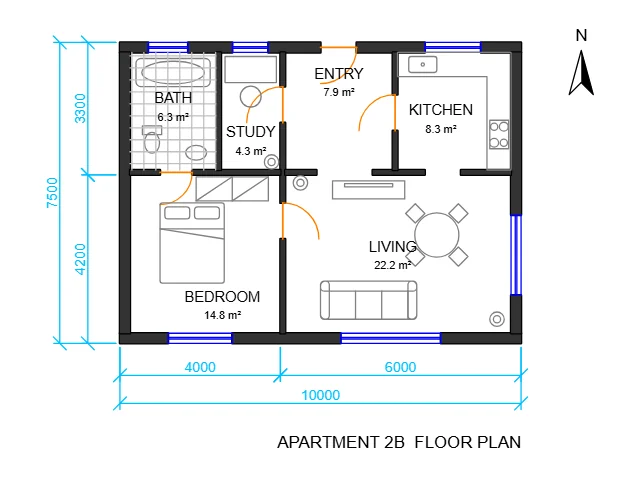
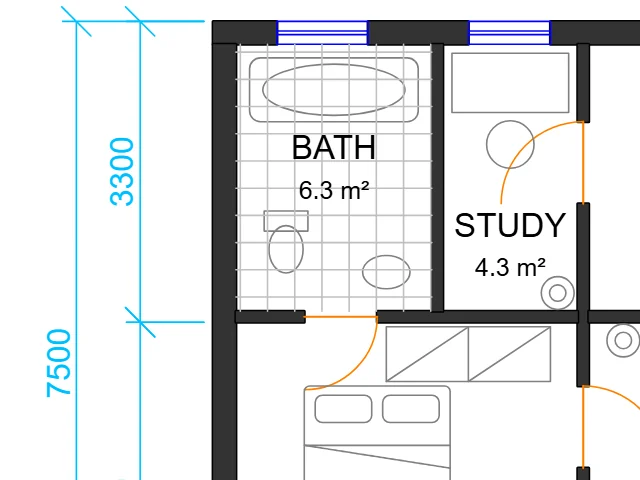
Apartment floor plan
13.6 × 10.5 mAutoCAD 2018 · 1:50 · 8 layers
Walls, doors, windows and furniture blocks with room areas and dimensions, opened at 1:50.
Convert DXF to SVG at real size, with every layer, arc, spline, text, hatch and dimension of the drawing kept: this converter reads AutoCAD and other CAD files right in your browser, free.
Drop a DXF file to convert it
AutoCAD and other CAD drawings, ASCII or binary DXF, from R12 to the newest versions. You can also paste one with Ctrl+V.
Each DXF file below went through this DXF to SVG converter: the whole drawing on the left, a close-up on the right. Open one to try it yourself.
AutoCAD 2018 · 1:50 · 8 layers
Walls, doors, windows and furniture blocks with room areas and dimensions, opened at 1:50.
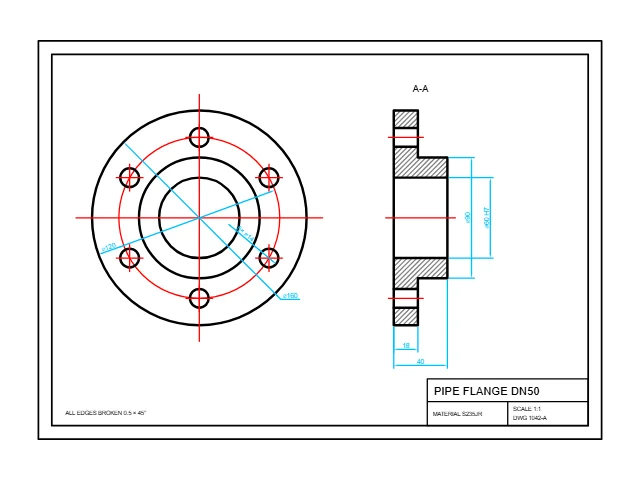
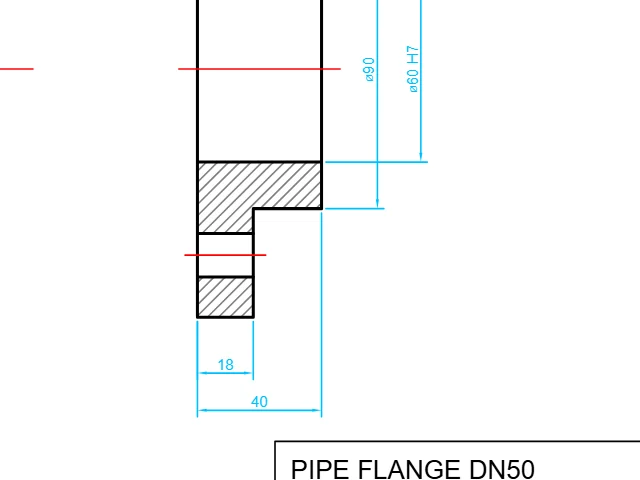
AutoCAD 2013 · 1:1 · 7 layers
A machined part with center lines, a hatched section, diameter dimensions and a title block.
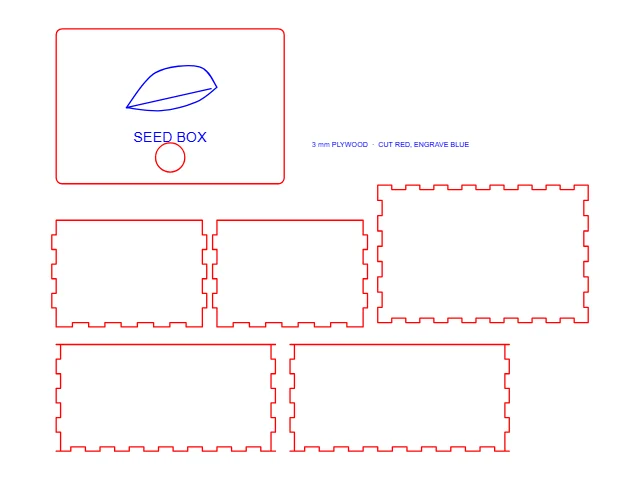
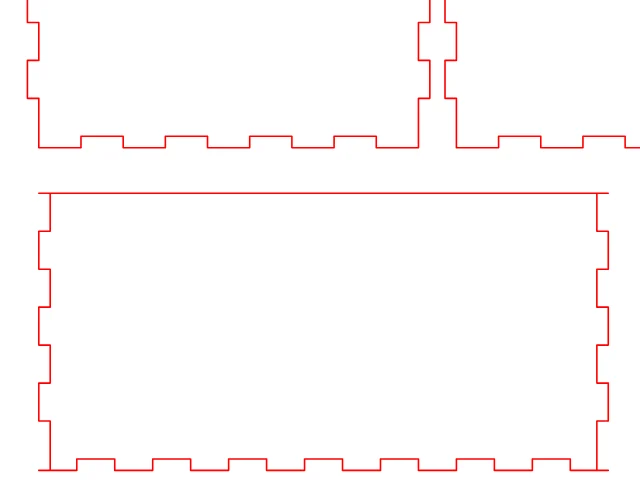
AutoCAD 2000 · 1:1 · 2 layers
Finger-joint panels drawn as loose lines, joined into closed shapes for the cutter.
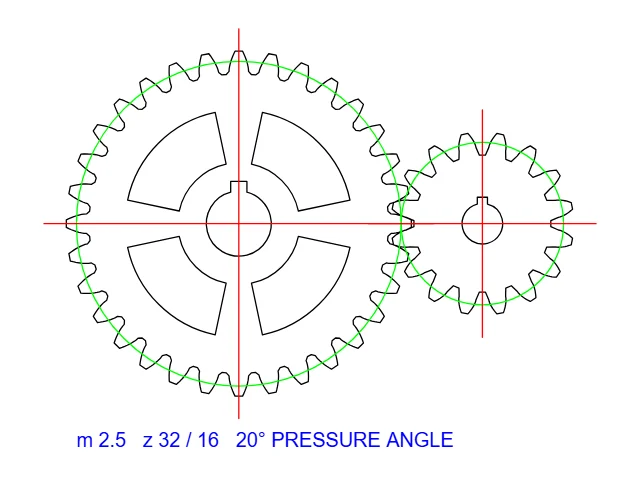
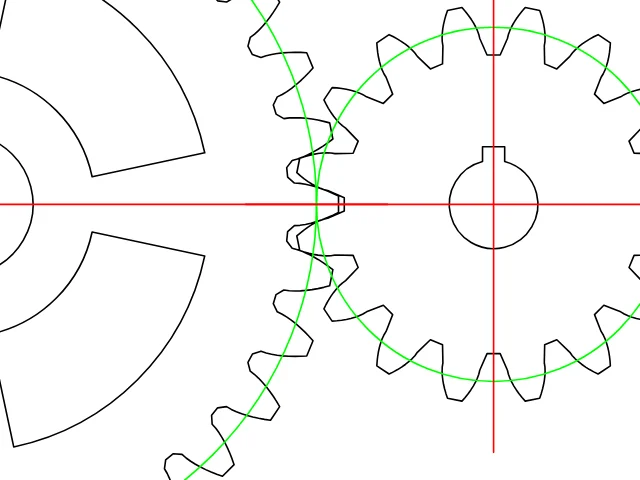
AutoCAD R12 · binary · 1:1 · 4 layers
Involute gear teeth in a binary R12 DXF, the oldest kind most programs still write.
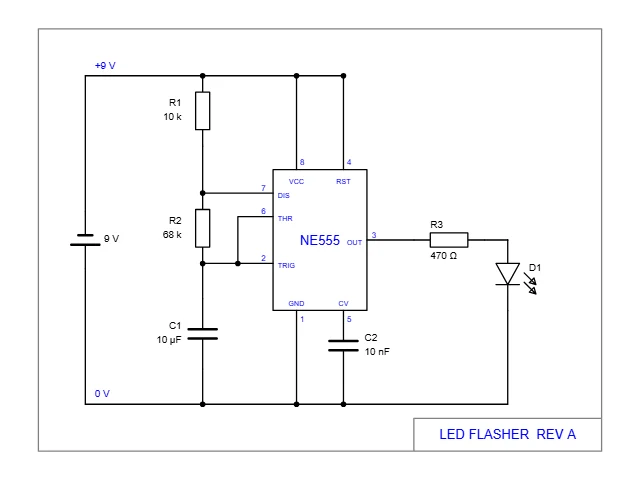
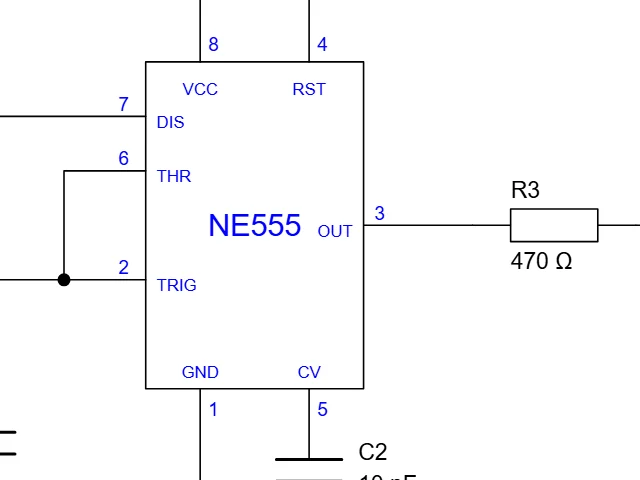
AutoCAD 2010 · 1:1 · 5 layers
Symbol blocks with part labels; the file names no unit, so you choose it.
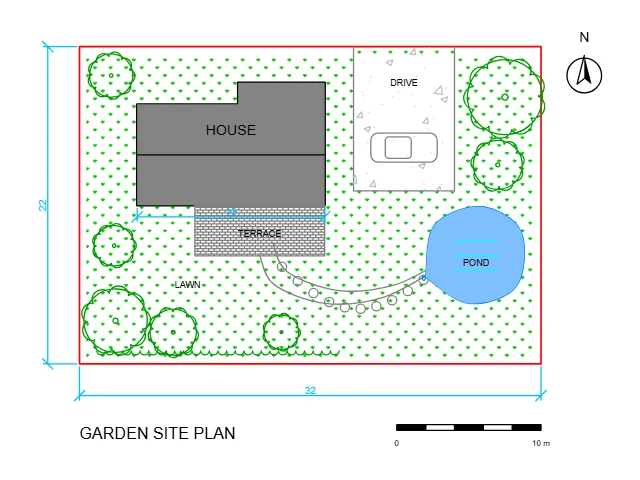
AutoCAD 2018 · 1:100 · 9 layers
A plan drawn in meters with lawn, brick and concrete hatches, trees and a curved path.
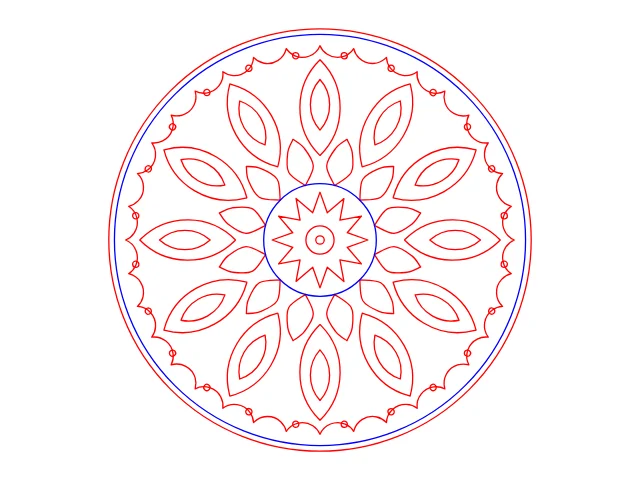
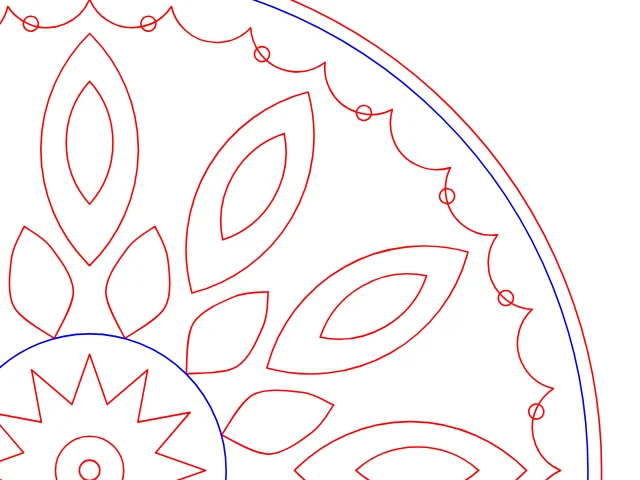
AutoCAD 2007 · 1:1 · 2 layers
Petals and leaves repeated around a circle by rotated blocks, ready for a laser or a router.
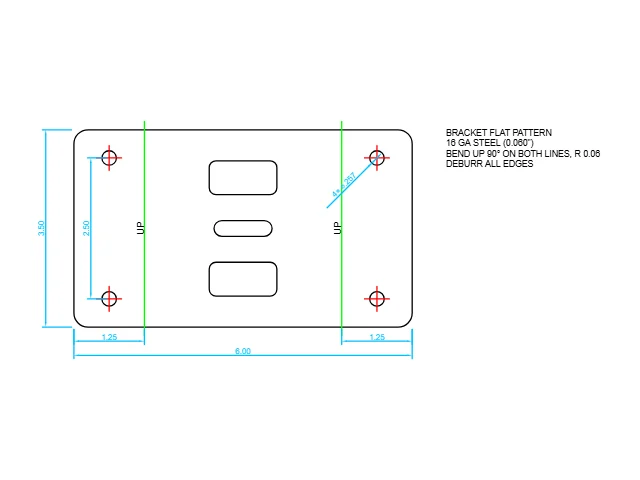
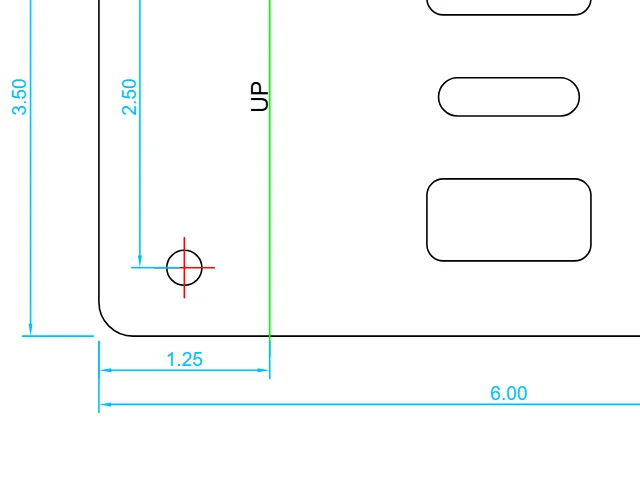
AutoCAD 2004 · 1:1 · 6 layers
A flat pattern in inches with bend lines, holes and decimal-inch dimensions.
Three steps from a DXF file to an SVG, all in your browser.
Drop a DXF from AutoCAD, Fusion 360, LibreCAD or any CAD program, or choose the file. The drawing appears at once with its layers.
The real size comes from the units of the file; pick a scale for large plans, hide the layers you don't need and choose colors and line widths.
Download the SVG at real size, one SVG per layer, a vector PDF or a PNG. Everything is made on your device.
Six things that make each conversion exact.
Arcs, circles and ellipses become true SVG arcs and splines become smooth curves, exactly as drawn, never chains of tiny segments.
Millimeters, inches, feet or meters are read from the DXF, so the SVG opens at the same size in Inkscape, Illustrator or your cutter's software; large plans get a drawing scale.
Nested blocks, arrays, attributes, text in any language, dimensions, leaders and hatch patterns are drawn as your CAD program draws them.
Every layer becomes a named group in the SVG with its colors and line weights; hide layers before you convert, or save one SVG per layer.
Hairline strokes and one closed path per outline: touching lines and arcs are joined for laser, vinyl and CNC software.
Every DXF to SVG conversion is free, with no account and no watermark. Your DXF file is read on your own device and never uploaded.
Five short notes on DXF versions, units, scale, layers and cutting.
ASCII and binary DXF from AutoCAD R12 to the newest versions, and DXF files saved by Fusion 360, SolidWorks, Inkscape, LibreCAD, QCAD and other programs. For a DWG drawing, save a DXF copy first.
The SVG takes its width and height in millimeters or inches from the units of the DXF. When a file names no unit, choose the one it was drawn in; the size line shows the result before you download.
A floor plan or site plan drawn at full size opens at a standard scale such as 1:50 or 1:100, so the SVG fits a sheet and its line weights print as intended. Parts and cutting files stay at 1:1.
Choose which layers to keep, keep the colors of the drawing or make everything black, and keep text as real SVG text you can edit and search.
Choose hairline strokes and join touching lines into closed shapes, then import the SVG into Cricut Design Space, Glowforge, LightBurn or Silhouette Studio at its real size.
Anyone who needs a CAD drawing as a vector graphic.
Cut files for lasers, routers and vinyl cutters, at real size.
Plans and elevations for presentations, boards and websites.
Part drawings and schematics for manuals and documentation.
Plans and diagrams as SVG for interactive maps and apps.
Answers about DXF files, units, layers and cutting.
Open the DXF file here, check the size and the layers, then download the SVG. The drawing is converted in your browser in a few seconds, layers and real size included.
Yes. Every conversion, the SVG, the per-layer SVGs, the PDF and the PNG are free, with no sign-up, no watermark and no limit.
Yes. The width and height are written in millimeters or inches from the units of the DXF at the scale shown, so the SVG measures the same in Inkscape, Illustrator or cutter software.
Yes. Arcs, circles and ellipses become SVG arcs and splines become Bézier curves, exactly, so the SVG stays smooth at any zoom.
ASCII and binary DXF from R12 to the latest AutoCAD versions, with text in any language, including older files saved with a Chinese, Japanese or Korean code page.
Save a DXF copy from your CAD program, then open that DXF here: DXF is the exchange format every CAD program writes.
Yes. Choose hairline strokes and join touching lines into closed shapes, then import the SVG at its real size; one SVG per layer keeps cut and engrave lines apart.
No. Your DXF file is read and converted on your own device, and the SVG, PDF and PNG are made in your browser.
Open a DXF file and download a real-size SVG with its layers, free in your browser.
Open a DXF file