



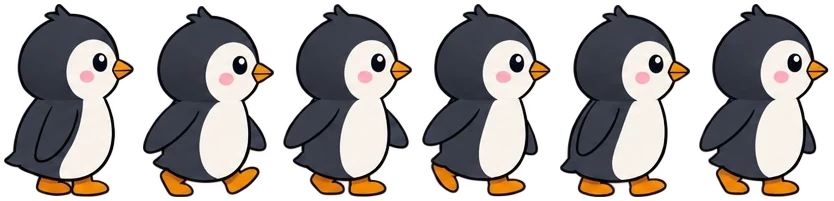
Penguin walk
Six frames in one row, standing on one ground line.
Drop your PNG frames, icons or game items and get one sprite sheet in seconds: a neat grid or packed tight, with a JSON or XML atlas, CSS sprites and an animated GIF. This free sprite sheet maker runs in your browser, so nothing is uploaded.
Drop your pictures here
PNG, WebP, JPG, GIF or AVIF, as many as you need. Everything stays in your browser.
Eight sets of pictures made for these examples, each turned into one sheet by this sprite sheet generator. Open one to try every setting.
Six frames in one row, standing on one ground line.

Eight frames on a square grid, from spark to smoke.

Nine icons of different sizes, trimmed and packed tight.

Eight items packed at 200% with crisp pixels.

Six icons in a row, ready as CSS sprites for a web page.
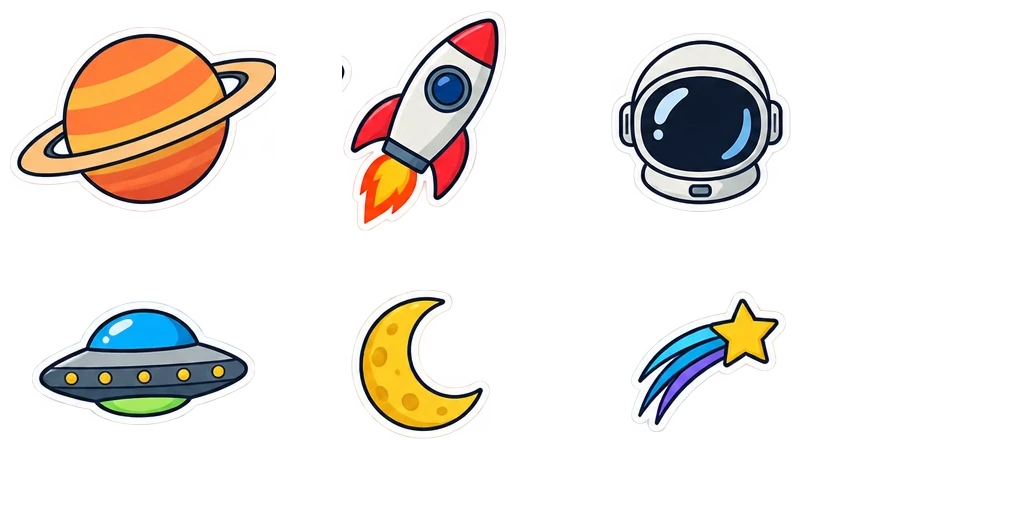
Six stickers in three columns on a power-of-two sheet.
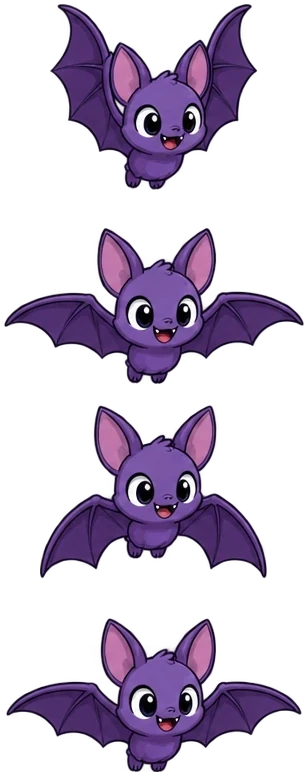
Four frames in one column for engines that read downward.
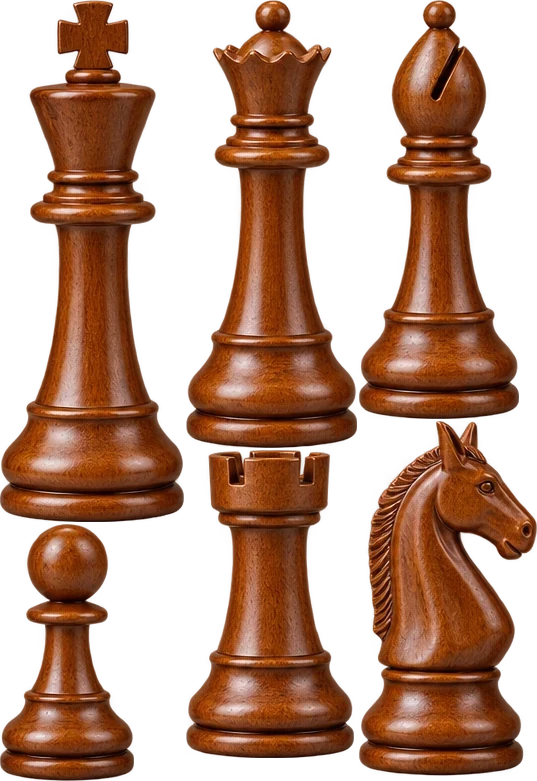
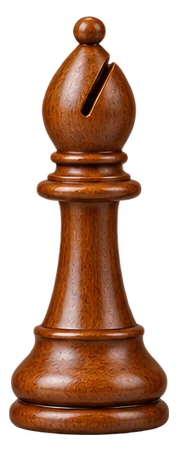
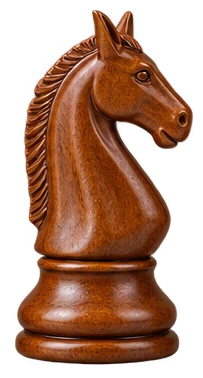
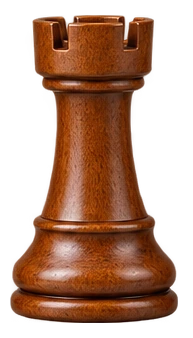
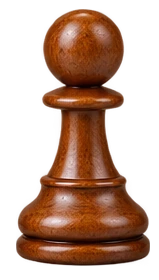
Six pieces of different heights, packed with an XML atlas.
Three steps, and nothing is uploaded.
Drop, paste or choose PNG, WebP, JPG or GIF files, as many as you need. Sort them by name or drag them into order.
Pick a grid of equal cells for animation frames, or pack pictures of any size tight. Set trimming, padding, spacing and size.
Save the sprite sheet PNG with a JSON or XML atlas, CSS sprites for a website, or the frames as an animated GIF.
Six things it does well, from a walk cycle to a page of web icons.
 Pictures
A grid of equal cells keeps animation frames in order; the packed layout fits pictures of any size into the smallest sheet it finds.
Empty borders are left out to save space, and the atlas keeps each picture's original size and offset, so nothing shifts in your game.
The JSON atlas is the hash format Phaser and PixiJS read; the XML atlas is the Sparrow and Starling format many game frameworks read.
One class per picture with its size and position, so a page loads one image instead of dozens.

Play the pictures in order at the frame rate you set, and save them as an animated GIF to share or test.
This sprite sheet maker runs entirely in your browser: no upload, no account, no watermark, and it works offline once the page has loaded.
Five short tips for a clean sprite sheet.
Files named walk_1, walk_2 … walk_10 sort in the right order with Sort by name, numbers read as numbers; drag any picture to move it.

Use a grid when frames must keep one size and position; pack icons, items and tiles of different sizes to save space.
Trimming makes the sheet smaller, and engines that read the atlas put each picture back in its place. For a plain grid read by cell size, leave trimming off.
Add 1 to 2 px of padding or spacing when the sheet is scaled or filtered, so neighbouring pictures never show at the edges.
The size shows under the preview. Keep each side within 4,096 px for phones, and turn on power-of-two sizes for engines that ask for them.
Common reasons to put many pictures on one sheet with a sprite sheet maker.
Pack characters, effects and items into one texture with an atlas for the engine.

Combine icons into one image with CSS sprites to cut the number of requests.

Lay out animation frames and export a clean sheet at 2× or 4× size.

Build sheets with XML or JSON atlases for mods, tools and animation software.
Answers about making sprite sheets, atlases and privacy.
Add your pictures, choose a grid or packed layout, then download the sprite sheet PNG with the atlas or CSS you need.
Yes. It runs entirely in your browser, needs no account and adds no watermark.
No. Your pictures are read and laid out on your device; nothing is sent to a server.
A grid gives every picture a cell of the same size, best for animation. Packed fits pictures of different sizes as tightly as possible, best for icons and items.
JSON for Phaser, PixiJS and most web engines, XML for Sparrow and Starling style frameworks, and CSS for web pages.
No. The atlas keeps each picture's original size and offset, so engines that read it draw every frame in its place.
Yes. Open the GIF in GIF to sprite sheet, which reads every frame with its time and lays them on one sheet.
Up to 1,000 pictures on a computer and 400 on a phone, on a sheet of up to 16,384 px on each side.
Add your pictures and download a sprite sheet in seconds, free with this sprite sheet maker in your browser.
Add pictures