Choose a clear picture
Objects that stand apart, in good light, come out best. A product shot, a group photo or a sheet of items gives clean edges for every object.
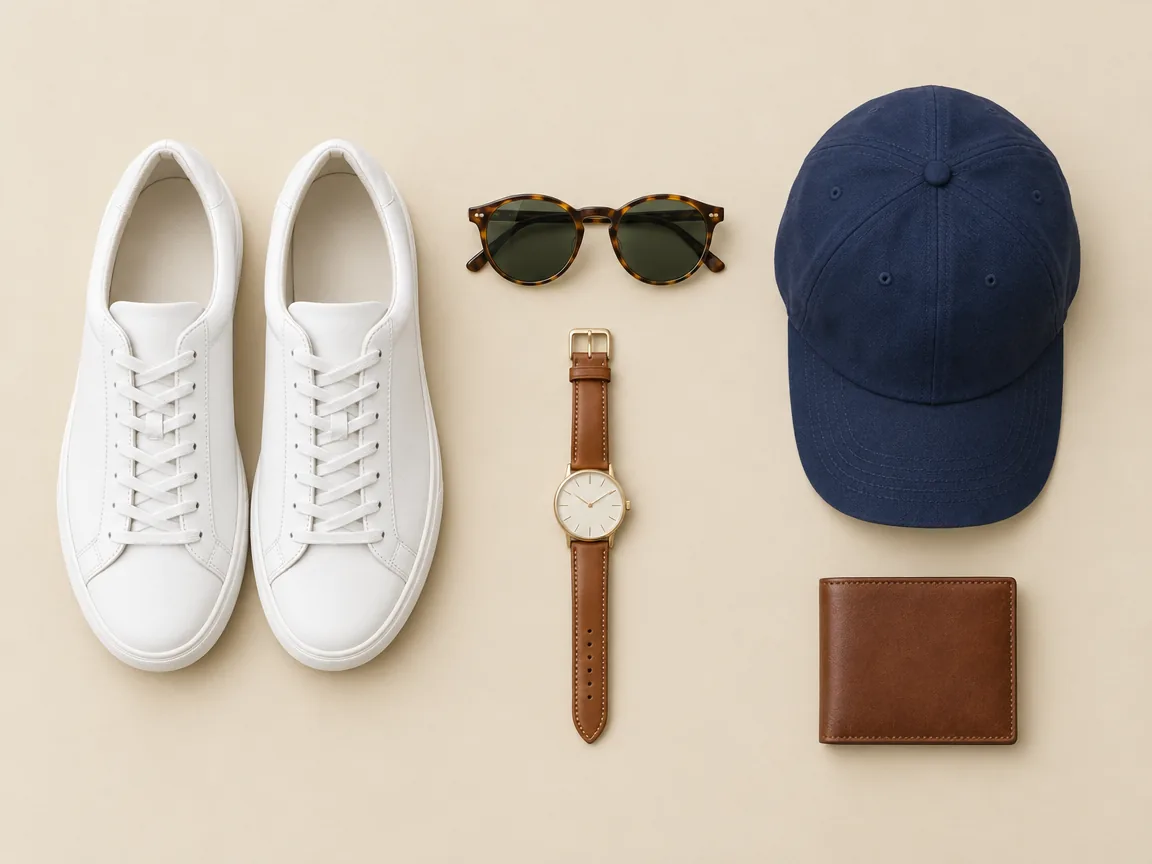
Upload a picture and this image cutout tool finds every person, product and item in it, then cuts each one out on its own transparent background. Download the PNGs, or one layered PSD with every object in place.
Finds every object in your picture and cuts each one out on its own transparent background.
Try one of these
Pictures made for these examples, each run once through the image cutout tool. Every object came back as its own transparent PNG.
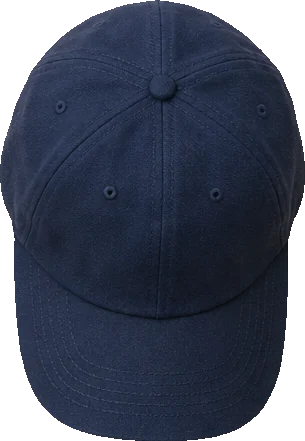
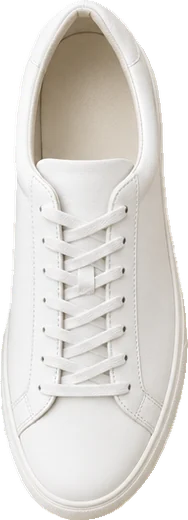
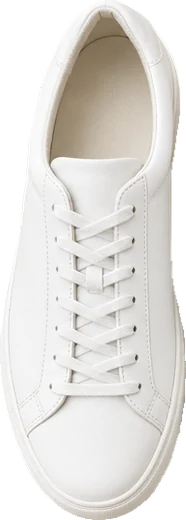

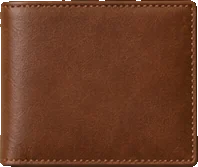
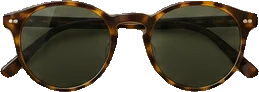
Sneakers, a cap, a watch, a wallet and sunglasses: six cut-outs, the pair of shoes as two, ready for a shop or a mood board.


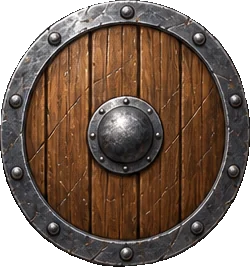
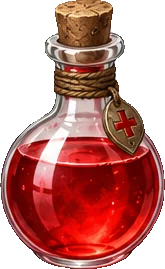
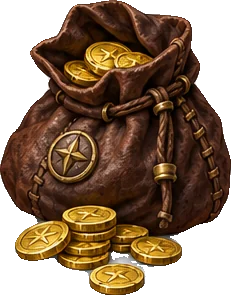

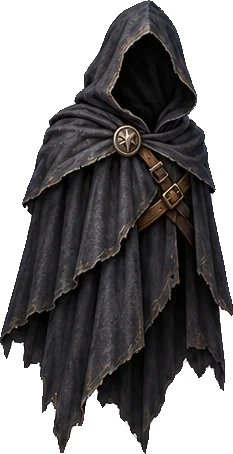
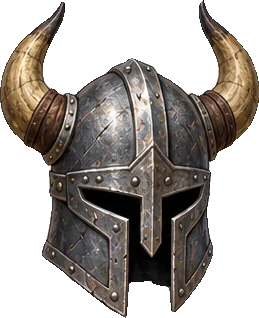

A sword, a staff, a potion and five more items cut out of one sheet as separate game assets.
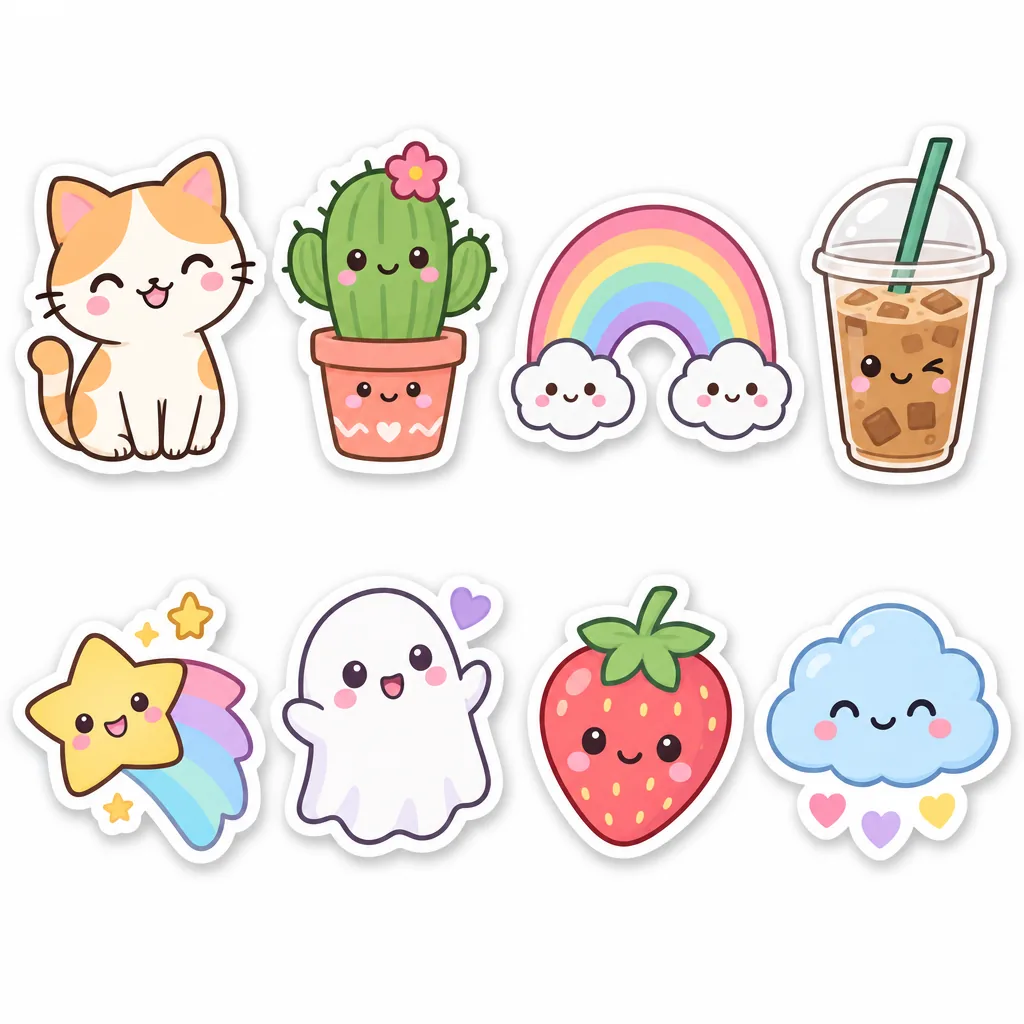

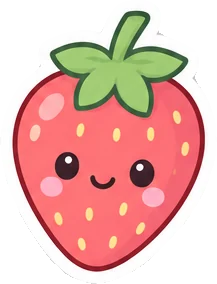






Named "sticker": all eight come out whole, each with its white border, ready to print or share.


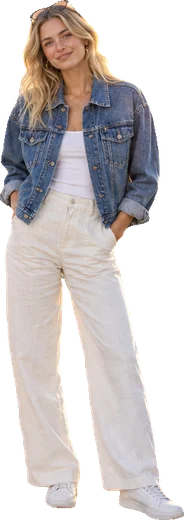

Named "person": each friend is cut out on their own, hair and hands included.
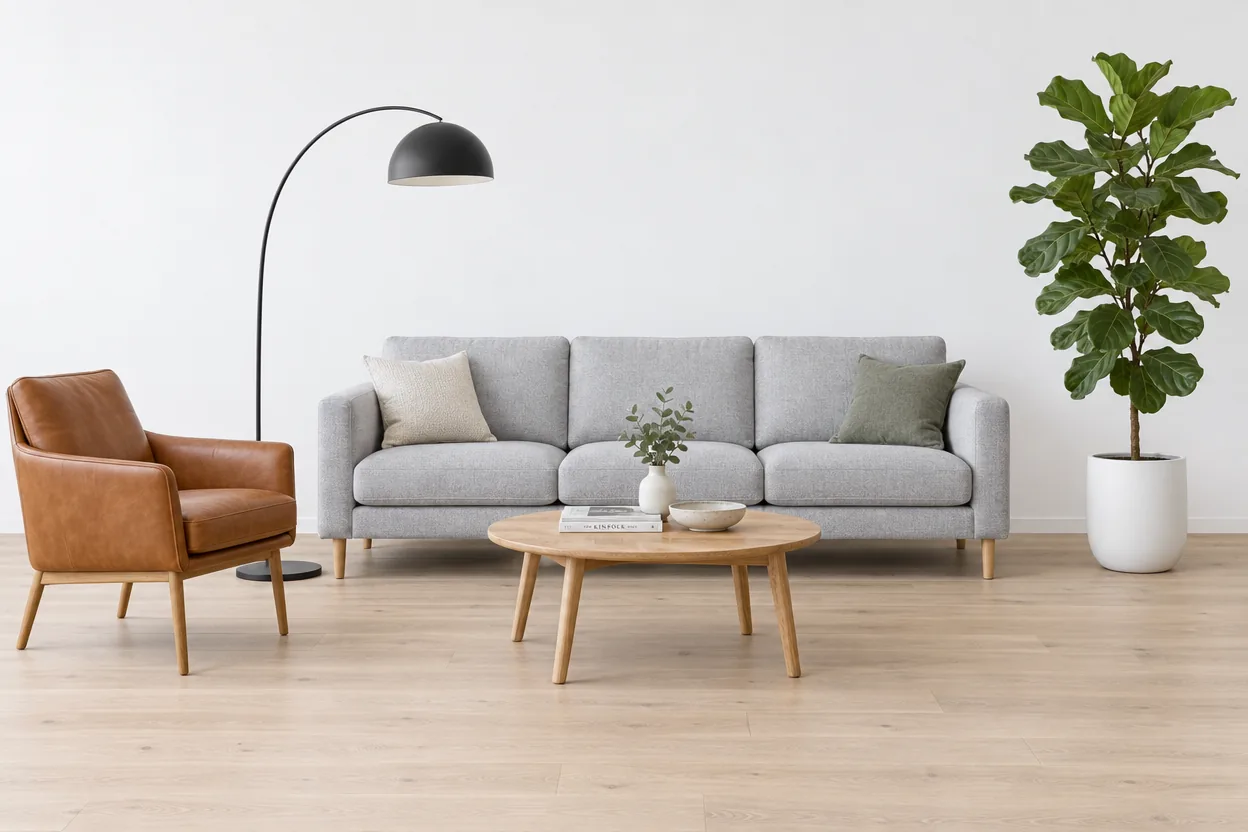
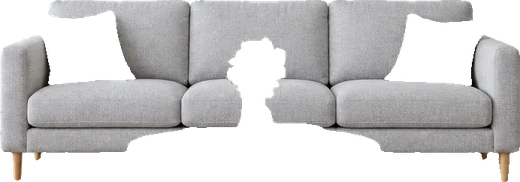
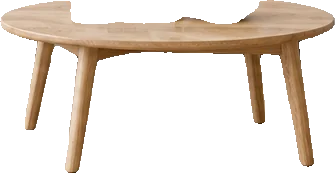
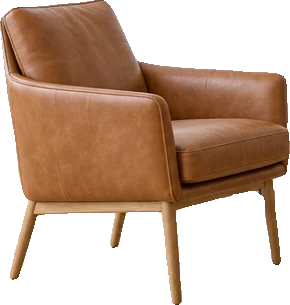
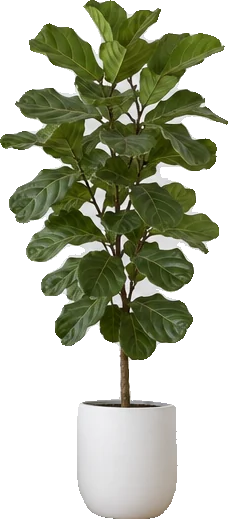
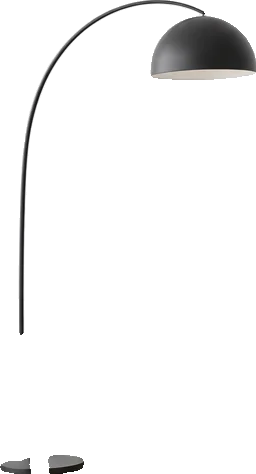
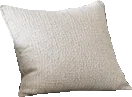
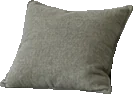
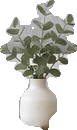

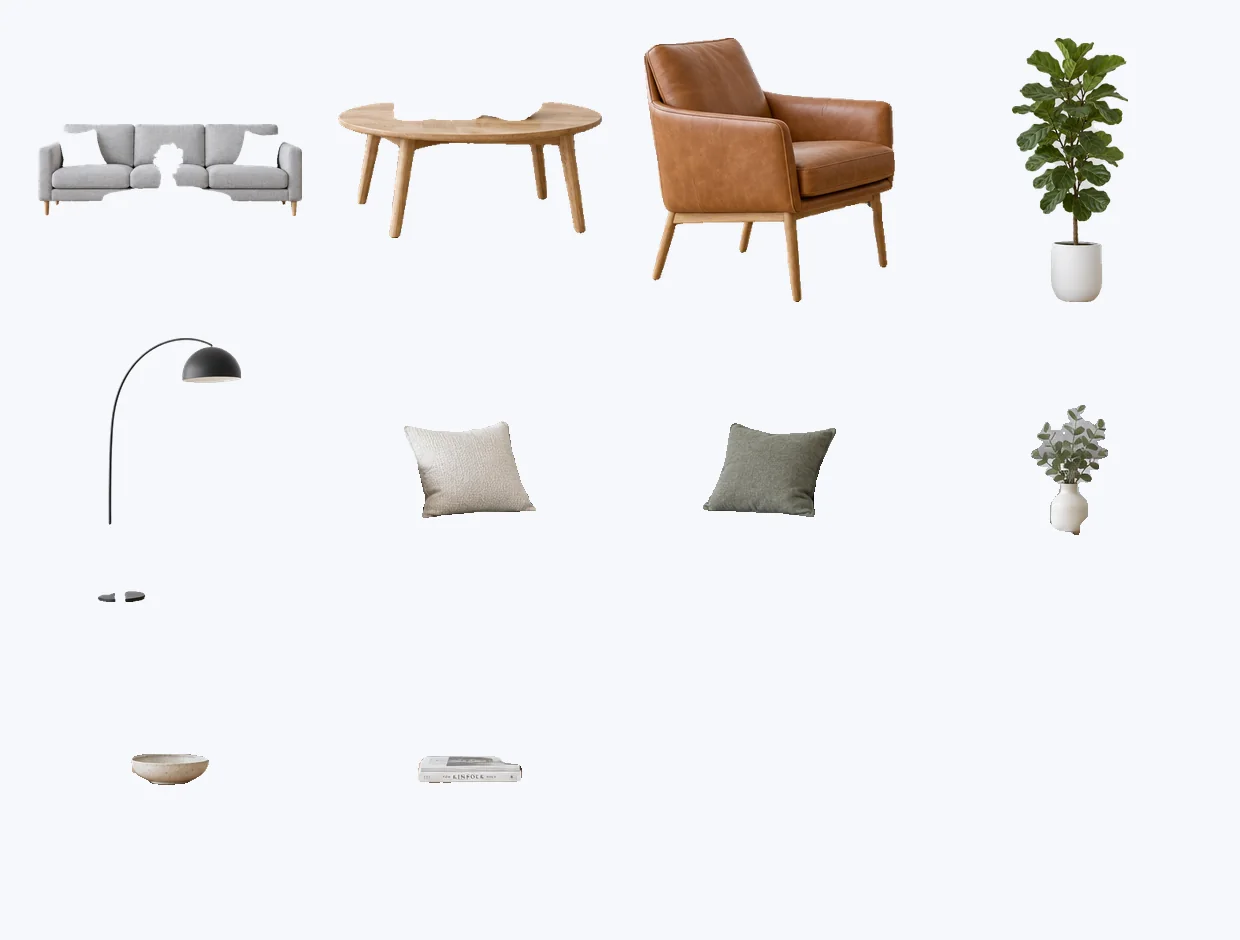
Sofa, armchair, lamp, plant, pillows and more: every piece cut out for a catalogue or a room plan.

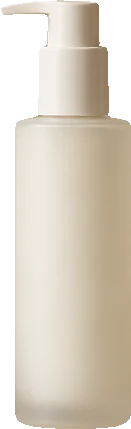
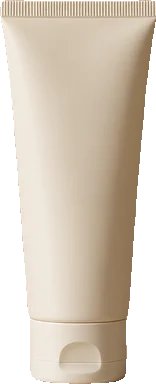
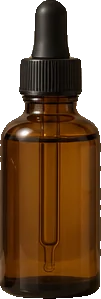
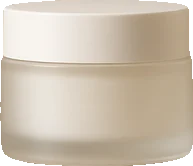
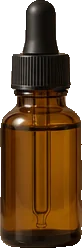
Named "bottle, jar, tube": three bottles, a jar and a tube, each its own PNG for product pages and ads.
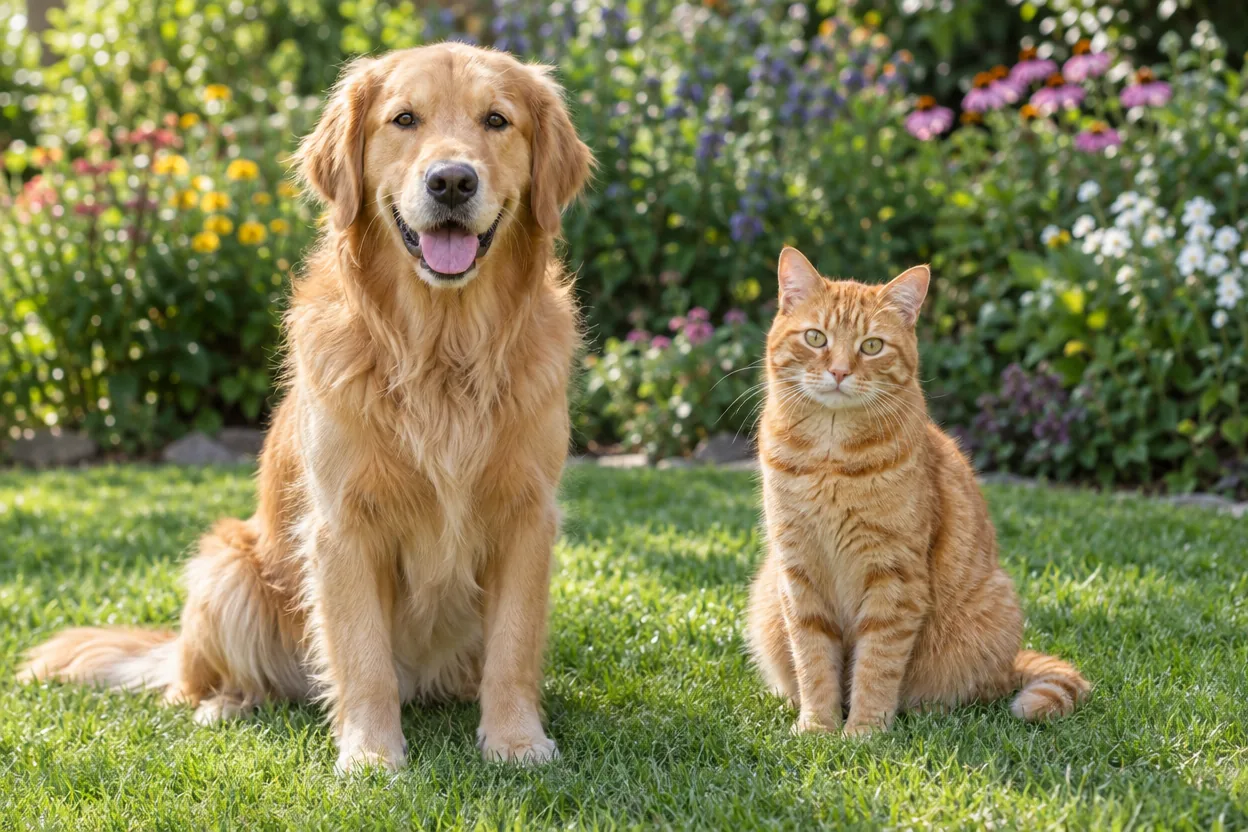
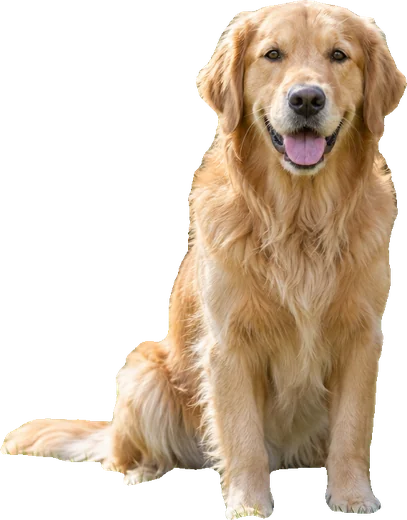
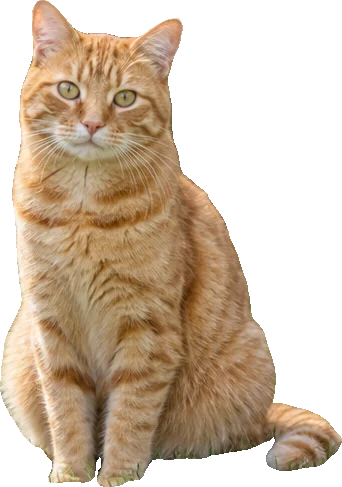
Both pets cut out with their fur intact, ready for a card, a sticker or a collage.
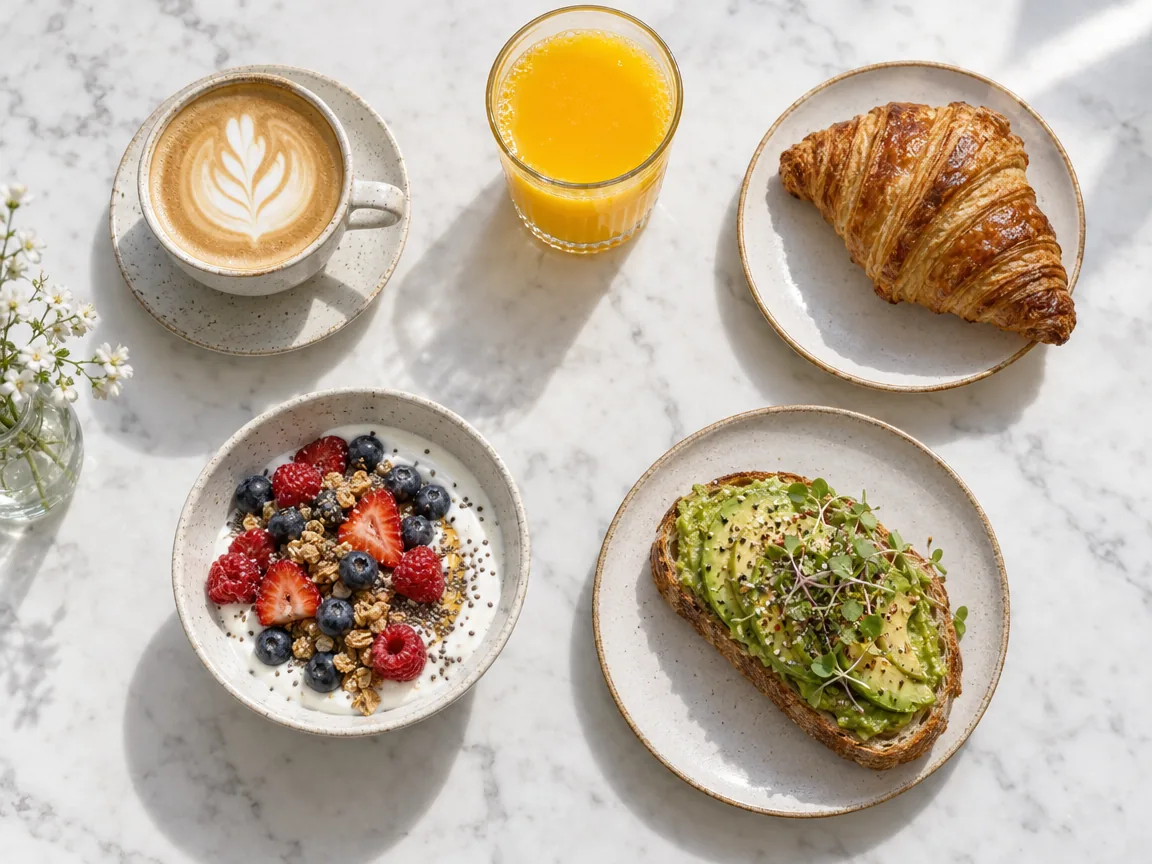
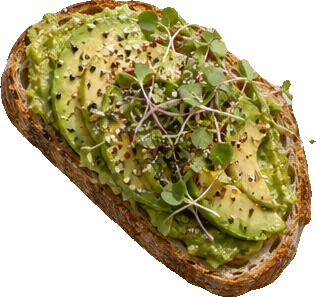
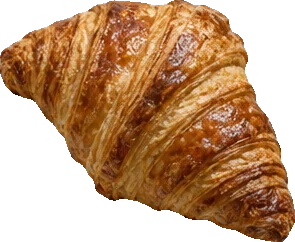
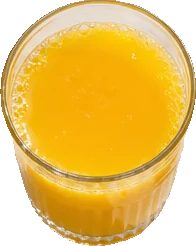

Named "croissant, avocado toast, coffee, orange juice": four dishes cut out for a menu or a delivery app.
Three steps, and the price is on the button before you start.
Drop, paste or choose a JPG, PNG or WebP up to 10 MB: a product shot, a group photo, a sticker sheet or game art.
Leave Every object on and the AI finds them all, or switch to Name them and type what to cut out, such as "person" or "bottle, jar".
In about 20 seconds each object is its own transparent PNG. Download one, all of them as a ZIP, or a layered PSD with every object on its own layer.
Six things it does well, from a single product to a whole sheet of assets.
Cut out objects from an image all at once: the AI finds each person, item and piece of furniture and gives you one PNG per object, up to 24 in a picture.
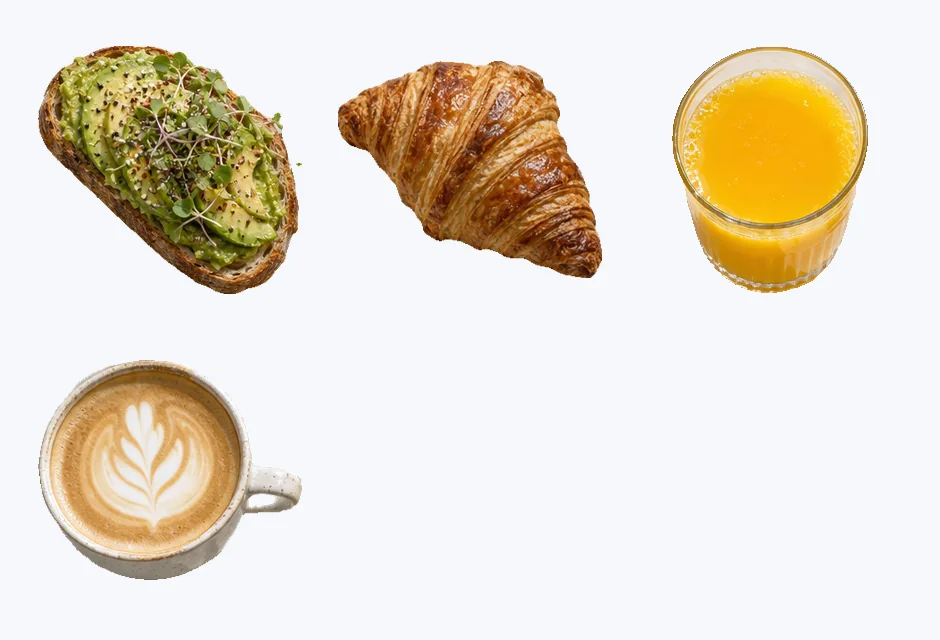
Type "person", "bottle" or "sticker" and only those are cut out, every one of them, in whatever language you write.

Hair, fur, hands and thin straps keep their shape, so a cut-out person or dog looks natural on any background.
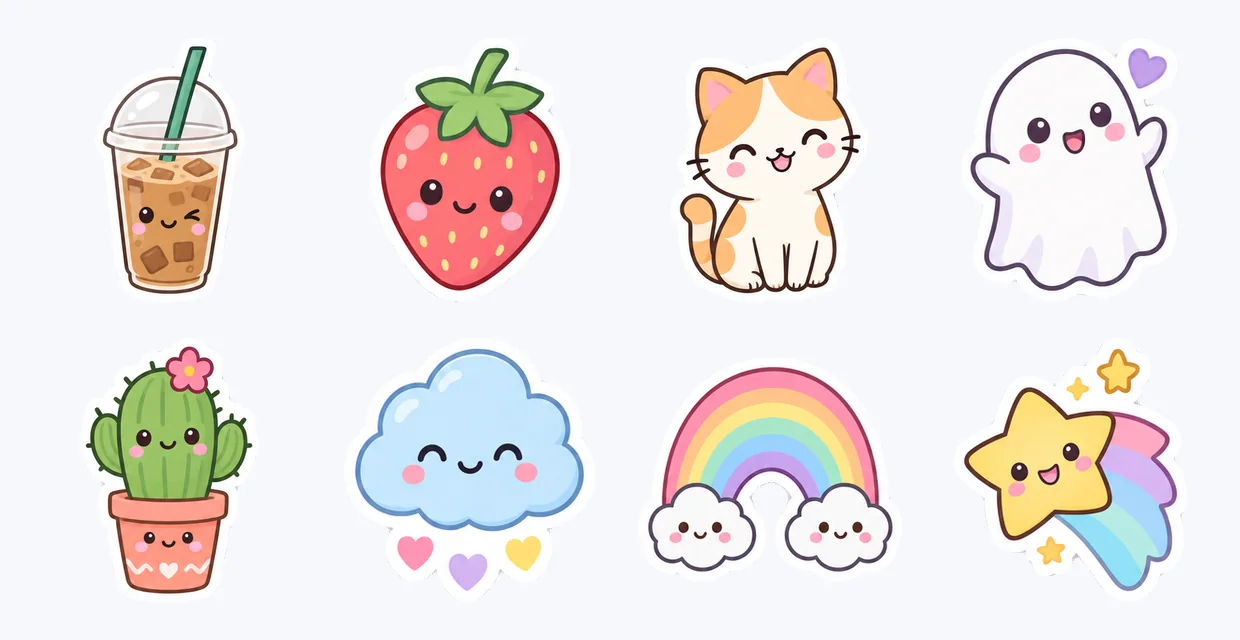
Split a sheet of game items, icons or stickers into separate files in one go, each cropped tight to its own edges.
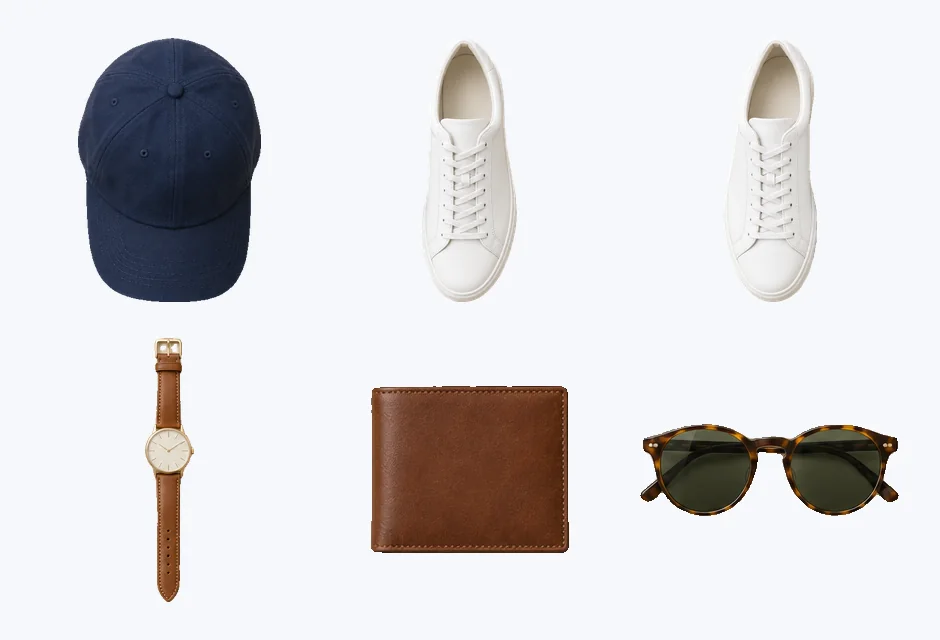
Download a PSD with the original at the bottom and every object on its own named layer, exactly where it was. Move, hide or restyle any object in Photoshop.
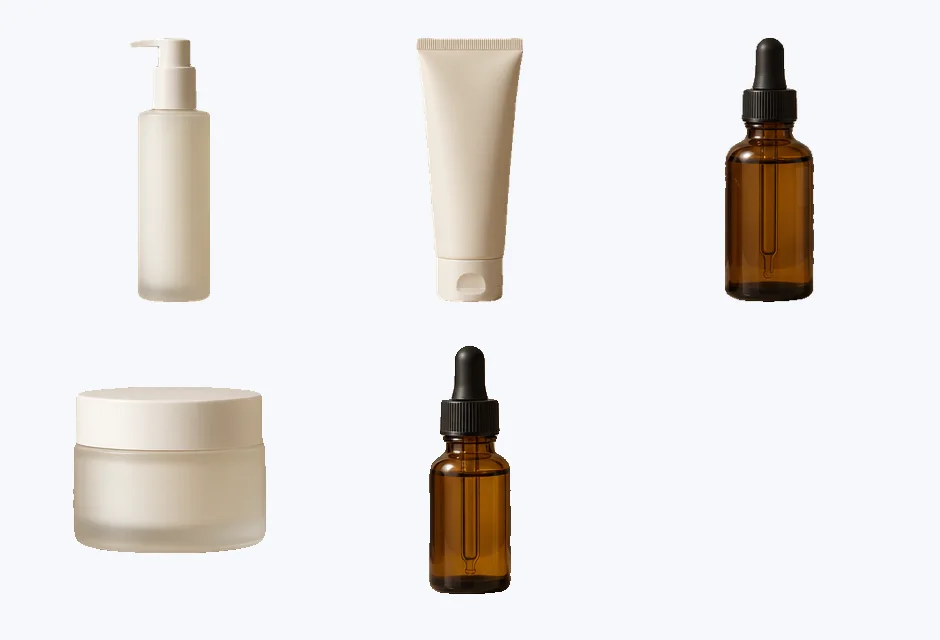
Each cut-out is the object's own pixels from your picture, nothing redrawn, at the size you uploaded.
Five short tips for clean cut-outs from any picture.
Objects that stand apart, in good light, come out best. A product shot, a group photo or a sheet of items gives clean edges for every object.
Every object finds the main things in the picture. When you need only some of them, switch to Name them and type them, separated by commas: "person", or "bottle, jar, tube".
A named thing is found every time it appears: three people come back as person 1, person 2 and person 3, each its own PNG.
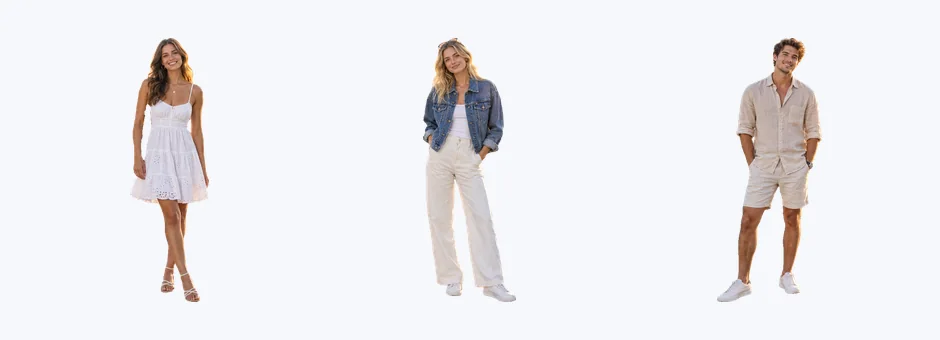
Each cut-out downloads as a PNG cropped to the object. All PNGs (ZIP) packs them together, and Layered PSD keeps every object in place over the original picture.
Cut-outs keep the resolution you uploaded, as transparent PNGs. A run costs 1 credit, however many objects it cuts out.
Common reasons to split a picture into separate objects.
Cut out each product from a flat lay or a shelf shot for listings, banners and ads.
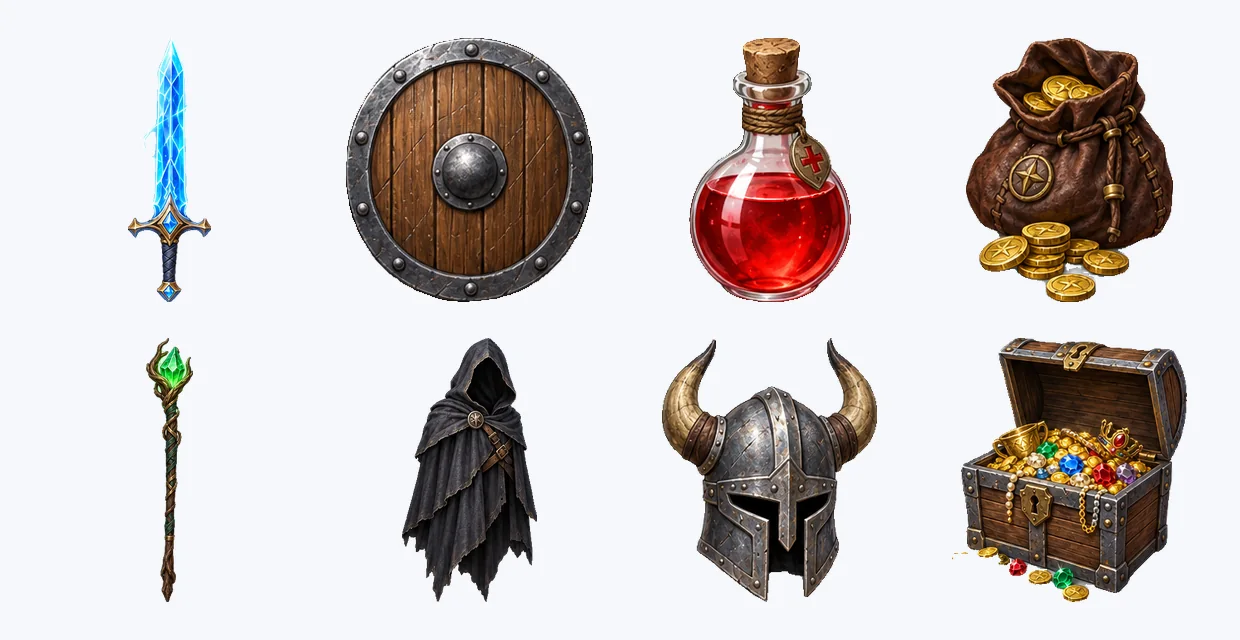
Turn a sheet of items, characters or icons into separate assets ready for the engine.
Pull people, furniture and props out of photos for collages, mood boards and mock-ups.
Cut out friends, pets or food for stickers, story layouts and thumbnails.
Answers about cutting out objects, price, files and privacy.
Upload the picture and press Cut out objects. In about 20 seconds every object comes back as its own transparent PNG, to download one by one, as a ZIP or as a layered PSD.
Yes. Every object finds up to 24 objects in one picture and cuts each one out separately, for 1 credit.
Switch to Name them and type what to cut out, separated by commas, such as "person" or "bottle, jar". Every one of them in the picture is cut out, and nothing else.
1 credit a picture, however many objects it cuts out, shown on the button before you start. Every run uses a paid AI service, so there is no free version.
One transparent PNG per object, cropped to its edges, at the resolution you uploaded; all of them as a ZIP; or one PSD with the original at the bottom and each object on its own named layer.
Yes. People and animals come out with their hair, fur and hands, each on their own, so a group photo becomes one cut-out per person.
JPG, PNG or WebP up to 10 MB. Next step sends any cut-out on to the upscaler, Image to PSD or another tool.
Yes. Your pictures and cut-outs are visible only to you, they are not used to train AI, and every upload passes our content checks.
Upload a picture and get every object back as its own transparent PNG in about 20 seconds.
Cut out objects