Photo Watermark Remover
Clean up a photo you own in about 20 seconds. This photo watermark remover finds text, logos and stamps by itself, or erases exactly where you paint with the brush.
Finds and removes the watermark by itself. The photo is lightly redrawn, so very small details can change.
Only remove watermarks from images you own or have permission to edit.

A real result from this tool. Drag the handle to compare.
- Auto or brush, your choice
- 2 credits per photo
- Full-size download
- Pixels outside the brush untouched
How to Remove a Watermark from a Photo
Three steps, and the price is on the button before you start.
- 1
Upload your photo
Drop a JPG, PNG or WebP up to 10 MB into the watermark remover. Only use photos you own or have permission to edit.
- 2
Choose Auto or Brush
Auto removes the watermark by itself. Brush lets you paint over the watermark so nothing else in the photo changes.
- 3
Download the clean photo
Compare before and after, download the photo at full size, or touch up any spot that is left with the brush.
Watermark Remover Examples: Four Kinds of Watermark
Our own photos with typical watermarks added, then cleaned. Drag a slider to compare.
- BeforeAfter
Repeated text across the photo
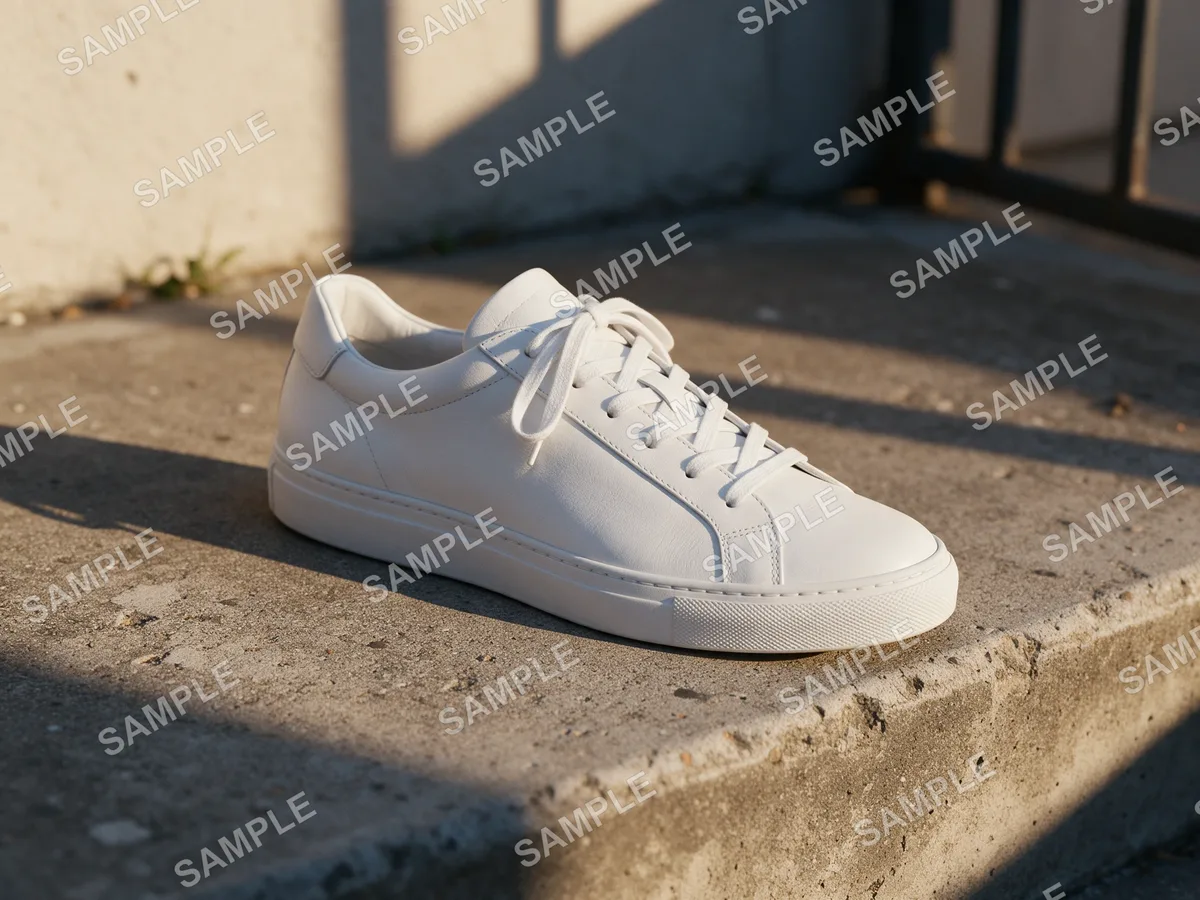
AutoA stock-style SAMPLE pattern over everything. Auto mode removed the watermark in one pass.
 BeforeAfter
A large stamp over a face
BrushThe hardest case: a PREVIEW stamp across the subject. Brush mode erased the stamp and kept the face.
 BeforeAfter
A logo in the corner
BrushA small © logo. Brush mode removed it and left the scene's own OPEN sign alone.
 BeforeAfter
Grid lines with an ID number
AutoThin lines and a photo ID over a landscape. Auto mode cleared the text and the lines.
What the Watermark Remover Handles Well
The tool rebuilds what was under the mark, so results depend on the photo.
Works well
- Text and logo watermarks in a corner or along an edge
- Semi-transparent marks over skies, walls, fabric and other plain areas
- Repeated stock-style text, in Auto mode
- Date stamps and signatures on your own old photos
Harder
- Opaque logos that completely hide a face or small text
- Watermarks over detailed patterns, such as lettering or a crowd
- Very large marks that cover most of a small photo
- Invisible watermarks, which this tool does not see or remove
If a faint trace of the watermark is left, press Touch up with brush and paint over it. A second pass costs 2 credits.
Why Use This Photo Watermark Remover
Two ways to remove watermarks from photos, both at full size, with the price shown before you run.
Auto mode, one click
The AI finds text, logos and lines and redraws the photo without them. Best for repeated or scattered watermarks.
Brush mode, exact
Paint over the watermark and only that area changes. Every other pixel stays exactly as it was, which keeps faces and fine detail.
Touch up in seconds
If a trace remains after Auto, send the result to the brush and paint over what is left.
Full-size results
Download the cleaned photo at full size. There is no separate HD tier, and we add no watermark of our own.
2 credits per photo
Auto and Brush both cost 2 credits, shown on the button before you start.
Private and checked
Your photos are not posted anywhere or used to train AI, and every upload passes the same safety checks as our other tools.
How to Remove Watermarks from Photos
A short guide to a clean result.
Pick the right mode
Use Auto when the watermark repeats across the photo or you want one click. Use Brush when the mark sits on a face, a product or text you want kept exactly, because Brush changes nothing outside the painted area.
Paint generously
In Brush mode, cover the whole watermark including its soft edges and shadow. A little extra around it is fine; a missed edge leaves a ghost.
Check the details
Zoom into the slider before you download. If a line or letter is left, use Touch up with brush on the result instead of starting over.
Know the limits
A watermark remover rebuilds what was hidden. Where a mark completely covers a face or small text, the rebuilt area is a good guess, not the original.
Use it legally
Remove watermarks only from photos you own, created, or have permission to edit, such as your own product shots or old family photos. Removing a watermark from someone else's image can break copyright law.
Who Uses a Photo Watermark Remover
Common reasons to clean up photos you own.
Old family photos
Clear date stamps and lab marks from scanned prints and early digital photos.
Your own product photos
Remove an old shop logo or a supplier stamp from product images you have the rights to.
Reposting your own photos
Take an app watermark off your own photos before you post them somewhere else.
Licensed design assets
Clean preview marks off assets you have licensed so you can place them in a layout.
Photo Watermark Remover FAQ
Answers about modes, quality, price and what you may remove.
Remove a Watermark from Your Photo
Upload a photo you own and the photo watermark remover cleans it in about 20 seconds.