Little fox
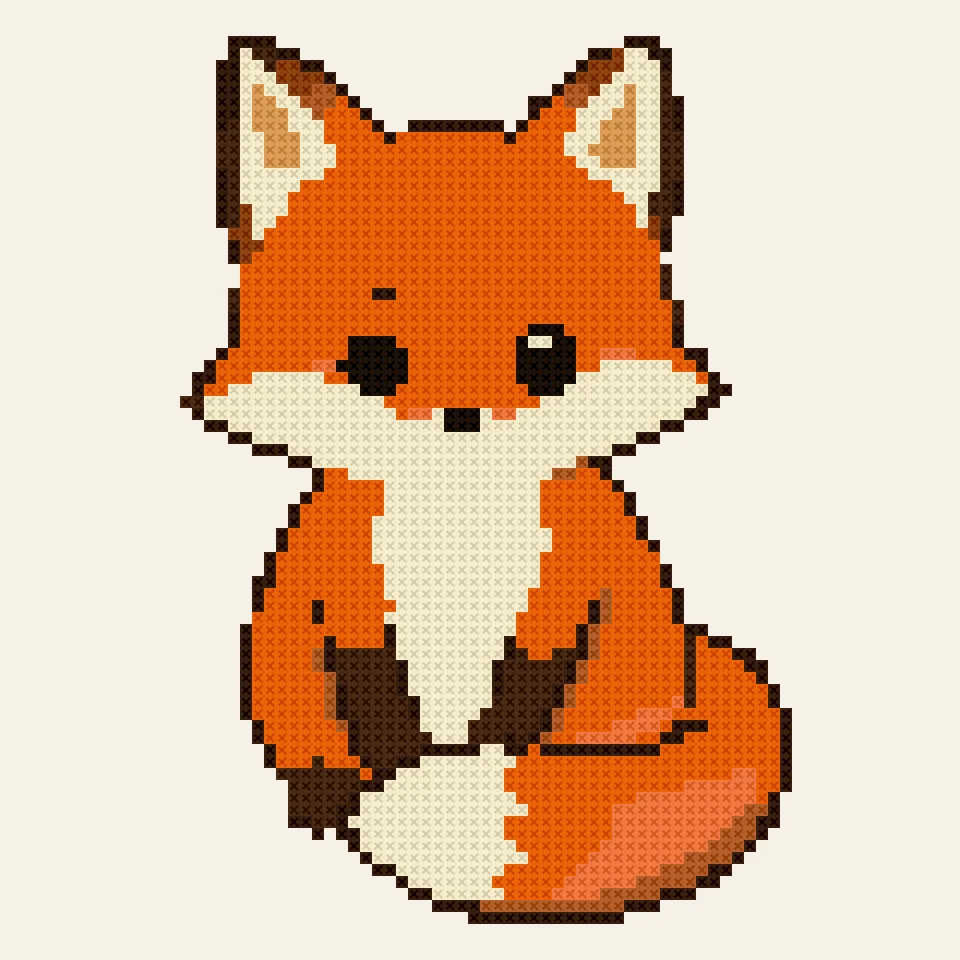
9 colorsA cute drawing with crisp outlines: the white background stays as fabric.
Turn a photo, a drawing or a logo into a chart you can stitch: this cross stitch pattern maker matches every color to a DMC thread, counts the skeins and prints the pattern as a PDF, free in your browser.
Drop a picture to make a cross stitch pattern
A photo, a drawing or a logo: PNG, JPG, WebP or GIF. You can also paste one with Ctrl+V.
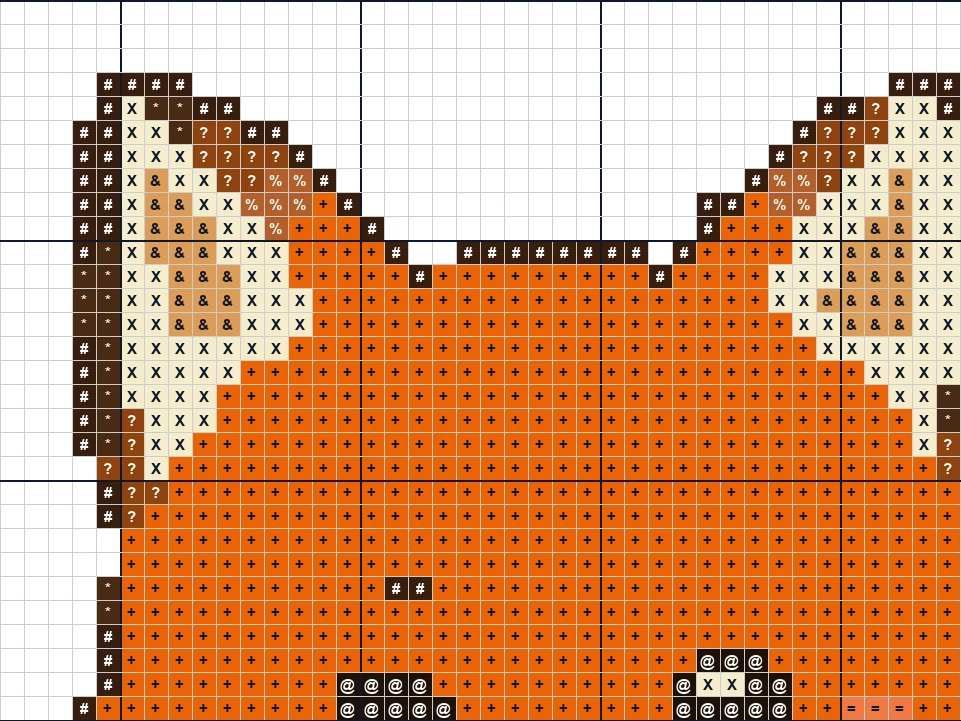
Each cross stitch pattern below was made here from the picture in its corner: the stitched preview on the left, a close-up of the chart on the right.
A cute drawing with crisp outlines: the white background stays as fabric.
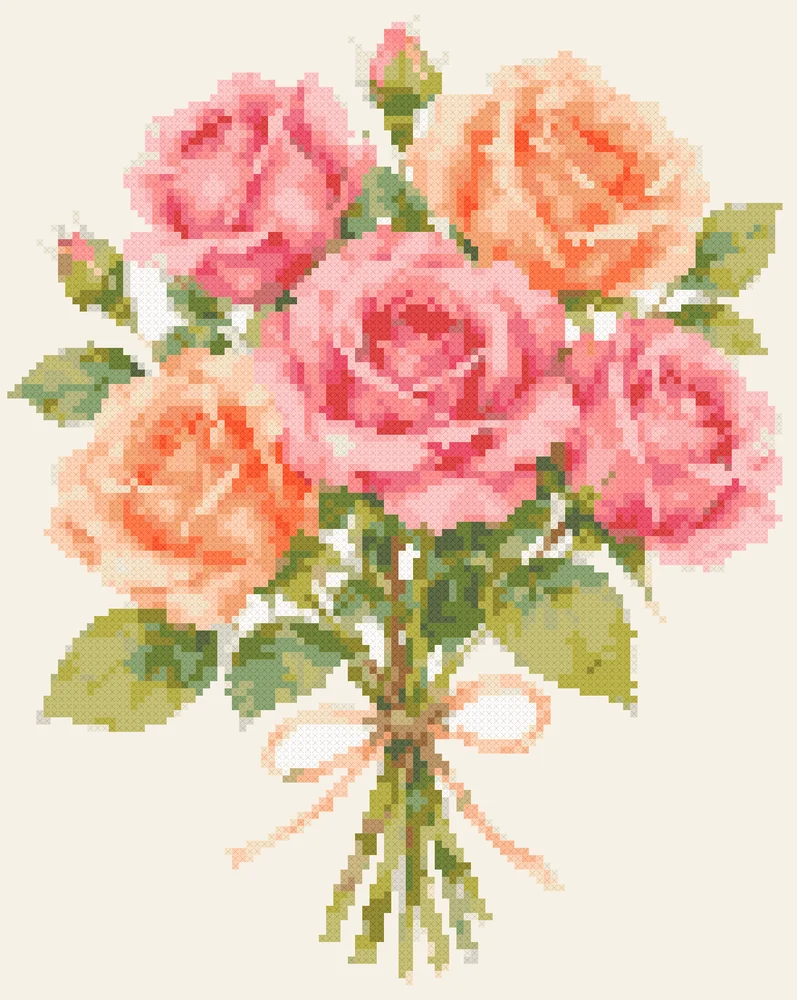
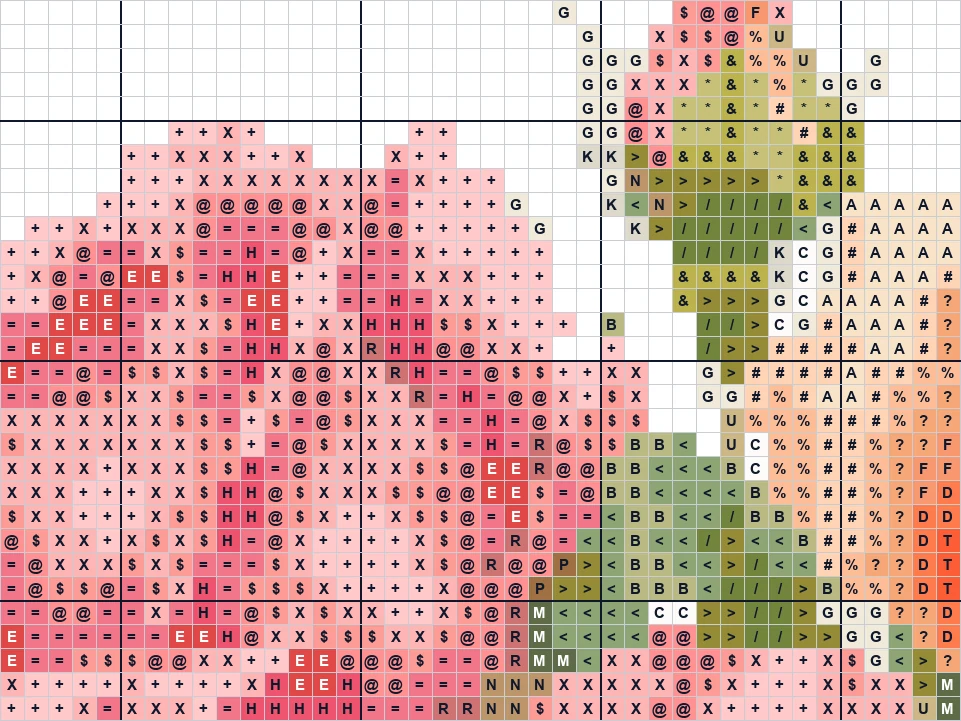
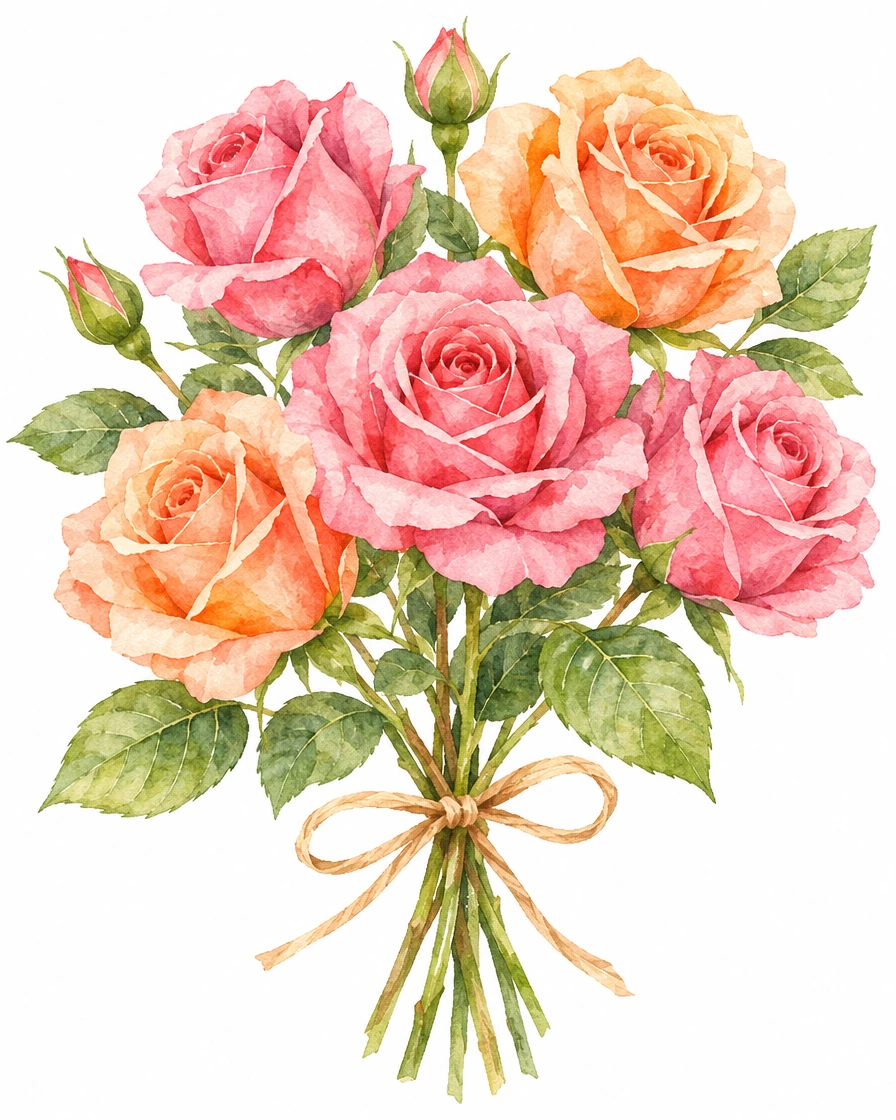
A watercolor bouquet with soft pink and peach petals and a ribbon.
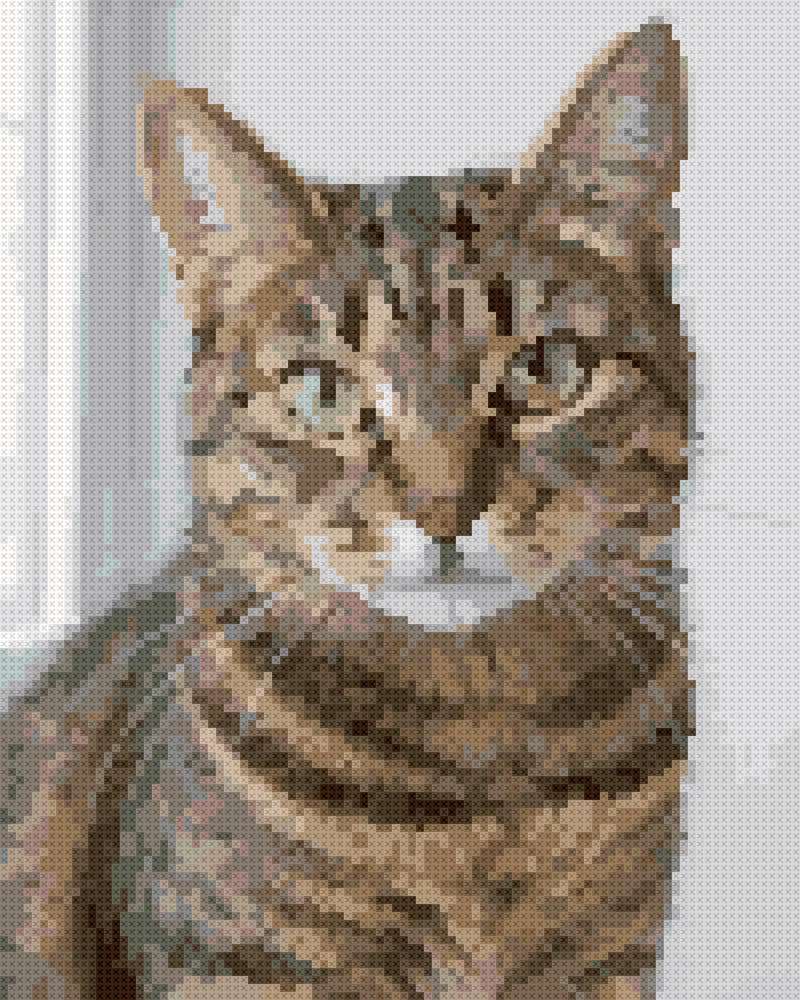
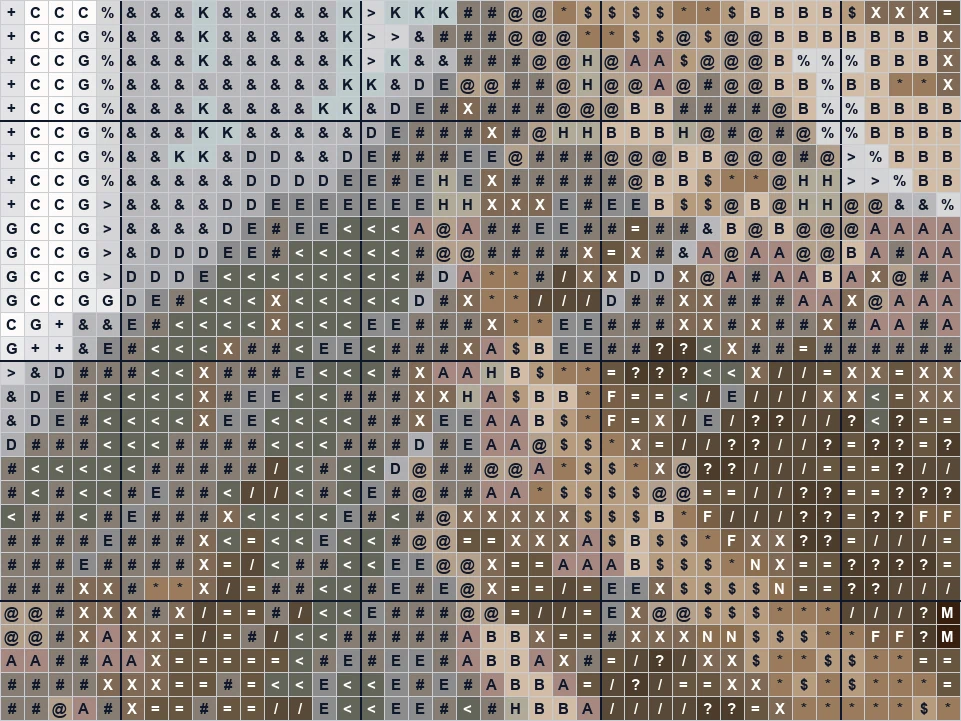
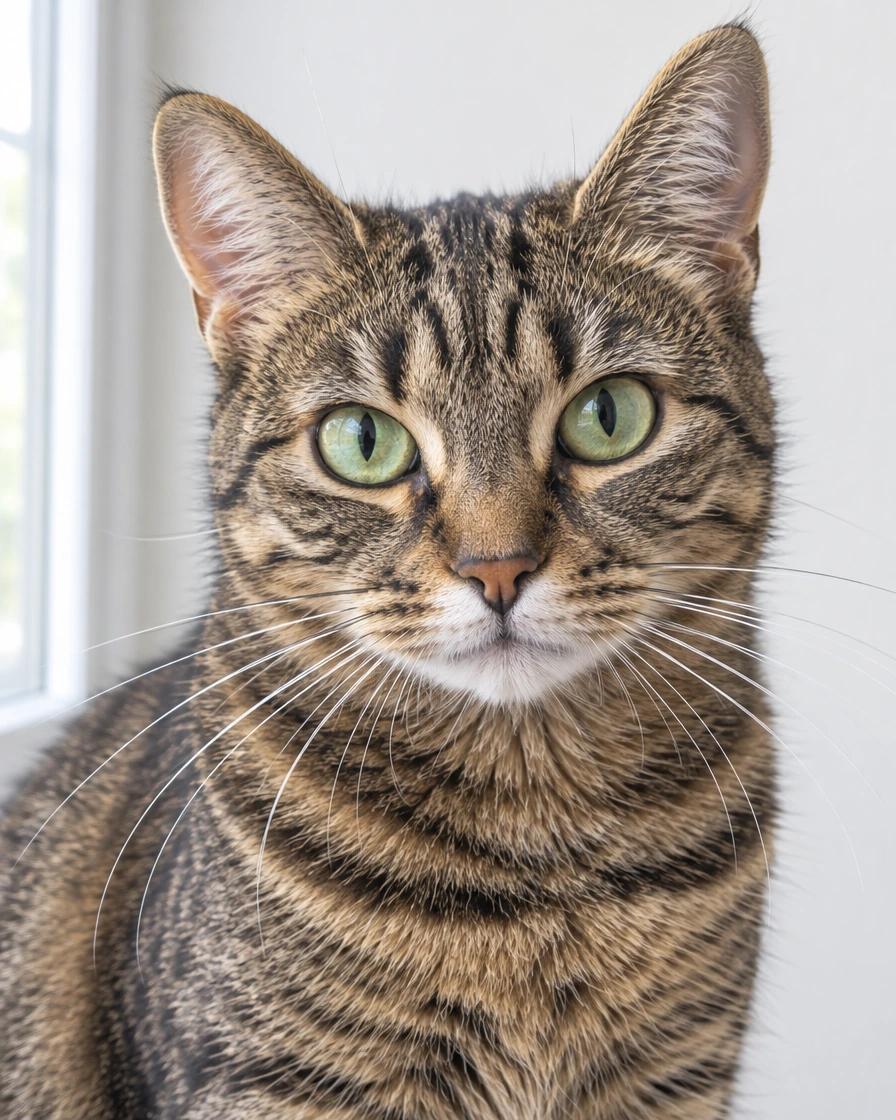
A pet photo: the stripes, the green eyes and the soft fur, stitch by stitch.
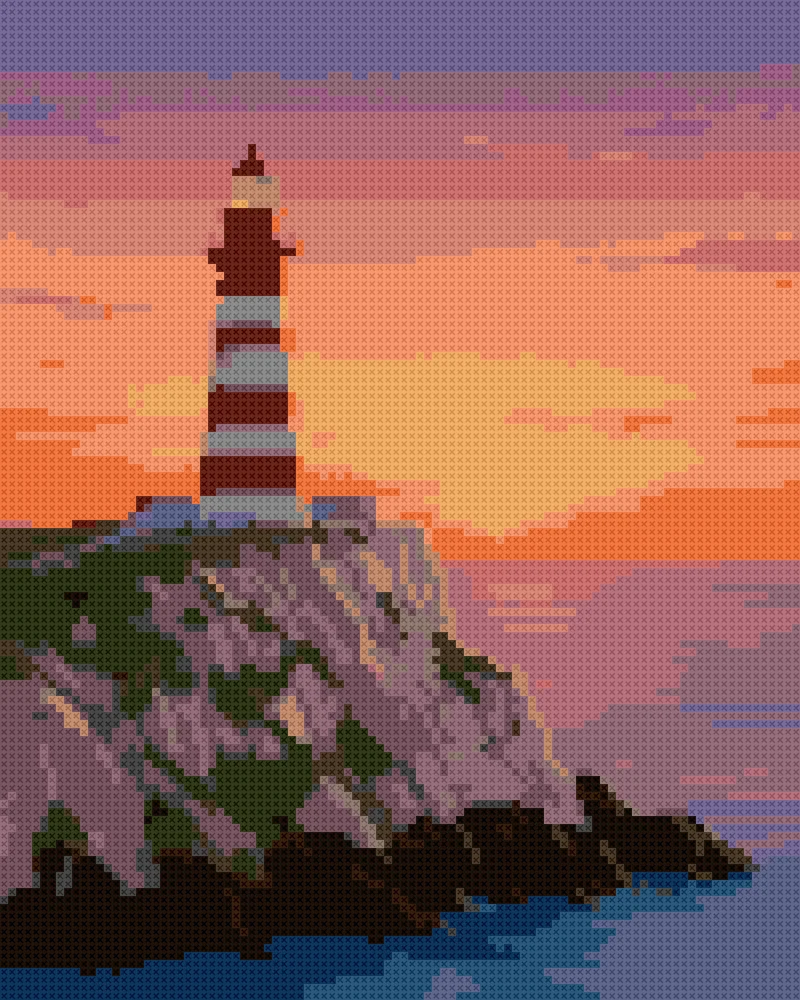
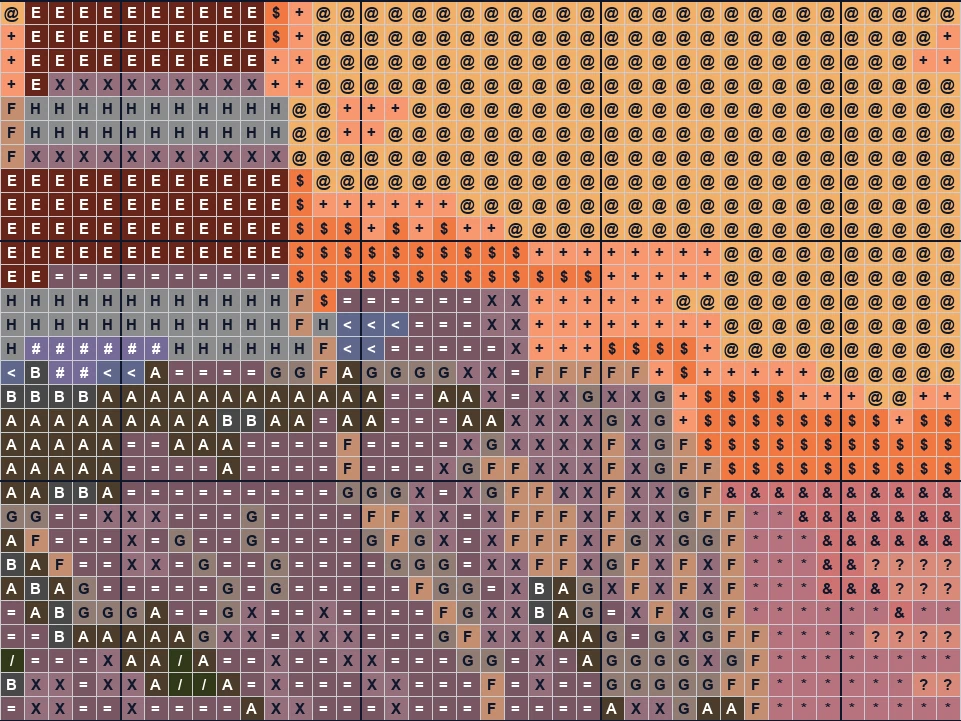
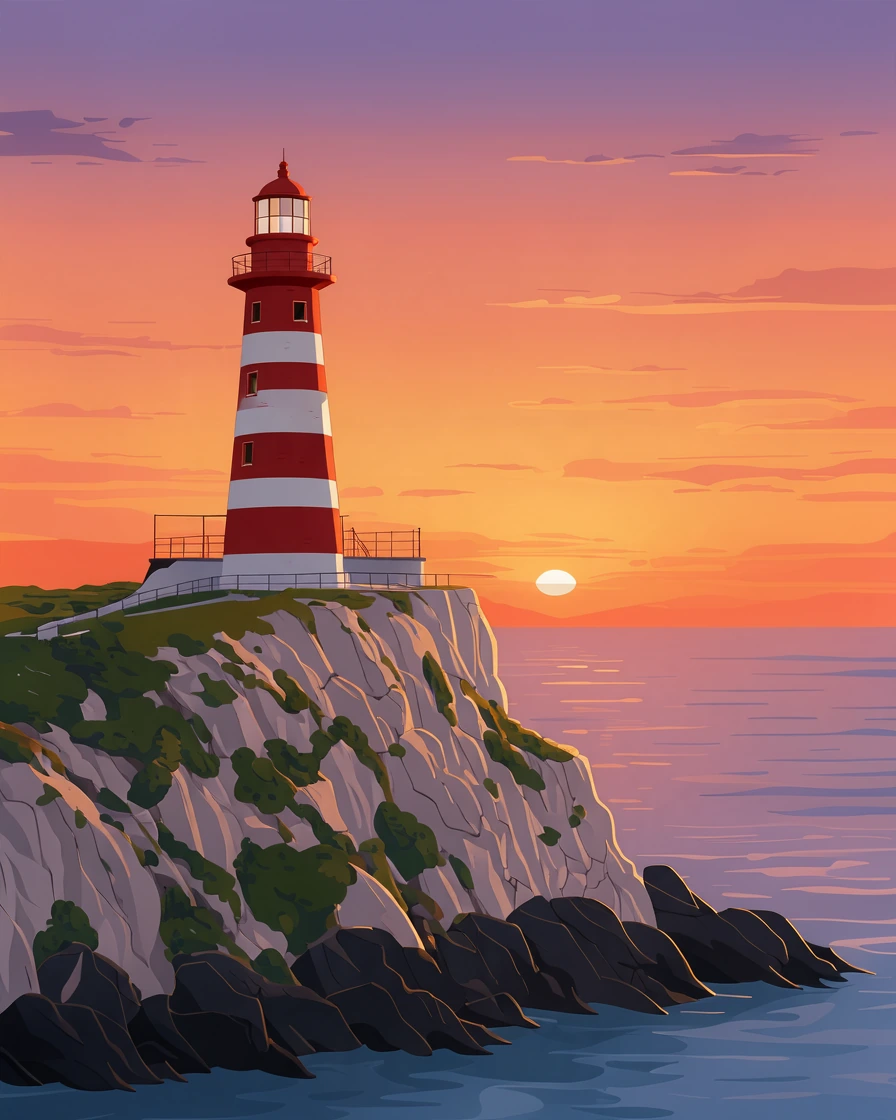
A painted scene from the orange sky to the dark rocks and the sea.
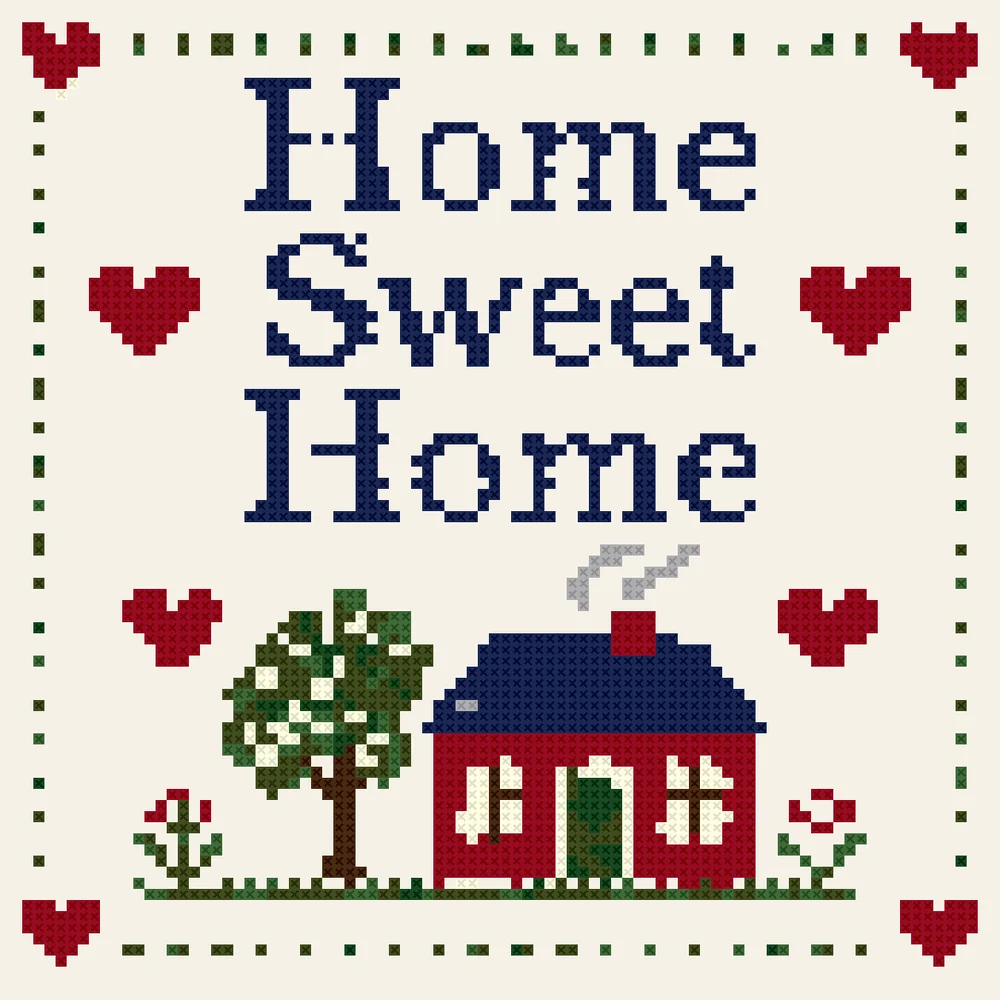
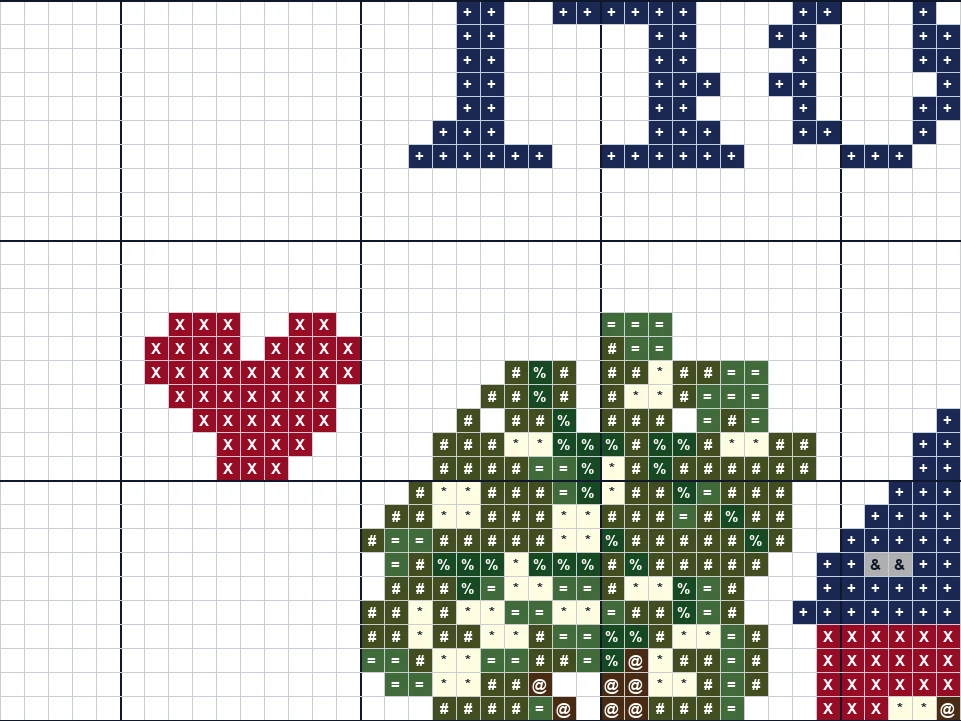
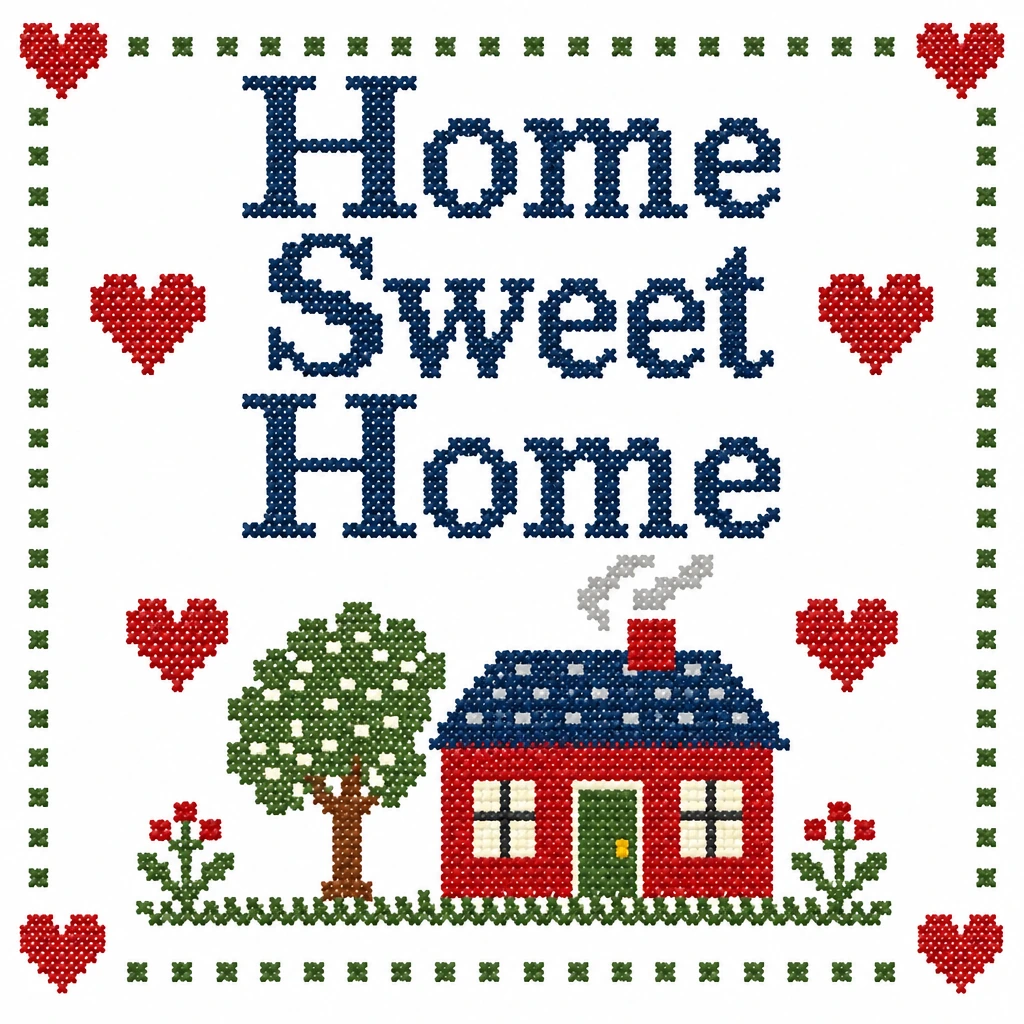
Lettering, hearts and a little house: every letter stays whole, in a few threads.
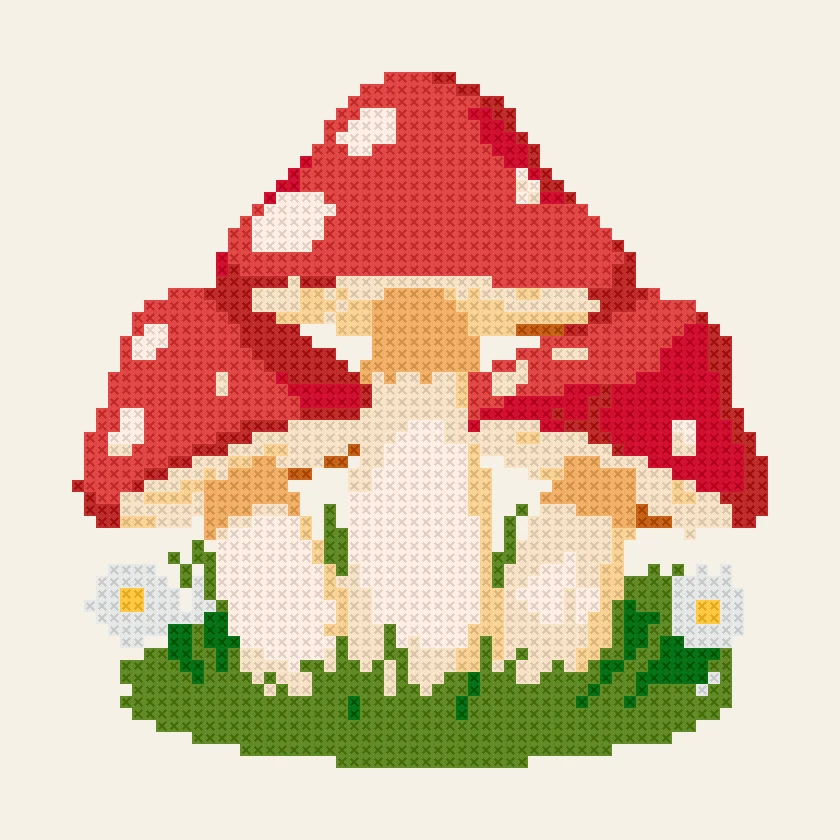
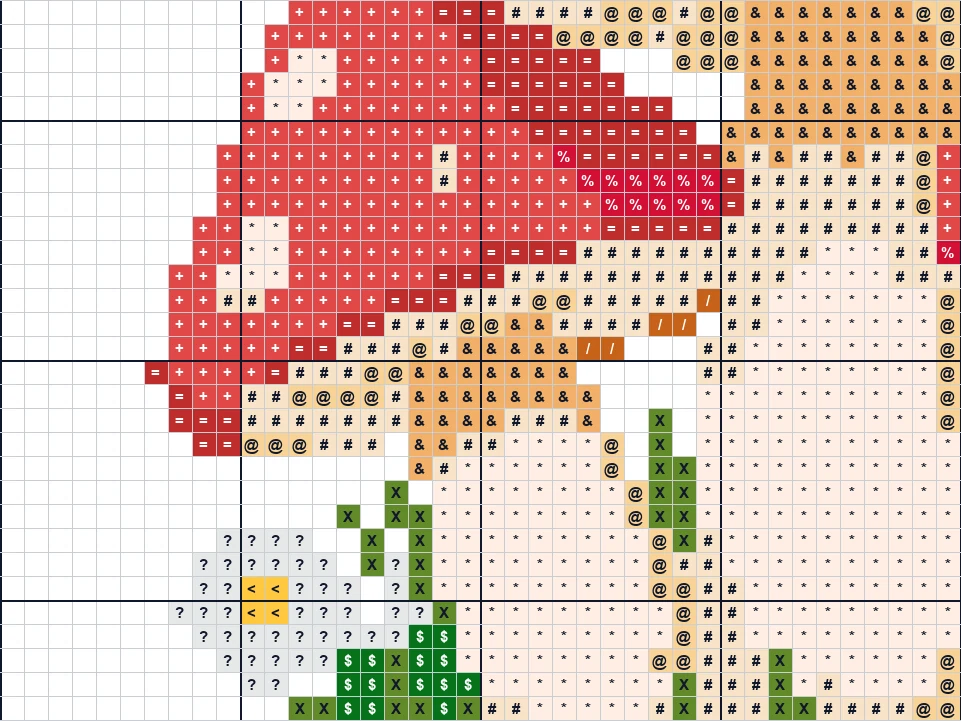
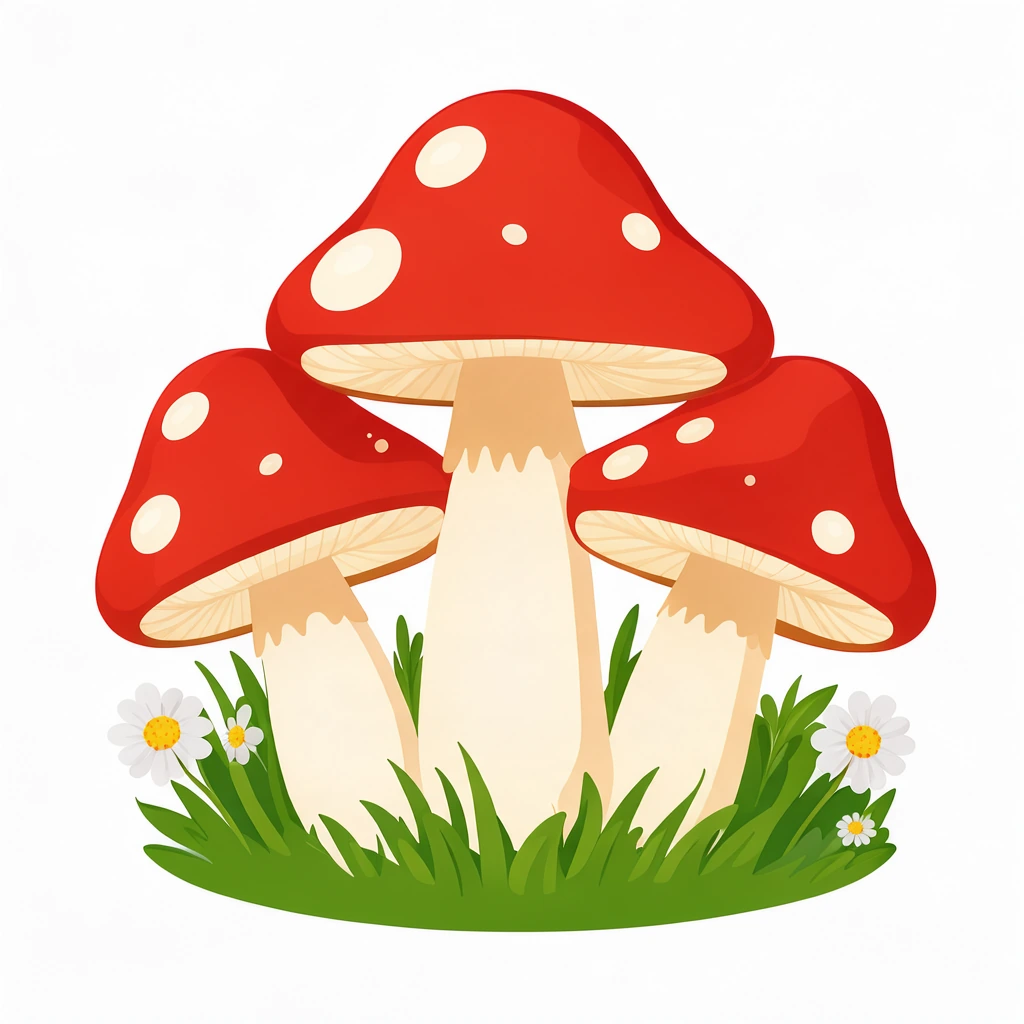
A small first project: red caps with white spots, daisies and grass.
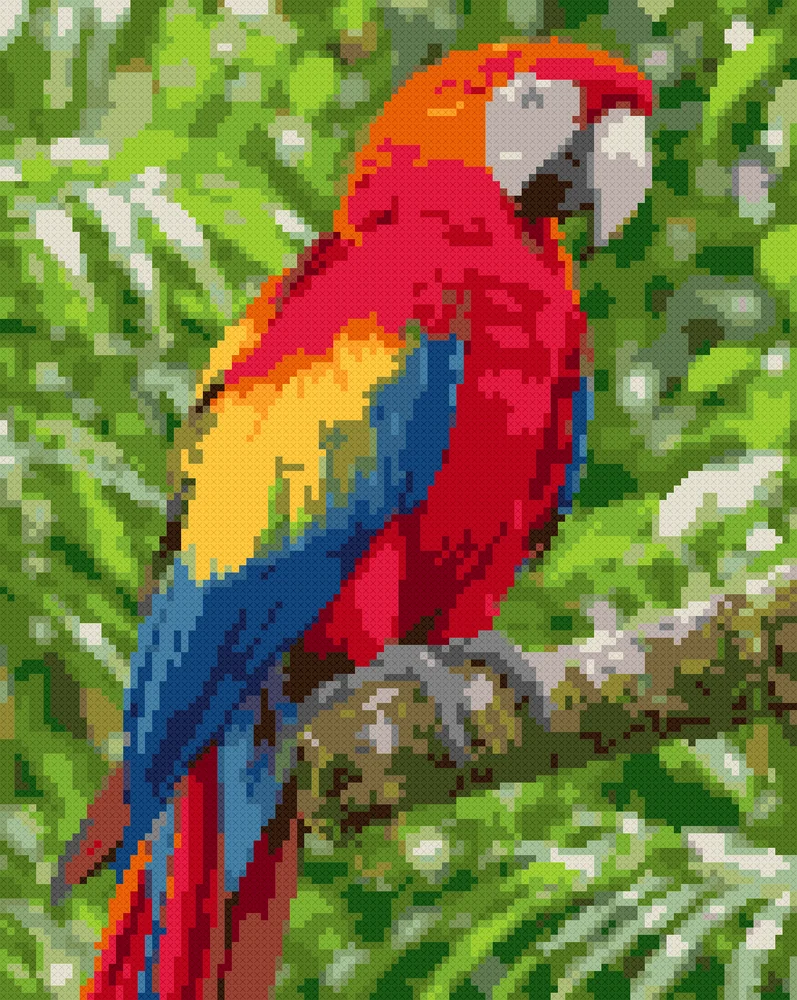
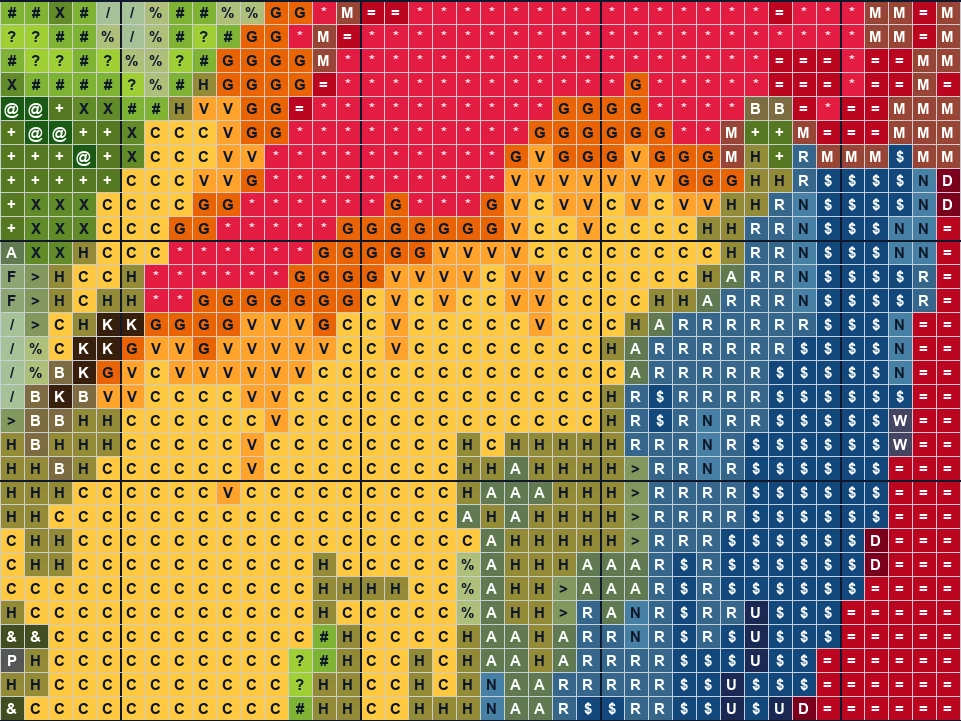
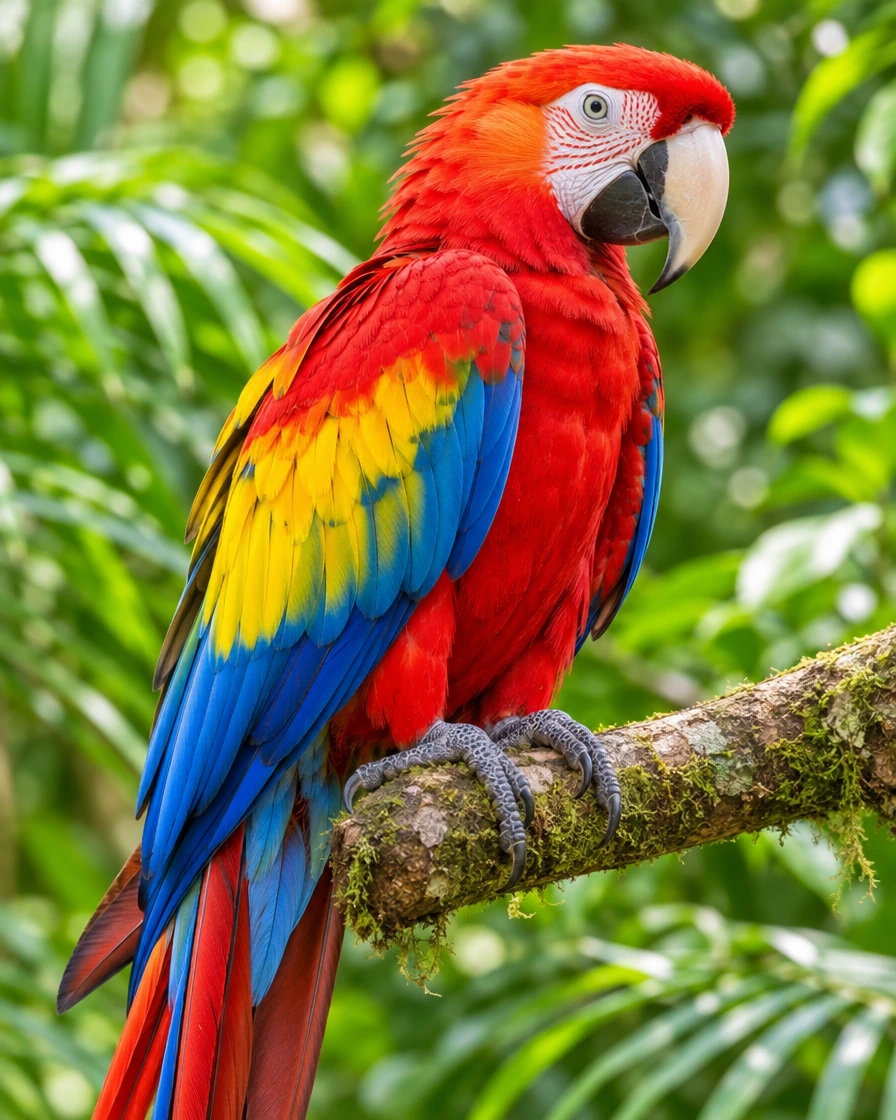
A bright parrot on a jungle branch, every feather color matched to a thread.
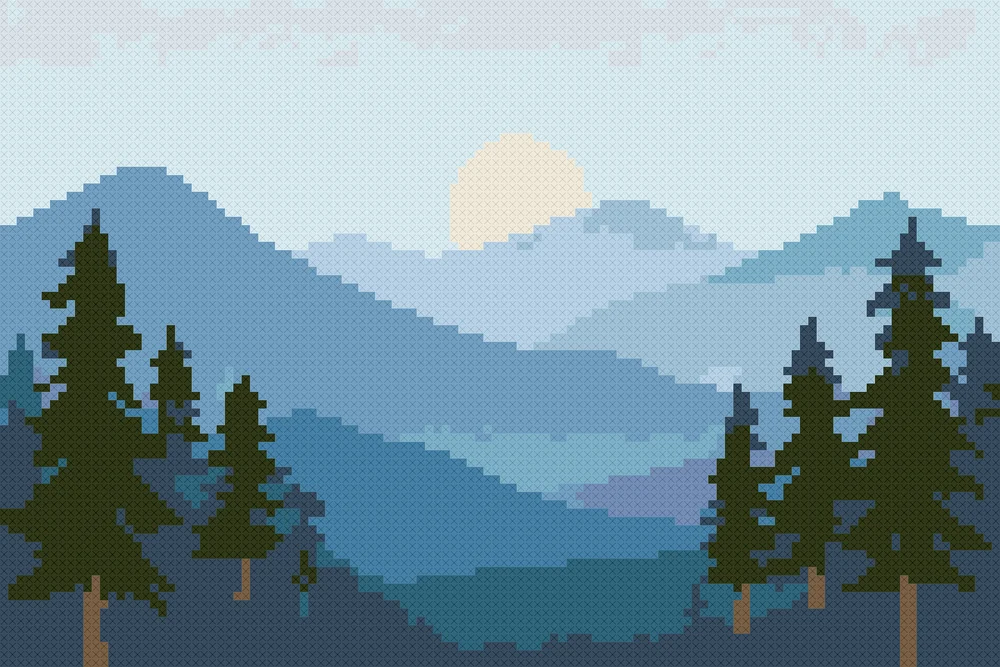
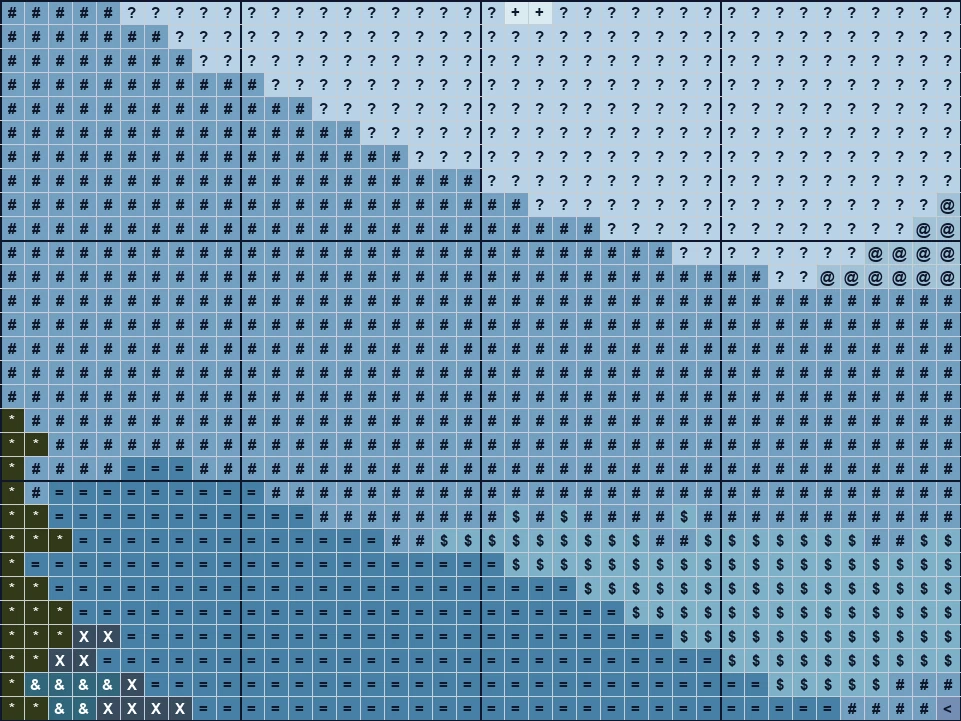
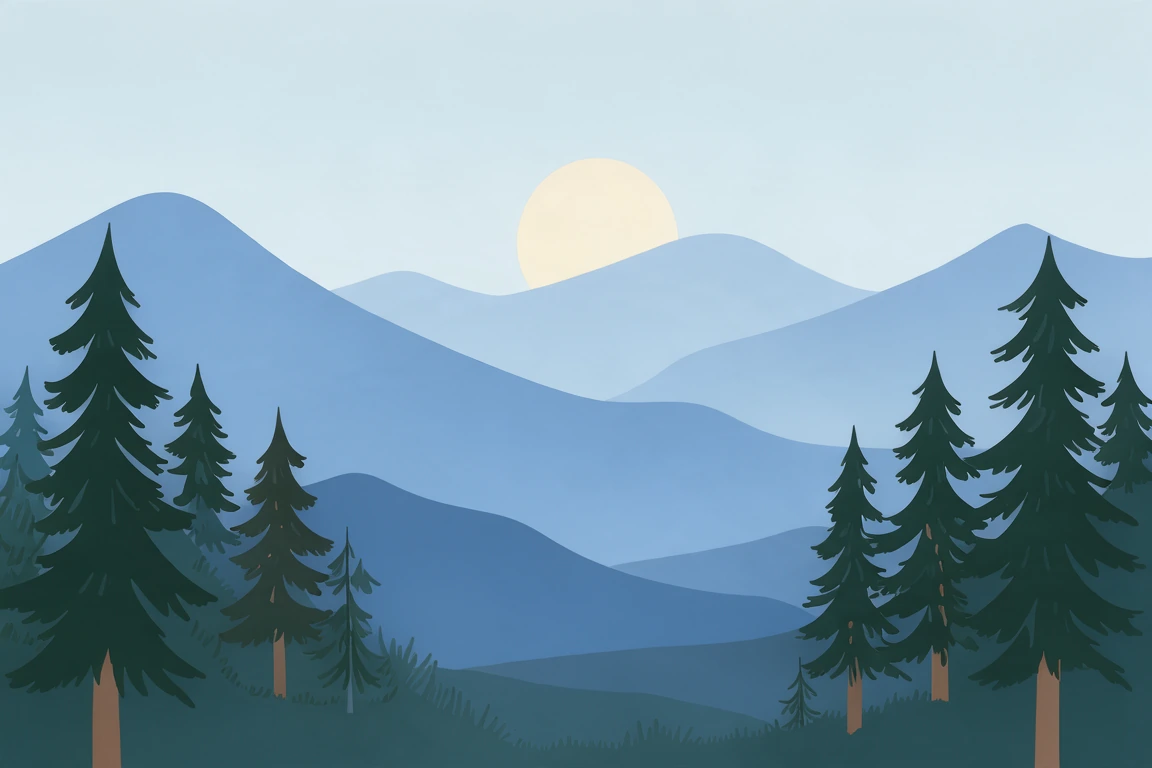
A flat landscape in layered blues with a pale sun and pine trees.
Three steps, all in your browser.
Drop a photo, a drawing or a logo, choose a file or paste one with Ctrl+V. A first pattern appears at once.
Choose the stitches across, your fabric count and the most thread colors. The finished size, the threads and the skeins update as you go.
Download a PDF with a cover, the color key and the chart, in symbols or in color, on Letter or A4, plus a PNG preview and the thread list.
Six things that make a chart you can really stitch.
Every color of your picture is matched to the nearest DMC stranded cotton as the eye sees it, each thread once, with its number, name, stitch count and skeins.
A cover with a preview and a page map, the finished size, the color key with skeins, then the cross stitch chart: a symbol per stitch, a bold line every 10, numbers and center arrows.
Lone stitches are tidied into their neighbors, a plain background is left as fabric, and drawings and lettering keep crisp edges and thin lines.
From 20 to 400 stitches across, on 11, 14, 16 or 18-count Aida, with the finished size in inches and centimeters.
Photos keep their shading, with smooth gradients when you want them; drawings, logos and lettering keep flat colors in fewer threads.
Every pattern and every file are free, with no account and no watermark. The picture is opened on your own device and never uploaded.
Five short notes on pictures, size, colors, the chart and buying threads.
A clear subject, good contrast and a simple background make the best chart. Crop close to the subject first. Drawings, lettering and logos give the cleanest results; for a photo, choose one with even light and a face or a pet that fills the frame.
The width is set in stitches. On 14-count Aida, 14 stitches make an inch, so 100 stitches across finish at about 7.1 in (18 cm). A face or a pet needs about 100 stitches or more to read well; a small motif works at 40 to 80. Higher counts make the same chart smaller.
Drawings and lettering usually need 6 to 15 threads; photos look natural at 20 to 40. More colors bring more detail and more thread changes. Lower the most colors for a quicker stitch, and keep tidy on so you stitch fewer lone crosses.
Each square is one full stitch, and its symbol points to a thread in the color key. Bold lines every 10 squares help you count. Start at the center, where the arrows meet, so the design sits in the middle of your fabric; the page map on the cover shows where each page goes.
Skeins are estimated for two strands, about 2,000 stitches a skein on 14-count. Add 2 to 3 inches (5 to 8 cm) of fabric on every side for framing. Colors on screen are approximate, so compare the thread numbers against a real shade card when you buy.
Anyone turning a favorite picture into cross stitch.
Pets, family, weddings and places, stitched as gifts and keepsakes.
A quick first chart from your own artwork, with the thread list ready.
Small charts with few colors for a first project or a workshop.
A counted chart for needlepoint, plastic canvas and other grid crafts.
Answers about charts, threads, sizes and printing.
Open the photo here, choose the stitches across, your fabric and the most colors, then download the PDF pattern. It takes about a minute.
Yes. Every pattern, the PDF, the PNG preview and the thread list are free, with no sign-up, no watermark and no limit on patterns.
DMC stranded cotton: each color is matched to the nearest of nearly 500 DMC threads and listed with its number, name and skeins. Screen colors are approximate, so check the numbers against a shade card.
Divide the stitches by the fabric count: 100 stitches on 14-count Aida finish at about 7.1 in (18 cm). The tool shows the finished size in inches and centimeters as you change the width or the fabric.
Drawings and lettering look best with 6 to 15 threads, photos with 20 to 40. Set the most colors and the pattern uses that many threads or fewer.
The color key lists the skeins for every thread, worked out from its stitch count for two strands on your fabric count. Buy one extra skein for large areas of one color.
Yes. The PDF prints on Letter or A4: a cover, the color key and the chart in black and white symbols or in color, split into pages with a page map.
No. The picture is opened and made into a pattern on your own device, and the PDF and the other files are made in your browser.
Open a picture and download a pattern with DMC threads, free in your browser.
Open a picture