 SVG → PNG
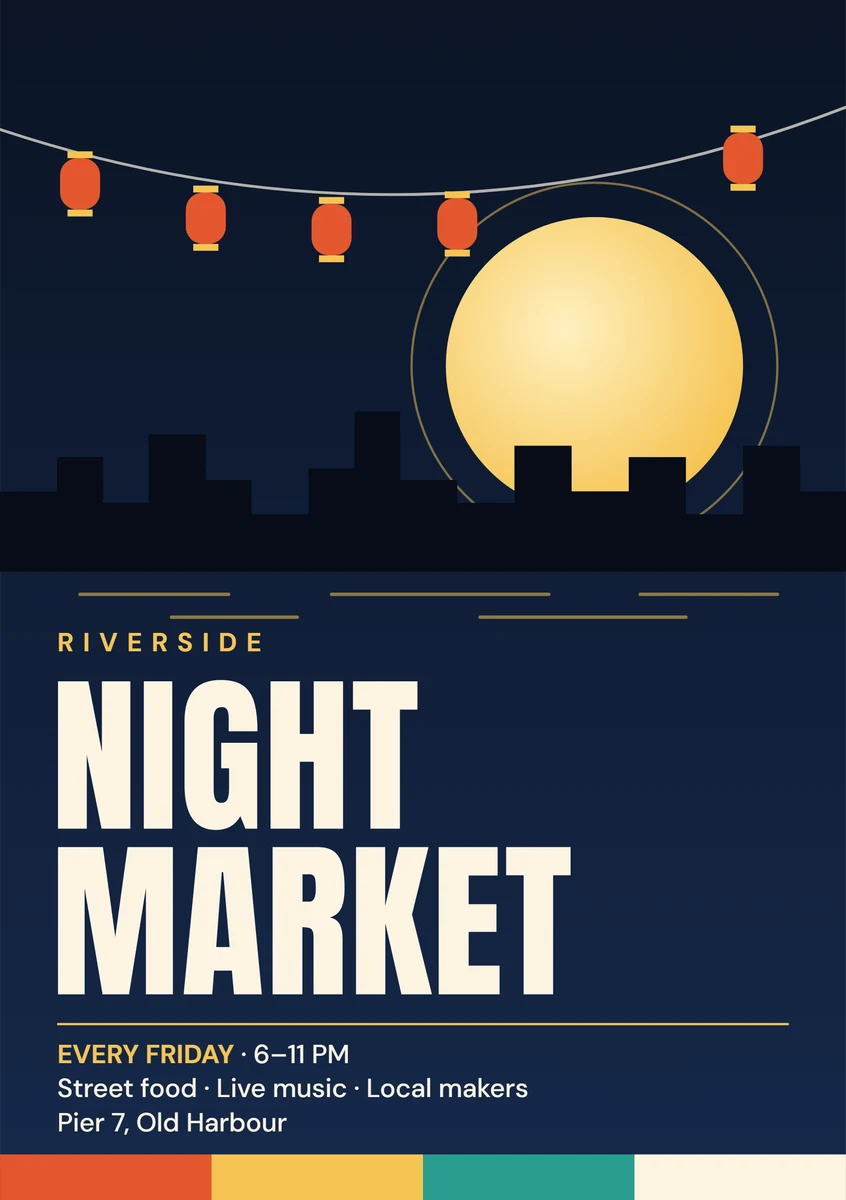
A5 poster
1,748 × 2,480 px · PNG · 300 DPI
Sized in millimeters, saved at 300 DPI for print.
This SVG to PNG converter keeps web fonts, diagram text and linked images as your browser shows them. Pick a scale or exact pixels and save PNG, JPG, WebP or a layered PSD. Free.
·No SVG at hand?
Converted on your device; files aren't uploaded to our servers. Web fonts and linked images in an SVG are downloaded by your browser from their own servers, so the file looks right.
Add files, set the size, download.
Drop, choose or paste up to 50 .svg or .svgz files, 20 MB each, or paste SVG code.
2× by default, or 1×, 4×, 8× or exact pixels, as PNG, JPG, WebP or PSD.
Save one file or a ZIP. Problems show on their file, with a fix.
Five original files that trip up many converters.
SVG → PNG1,748 × 2,480 px · PNG · 300 DPI
Sized in millimeters, saved at 300 DPI for print.
 SVG → PNG
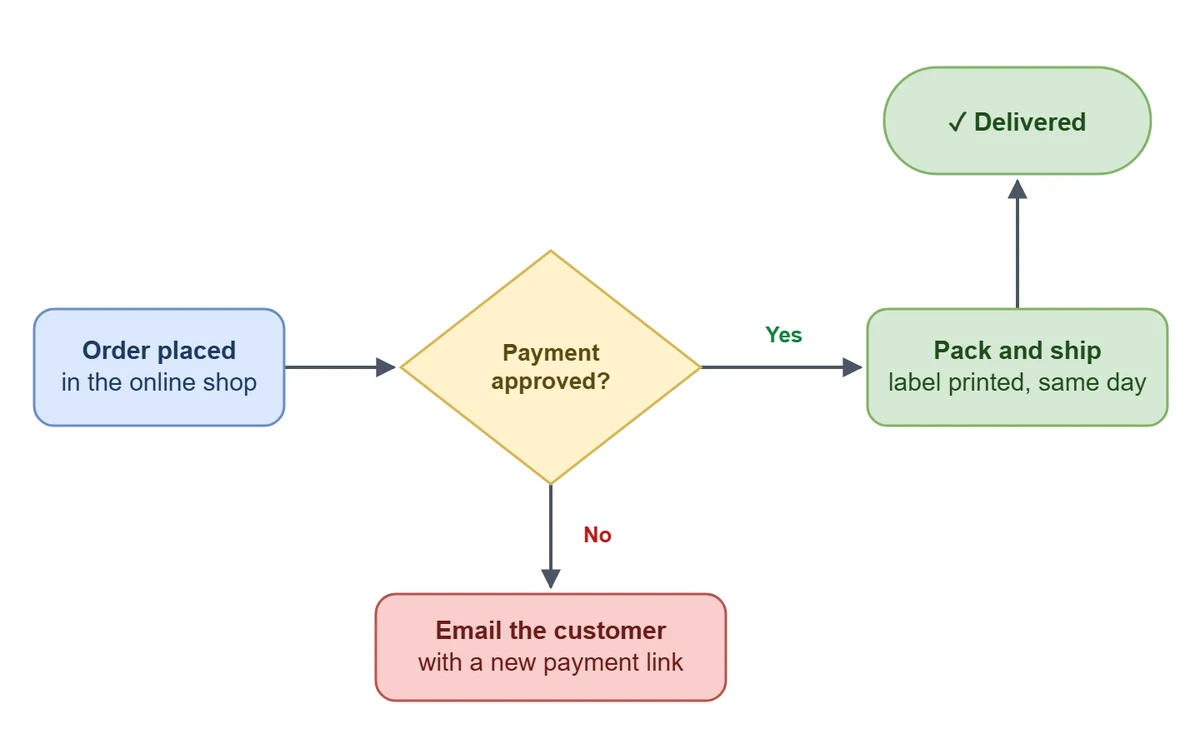
1,440 × 880 px · PNG · 2×
draw.io style labels in foreignObject stay in place.
 SVG → JPG
1,600 × 1,600 px · JPG · 2×
Gradients, filters and CSS classes intact, as a JPG on your chosen color.
 SVG → PNG
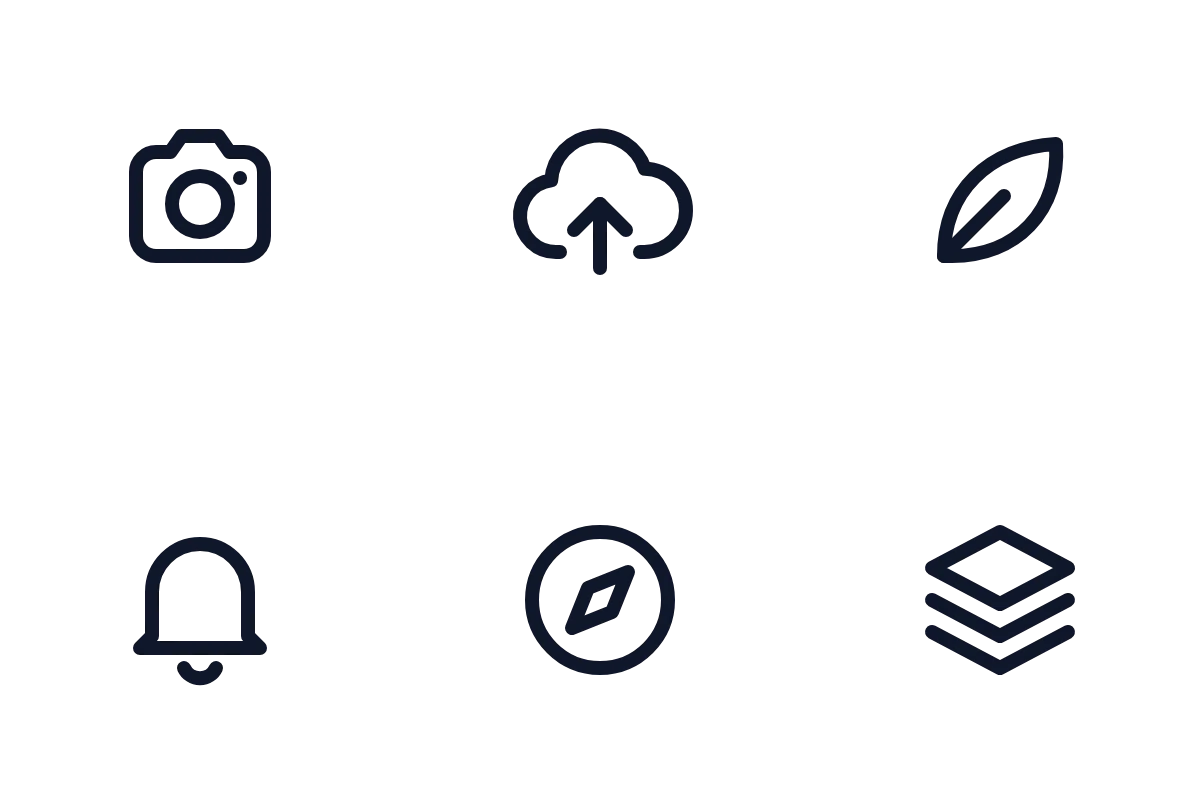
6 files · 192 × 192 px · PNG · 8× · ZIP
Only a viewBox: sized from it, saved as one ZIP.
 SVG → PNG
2,800 × 880 px · PNG · 4×
Its Google Font renders right, in a transparent PNG at 4×.
SVG → PNG1,748 × 2,480 px · PNG · 300 DPI
Sized in millimeters, saved at 300 DPI for print.
SVG → JPG1,600 × 1,600 px · JPG · 2×
Gradients, filters and CSS classes intact, as a JPG on your chosen color.
SVG → PNG2,800 × 880 px · PNG · 4×
Its Google Font renders right, in a transparent PNG at 4×.
SVG → PNG6 files · 192 × 192 px · PNG · 8× · ZIP
Only a viewBox: sized from it, saved as one ZIP.
SVG → PNG1,440 × 880 px · PNG · 2×
draw.io style labels in foreignObject stay in place.
Your browser draws each file, then the converter checks what failed.
Tip: 2× suits screens; for print, type exact pixels and pick 300 DPI.
Many converters drop text, print a red X for linked images or quietly change your size.
CSS styles, gradients, filters and foreignObject labels, drawn by your browser's own SVG engine.
Google Fonts and linked images are embedded before drawing; any that fail are listed.
Each file lists its own problems, like a missing font, and how to fix them.
1×, 2×, 4×, 8× or exact pixels, shown before you download. Never changed behind your back.
Each top-level group becomes a Photoshop layer, named after its id or label.
Up to 50 files in one ZIP. PNG and JPG get 96 DPI, or 72, 150 or 300.
How it works and how to get sharp results.
Neither is better; they work differently. SVG stores shapes as drawing instructions, so it stays sharp at any size. PNG stores a fixed grid of pixels, but opens everywhere: slides, documents, chat apps and upload forms. PNG is lossless and keeps transparency, so a large enough PNG loses nothing you can see.
An SVG has no fixed pixel size. The converter reads its width and height, turning mm, cm, in and pt into pixels at 96 per inch, or uses the viewBox. 2×, the default, keeps text sharp on Retina screens; pick 4×, 8× or exact pixels for more. Shapes are redrawn, never stretched.
Fonts installed on your computer work as they are. Web fonts, such as Google Fonts loaded with @import, are downloaded and embedded first, so letters keep their shape. If a font cannot be fetched, the note names it and says a fallback was used. The sure fix: outline the text, then export again.
draw.io puts labels in foreignObject, HTML inside the SVG. Many converters drop it; some apps show "Text is not SVG - cannot display". Drawing with the browser keeps those labels. Linked images are downloaded and embedded first; one whose server blocks reading is named in the notes, never printed as a red X.
PNG keeps transparency and is the default. JPG has none, so it gets white or a color you pick; WebP is smaller and can stay transparent. The PSD gives each top-level group a layer. DPI adds no pixels; it sets the print size. For A5 (148 mm wide) at 300 DPI, use 1748 pixels.
Common jobs for an SVG to PNG converter.
A transparent PNG logo at 2× for websites, slides and email.
A whole icon set in one batch, as a ZIP.
draw.io diagrams with every label, for wikis and reports.
Posters at 300 DPI, or a layered PSD to keep editing.
Text, quality, batches, privacy, size and PSD.
Drop your SVG files, pick a size and download. Free, converted on your device.