Start with a clear photo
Use a sharp photo with the whole subject in view. Any background works; even light gives the most natural result.
Change background of any photo in about a minute. Upload a person, pet or product and describe the new background: AI draws the scene and relights your subject to match, with natural shadows. Or put it on a color, a gradient or a picture of your own, and adjust it as often as you like.
Try one of these
Eight everyday photos run through this background changer: six AI scenes and two colors. Use one to change background in one click.
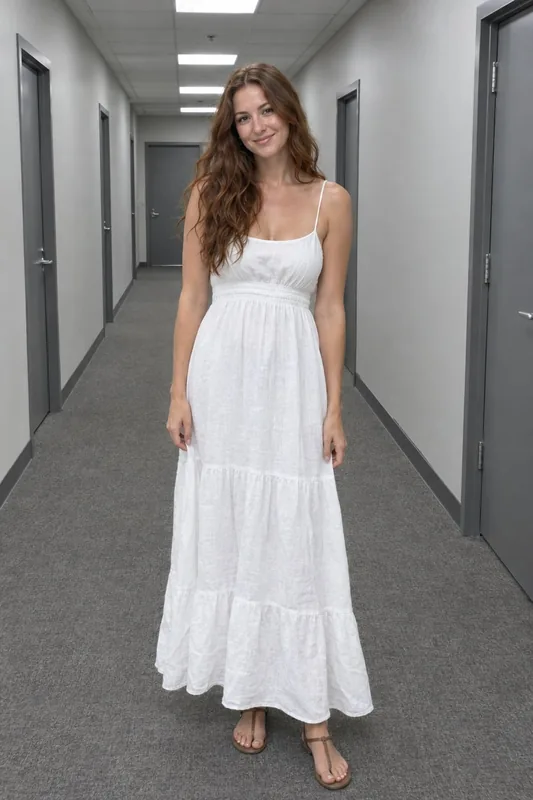
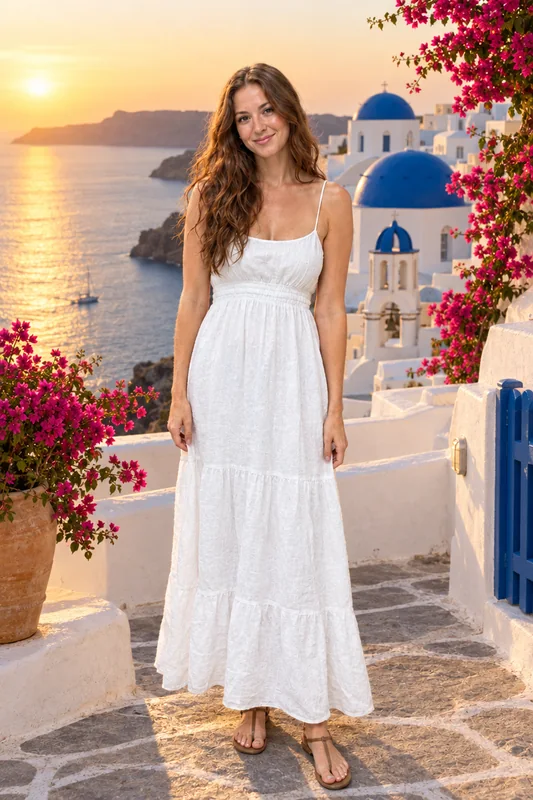
Change background from an office hallway to a sunset terrace above the sea.
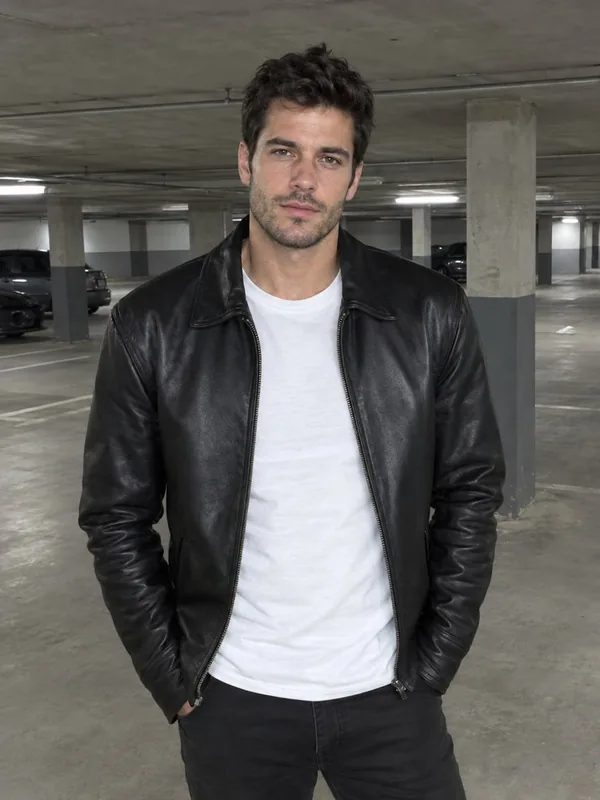
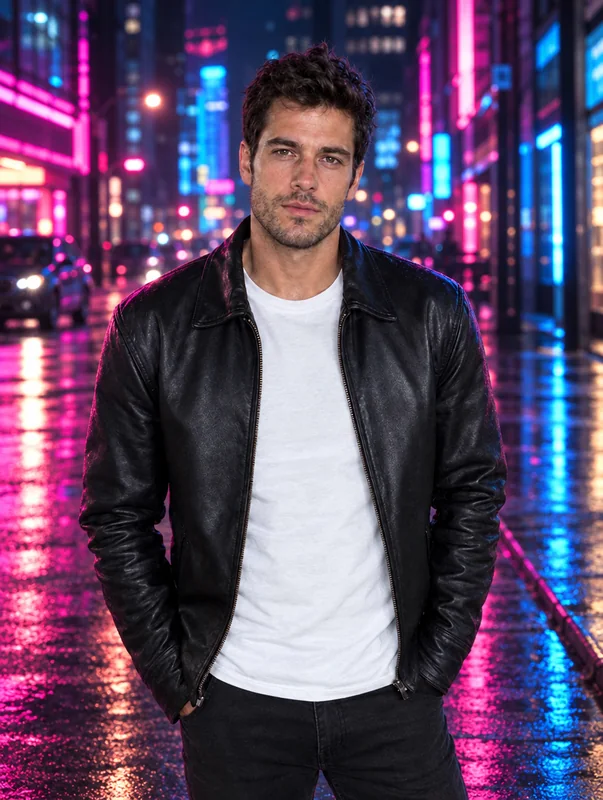
A leather jacket portrait relit by pink and blue city lights after rain.
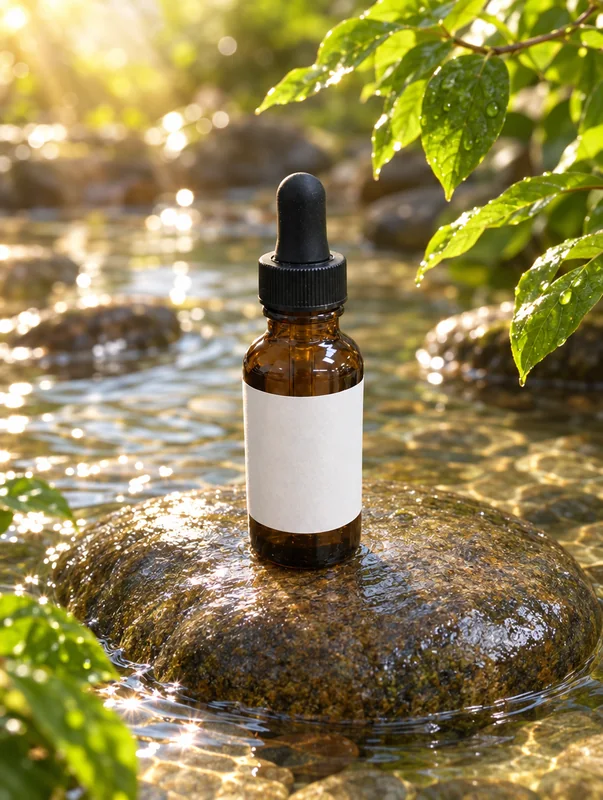
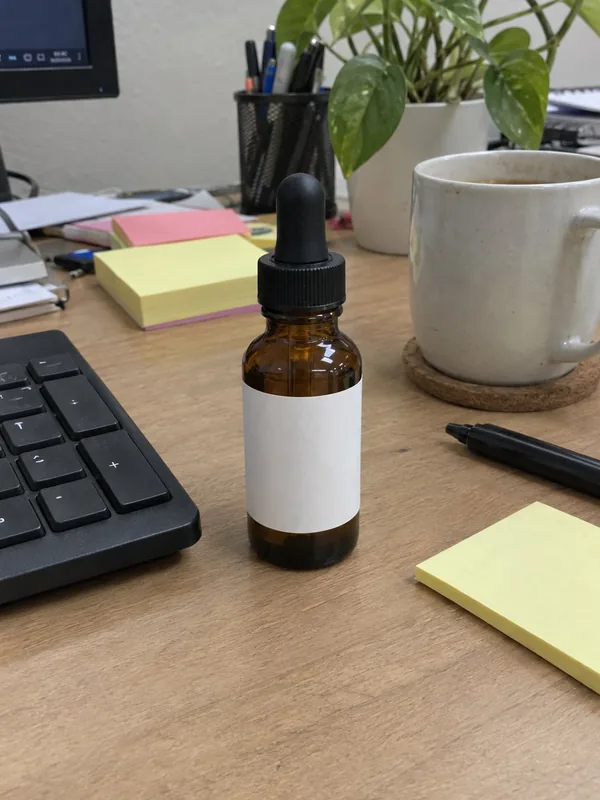
A serum bottle lifted off a busy desk onto a wet stone in morning sun.
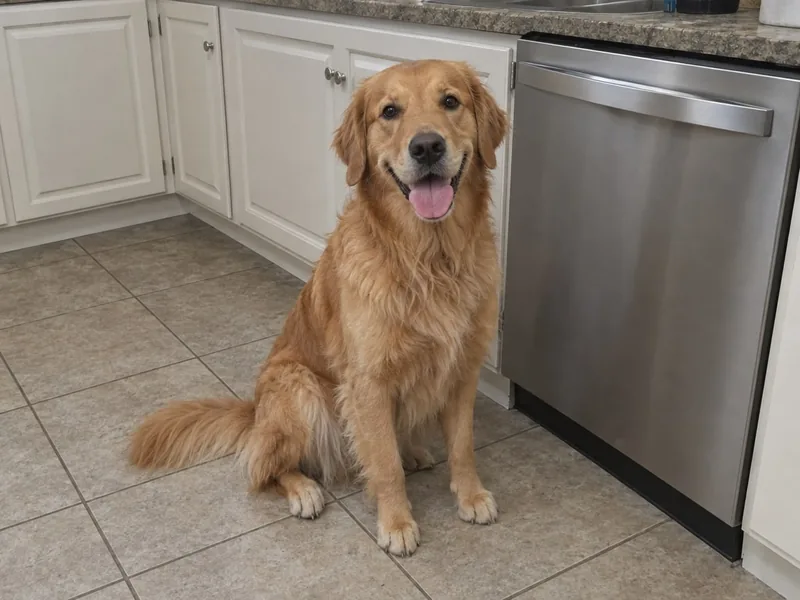
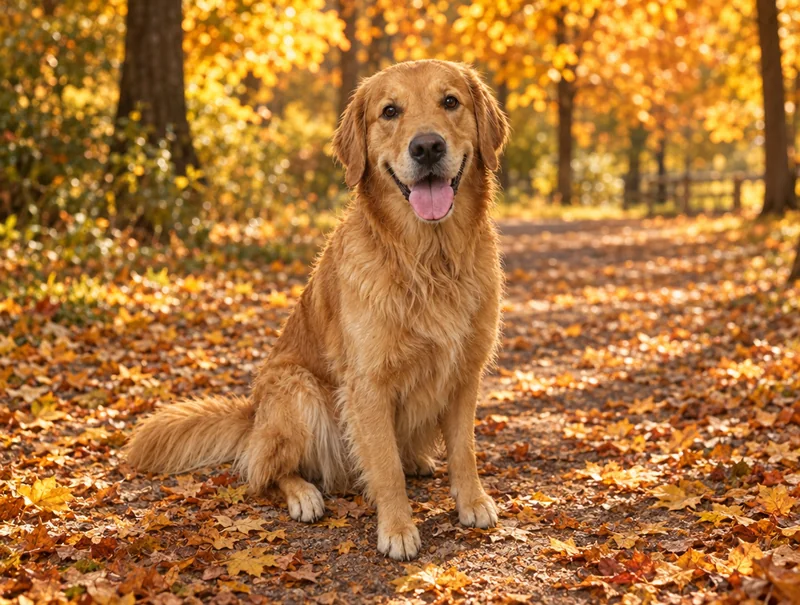
A golden retriever on a path of golden leaves, every strand of fur kept.
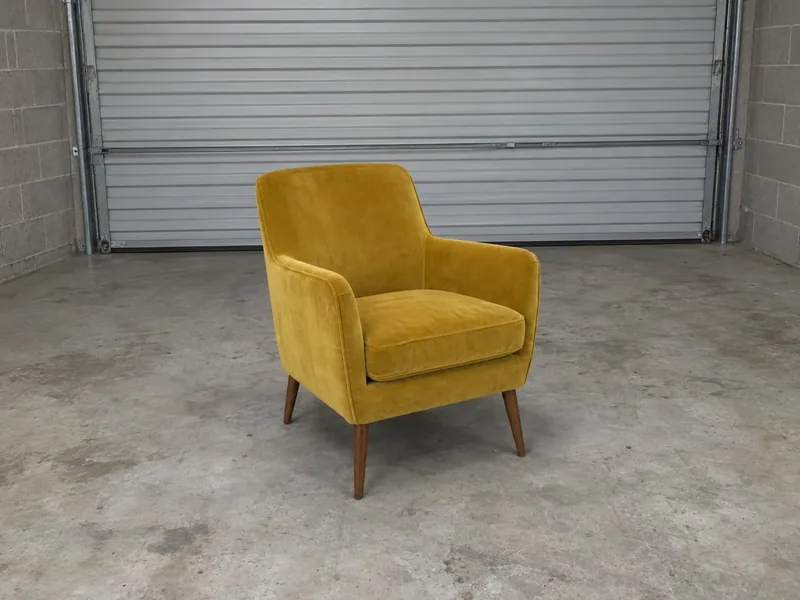
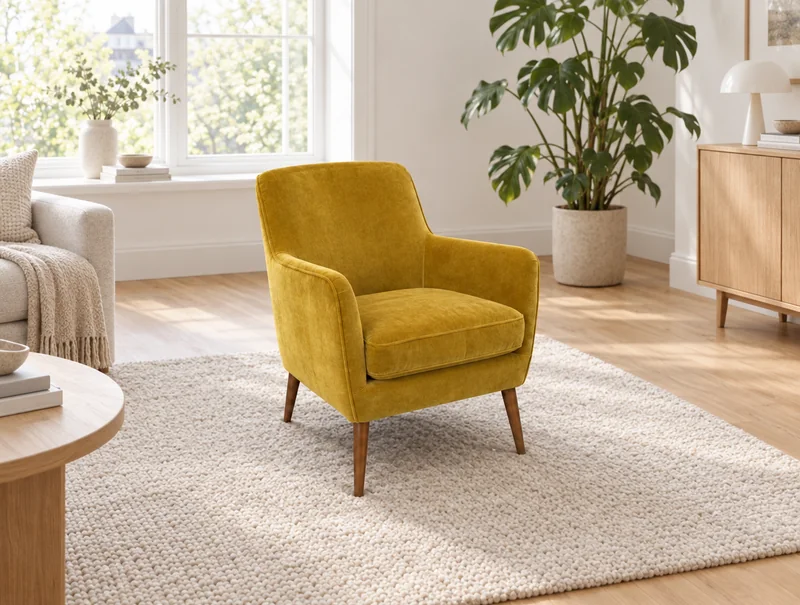
A velvet armchair staged in a bright room with a rug, ready to sell.
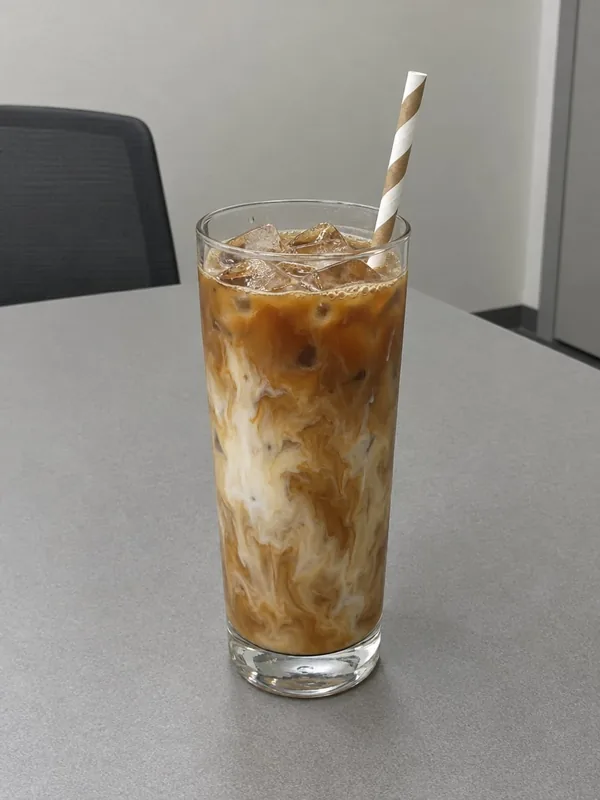
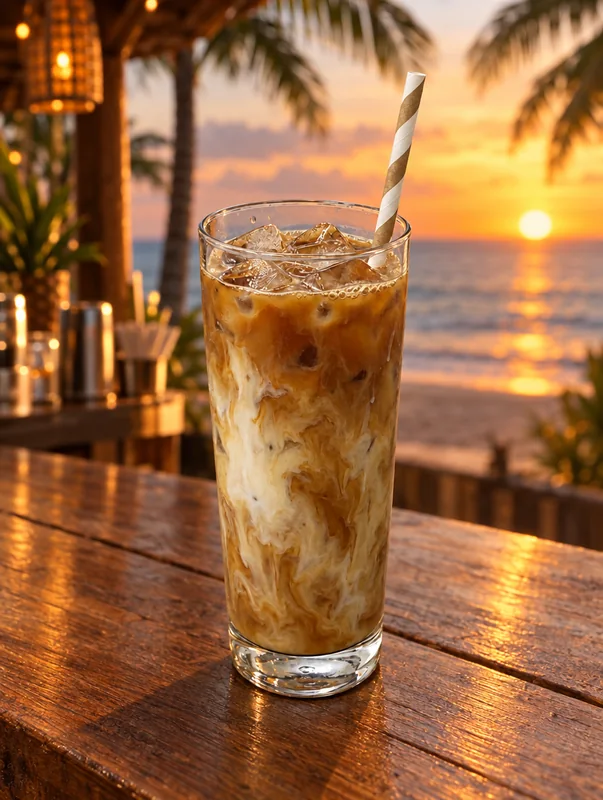
An iced coffee on a wooden bar at sunset, the glass and ice kept clear.
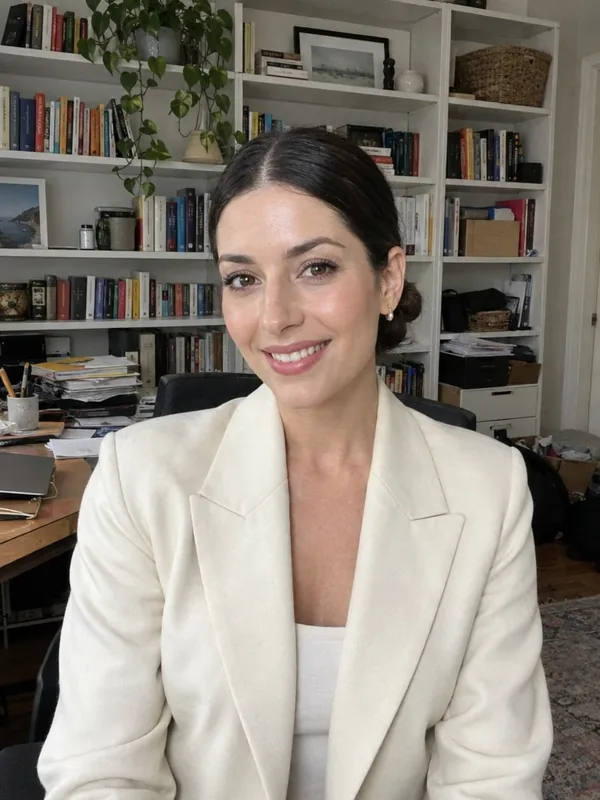
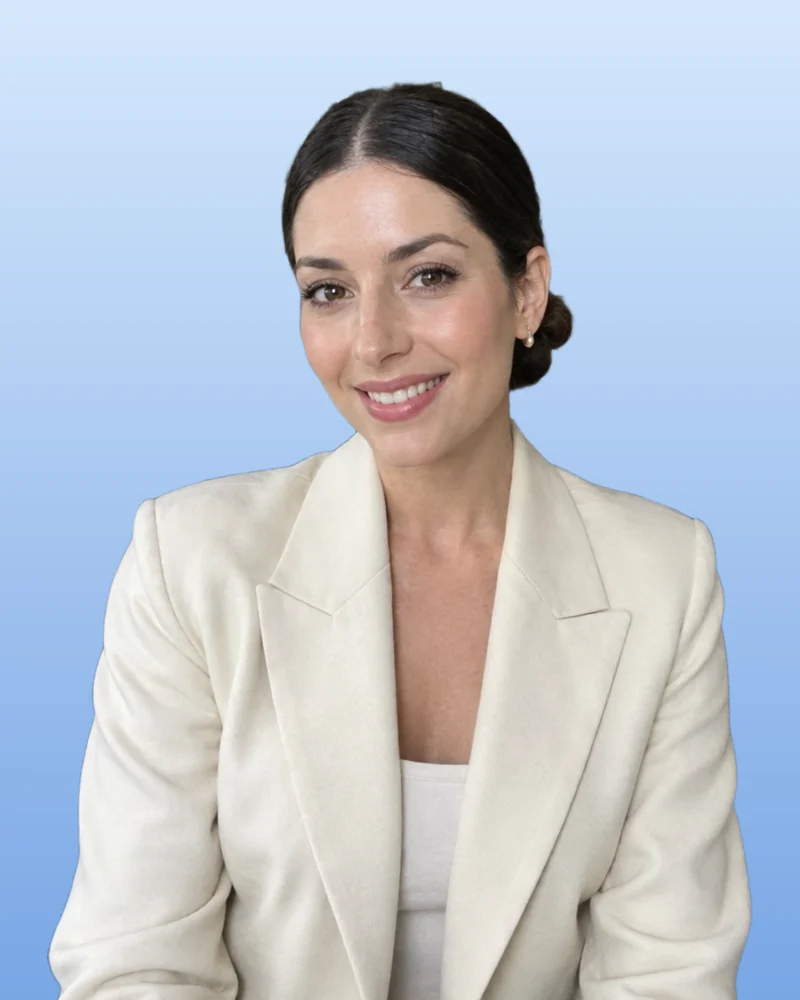
A headshot on a soft blue gradient in a 4:5 frame for a profile photo.
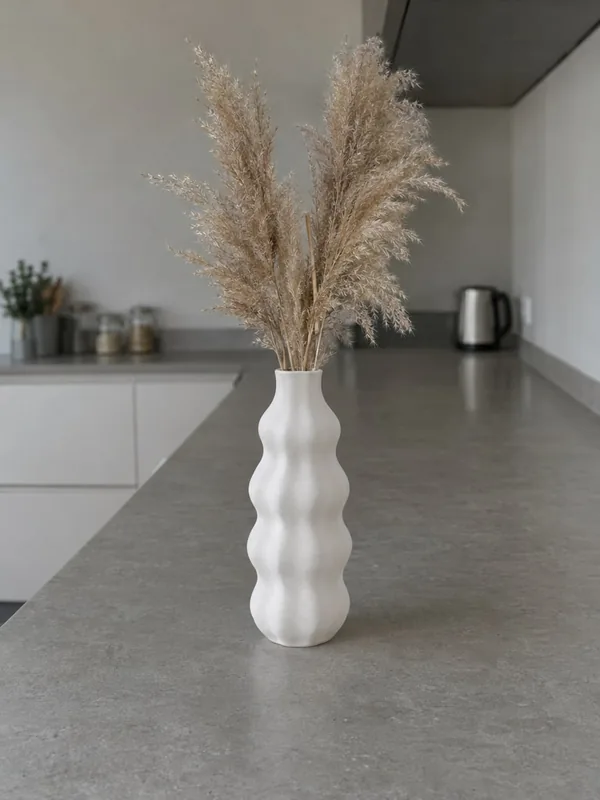
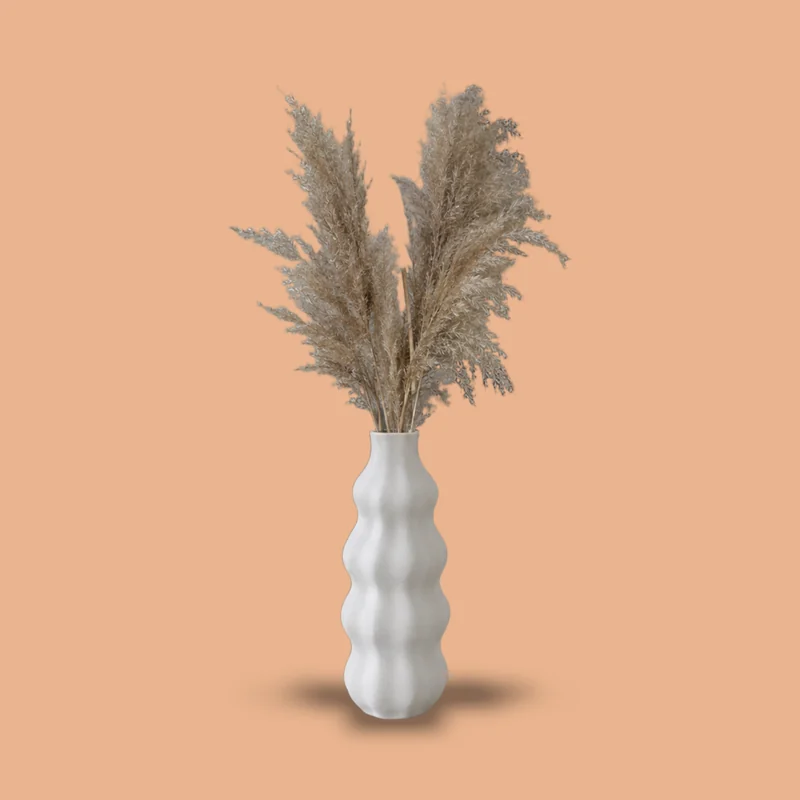
A ceramic vase on a warm solid color with a floor shadow, square for shops.
Change background of a photo in three steps.
Drop, paste or choose a photo of a person, a pet, a product or furniture, taken anywhere.
Choose AI scene and pick a preset or describe the new background in your own words, or choose Color or picture.
Your photo with its new background is ready in about a minute. A color or picture background changes for free until you download.
Six things it does well, for people, pets and products.
Describe any place, from a studio to a beach at golden hour, and AI draws it behind your subject with the right perspective.
Your subject is relit to fit the new background, with soft contact shadows, so the photo looks as if it was taken there.
Faces, hair, clothes, fur and product details stay as they are while the background around them changes.
Choose Color or picture to put the cutout on a solid color, a gradient or a picture of your own, with a shadow if you like.
An AI scene is 3 credits. A color or picture background is 1 credit, and every change to it afterwards is free.
Ten presets, including studio, marble, beach, city, forest and neon night, write the scene for you to edit.
Five short tips to change background so the photo looks real.
Use a sharp photo with the whole subject in view. Any background works; even light gives the most natural result.
Name the place, the time of day and the light, such as a quiet beach at sunset. A short sentence works best, in any language.
Warm golden hour suits outdoor portraits, soft studio light suits products, and neon night suits fashion and street photos.
Choose Color or picture for a solid or gradient background behind products and headshots, or add a background to a photo with a picture of your own.
Every AI scene is drawn fresh. Press Run again for a new version of the same scene, or change a few words.
Common reasons to change background in a photo.
Show products on colors, in kitchens, studios and outdoor scenes without a photo shoot.
Turn everyday snaps into travel and city shots for posts and stories.
Change background of a headshot to a clean color or gradient for profiles, CVs and team pages.
Stage furniture in bright, styled rooms instead of a garage or a warehouse.
Answers about scenes, colors, sizes and credits.
Upload the photo, choose AI scene and describe the new background, or choose Color or picture, then press Change background. The result is ready in about a minute.
Yes. Faces, hair, clothes and product details are kept. In an AI scene the subject is relit to match the new light, so it blends in naturally.
An AI scene costs 3 credits a photo. To change background color or use a picture costs 1 credit, and changing it afterwards is free.
Yes. Choose Color or picture, then pick white, grey, black, a pastel, any color you like or one of six gradients.
Yes. Choose Color or picture and then Picture: your picture fills the frame behind the subject and stays in your browser.
Any place you can describe: a studio, a marble table, a beach, a city street at night, a forest or a cozy cafe, in your own language.
An AI scene comes back at about one megapixel in your photo's own shape. A color or picture result downloads at 1000, 1600 or 2000 pixels or full size, as JPG or PNG.
People, pets, products, furniture, food and drinks all work well. A clear photo with the whole subject in view gives the cleanest edges.
Upload a photo and change background to a new scene, color or picture in about a minute.
Upload a photo