AI Sticker Generator
Describe a sticker or add a photo: the AI sticker generator draws it on a truly transparent background. Pick a white border afterwards and download a PNG or a chat sticker.
Try one of these
- A real transparent PNG
- A white border you can change
- 3 credits a sticker
- WhatsApp and Telegram size
How to make a sticker with the AI sticker generator
Three steps and about half a minute with the AI sticker maker.
- 1
Describe it or add a photo
Write what the sticker shows, such as a corgi astronaut with a tiny planet, or add a photo of your pet, product or logo to turn into a sticker. Put any words in quotes.
- 2
Pick a style
Cute, cartoon, 3D, pixel art, retro badge or watercolor, or keep Any style. Stickers are square by default; other shapes are one click away.
- 3
Choose a border and download
Open the result, pick no border, a thin or a thick white die-cut border, and download a full-size PNG or a 512 px chat sticker.
Stickers made with this AI sticker generator
Every sticker below came from the prompt shown with it on GPT Image 2.5 Flare, on a transparent background, with the white border added afterwards. Two started from a photo. Use an example to load its prompt, style and photo.
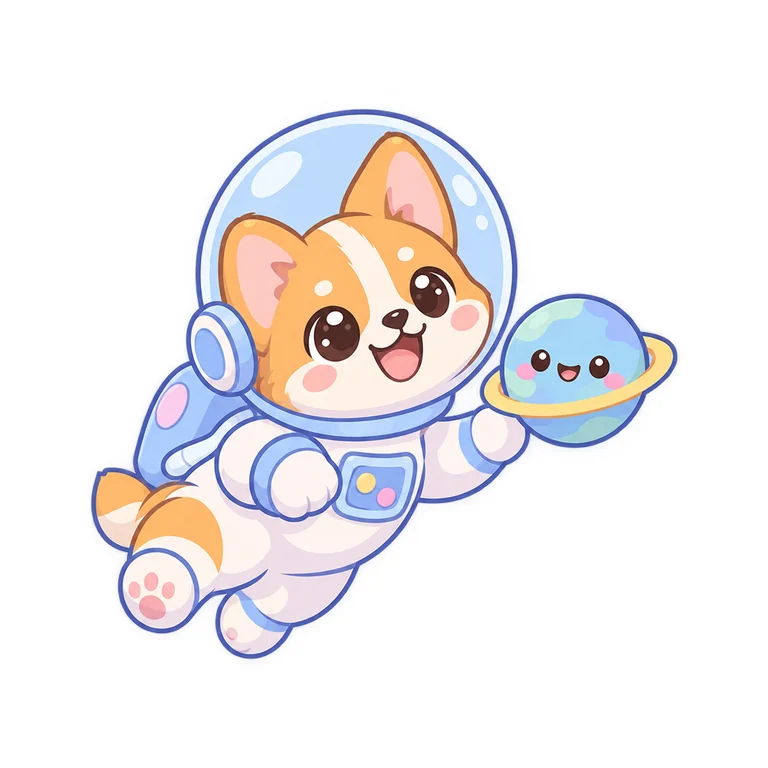 Cute
CuteCorgi astronaut
A corgi astronaut floating with a tiny planet, big happy eyes.
 Cartoon
Halloween ghost
A friendly little ghost holding a jack-o-lantern, with the word "BOO!" in bubbly letters.
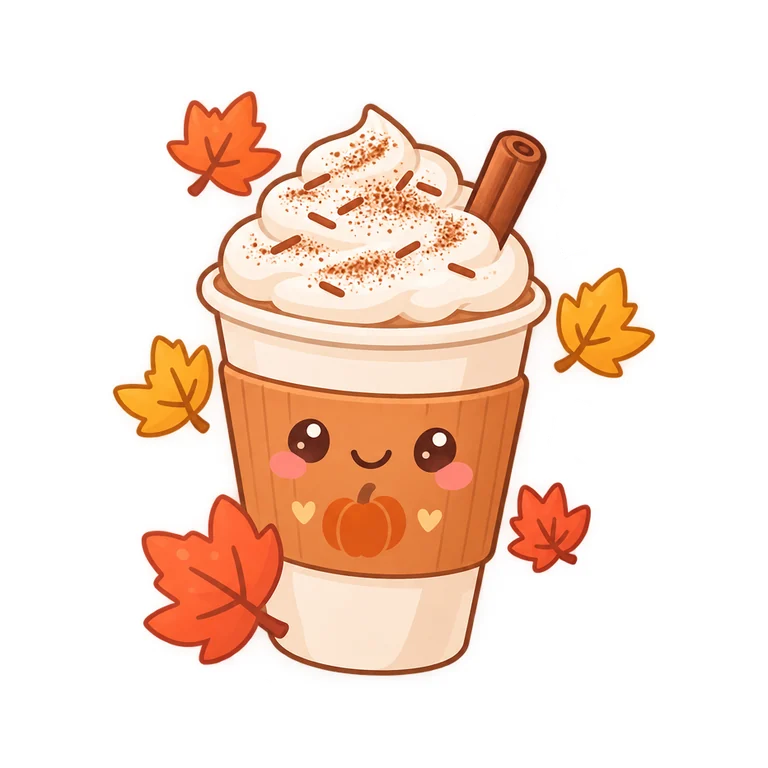 Cute
CutePumpkin spice latte
A pumpkin spice latte cup with a smiling face, whipped cream and cinnamon, falling maple leaves.
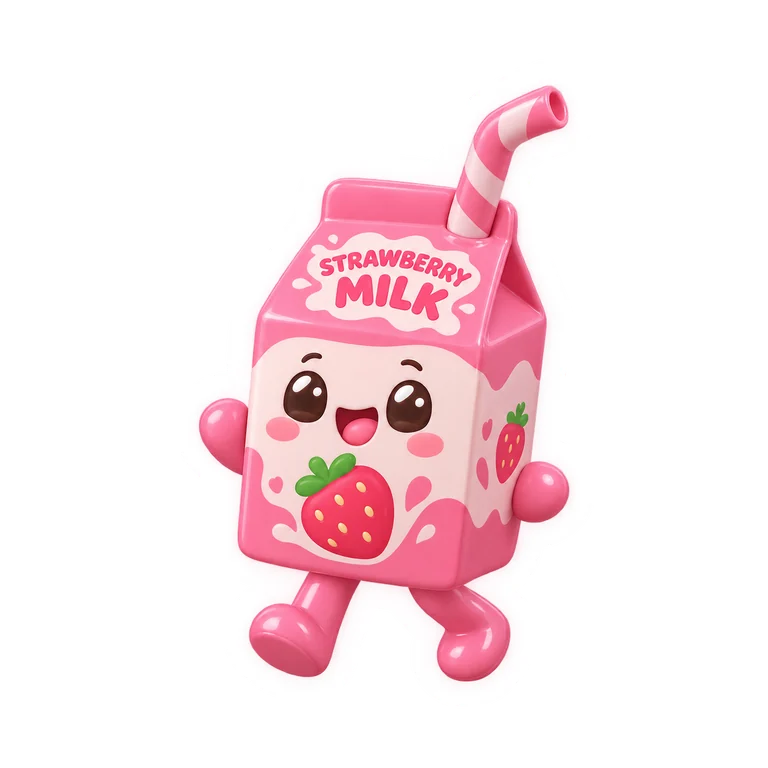 3D
3DStrawberry milk carton
A strawberry milk carton with little legs and a straw, cheerful pink.
 Pixel art
Pixel art mushroom
A red spotted mushroom with a sparkling star next to it, like a retro video game power-up.
 Retro badge
Retro camping badge
A round camping badge with pine trees, mountains and a campfire under the word "WANDER".
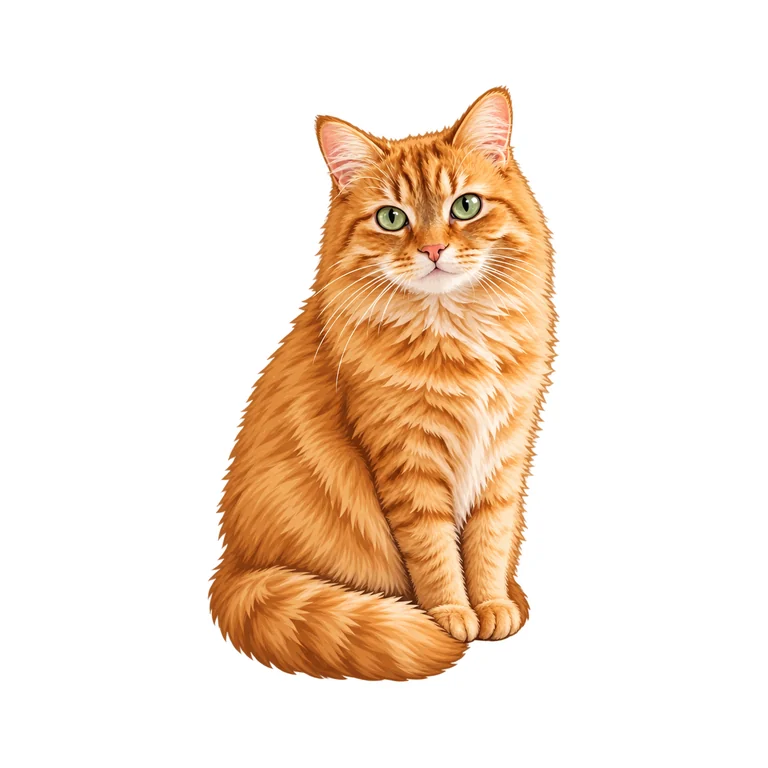
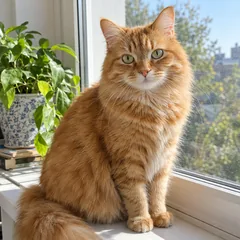
Photo Any styleCat photo to sticker
My cat as a cute sticker, sitting with its tail curled around its paws.
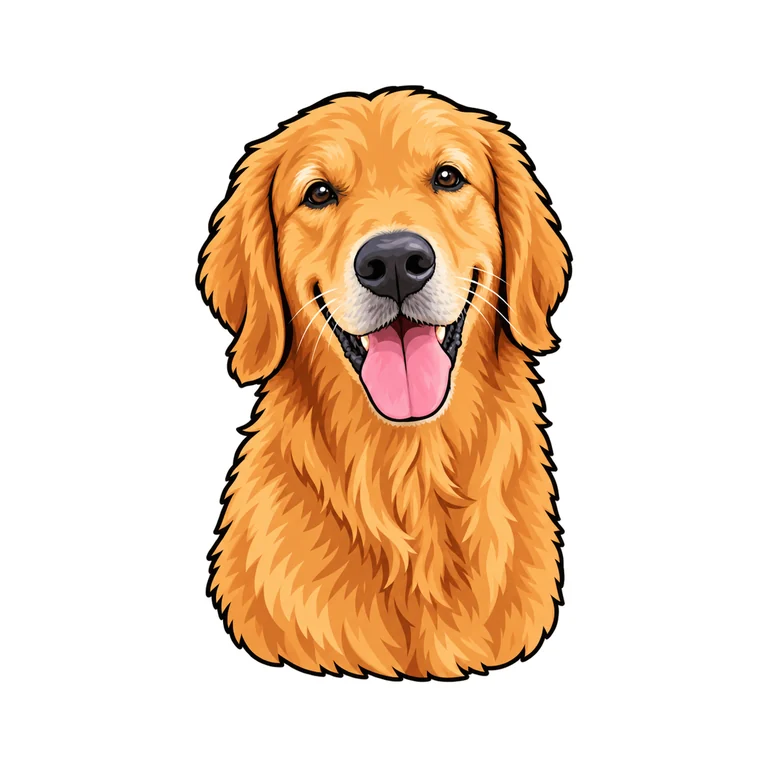
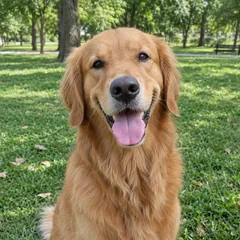
Photo CartoonDog photo to sticker
My dog as a cartoon sticker with its tongue out.
What the AI sticker generator does well, and what is still hard
Stickers are one of the things AI images do best, but a few cases still need care.
Works well
- Characters, animals, food and objects with a clear outline
- Short words in quotes, such as BOO! or a name
- Pets and products from a sharp photo
- Cute, cartoon, 3D, pixel and badge styles
Still hard
- Long sentences or tiny print on a small sticker
- Very thin, wispy parts at the edge, such as loose hair or smoke
- Several separate objects: close ones are joined by one border, far ones stay apart
- Characters, logos, brands or people you have no rights to
Thin parts at the edge look best with a thick border, which smooths the cut line and holds them together.
Why use this AI sticker generator
Stickers you can print, cut and send, not pictures on a white box.
A truly transparent background
The model draws the sticker on real transparency, so the PNG has no white box, no fake checkerboard and nothing to remove afterwards.
A white border you can change
The die-cut border follows the sticker's own outline and is added after it is made: none, thin or thick, changed in a click without a new run, always around the whole design.
Photo to sticker
Add a photo of a pet, a product or a logo and the AI sticker maker redraws its subject as sticker art that still looks like it.
Ready for chats
Download a 512 × 512 transparent WebP under 100 KB, the size WhatsApp and Telegram stickers use (Safari saves a PNG).
Six styles
Cute, cartoon, 3D, pixel art, retro badge and watercolor, each with its own brief, or describe any other look.
Print and cut
A full-size PNG with transparency for print then cut on a Cricut or a Silhouette, or for a sticker shop.
Guide: great stickers from an AI sticker generator
Five short notes on prompts, words, photos, borders and printing.
Describe one clear subject
A sticker works best as one shape: a character, an animal, an object or a badge. Name it, add an action or a prop and a style word, such as "a sleepy sloth hugging a coffee cup, cute style". The AI sticker generator keeps the background empty for you.
Words on a sticker
Put the words in quotes and keep them short, one to three words. Without quotes the sticker has no text at all, so a prompt like "my cat as a sticker" never turns into lettering.
Turning a photo into a sticker
Use a sharp photo where the subject fills most of the frame and is not cut off. Say what to keep, such as the collar or the curled tail, and pick a style: the subject is redrawn as sticker art, not just cut out.
Choosing the border
Thick suits printed stickers and busy outlines: it smooths the cut line and holds thin parts together. Thin keeps the design close to its shape, and none is for digital use or when you cut along the art yourself.
Printing and cutting
Stickers come out at 1024 × 1024 pixels, about 3.4 inches at 300 DPI, enough for most stickers. For Cricut print then cut, upload the PNG to Design Space, which uses the transparent edge as the cut line. For any size or a vector cut file, turn the PNG into an SVG with PNG to SVG, which keeps the transparent background.
Who uses the AI sticker generator
Anyone who wants a custom AI sticker today, for a laptop, a chat or a shop.
Chats and social
Custom WhatsApp and Telegram stickers of your pet, your team or your inside jokes.
Small shops and makers
Sticker designs for Etsy listings, packaging, thank-you notes and market stalls.
Planners and scrapbooks
Cute seasonal stickers for journals, planners, gifts and kids' crafts.
Events and brands
Badges and mascots for events, clubs, teams and product launches.
AI sticker generator FAQ
Short answers to the questions people ask most.
Make your first sticker with the AI sticker generator
Describe it or add a photo, pick a style and a border. Your sticker is ready in about half a minute.