A sunset sky
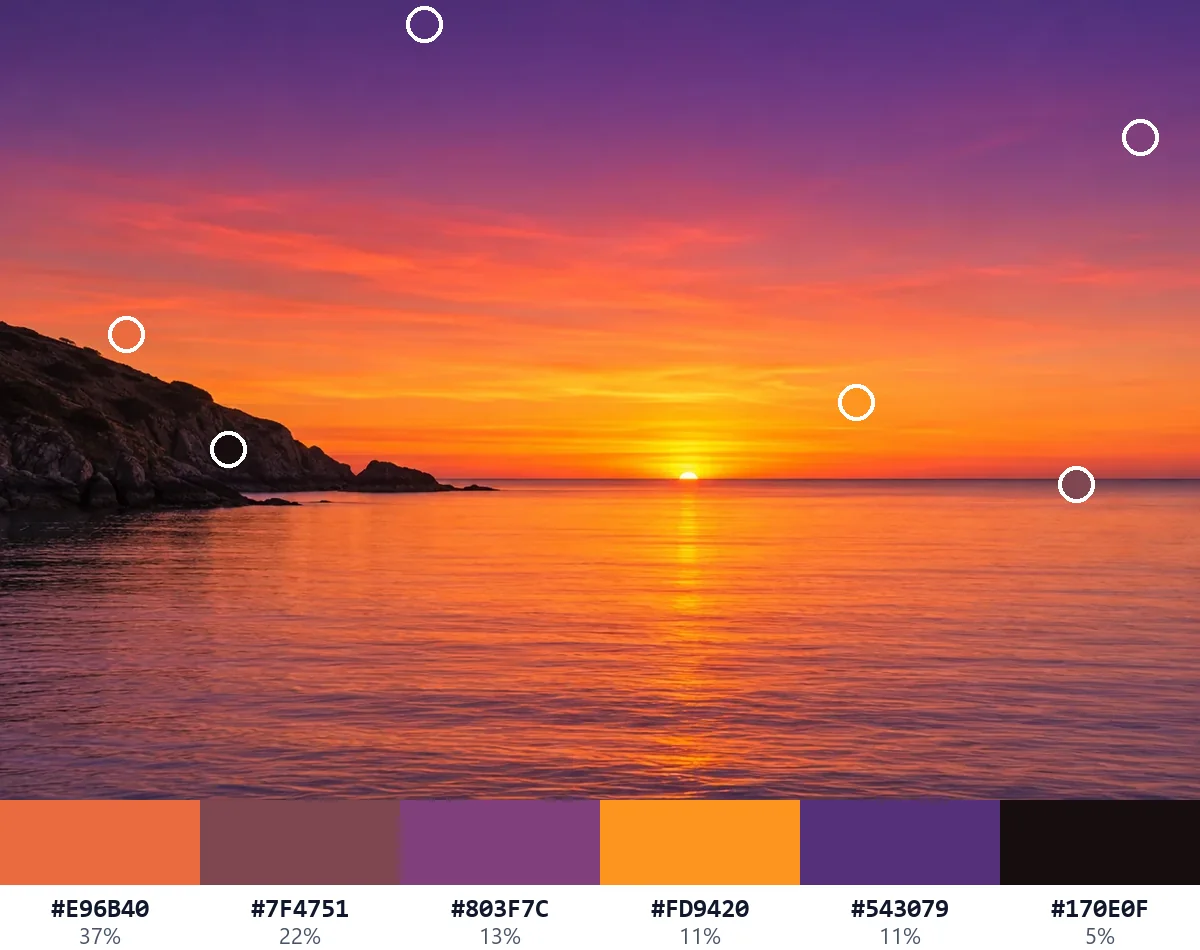
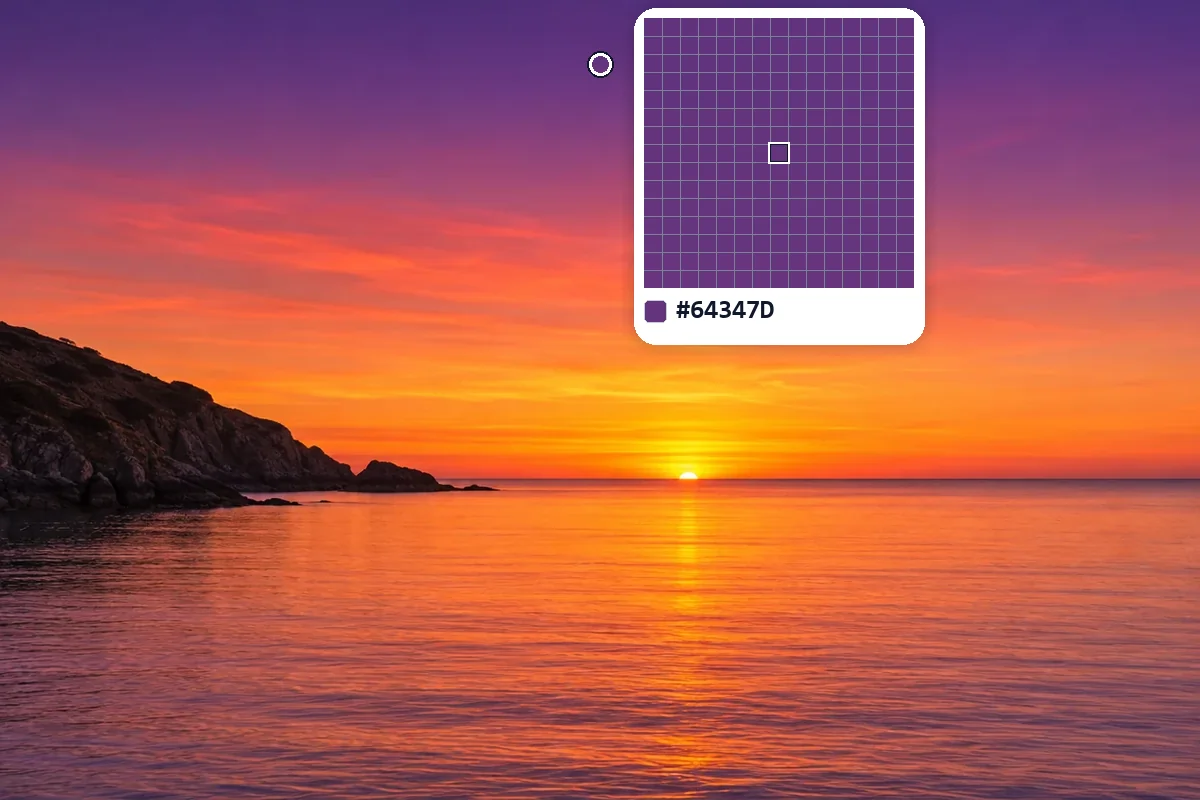
The violet at the top of the sky and the golden sun on the water, picked in two clicks. The main colors run from coral to deep plum.
Picked
#64347D#FFD205
Main colors
Open a photo, a logo or a screenshot and click any spot: this color picker from image gives you its exact HEX, RGB, HSL, CMYK, LAB and OKLCH, read from the full-size picture. A loupe shows every pixel, and the picture's main colors are found for you. Free, and nothing is uploaded.
Drop a picture here
Or paste one with Ctrl+V. JPG, PNG, WebP, GIF, AVIF or BMP, up to 40 megapixels. Nothing is uploaded.
Each picture below was read by this color picker from image: the ringed spots are the picks, and the strip shows the picture's main colors with their share. Open one to pick your own.
The violet at the top of the sky and the golden sun on the water, picked in two clicks. The main colors run from coral to deep plum.
Picked
Main colors

Three clicks give the logo's exact teal, yellow and coral. With the white background left out, the main colors are those three and nothing else.
Picked
Main colors

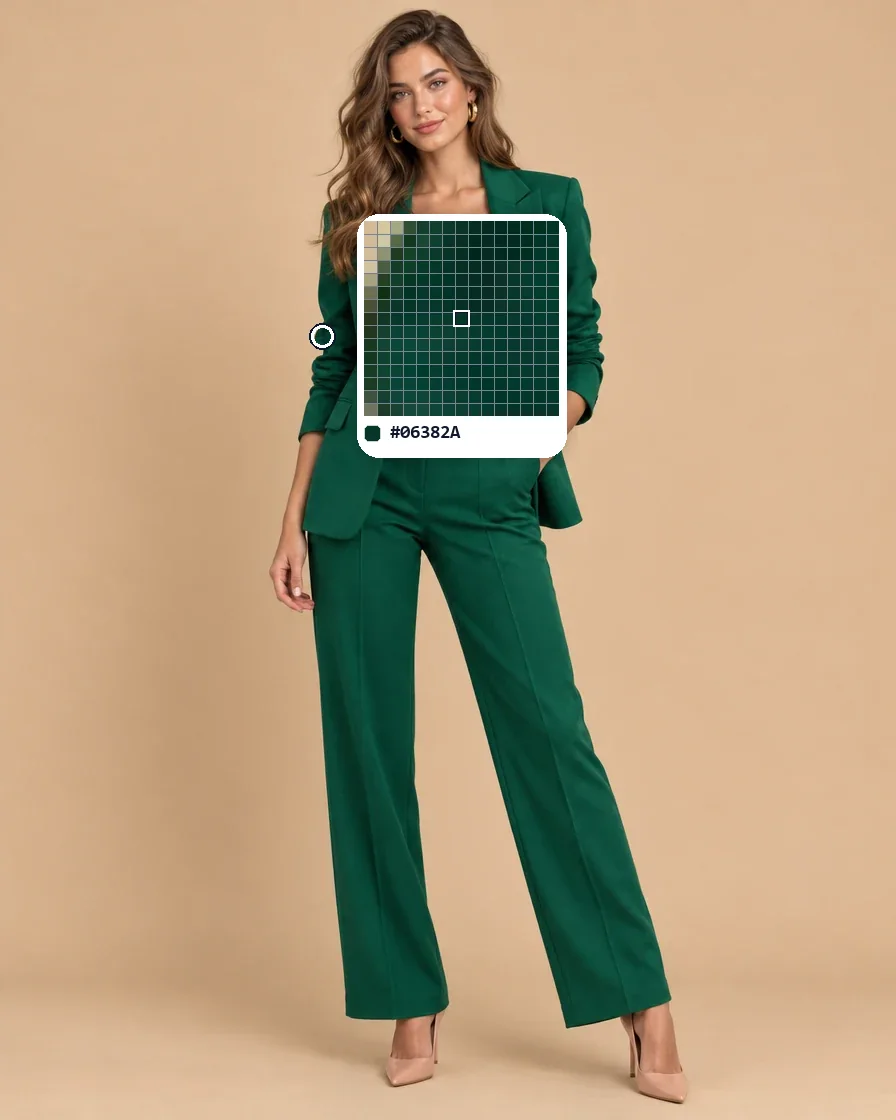
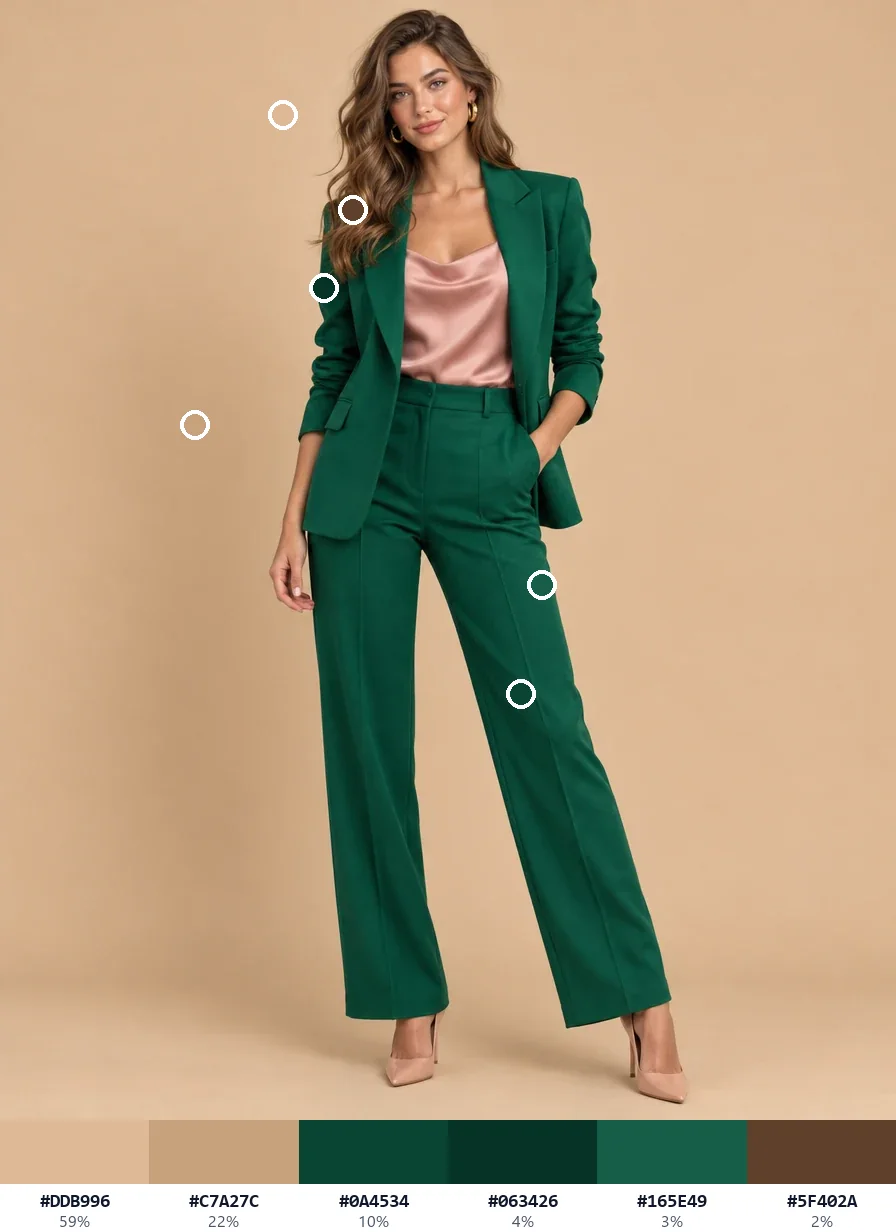
One click on the blazer and one on the silk top give the outfit's emerald green and blush pink.
Picked
Main colors

The sage of the sofa and the terracotta of the cushions, ready to match paint, fabric or a mood board.
Picked
Main colors
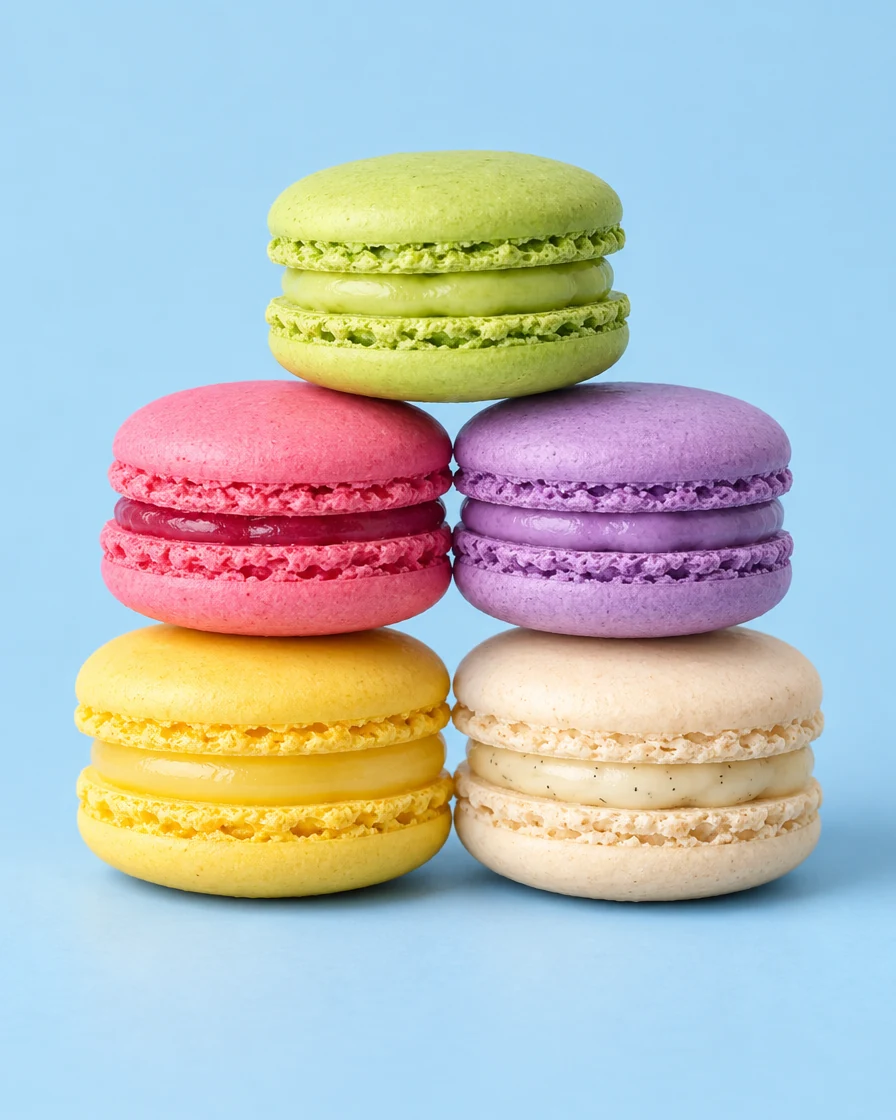
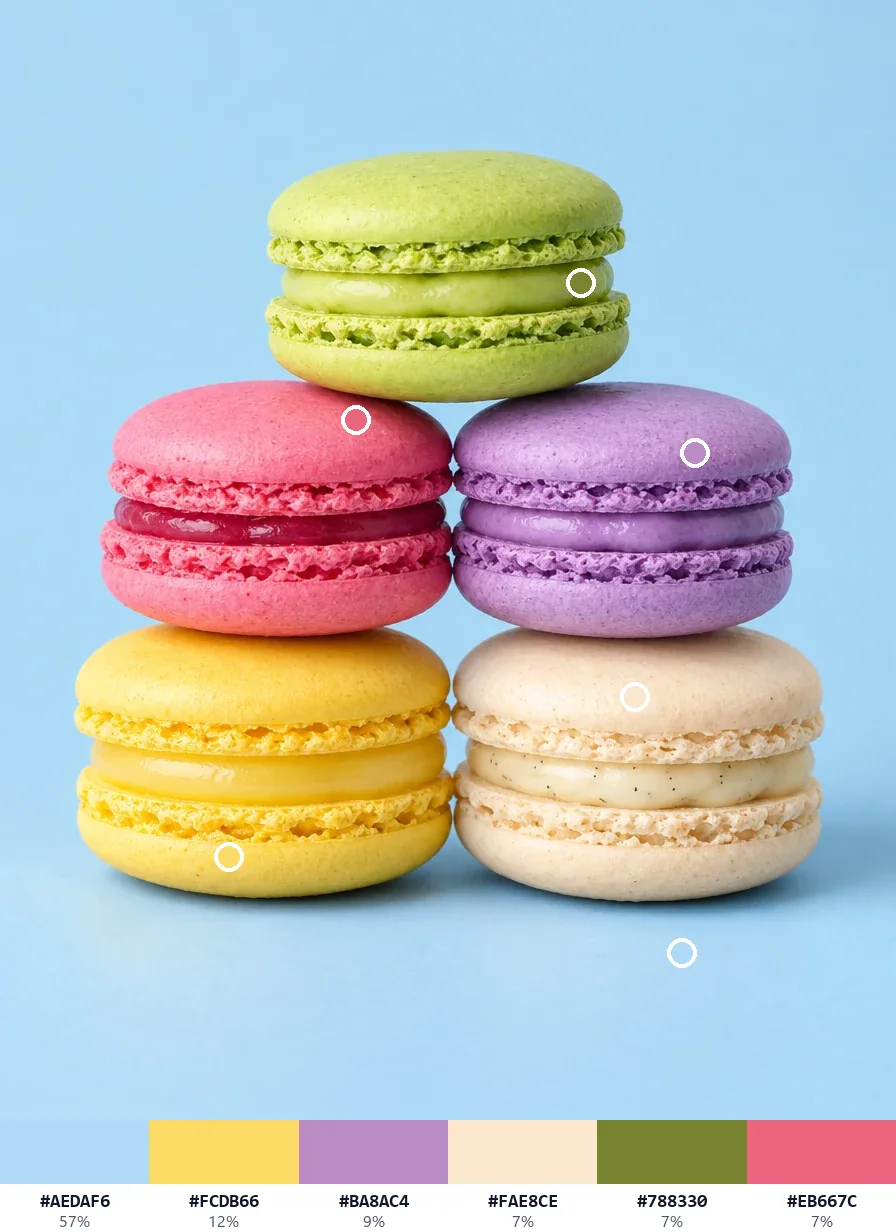
Pistachio and raspberry from two clicks, and the main colors add lemon, lavender and cream.
Picked
Main colors

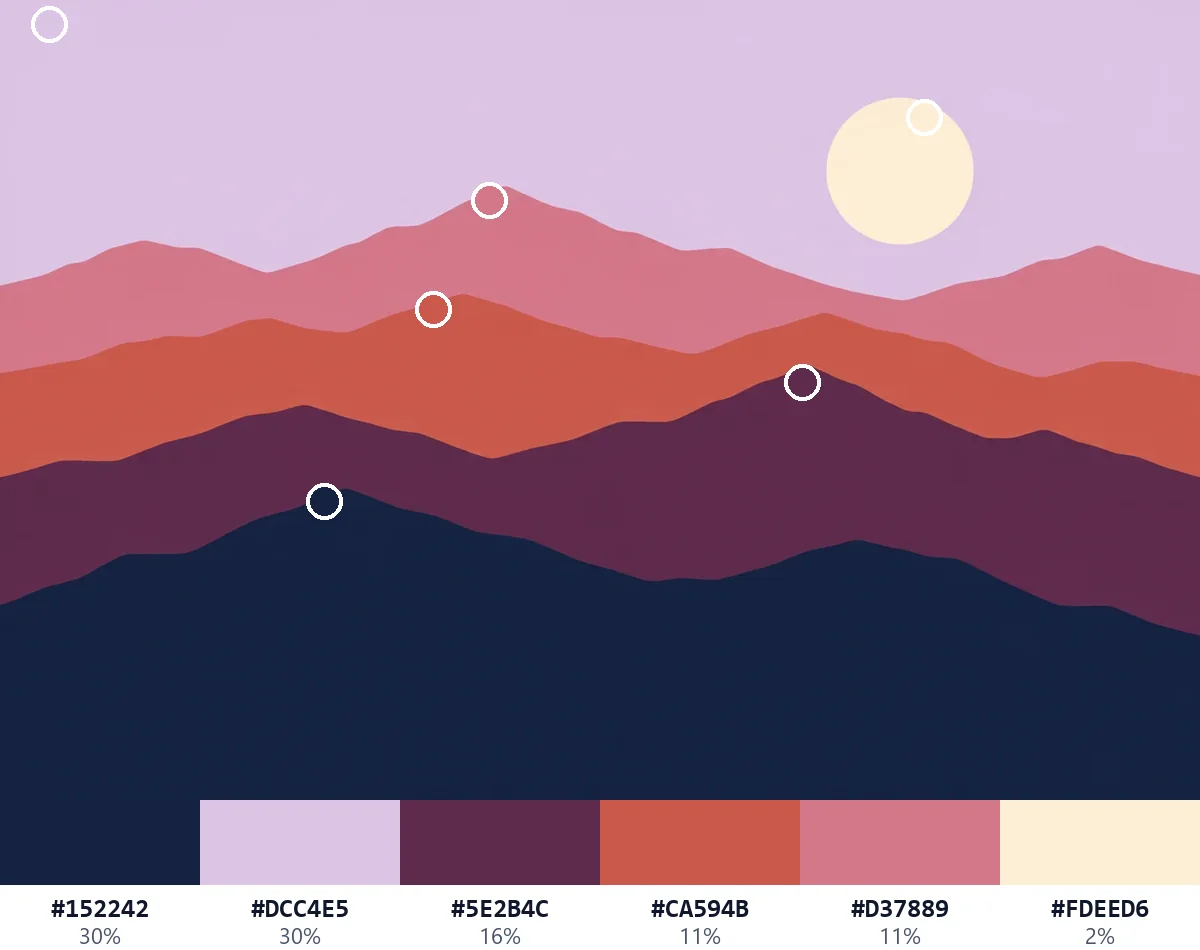
Flat shapes give exact codes: the cream sun and the plum mountains, with every layer in the main colors.
Picked
Main colors

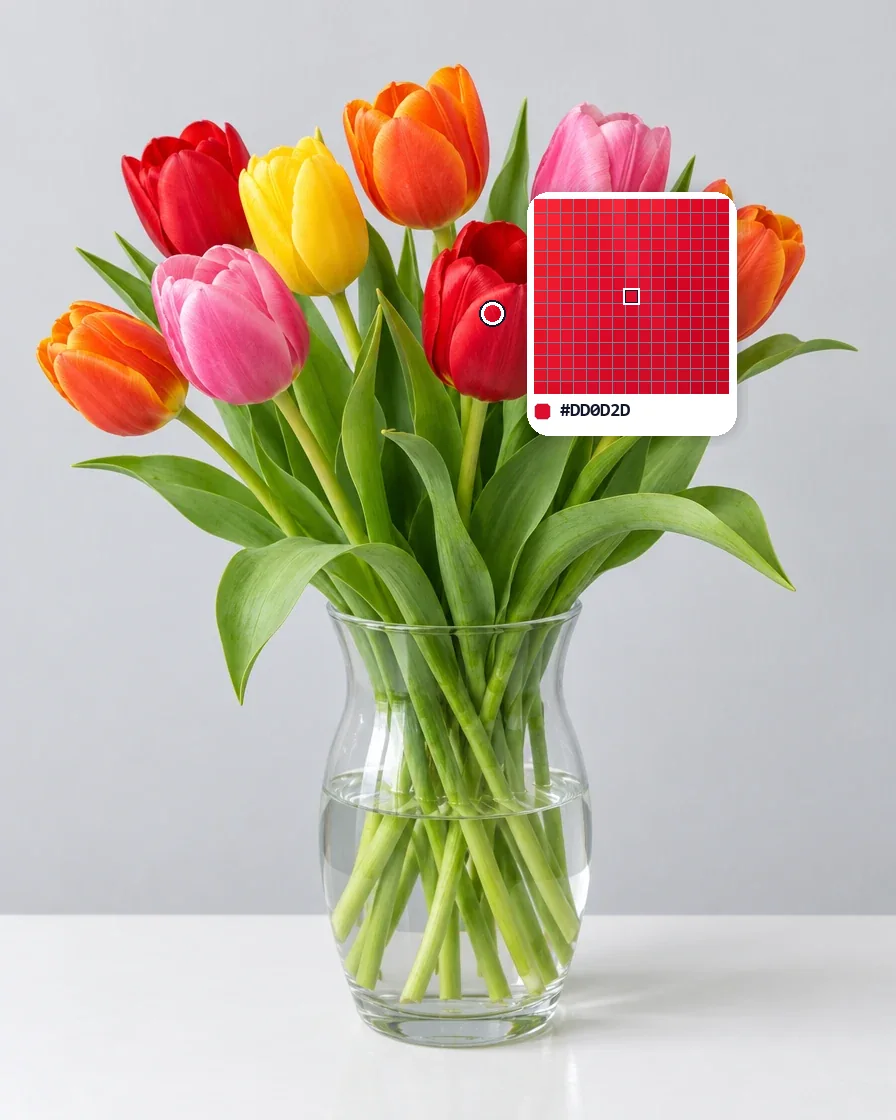
The red and the yellow of two tulips, each picked from the middle of a petal.
Picked
Main colors
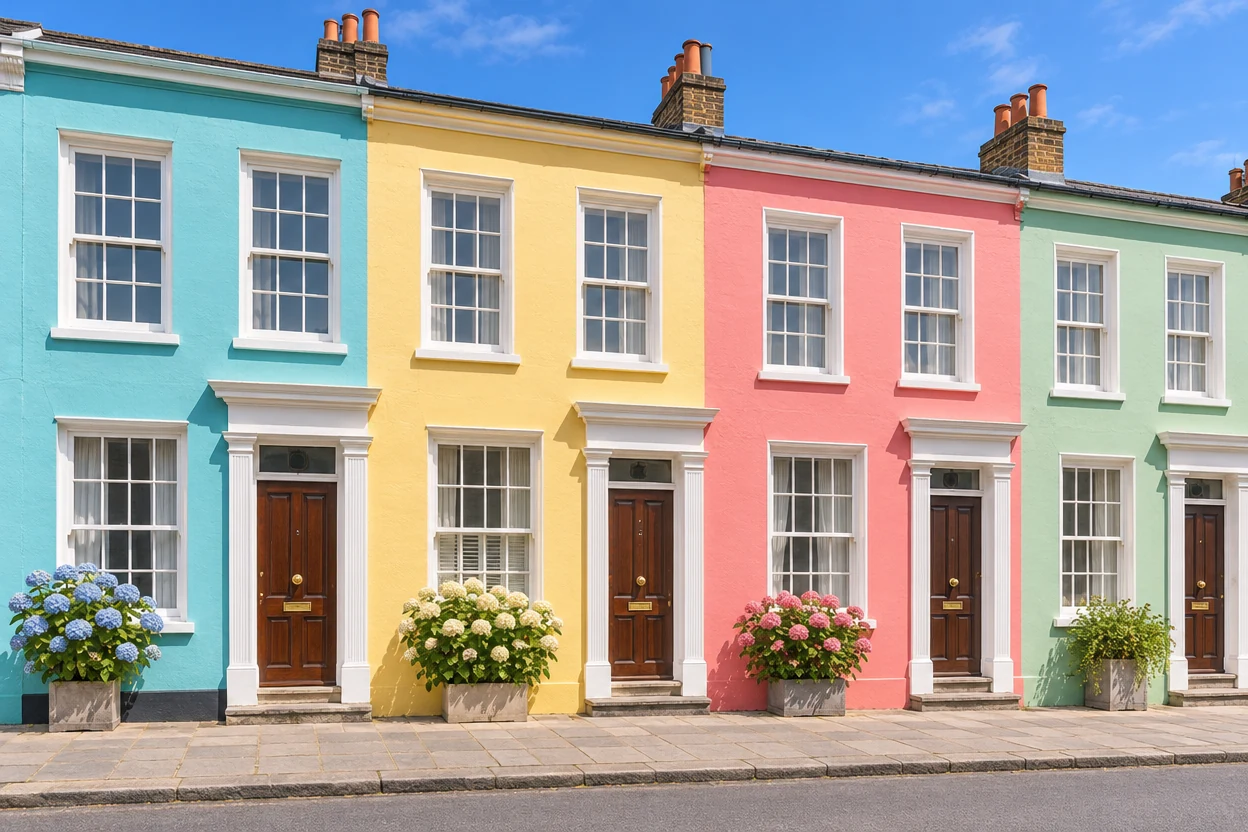
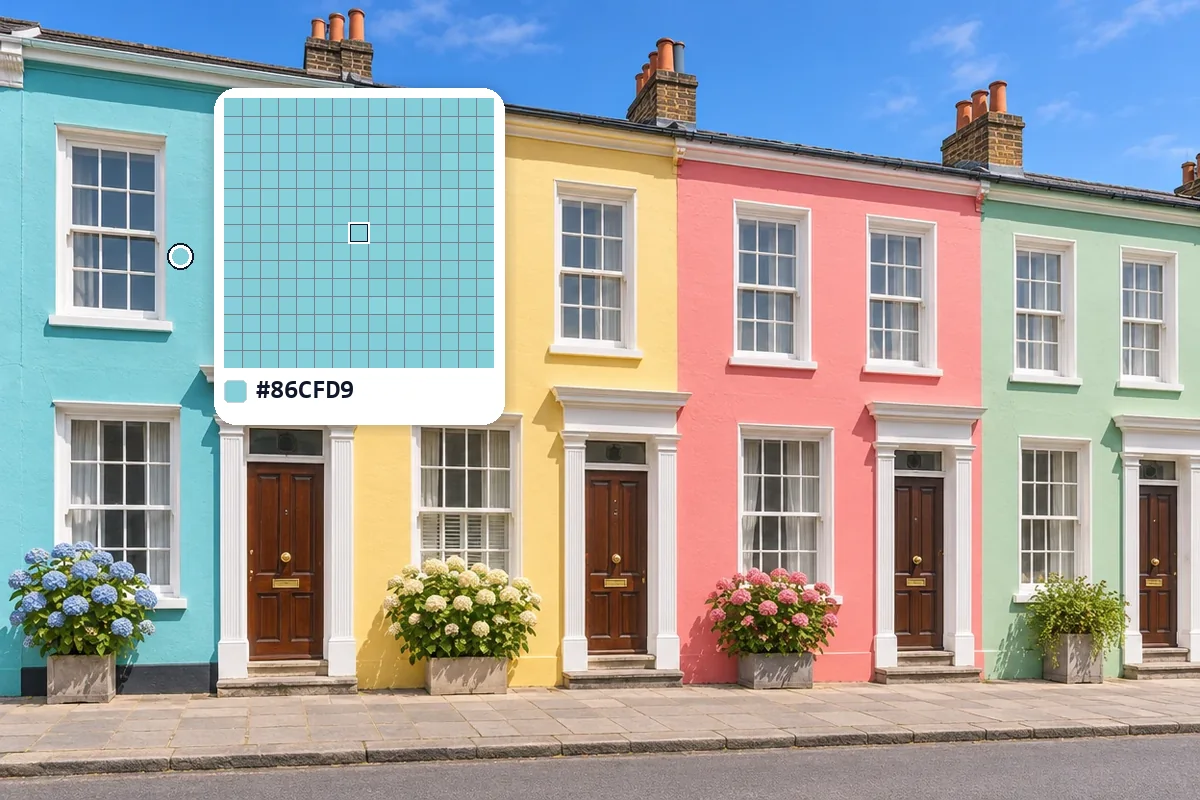
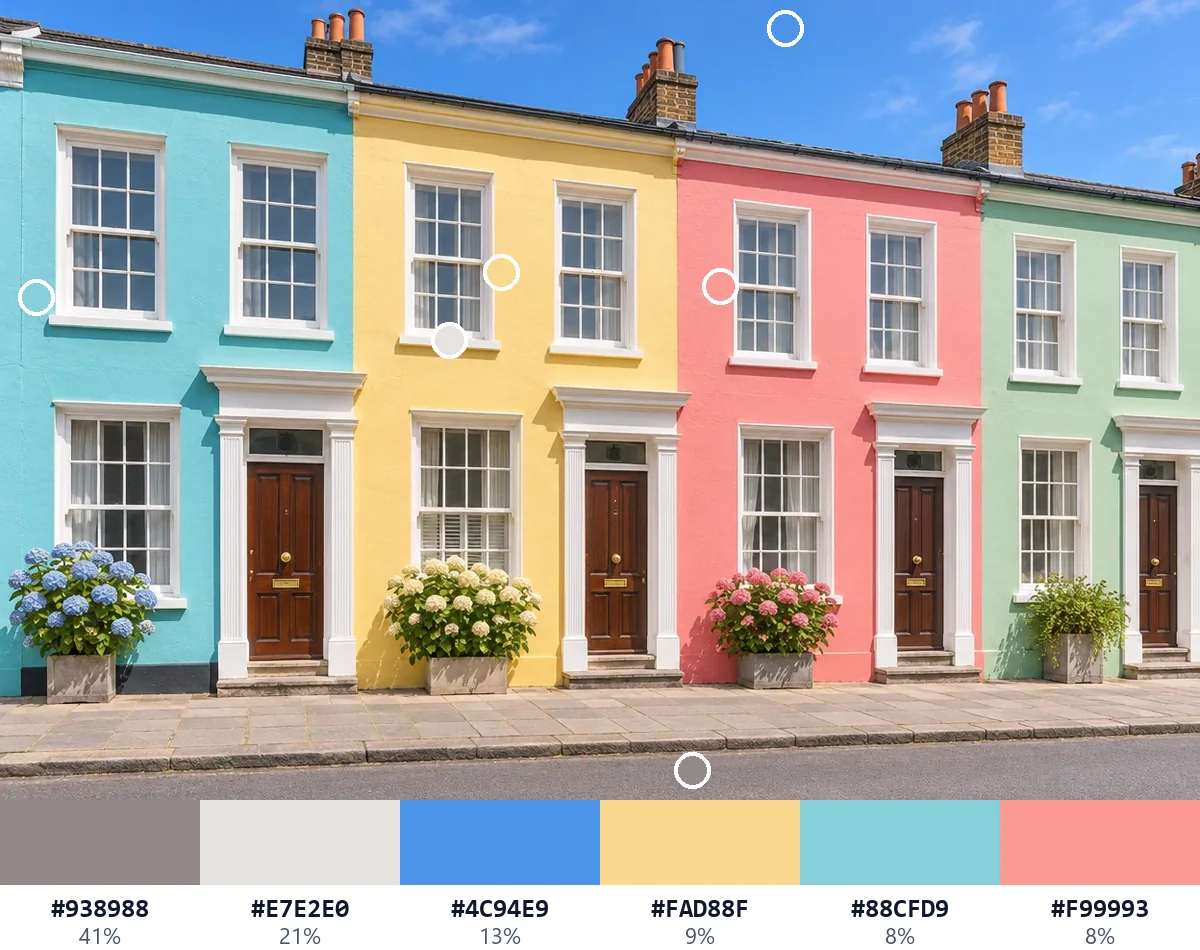
Three clicks on the walls give turquoise, butter yellow and coral pink.
Picked
Main colors
Three steps, all in your browser.
Drop a photo, a logo or a screenshot, choose a file or paste one with Ctrl+V. JPG, PNG, WebP, GIF, AVIF and BMP all work.
Hover to see the pixels in the loupe and click the spot you want. Use 3 × 3 or 5 × 5 for an even color from a photo, and the arrow keys to move one pixel at a time.
Copy the HEX or any other code with one click. Keep several picks, then copy them as CSS, Tailwind or JSON, or download swatches for Adobe apps, Photoshop or GIMP.
It reads the picture you opened, pixel for pixel, and gives each color in the code you need.

Every value comes from the picture itself at full size, never from a smaller copy, so the HEX of a logo is the HEX in the file. Pictures up to 40 megapixels open on a computer.
The loupe shows the pixels around the pointer, each drawn as a square on a fine grid, so you see exactly which pixel you are about to pick. The arrow keys move the pick one pixel at a time.
HEX, RGB, HSL, HSV, CMYK, LAB and OKLCH are listed side by side, each with its own copy button, along with the closest everyday color name and its tints and shades.
Average 3 × 3, 5 × 5 or 11 × 11 pixels to get the color the eye sees in a photo, mixed the way light mixes, so grain and compression never decide the result.
The picture's main colors are found for you, from 3 to 12, each with its share of the picture and a mark where it shows. Leave out a plain background with one switch.

Copy your colors as CSS variables, SCSS, Tailwind or JSON, or download swatches for Adobe apps, Photoshop, GIMP, Inkscape and Krita. No account and no limits.
A few habits that make the color picker from image give you exactly the color you are after.
Edges blend two colors, and shadows and highlights shift a color. Click in the middle of a flat area, zoom in when it is small, and watch the loupe: the outlined square is the pixel you get.
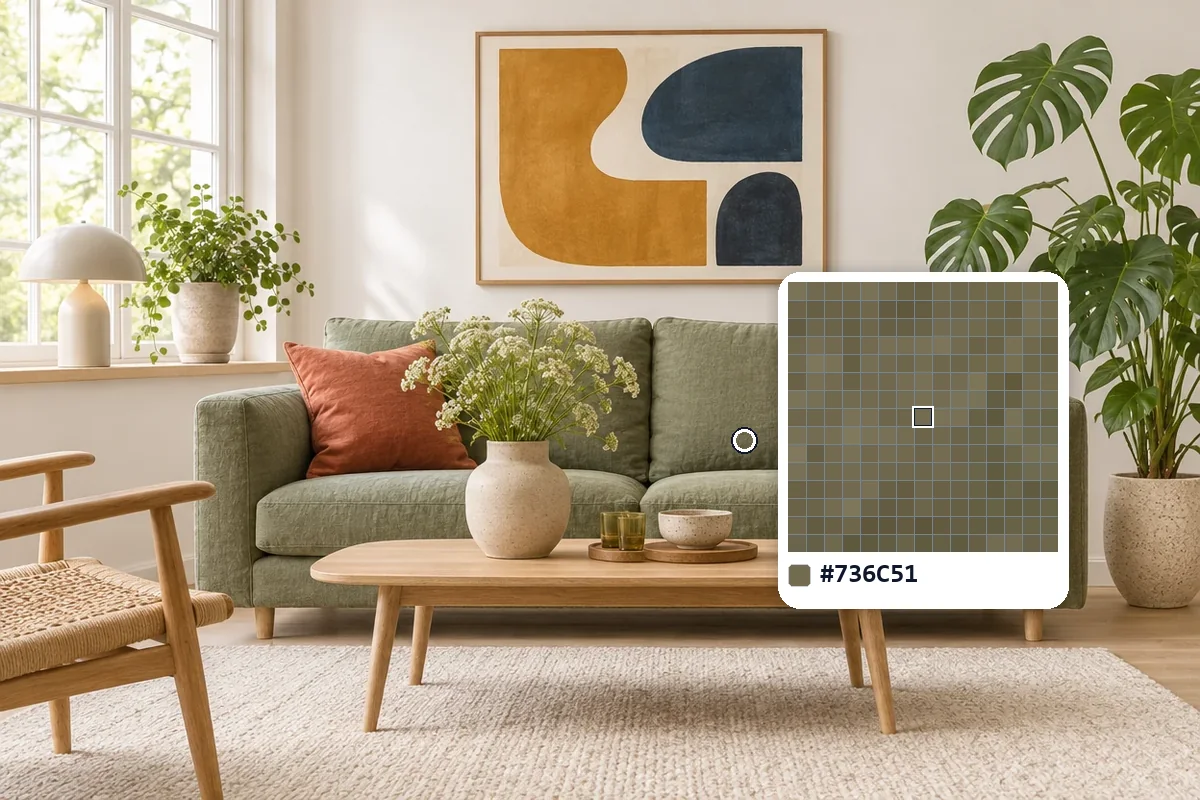
In a photo, neighbouring pixels differ slightly because of grain and compression. Set Sample to 3 × 3 or 5 × 5 to get the color you see. For logos and flat art, 1 pixel gives the exact code.
For brand colors, open the logo or design file itself, ideally a PNG, rather than a screenshot of it. The color picker from image then reads the colors exactly as they were saved.
Each pick shows its contrast as text on white and on black, with its WCAG grade: AA needs 4.5:1 for body text and 3:1 for large headings, and AAA needs 7:1.
Every click is kept in Picked colors. Collect the colors you like, then export them together as CSS variables, Tailwind colors or a swatch file for your design app.
Anyone who needs the exact color of something they see in a picture.
Turn a mockup, a screenshot or a logo into HEX codes and CSS variables in seconds.
Read a brand's colors from its logo and build a matching palette, with swatches for Adobe apps.
Take the colors of a room, an outfit or a fabric from a photo to match paint, yarn or accessories.
Sample colors from reference photos and artwork, and keep them as a palette for your next piece.
Answers about picking, color codes, privacy and files.
Open the picture, hover over it and click the spot you want. The color picker from image shows its HEX code at once, with RGB, HSL, HSV, CMYK, LAB and OKLCH below it. Click a code to copy it.
Yes. It is free to use, with no sign-up, no watermark and no limit on how many colors you pick or export.
No. The picture is opened and read on your own device, and every color is worked out in your browser. Once the page has loaded, it even works offline.
Each value comes from the picture's own pixels at full size, exactly as the file stores them. Photos with a wide-gamut profile, as many phone pictures have, are shown in sRGB, the color space of the web and most apps, and the page says so when it happens.
Photos carry grain, and JPG compression blends small blocks of pixels. Set Sample to 3 × 3 or 5 × 5 to average them into the color you see. Logos and flat art saved as PNG keep one exact color in each area.
Yes, in Chrome and Edge on a computer: press Pick from screen and click anywhere on your screen. That color joins your picked colors like any other.
Yes. Main colors finds 3 to 12 colors that make up the picture, each with its share and a mark where it shows. Turn on Leave out the background to skip a plain white or colored backdrop.
Copy colors as a HEX list, CSS variables, SCSS, Tailwind or JSON, or download an Adobe swatch file (.ase), Photoshop swatches (.aco), a palette for GIMP, Inkscape and Krita (.gpl) or a PNG swatch card.
Open a picture, click a spot and copy its code in seconds, free in your browser.
Open a picture