
Paint a little past the edges
Cover the whole object and a few pixels around it, its shadow and reflection too. A generous brush gives the AI room to blend the new background in.
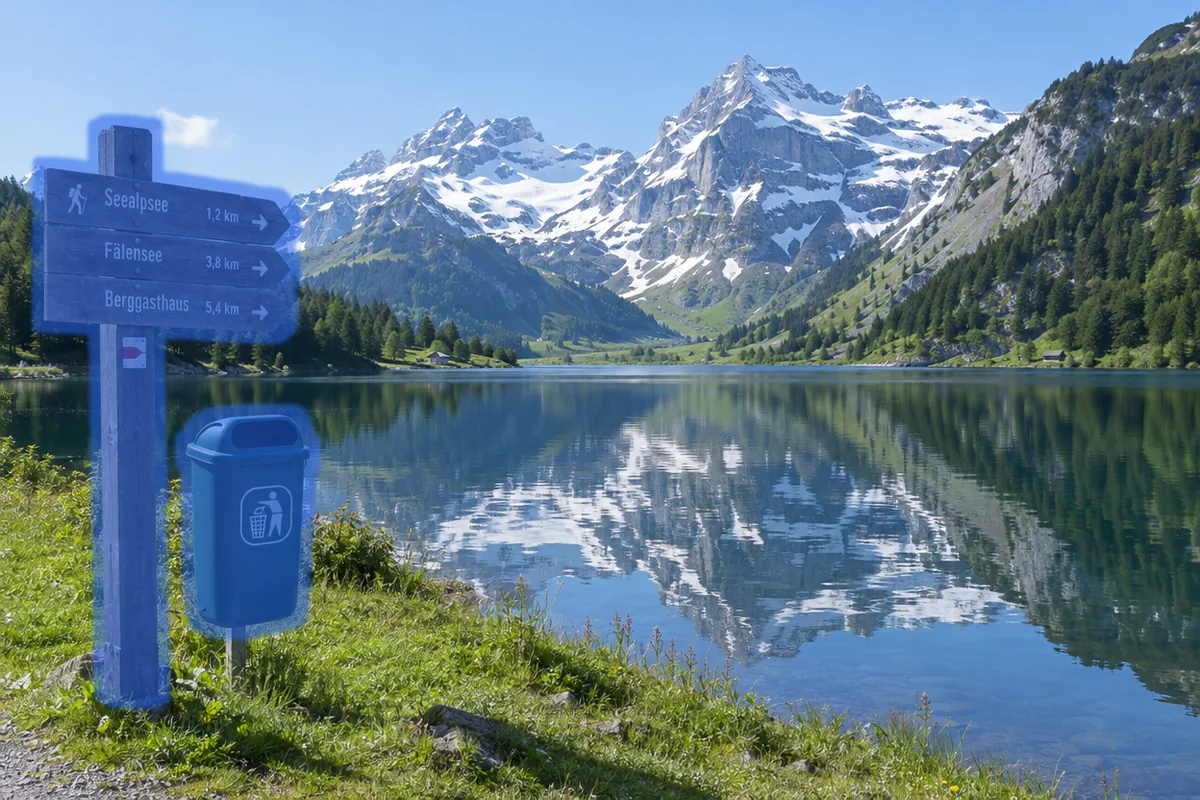
Paint over a stranger, a power line or clutter and the AI object remover fills the spot with what belongs behind it. Every pixel you did not paint stays exactly as it was.
Paint over the people or things to remove. Only the painted area changes; every other pixel stays as it was.
Try one of these
Photos made for these examples, each cleaned in one run of the object remover. Drag a slider to compare.


Three people walking along the water, removed. The waves and the wet sand run on behind her.
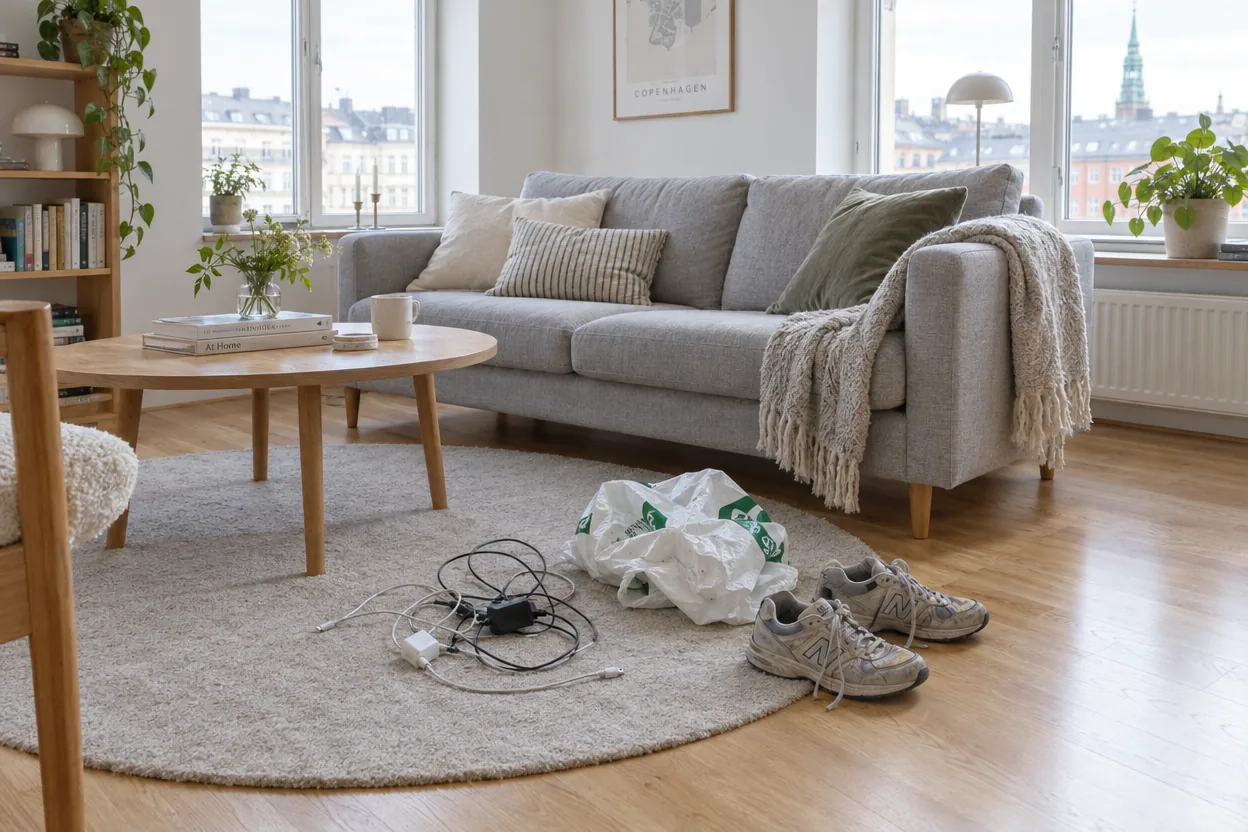
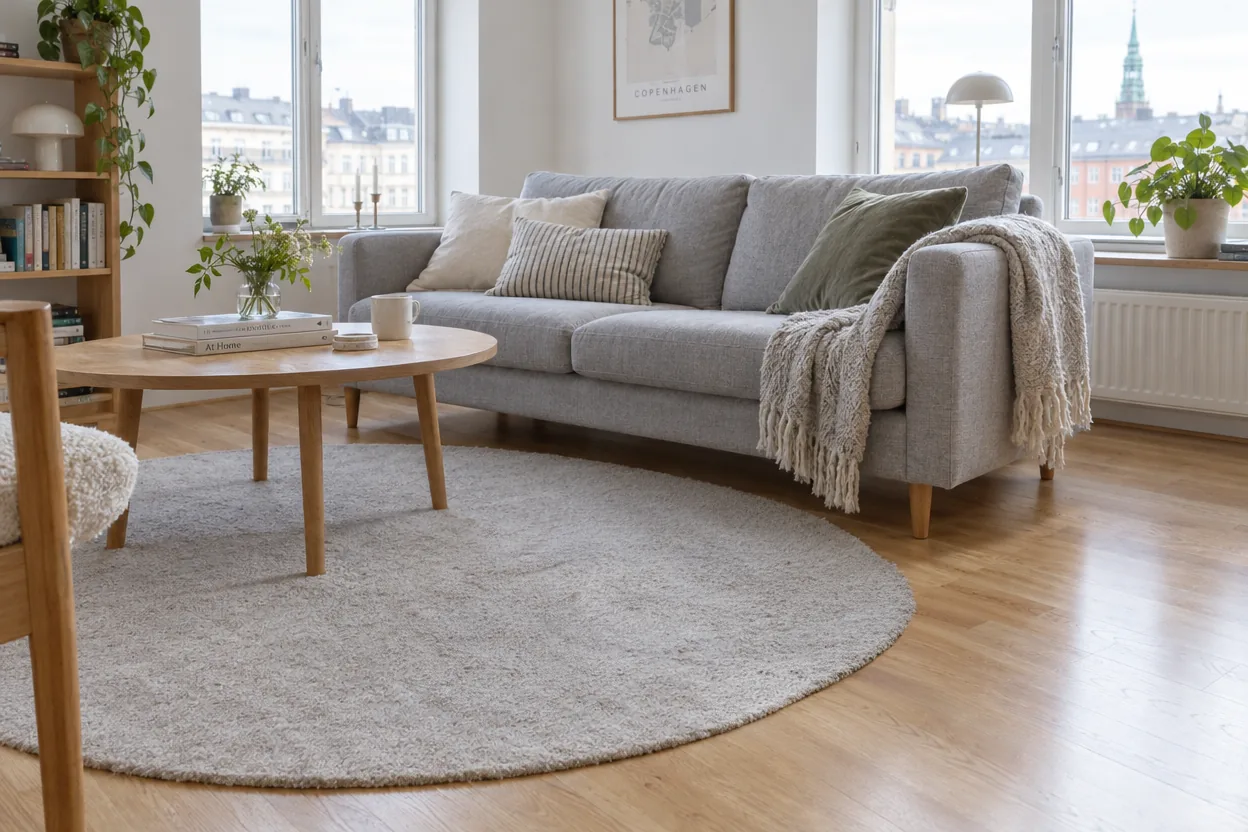
Cables, a plastic bag and sneakers, removed for a listing photo. The rug's texture continues where they lay.
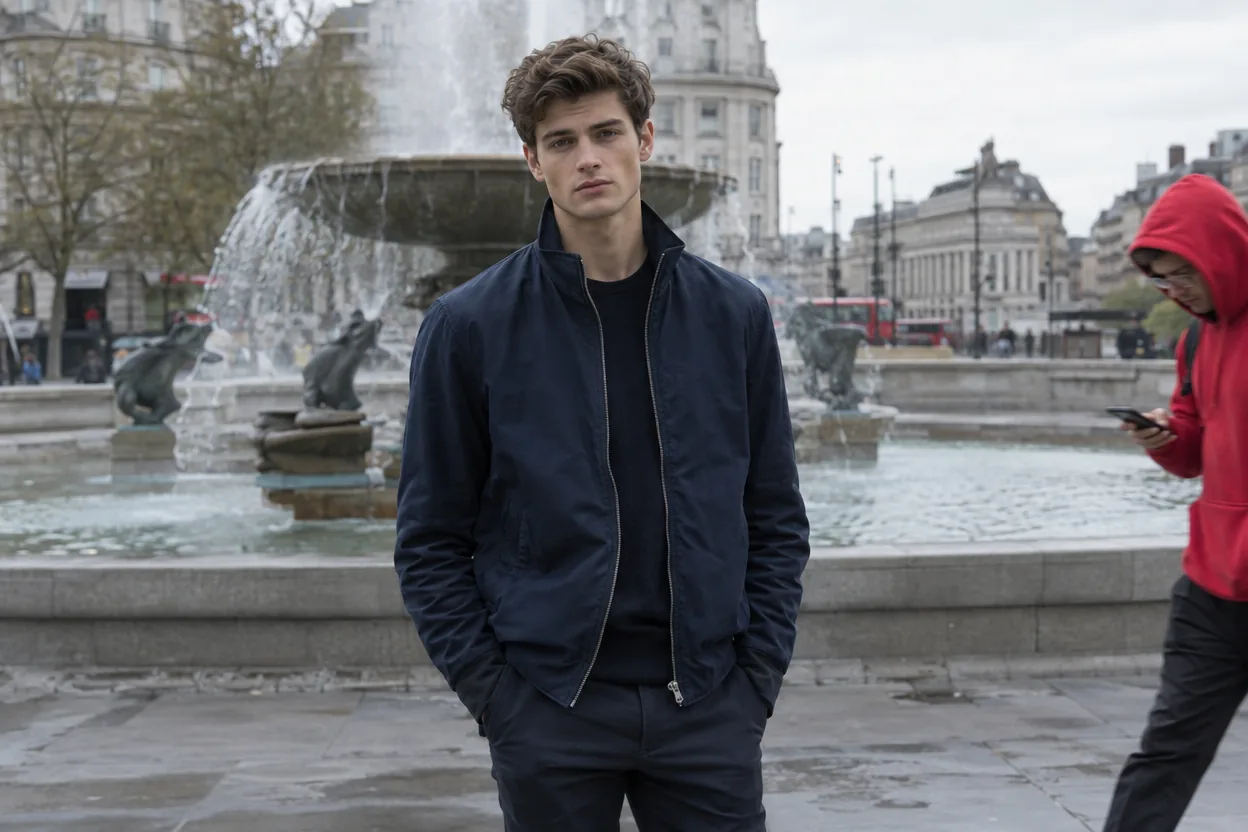
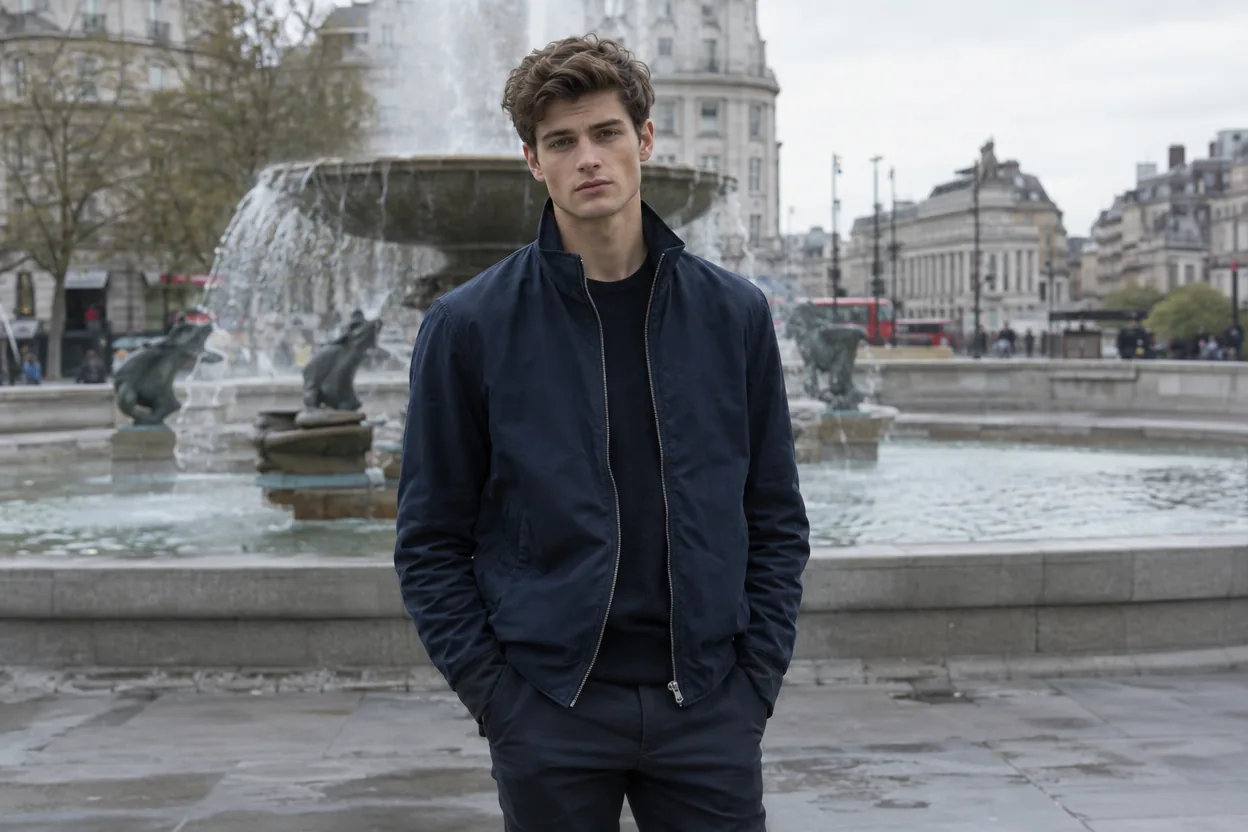
A man in a red hoodie on the edge of the frame, removed. The fountain and the square fill in behind him.
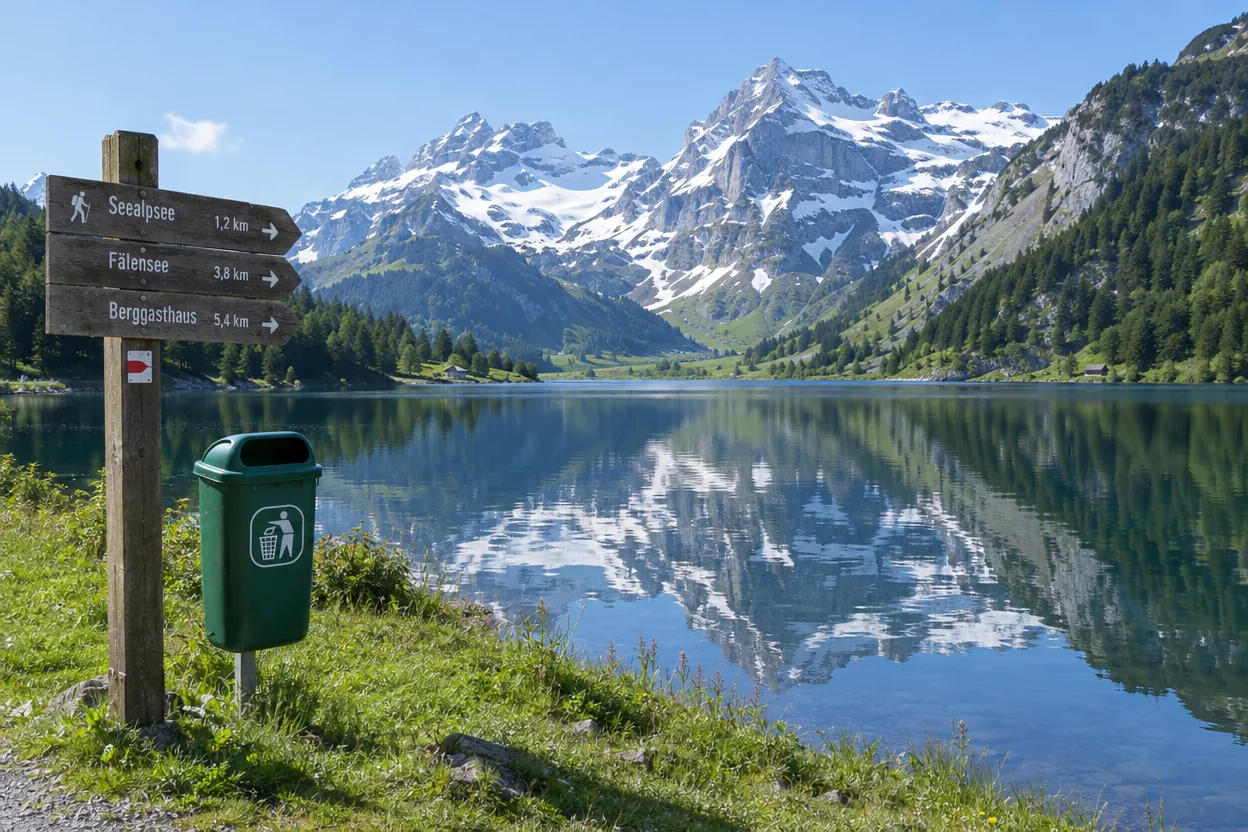
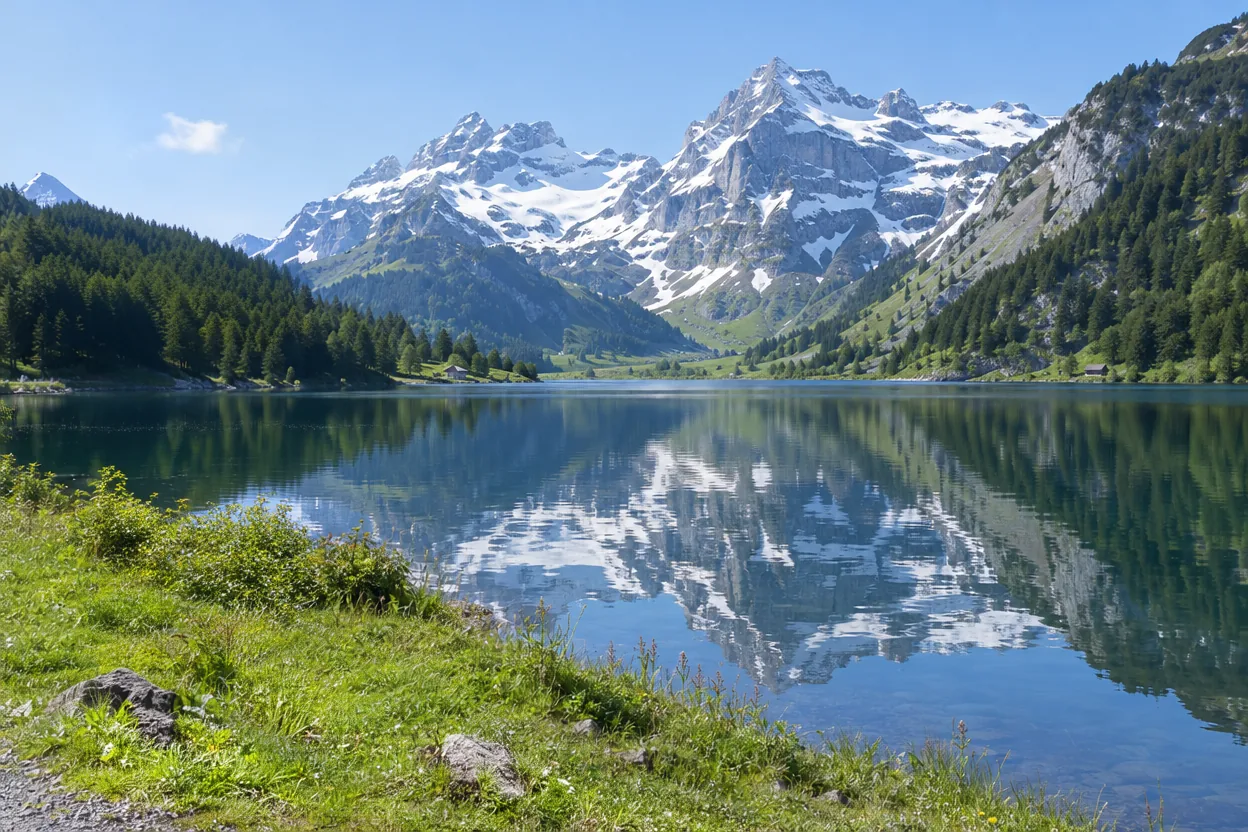
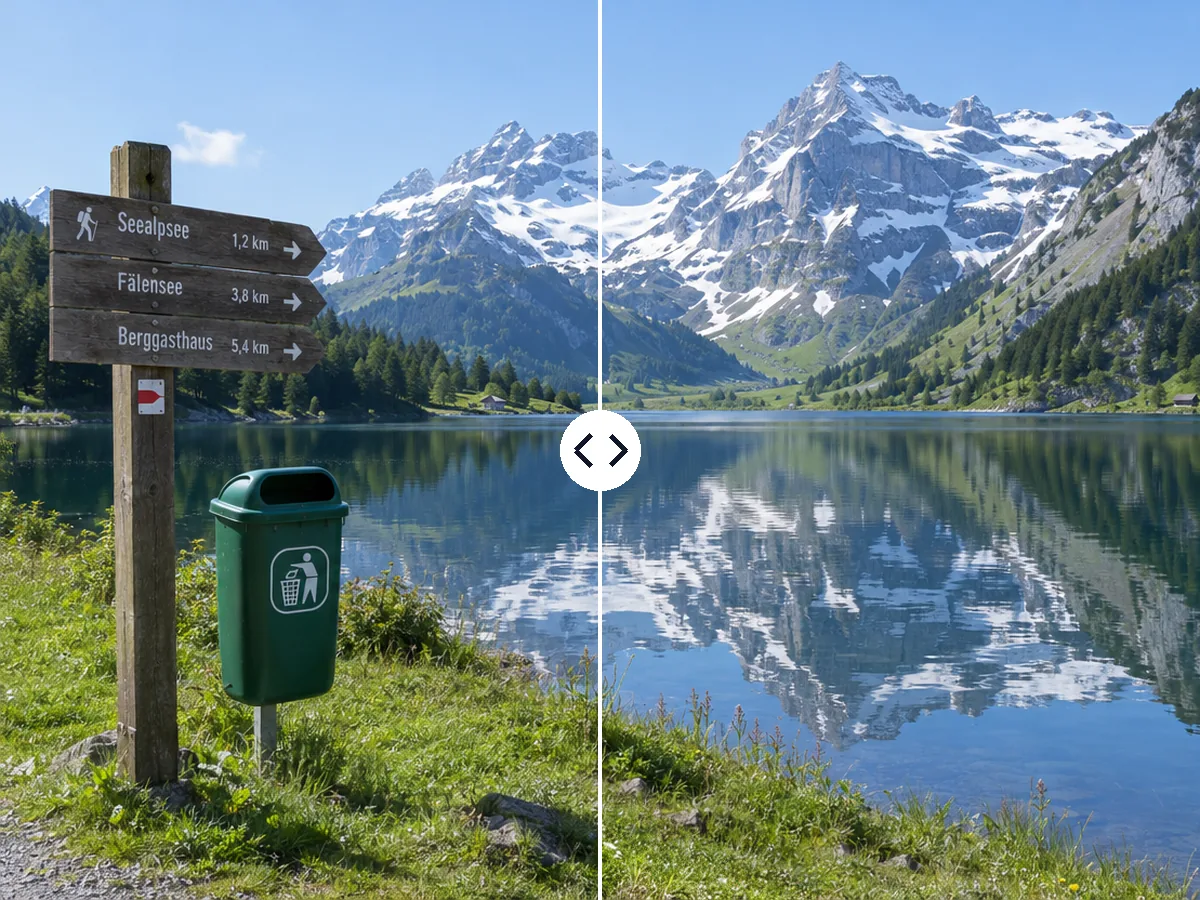
Both removed from a mountain lake view, with the grass and the water's edge rebuilt.
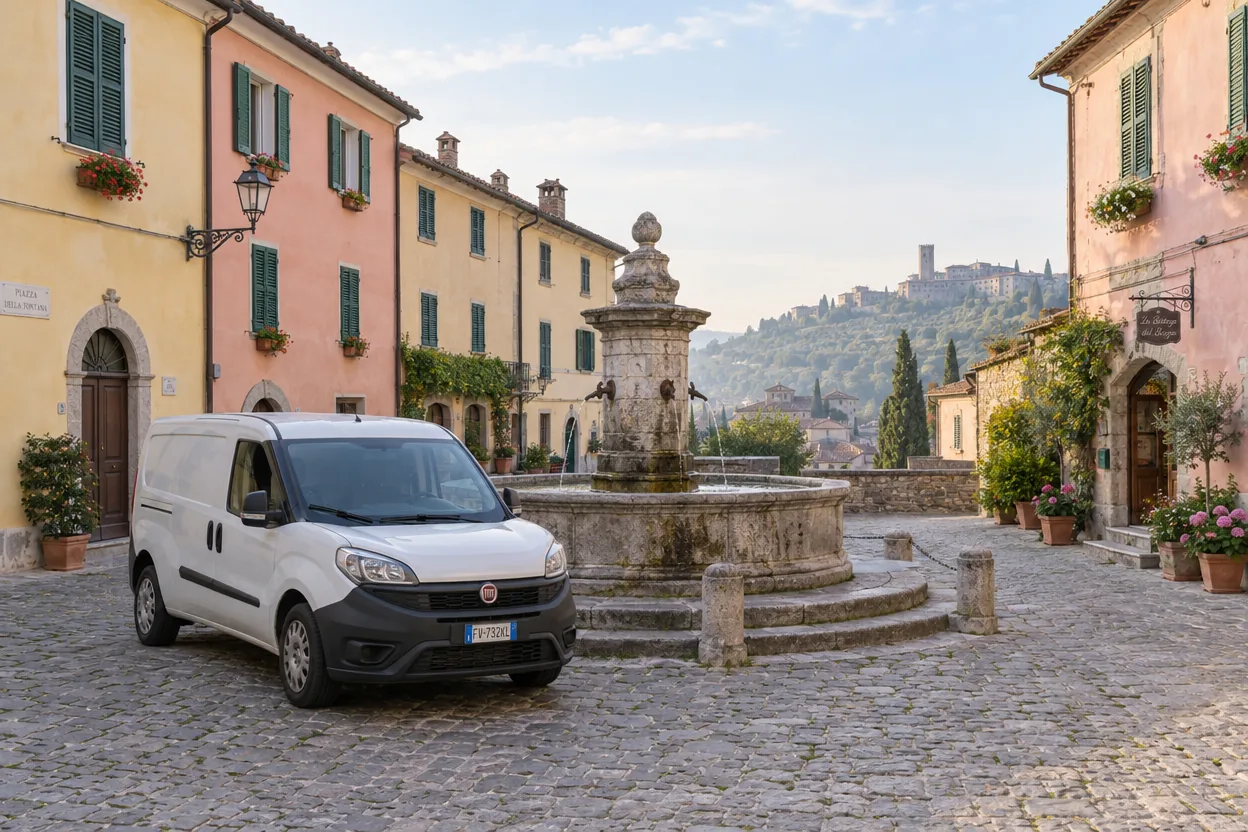
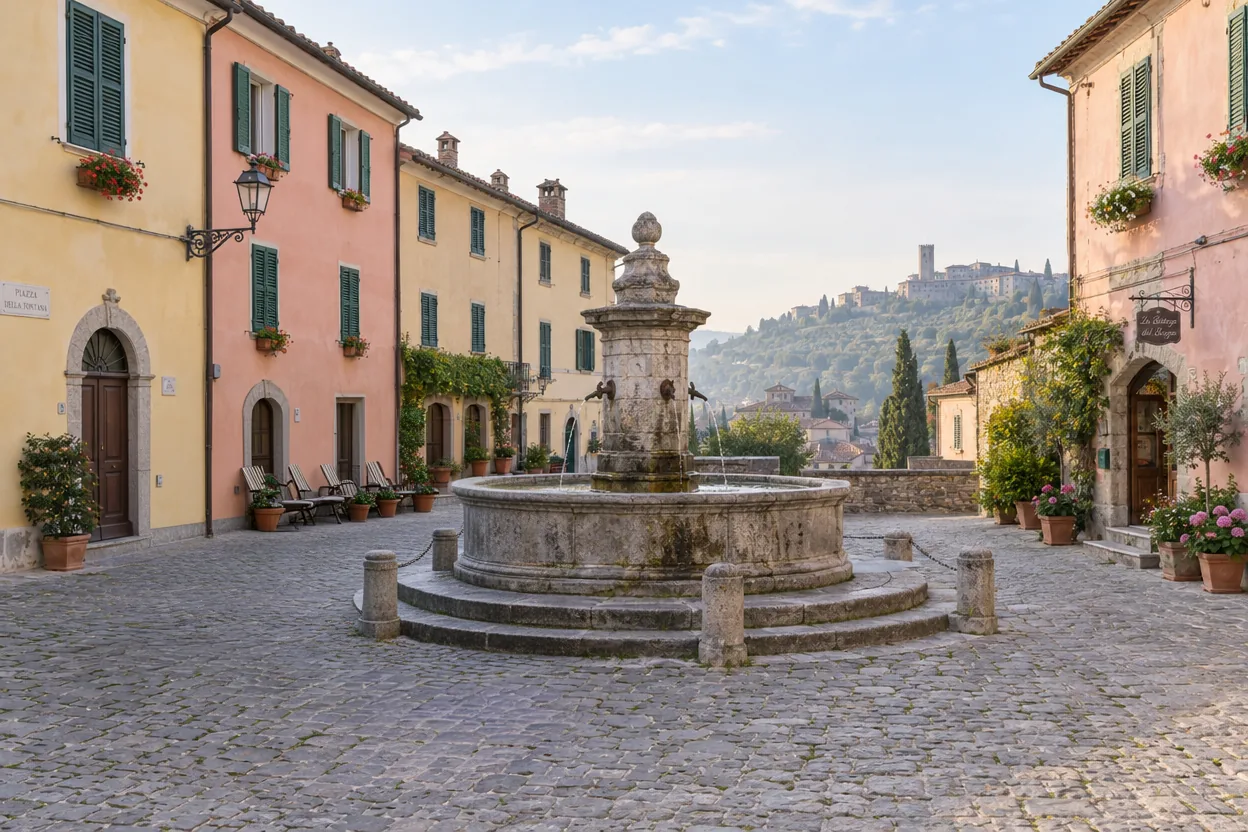
A parked delivery van, removed from an old town square. The cobblestones carry on to the fountain.
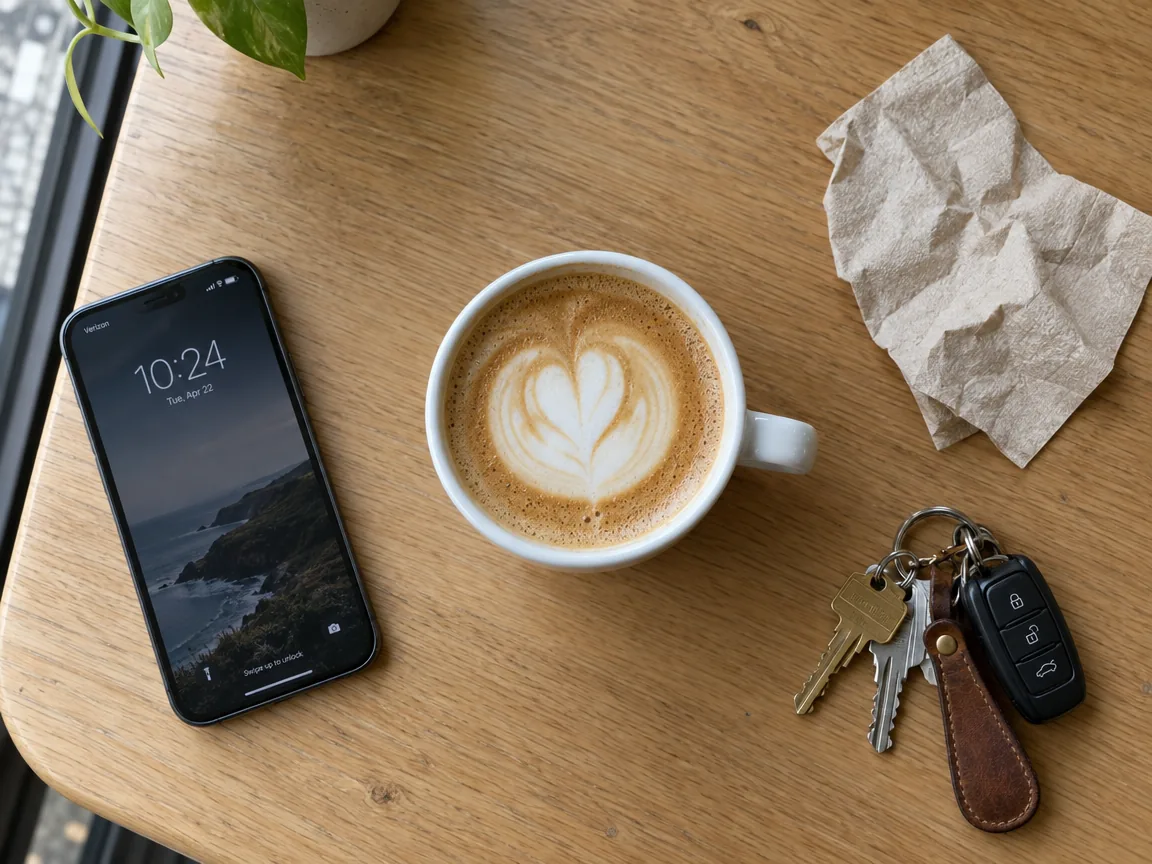
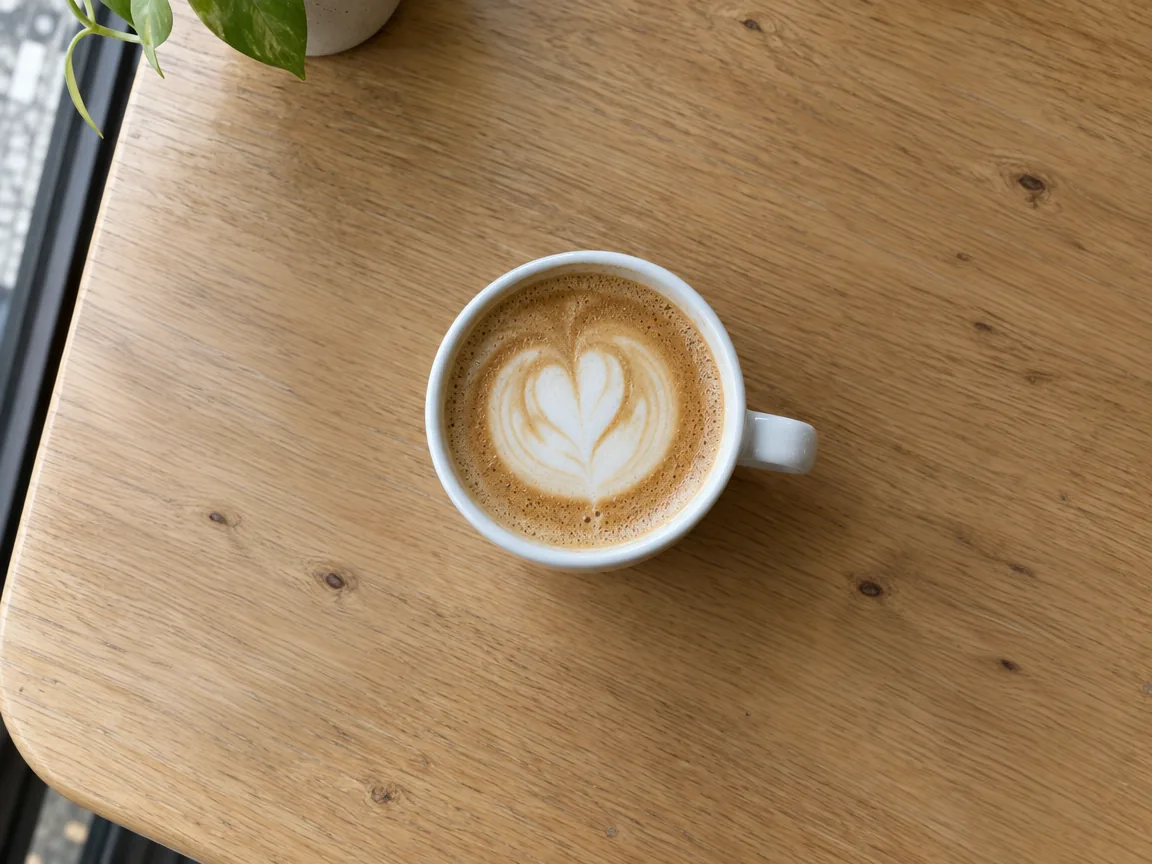
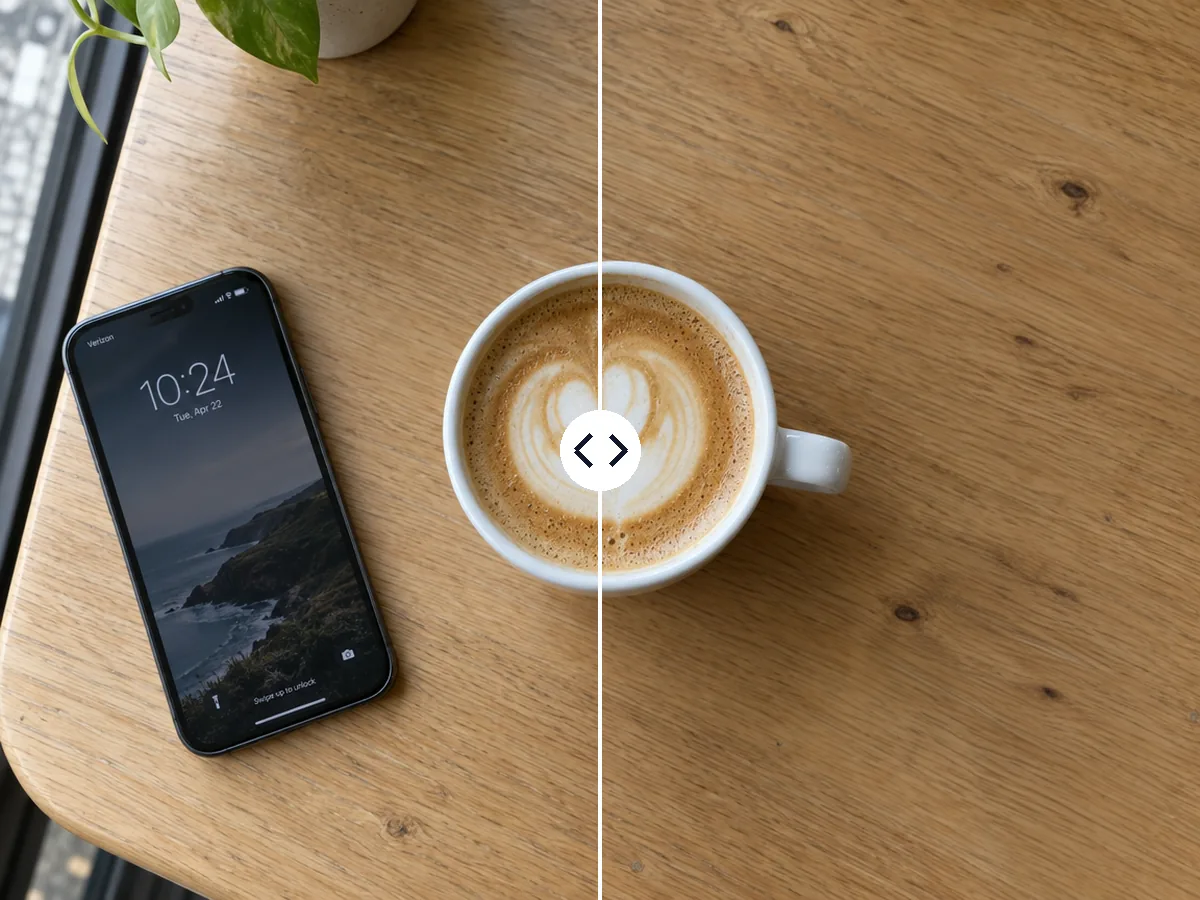
Three objects removed around a latte, leaving clean oak grain for a café post.
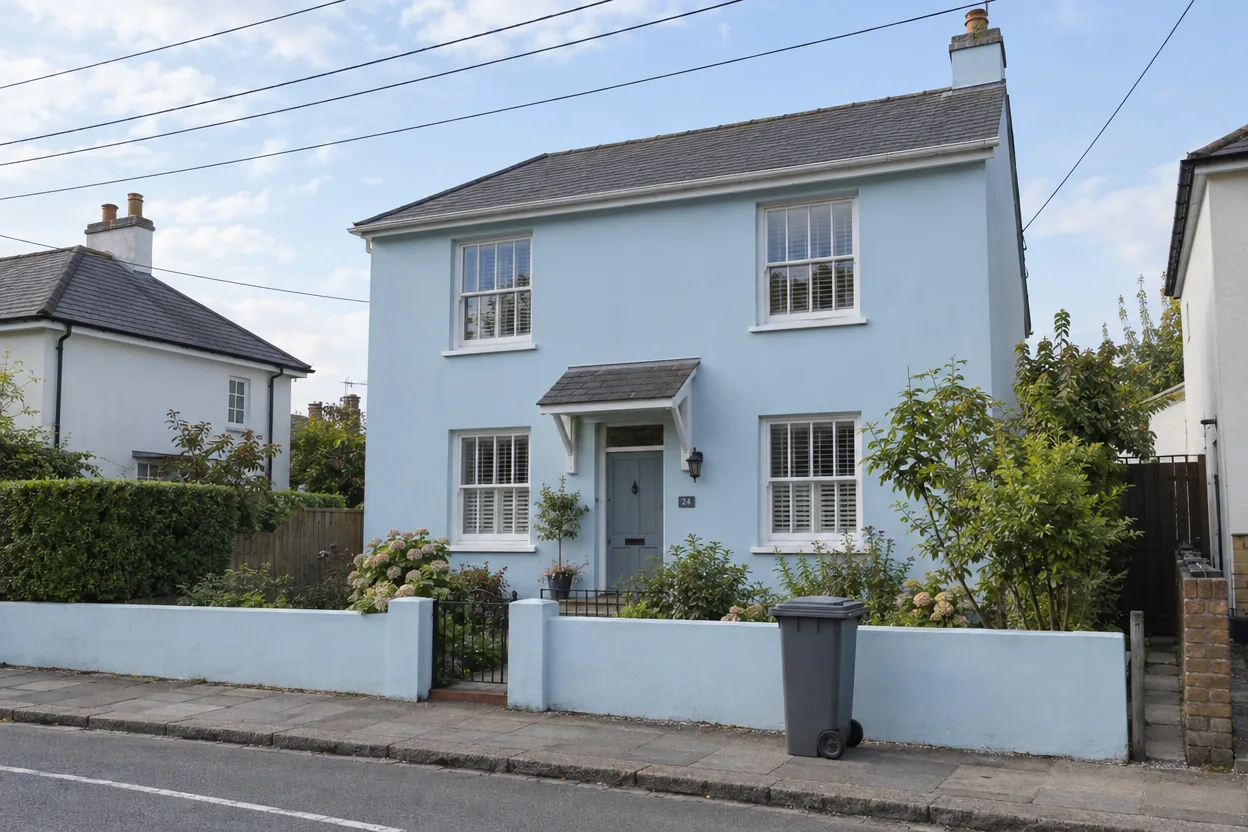
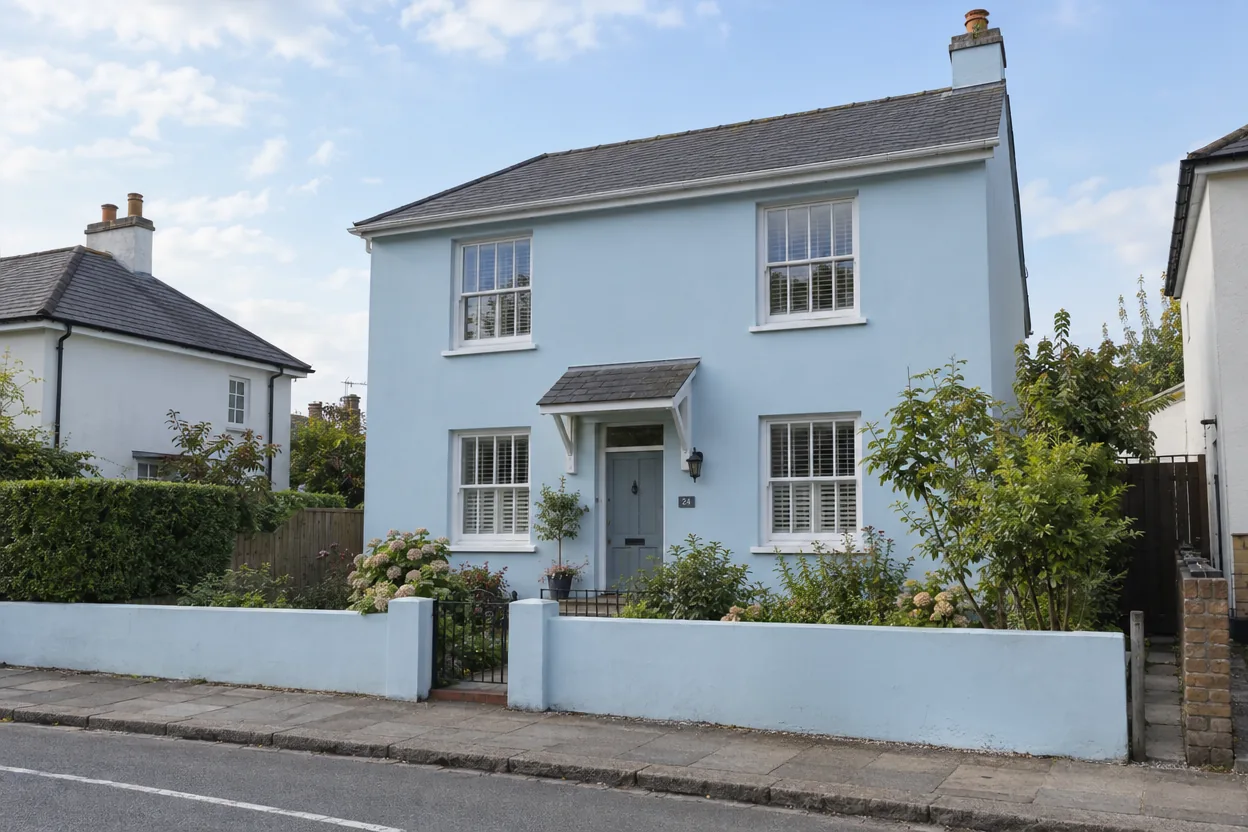
Thin wires across the sky and a bin on the pavement, removed from a house photo.
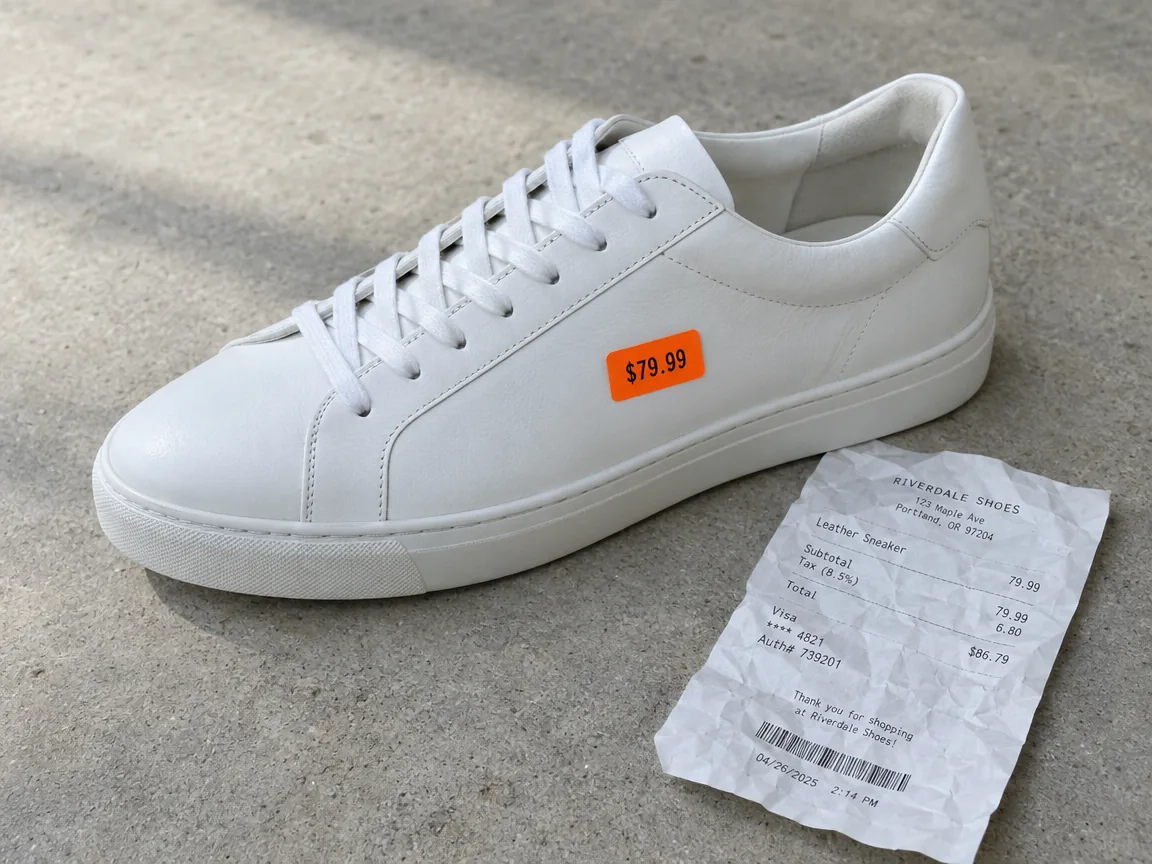
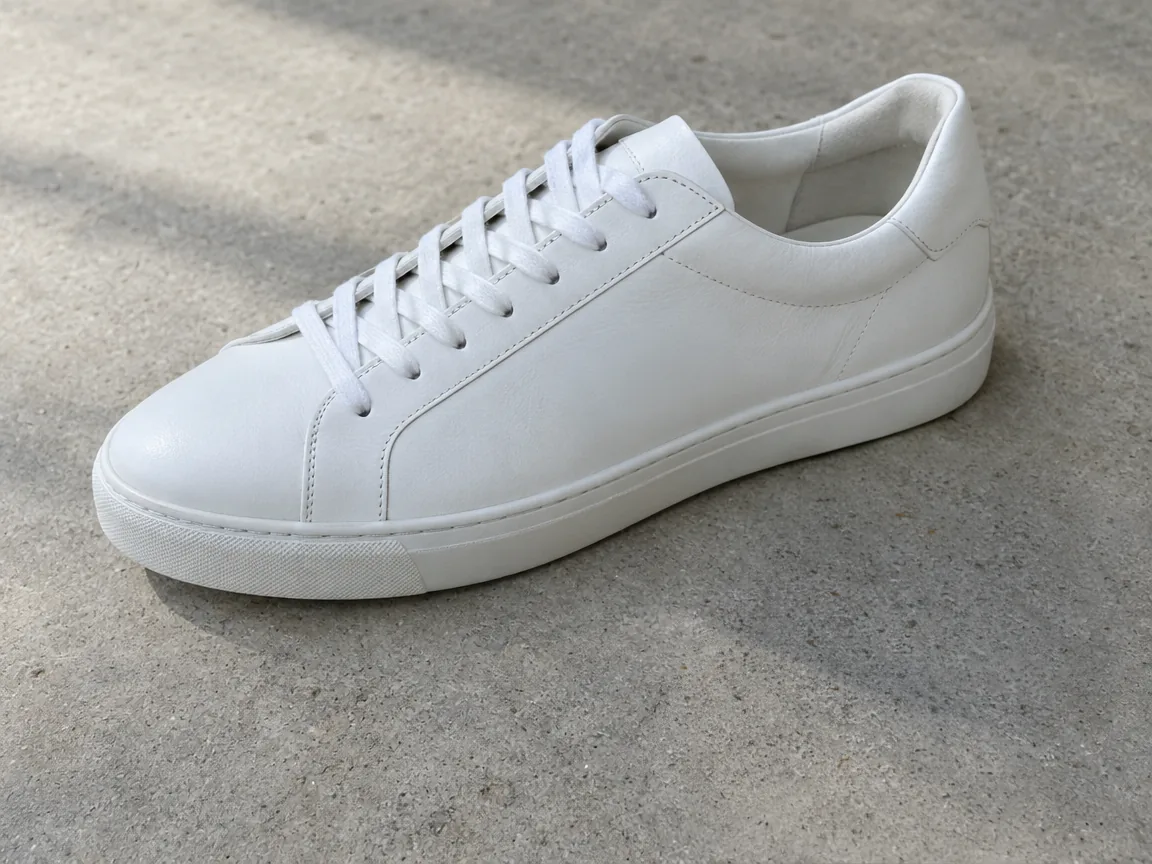
A sticker on the shoe and a receipt beside it, removed for a clean product shot.
Three steps, and the price is on the button before you start.
Drop, paste or choose a JPG, PNG or WebP up to 10 MB. Phone photos are turned upright for you.
Brush over the people, wires or objects to remove, a little past their edges and shadows. Pick a brush size, undo a stroke or clear and start again.
In about 40 seconds you get your photo back at its original size. Compare before and after, paint again to remove more, then download.
Six things it does well, from strangers in a travel photo to stickers on a product.
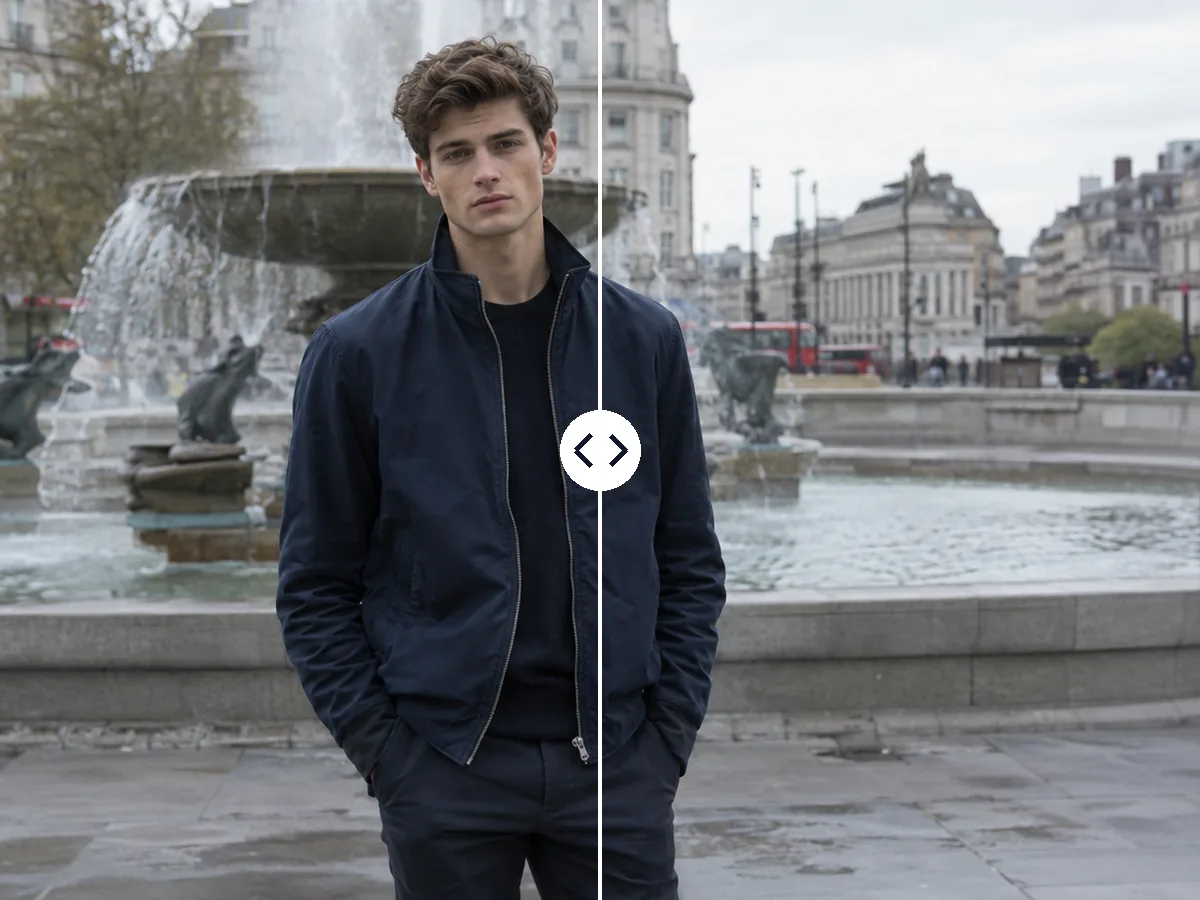
Paint over tourists, passers-by or a photobomber and they are gone, with the scene behind them rebuilt. The people you keep stay exactly as they were.
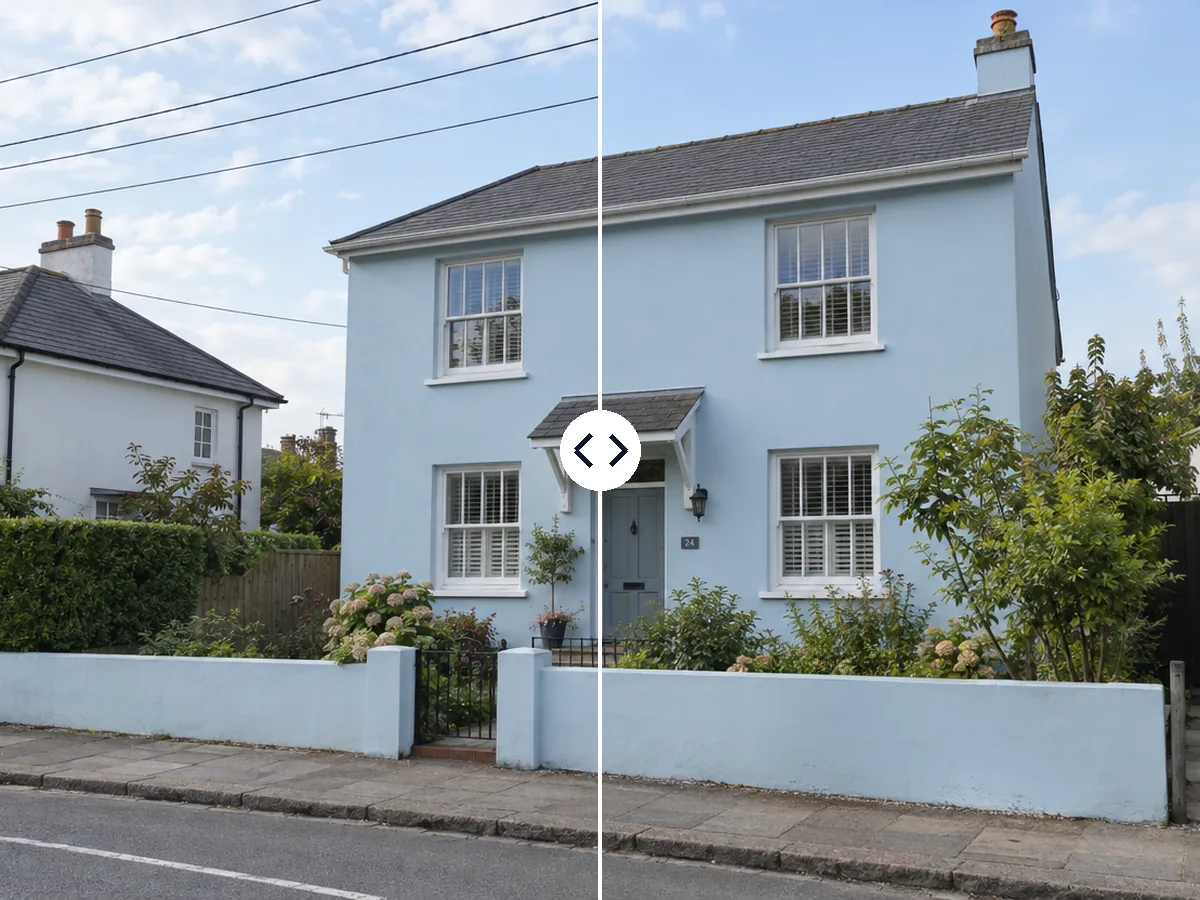
Power lines, cables and poles across a sky or a facade come out cleanly with a small brush, with the clouds and walls continuing behind them.
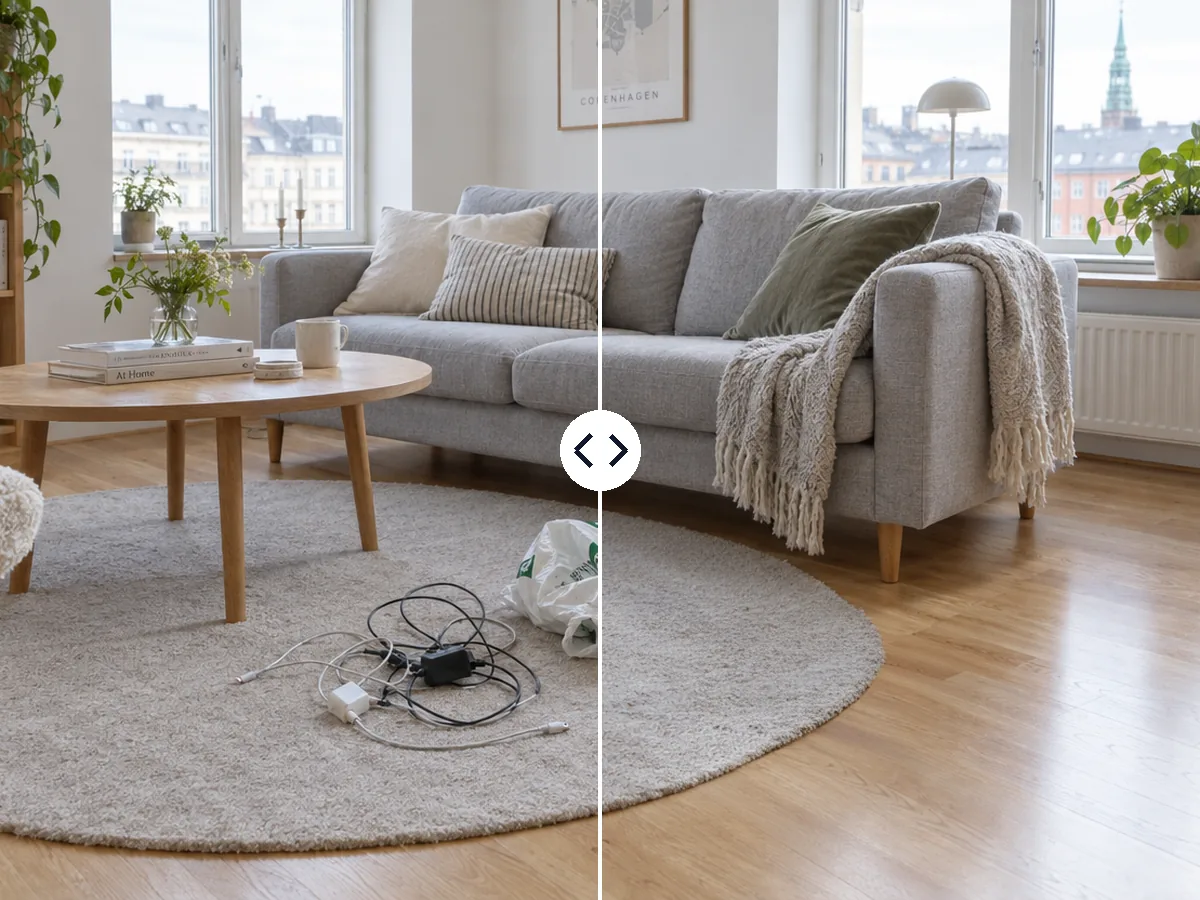
Cables, bags and shoes disappear from floors and rugs, so a listing or a room photo looks tidy without moving a thing.
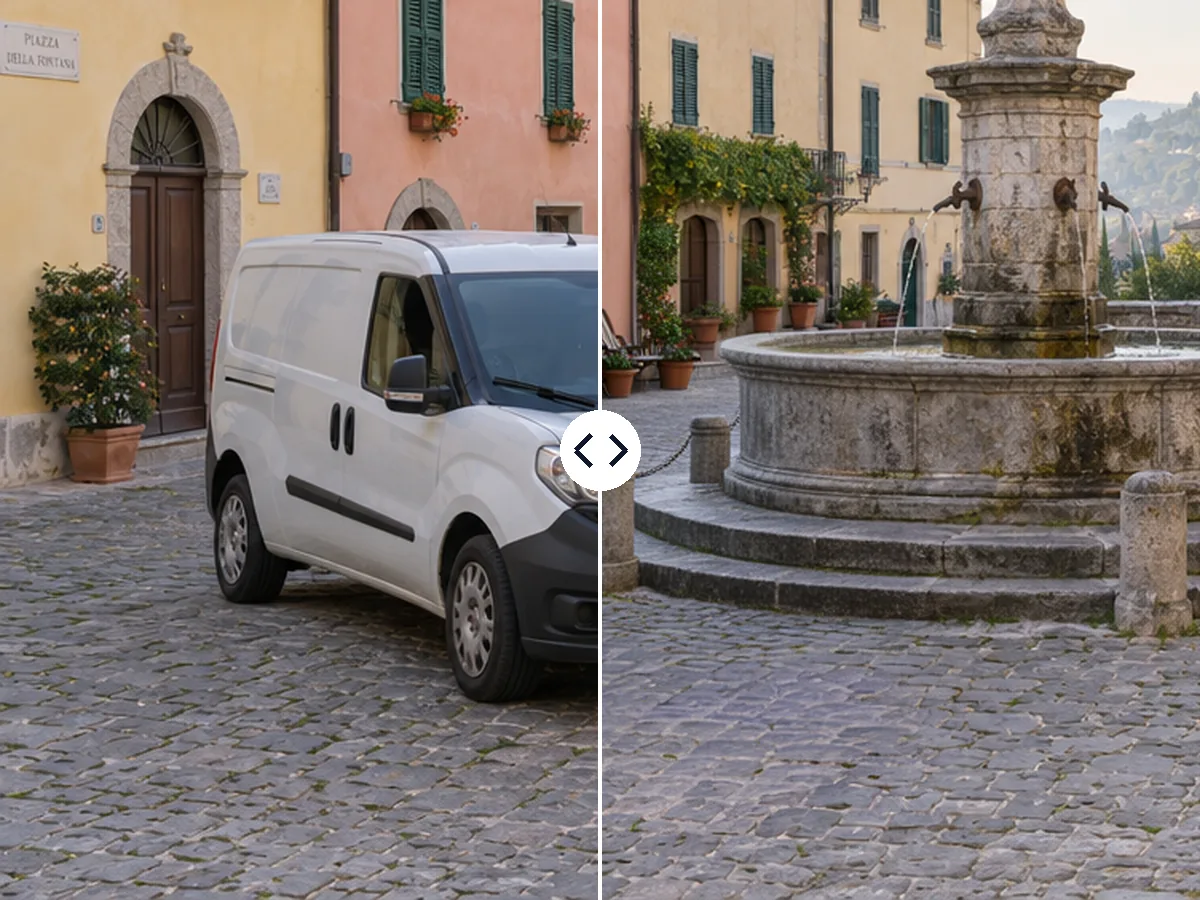
Remove a parked van, a sign or a bin from a street or a square; cobblestones, walls and pavements carry on where they stood.
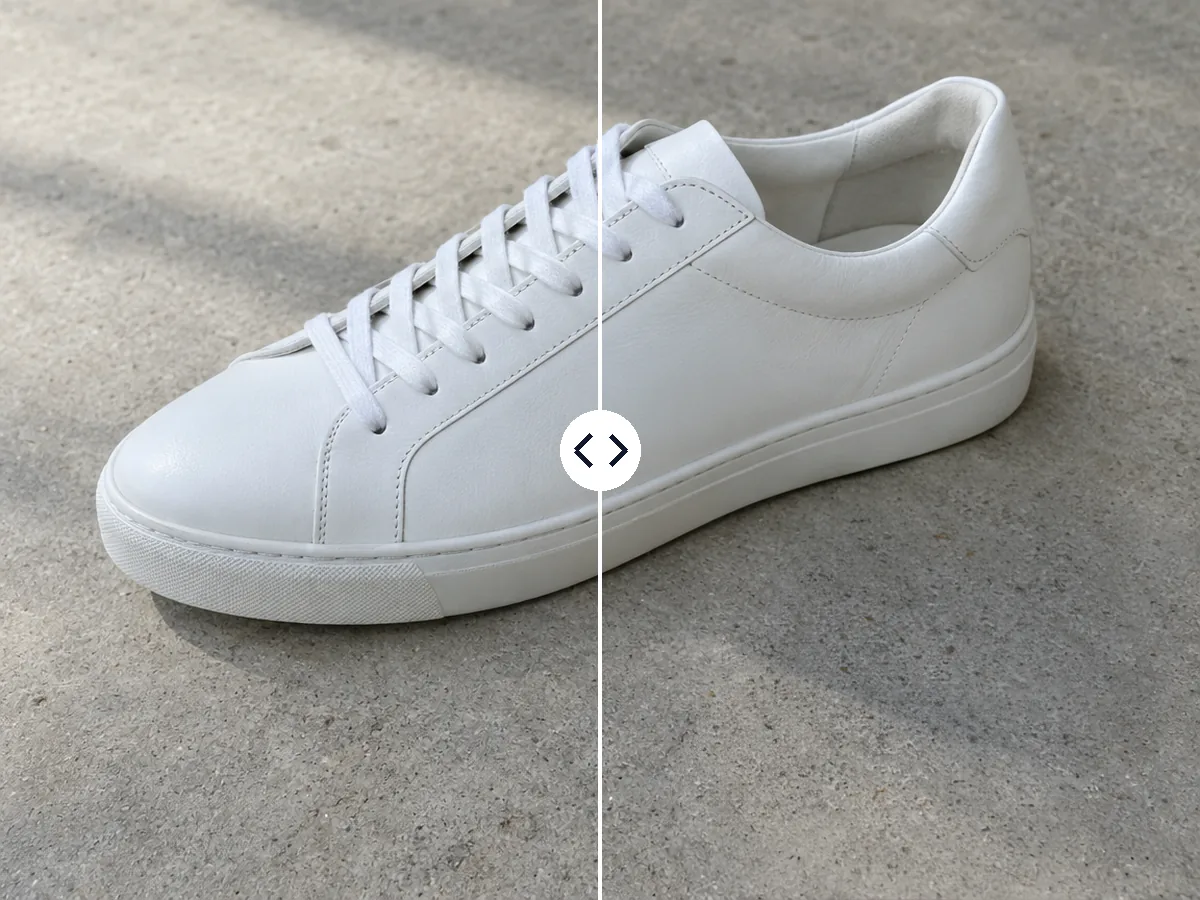
Take off price stickers, tags and the receipt next to a product, so the photo is ready for a shop or a listing.
It rebuilds what you painted and leaves every other pixel as it was, at the photo's original size, as a PNG.
Five short tips for a clean result on any photo.
Cover the whole object and a few pixels around it, its shadow and reflection too. A generous brush gives the AI room to blend the new background in.
Use the small brush for wires and thin poles, the medium one for people and objects, and the large one for a car or a crowd. Undo removes the last stroke.
Paint over everything you want gone in one go: three tourists, a bin and a sign come out in the same run for the same 2 credits.
If a shadow or an edge is left, press Paint again on the result, brush over what remains and run once more.
The clean photo comes back at the size you uploaded, as a PNG. Next step options take it on to the upscaler, the background remover or Image to PSD.
Common reasons to remove objects from photos.
Remove the crowd from a landmark shot or a van from a square, so the place looks the way you remember it.
Clear cables, bags and bins from room and house photos before they go online.
Take stickers, tags and stray objects off product photos for a clean catalogue.
Remove people from photos behind you, a photobomber or a distracting sign before you post.
Answers about removing objects and people, price, size and files.
Upload the photo, paint over the object with the brush and press Remove objects. In about 40 seconds you get the photo back without it, at its original size.
Yes. Paint over the person, a little past their outline and shadow, and the object remover fills in the scene behind them. People you do not paint stay as they are.
No. Only the painted area is rebuilt; every pixel outside it stays as it was, and the photo keeps its original size.
2 credits a photo, however many things you paint over, shown on the button before you start. Every run uses a paid AI service, so there is no free version.
Yes. Use the small brush along each wire; the sky and buildings behind them are rebuilt.
Press Paint again on the result, brush over what is left and run it once more for another 2 credits.
JPG, PNG or WebP up to 10 MB. The result is a PNG at the same size, and Next step sends it on to the upscaler or the background remover.
Yes. Your photos and results are visible only to you, they are not used to train AI, and every upload passes our content checks.
Upload a photo, paint over what should go and get it back clean in about 40 seconds.
Remove objects