Face the camera
Hold the phone at eye level, look straight at it and keep your shoulders square. Any background works.

Make a passport photo from any phone picture. AI removes the background and places your head at the exact size each document asks, from a US 2 × 2 in passport photo to a 35 × 45 mm visa or a one-inch ID photo. Pick the background color, then download the photo or a 4 × 6 in print sheet.
Turn any photo into a passport or ID photo at the official size, with a print sheet.
Try one of these
Eight phone pictures taken at home, at work and outdoors, each made into a passport or ID photo by this tool. Use one to try every document.


A kitchen snapshot on pure white, the head sized between 1 and 1 3/8 in.


An office photo on the blue used for résumés and ID forms, 25 × 35 mm.

A street snapshot on white at 35 × 45 mm, the head 32 to 36 mm.

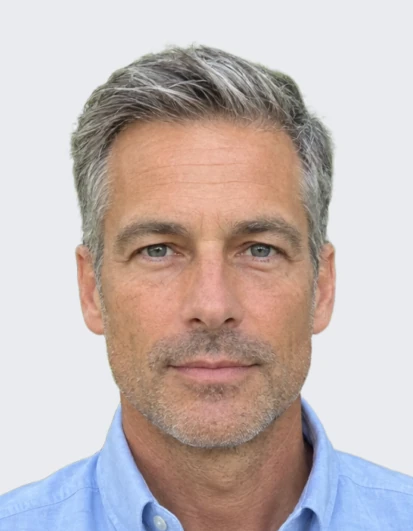
A park photo on light grey at the 35 × 45 mm biometric size.
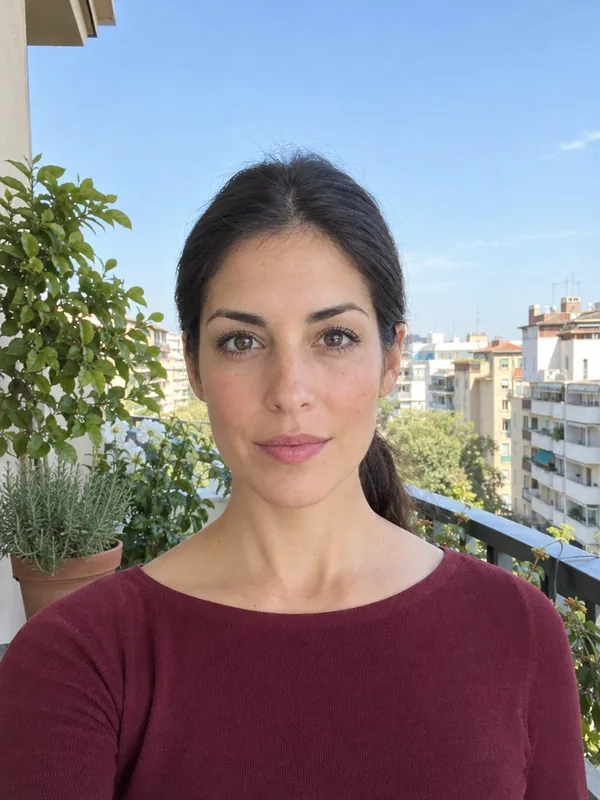
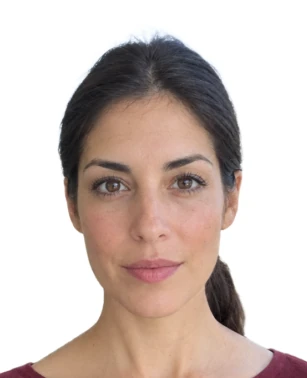
A balcony photo on white at 26 × 32 mm for the DNI and passport.

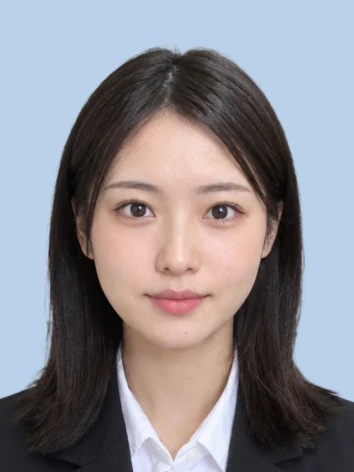
A suit photo on light blue at 30 × 40 mm for job applications.


A cafe photo on white at 35 × 45 mm, the face and ears clear.
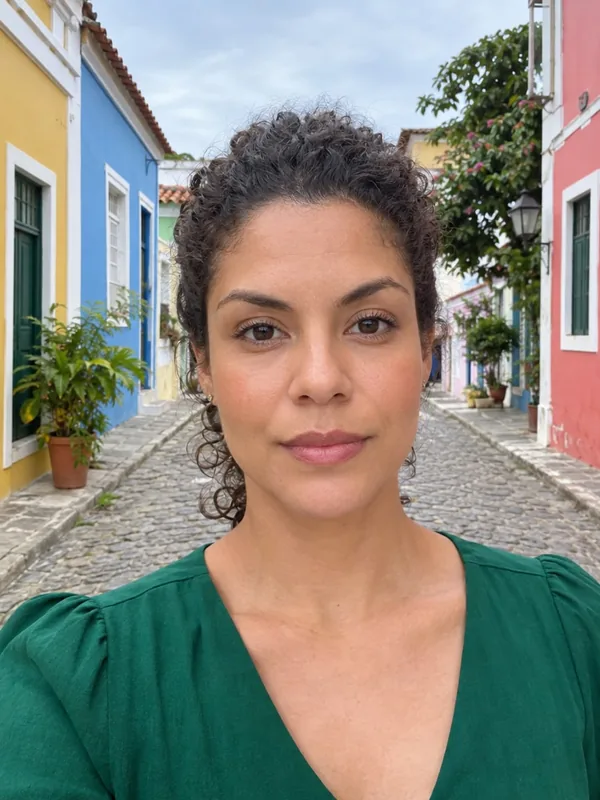
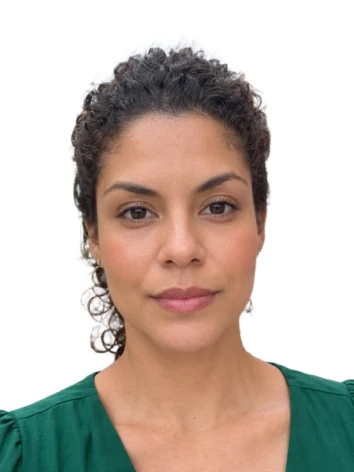
A street photo on white at 3 × 4 cm for documents and forms.
Three steps from a phone picture to a passport photo.
Take a picture against any background, facing the camera with your shoulders in view, and drop it in.
Pick your country's passport, visa or ID photo and the background color. AI cuts you out and finds your face.
Fine-tune the head size and position within the rules, then download the photo or a print sheet.
Six things it does well, for passports, visas and ID cards.
US, UK, Schengen and EU, Germany, France, Spain, Canada, Australia, India, China, Taiwan, Japan, Korea and Brazil, each at its official size.
White, light grey, light blue, blue or red, or any color a form asks for, edge to edge with clean hair.
Your head is measured from crown to chin and scaled into the document's allowed range, with guides to check it.
Hair, curls and shoulders are cut out cleanly, so the background looks like a studio backdrop.
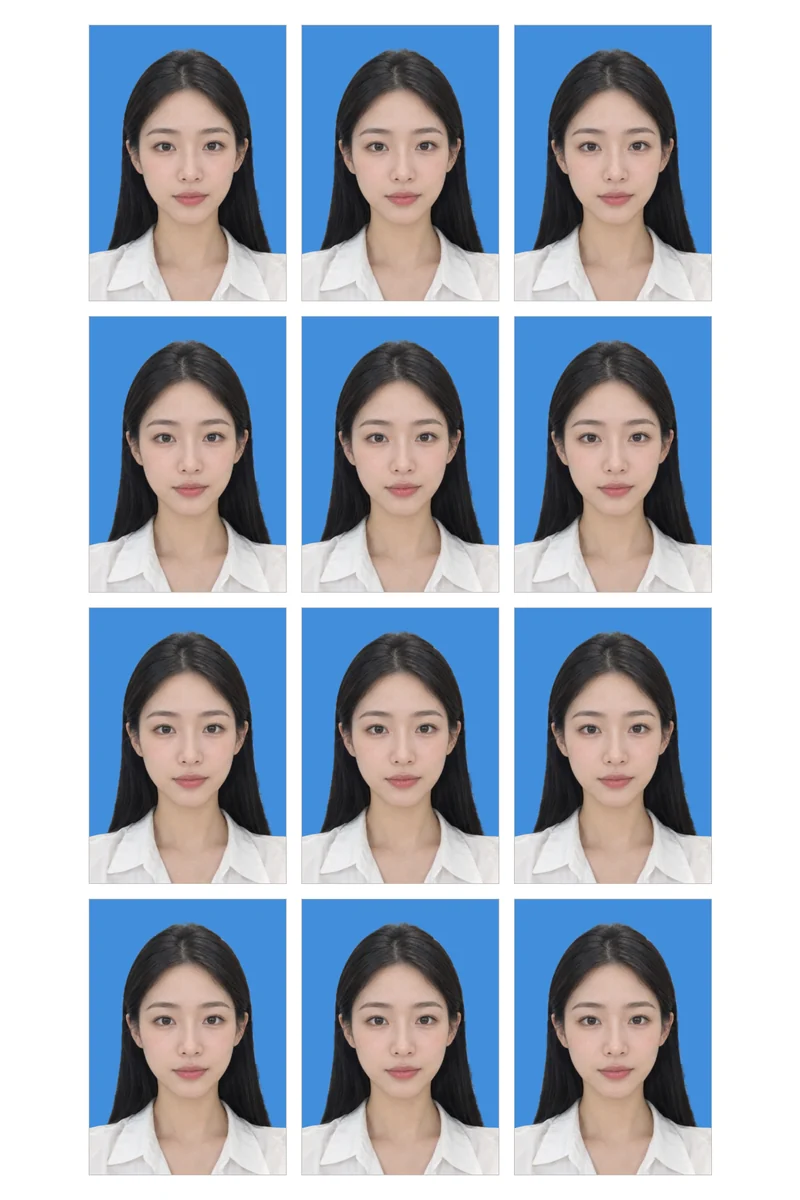
Download a 4 × 6 in print with as many copies as fit and thin cut lines, ready for any photo kiosk.
Change the document, color, head size and position as often as you like after one credit.
Five short tips for a passport photo that looks right.
Hold the phone at eye level, look straight at it and keep your shoulders square. Any background works.
Stand facing a window or soft light so there are no shadows on your face.
Passport photo rules usually ask for a neutral expression with the mouth closed, no glare on glasses and hair off the face.
The blue lines show where the crown and chin belong; nudge the head size or position until both sit inside.
Upload the photo to online forms, or print the 4 × 6 in sheet at a photo kiosk and cut along the lines.
Common reasons to make one at home instead of a studio.
Passport renewals and visa applications without a trip to a photo studio.
National ID cards, driving licenses and residence permits that ask for a standard photo.
Résumé and application photos on a clean background, sized as employers expect.
School, university and company badges at the right size and color.
Answers about sizes, backgrounds, printing and credits.
Upload a photo of yourself facing the camera, choose your document and background, and press Make ID photo. In under a minute you get the photo at the official size; download it or the print sheet.
US passport and visa 2 × 2 in; UK, Schengen, EU, German and French 35 × 45 mm; Spanish DNI 26 × 32 mm; Canada 50 × 70 mm; Australia and India; China passport and one- and two-inch photos; Taiwan; the Japanese passport and a 30 × 40 mm Japanese résumé photo; the Korean passport and 3 × 4 cm photo; and Brazil 3x4.
1 credit a photo. Changing the document, background, head size or position afterwards is free.
Yes. Choose white, light grey, light blue, blue or red, or any color, and the edges around your hair stay clean.
Download the 4 × 6 in print sheet and print it at a photo kiosk or at home on photo paper, then cut along the thin lines.
The head is measured from the top of the hair to the chin and set inside the range your document asks for. The guides show the allowed band.
A sharp photo of one person facing the camera with the shoulders visible, even light and a neutral expression. Any background works.
300 dpi at the document's size, for example 600 × 600 pixels for a 2 × 2 in photo, sharp for printing and online forms.
Upload a phone picture and get a passport or ID photo at the official size in under a minute.
Upload a photo