
Wide-color phone photo
864 × 1,152 px · AVIF 84 KB → PNG 1,005 KB
Display P3 colors converted to sRGB, so the PNG looks the same in every app.
Convert AVIF to PNG in seconds: drop the AVIF pictures you saved from the web or your phone, keep transparency and full size, and save a whole batch at once. Everything runs on your device, so nothing is uploaded.
No AVIF file at hand?
Converted on your device: nothing is uploaded, and it keeps working offline once the page has loaded.
Eight AVIF files made for these examples, each turned into a PNG by this page's own AVIF to PNG converter. Open one to see its PNG and every setting.
864 × 1,152 px · AVIF 84 KB → PNG 1,005 KB
Display P3 colors converted to sRGB, so the PNG looks the same in every app.
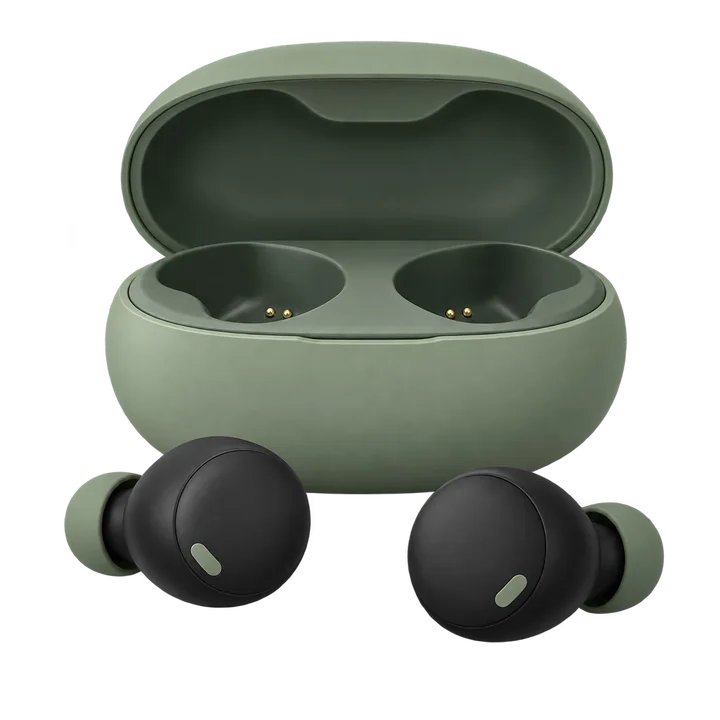
1,024 × 1,024 px · AVIF 23 KB → PNG 384 KB
A shop's transparent product picture, now a PNG for listings and ads.

512 × 512 px · AVIF 49 KB → PNG 289 KB
Saved at 50% for a profile picture or a speaker page.

1,344 × 768 px · AVIF 10 KB → PNG 219 KB
Smooth pastel gradients kept as they are, at full size.

1,024 × 1,024 px · AVIF 59 KB → PNG 758 KB
Every see-through pixel kept, the white die-cut border included.

1,024 × 1,024 px · AVIF 21 KB → PNG 300 KB
Crisp letters and flat colors on a transparent background, ready for any design.

256 × 256 px · AVIF 22 KB → PNG 48 KB
Rounded corners stay clear, saved small for a store page or a README.

1,152 × 864 px · AVIF 37 KB → PNG 544 KB
Clean shapes and soft colors, now a lossless PNG to edit and save again.
864 × 1,152 px · AVIF 84 KB → PNG 1,005 KB
Display P3 colors converted to sRGB, so the PNG looks the same in every app.
512 × 512 px · AVIF 49 KB → PNG 289 KB
Saved at 50% for a profile picture or a speaker page.
1,024 × 1,024 px · AVIF 59 KB → PNG 758 KB
Every see-through pixel kept, the white die-cut border included.
1,024 × 1,024 px · AVIF 23 KB → PNG 384 KB
A shop's transparent product picture, now a PNG for listings and ads.
1,152 × 864 px · AVIF 37 KB → PNG 544 KB
Clean shapes and soft colors, now a lossless PNG to edit and save again.
1,024 × 1,024 px · AVIF 21 KB → PNG 300 KB
Crisp letters and flat colors on a transparent background, ready for any design.
256 × 256 px · AVIF 22 KB → PNG 48 KB
Rounded corners stay clear, saved small for a store page or a README.
1,344 × 768 px · AVIF 10 KB → PNG 219 KB
Smooth pastel gradients kept as they are, at full size.
Three steps, and your pictures never leave your device.
Drop, paste or choose up to 100 AVIF pictures saved from websites, shops or your phone. Each one starts converting the moment it arrives.
Keep transparency or fill it with white, black or any color, and keep the full size or save at 75, 50 or 25%.
Save each PNG on its own or all of them in one ZIP, named after the original AVIF files.
Six things it does well, from a single sticker to a folder of saved pictures.

Stickers, logos and cut-outs keep every see-through pixel, soft edges and shadows included. Need a solid background instead? Fill it with white, black or your own color.

PNG keeps every pixel of the AVIF, so you can edit the picture and save it again and again without new loss. Logos, letters and thin lines stay crisp.

AVIF from phones and cameras often holds Display P3 or other wide colors. They are converted to sRGB, so the PNG looks the same in every browser, editor and app.

Keep the full size or save at 75, 50 or 25% for icons, thumbnails and slides. The browser's high-quality resize keeps edges and transparent corners smooth.

Add up to 100 AVIF files and they convert one after another, each with its size before and after. Change a setting and the whole list converts again; one click saves every PNG in a ZIP.

This AVIF to PNG converter runs entirely in your browser: no upload, no account, no watermark, and it keeps working without a connection.
Five short tips for clean PNG files from any AVIF.
AVIF is a modern image format that websites, shops and some phones use for very small files. Many editors, design tools, upload forms and older apps still ask for PNG, which is why converting AVIF to PNG is so common.

PNG is lossless, so an AVIF to PNG conversion keeps every pixel and every later save stays the same. For a photo you only want to send or post, JPG makes a much smaller file.
Keep the background transparent for logos, icons and stickers you will place on other colors. Pick a solid fill when the PNG goes into an app that shows transparency as black.
Right-click a picture on a web page and choose Save image as to keep the AVIF file, then drop it here. Files saved this way keep their full size, so the PNG does too.
A PNG holds one picture, so an animated AVIF gives its first frame. To keep every frame, click Save every frame on its row and the GIF splitter opens with the same file.
Common reasons to convert AVIF to PNG.
Bring AVIF photos into editors, mockups and layouts that expect PNG files.
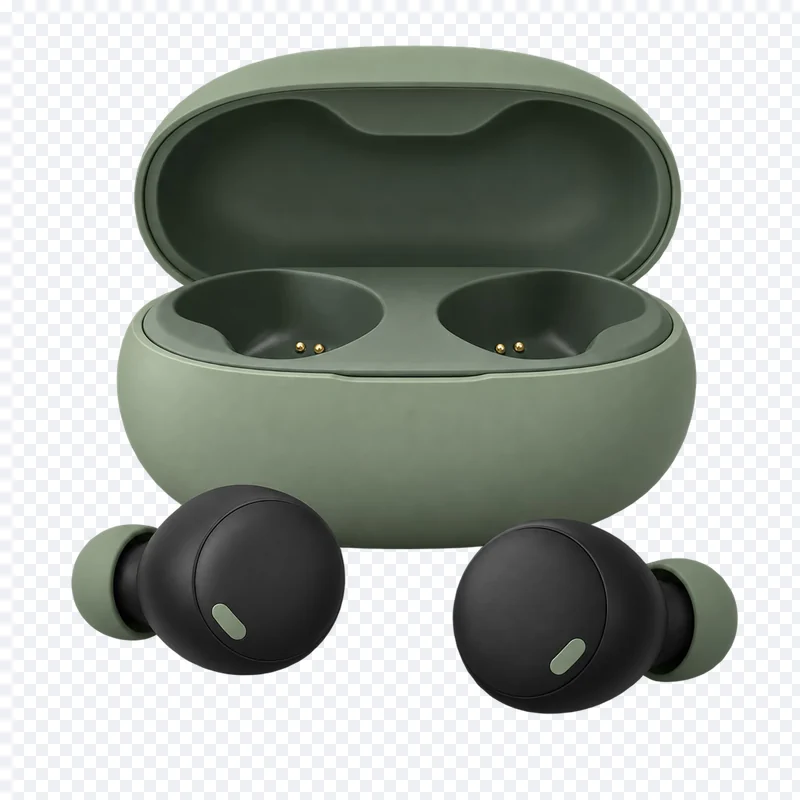
Turn transparent product pictures into PNG files for listings, ads and catalogs.
Save icons and UI pictures as PNG for app stores, docs and build tools.
Drop pictures into documents, reports and presentations as PNG files.
Answers about converting AVIF to PNG, quality and privacy.
Drop your AVIF files on the converter at the top of this page. Each one becomes a PNG at once; download them one by one or all together as a ZIP.
Yes. It runs entirely in your browser, needs no account, adds no watermark and saves every PNG at full size.
No. Every file is converted on your device; nothing is sent to a server, and it keeps working offline once the page has loaded.
No. PNG is lossless, so the PNG holds exactly the pixels of the AVIF, and saving it again never adds loss.
Yes. Every see-through pixel of the AVIF stays see-through in the PNG. You can also fill transparency with white, black or any color.
Yes. Add up to 100 AVIF files; they convert one after another, and one click downloads every PNG in a ZIP.
AVIF is built for the smallest files on the web, and PNG stores every pixel without loss, so the PNG takes more space. Save at 75 or 50% to make it lighter, or pick JPG for a photo you only want to share.
Photos in Display P3 or another color profile are converted to sRGB, so the PNG shows the same colors in every app, on every screen.
Drop your AVIF files and download clean PNG files in seconds, free and private in your browser.
Choose AVIF files