Transparent Background Maker
Upload a photo and make the background transparent in a few seconds. You get a full-size transparent PNG with clean hair and edges for 1 credit, and you can swap in white or any color for free.


A real result from this tool. Drag the handle to compare.
- Full-size transparent PNG
- 1 credit per picture
- White or color backgrounds, free
- Layered PSD with a mask
How to Make a Background Transparent in 3 Steps
No lasso and no masking: the transparent background maker finds the subject for you.
- 1
Upload a picture
Drop, paste or choose a JPG, PNG or WebP up to 10 MB. People, pets and products all work.
- 2
Remove the background
The AI separates the subject from everything behind it in a few seconds and keeps the original size of your photo.
- 3
Pick a background and download
Keep it transparent, or put the subject on white or any color, then download a PNG or a layered PSD.
Transparent Background Examples
Two real cut-outs made with this tool. Switch the background to see how the edges hold up on white and on color.
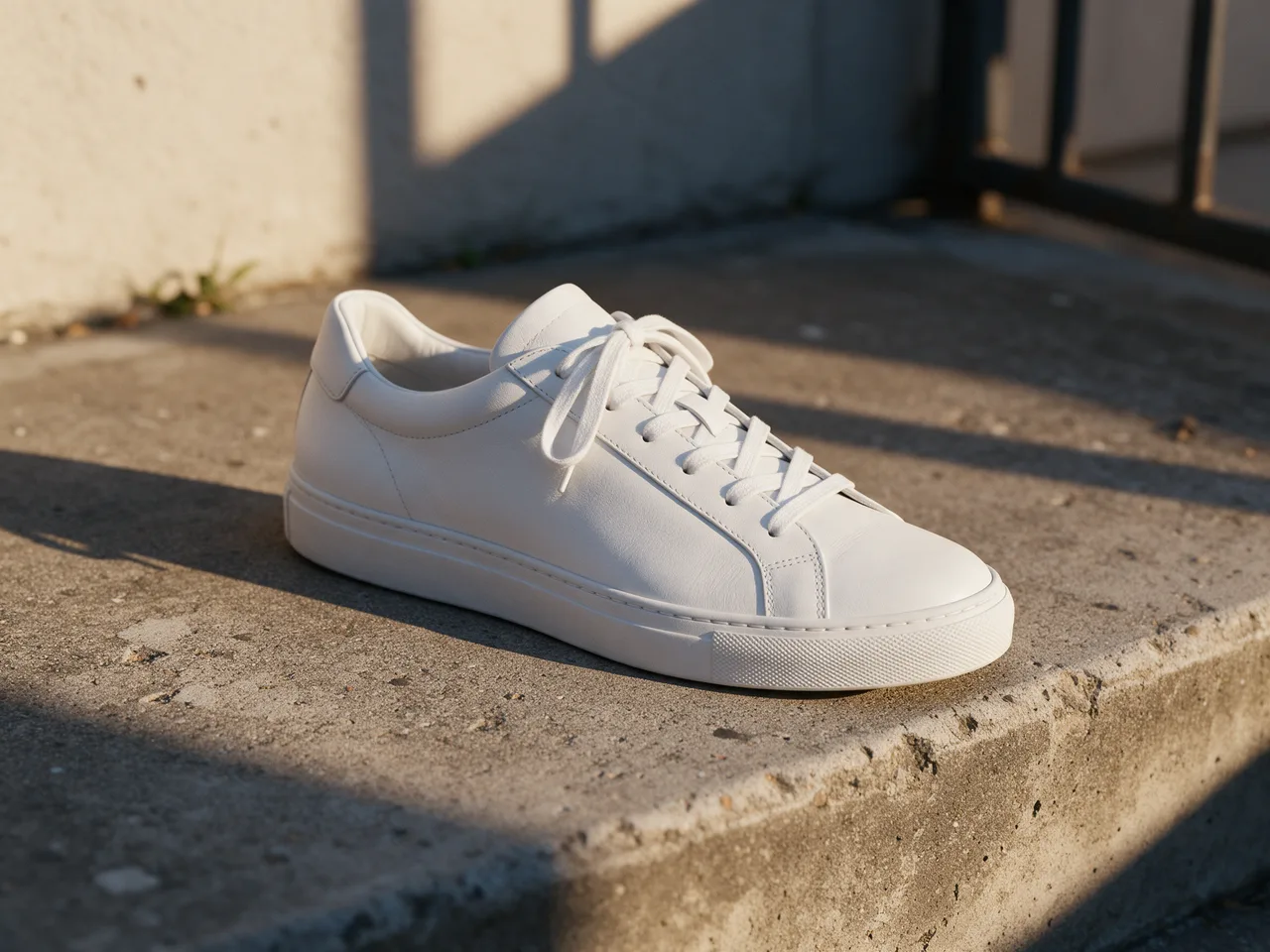 BeforeAfter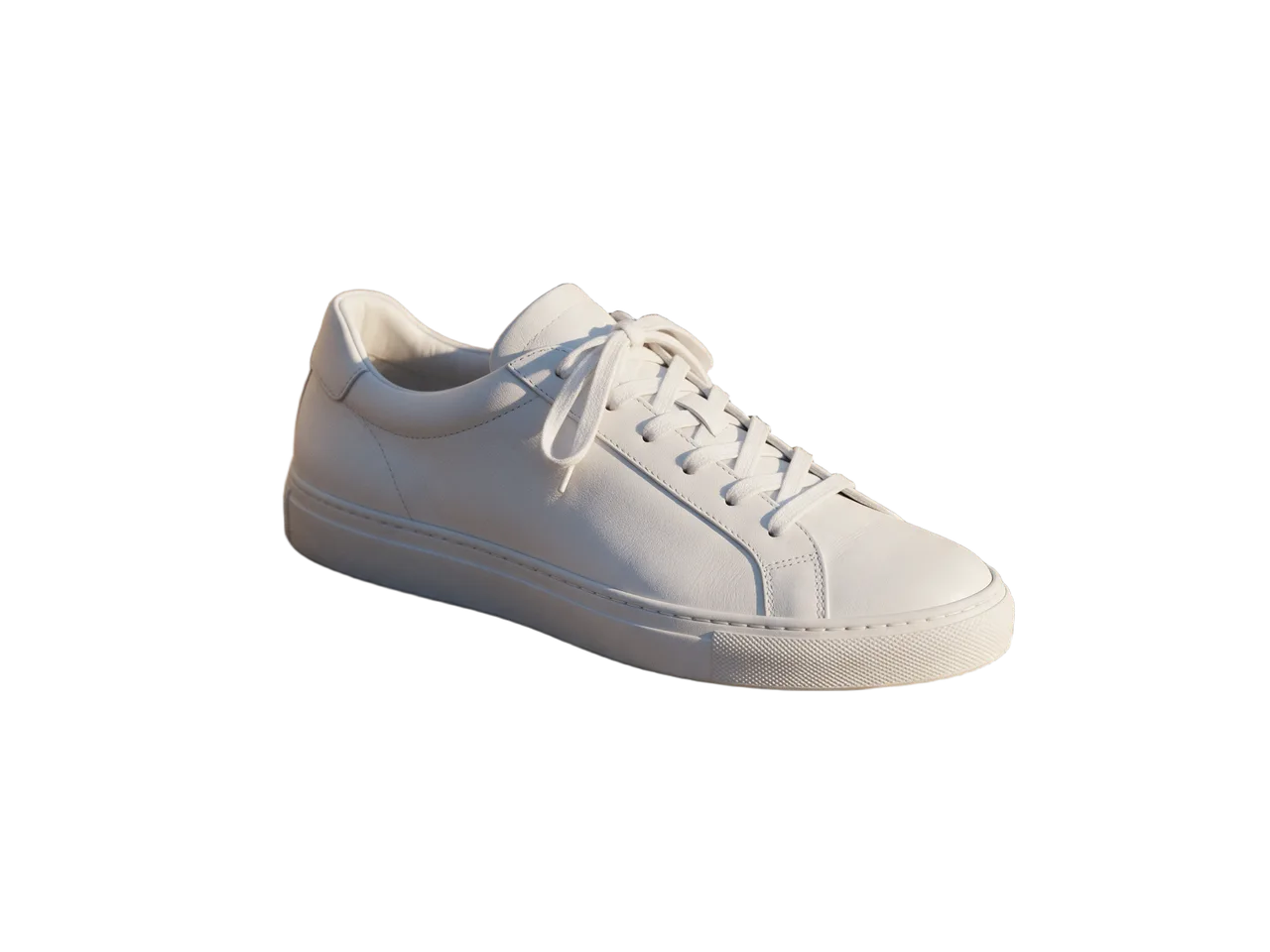
Product photo
A sneaker on a concrete step becomes a clean product cut-out at 2304 × 1728, ready for a store page.
Try a background
- BeforeAfter
Long hair, old stone bridge
Loose hair in front of a stone bridge and old buildings comes away cleanly at 1776 × 2368 and keeps a soft, natural edge on white or color.
Try a background
What a Transparent Background Maker Handles Well
Most photos cut out cleanly. A few kinds of pictures are harder; here is what to expect.
Works well
- People, pets and products with a clear subject in front.
- Hair, fur and soft edges, which keep a natural fade instead of a hard outline.
- Large photos: the PNG keeps the full size of your upload.
- Subjects on busy backgrounds such as streets, shelves and rooms.
Harder
- Glass, smoke and very sheer fabric, which may come out solid or partly cut away.
- Two subjects of the same weight; the tool keeps what looks like the main one.
- Logos and flat graphics on one color, where a color-based cut-out in an editor can be more exact.
- Very small or blurry pictures; unblur them first for cleaner edges.
Tip: shadows go with the background. For product photos, add a soft shadow back in your design tool for a natural look.
Why Make Backgrounds Transparent with ImageToPsd.AI
A transparent PNG maker with one clear price and the full-size file every time.
Full size, not a preview
Many tools give a small preview for free and charge again for the full size. Here every result is the full-size transparent PNG.
1 credit per picture
Each cut-out costs 1 credit, shown on the button before you start.
Clean hair and edges
Soft edges such as hair and fur keep a natural fade, so the subject sits well on any new background.
Backgrounds for free
Switch to white or any color after the cut-out. It happens in your browser and costs nothing extra.
PNG or layered PSD
Download a PNG, or a PSD with the subject on a layer mask and the original photo underneath, so you can fix any edge in Photoshop.
Private by default
Pictures sit behind unguessable links, appear only in your own history and are not used to train AI models.
Transparent PNG Guide: Get Clean Cut-outs
Five short tips for better cut-outs and for using them in stores, slides and print.
Choose a photo where the subject stands out
The clearer the line between subject and background, the cleaner the edge. Even light and a sharp focus help most. A busy background is fine; a subject that is the same color as what is behind it is the hard case.
Keep it as PNG
Only formats with an alpha channel keep transparency. Download the PNG and keep it as PNG or WebP in your design tool. Saving as JPG fills the transparent area with a color, usually white or black.
Put the subject on white or a color
After you make the background transparent, choose white or pick any color before you download. The tool fills the background in your browser at full size, so you get a finished picture without opening an editor.
Product photos for stores
Marketplaces such as Amazon ask for a pure white background on the main product image. Cut the product out, choose white, and keep the product filling most of the frame. Use the same setting for every photo so your catalog looks consistent.
Put the cut-out to work
Drop the transparent PNG into slides, posters and social posts, or print it as a sticker. Need to refine an edge? Download the layered PSD and paint the mask in Photoshop to bring back or remove detail.
Who Uses a Transparent PNG Maker
Clean cut-outs save time wherever a subject needs to sit on something new.
Online stores
Product photos on white or brand colors for shops, marketplaces and ads.
Profile pictures
A tidy portrait on a plain color for LinkedIn, team pages and ID-style photos.
Design and slides
Cut-outs for presentations, collages, thumbnails and posters.
Stickers and print
Clean edges for stickers, T-shirts, mugs and other printed goods.
Transparent Background FAQ
Answers about price, size, formats, hair and privacy.
Make Your Background Transparent Now
Upload a picture and download a full-size transparent PNG in seconds, for 1 credit.