Which photo works best?
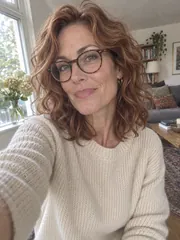
A sharp photo with your face toward the camera, in daylight, gives the most faithful result. A phone selfie is fine; a group shot works when you crop it to yourself first. Glasses, beards and headscarves stay as they are.
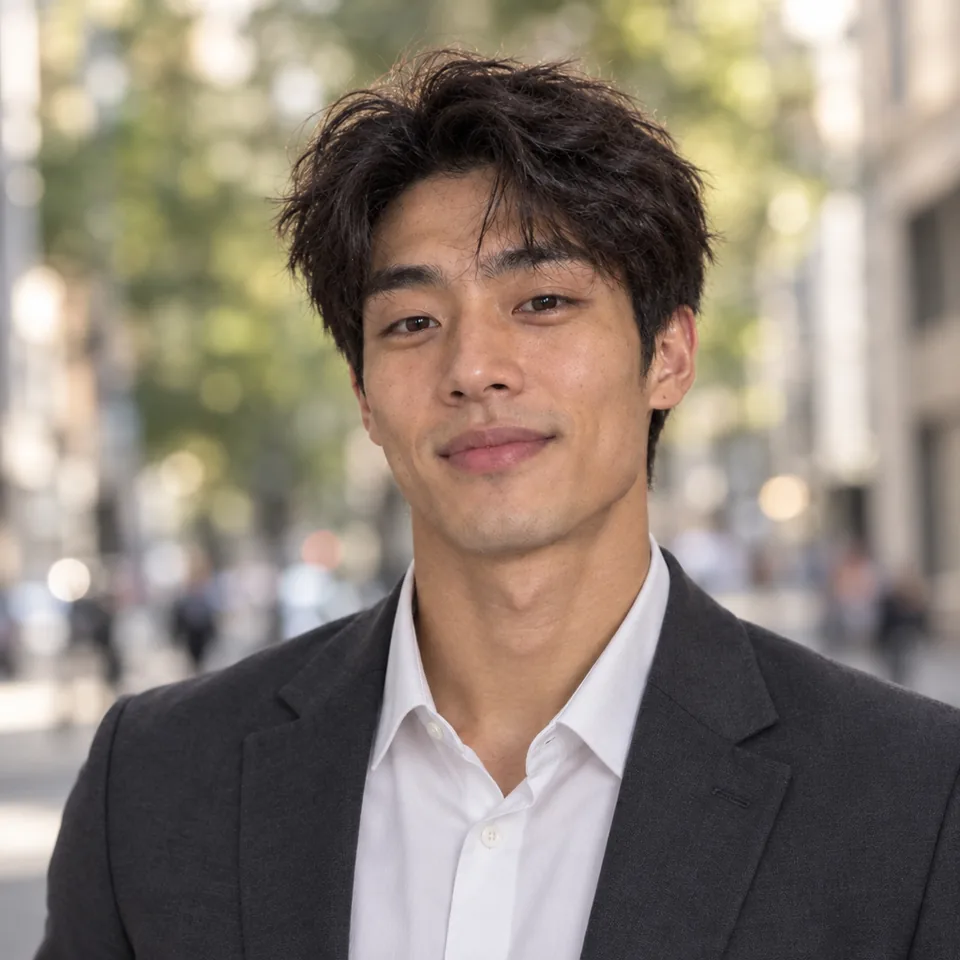

Add one everyday photo, pick a background and an outfit: the AI headshot generator makes a professional headshot of you in about thirty seconds, with your own face, hair and smile, ready for LinkedIn, your CV and your team page.
Try one of these edits
Eight people, each portrait made from their own everyday photo, shown over the corner. The people were made by our image model.
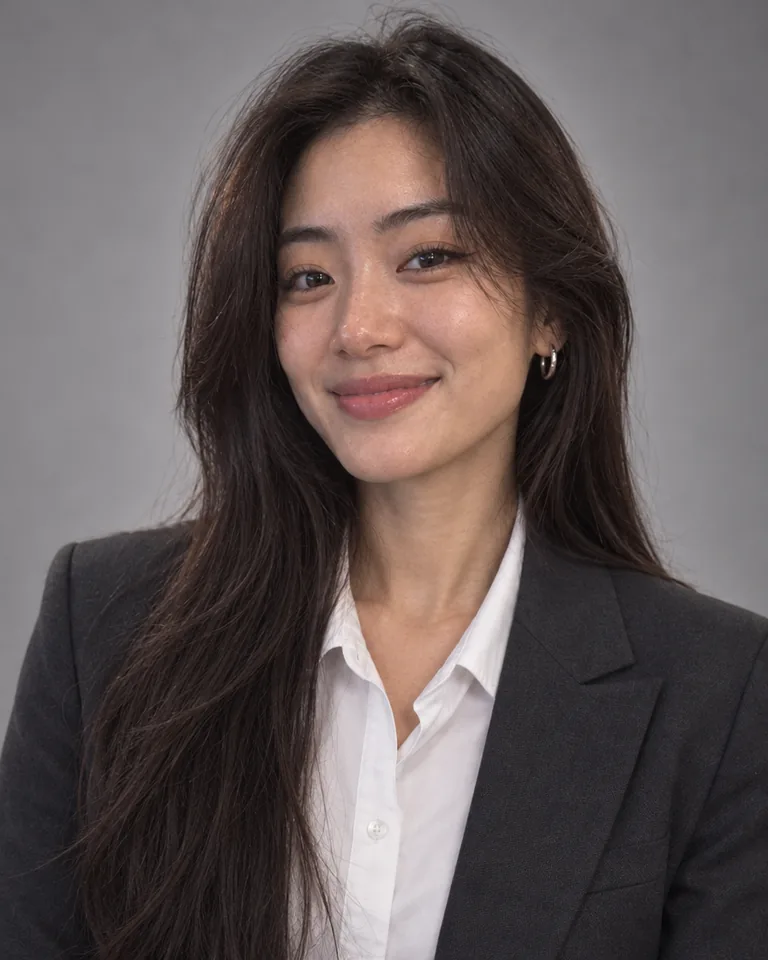
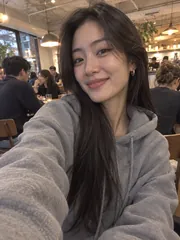
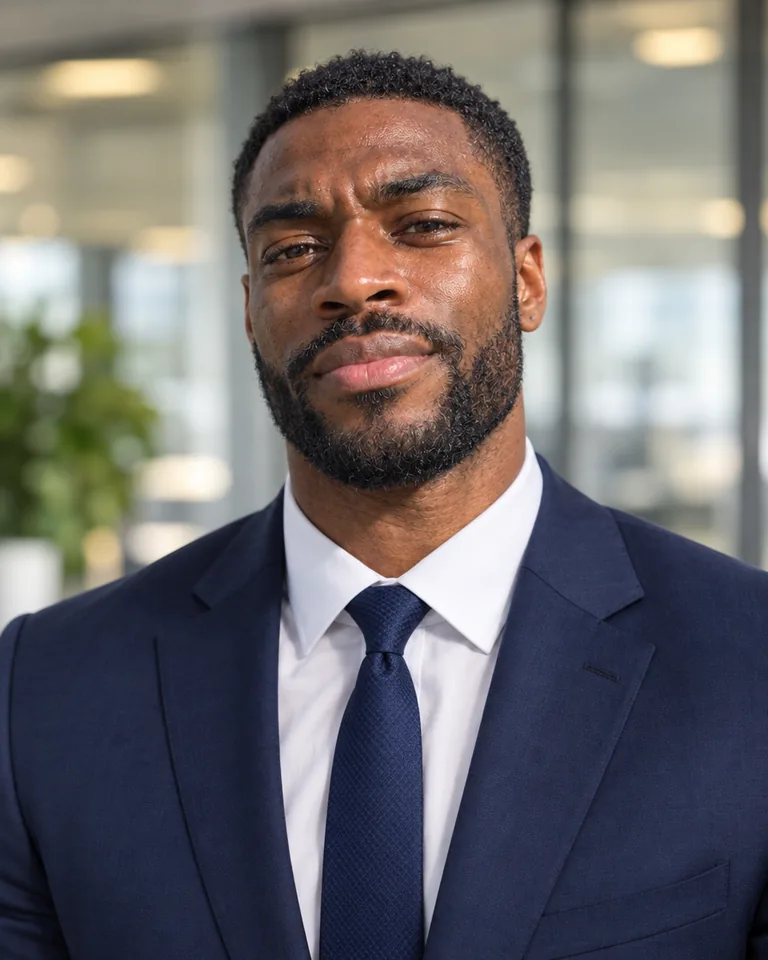
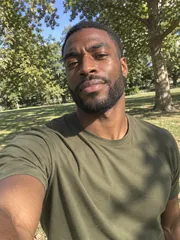
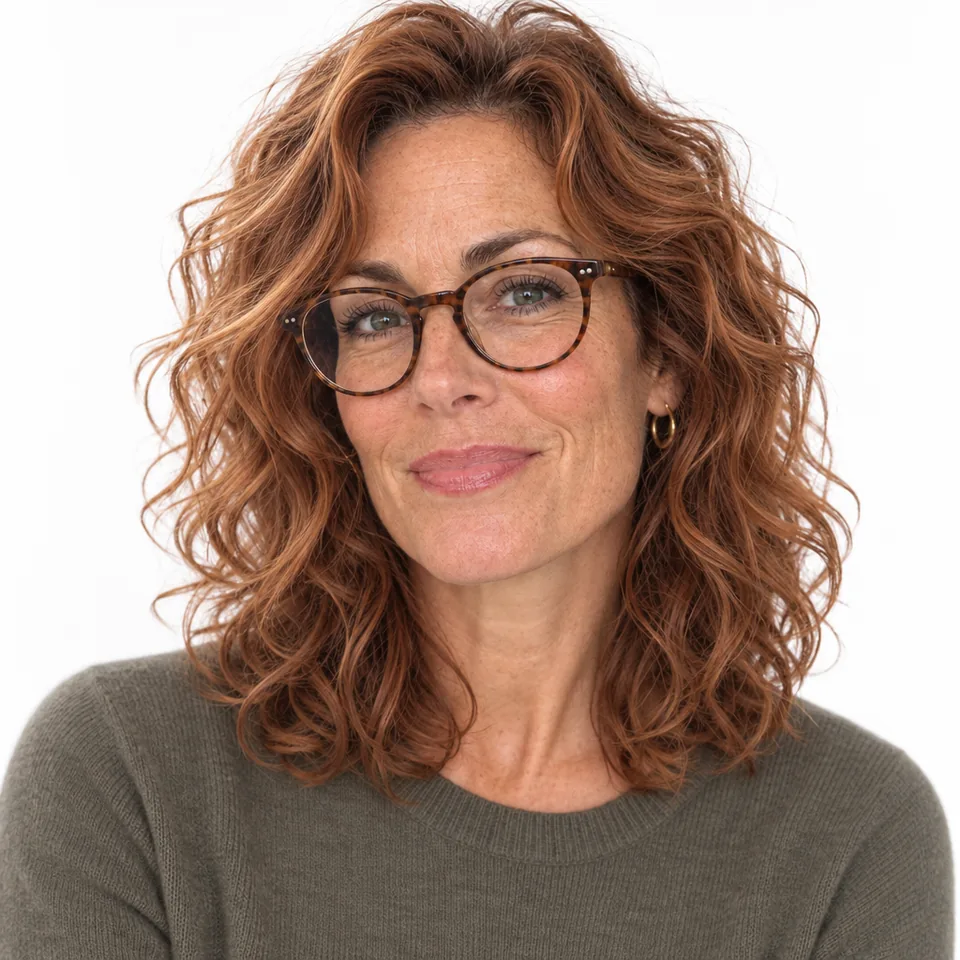
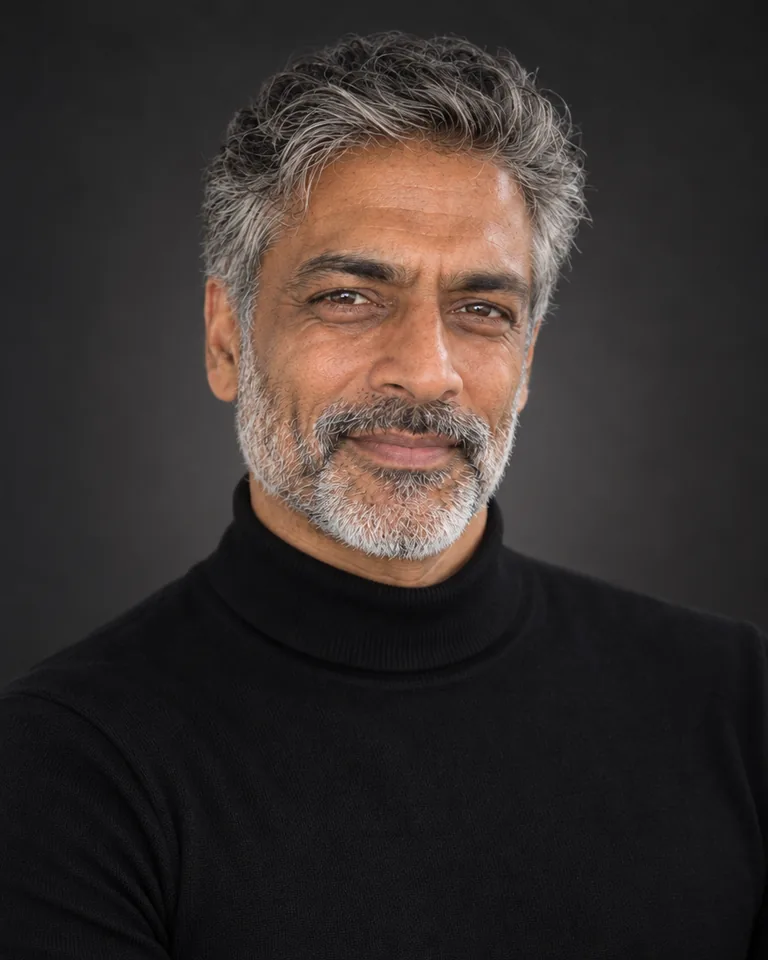
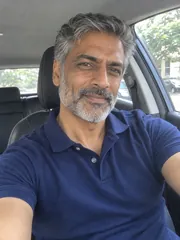
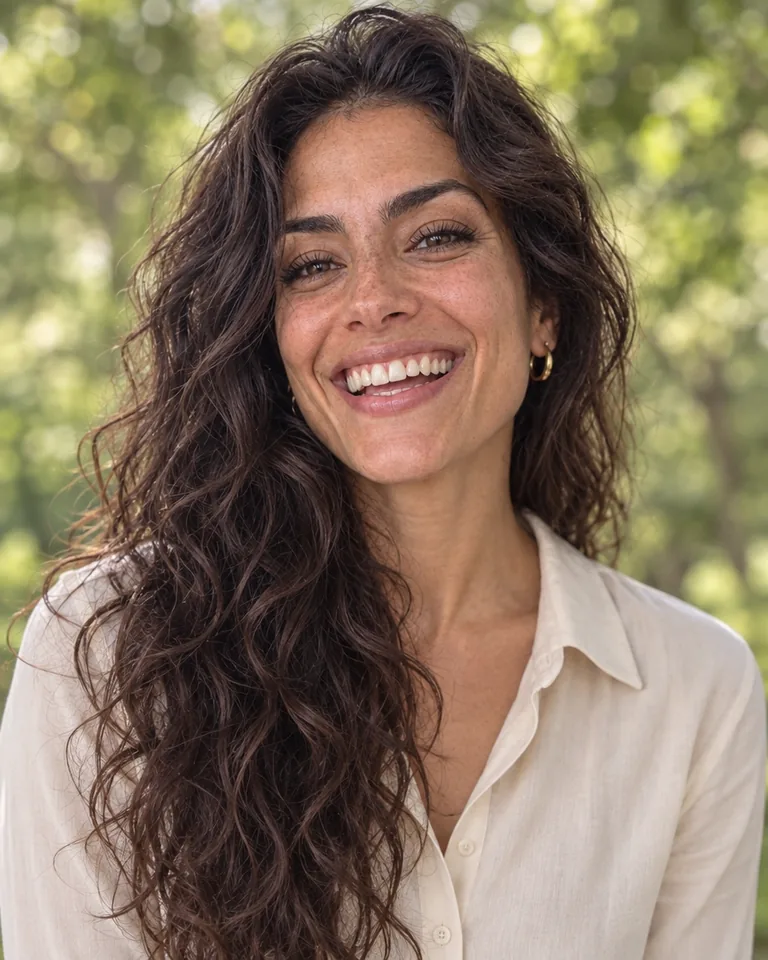

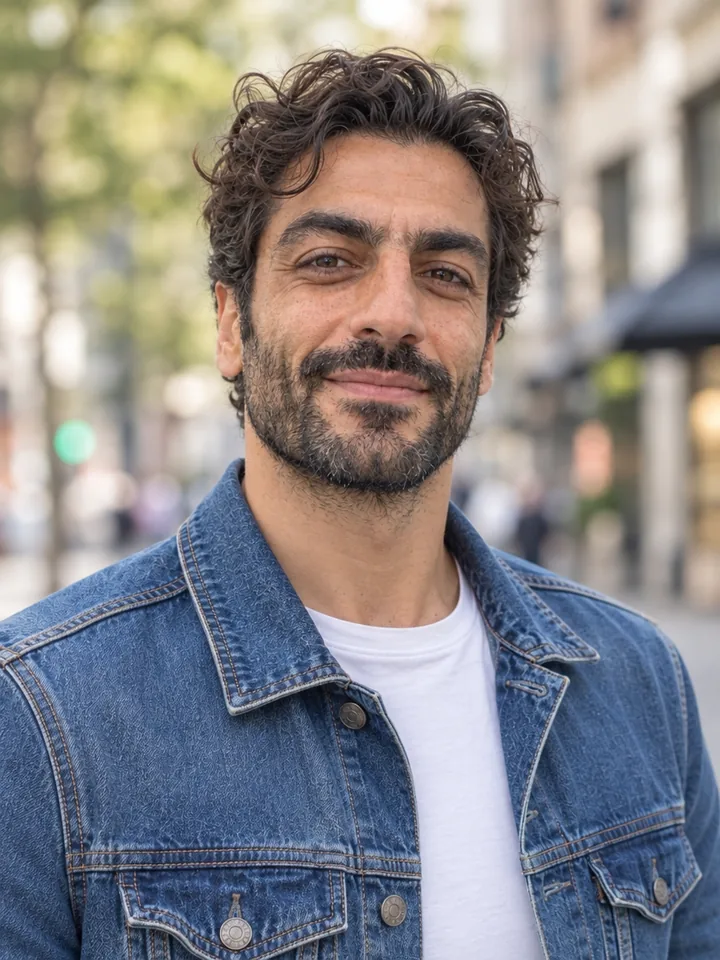
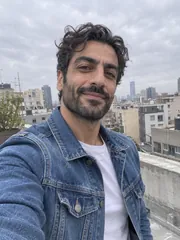
Three steps and about thirty seconds from a phone photo to a professional portrait.
Drop, paste or choose an everyday photo: a selfie, a holiday snap or a crop from a group shot. One person, the face clearly visible.
Choose one of 6 backgrounds, from studio gray to a soft office, and one of 6 outfits, from a dark blazer to your own clothes. Square for profile pictures, 4:5 or 3:4 for a CV.
Your picture lands in your history in about thirty seconds. Download it in full size, try another look, or take it on with Next: remove the background, upscale it or change the outfit.
Six things it does best, from the likeness to the size of the file.
Your face shape, features, skin, freckles, eyes, hair, beard and glasses stay exactly yours. The AI headshot generator never slims, smooths or makes you younger, so people recognize you the moment they meet you.
A fresh, upright pose, head and shoulders framing, flattering portrait light with a catchlight in the eyes and a soft background, like a photographer's 85 mm lens.
Studio gray, pure white, a bright office, a city street, greenery outdoors or a dark studio: the light on your face matches the background you pick.
A dark blazer, a business suit, smart casual, a turtleneck, a white coat for medical professionals, or the clothes you already wear, neat and wrinkle-free.
Every picture comes at 1K, 2K or 4K, in a square for profile pictures or 4:5 and 3:4 for CVs, speaker bios and print.
Your photo and your pictures stay in your private history, ready to download again or delete. A short check box confirms the photo is of you, or of someone who agreed.
Five short notes on the photo, the look, the details, the shape and the price.
A sharp photo with your face toward the camera, in daylight, gives the most faithful result. A phone selfie is fine; a group shot works when you crop it to yourself first. Glasses, beards and headscarves stay as they are.
A dark blazer on studio gray suits most LinkedIn profiles and CVs. A suit in an office reads corporate; smart casual outdoors reads friendly; a turtleneck on a dark studio suits creative work; a white coat suits doctors, nurses and dentists.
The two pills set the background and the outfit; the details fine-tune them: "no glasses", "a navy shirt", "a softer smile", "a stethoscope around the neck". Your face stays the same whatever you add.
Square for LinkedIn, Slack, email and other profile pictures, which show it in a circle; 4:5 for a CV, a team page or a speaker bio; 3:4 for print and ID-style layouts.
Each picture costs 3 credits at 1K, 6 at 2K and 8 at 4K, and the button shows the price before you run. Make up to four at once, or change the background and run again to compare looks side by side.
Anyone who needs a professional photo of themselves today, not after a studio booking.
A professional LinkedIn headshot and a CV photo from the selfie you already have.
Matching portraits for a team page: the same background and outfit for everyone.
A polished portrait for a bio, a book jacket, a pitch deck or a conference page.
A portrait for a clinic profile, a property listing or a client proposal, in the right outfit.
Short answers to the questions people ask most.
One. Add a single clear photo of yourself and the AI headshot generator works from it, in about thirty seconds, with nothing to train.
Yes. Your face, features, skin, hair and glasses are kept exactly; only the pose, light, background and outfit become a professional headshot. A sharp, front-facing photo gives the most faithful result.
Yes. Everyday selfies, holiday photos and crops from group shots all work, as long as your face is clearly visible and you are the only person in the picture.
Yes. It is a picture of you, made from your own photo: pick Square for LinkedIn and other profile pictures, or 4:5 for a CV, a team page or a speaker bio.
Anything. Pick an outfit, from a dark blazer to a business suit or a white coat, and you wear it in the picture; or pick My own clothes to keep yours, tidied up.
Each picture costs 3 credits at 1K, 6 at 2K and 8 at 4K, and the button shows the price before you run. Every picture is yours to download in full size with no watermark.
Yes. Click Reuse on a headshot to bring back its photo and settings, pick another background or outfit and run it; each new one sits next to the others in your history, so you can compare and keep your favorite.
Your photo and results stay in your private history, where you can download or delete them. Use photos of yourself, or of people who agreed; the box under the composer asks before your first run.
Add one photo, pick a background and an outfit, and get a professional portrait that looks like you in about thirty seconds.
Make my headshot