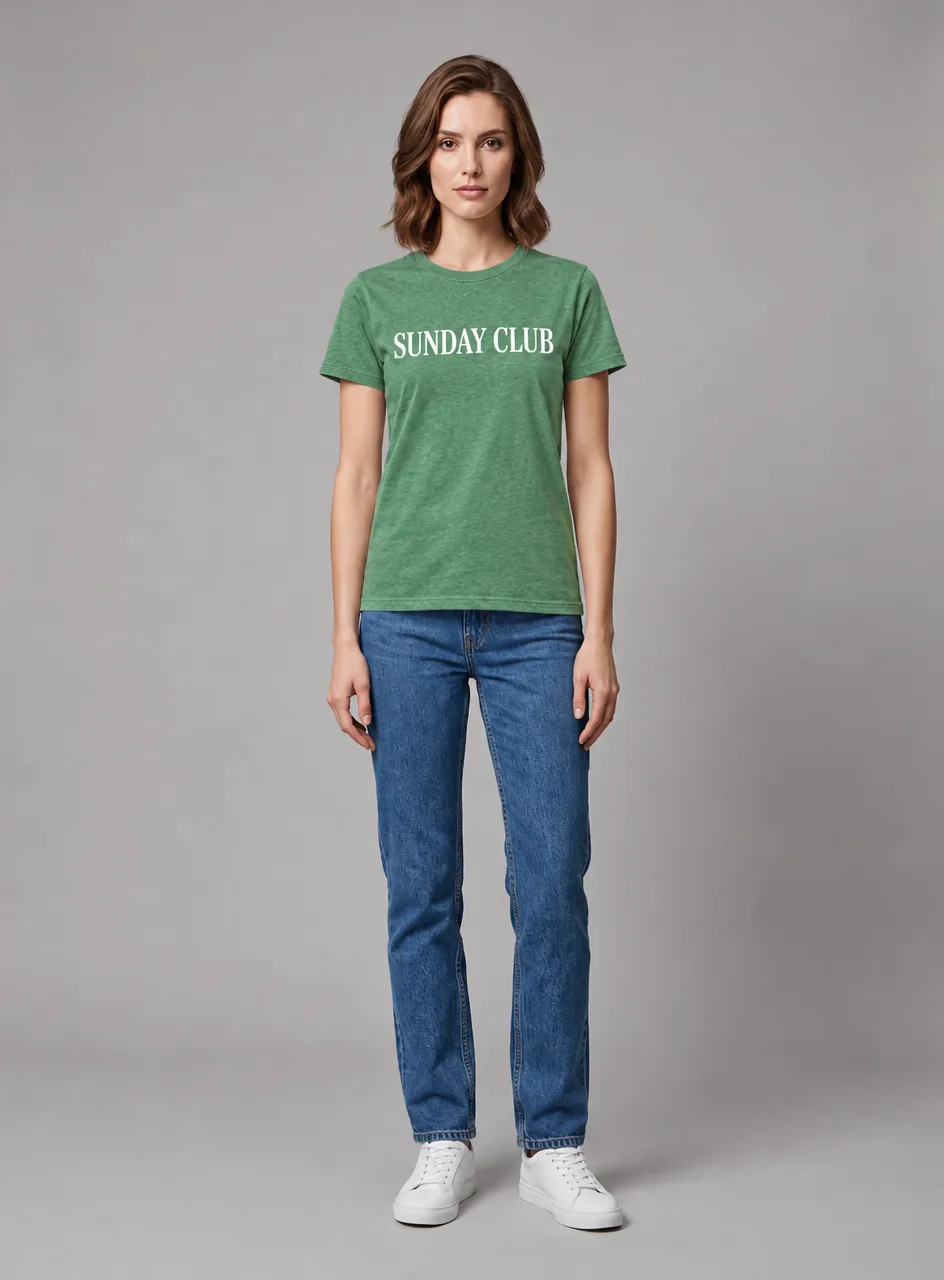
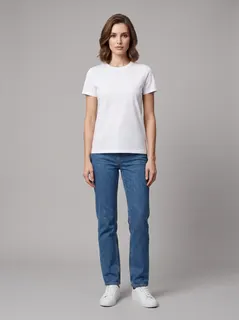

Printed tee, flat lay
SUNDAY CLUB comes through letter for letter.
This AI clothes changer puts new clothes on the person in your photo and keeps the face, pose and background. Use a garment picture or a few words.
1Photo
JPG, PNG or WebP, up to 10 MB. Facing the camera, clothes in view. Or pick one of our AI fashion models.
2Outfit
Flat-lay, on a hanger or worn by someone: only the clothes are used.
3Model
Changes clothes, never removes them. No swimwear or underwear.
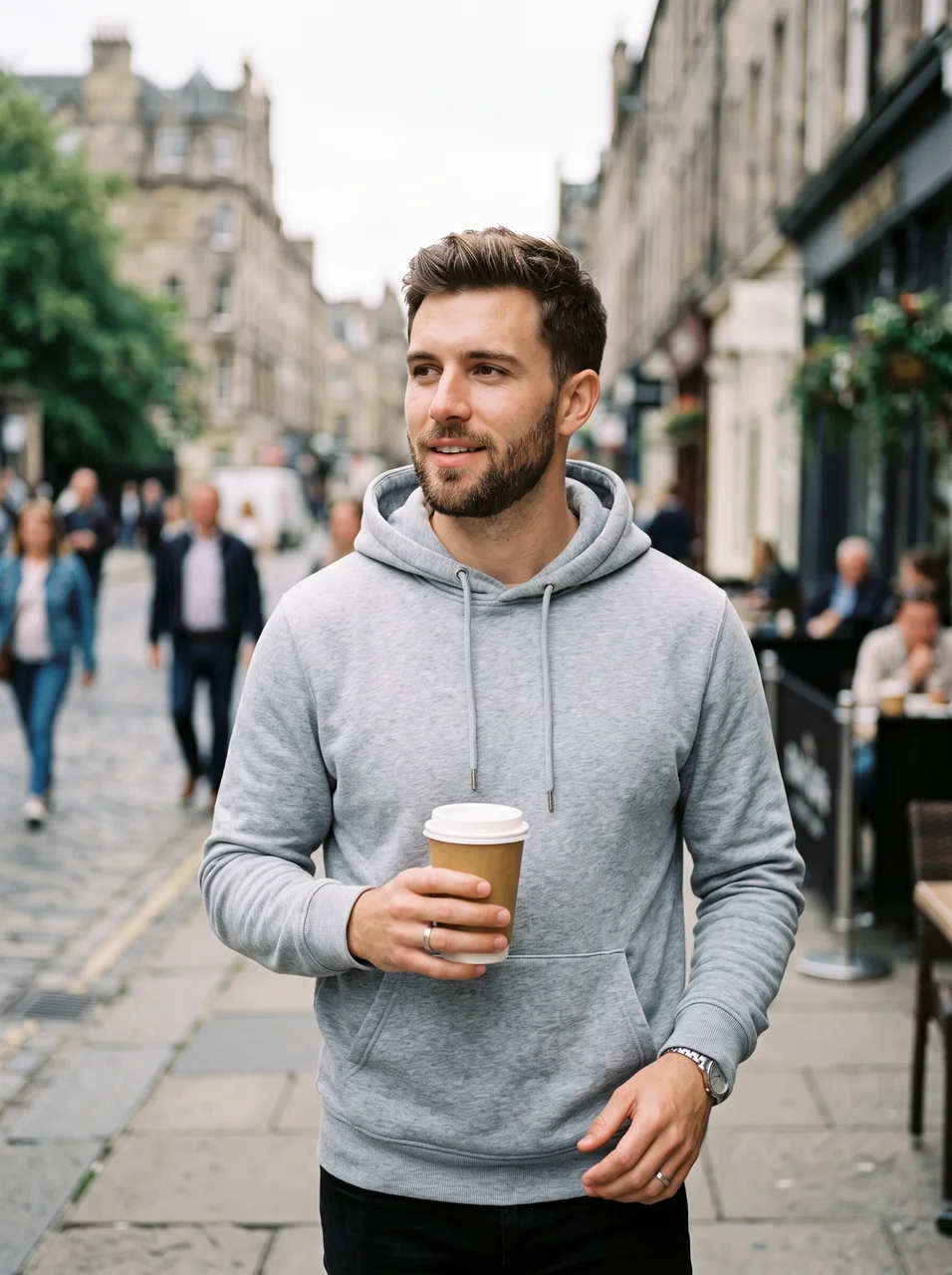
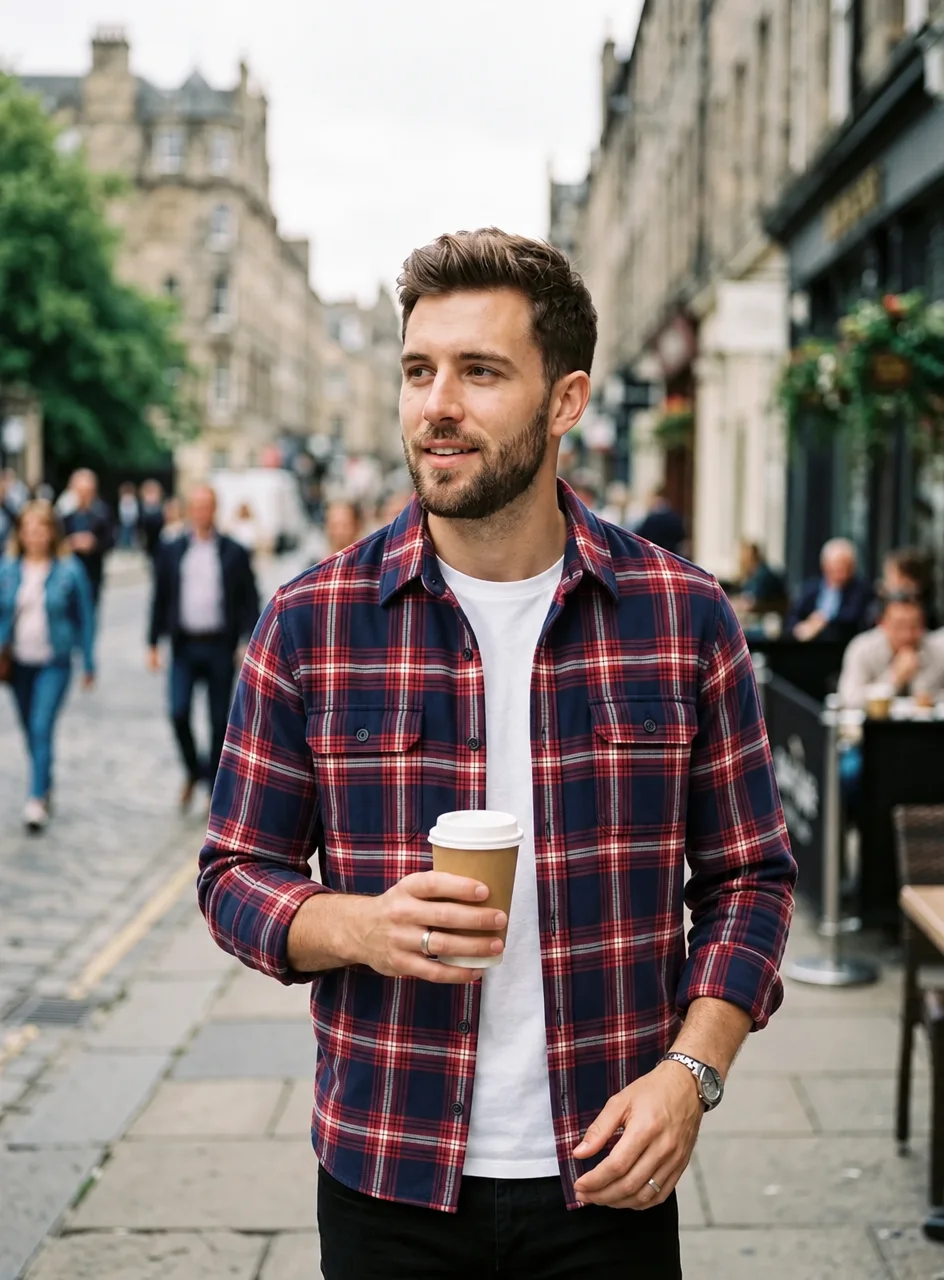
Credits show on the button first.
A JPG, PNG or WebP up to 10 MB, or one of 6 AI fashion models.
One or two garment pictures, or the outfit in words.
Compare with the slider, download a PNG.
AI clothes changer results on AI fashion models. Open one to load it.
SUNDAY CLUB comes through letter for letter.
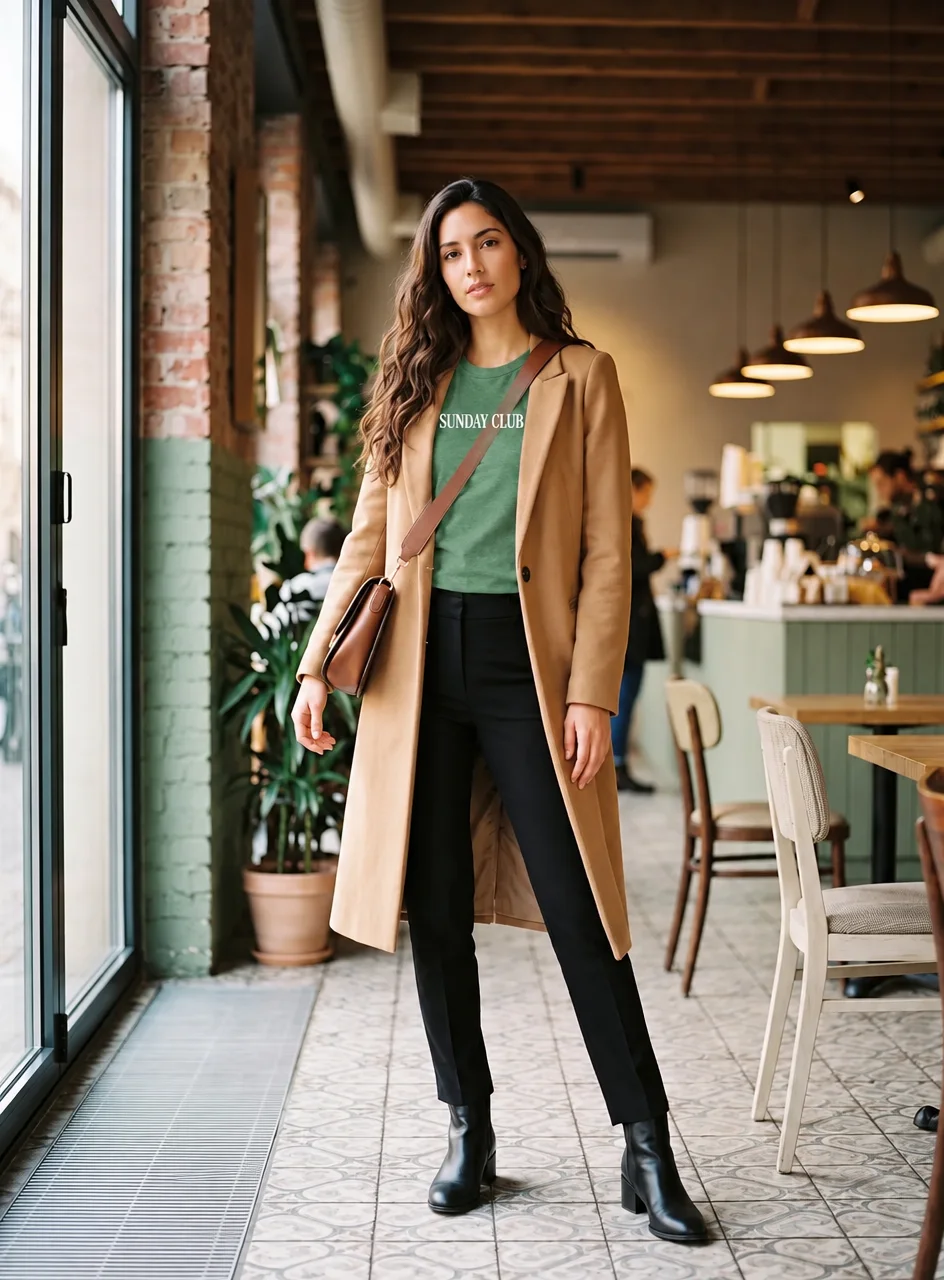
Only the T-shirt under the coat changes.
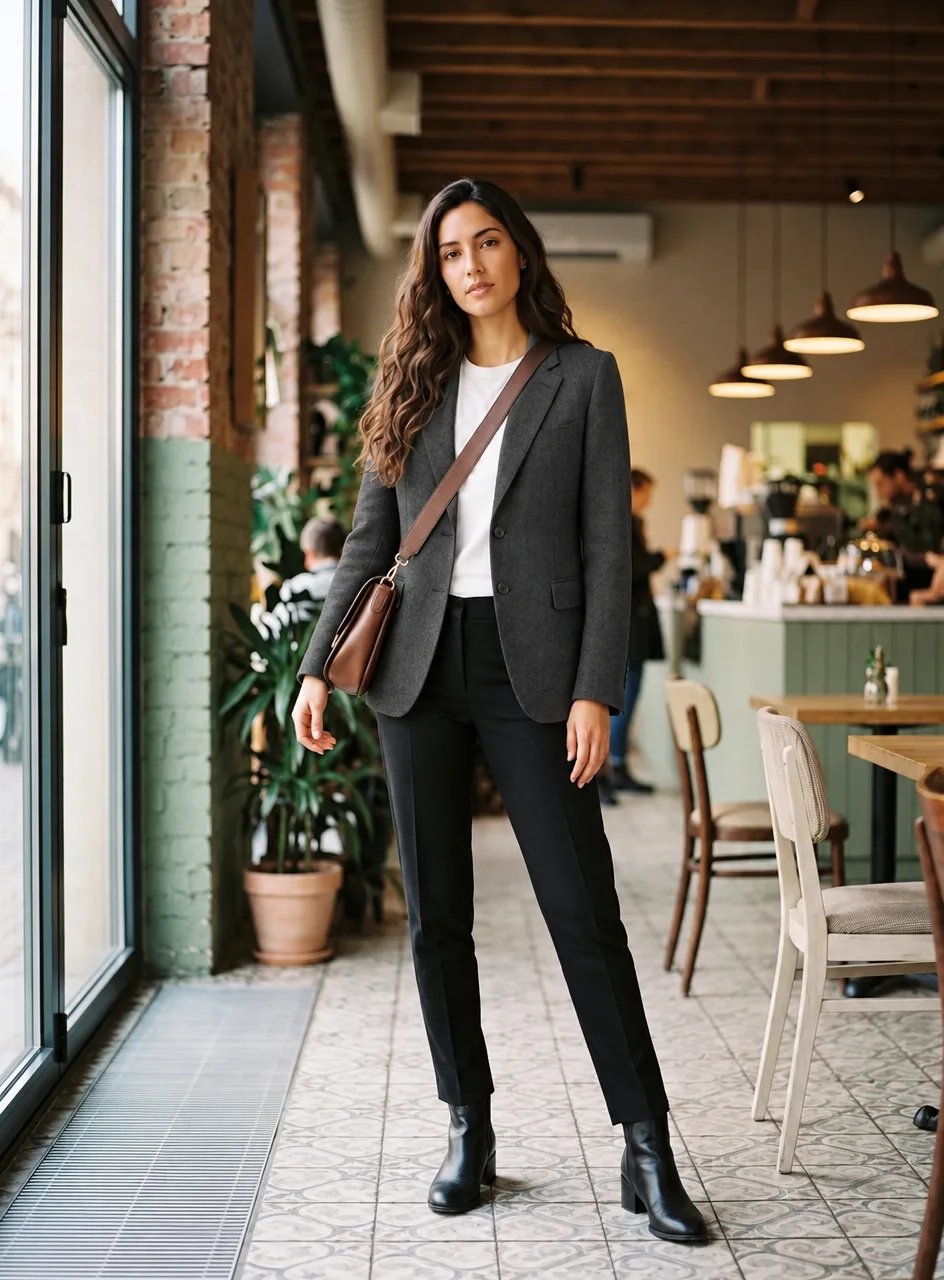
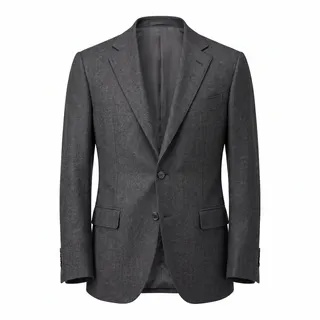
A charcoal blazer replaces it; the rest stays.
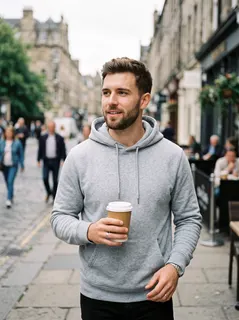
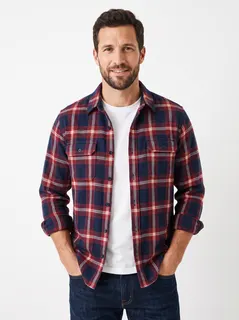
The overshirt comes from another man's photo, not his face.
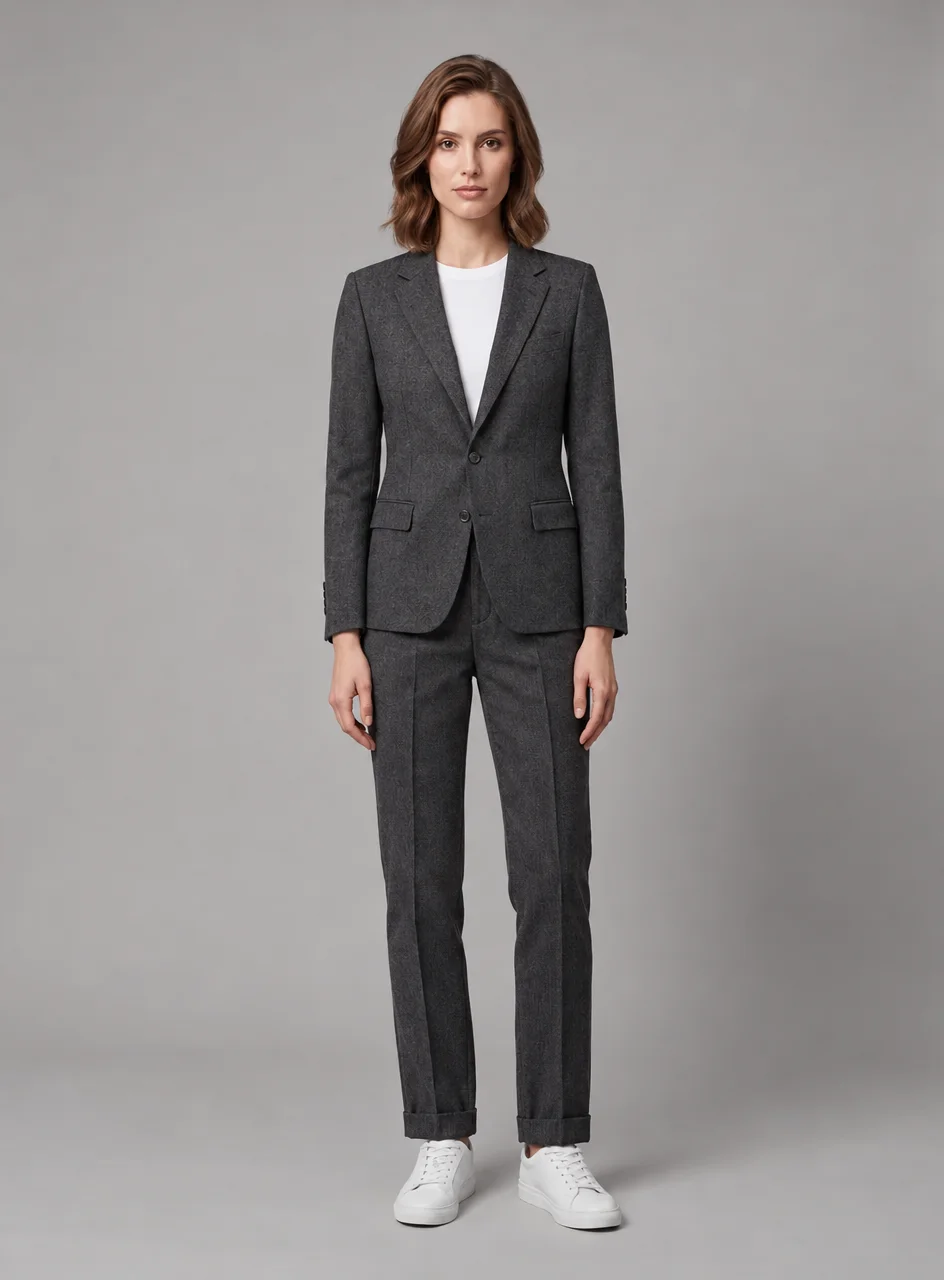
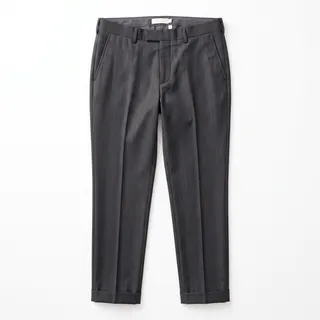
Blazer and trousers in one run.
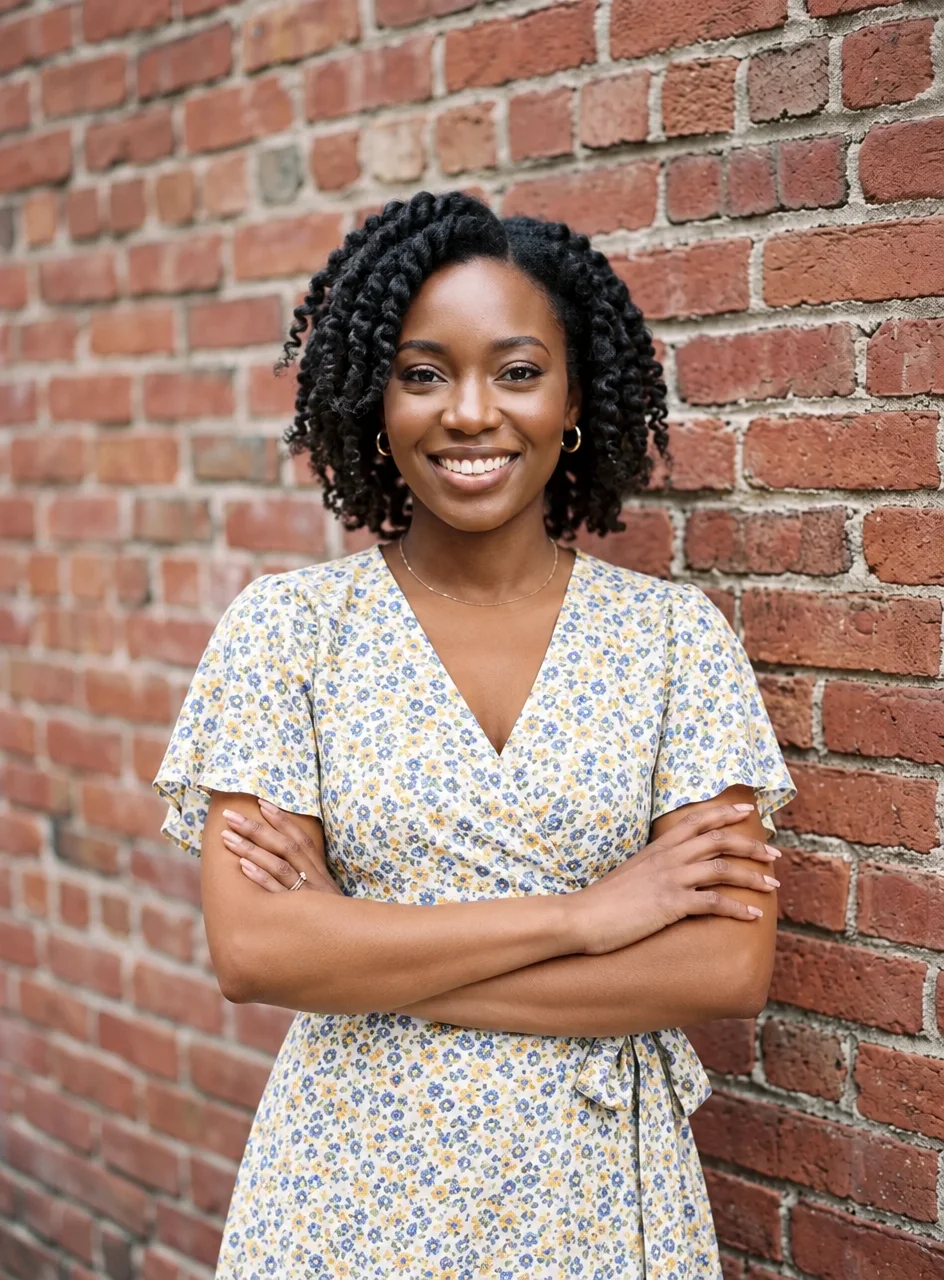
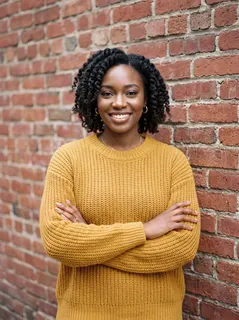
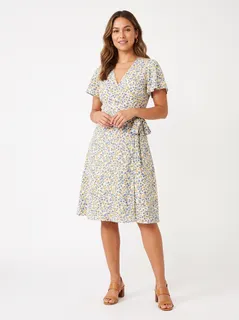
Her crossed arms stay put.
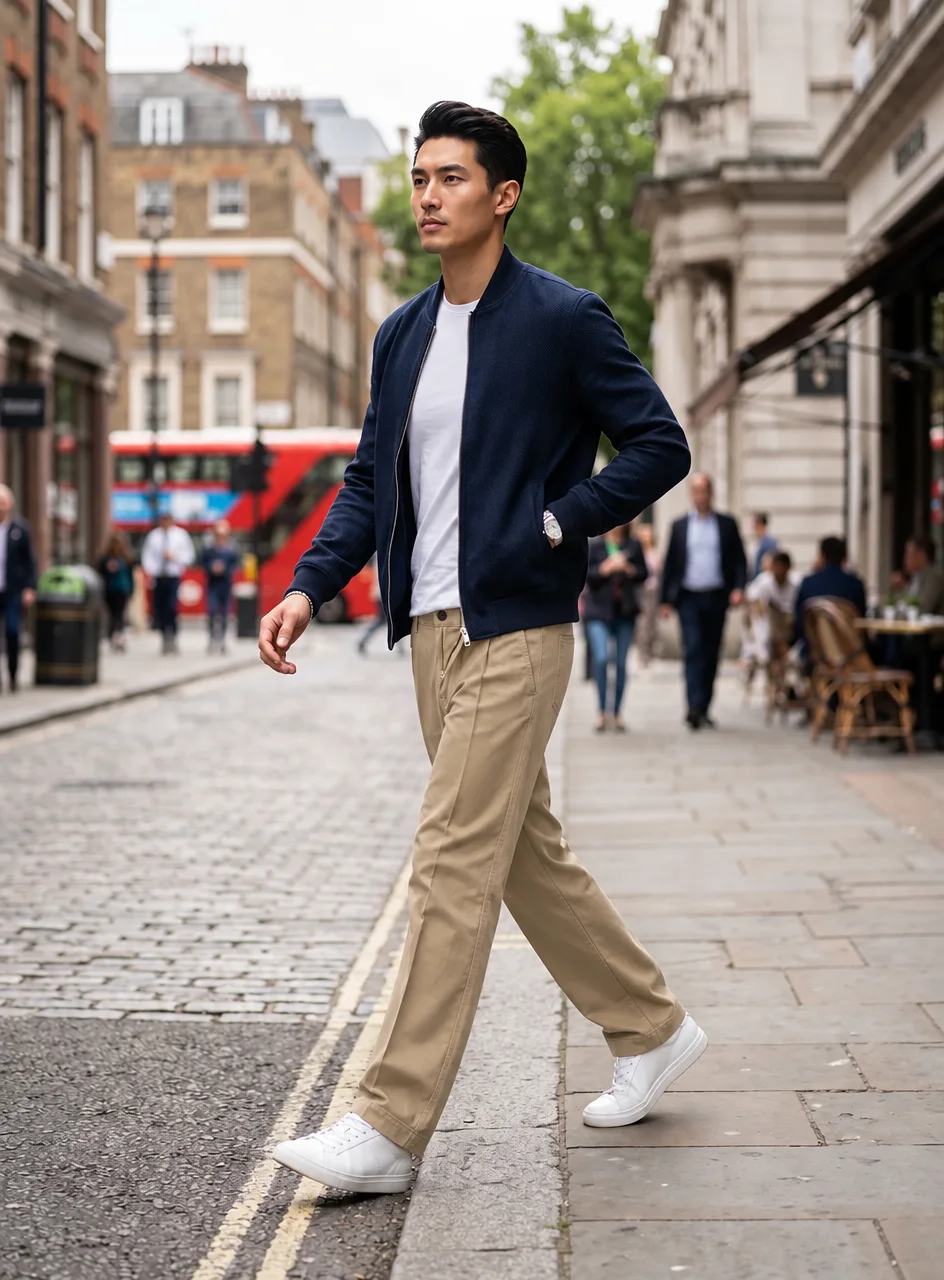
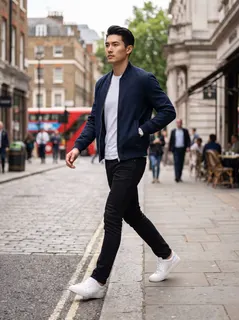
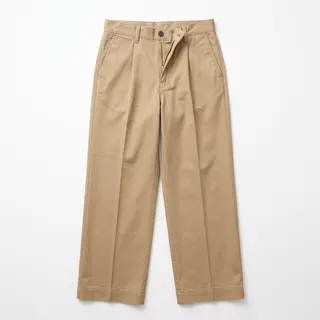
Only the trousers change, mid-step.
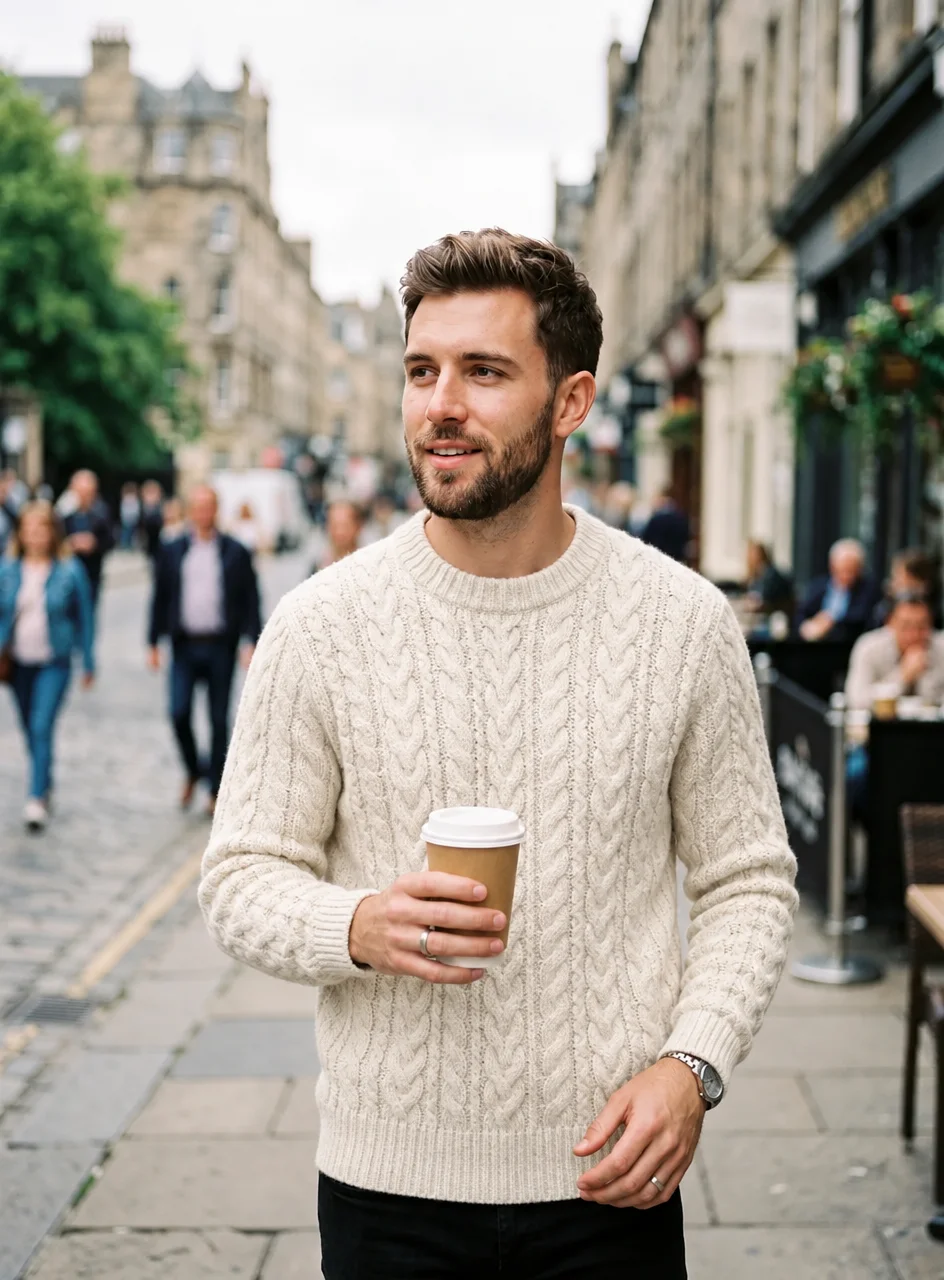
“a cream cable-knit wool sweater”
Just “a cream cable-knit wool sweater”, no picture.
SUNDAY CLUB comes through letter for letter.
A charcoal blazer replaces it; the rest stays.
Blazer and trousers in one run.
Only the trousers change, mid-step.
Only the T-shirt under the coat changes.
The overshirt comes from another man's photo, not his face.
Her crossed arms stay put.
“a cream cable-knit wool sweater”
Just “a cream cable-knit wool sweater”, no picture.
SUNDAY CLUB comes through letter for letter.
Blazer and trousers in one run.
Only the T-shirt under the coat changes.
Her crossed arms stay put.
A charcoal blazer replaces it; the rest stays.
Only the trousers change, mid-step.
The overshirt comes from another man's photo, not his face.
“a cream cable-knit wool sweater”
Just “a cream cable-knit wool sweater”, no picture.
Results depend on your photo.
Tip: front-facing photos in even light work well.
This AI outfit changer changes only the clothes.
Face, hair, body, pose, hands, accessories, background, light and aspect ratio are kept.
Change what is under the coat, or the coat itself.
Top and bottoms, or jacket and top, together.
Flat lay, hanger, mannequin or worn: only the clothes are taken.
We made the fast, steady one the default. Credits show on the button.
Never removes clothes. Adults only, with consent. Every photo and result is checked.
For a natural result.
Upload the photo, then add one or two garment pictures or a short description. The AI clothes changer edits only the clothing and keeps the face, hair, pose, hands, accessories, background and light. Compare with the before and after slider, then download a PNG or animate it with image to video.
Choose a front-facing or slightly turned photo where the body shows clearly, full length or half length. Even light helps, and so do arms that leave the clothes visible. Crossed arms and walking poses still work, as the examples show. Very dark, blurry or tightly cropped photos give weaker results.
A flat lay, a hanger shot, a mannequin or a photo of someone wearing it all work; only the garment is used. Set each picture to Auto, Top, Jacket or coat, Bottoms, or Dress or full outfit. No picture? Describe the outfit in up to 300 characters, or tap a style preset.
Coats over tops trip up many clothes swap AI tools, which leave half a coat behind. Here you decide which layer changes. Turn on Keep my coat or jacket to change only the top under it. To swap the coat itself, add the new one as Jacket or coat; the clothes under it stay put.
We tested 8 models on the same photos: general image editors kept faces, poses and backgrounds better than dedicated try-on models. Of the two we offer, GPT Image 2.5 is the default: about 25 seconds, up to about 1.5K, 3 credits. Seedream 5.0 Lite gives 2K in about a minute for 2 credits.
Four ideas.
See a coat or dress on yourself before ordering.
One model: change clothes in photo after photo.
Compare looks for a wedding, interview or trip.
A hoodie becomes a blazer; your face stays.
Price, photos and safety.
Add a photo and a garment; the new outfit takes about 25 seconds.