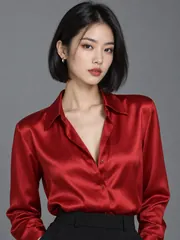
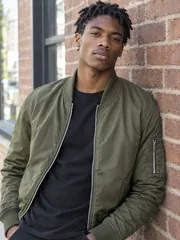
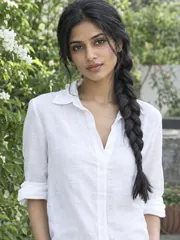
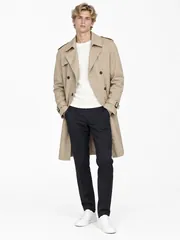
AI Image Combiner

Add two to four photos, numbered image 1 to image 4, and say how to combine them: the AI image combiner puts people together, places a person somewhere new or stages a product in a scene, with every face and label kept as it is.

Try one of these edits

  • 2 to 4 photos into one picture
  • Faces, pets and labels kept
  • From 1 credit a picture
  • No watermark, private history

Pictures made with this AI image combiner

Eight pictures, each combined by the AI image combiner from its own numbered photos, shown over its corner, with the prompt it ran. The people were made by our image model.

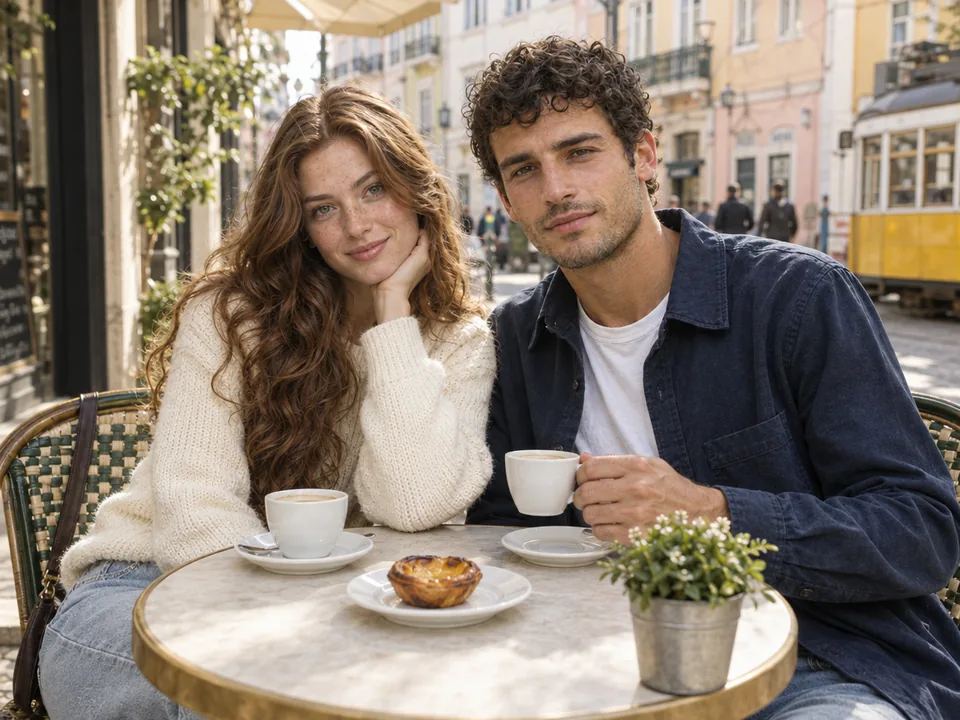
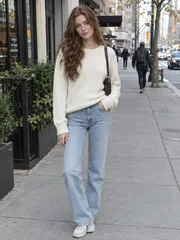
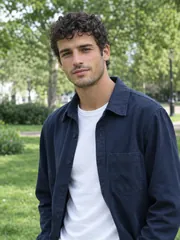
  • Two photos, one café date · People together12
    Two photos, one café date · People together
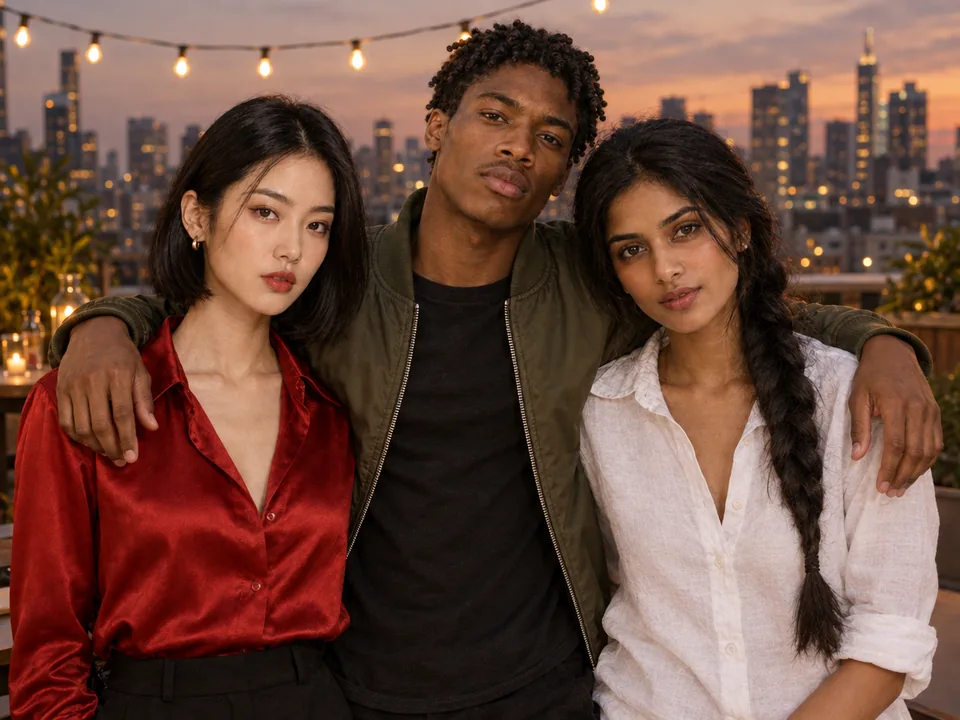
  • Three friends on a rooftop · People together123
    Three friends on a rooftop · People together
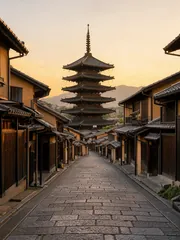
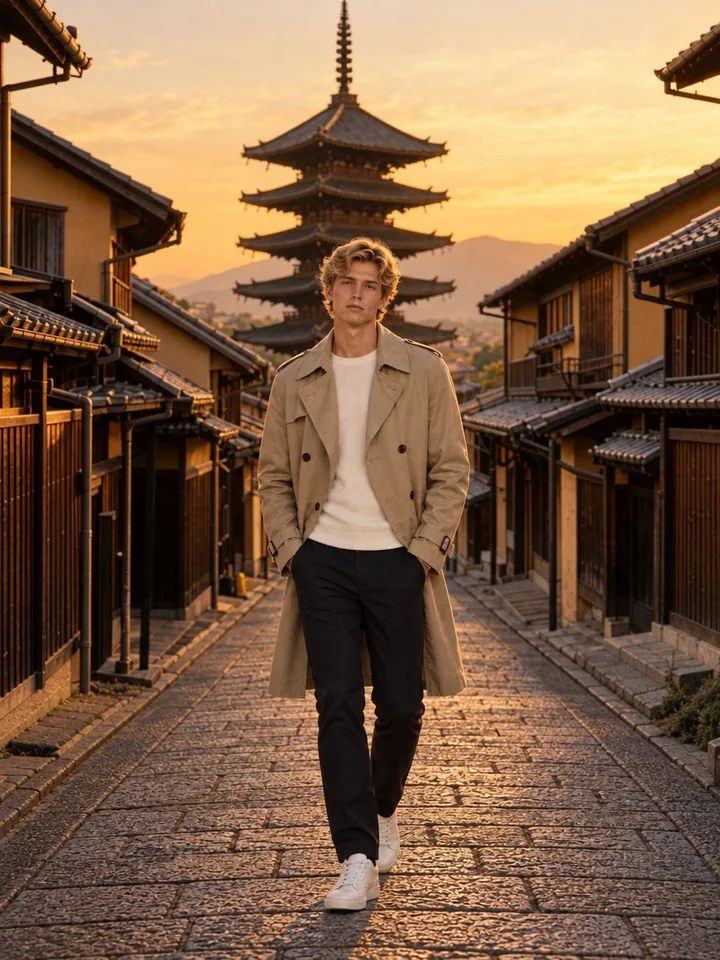
  • A street in Kyoto · Into a new place12
    A street in Kyoto · Into a new place
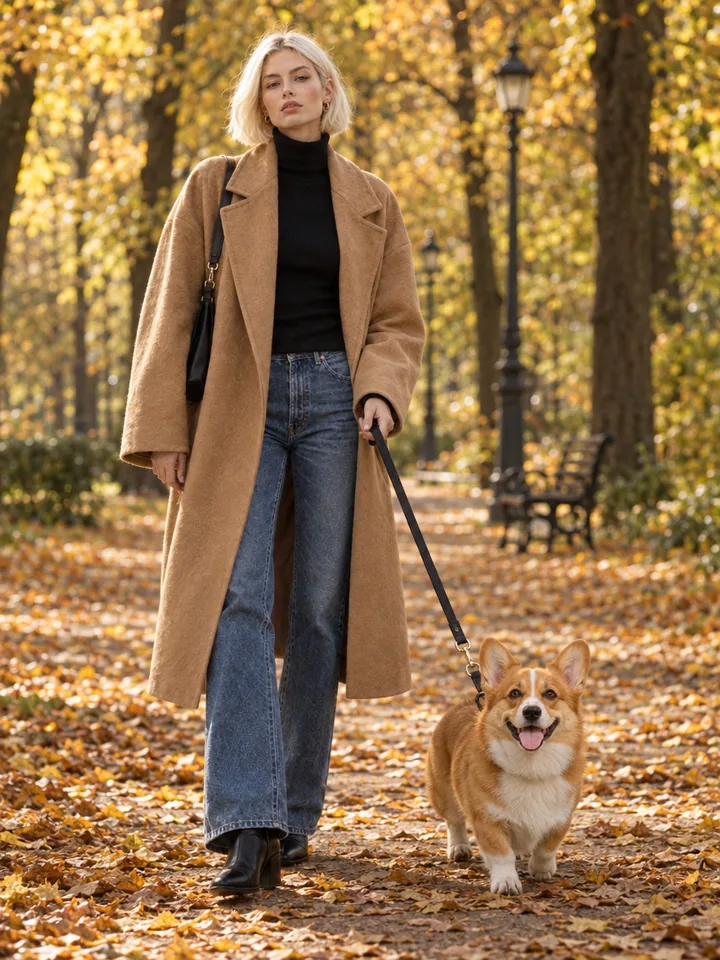
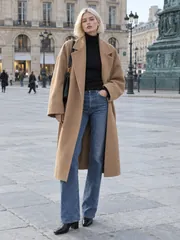
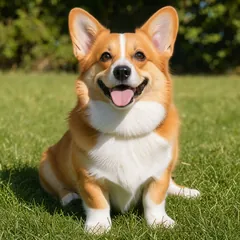
  • Autumn walk with a corgi · With a pet12
    Autumn walk with a corgi · With a pet
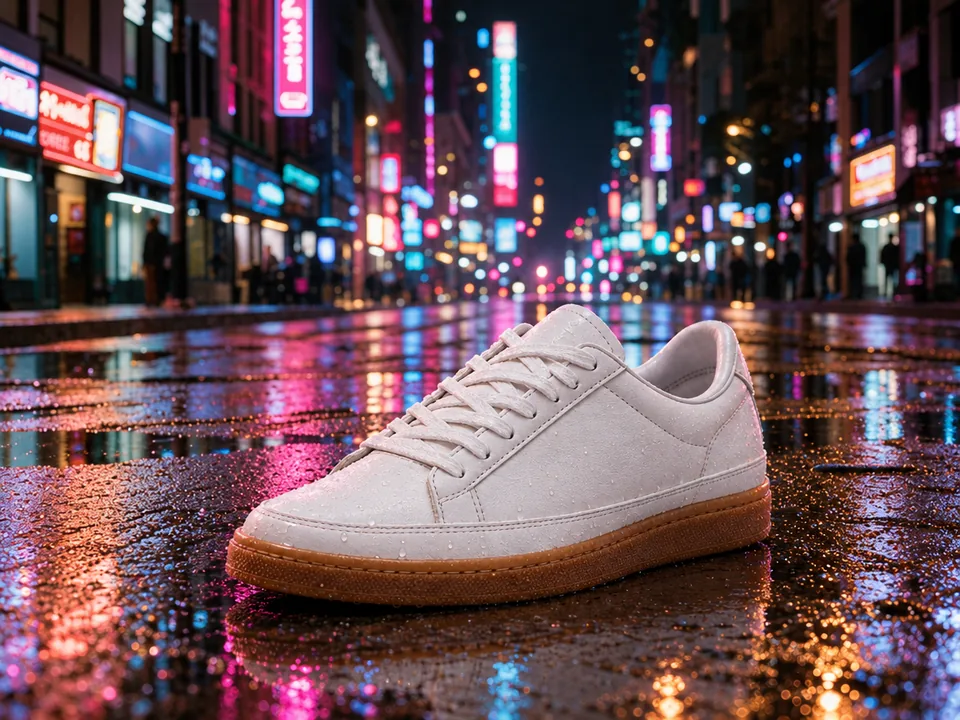
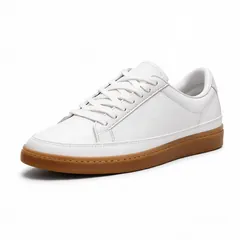
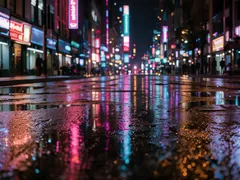
  • Sneaker on a neon street · Product in a scene12
    Sneaker on a neon street · Product in a scene
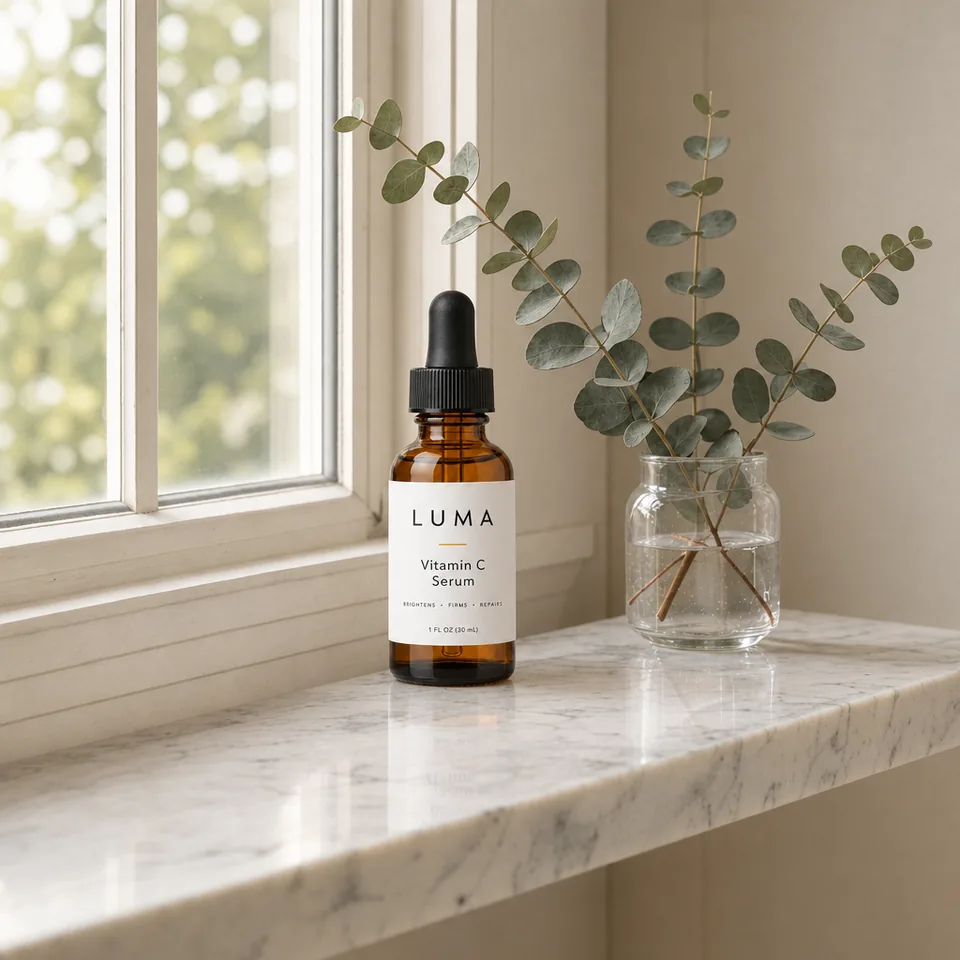
  • Serum on a marble shelf · Product in a scene12
    Serum on a marble shelf · Product in a scene
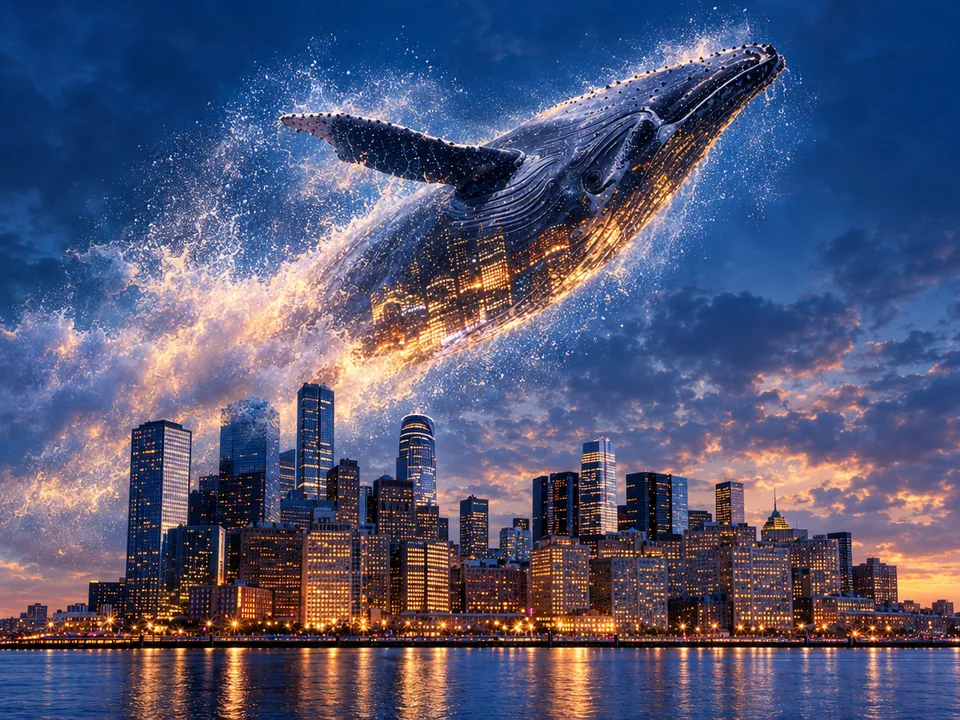
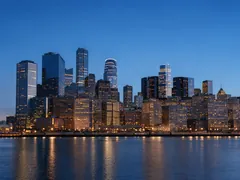
  • A whale over the skyline · Artistic blend12
    A whale over the skyline · Artistic blend
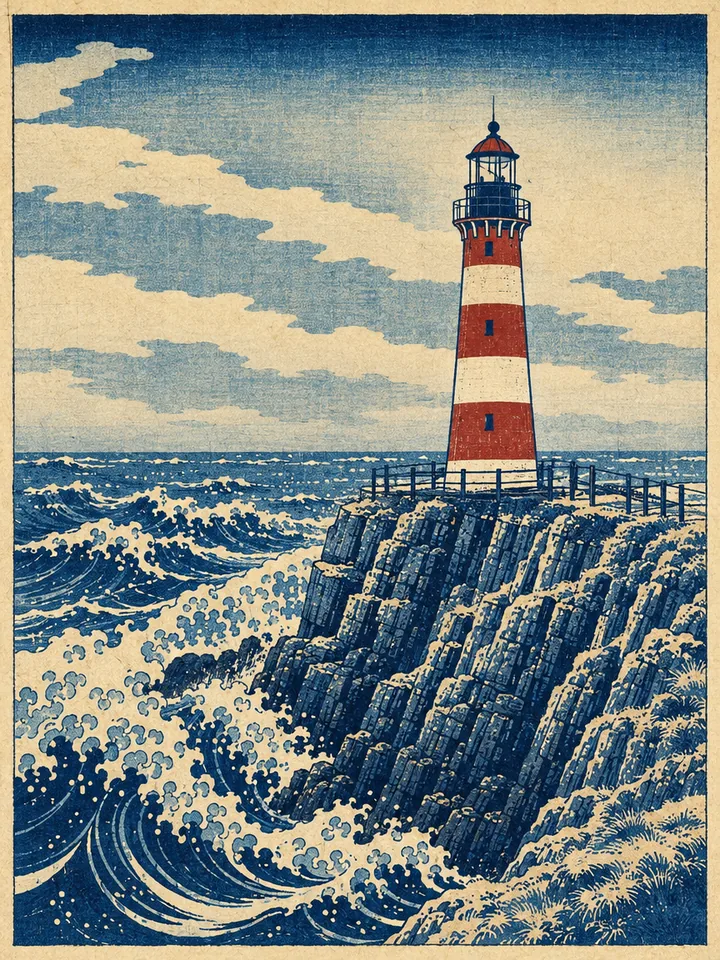
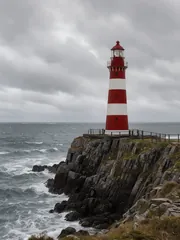
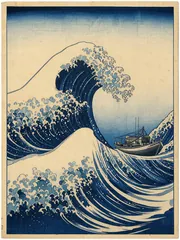
  • Lighthouse as a woodblock print · Style of another image12
    Lighthouse as a woodblock print · Style of another image

How to combine photos with the AI image combiner

Three steps and about half a minute from separate photos to one picture with the AI photo combiner.

  1. Drop, paste or choose your photos. They are numbered image 1, image 2 and so on in the order you add them, so you can say exactly who or what goes where.

  2. Pick a combine type for a ready draft, or write your own: "the man from image 1 walking up the street in image 2". Choose Fast for quick ideas or Quality for the most faithful faces, up to 4K.

  3. Your picture lands in your history in about half a minute. Download it, or send it on to upscale for print, turn it into a short video or split it into PSD layers.

What this AI image combiner does best

Six things this AI photo merger does best, from group photos to product shots.

  1. Every face stays recognizable

    Every face stays recognizable

    The combining frame keeps each person's face, hair, skin tone, body shape and age as they are in their own photo, so the people in the result look like themselves, even four at once.

  2. Separate photos, one group picture

    Separate photos, one group picture

    Friends who were never in the same place, family across the world, a couple photographed apart: the AI image combiner puts them side by side in one scene, posed as if they stood together.

  3. Products staged with their label

    Products staged with their label

    Add a product shot and a scene and the product is placed with real reflections and shadows, its shape, colours and label text untouched, ready for a shop page or an ad.

  4. One light, one perspective

    One light, one perspective

    Everything shares one light source, one colour temperature and one perspective, with contact shadows where people and things meet the ground, so the picture reads as one photo.

  5. 6 combine types with drafts

    6 combine types with drafts

    People together, into a new place, with a pet, product in a scene, artistic blend and style of another image each add their own brief and a ready draft that names image 1 and image 2.

  6. From combined picture to layers or video

    From combined picture to layers or video

    Send the result on with Next: upscale it for print, animate it, remove its background or split it into an editable layered PSD.

Guide: natural results from an AI image combiner

Five short notes on photos, wording, people, products and settings.

Choose photos that work together

Sharp photos with the face toward the camera give the closest likeness. One person per photo works best for group pictures, and a full-body photo helps when someone should stand or walk in the new place. A place photo without people in it leaves room for the ones you add.
Choose photos that work together

Name each image in your prompt

Photos are numbered in the order you add them, so refer to them by number: "the woman from image 1 walking the corgi from image 2 through an autumn park". Say where everyone stands, what they do and the light you want, such as golden hour or a sunny morning.

Group photos from separate pictures

Add each person's photo, then describe the scene and the pose: "the three friends together at a rooftop party at dusk, arms around each other". The AI image combiner keeps every person in the result; for big groups, add the people in the order you want them from left to right.

Products, logos and text

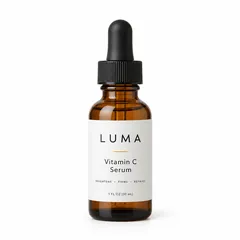
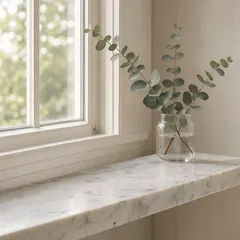
Use a clean product photo on a plain background as image 1 and the scene as image 2. Labels and logos come through as printed, like the LUMA serum on this page. Say where the product sits, such as "on the marble shelf next to the eucalyptus".

Products, logos and text

Fast or Quality, size and shape

Fast makes a picture in about 15 seconds for 1 credit, right for trying ideas. Quality takes about half a minute and keeps faces and labels most faithfully, at 1K for 4 credits with two photos, 2K for 6 or 4K for 9. The shape follows image 1, or pick one such as 4:3 or 9:16.

Who uses the AI image combiner

Anyone with photos that belong in one picture.

  • Friends and families

    Group photos with the people who could not be there, couples photographed apart, travel pictures together.

  • Shops and sellers

    Product photos in lifestyle scenes, with the product and its label exactly as made.

  • Marketers and creators

    Campaign visuals, thumbnails and social posts built from the pictures you already have.

  • Artists

    Surreal blends and style transfers, a photo repainted in the style of another image.

AI image combiner FAQ

Short answers to the questions people ask most.


Combine your first photos with the AI image combiner

Add two to four photos, say how they go together, and get one natural picture in about half a minute.

Combine photos