
AI Christmas Photo Generator for Authentic Holiday Portraits

Turn one to four everyday snapshots of yourself, your partner, your family, or your pets into magazine-grade holiday portraits with our AI Christmas photo generator. Choose from 8 curated studio and winter backdrops while preserving unmistakable facial likeness, natural skin texture, and cozy knit or velvet wardrobe details.

Try one of these edits

  • Upload 1 to 4 People or Pet Photos
  • 8 Studio, Fireplace & Snow Scenes
  • From 3 Credits (1K, 2K & 4K)
  • Private History & Zero Watermarks

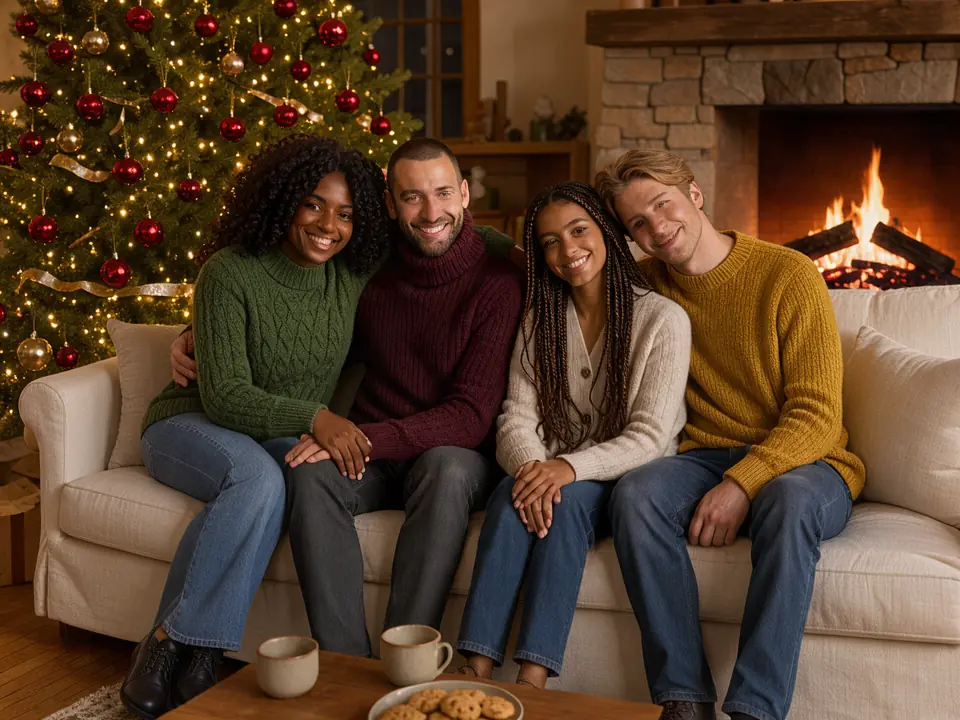
Holiday Portraits Made with Our AI Christmas Photo Generator

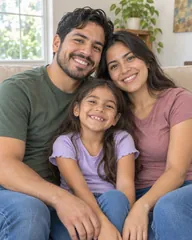
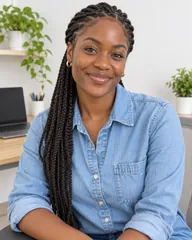
Every festive portrait below started from casual phone snapshots (shown in the corner) styled inside our AI Christmas photo generator. Click any card to load its scene preset and framing straight into the composer.

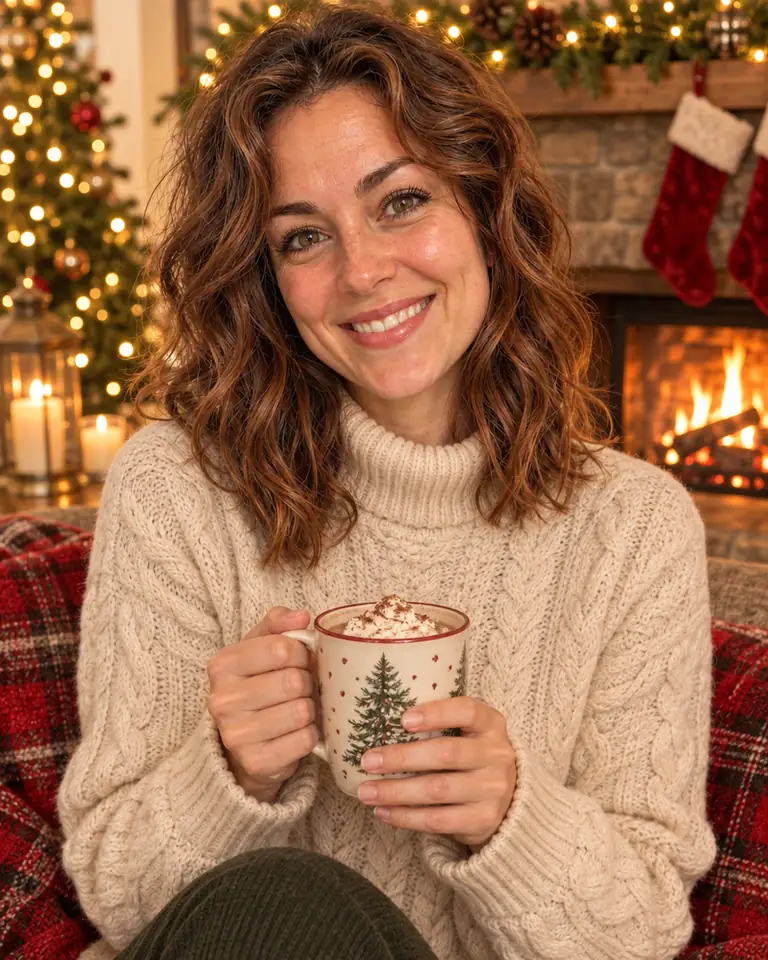
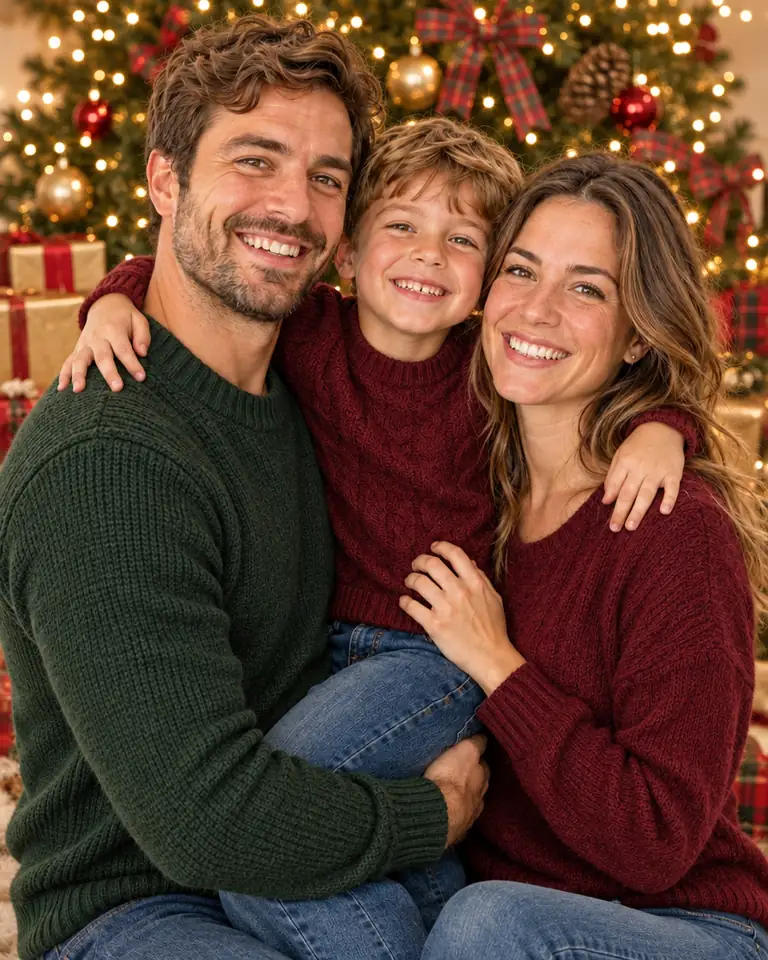
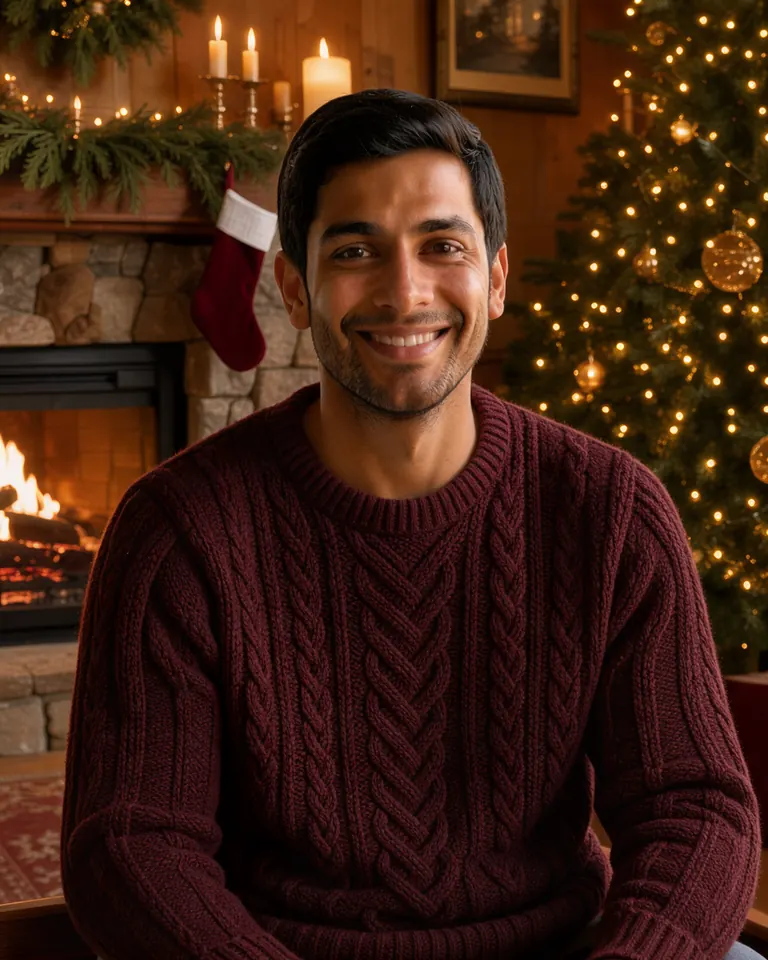
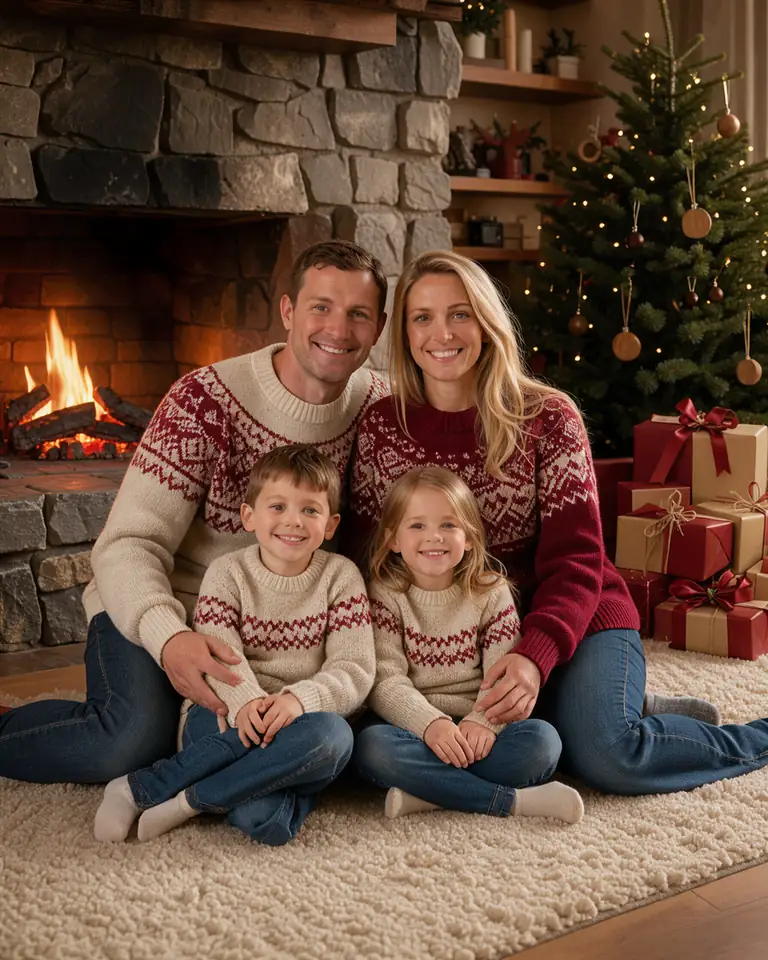
  • Candlelit Stone Fireplace & Cable-Knit Sweaters · Cozy fireplace
    Candlelit Stone Fireplace & Cable-Knit Sweaters · Cozy fireplace
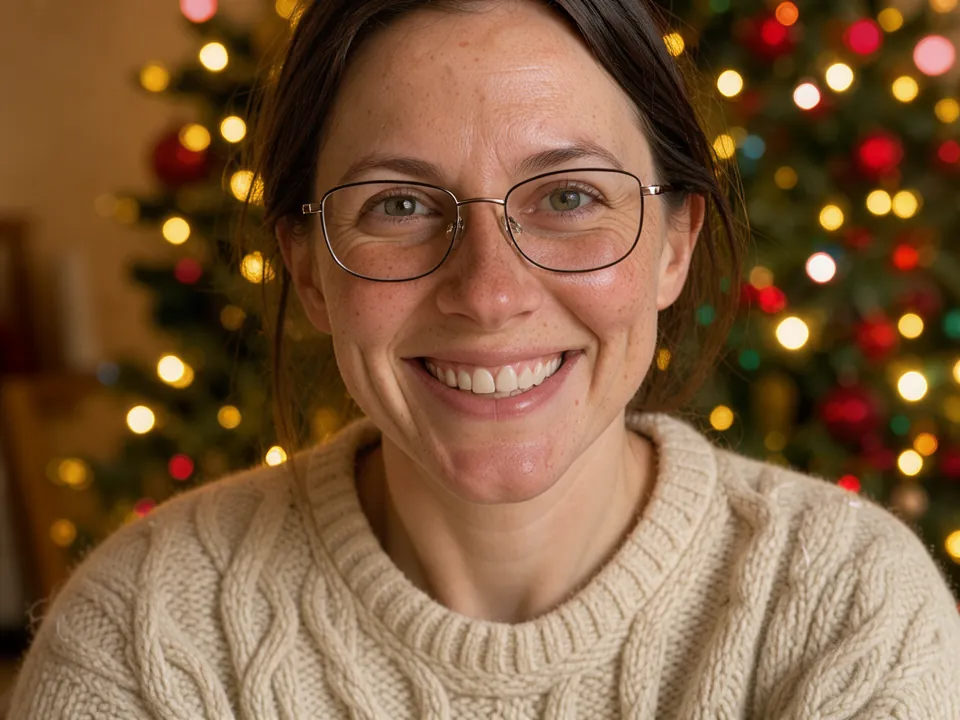
  • Decorated Pine Tree Portrait Studio · Tree studio
    Decorated Pine Tree Portrait Studio · Tree studio
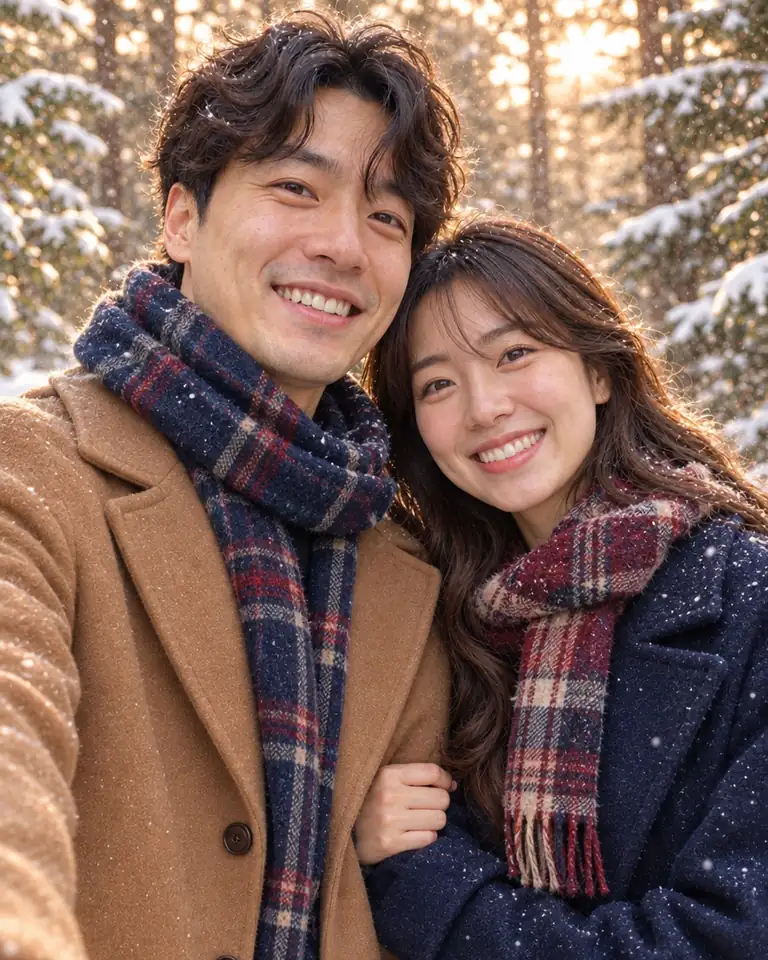
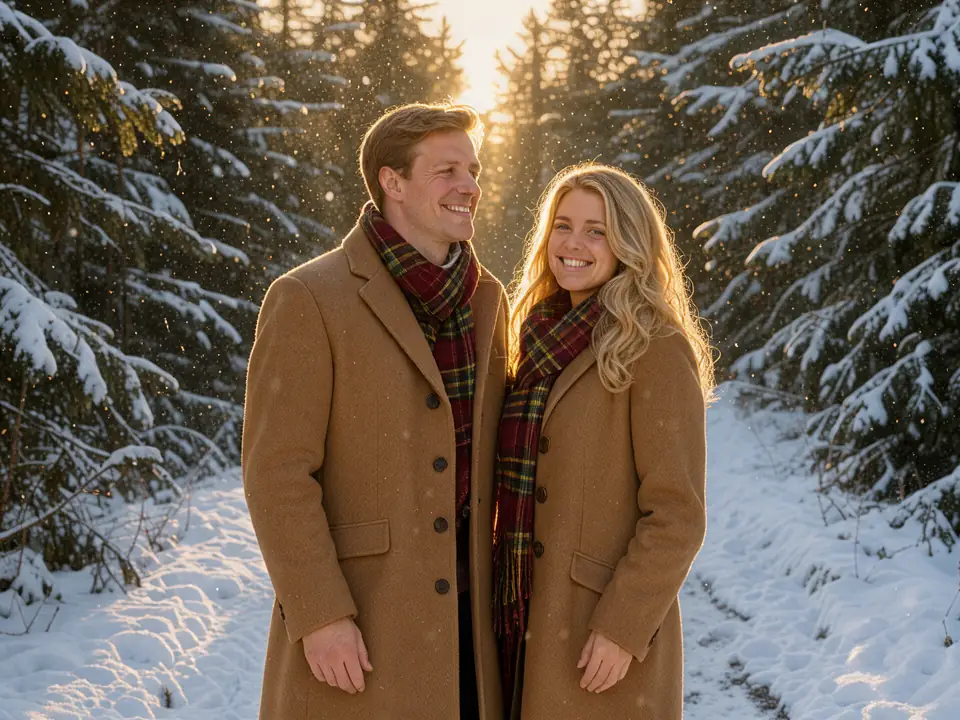
  • Golden-Hour Snowy Pine Forest · Snowy pine forest
    Golden-Hour Snowy Pine Forest · Snowy pine forest
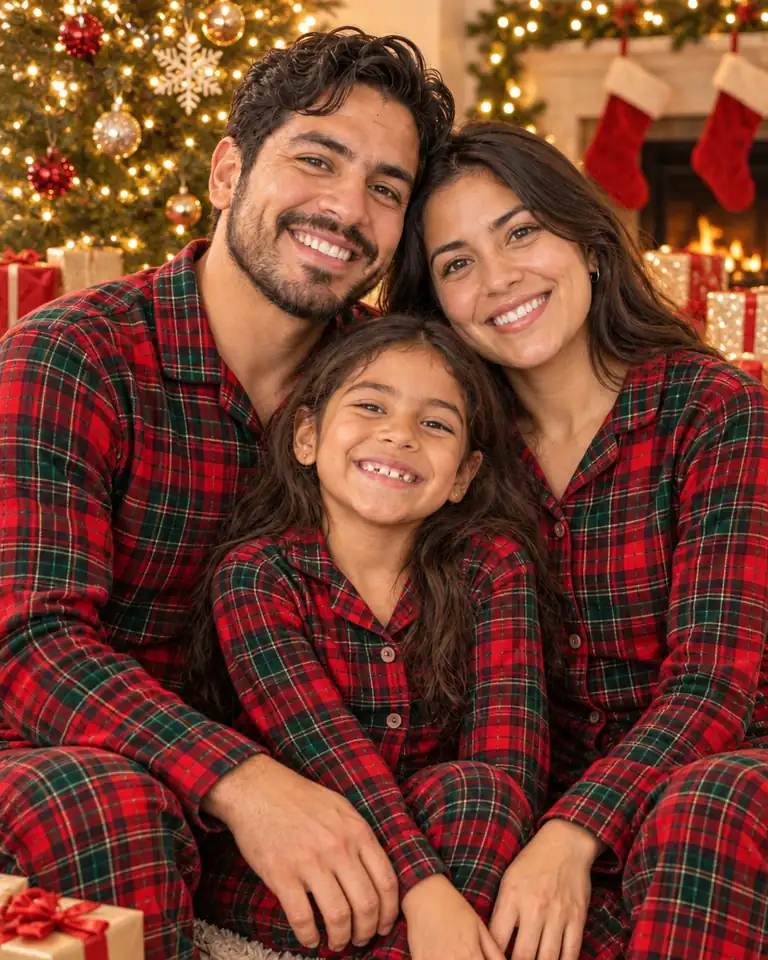
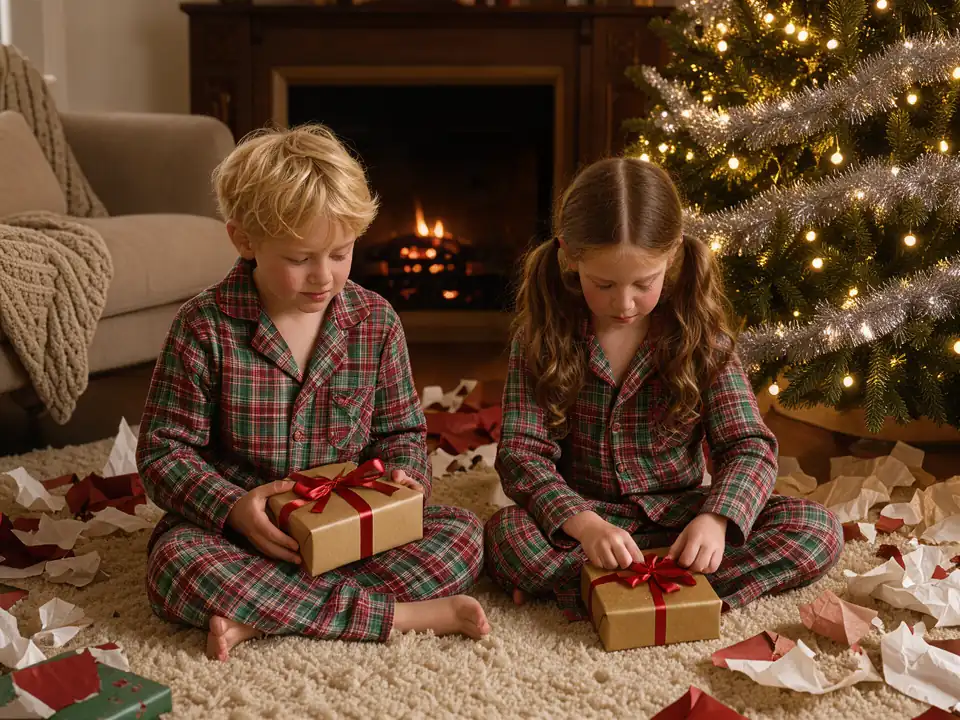
  • Christmas Morning Matching Tartan Pajamas · Matching pajamas
    Christmas Morning Matching Tartan Pajamas · Matching pajamas
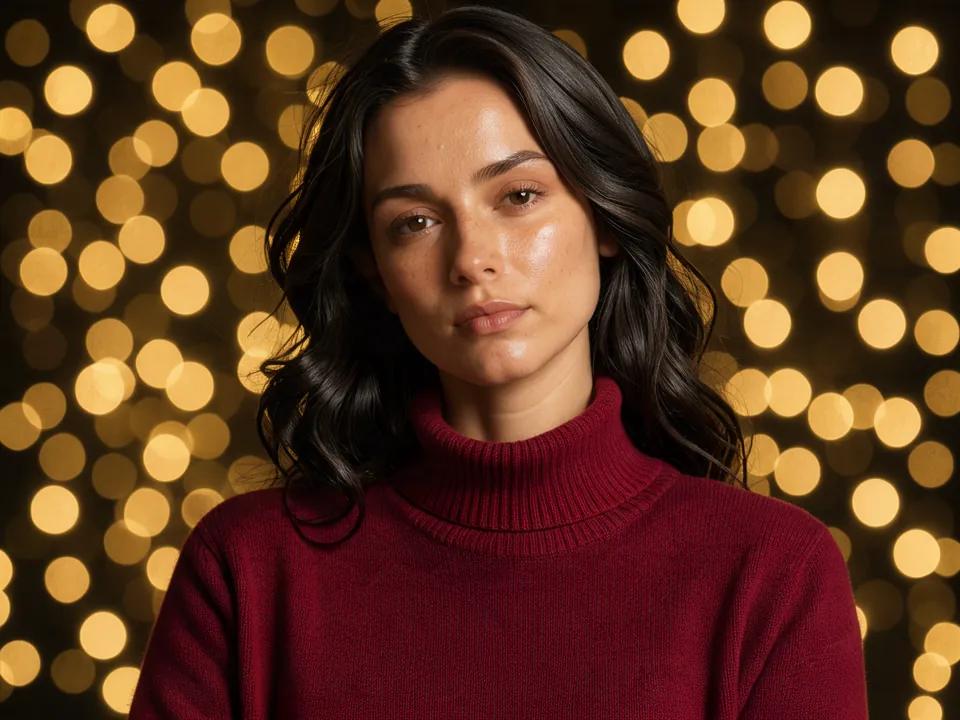
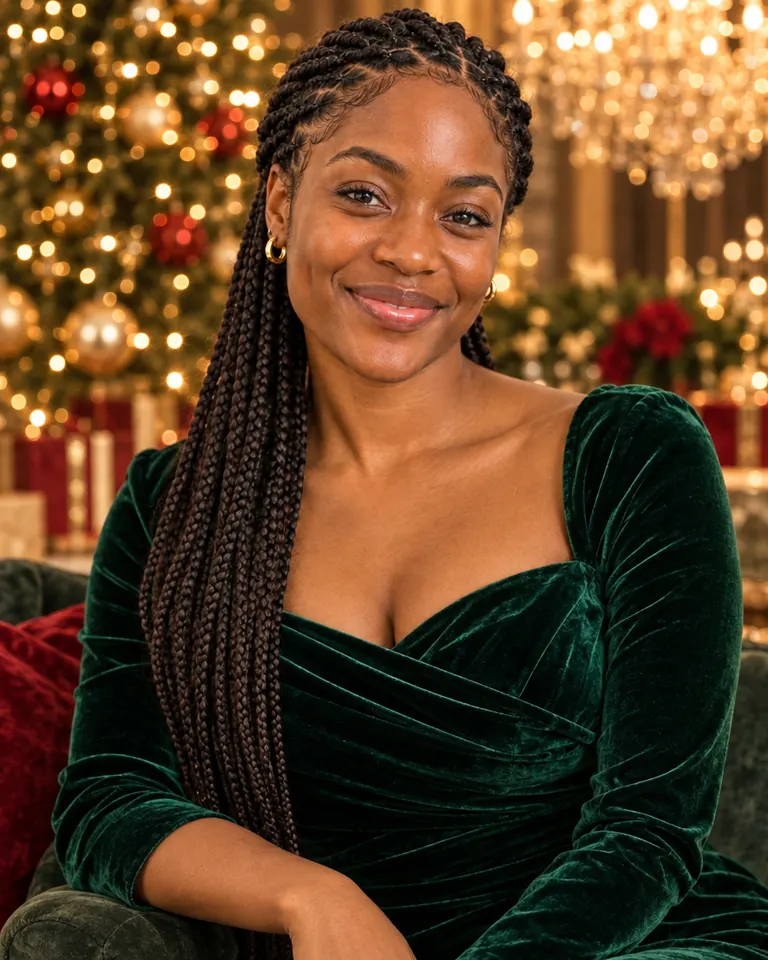
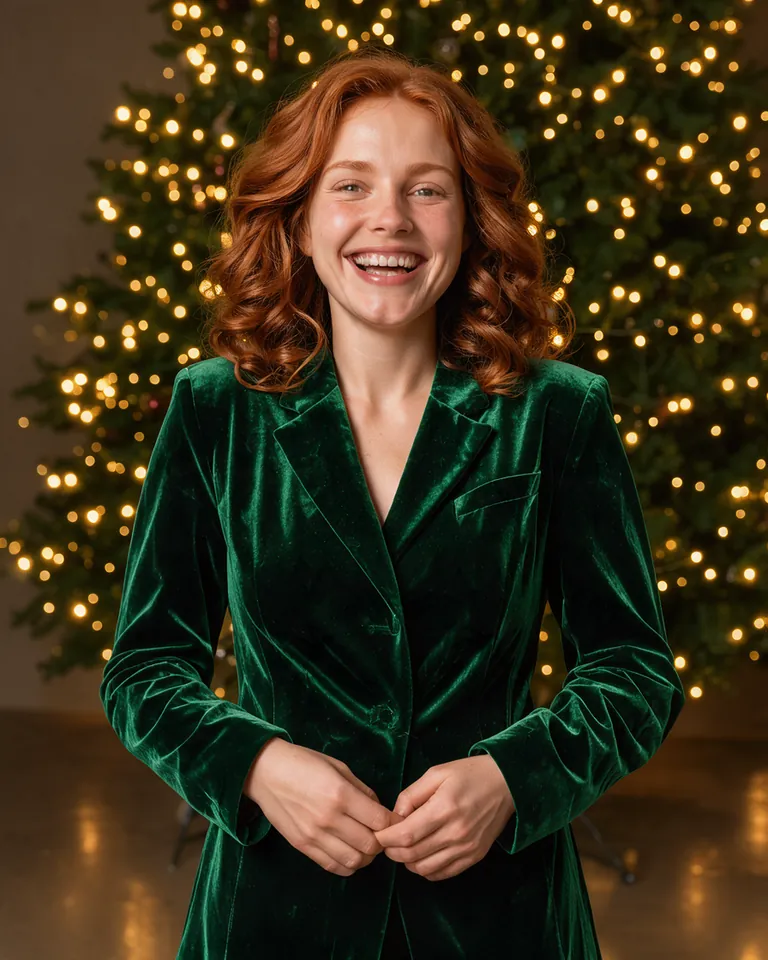
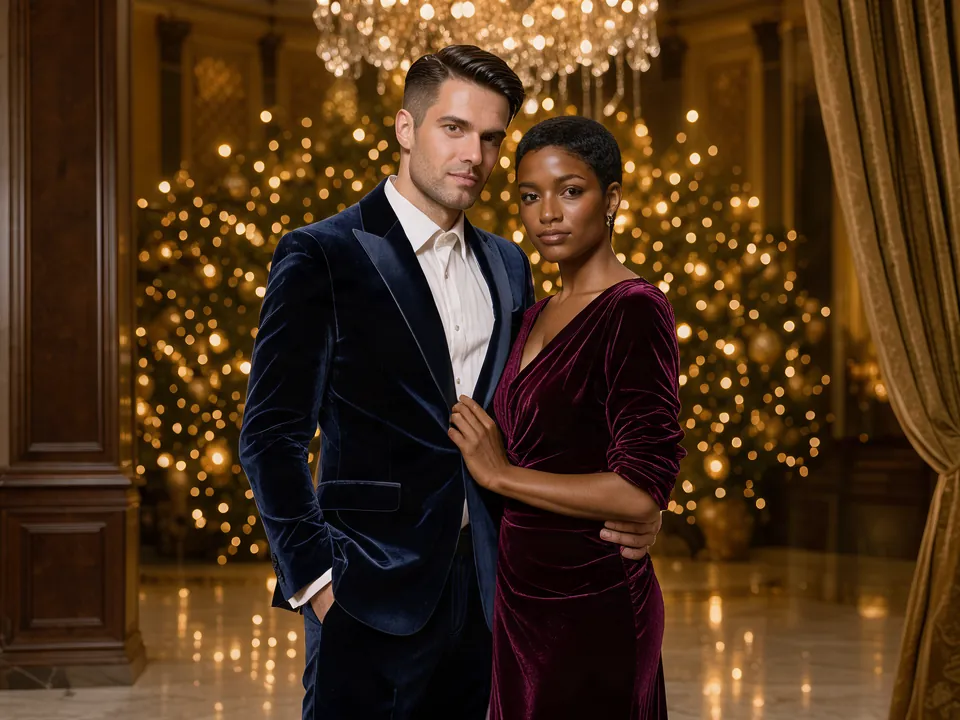
  • Emerald & Burgundy Velvet Evening Portrait · Velvet formal
    Emerald & Burgundy Velvet Evening Portrait · Velvet formal
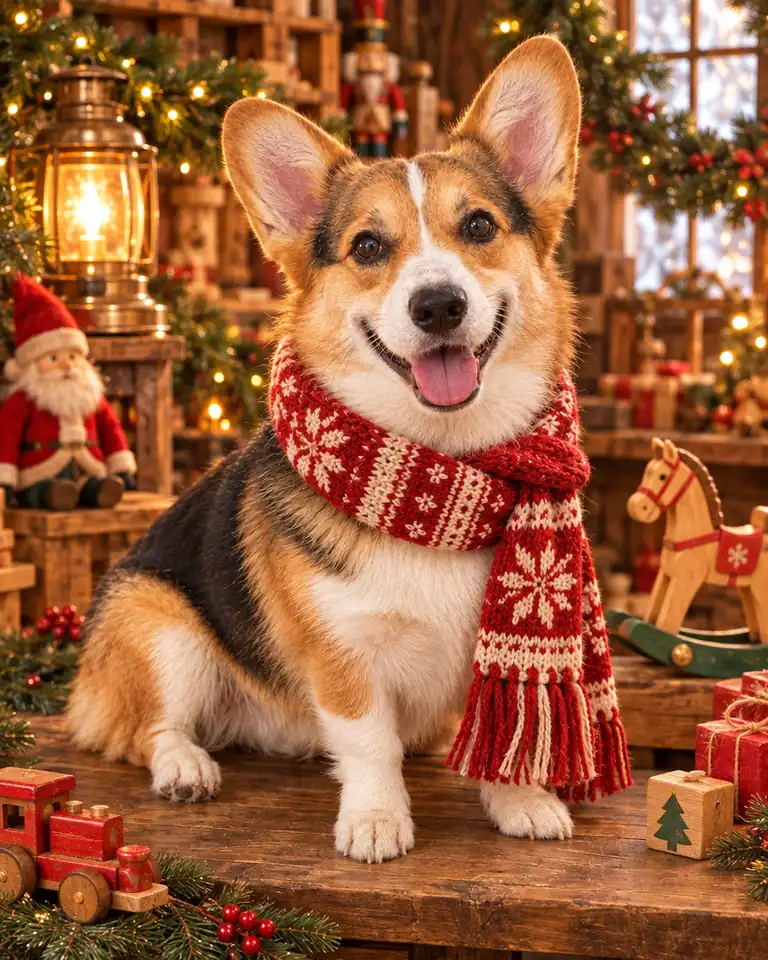
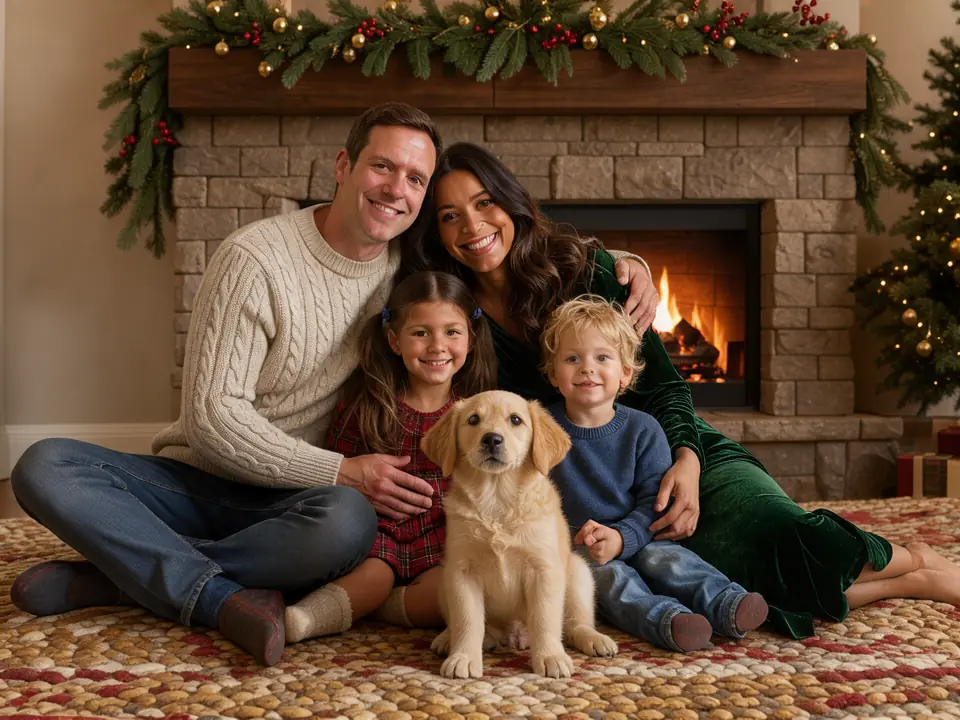
  • Golden Retriever & Family Holiday Portrait · Santa's workshop
    Golden Retriever & Family Holiday Portrait · Santa's workshop

How to Stage an AI Holiday Photoshoot in Three Steps

Skip booking studio slots, coordinating winter weather, and wrangling toddlers or pets: go from phone camera rolls to a print-ready Christmas portrait in half a minute.

  1. Drop in a solo selfie, a couple snapshot, or up to four separate individual photos of family members and pets. Front-facing pictures in even daylight give the sharpest likeness.

  2. Pick Cozy fireplace, Tree studio, Snowy pine forest, Matching pajamas, Velvet formal, Vintage 90s film, Winter market, or Santa's workshop, add optional outfit notes, and select 4:5, 1:1, 3:4, or 16:9.

  3. Review up to four variations privately in your history. Download full-resolution PNGs without watermarks, send your favorite to the AI Christmas Card Generator, upscale to 4K, or split layers in Image to PSD.

Why Families & Creators Trust This AI Christmas Portrait Generator

Built around strict facial identity preservation, tactile winter fabrics, and authentic optical lighting rather than plastic face-swap templates.

  1. True face and pet likeness lock across 1 to 4 photos

    True face and pet likeness lock across 1 to 4 photos

    Your holiday card should look unmistakably like your real family. Our identity lock preserves exact eye shape, smile lines, skin tone, hair color, eyeglasses, age, and pet coat markings while bringing up to four separate reference photos into one shared scene.

  2. 8 curated studio, hearth, outdoor, and retro presets

    8 curated studio, hearth, outdoor, and retro presets

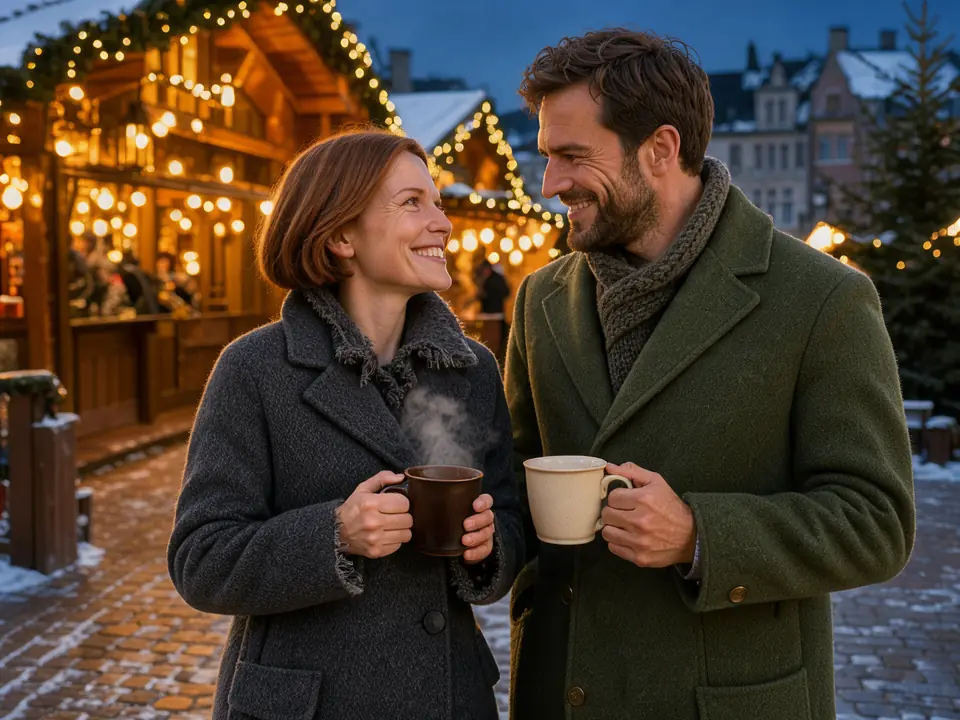
    Move effortlessly from warm stone hearths and twinkling tree studios to snowy evergreen forests, tartan Christmas morning pajamas, velvet black-tie chandelier bokeh, nostalgic 1990s 35mm film grain, European winter markets, and North Pole workshops.

  3. Lifelike wool, velvet, and amber fairy-light photography

    Lifelike wool, velvet, and amber fairy-light photography

    Unlike a flat Christmas photo filter AI overlay that pastes cartoon snowflakes across a selfie, each generation builds genuine directional key light, natural eye catchlights, tactile cable-knit weave, and creamy shallow-depth background bokeh.

  4. Flexible 4:5 card framing, 1:1 avatars, and 16:9 banners

    Flexible 4:5 card framing, 1:1 avatars, and 16:9 banners

    Compose vertical 4:5 and 3:4 portraits tailored for printed 5 x 7 holiday cards and social feeds, 1:1 squares for seasonal profile pictures, or wide 16:9 group scenes for desktop wallpapers and family newsletters.

  5. Clear credit pricing across 1K, 2K, and native 4K

    Clear credit pricing across 1K, 2K, and native 4K

    Portraits run on paid credits starting at 3 credits at 1K, 6 credits at 2K, and 8 credits at crisp 4K for single-photo runs, with exact totals shown on the Generate button beforehand and zero watermarks.

  6. One-click handoff to Christmas cards, video, and layered PSD

    One-click handoff to Christmas cards, video, and layered PSD

    Take any finished Christmas family photo AI portrait straight into our AI Christmas Card Generator to add print bleed and quoted greetings, animate gentle snowfall in Image to Video, or isolate layers in Image to PSD.

Guide: Getting Studio-Quality Holiday Portraits from Everyday Snapshots

Five practical tips for selecting reference photos, combining family members, styling outfits, picking print resolution, and designing cards.

Start with sharp, unobstructed daylight photos of each person

Because the portrait composer reads facial geometry directly from your uploads, choose photos where eyes, eyebrows, and natural smiles are clearly lit without heavy sunglasses, wide-brim hats, or strong beauty filters. Natural window light or outdoor shade produces the truest skin tones.
Bring 2 to 4 separate snapshots into one shared family portrait

Getting two toddlers and a dog to look at the camera simultaneously is notoriously tough. Upload individual clear photos as image 1 through image 4 in this Christmas family photo AI studio and add a short note such as parents seated by the fireplace with our daughter and golden retriever beside us.

Use optional prompt details for sweaters, mugs, and color palettes

Scene presets already establish lighting, background decor, and seasonal attire, leaving the prompt box free for personal touches. Mention forest-green knit sweaters, ceramic cocoa mugs, reading a storybook together, or keeping eyeglasses on without needing camera jargon.

Choose 2K or native 4K before ordering printed holiday cards

Draft compositions at 1K (3 credits) while exploring different poses and backdrops during your AI holiday photoshoot. When you land on the winning frame for 5 x 7 cardstock mailings or framed mantel gifts, render at 2K (6 credits) or native 4K (8 credits) for razor-sharp fabric and eyelash detail.

Keep portraits text-free or quote short greetings cleanly

Leave text out of your prompt when you want a pure uncropped photograph ready for framing or layout in Photoshop via Image to PSD. If you want lettering drawn right into the scene, wrap the exact words in straight quotes such as "Merry Christmas" so nothing extra appears.

Popular Ways to Use Our Holiday Portrait Studio

Designed for busy families, couples, pet owners, and solo creators celebrating the season.

  • Printed family Christmas cards and annual newsletters

    Create cohesive hearth, tree-studio, or snowy pine portraits for mailed 5 x 7 holiday cards without scheduling an expensive weekend studio session.

  • Couples' first holiday together and matching pajama mornings

    Turn two casual phone selfies into a cozy fireside tartan-pajama or dressed-up velvet gala portrait ready to frame or post.

  • Festive pet portraits and dog-and-owner keepsakes

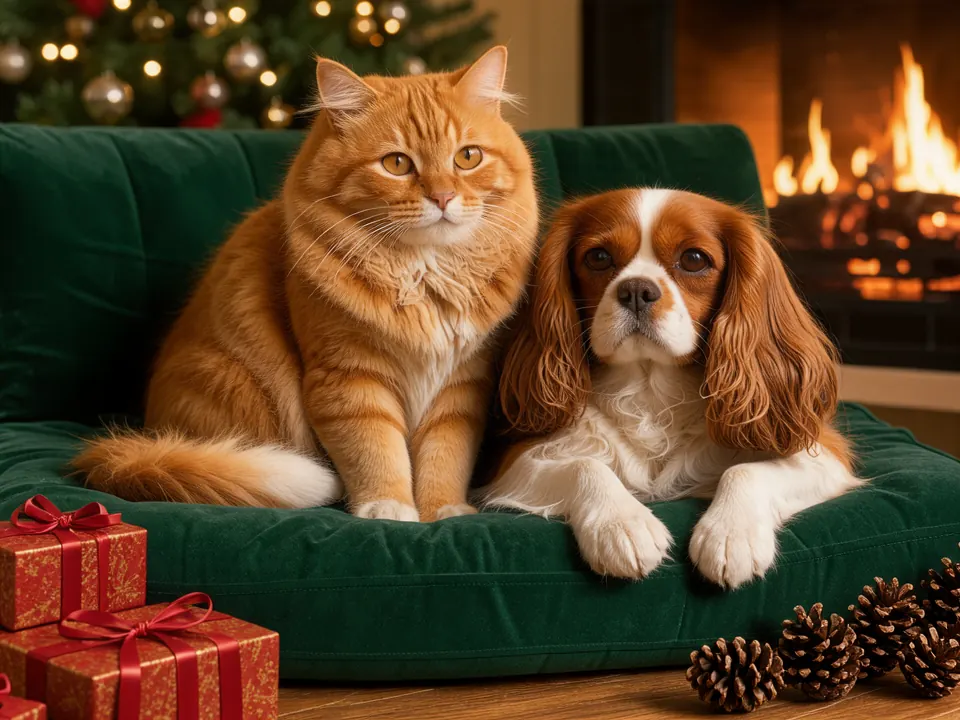
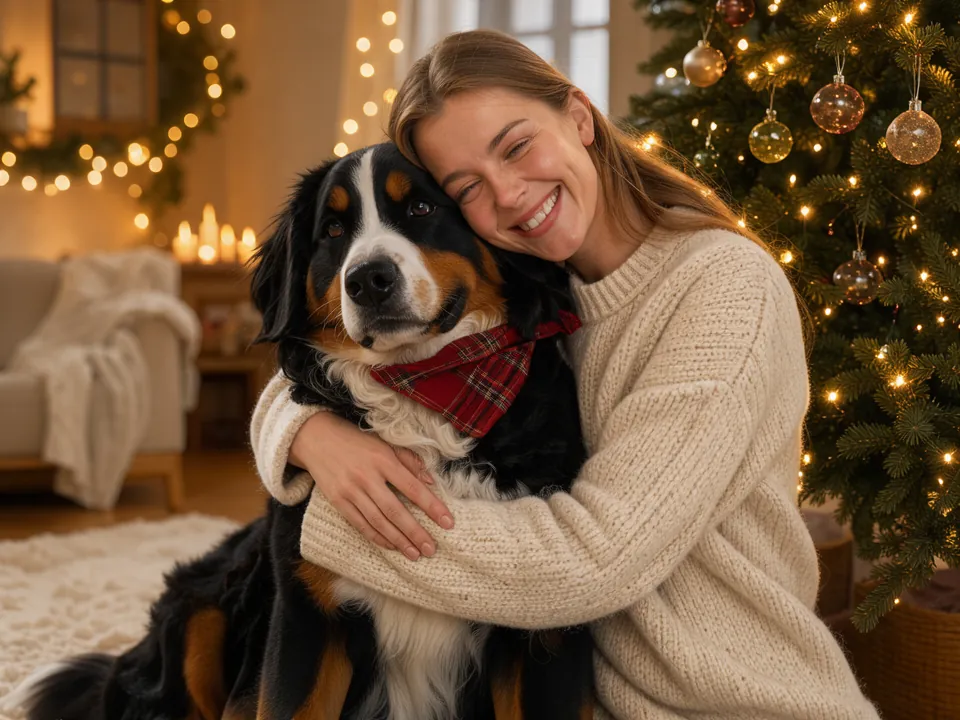
    Stage cats, puppies, and energetic dogs calmly beside twinkling Christmas trees or Santa's workshop lanterns with accurate coat markings.

  • Seasonal creator avatars, headers, and social posts

    Refresh December social feeds, podcast covers, and newsletters using our AI Christmas portrait generator instead of generic stock photography.

AI Christmas Photo Generator FAQ

Answers on credit pricing, likeness preservation, multi-person family uploads, pet support, resolution, and privacy.

How many credits does each holiday portrait cost?

With one reference photo uploaded, portraits start at 3 credits at 1K, 6 credits at 2K, and 8 credits at native 4K per image. Uploading two to four photos adjusts the total slightly, and the Generate button always displays the exact credit cost before you run.


Will our real faces and expressions stay recognizable?

Yes. Every run enforces a strict identity lock that preserves facial structure, eyes, smile, skin tone, hair, age, and glasses from your uploaded photos rather than replacing your family with generic faces.


Can I combine separate photos of family members into one Christmas photo?

Yes. Upload up to 4 reference photos in a single run, such as two adults, a child, and the family dog, and our AI Christmas photo generator stages everyone naturally in the same lighting and perspective.


Which holiday backdrop styles are included?

You can choose from 8 curated scenes: Cozy fireplace, Tree studio, Snowy pine forest, Matching pajamas, Velvet formal, Vintage 90s film, Winter market, and Santa's workshop, plus Auto for full custom prompt control.


How is this different from a basic Christmas photo filter AI app?

Instead of pasting flat snow stickers over your phone snapshot, the studio composes a full-frame studio or outdoor holiday portrait with matched winter attire, natural bokeh, and realistic fireplace or twilight illumination.


Are uploaded family and children's photos kept private?

Yes. Your reference pictures and generated portraits stay private inside your ImageToPSD.ai account history, carry zero watermarks, and are never shared in public galleries.


What resolution should I pick for printing 5 x 7 cards or wall frames?

1K works great for social posts and messaging, while 2K and native 4K deliver crisp, high-DPI detail suited for printed Christmas cards, photo books, and framed gifts.


Can I edit layers in Photoshop or turn the photo into a greeting card?

Yes. Every result includes direct one-click actions to open in Image to PSD for editable foreground and background layers, upscale further, or design a card with bleed in our AI Christmas Card Generator.


Start Your AI Holiday Photoshoot Today

Upload 1 to 4 everyday photos, choose from 8 festive backdrops, and create authentic holiday portraits on ImageToPSD.ai from 3 credits.

Generate Christmas Photo