







Add Santa Hat to Photo with Realistic Velvet, Fur & Lighting

Give any selfie, team headshot, couple snapshot, or pet portrait an instant December upgrade when you add Santa hat to photo uploads on ImageToPSD.ai. Choose from 7 plush headwear looks that match your exact head tilt, hair strands, and room lighting while keeping faces, outfits, and backgrounds 100% untouched.

Try one of these edits

  • Fits Selfies, Groups & Pet Ears
  • 7 Velvet, Knit, Elf & Antler Styles
  • Face, Outfit & Background Locked
  • From 3 Credits (1K, 2K & 4K)

Festive Edits Made When You Add Santa Hat to Photo

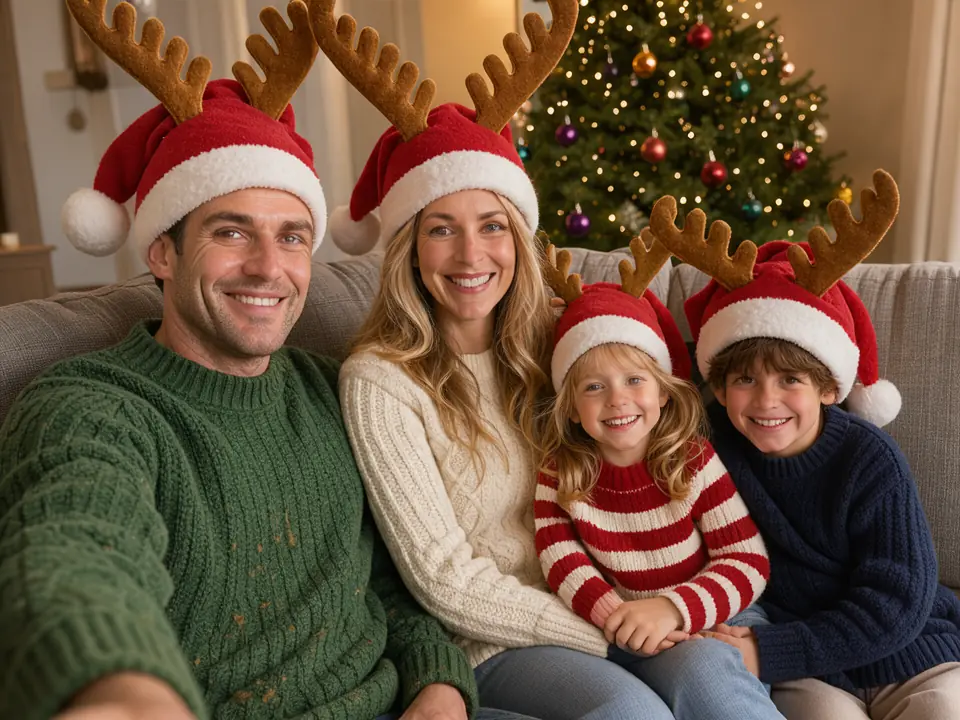
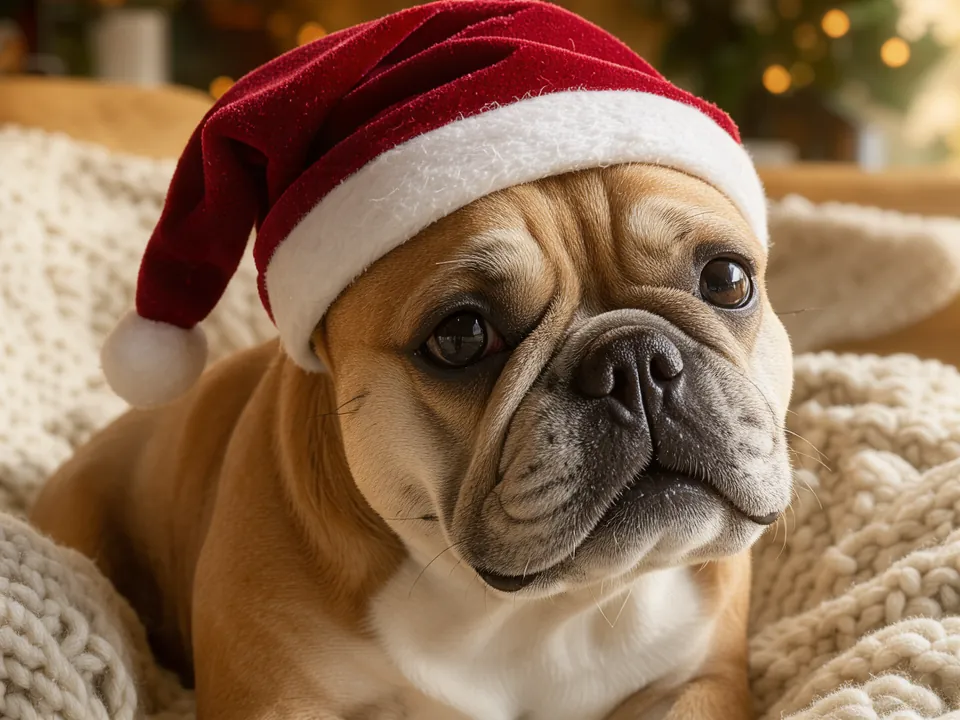
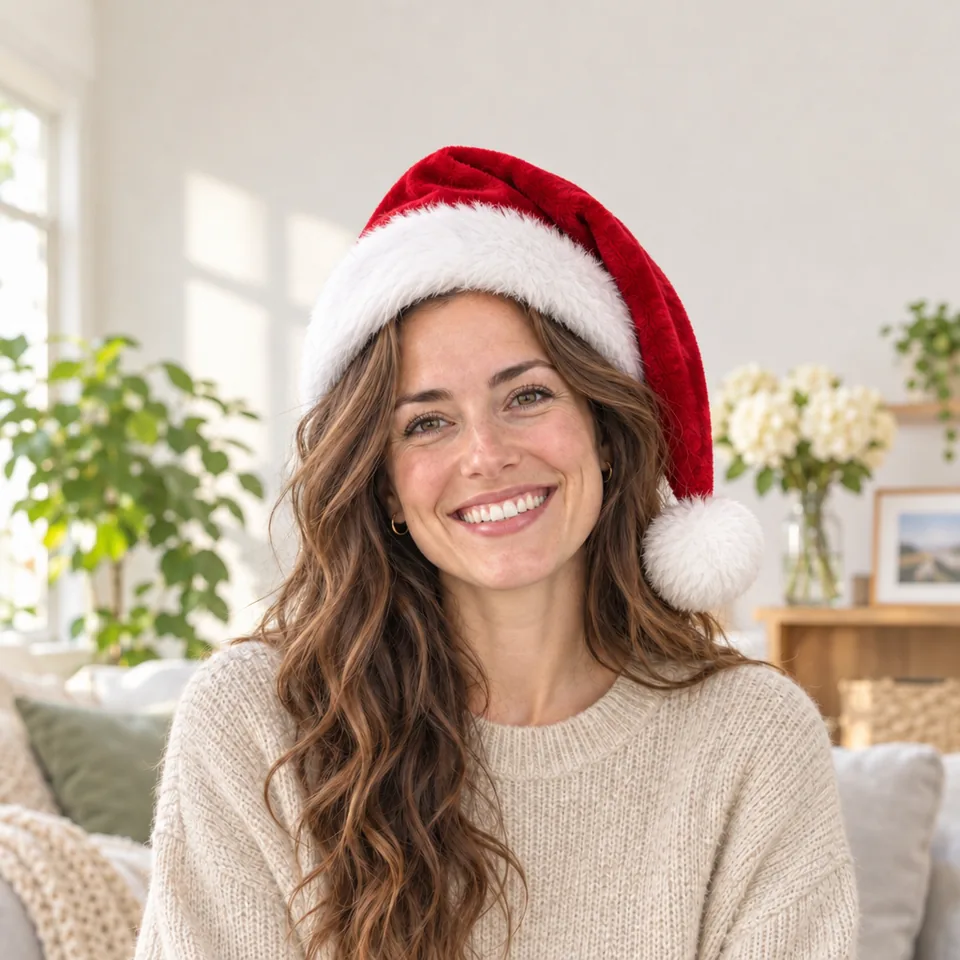
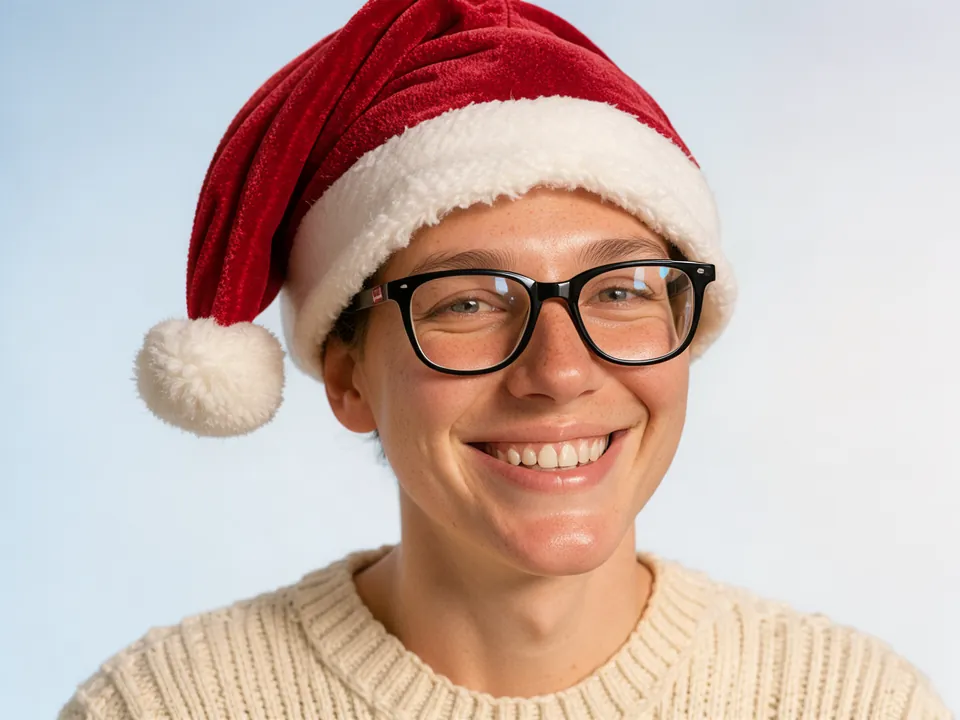
Each portrait below keeps the original photograph's exact face, expression, and background (shown in the corner) after running through our Christmas PFP maker. Click any card to try its headwear style.

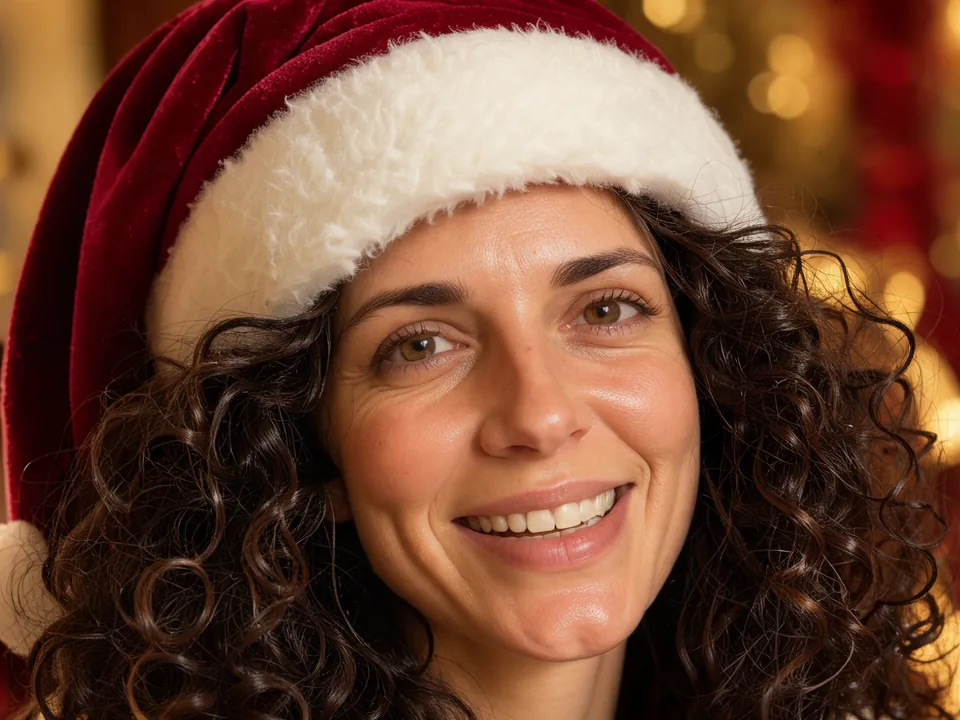
  • Classic Crimson Velvet & Fluffy Fur Trim · Classic velvet hat
    Classic Crimson Velvet & Fluffy Fur Trim · Classic velvet hat
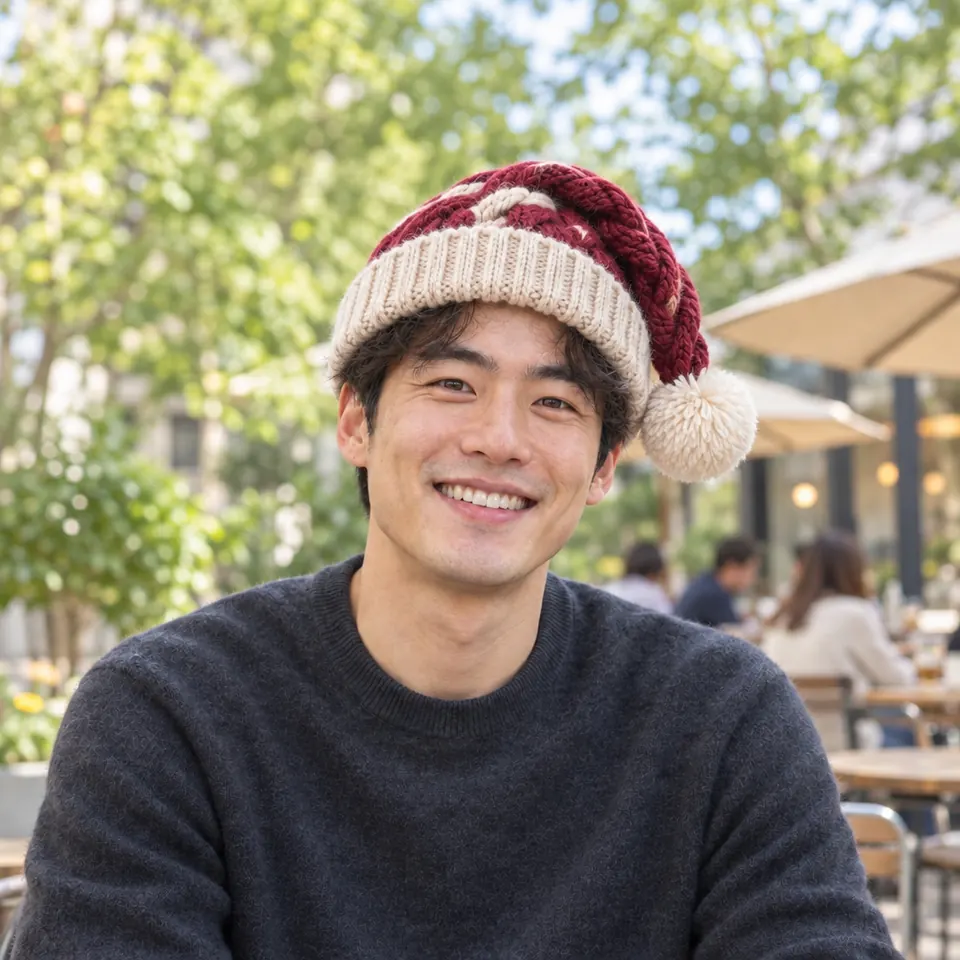
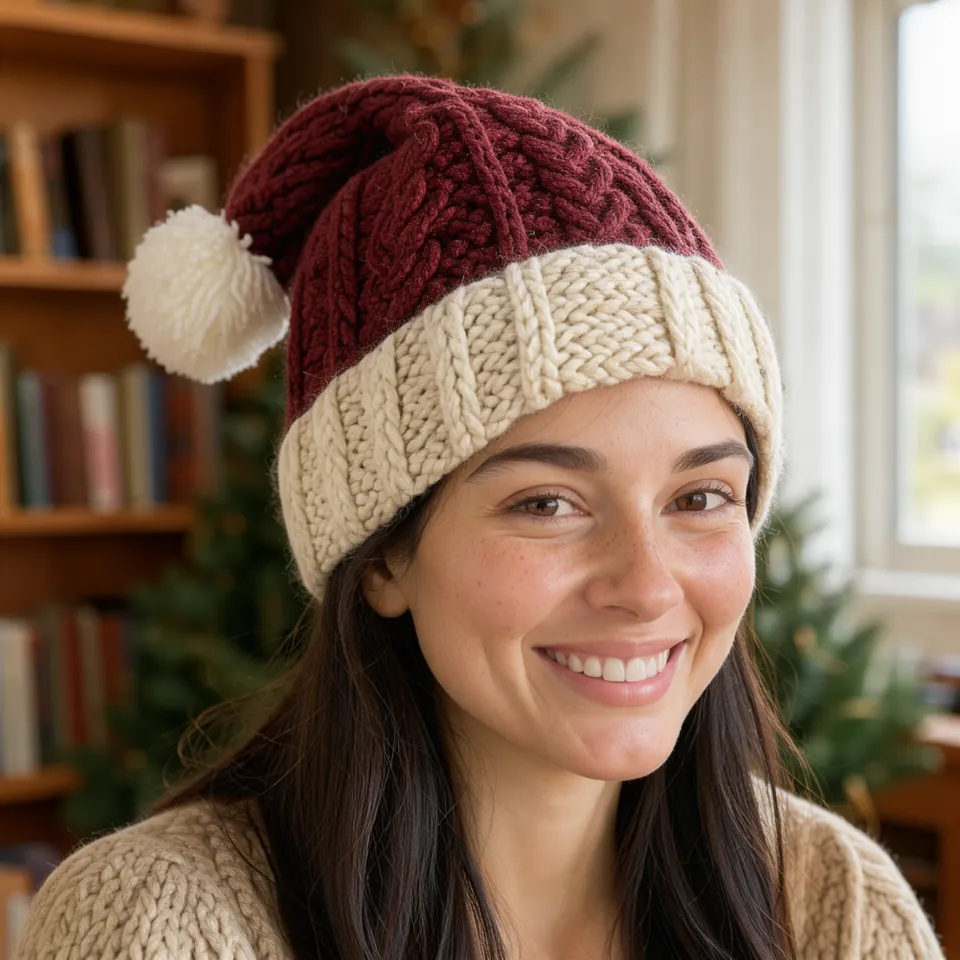
  • Chunky Burgundy & Cream Cable-Knit Hat · Luxury knit hat
    Chunky Burgundy & Cream Cable-Knit Hat · Luxury knit hat
  • Slack & LinkedIn Holiday Team Avatar · Classic velvet hat
    Slack & LinkedIn Holiday Team Avatar · Classic velvet hat
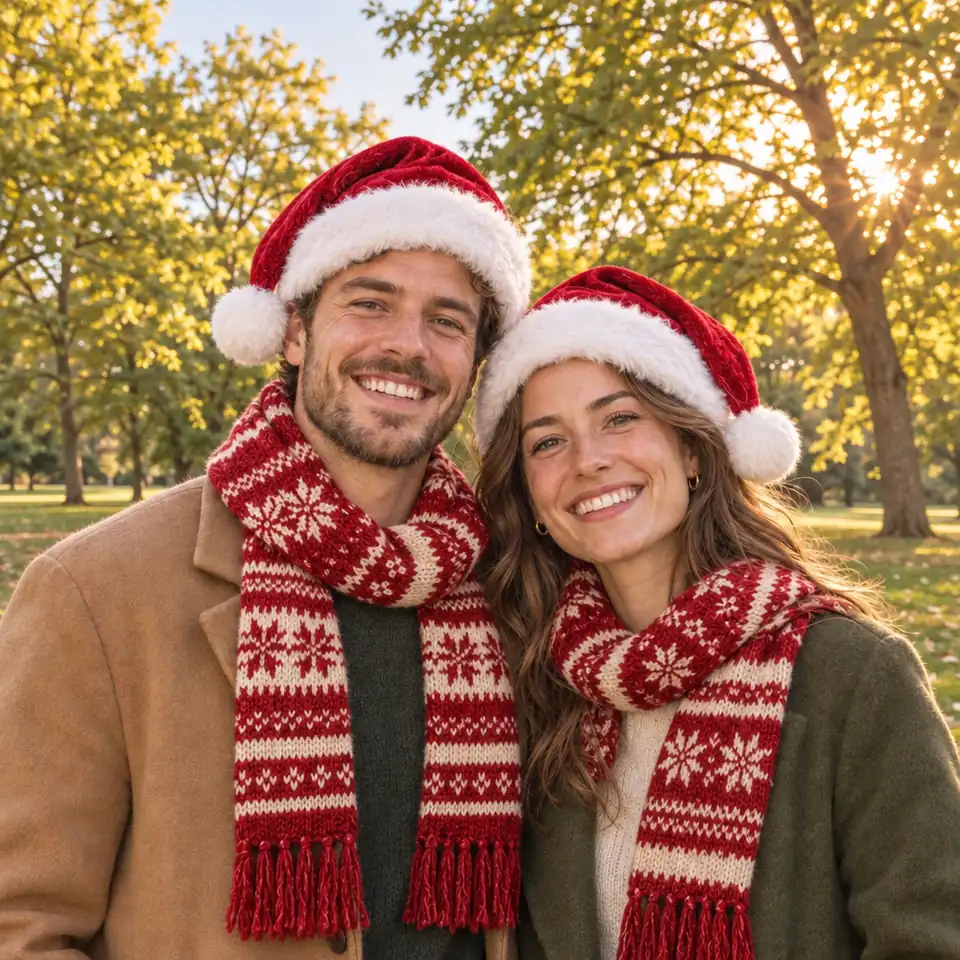
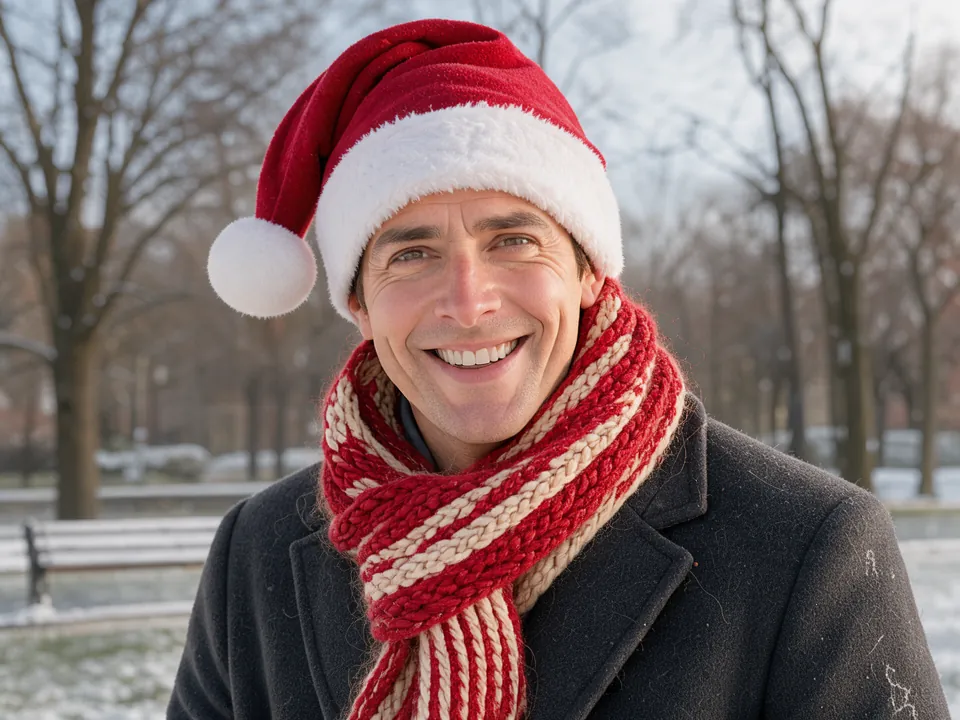
  • Matched Velvet Hat & Cozy Winter Scarf · Hat & winter scarf
    Matched Velvet Hat & Cozy Winter Scarf · Hat & winter scarf
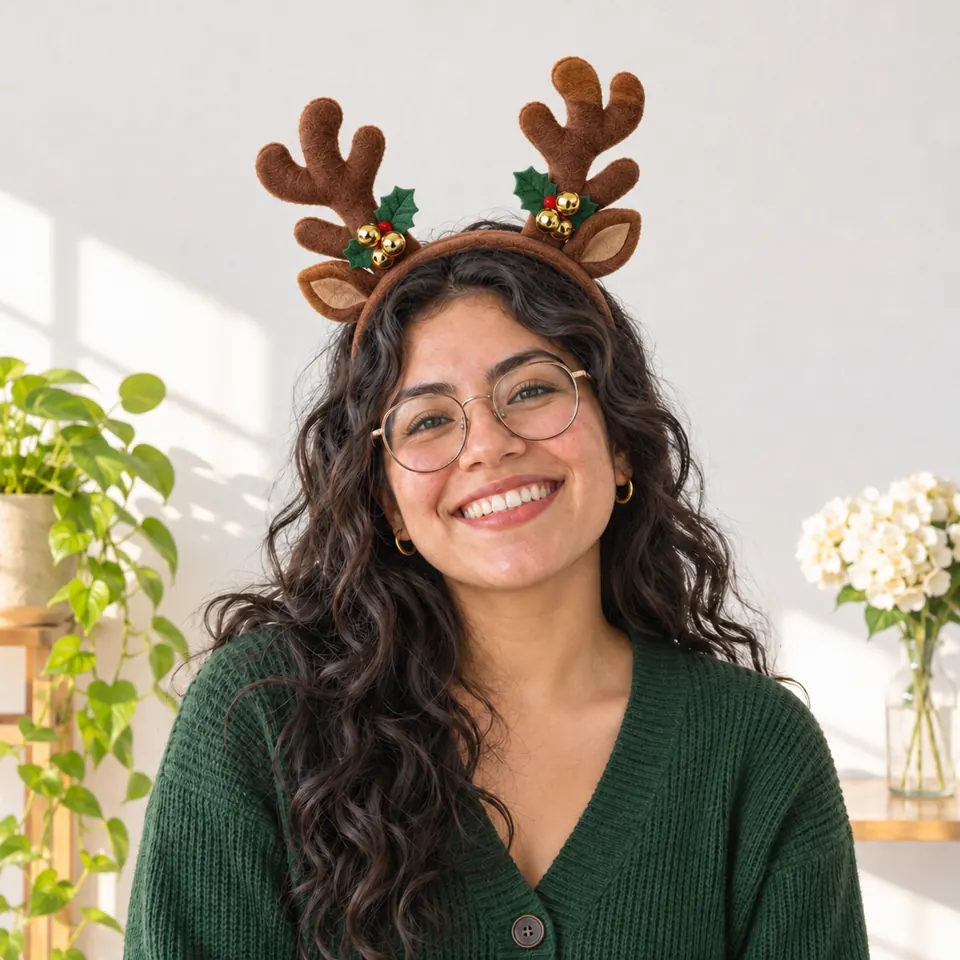
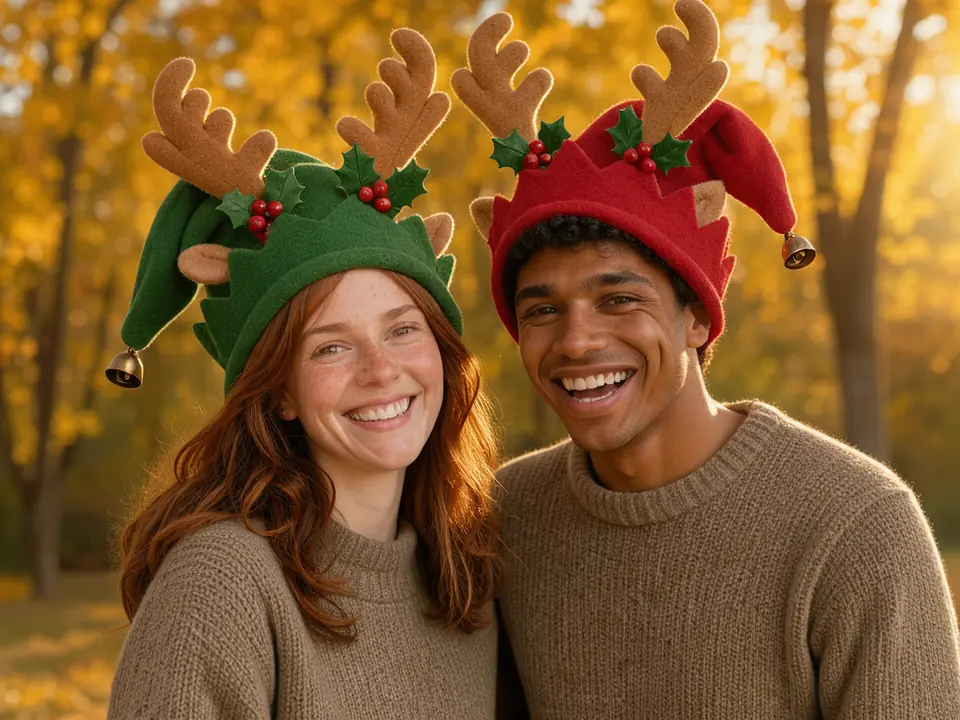
  • Felt Reindeer Antlers with Jingle Bells · Reindeer antlers
    Felt Reindeer Antlers with Jingle Bells · Reindeer antlers
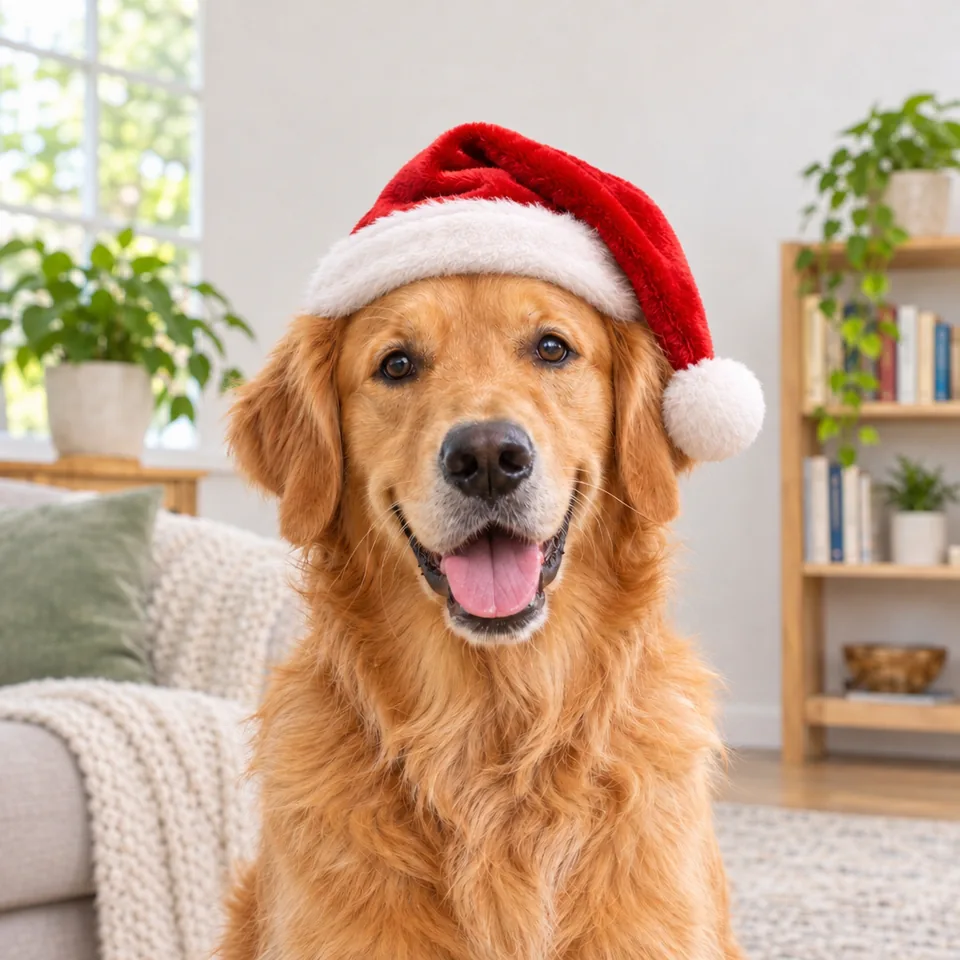
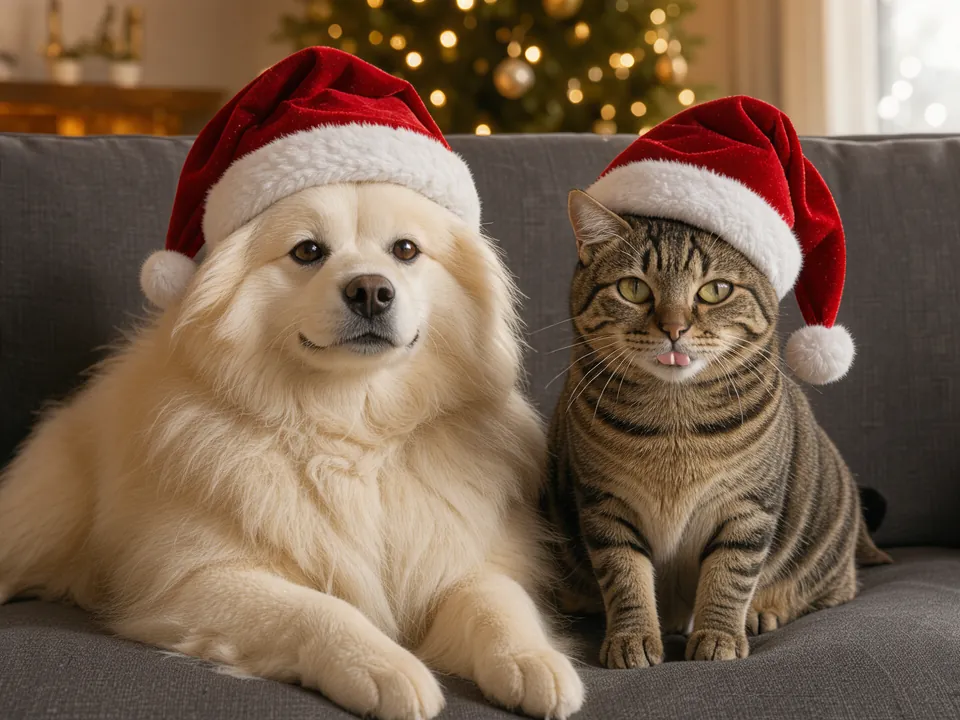
  • Pet-Sized Plush Hat Around Dog Ears · Pet Santa hat
    Pet-Sized Plush Hat Around Dog Ears · Pet Santa hat

How to Put Santa Hat on Photo Uploads in Three Steps

Skip dragging flat 2D clip-art stickers around a screen: get natural 3D crown perspective, tucked hair, and forehead shadows in seconds.

  1. Drop in any clear portrait, square avatar, family group shot, or dog and cat photo. Your original framing, background, and facial expression remain locked.

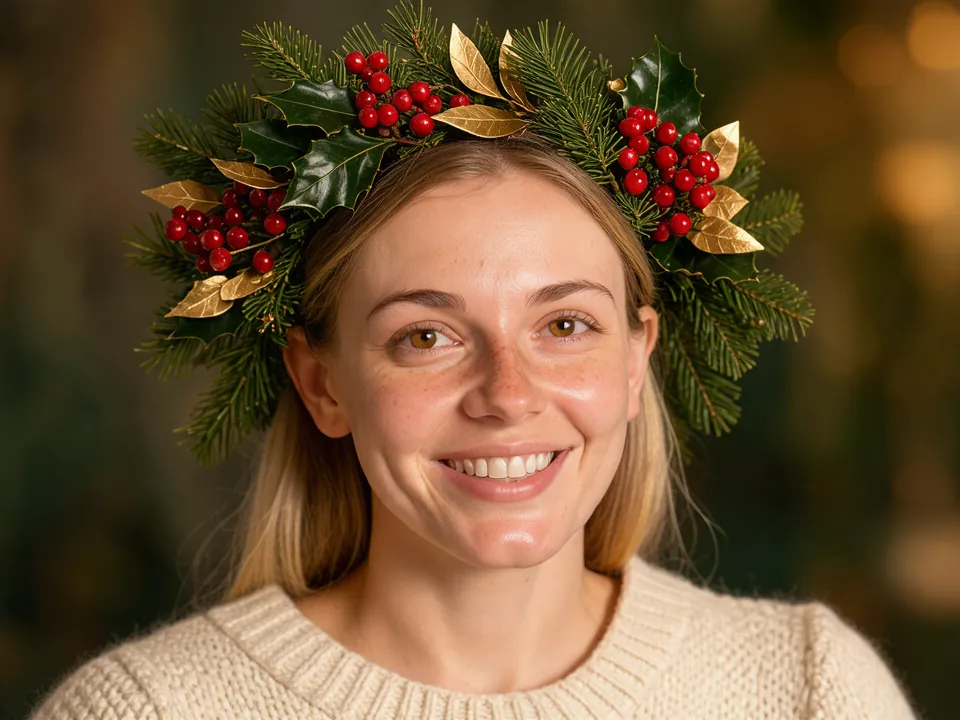
  2. Pick Classic velvet hat, Luxury knit hat, Reindeer antlers, Elf hat, Hat & winter scarf, Golden holly crown, or Pet Santa hat, and add optional notes like tilting the pom-pom left.

  3. Save your unwatermarked holiday photo in 1K, 2K, or 4K, remove or recolor the backdrop for Discord and Slack icons, or split layers in Image to PSD.

Why Creators Prefer This Christmas PFP Maker Over Sticker Apps

Paste-on PNG stickers float awkwardly above hairlines and ignore lighting. Optical headwear fitting treats the hat as part of the original camera exposure.

  1. Natural 3D head tilt, hair tucking, and forehead shadows

    Natural 3D head tilt, hair tucking, and forehead shadows

    When you put Santa hat on photo portraits here, the faux-fur cuff wraps naturally around the 3D curve of the head, tucks bangs, curls, or pet ears gently underneath, and casts a soft contact shadow along the forehead.

  2. Strict lock on your real face, outfit, and original background

    Strict lock on your real face, outfit, and original background

    Want to festive-up your existing company headshot without changing your blazer, smile, or studio backdrop? Everything below the hat stays 100% faithful unless you explicitly choose the Hat & winter scarf combo.

  3. 7 tactile headwear styles beyond plain red felt

    7 tactile headwear styles beyond plain red felt

    Switch between plush crimson velvet, chunky cable-knit wool, felt reindeer antlers with holly bells, forest-green elf caps, velvet hat plus knit scarf, brushed-gold holly crowns, and dedicated pet hats.

  4. Works on solo avatars, multi-person groups, and pets alike

    Works on solo avatars, multi-person groups, and pets alike

    Outfit a single Discord avatar, style every person in a five-person team snapshot at once, or fit a comfortable fleece-trimmed cap around upright cat or golden retriever ears.

  5. Clear 1K, 2K, and 4K credit pricing with zero watermarks

    Clear 1K, 2K, and 4K credit pricing with zero watermarks

    Edits run on paid credits starting at 3 credits at 1K, 6 credits at 2K, and 8 credits at native 4K per image, with exact credit totals shown before every generation.

  6. Instant handoff to Background Remover and Image to PSD

    Instant handoff to Background Remover and Image to PSD

    Turn your newly hatted portrait into a transparent Discord sticker via Background Remover, swap solid brand colors in Change Background Color, or open editable layers in Image to PSD.

Guide: Making Natural Holiday Avatars, Team Icons & Pet Edits

Five quick tips on headroom, group photos, pet ears, circular profile crops, and print resolution.

Pick a photo with a little breathing room above the head

When you add Christmas hat to picture files that are cropped tightly against the very top of the forehead, part of the velvet crown and pom-pom will naturally extend to the top edge. Choosing a snapshot with modest headroom lets the entire fur brim and drooping pom-pom sit cleanly inside the frame.

Outfit everyone in a couple or team photo in one pass

Uploading a couple selfie or department group photo? Mention in the optional prompt box to add hats to everyone in the group, or specify playful variety such as velvet Santa hats on the adults and reindeer antlers on the kids while keeping every face identical.

Use Pet Santa Hat for dogs, cats, and floppy or pointed ears

Pets rarely tolerate real elastic chin straps for more than two seconds. Selecting the dedicated Pet Santa hat preset scales the plush crown proportionally to your dog or cat's head and nests the fleece brim comfortably between or behind their ears without flattening fur or whiskers.

Build coordinated December Slack, Discord, and social icons

Remote teams and creator communities love giving existing headshots a cohesive December look without re-shooting portraits. Keep Classic velvet hat or Luxury knit hat across the whole roster so your team directory looks festive yet polished.

Choose 1K for social avatars or 4K for printed holiday cards

For 400 px profile icons on Discord, X, Instagram, or Slack, 1K (3 credits) is fast and razor-sharp. When you want to frame a pet portrait or print a family photo on cardstock, step up to 2K (6 credits) or native 4K (8 credits) for fine velvet nap and individual fur fibers.

Everyday Uses for Our Holiday Headwear Studio

Built for social avatars, remote workspaces, pet parents, and quick last-minute Christmas card upgrades.

  • Discord, Instagram, TikTok, and X December PFPs

    Use our Christmas PFP maker to refresh your everyday avatar for the holidays in thirty seconds while keeping your recognizable profile photo intact.

  • Coordinated Slack, Teams, and company directory headshots

    Give remote coworkers matching velvet or cable-knit hats on their existing corporate portraits for December newsletters.

  • Dog, cat, and pet holiday portraits without the fuss

    Fit a cozy pet-proportioned cap onto your favorite calm snapshot of your dog or cat for ornaments and gift tags.

  • Turning summer or autumn family photos into holiday cards

    Love a sunny October family photo? Use Hat & winter scarf to add festive cheer before sending it to our AI Christmas Card Generator.

Add Santa Hat to Photo FAQ

Answers on credit pricing, keeping faces and backgrounds unchanged, group photos, pet hats, and privacy.

How many credits does it cost to add Santa hat to photo uploads?

Generations use paid credits starting at 3 credits at 1K, 6 credits at 2K, and 8 credits at native 4K per image, with exact credit totals displayed on the Generate button beforehand.


Will my face, hairstyle, clothes, or background change?

No. Our strict identity and scene lock keeps your face, expression, glasses, outfit, and entire background untouched, adding only the selected headwear (plus a knit scarf if you pick Hat & winter scarf).


Which festive hat and headband styles are included?

Choose from 7 curated styles: Classic velvet hat, Luxury knit hat, Reindeer antlers, Elf hat, Hat & winter scarf, Golden holly crown, and Pet Santa hat, plus Auto.


Does this Santa hat filter online work on dogs and cats?

Yes. Select the Pet Santa hat preset (or Reindeer antlers) to fit pet-scaled headwear naturally around pointed or floppy ears while keeping fur and whiskers intact.


Can I add hats to multiple people in one group photo?

Yes. Upload a couple, family, or team photo and note in the prompt box if everyone should wear matching velvet hats or a mix of hats and antlers.


How is this better than pasting a transparent PNG hat sticker?

Instead of a flat 2D cutout, the studio matches your exact 3D head angle, tucks hair naturally under the fur trim, casts soft forehead shadows, and matches your photo's color temperature and grain.


Are uploaded selfies and family pictures kept private?

Yes. Your uploaded photos and generated avatars remain private in your ImageToPSD.ai history with zero watermarks and are never published to public galleries.


Can I remove the background afterward for a Discord sticker or PFP?

Yes. Click Remove Background, Change Background Color, or Image to PSD directly on any finished image to create transparent stickers, solid-color avatars, or layered PSD files.


Add Santa Hat to Photo Portraits in Seconds

Upload a selfie, group shot, or pet photo, pick from 7 plush headwear styles, and download clean holiday images on ImageToPSD.ai from 3 credits.

Add a Santa Hat