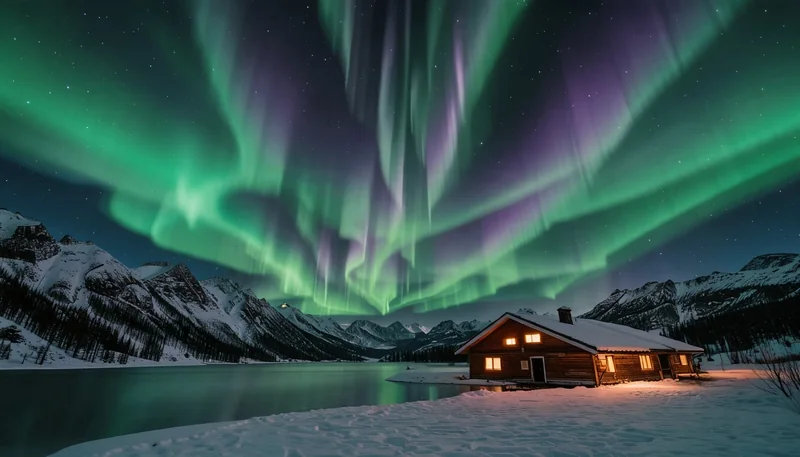
Balanced 82% web hero photo
Shrinks a wide editorial photograph at balanced 82% JPEG quality, trimming file weight dramatically while preserving natural sky gradients and fine detail.
Reduce JPG size free right in your browser with zero uploads. Dial in JPEG quality or set an exact target KB limit, strip bulky EXIF metadata, and save batches as a ZIP.
Drop JPG or image files here to compress
Batch up to 30 images. Strips EXIF metadata and shrinks file size locally.
Processed locally in your browser. Zero server uploads.
Load any sample photograph below into this jpg compressor to compare quality levels, byte savings, optional max-width capping, and target KB mode before dropping your own files.
Shrinks a wide editorial photograph at balanced 82% JPEG quality, trimming file weight dramatically while preserving natural sky gradients and fine detail.
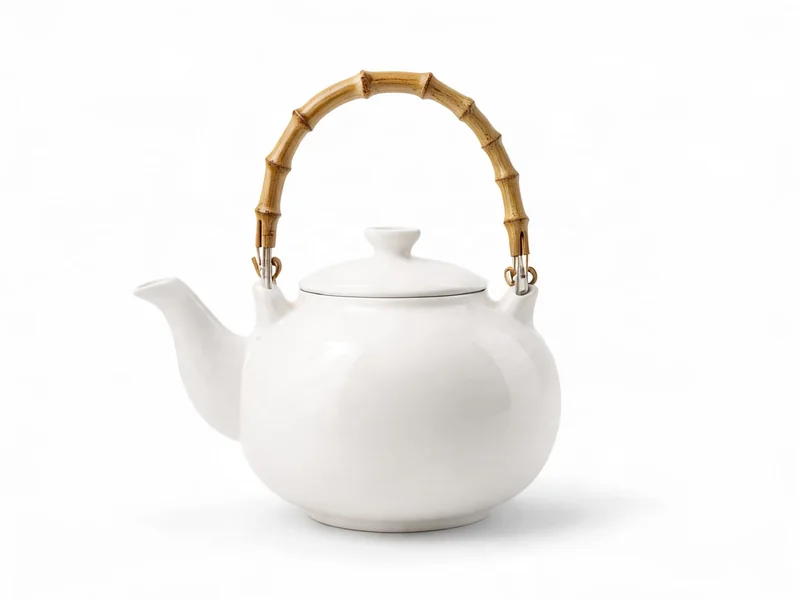
Compresses crisp product photography alongside optional max-width scaling so online store grids load quickly over mobile connections.
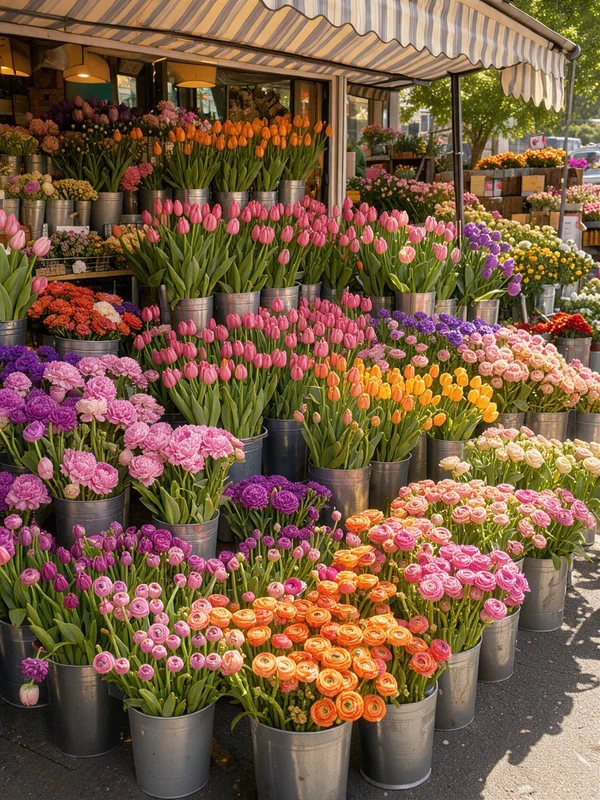
Uses binary-search target KB compression to fit a detailed photograph cleanly under strict 200 KB application form and email limits.
Turn heavy multi-megabyte camera files into fast, lightweight JPEG images directly on your device.
Drag a single photograph or an entire folder onto the drop area, or click Choose JPG files. You can also drop PNG or WebP images when you want a compact JPEG export flattened cleanly onto a white matte.
Slide JPEG quality to balance sharpness against file weight (82% is a dependable starting point), or type an exact kilobyte cap in Target KB mode. Add an optional Max Width cap when oversized camera shots only need web dimensions.
Review live before-and-after byte sizes and exact percentage saved on every card. Save individual compressed photos immediately, or download your entire batch together inside one ZIP archive.
Engineered for sharp photographic tone, exact kilobyte ceilings, automatic metadata cleanup, and private local batch speed.
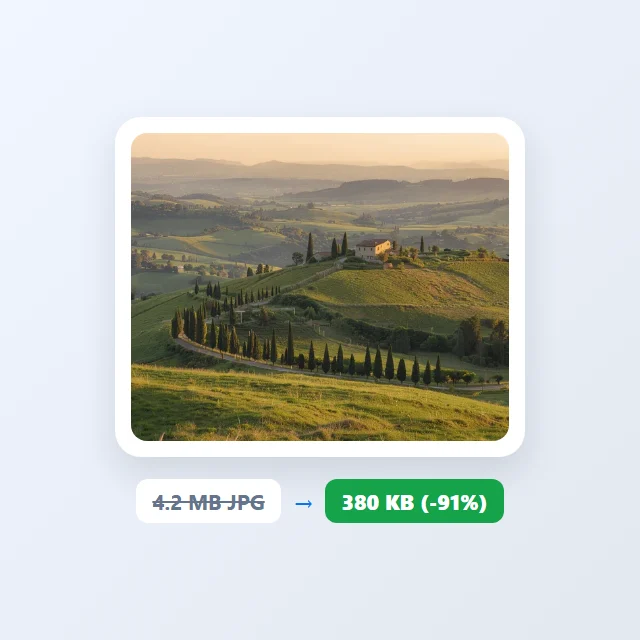
Government forms, job portals, and scholarship applications routinely enforce strict limits like 100 KB, 200 KB, or 500 KB. Instead of guessing quality numbers repeatedly, type your kilobyte ceiling and let our seven-step binary search automatically find the sharpest JPEG quality that fits underneath.
When you compress JPG files manually, every card displays original bytes, compressed bytes, and exact percentage saved. Dial quality from high-fidelity 90%+ archival levels down to lean 70% to 82% web presets while inspecting visual clarity directly.
Camera phones embed GPS coordinates, lens specs, camera serial tags, and miniature preview thumbnails inside every JPEG header, sometimes adding tens of kilobytes of invisible bloat. Re-encoding locally strips unnecessary EXIF metadata automatically, protecting your location privacy while cutting extra weight.
Raw smartphone and DSLR photos often span 4000 to 6000 pixels wide when a website, presentation slide, or email only displays 1200 to 1920 pixels. Setting an optional Max Width trims file weight far more effectively than aggressive compression alone, keeping fine textures and product edges clean and free of blocky artifacts.

Need to optimize photo galleries from a product shoot, property listing, or event folder? Queue multiple photos together, apply uniform quality or target KB rules across the entire set, review individual savings live, and save every compressed file inside one cleanly named ZIP archive.
ID photos, client galleries, scanned forms, and family pictures never touch an external server. This compress jpg online tool runs entirely inside your browser's local canvas engine, delivering instant savings even on slower connections with complete local privacy.
Five practical rules for smaller file sizes, cleaner gradients, and faster websites without noticeable quality loss.
Most digital cameras and editing tools save JPEG files at 95% to 100% quality, where the final ten percent of mathematical precision can double or triple file weight with almost zero visible difference to human eyes. Setting quality between 78% and 85% when you reduce JPG size typically cuts 40% to 70% of bytes while keeping skin tones, subtle sky gradients, and product textures smooth and natural on high-DPI displays.
Crushing a 4500-pixel photo down to 35% quality produces muddy blocks and mosquito noise around sharp high-contrast edges. Instead, cap width to the real size readers actually view (such as 1600 px for editorial blog heroes or 1200 px for email attachments) and pair it with a healthy 80% quality setting. For exact social pixel presets or aspect-locked canvas templates, pair this workflow with our Image Resizer.
Passport uploads, exam registrations, and HR onboarding systems often reject files that exceed 100 KB or 200 KB by even a single byte. Enter your exact limit into Target KB mode and let this jpg compressor search automatically for the highest quality setting that stays safely below the threshold. If a massive 12 MP shot still cannot fit at full resolution, add a Max Width of 1200 px or 1000 px so the image stays sharp under tight byte limits.
JPEG excels at rich continuous-tone photography, portraits, and real-world textures where every browser and print lab expects universal support. For modern websites chasing even leaner Core Web Vitals, convert photographic assets to next-gen WebP using JPG to WebP. For crisp UI screenshots, diagrams, or transparent logos, keep lossless edges sharp and shrink them with Compress PNG instead.
Email providers and document portals frequently cap attachments at 10 MB or 25 MB, which a dozen raw phone photos can blow past effortlessly. Run your scanned receipts or site inspection shots through this compress jpeg workspace first, then merge the lean output into one tidy multi-page document using JPG to PDF.
Practical everyday workflows where shrinking heavy JPEG photos saves bandwidth, passes strict upload limits, and speeds up websites.
Compress JPG hero banners and article photos cleanly to improve page load times and Core Web Vitals scores while preserving vivid photography.
Batch-optimize product catalogs with consistent quality and max-width caps so storefront galleries render swiftly on mobile shoppers' screens.
Use exact Target KB mode to reduce JPG size under strict 100 KB, 200 KB, or 500 KB form ceilings while local processing keeps personal ID scans private.
Trim bloated camera originals and strip GPS EXIF metadata before emailing client proofs, sharing field inspection photos, or uploading team reports.
Clear answers about JPEG quality settings, exact target KB mode, EXIF privacy, batch limits, and browser processing.
Drop your JPG or JPEG photos into the studio at the top of this page, pick a quality level or type an exact Target KB ceiling, and save individual files or a batch ZIP. Everything runs free in your browser with no signup and zero watermarks.
When you enter a kilobyte limit such as 150 KB or 200 KB, the compressor runs a fast seven-step binary search across JPEG quality values to find the highest clarity that fits cleanly under your exact byte target.
No. Every decode, resize, re-encode, and ZIP step runs strictly inside your browser's local memory. Your private photos and scanned documents never leave your device.
Yes. Re-encoding through the local canvas pipeline automatically strips embedded EXIF camera tags, GPS coordinates, and hidden thumbnail data, saving extra kilobytes and protecting your privacy.
Unoptimized smartphone and camera JPGs commonly shrink by 40% to 75% at balanced 80% to 82% quality without noticeable loss, and adding a Max Width cap for web display often pushes savings even higher while keeping edges crisp.
Yes. Drop a whole folder of photos to compress JPEG files in batch with live savings shown on every card, then export the entire set together in a single ZIP archive.
Because the JPEG format does not support alpha transparency, transparent regions automatically flatten onto a clean solid white matte background before encoding so dark fringes never appear.
Each card shows the original size next to the compressed output and exact percentage saved. If a file is already tightly compressed and shows minimal savings, raise the quality slider or keep the original file untouched.
Drop one photo or a whole batch, pick quality or an exact target KB limit, and save lightweight JPG files privately in your browser.
Choose JPG files