Recolor Image Online

Upload a product, garment, interior, or vehicle photo to recolor image elements with studio realism. This online image color changer applies 14 calibrated swatches or any custom shade while keeping fabric weave, stitching, creases, reflections, and surrounding details intact.

Try one of these edits

  • 14 swatches plus custom shade prompts
  • Keeps weave, gloss, folds, and shadows
  • Fast at 1 credit, Quality from 3 credits
  • Private history, zero watermarks

Real Recolor Image Results Across Materials

Drag any divider to see how our recolor photo engine adapts to knit mesh, woven linen, glossy satin, automotive paint, pebbled leather, and washed denim. Click Use this example to load that shot, swatch, and prompt into the studio.

  • BeforeAfter
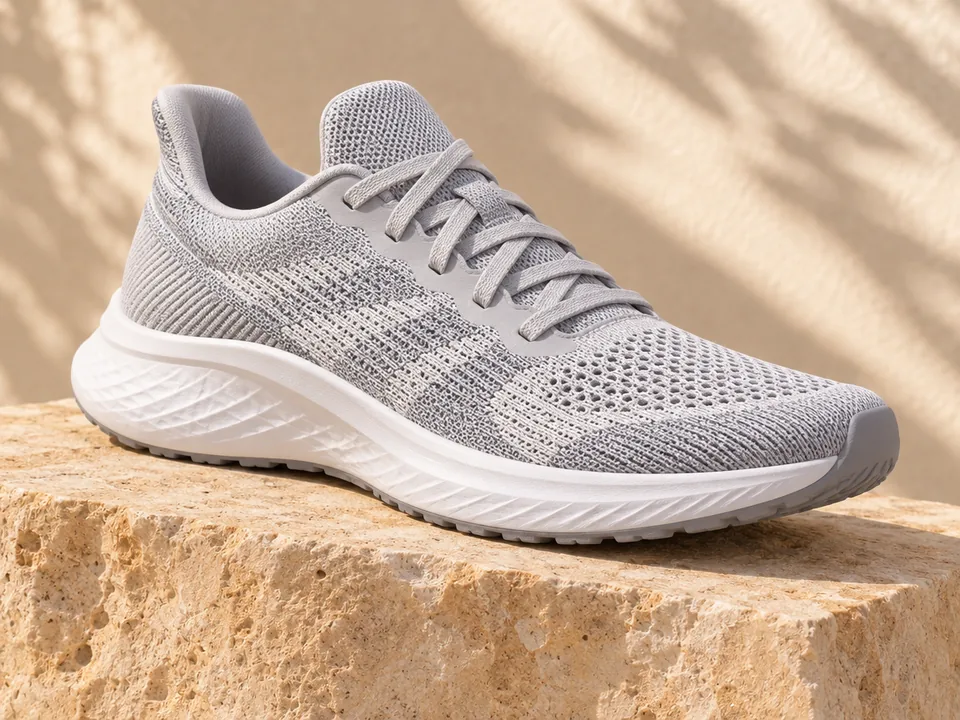
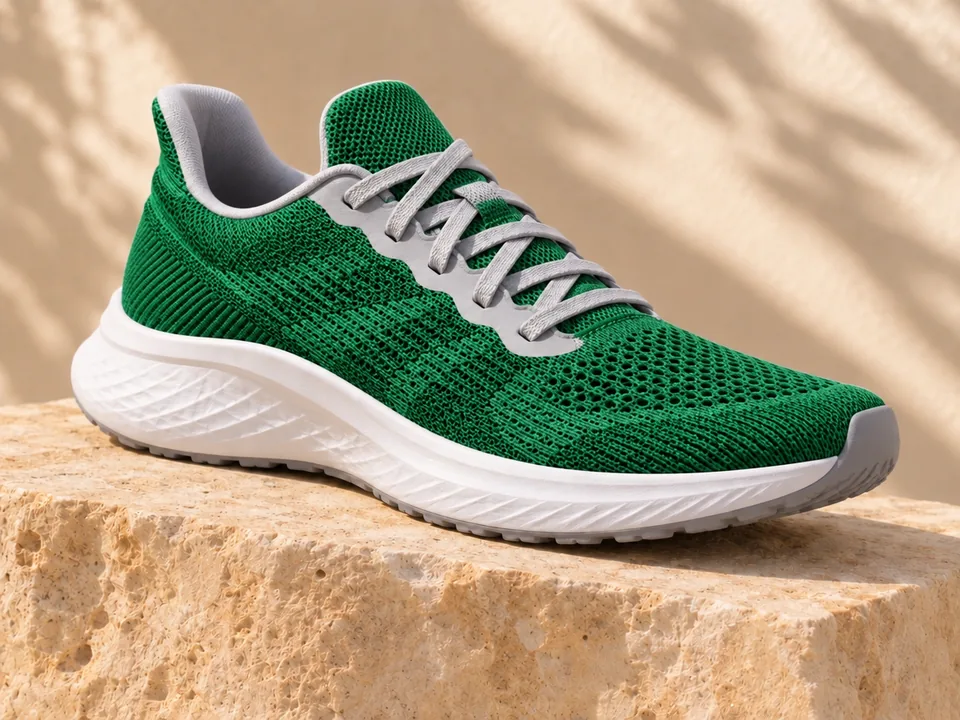
    Mesh Running Sneaker · Emerald green
  • BeforeAfter
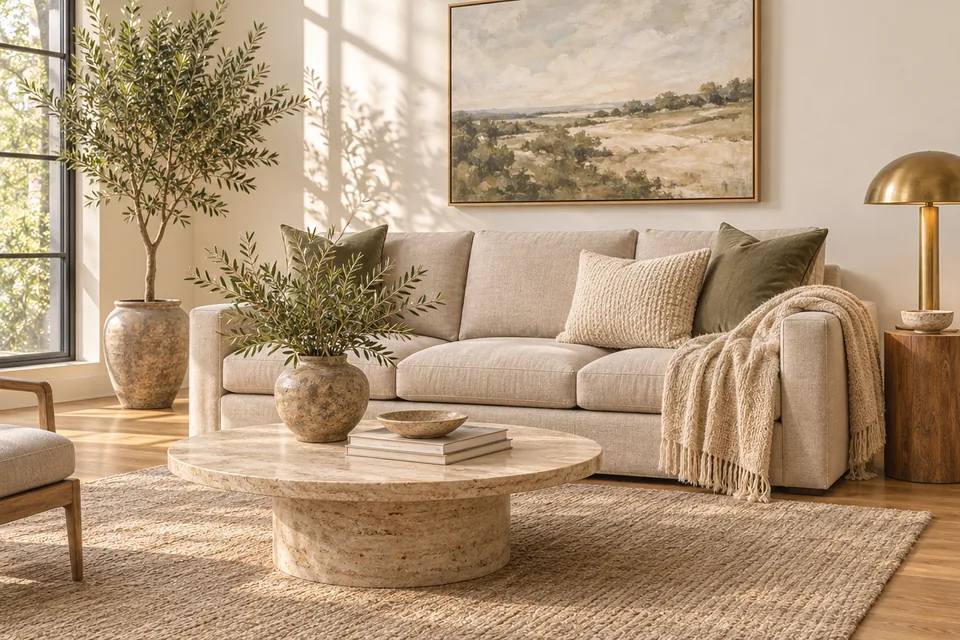
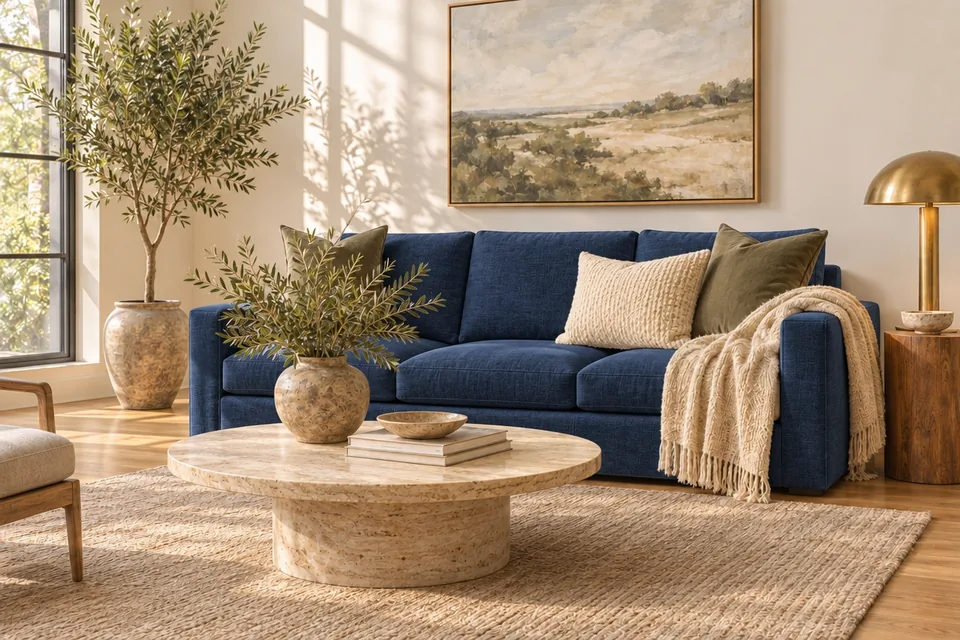
    Linen Living Room Sofa · Navy blue
  • BeforeAfter
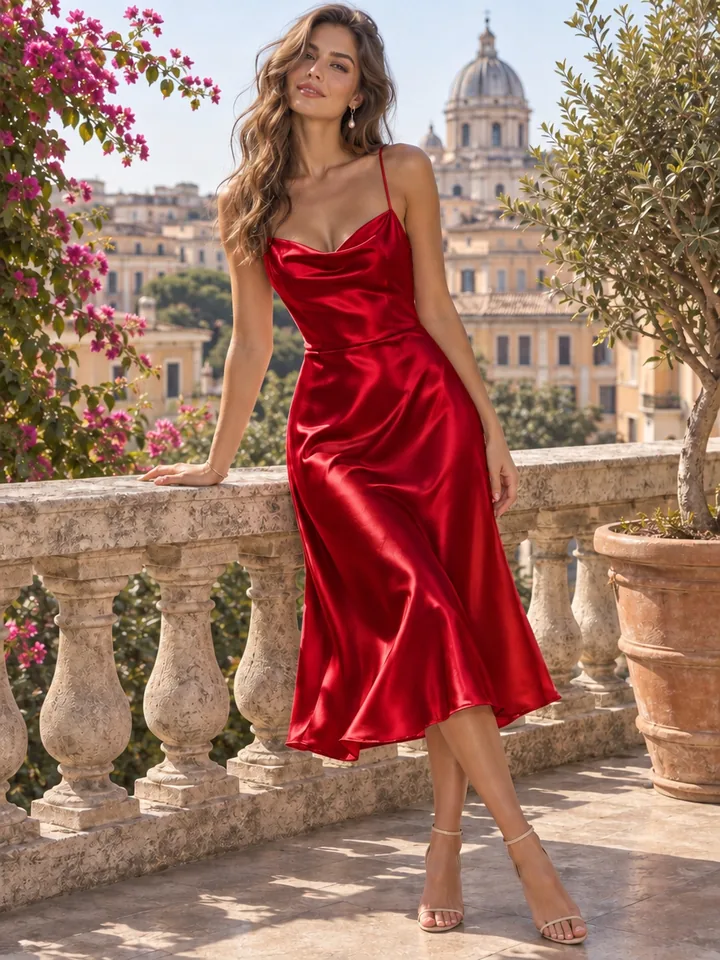
    Satin Midi Dress · Crimson red
  • BeforeAfter
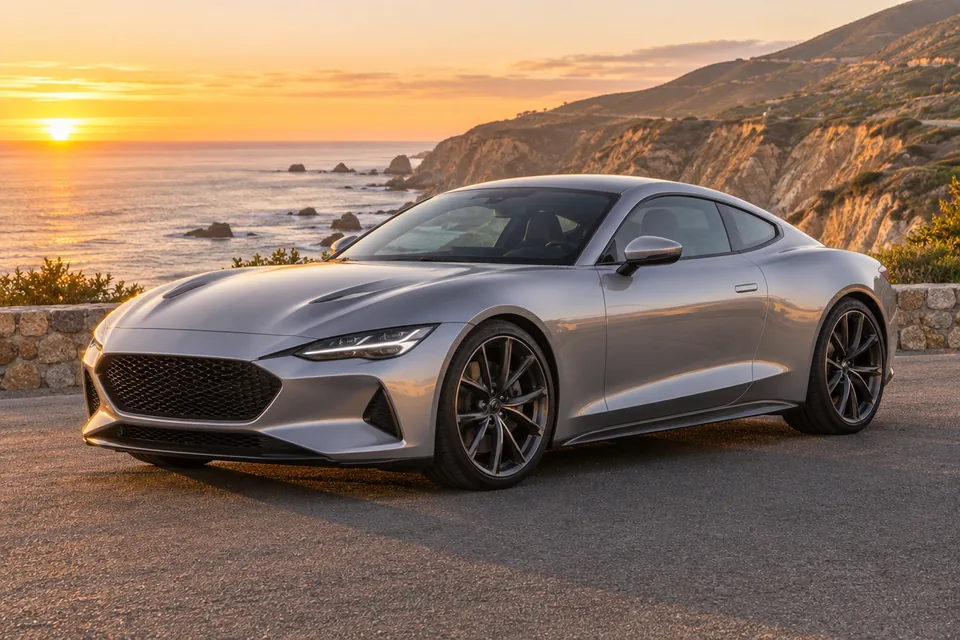
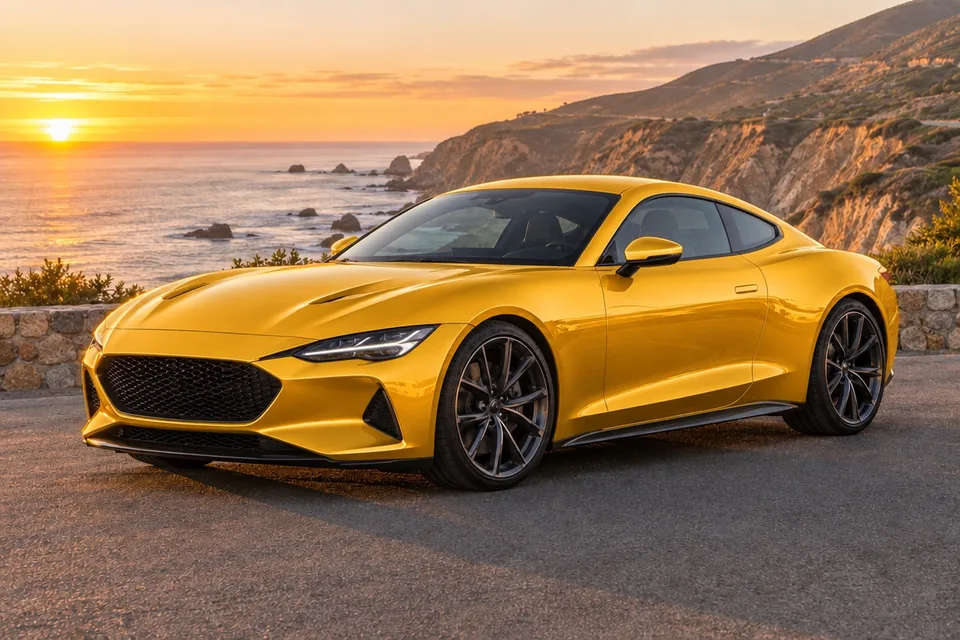
    Glossy Sports Coupe · Golden yellow
  • BeforeAfter
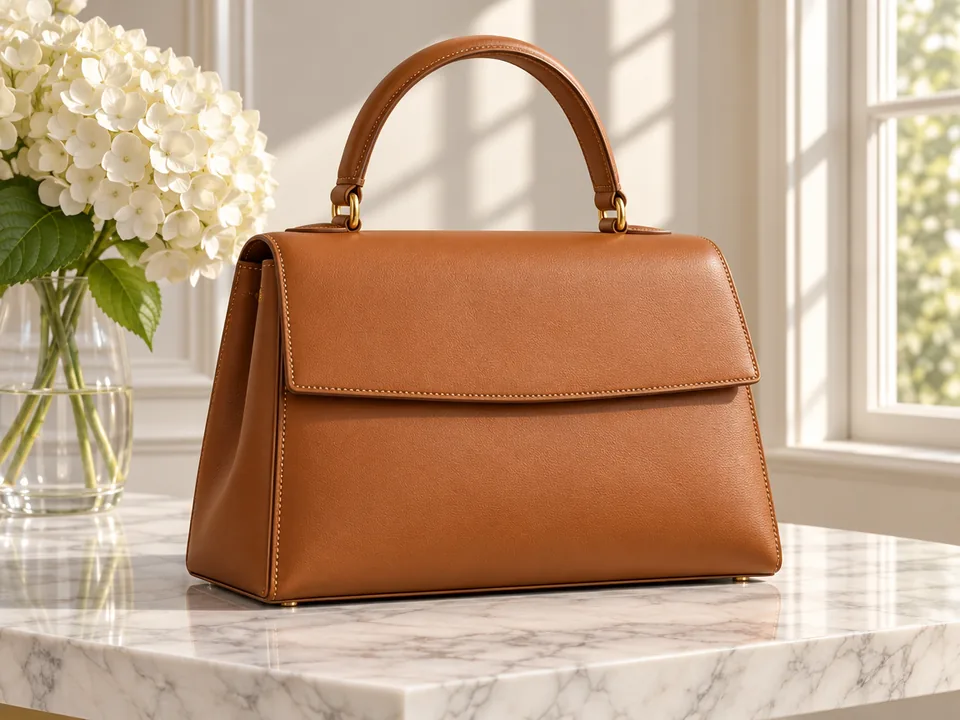
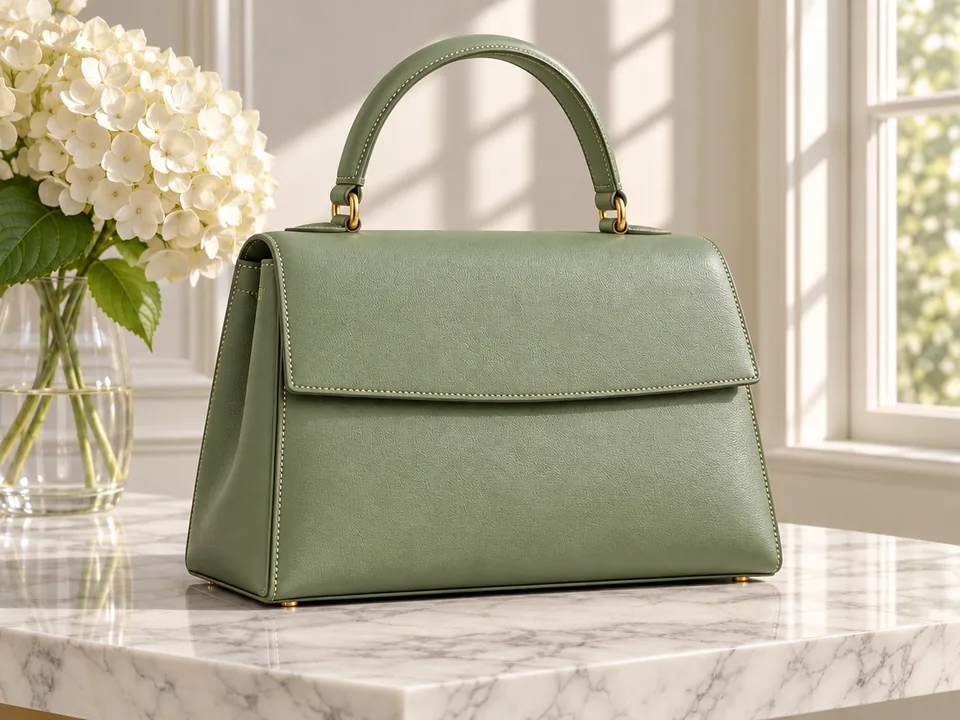
    Structured Leather Handbag · Sage green
  • BeforeAfter
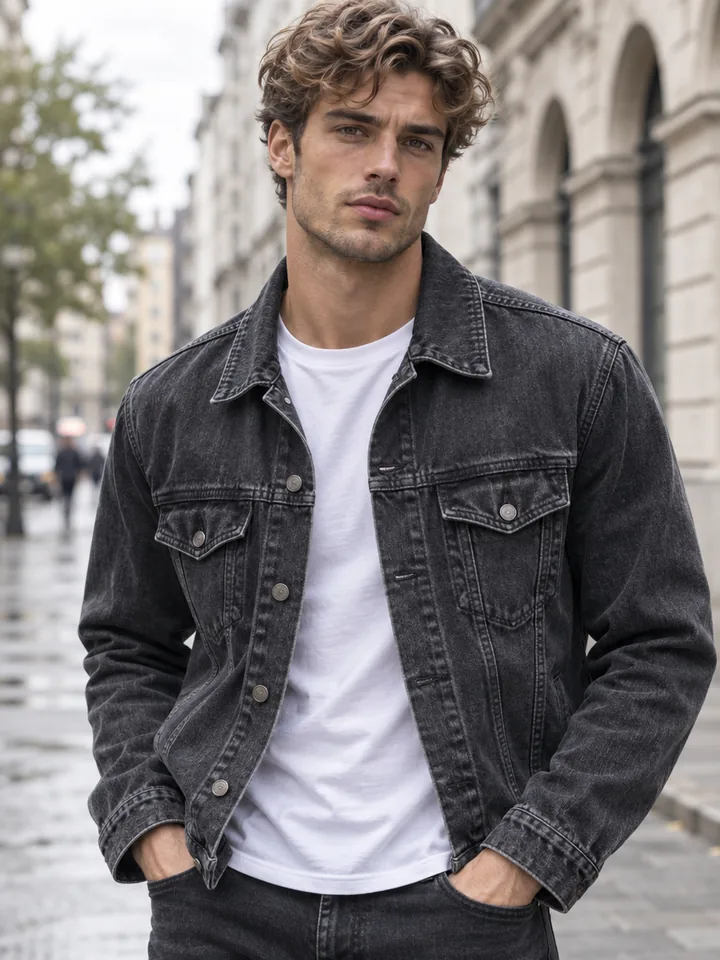
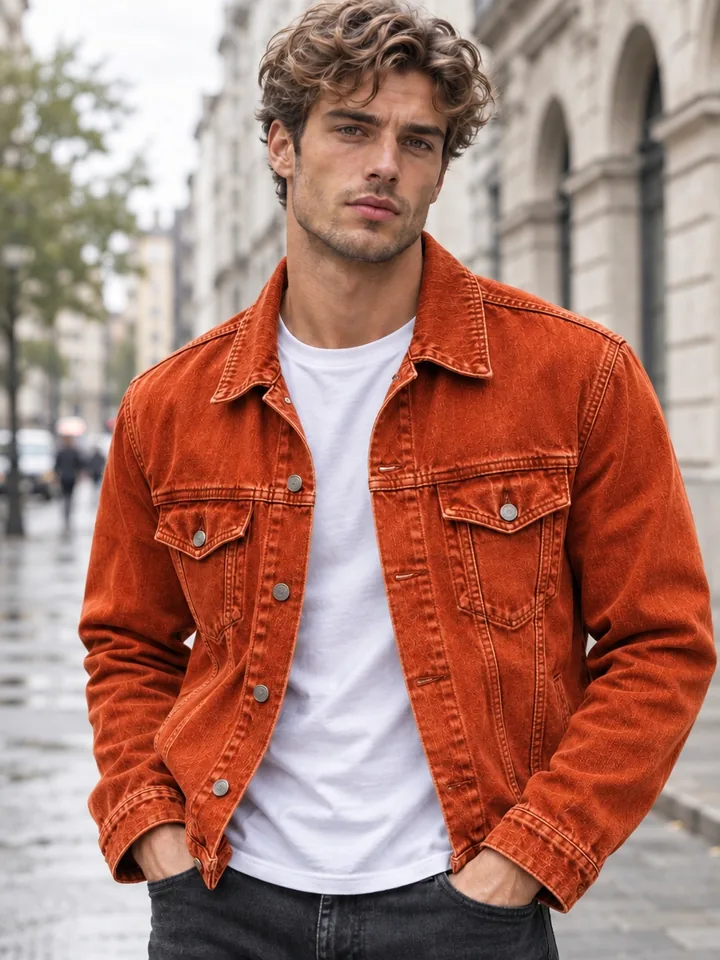
    Denim Trucker Jacket · Terracotta orange

How to Change Color of Image Files in 3 Steps

Skip manual pen-tool masks and hue sliders. Turn one source photograph into clean colorway variations in seconds.

  1. Drop, paste, or pick any clear product, apparel, furniture, or lifestyle image. Your original framing and aspect ratio stay locked automatically so every colorway aligns pixel for pixel.

  2. Select one of 14 preset swatches, from emerald and navy to matte black, sage, or champagne gold, or pick custom mode for bespoke shades. Name the target item if needed and choose Fast or Quality mode.

  3. Inspect your finished colorway in private history, download a clean file with no watermarks, or send it directly to layered PSD export, 2x and 4x upscaling, or product animation.

What Makes This AI Recolor Image Studio Accurate

Flat tint overlays mute highlights and bleed onto skin or walls. Every run here rebuilds surface color under real scene lighting.

  1. Material texture and stitching stay sharp

    Material texture and stitching stay sharp

    Across sneaker mesh, heavy denim seams, and fine leather grain, every pore, stitch, and woven fiber stays crisp. Color shifts naturally through shadows and highlights instead of sitting flat on top.

  2. 14 calibrated swatches plus custom shades

    14 calibrated swatches plus custom shades

    Jump straight to crimson red, cobalt blue, navy, emerald, muted sage, golden yellow, terracotta orange, blush pink, plum purple, jet black, clean white, beige, champagne gold, or cool silver, or type any custom color in plain words.

  3. Surgical isolation with zero color bleed

    Surgical isolation with zero color bleed

    When you change color in photo scenes containing people, logos, jewelry, or styled rooms, only the targeted garment or object shifts hue. Skin tones, faces, metal hardware, printed labels, and backdrops stay untouched.

  4. Authentic gloss, clear coat, and specular shine

    Authentic gloss, clear coat, and specular shine

    Satin dresses and painted car panels reflect light differently from matte linen. The engine preserves curved reflections, bright specular rims, and soft shadow falloff so glossy and metallic finishes look photographed, not tinted.

  5. Fast exploration and 4K Quality tiers

    Fast exploration and 4K Quality tiers

    Explore seasonal colorways quickly in Fast mode for 1 credit per run, then render final storefront assets in Quality mode at 1K for 3 credits, 2K for 6 credits, or 4K for 8 credits.

  6. Connected to downstream design tools

    Connected to downstream design tools

    Every finished result plugs straight into ImageToPSD. Convert recolored shots into editable layered PSD files for ad layouts, enlarge catalog images with upscaling, or turn color swaps into video clips.

Complete Guide to Recolor Photo Assets Cleanly

Five practical habits for crisp, consistent colorways across e-commerce catalogs, interiors, fashion, and automotive finishes.

Name the exact area you want recolored

For single-subject product shots, selecting a swatch alone is often enough. In multi-piece outfits or furnished rooms, add a short target phrase such as "the linen sofa fabric only, keep wooden legs natural" or "the satin dress only, keep gold buttons and belt". Naming what changes and what stays untouched ensures clean separation across every SKU.
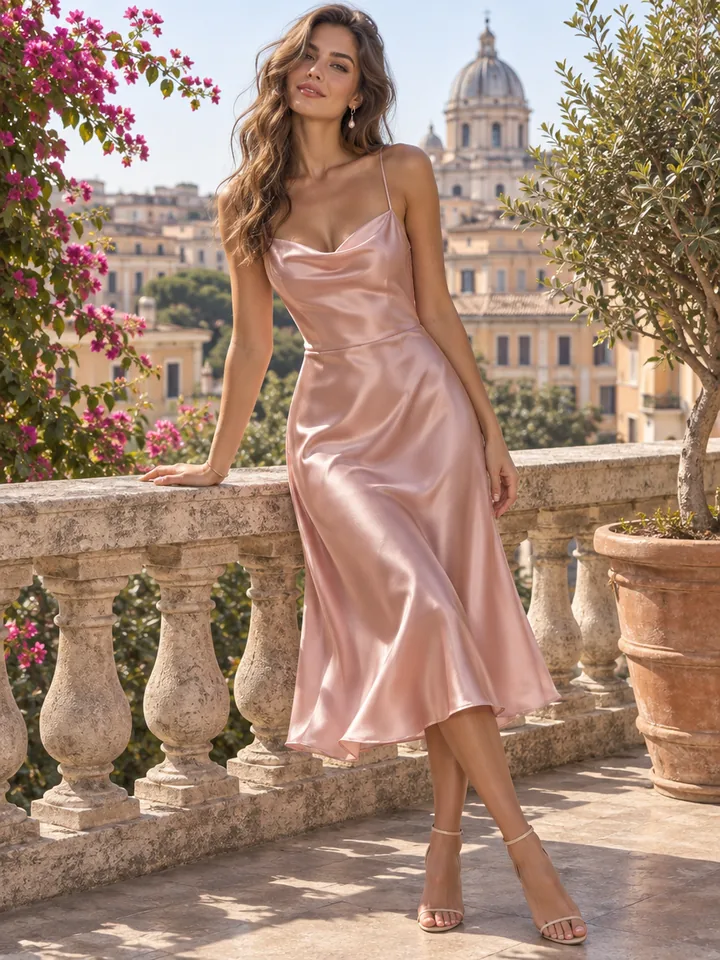
Name the exact area you want recolored

Choosing between 14 swatches and custom notes

Preset swatches deliver balanced saturation for everyday catalog shades like navy, sage, red, or matte black. Switch to custom mode whenever a brand palette calls for dusty rose, espresso brown, burnt sienna, or pastel mint. Naming both hue and finish, such as matte olive canvas or pearlescent champagne, shapes how highlights travel across folds.

Recoloring glossy paint, black fabrics, and white items

Shifting deep black or pure white surfaces demands clean luminance recovery so folds and seams remain visible. Start with an evenly exposed photo where highlights and shadows keep real detail. On vehicles, leather, and satin, pair your shade with the material finish so clear-coat reflections and specular rims look natural after the color swap.

Recoloring glossy paint, black fabrics, and white items

Keeping colorway batches uniform for online stores

Storefront pages look most polished when every variant shares identical framing and shadows. Shoot one hero sample under even light, then pass that master shot through this image color changer for each remaining colorway. Because camera angle and perspective stay locked, shoppers clicking swatch selectors see smooth, instant transitions.

Picking Fast mode vs. 1K, 2K, and 4K Quality

Match each tier to your publishing goal. Use Fast mode at 1 credit while pitching palettes or narrowing down sample options. When a colorway is approved, switch to Quality mode: 1K at 3 credits fits social posts, 2K at 6 credits powers zoomable product pages, and 4K at 8 credits delivers print sharpness for lookbooks.

Picking Fast mode vs. 1K, 2K, and 4K Quality

Who Uses This Image Color Changer

Built for e-commerce teams, fashion brands, interior stylists, and automotive designers who produce colorway sets without extra reshoots.

  • E-commerce product catalogs

    Shoot one master product photo and recolor image variants for every storefront SKU in minutes. Keep identical shadows, angles, and printed labels across sneakers, bags, and accessories.

  • Fashion and apparel merchandising

    Test seasonal dye lots on lookbook photography before ordering factory samples. Faces, skin tones, hair, and studio backdrops remain completely unchanged across crimson, sage, camel, or navy.

  • Interior design and furniture staging

    Change color in photo rooms to show clients how a sofa, accent chair, curtain, or cabinet looks in new upholstery tones while keeping natural window light and woven fabric grain.

  • Automotive wraps and paint concepts

    Preview glossy yellow, matte black, cobalt blue, or metallic silver wraps on real vehicle photos while keeping glass, headlights, wheels, and street reflections authentic.

Recolor Image FAQ

Clear answers on color accuracy, custom tones, resolution, credits, privacy, and commercial catalogs.


Recolor Image Assets in Seconds

Upload a product, garment, interior, or vehicle photo and preview realistic colorways with 14 swatches or custom shades from 1 credit.

Recolor an image