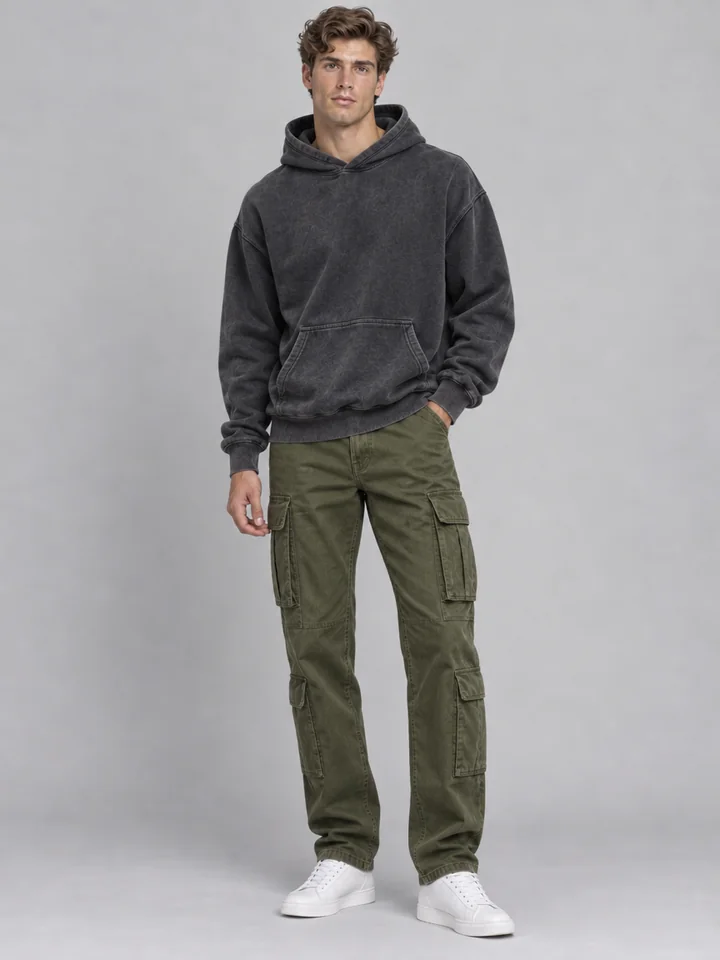
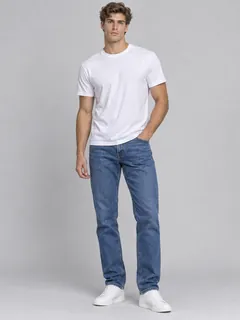
“oversized washed charcoal hoodie, olive cargo trousers, and clean white sneakers”
Style any portrait in seconds with our AI outfit generator. Upload a photo or pick a built-in fashion model, then describe an outfit in words or attach one or two garment photos to create realistic ensembles while preserving the face, hair, pose, lighting, and background.
Browse six full-body lookbook portraits styled from short text prompts. Each card shows the source portrait, exact styling prompt, and finished AI fashion outfit so you can load any look straight into the studio.
“oversized washed charcoal hoodie, olive cargo trousers, and clean white sneakers”
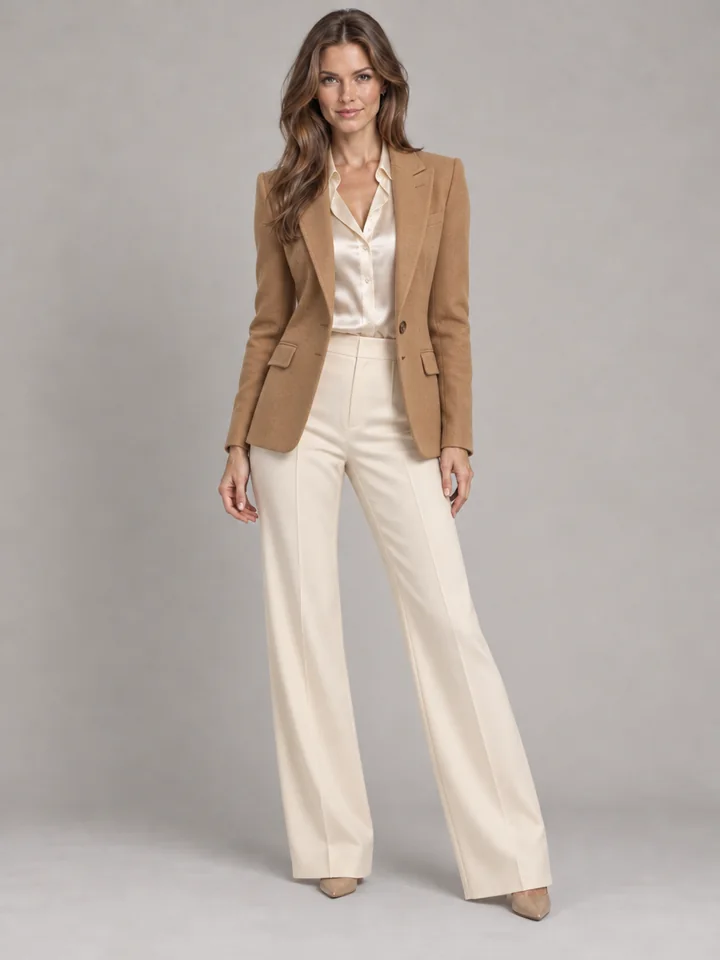
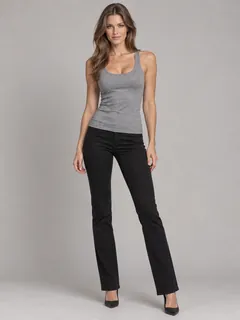
“tailored camel wool blazer over an ivory silk blouse with wide-leg cream trousers”
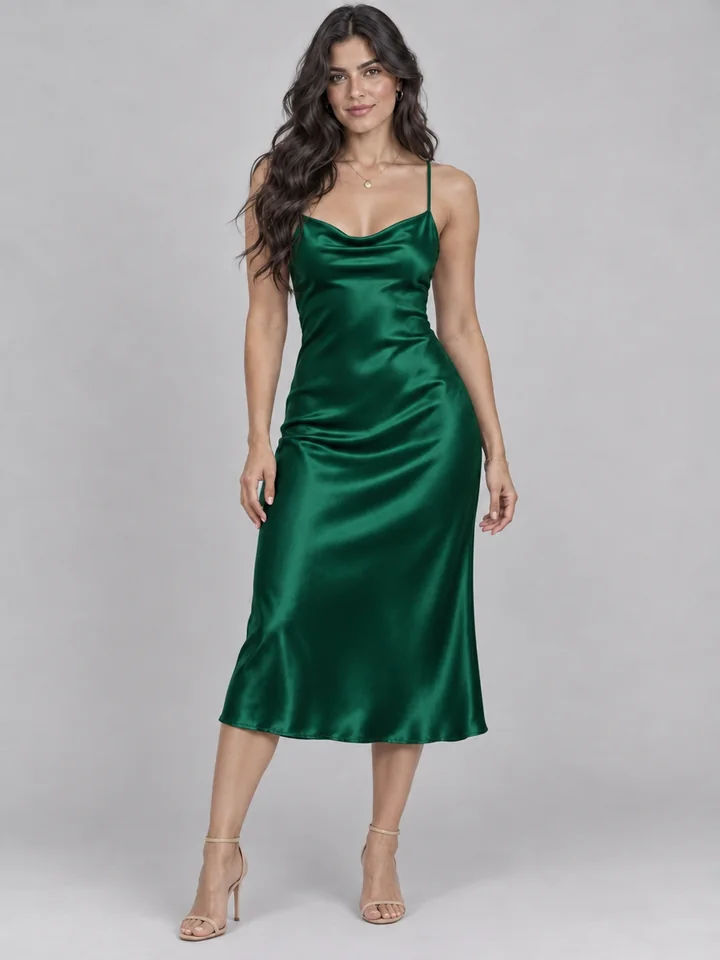
“emerald green satin midi slip dress with minimalist gold jewelry”
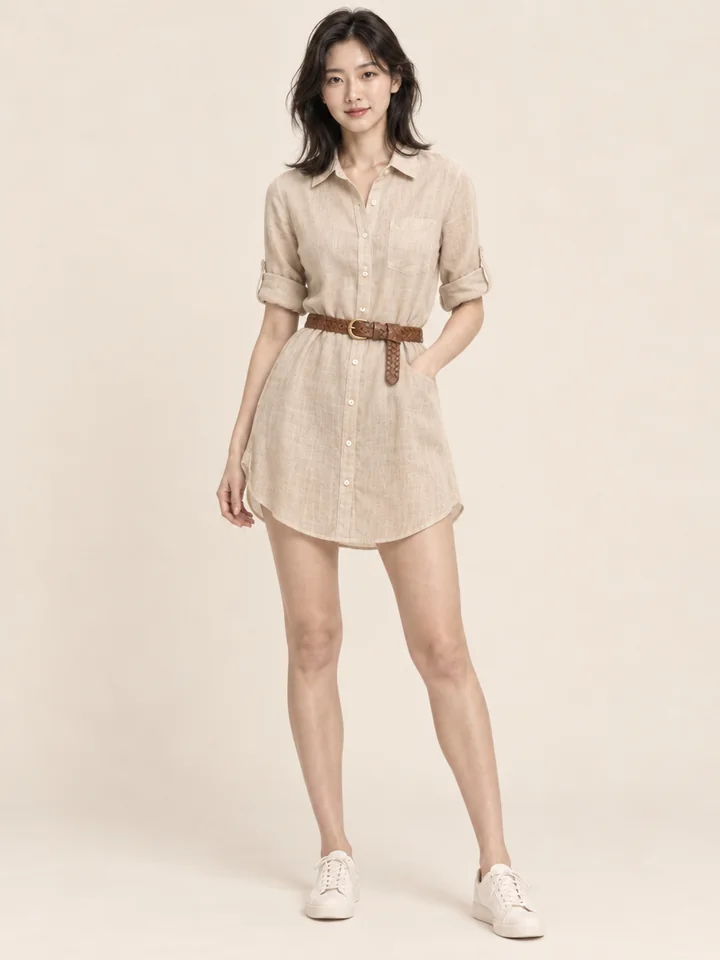
“breezy sand-colored linen shirt dress with a woven brown leather belt”
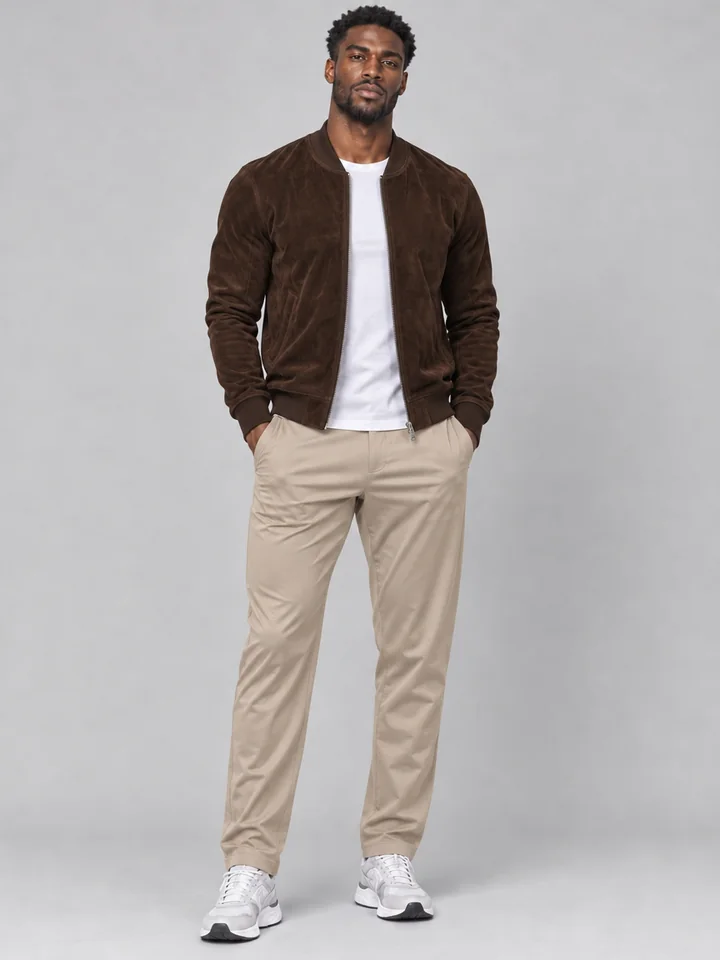
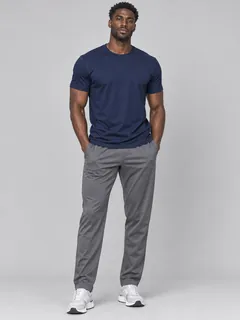
“espresso brown suede bomber jacket over a crisp white crew neck and tailored stone chinos”
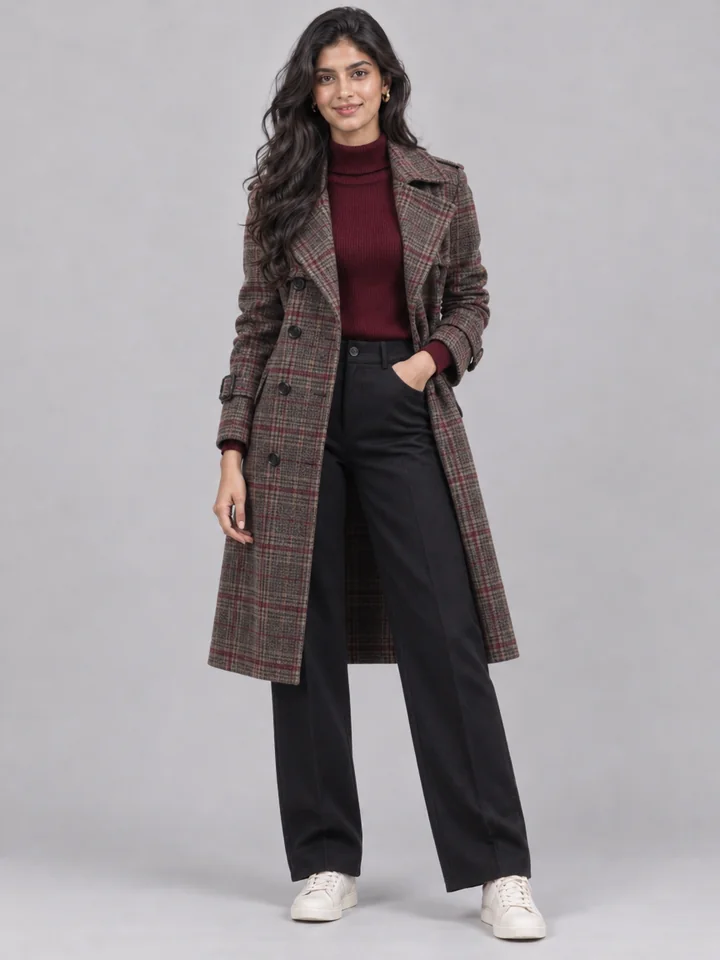
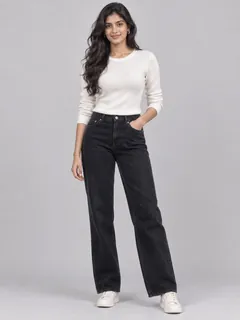
“plaid wool trench coat over a burgundy turtleneck and dark tailored trousers”
Turn a single portrait into a finished lookbook shot in about 25 seconds. Credits appear clearly on the button before you start.
Upload a sharp JPG, PNG, or WebP photo up to 10 MB, or start right away with one of our built-in models. Full-body and half-body portraits in even light give the outfit generator a clean base to dress.
Type your styling idea in up to 300 characters, tap a preset such as Business, Streetwear, or Smart casual, or upload one or two garment photos assigned to tops, coats, bottoms, or dresses.
Check drape, seams, and fit with the before and after slider. Download a crisp PNG, or select Use as photo to layer a fresh concept onto the same subject.
Built for fashion stylists, online sellers, and wardrobe planners who want believable fabric drape without changing the person in the frame.
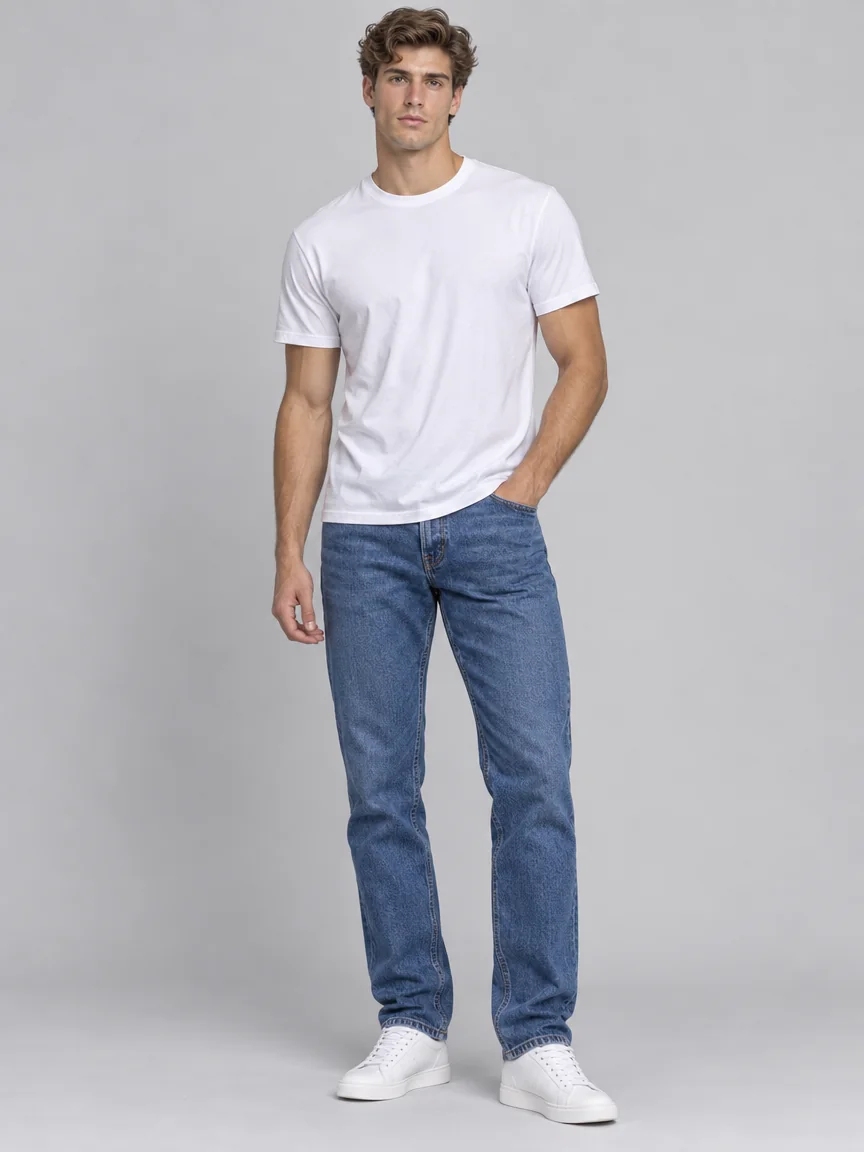 Original photo
Describe fabrics, cuts, color palettes, and layering in plain words, and our AI outfit maker renders a coordinated look from collar to hem. From a washed charcoal hoodie with olive cargos to tailored evening wear, text styling costs 3 credits per photo.
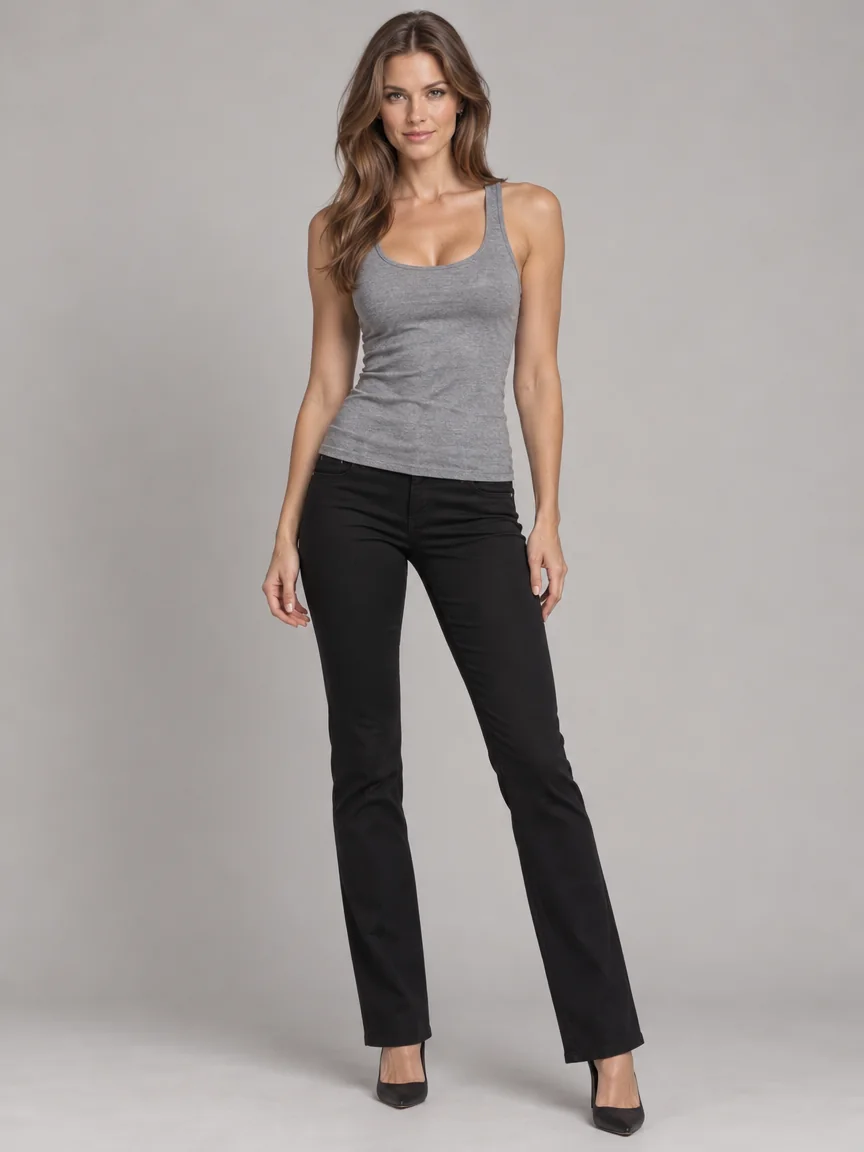 Original photo
Combine up to two garment photos in one run, such as a wool blazer with wide-leg trousers, or pair a reference garment with styling notes. Enable Keep my coat or jacket to swap only the layers underneath, or target the outer slot to replace a jacket cleanly.
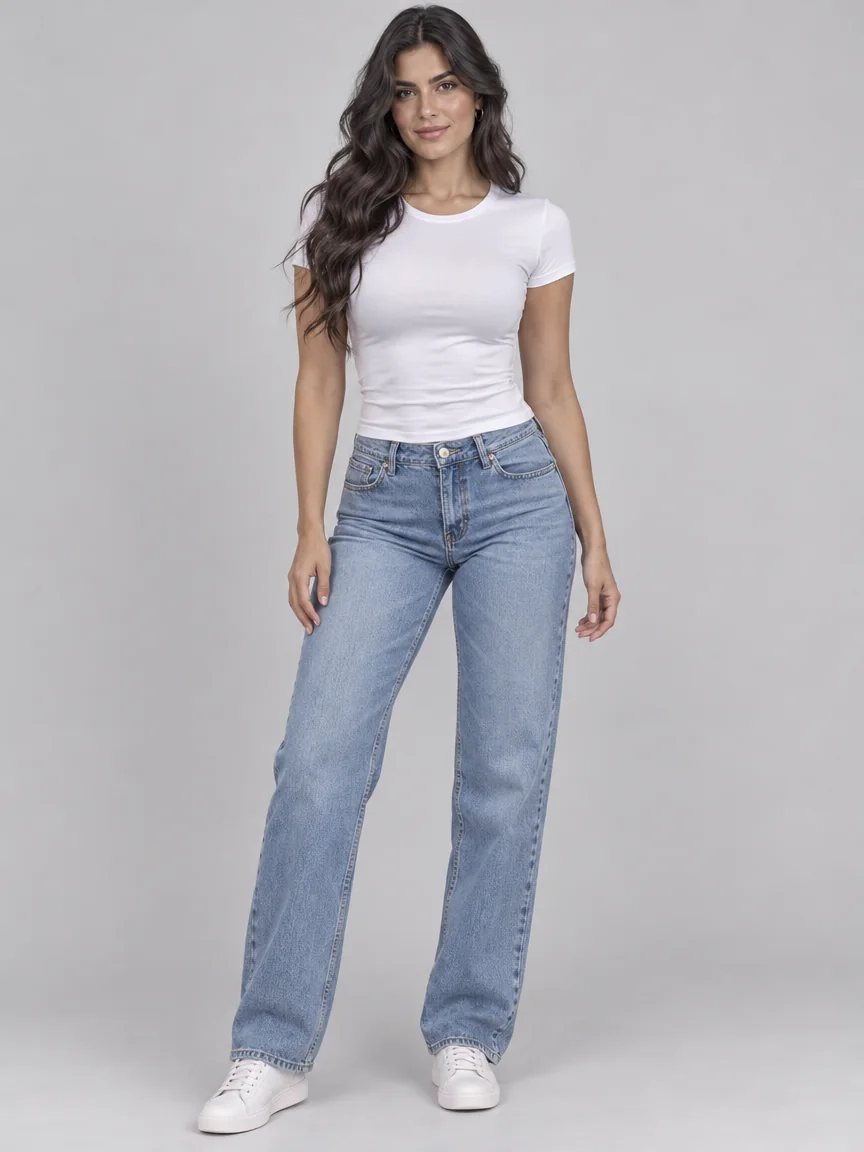 Original photo
Every run edits clothing regions alone so facial features, skin tone, hairstyles, hands, jewelry, and surroundings stay faithful to your original image. Whether previewing an emerald satin dress or crisp office tailoring, the person stays unmistakably themselves.
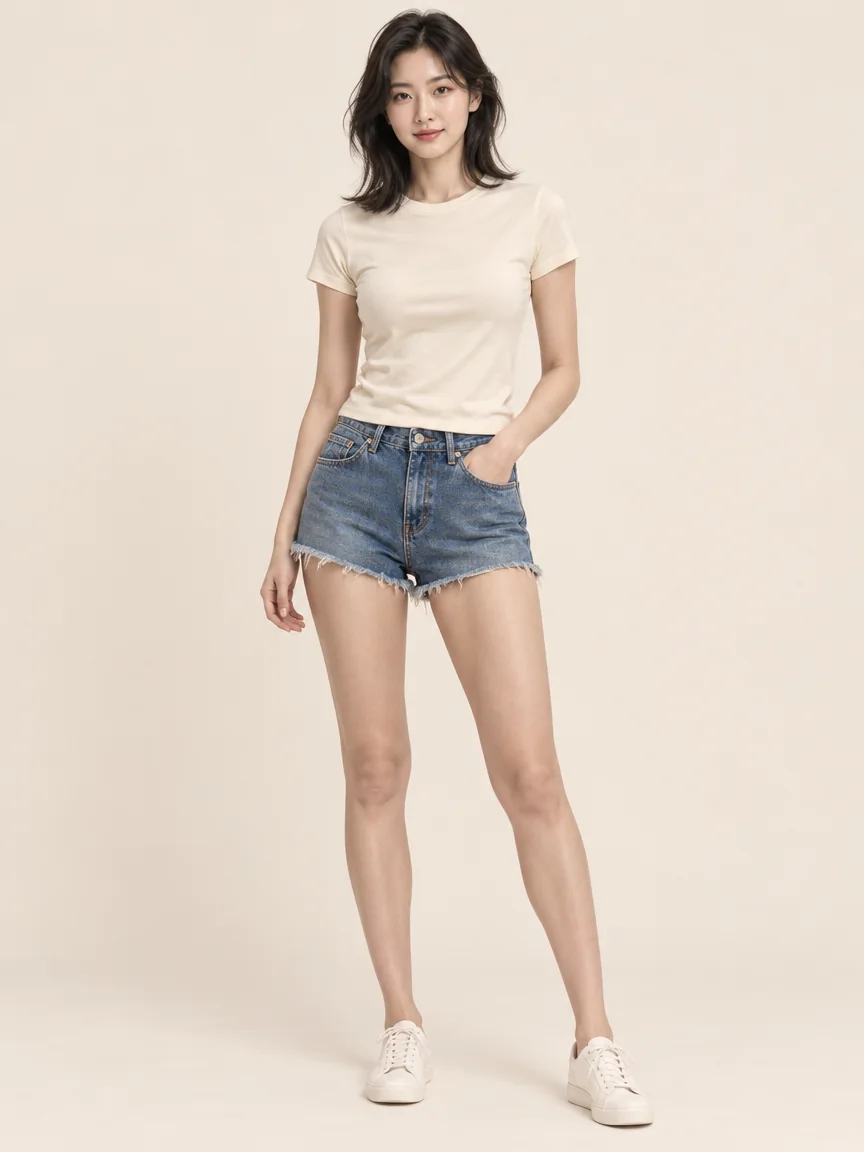 Original photo
Wool, linen, denim, and brushed suede each respond differently to movement and light. Our engine aligns highlights, folds, collar shadows, and fabric grain with the existing light in your photo so new garments look genuinely worn.
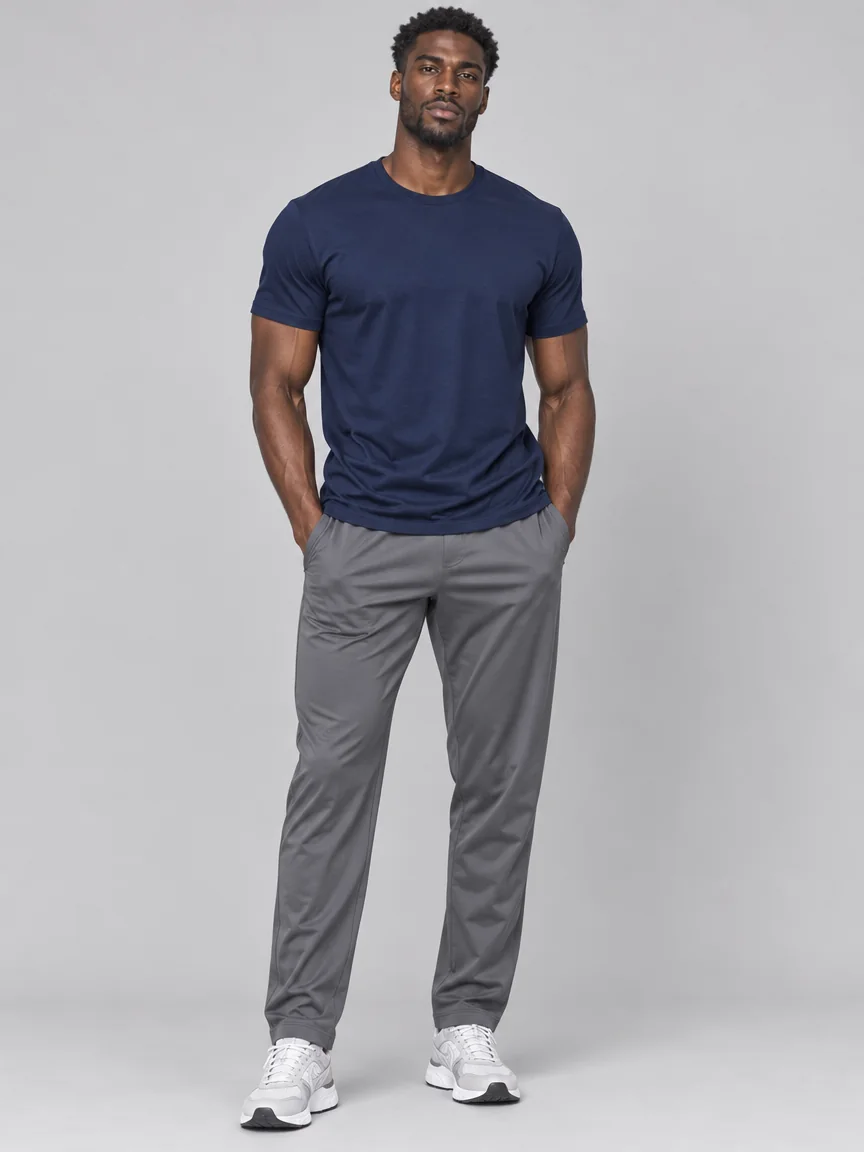 Original photo
Everyday portraits rarely stand straight like catalog mannequins. Crossed arms, turned shoulders, pockets, and walking strides remain anatomically coherent while hems, sleeves, and waistlines follow the subject's natural posture.
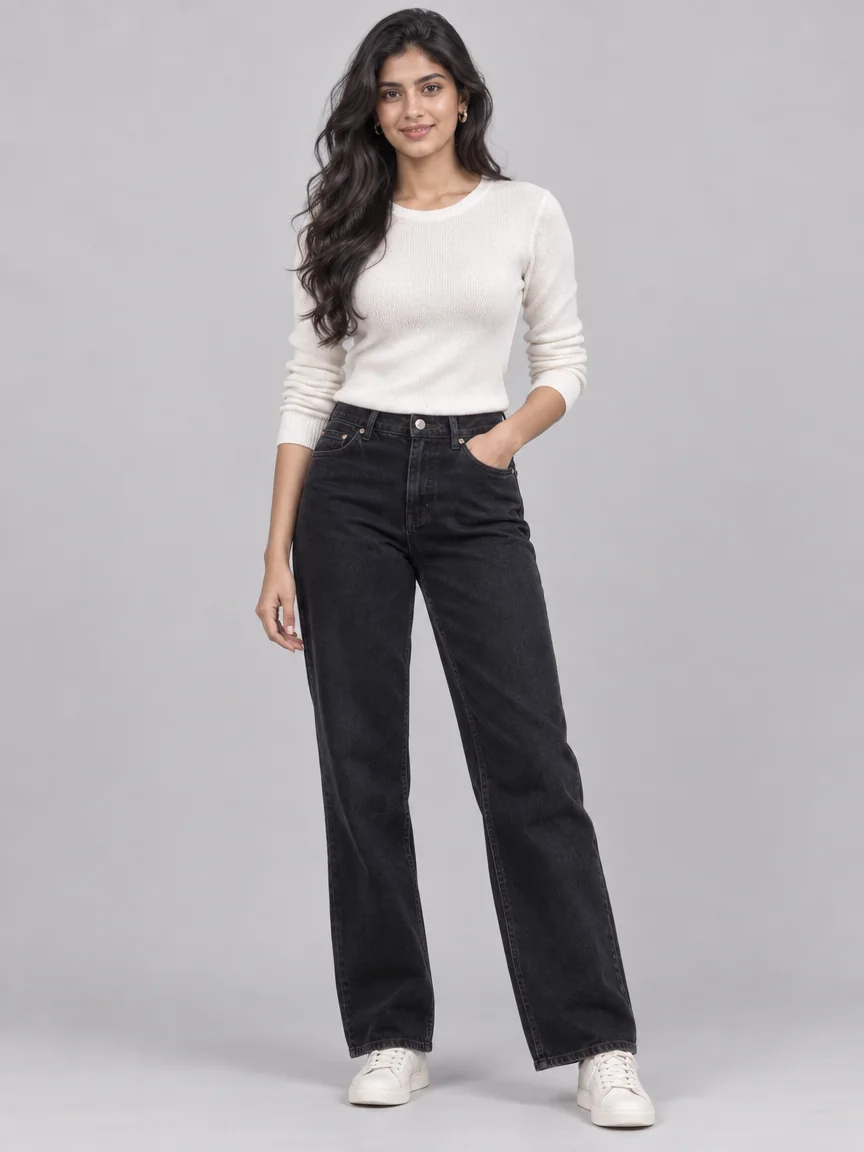 Original photo
Plan a complete seasonal capsule on one consistent model in minutes. Save each PNG output, compare autumn trenches against summer linen palettes, and generate outfits online whenever a fresh campaign concept strikes.
Actionable tips for writing strong prompts, choosing clean portraits, combining garment photos, and exporting campaign-ready visuals.
The styling engine reads posture, clothing contours, and ambient lighting in your source photo before rendering new garments directly onto the body. Run it purely from a text prompt for 3 credits, or upload one or two garment photos for 4 credits to carry over exact prints, textures, and cuts. Because the face and setting stay locked, each AI fashion outfit reads like a real reshoot.
Specific material and silhouette cues elevate results right away. Instead of a vague phrase like summer dress, specify fabric weight, cut, tone, and styling details, such as a breezy sand linen shirt dress cinched with a woven leather belt. Mention sleeve length, collar shape, trouser rise, and contrast accents so the outfit generator balances every layer clearly within 300 characters.
Original photoChoose a well-lit photo showing the upper body or full frame clearly, taken front-on or at a slight angle. Even daylight or diffused indoor lighting creates smooth shading along lapels, cuffs, and seams. Unobstructed torsos help coats and belts wrap cleanly, while relaxed gestures like walking steps and crossed arms keep natural clothing folds.
Upload flat lays, hanger shots, ghost-mannequin product images, or worn catalog photos from a store or closet. The AI outfit maker extracts only the garment, preserving weave, graphics, and color while ignoring any original model face. Assign each piece to Top, Jacket or coat, Bottoms, Dress or full outfit, or Auto, then add short notes on fit, tucking, or footwear.
Original photoAfter downloading your crisp PNG, keep building your visual set inside ImageToPSD. Pair the new wardrobe with an updated hair shade or cut, review color harmony across six styled frames, or animate the portrait with Image to video. Consistent subjects across multiple outfits give digital lookbooks, social carousels, and store pages an unmistakable editorial finish.
See how shoppers, fashion teams, and stylists use our virtual outfit creator to preview looks faster.
Preview tailored office outfits, wedding guest dresses, or travel capsules on your own portrait before shopping or packing.
Dress one consistent model across seasonal drops, colorways, and layered concepts to produce lookbook previews quickly without extra studio shoots.
Pair a store garment photo with your portrait to check necklines, silhouettes, and color balance before ordering.
Build client moodboards, upgrade profile portraits from casual tees to tailored blazers, and refresh feeds with varied silhouettes.
Clear answers on credits, styling prompts, garment uploads, speed, and privacy.
Each run uses transparent credits shown on the button before you start. Styling an outfit from a text prompt or preset costs 3 credits per portrait, while styling with one or two garment photos costs 4 credits. If a run stops unexpectedly, those credits return to your balance automatically.
No. The engine updates clothing areas alone while keeping your facial features, hair, proportions, pose, accessories, light direction, and background intact. Use the before and after slider to inspect every detail.
Yes. Upload one or two garment photos, set slots like Top, Jacket or coat, Bottoms, or Dress or full outfit, and add brief styling notes explaining how to wear them, such as tucked into dark trousers or layered open over a white tee.
Style streetwear hoodies and cargos, tailored business blazers, linen resort dresses, suede jackets, knitwear, trench coats, and evening silhouettes. Six built-in presets also offer instant starting points.
Yes. Six ready-to-style adult fashion models live inside the studio, letting designers and boutiques test outfits right away or upload photos of adults who consented to editing.
Most portraits finish in around 25 seconds. You can browse or queue another styling concept while your run renders, and every PNG remains organized in your history.
Yes. Source portraits and garment uploads are processed only to verify everyday fashion safety and generate your requested look. Results remain private in your account history under unguessable links and can be deleted anytime.
Our virtual outfit creator supports full head-to-toe outfit ideation from plain text prompts alongside single or dual garment uploads, outerwear retention toggles, and quick lookbook chaining.
Upload a portrait or pick a model, describe your outfit or add garment photos, and download a studio-ready look in seconds.
Generate an outfit