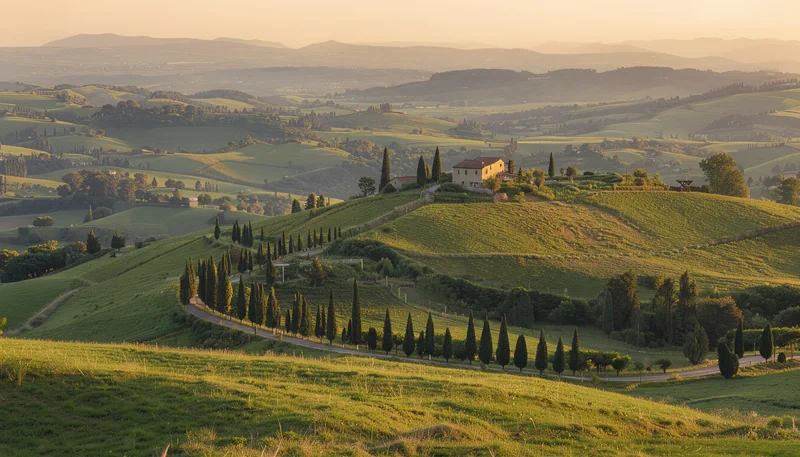
Widescreen 1280x720 social banner
Fits a high-resolution landscape photo cleanly into a 1280 by 720 YouTube thumbnail frame using Cover mode with zero stretching.
Resize PNG, JPG, and WebP images free in your browser with zero uploads. Set exact pixels, scale by percentage, or pick social presets with alpha-safe batch ZIP export.
Drop images here to resize
Supports PNG, JPG, WebP, GIF, BMP, and AVIF. Batch up to 30 images locally.
Processed locally in your browser. Zero server uploads.
Load any sample image below into this image resizer to preview exact pixel scaling, social media presets, aspect lock, and crisp transparent PNG edges before adding your own files.
Fits a high-resolution landscape photo cleanly into a 1280 by 720 YouTube thumbnail frame using Cover mode with zero stretching.
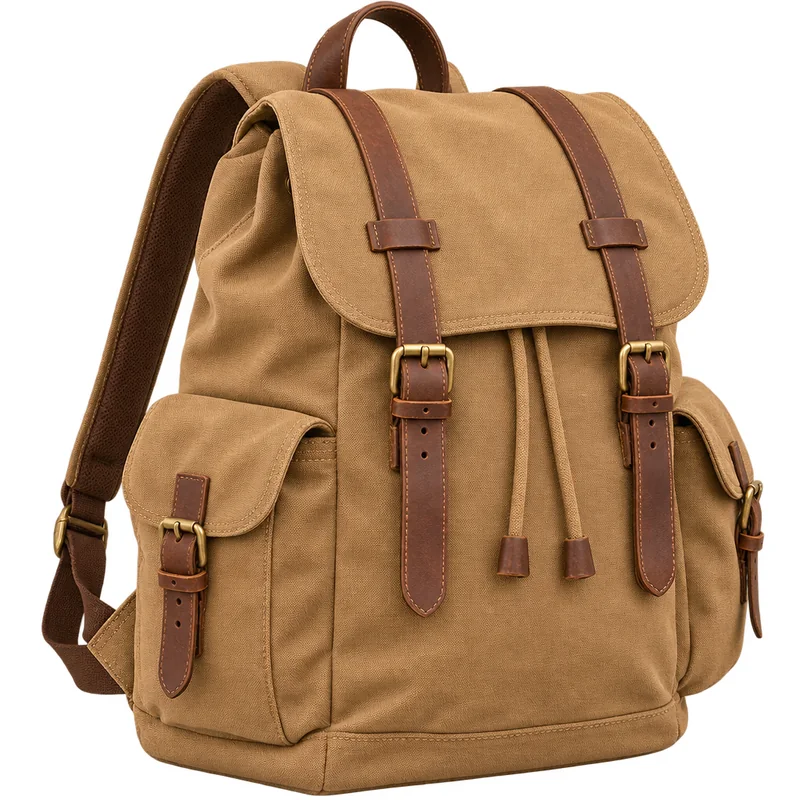
Places a product photograph inside a 1080 by 1080 Instagram Square preset using Contain framing and clean uniform padding.
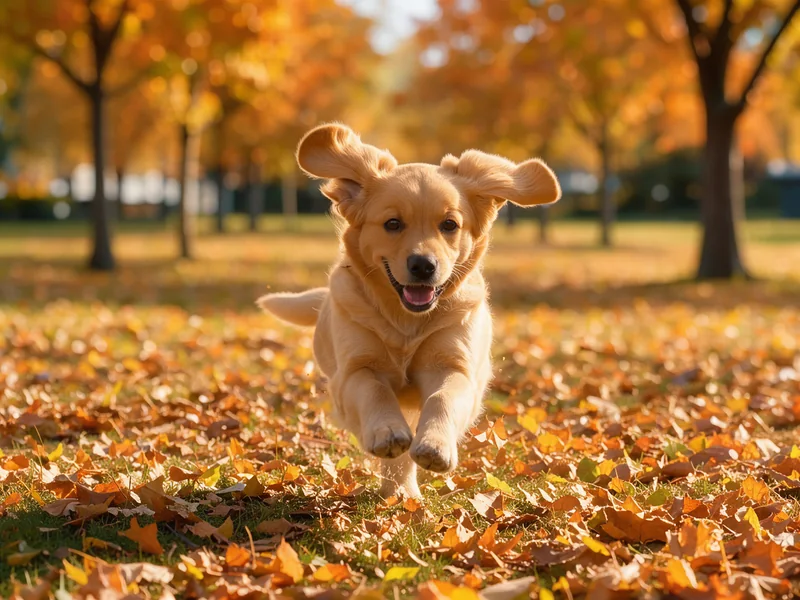
Downscales a transparent graphic to 512 by 512 pixels using premultiplied-alpha resampling so curved edges stay smooth without dark fringes.
Scale a single icon or a whole batch of photographs to exact pixel dimensions right inside your browser.
Drag one file or an entire batch onto the workspace, or click Choose images to browse your device. Drop PNG artwork with transparency, JPEG camera shots, or WebP web graphics to resize image files together with consistent settings.
Type exact width and height values with Aspect Ratio Lock enabled, scale proportionally by percentage, or pick from seven ready-made social and avatar presets. Choose Stretch, Contain, or Cover fit, smooth or nearest-neighbor resampling, and your preferred output format.
Inspect live output dimensions and byte weight on each preview card. Save individual resized pictures immediately, or click Download ZIP to bundle an entire multi-image batch into one archive with zero uploads.
Built for sharp downscaling, clean transparent PNG edges, exact pixel math, and fast batch workflows right on your device.
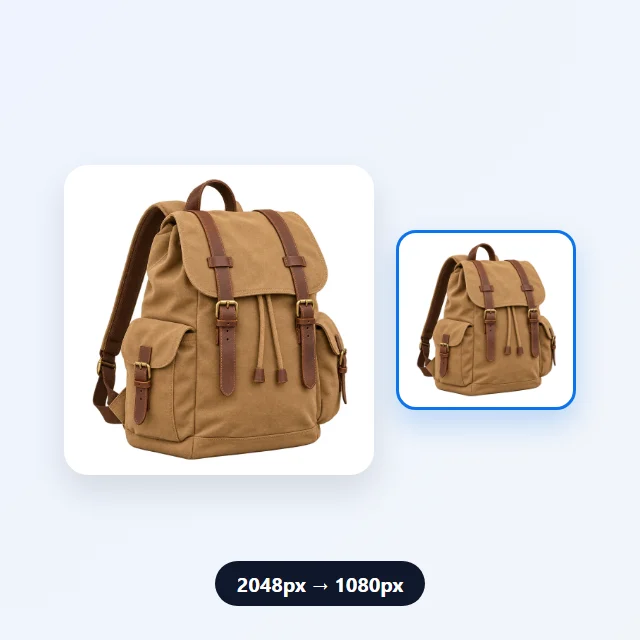
Whether you need to resize PNG icons to 256 by 256 px, scale a folder of photos down to 50%, or hit exact platform specs, every sizing method sits in one panel. One-click presets cover Instagram Square (1080x1080), Portrait (1080x1350), Story (1080x1920), YouTube Thumbnail (1280x720), X Header (1500x500), LinkedIn Share (1200x627), and 512x512 Square Avatars.
Ordinary browser scaling often leaves faint dark outlines around transparent logos and stickers when you resize PNG graphics. Our multi-step premultiplied-alpha box filter and Lanczos-2 kernel keep transparent edges smooth and photographic details sharp, while Nearest-Neighbor mode keeps retro game sprites, pixel art, and crisp icon grids razor-sharp without accidental blurring.
Keep Aspect Ratio Lock turned on so typing width automatically calculates proportional height without squishing portraits or brand marks. Turn on No-Upscale to prevent smaller source images from stretching past native pixels, or switch between Contain letterboxing with a custom background color, Cover center-fill, and Stretch when matching fixed canvas templates.
Keep each file in its original format or convert on the fly to PNG, JPG, or WebP during export without a second tool. When you resize JPG or WebP files for strict upload portals, enter an optional target KB ceiling and the encoder automatically runs a seven-step binary search across quality levels to stay cleanly under your byte cap.
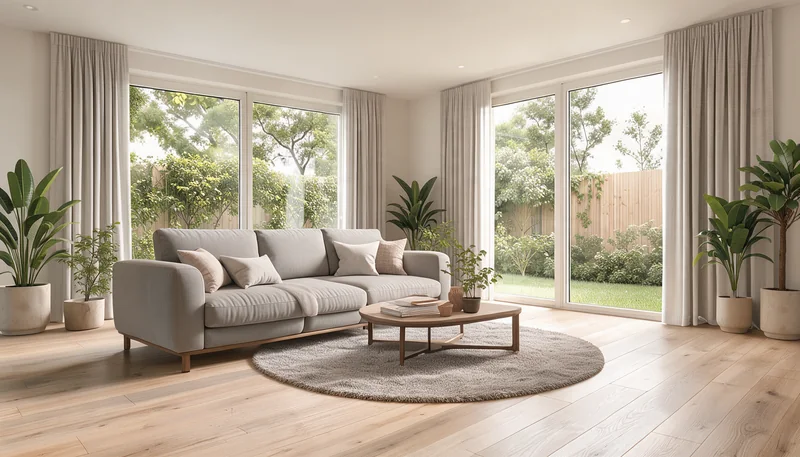
Stop editing product photos and blog graphics one by one. Queue a whole folder to resize photo online in one pass, verify output width, height, and saved file size per card, and download the entire finished set in a single ZIP archive.
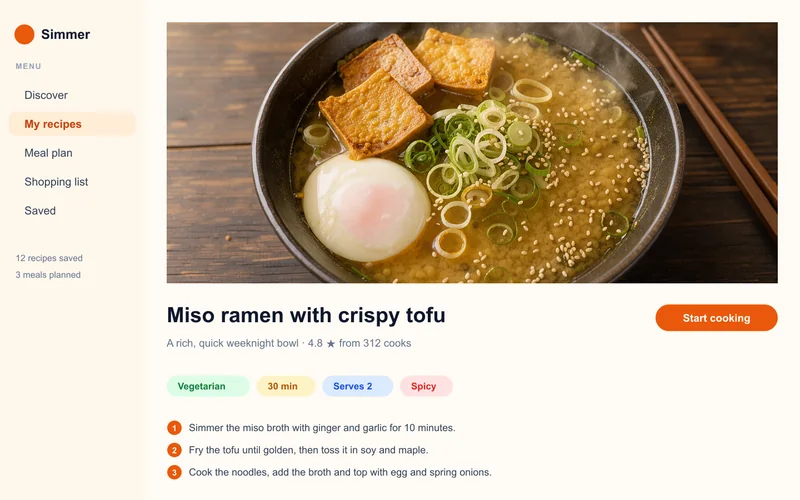
Unreleased product mockups, team headshots, and internal UI screenshots stay safely inside your browser's local memory. Nothing gets uploaded to a remote server, and every resize completes instantaneously on your own CPU.
Five practical principles for sharp pixels, accurate aspect ratios, and fast-loading web images.
The fastest way to ruin a portrait or brand logo when you resize image files is typing arbitrary width and height values with proportions unlocked. Leave Aspect Lock enabled whenever you only care about fitting a maximum width such as 1200 px or 1920 px. When a platform demands a rigid box like 1080 by 1080 or 1280 by 720, pick Cover to fill the frame edge to edge, or pick Contain with a clean background color so the entire image stays visible.
Logos, UI icons, and transparent stickers need special care during downscaling because blending fully transparent black pixels into bright edges creates muddy gray fringes. Our premultiplied-alpha resampling weights color channels strictly by opacity before averaging, keeping transparent PNG artwork clean against both light and dark web backgrounds. Export in Original or PNG format whenever alpha transparency needs to stay intact.
Smooth filtering works wonders for camera photography, typography, and soft illustrations, yet it blurs tiny 16x16 or 32x32 retro icons into mush. Whenever you enlarge pixel art, QR codes, or crisp retro game tiles by 200% or 400%, switch resampling to Pixelated (nearest-neighbor) so every square pixel stays hard-edged and exact.
Serving a 4000-pixel camera file inside a 600-pixel blog column wastes megabytes of mobile data even before compression begins. Start by bringing pixel dimensions down to 1x or 2x your actual display container width so browsers never waste memory decoding oversized bitmaps, then run photographic exports through Compress JPG or shrink heavy lossless screenshots with Compress PNG for the smallest possible page weight and snappy Core Web Vitals.
If a photo has distracting clutter around the edges, trim the composition first with our Crop Image studio before scaling down to final pixel dimensions so your subject fills the frame cleanly with maximum detail. Need to scale a multi-frame animation without flattening it into a still picture? Switch over to our dedicated GIF Resizer to resize every animation frame smoothly together.
Everyday tasks where fast local scaling to exact pixel dimensions keeps design, store, and web workflows moving.
Standardize dozens of supplier photos to uniform 1080x1080 or 1200x1200 product squares in one batch so collection grids align cleanly and pages load fast.
Resize PNG icons, app store badges, hero banners, and responsive 1x/2x image sets right in the browser while preserving exact pixel counts and crisp transparency.
Adapt one campaign graphic across Instagram Square, Story, YouTube Thumbnail, X Header, and LinkedIn presets in seconds without rebuilding layouts from scratch.
Resize JPG headshots, ID scans, and form uploads to strict pixel dimensions and exact KB caps required by application portals without uploading private photos.
Clear answers about pixel dimensions, aspect ratios, transparent PNG edges, batch resizing, and local privacy.
Drop your PNG, JPG, or WebP files into the studio at the top of this page, set your target width, height, percentage, or social preset, and save the resized output or a batch ZIP. Everything runs free in your browser with no signup or watermarks.
Yes. Keeping output format on Original or PNG preserves full 8-bit alpha transparency from source to export, and premultiplied-alpha resampling prevents dark halo outlines along curved transparent edges and soft shadows.
Yes. You can resize JPG, PNG, WebP, GIF (first frame), BMP, and AVIF images, and optionally convert the output format between PNG, JPG, and WebP during the same pass.
Keep Aspect Ratio Lock enabled so entering either width or height calculates the matching side automatically. When using a fixed social preset, choose Contain or Cover fit instead of Stretch to preserve natural proportions.
Contain fits the entire image inside your target box with optional background padding. Cover fills the entire box edge to edge by centering and trimming overflow. Stretch scales width and height independently to fill exact dimensions.
Yes. When exporting as JPG or WebP, enter an optional target KB ceiling and the encoder automatically binary-searches quality levels to deliver the sharpest image that stays within your kilobyte limit.
No. Every pixel calculation, resampling pass, and ZIP archive build runs locally in your browser's memory. Your photos never leave your computer or phone.
Use Smooth for photographs, logos, screenshots, and illustrations where clean anti-aliasing matters. Switch to Pixelated (nearest-neighbor) when enlarging pixel art, retro game sprites, or sharp grid graphics.
Drop one graphic or a full batch, dial in exact pixels or social presets, and export crisp resized files privately in your browser.
Choose images