Instagram 3x3
9 photos
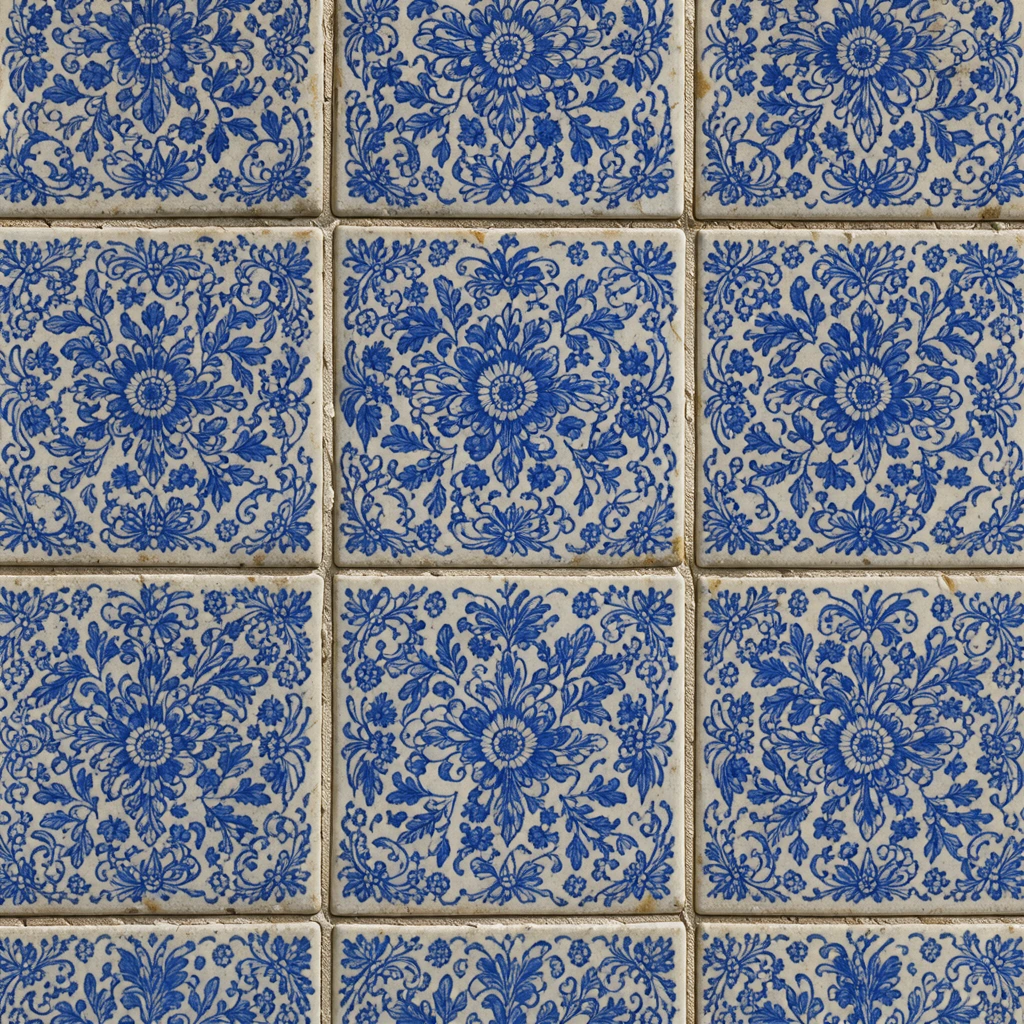
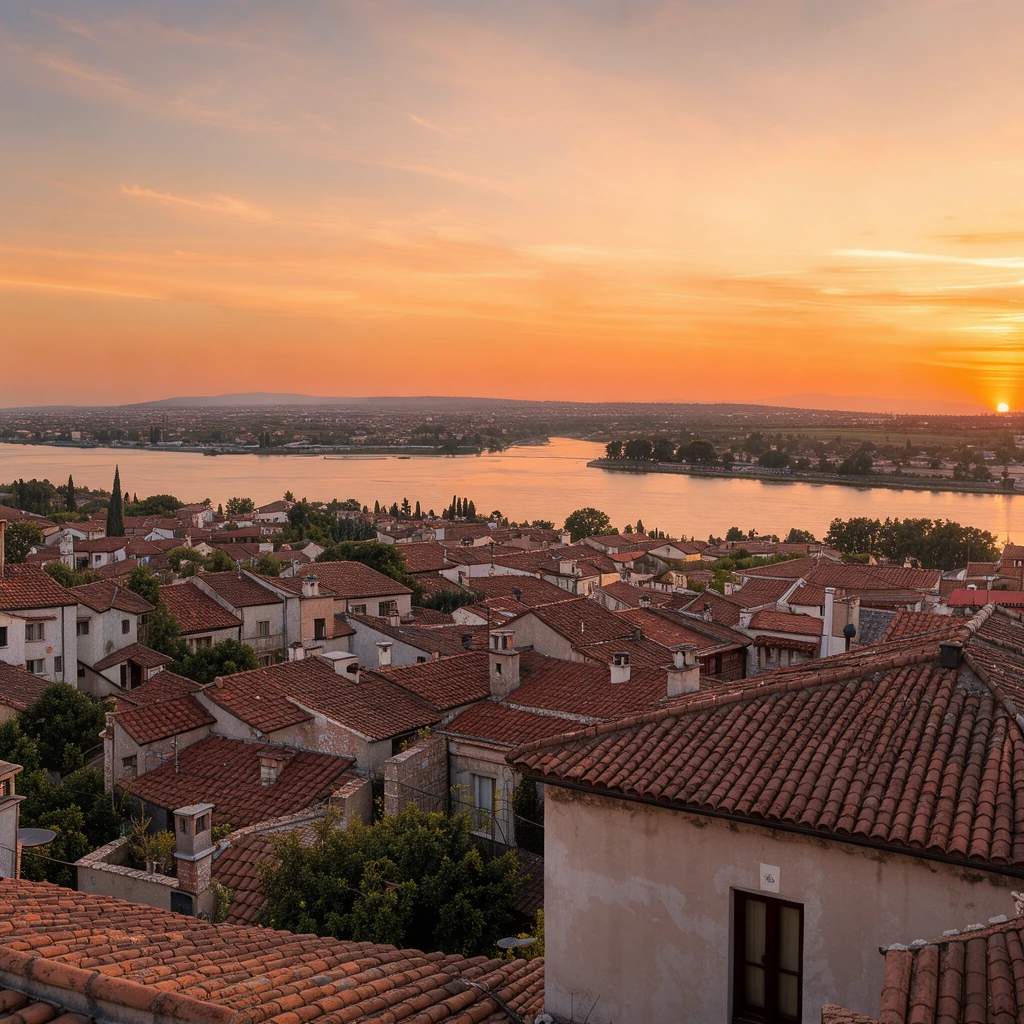
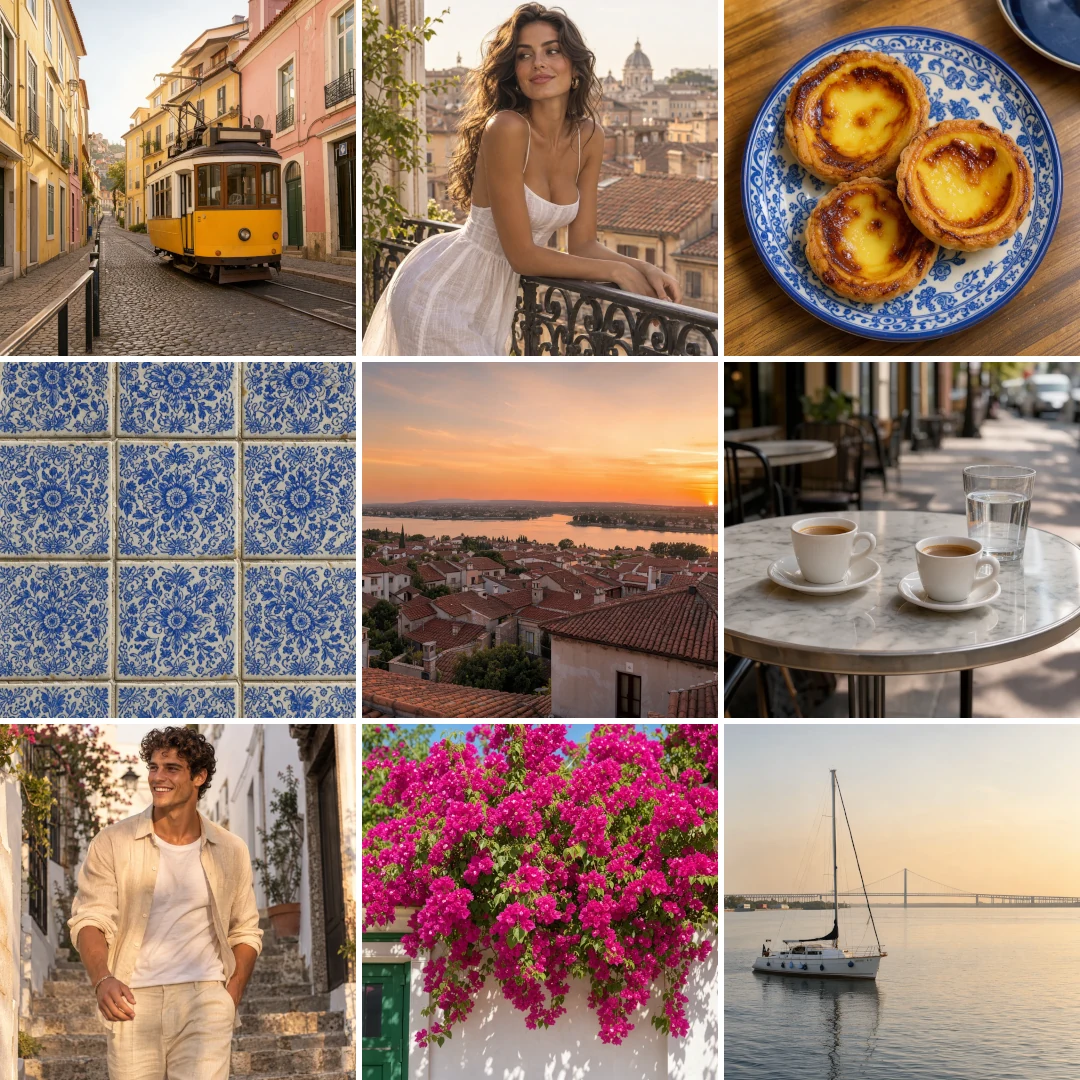
Nine photos of a city weekend in a 3x3 grid, set to 1080 px for one square post.
Pick a grid, drop in your photos and get one clean picture with every photo lined up to the pixel. This photo grid maker does 2x2, 3x3, 4x4 and big plus small layouts, free in your browser.
Drop photos to make a grid
Two or more photos: PNG, JPG, WebP, GIF or AVIF. You can also paste with Ctrl+V.
Each picture below was made here from the photos in its row, at the grid and settings it opens with.
Nine photos of a city weekend in a 3x3 grid, set to 1080 px for one square post.
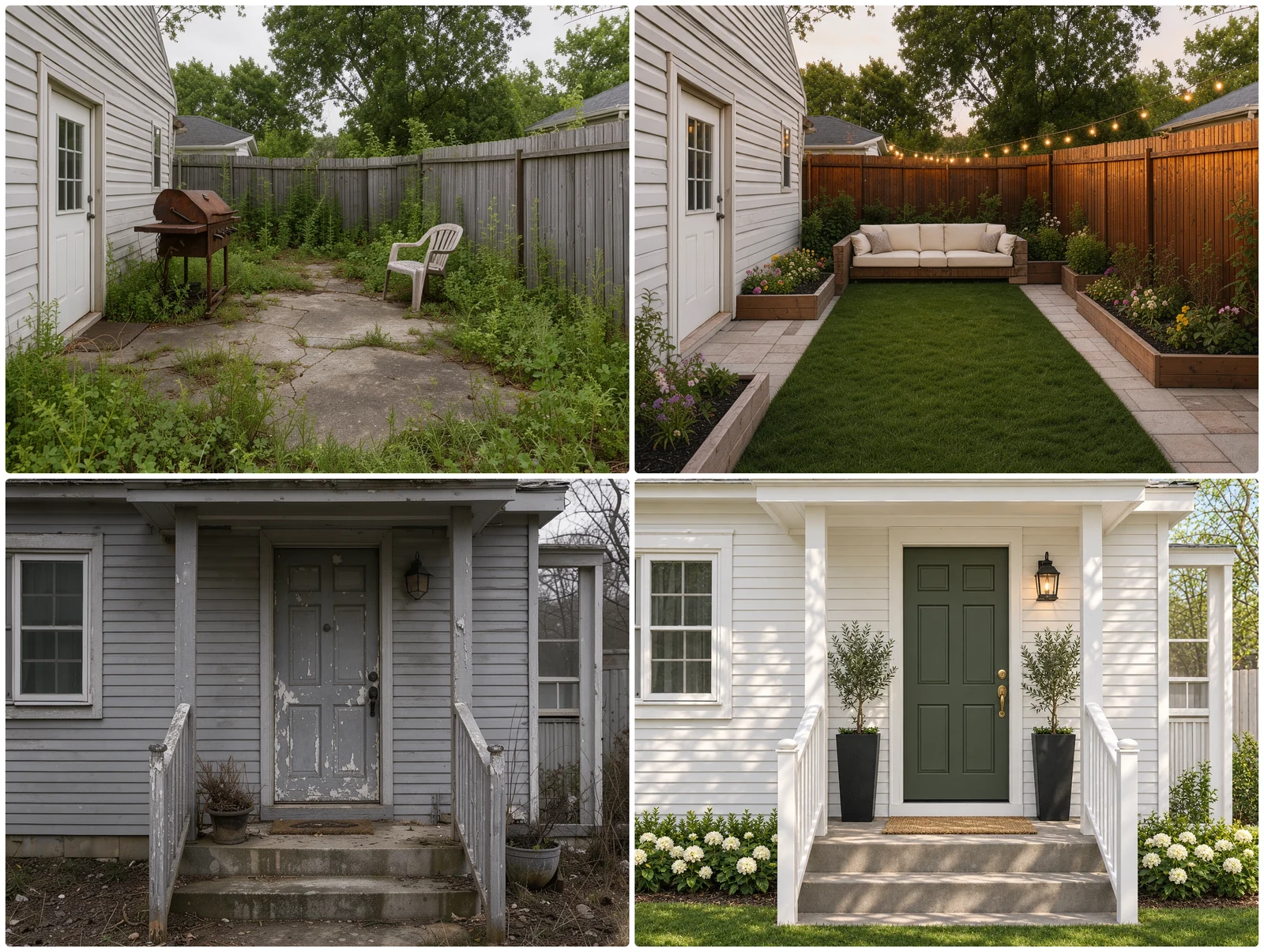
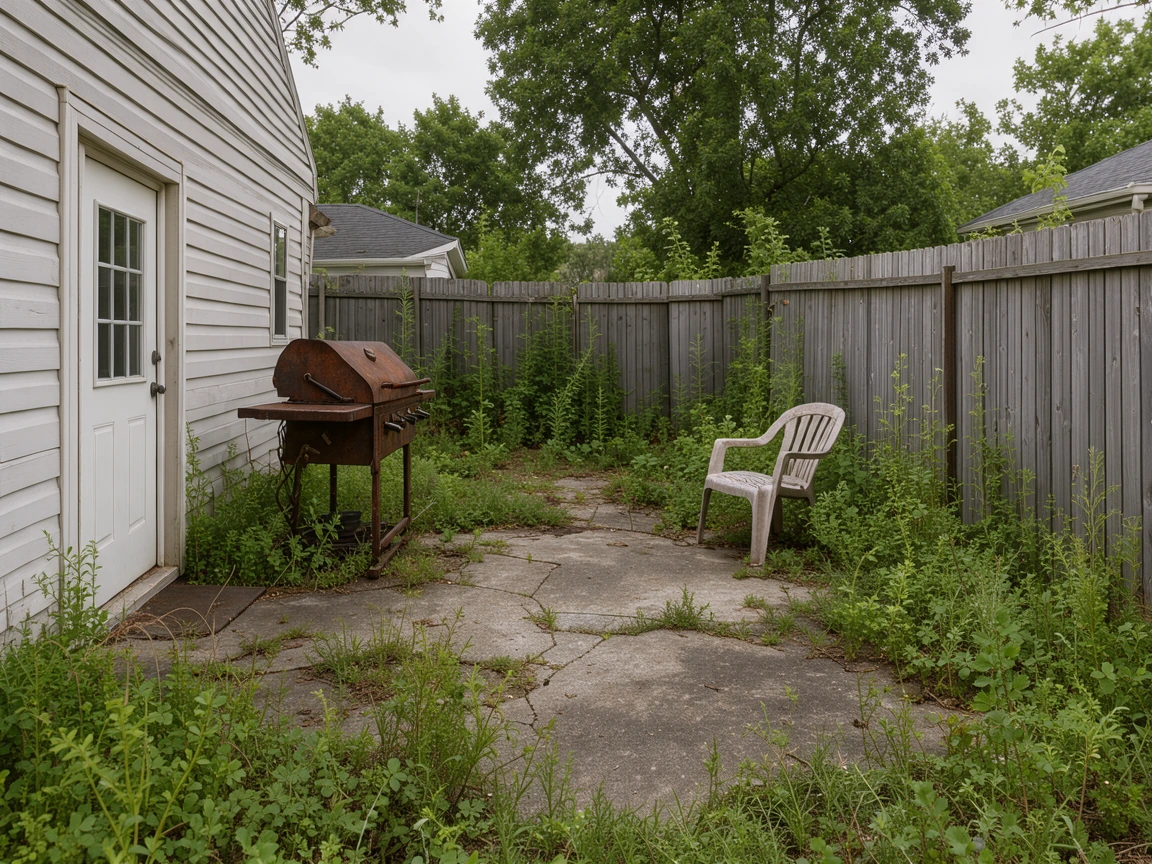
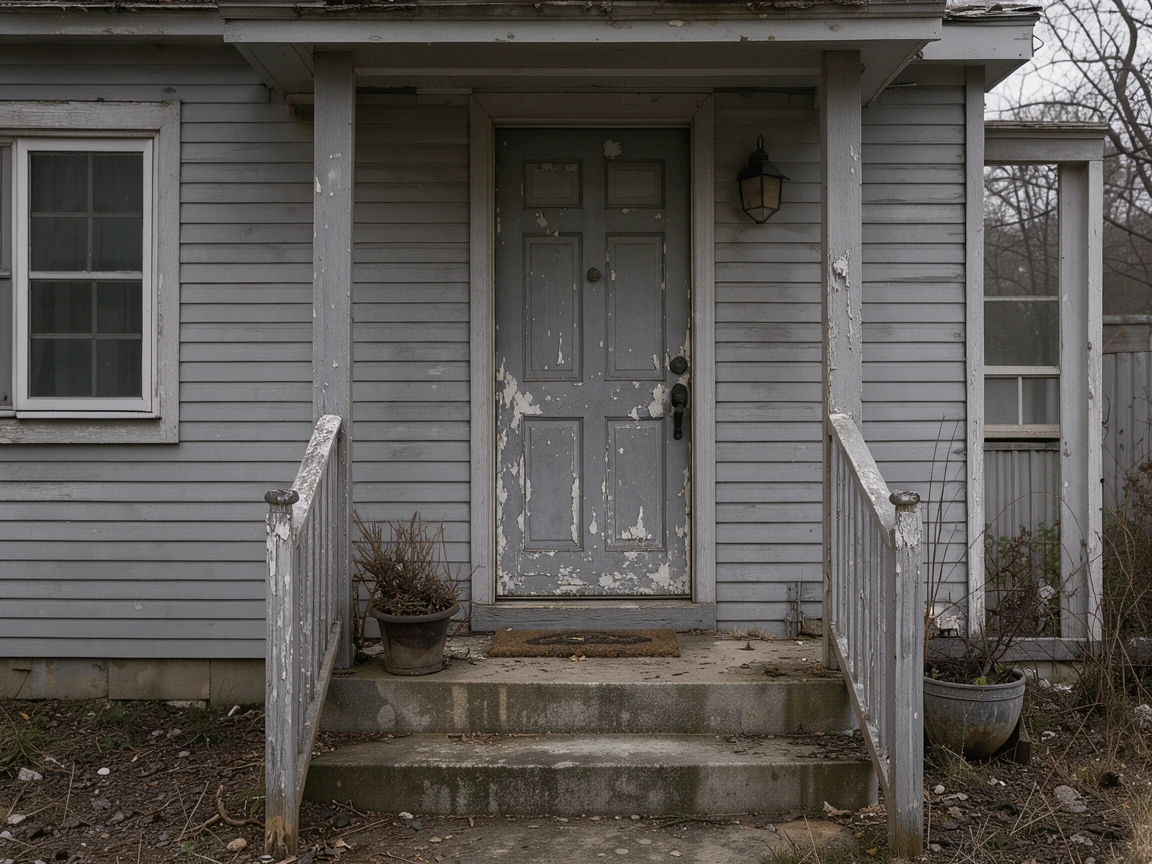
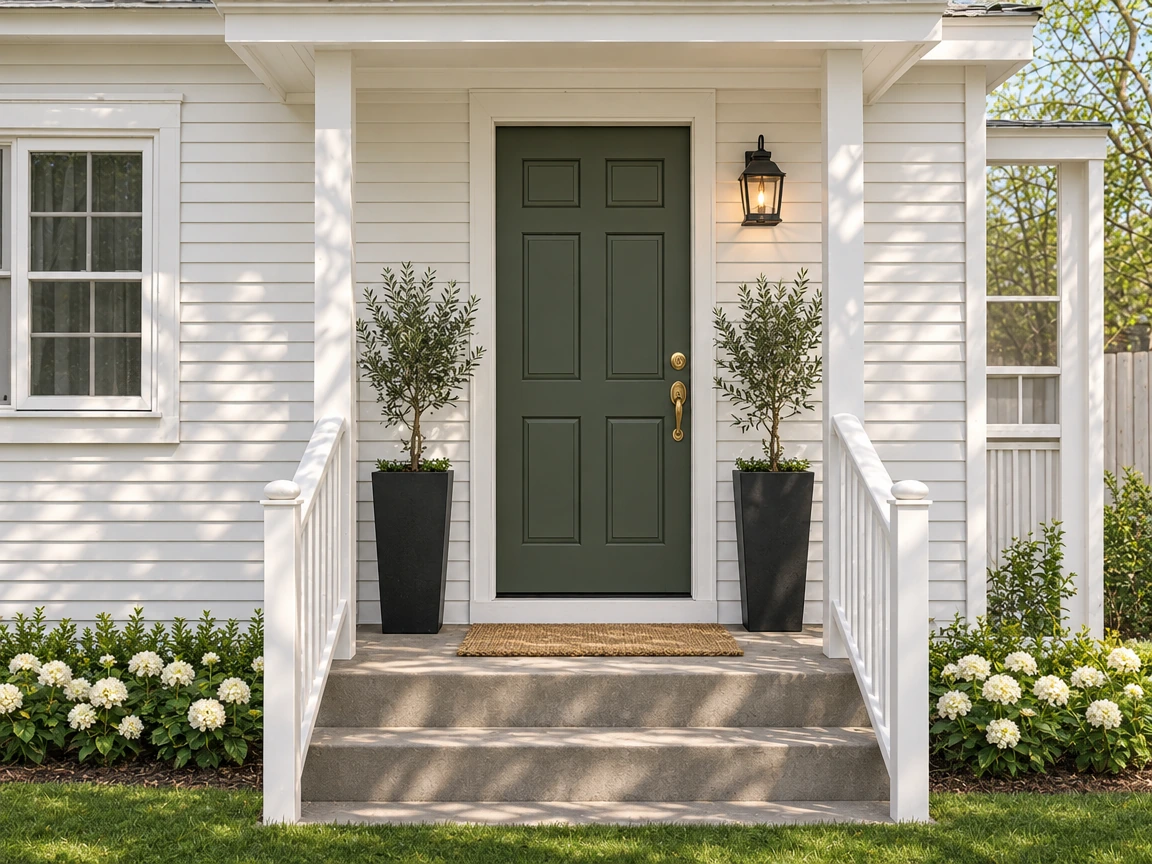
A backyard and a front porch, each before and after its makeover, one pair a row.
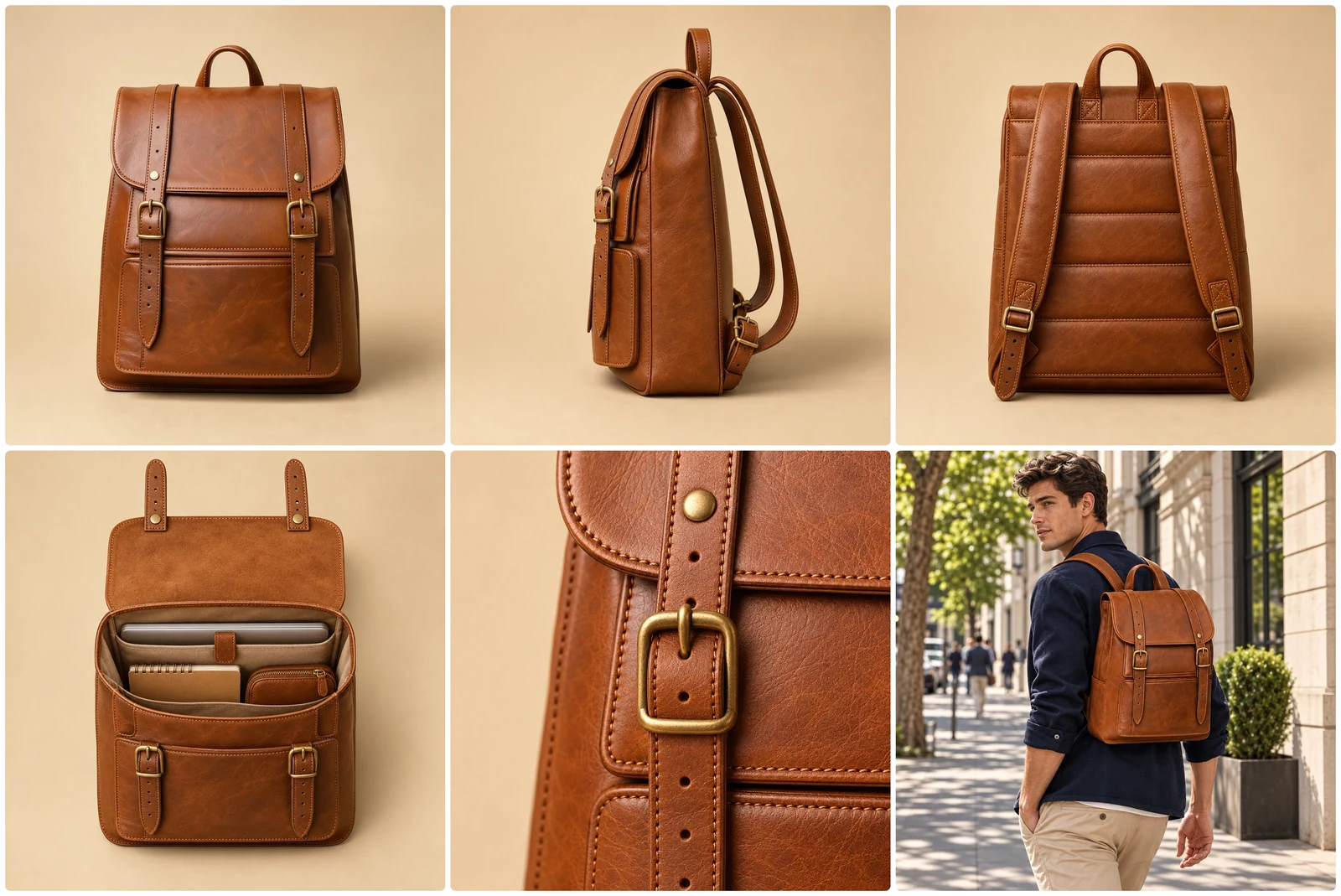
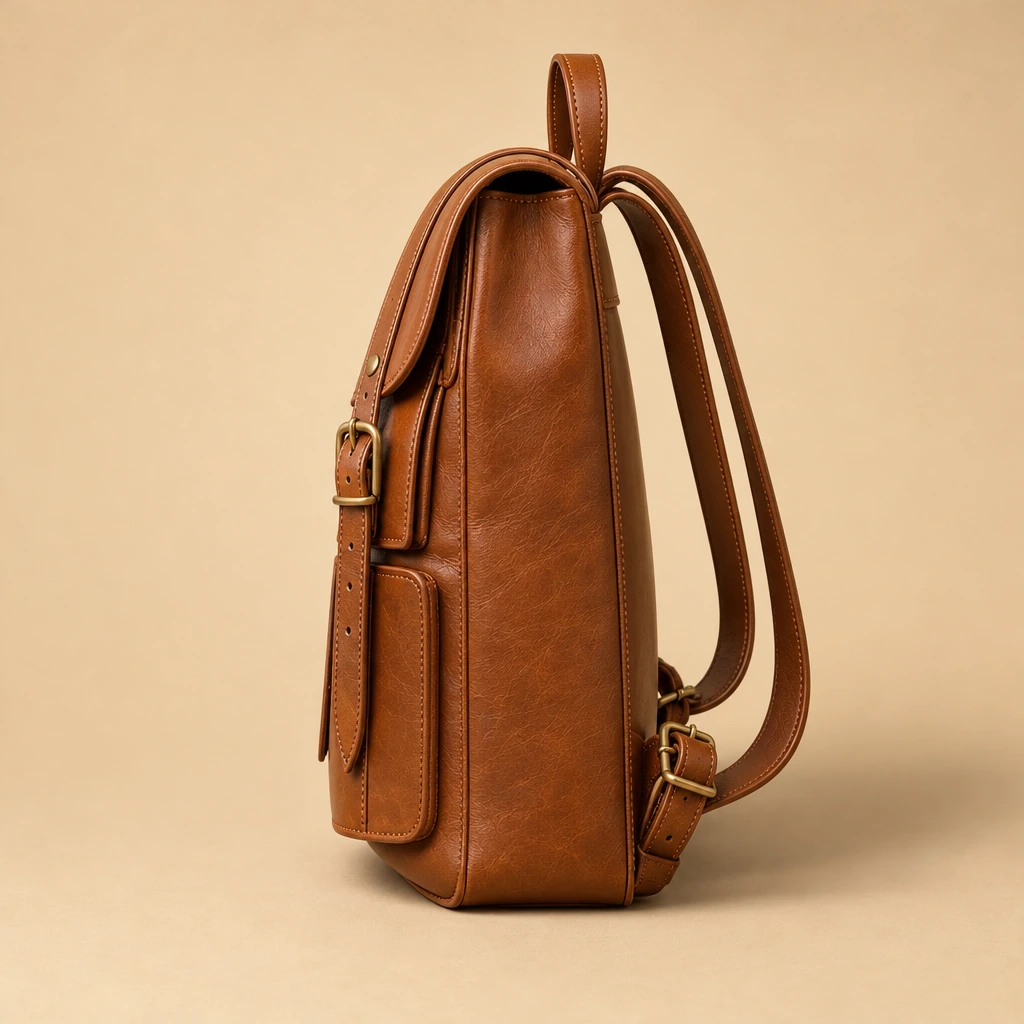
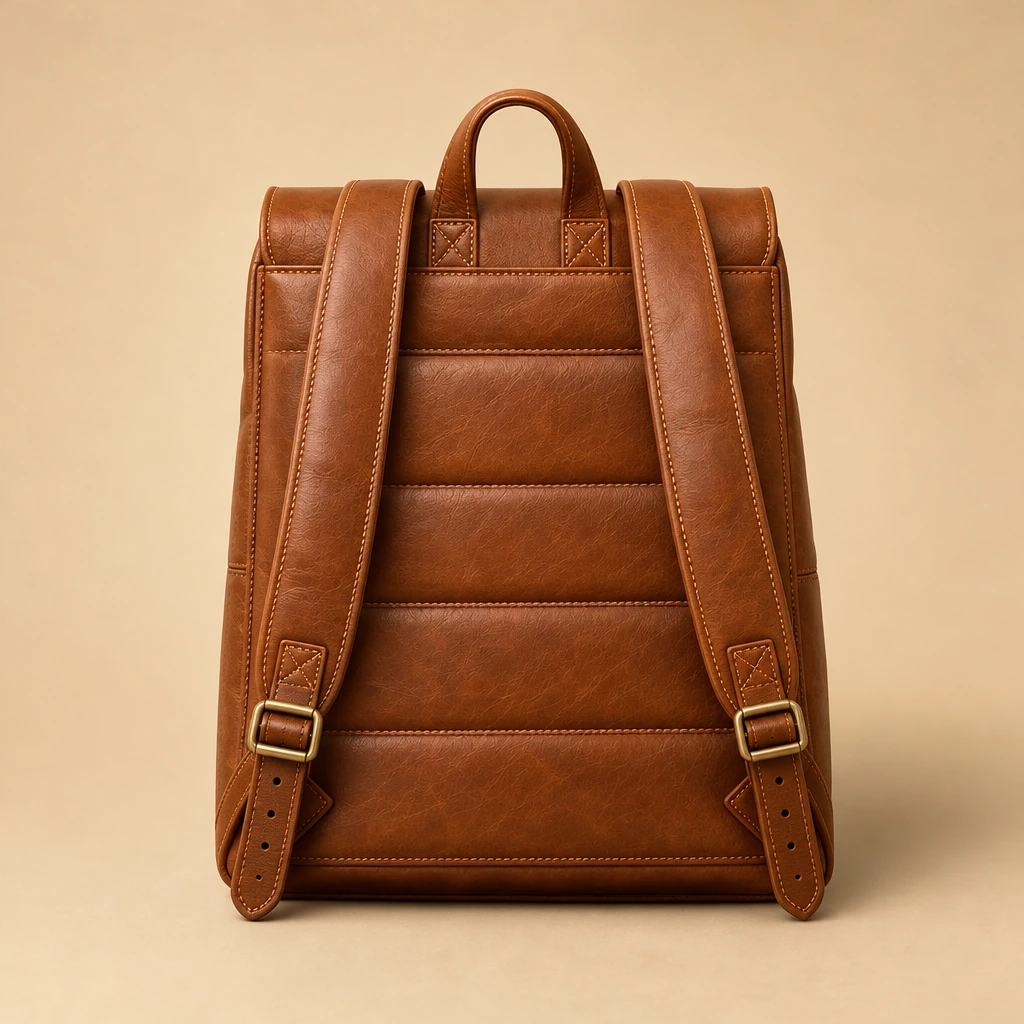
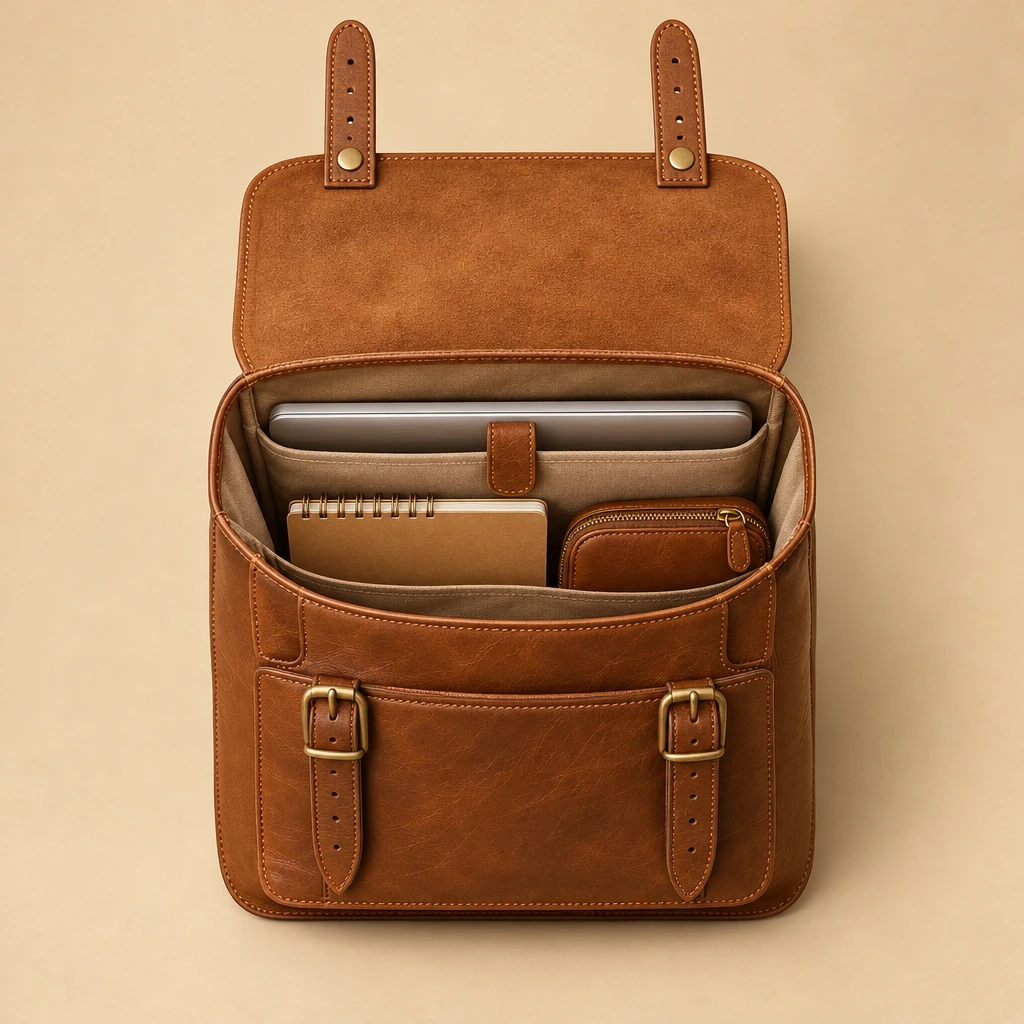
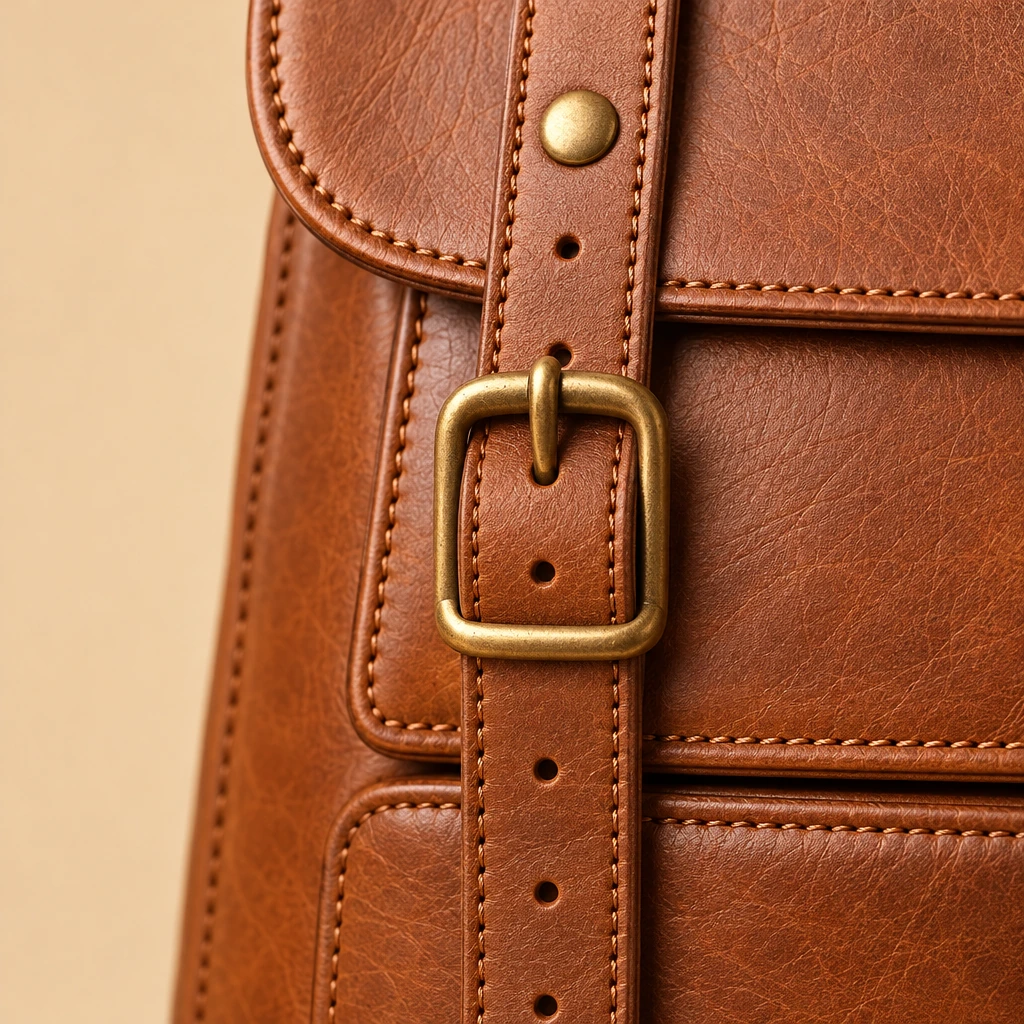
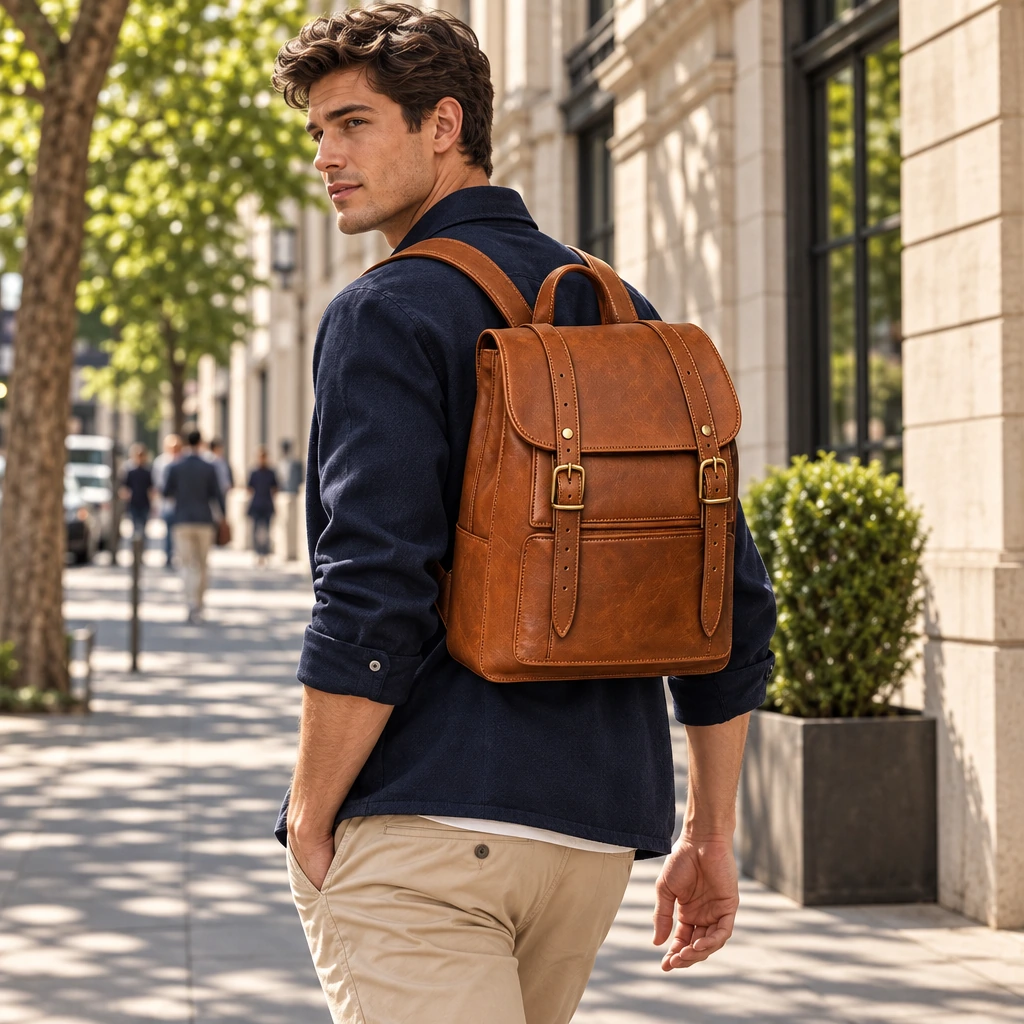
One leather backpack from six sides in a 3x2 grid with rounded corners for a shop listing.
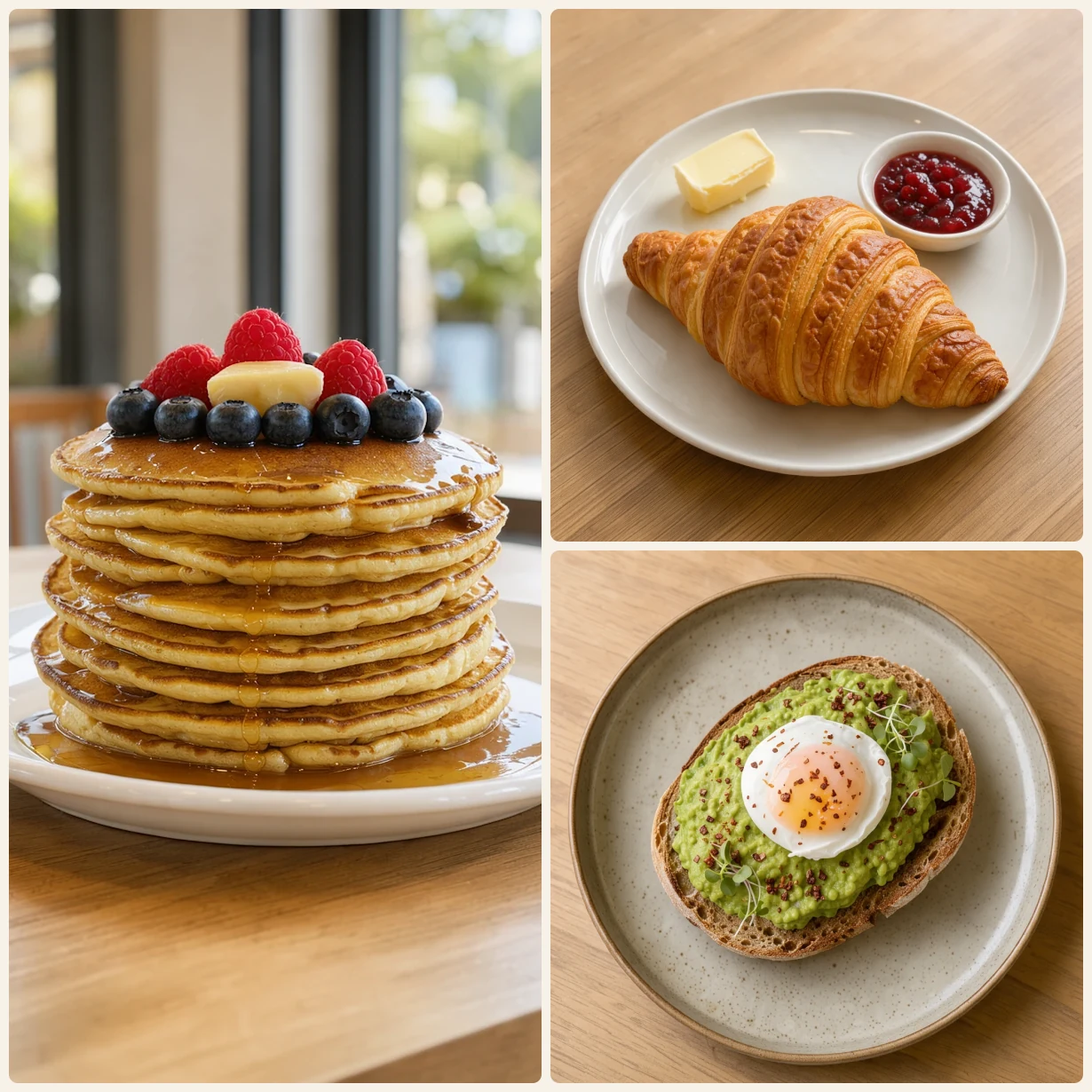
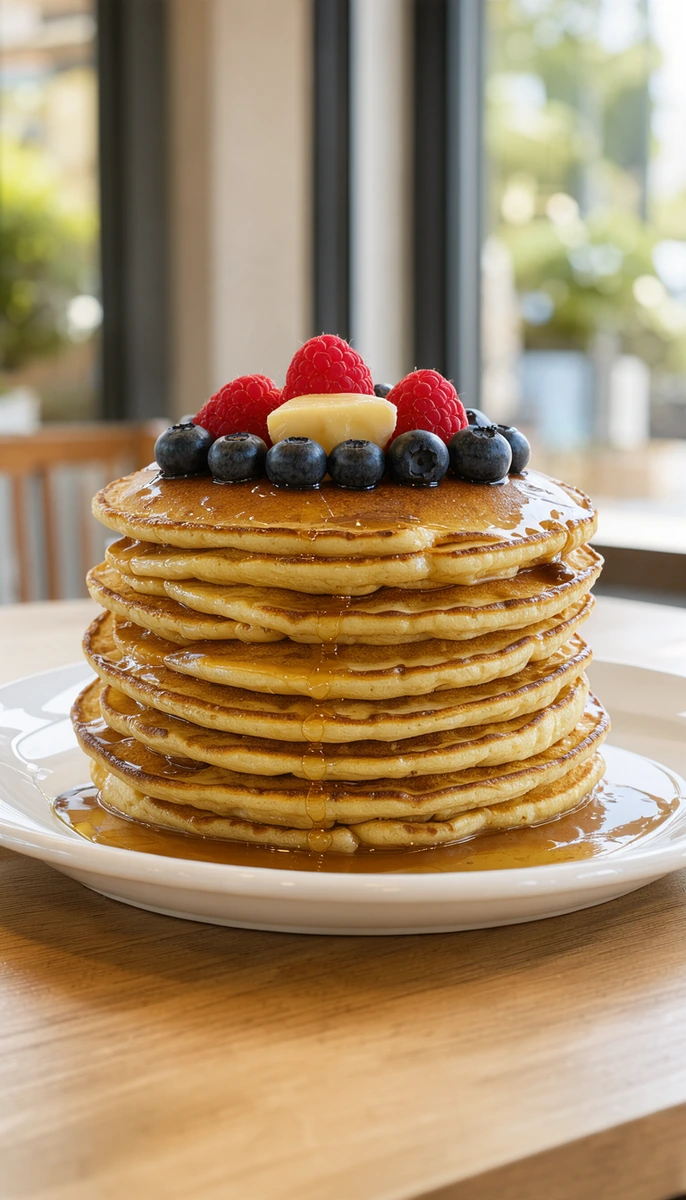
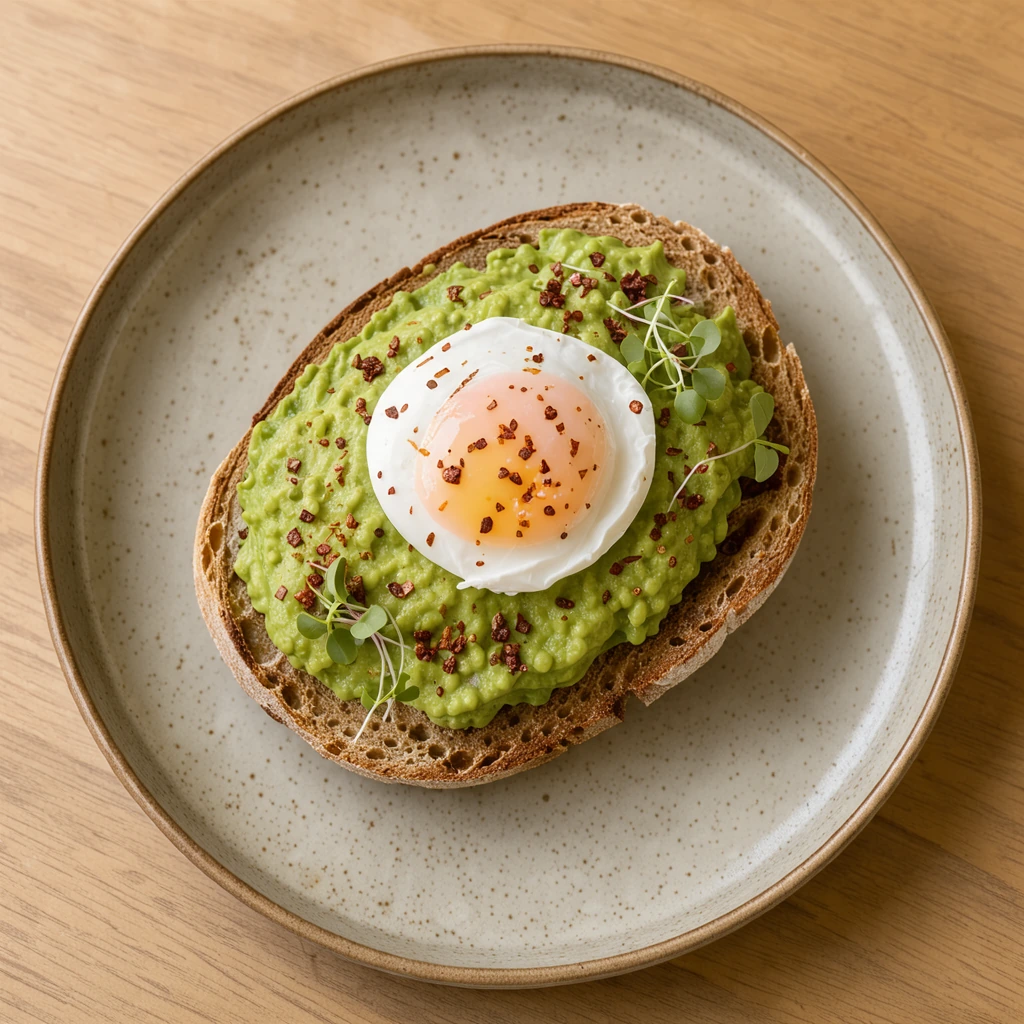
A tall stack of pancakes beside two plates: one large photo and two small ones on warm cream.
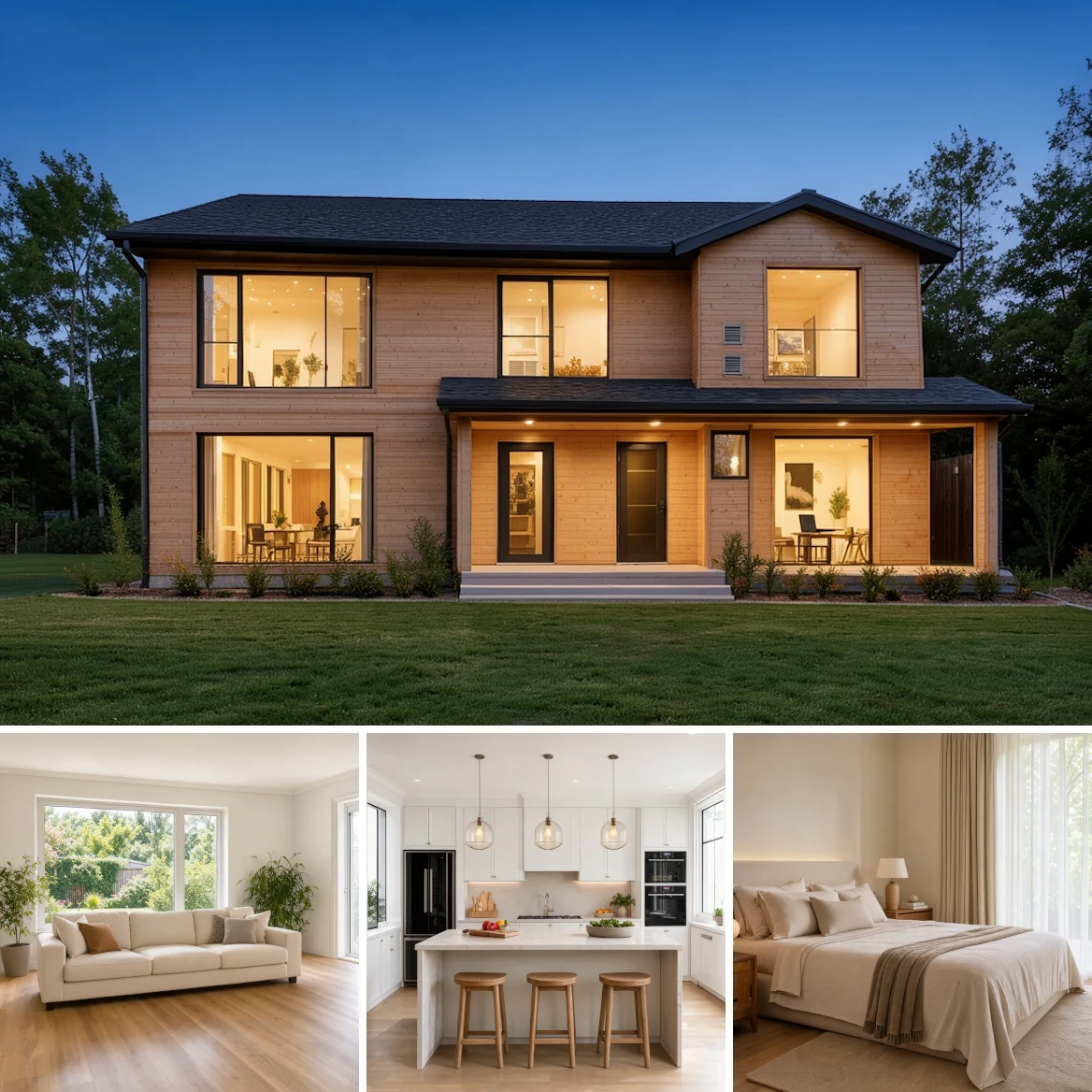
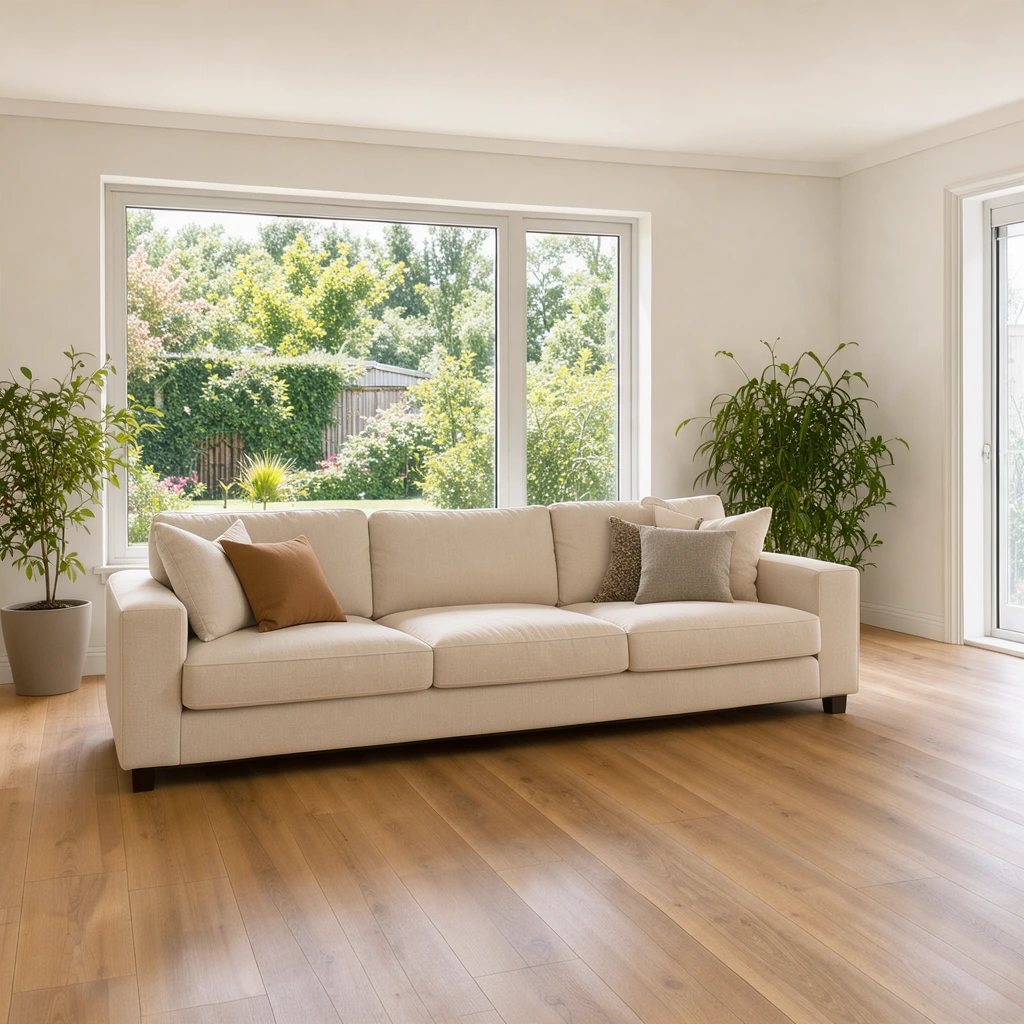
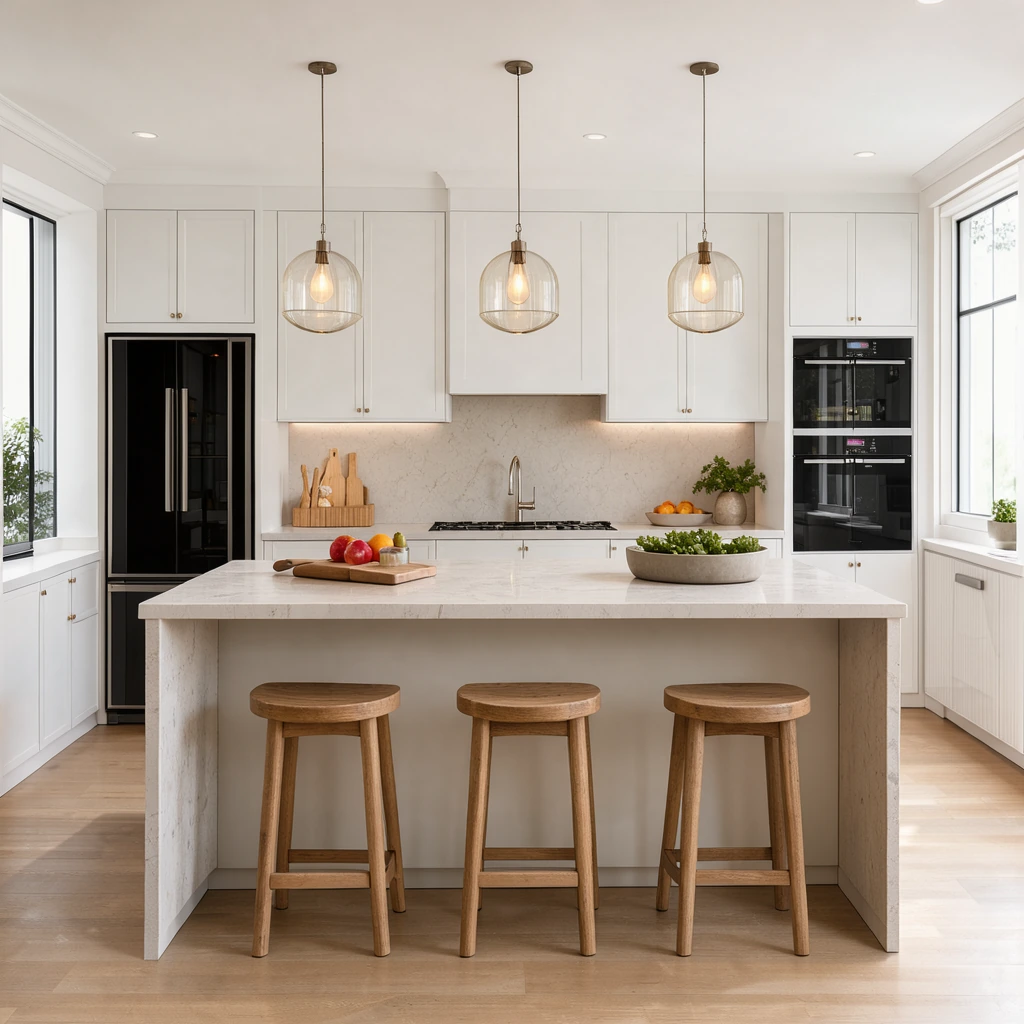
The outside of a house over three rooms: a wide photo above three squares.
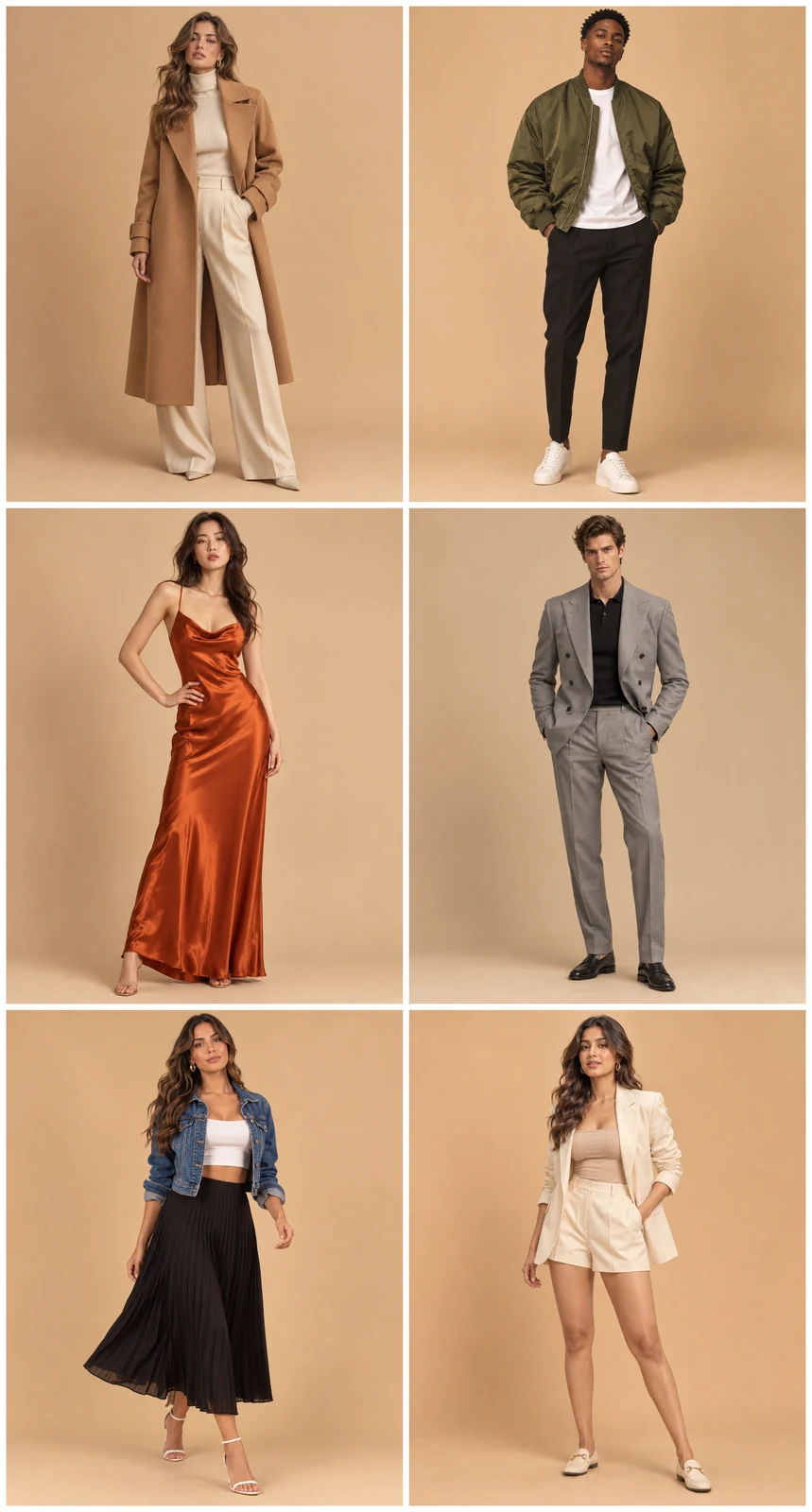
Six looks in a 2x3 grid of 4:5 portraits, a tall picture for a pin.
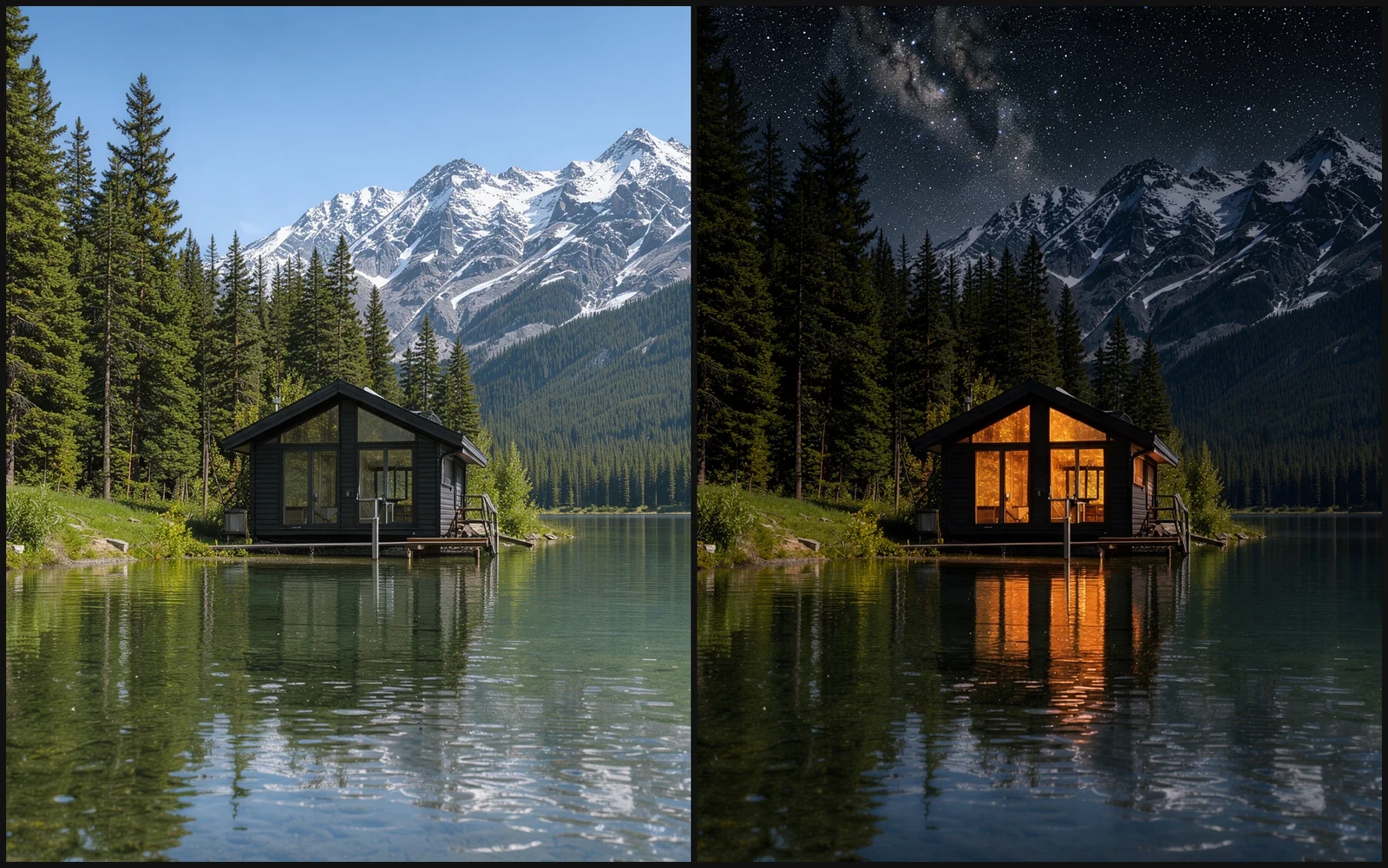
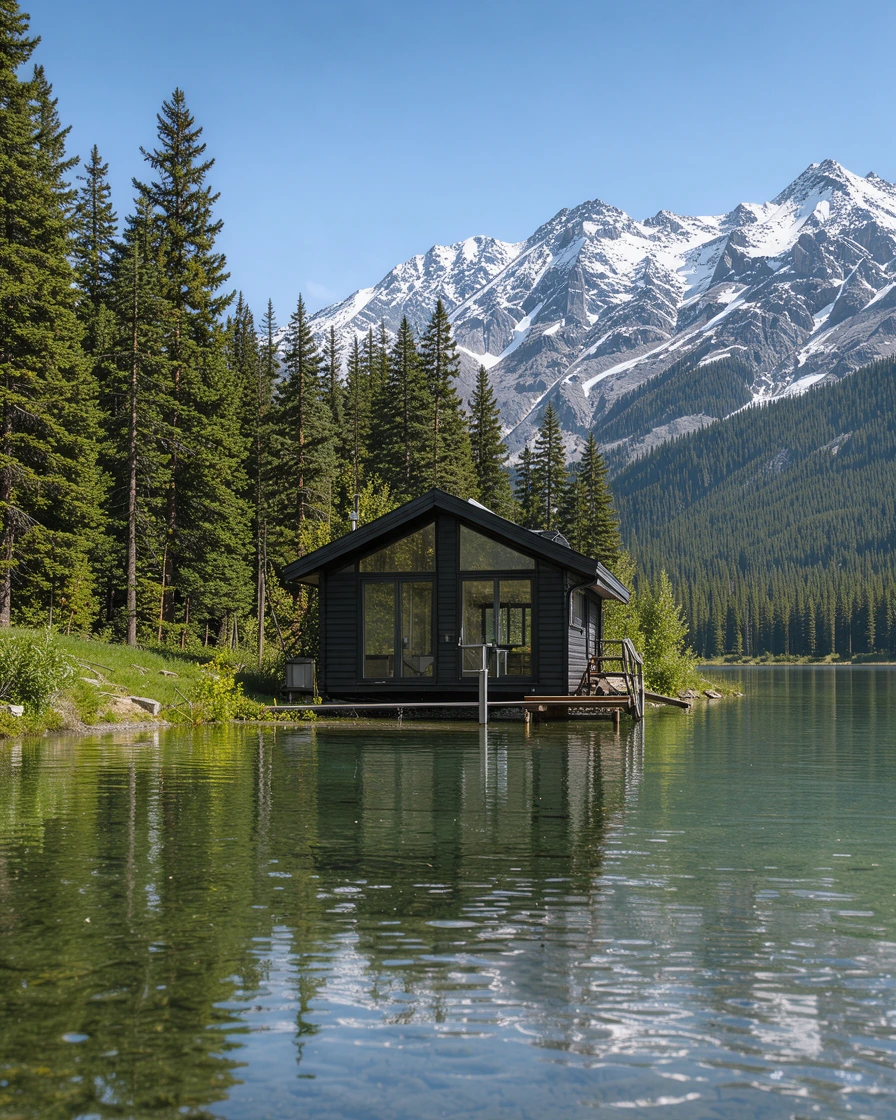
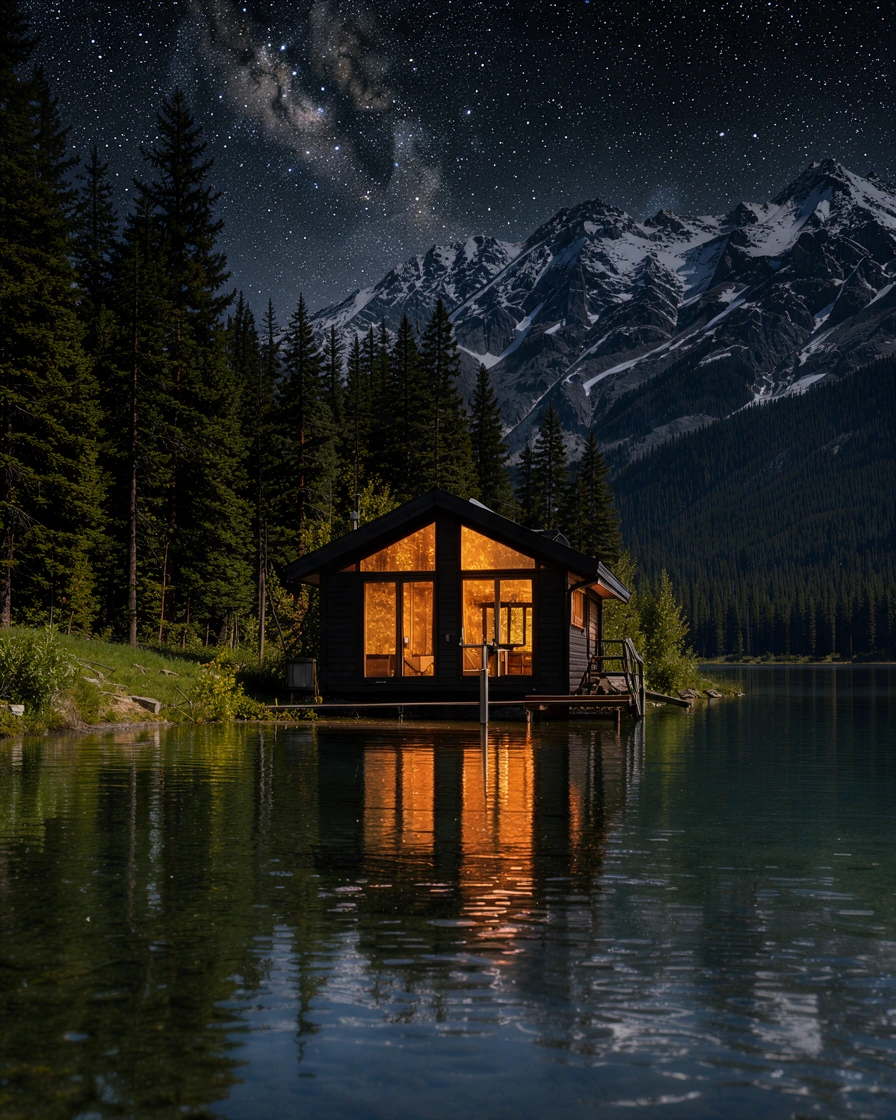
The same lake cabin by day and by night, side by side on black.
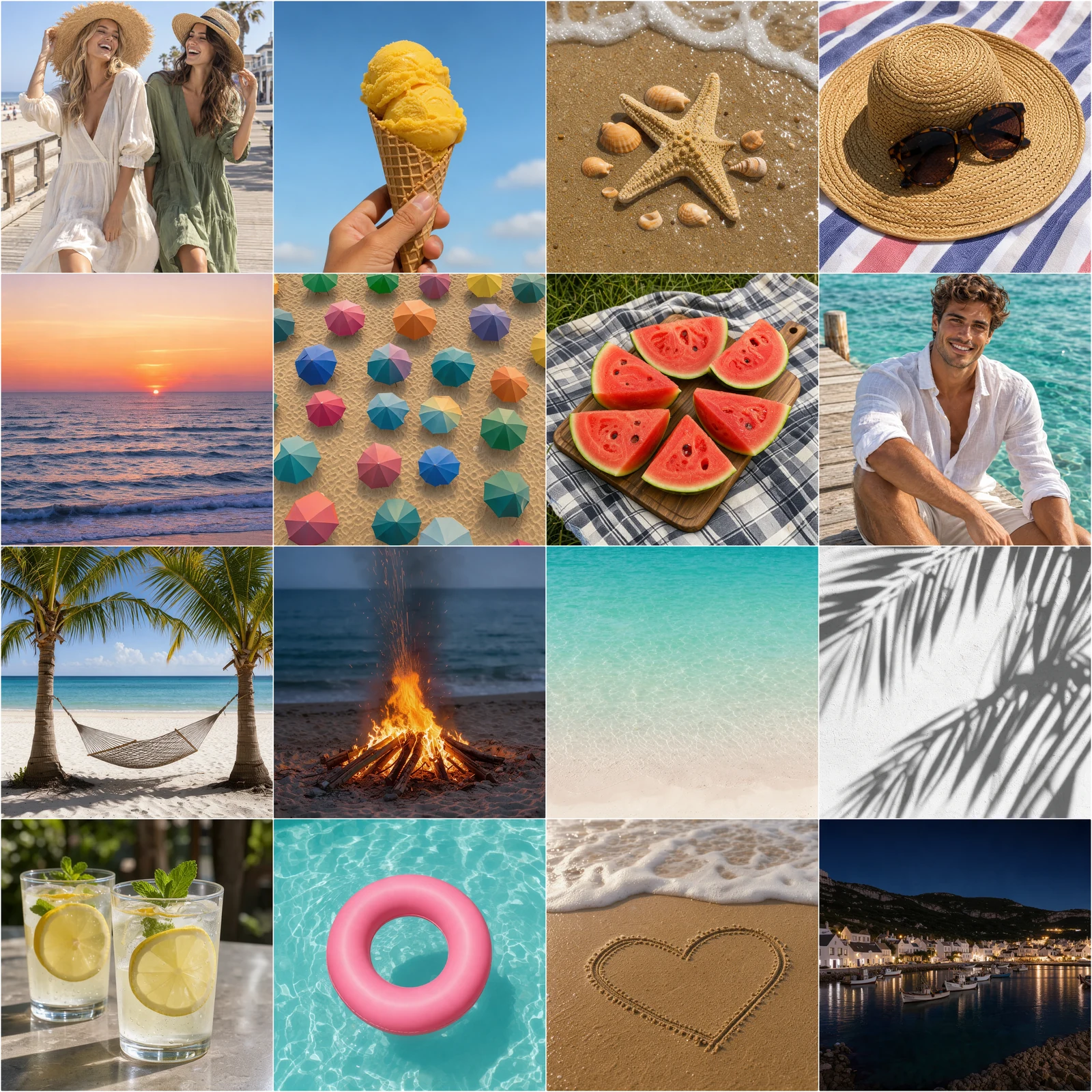
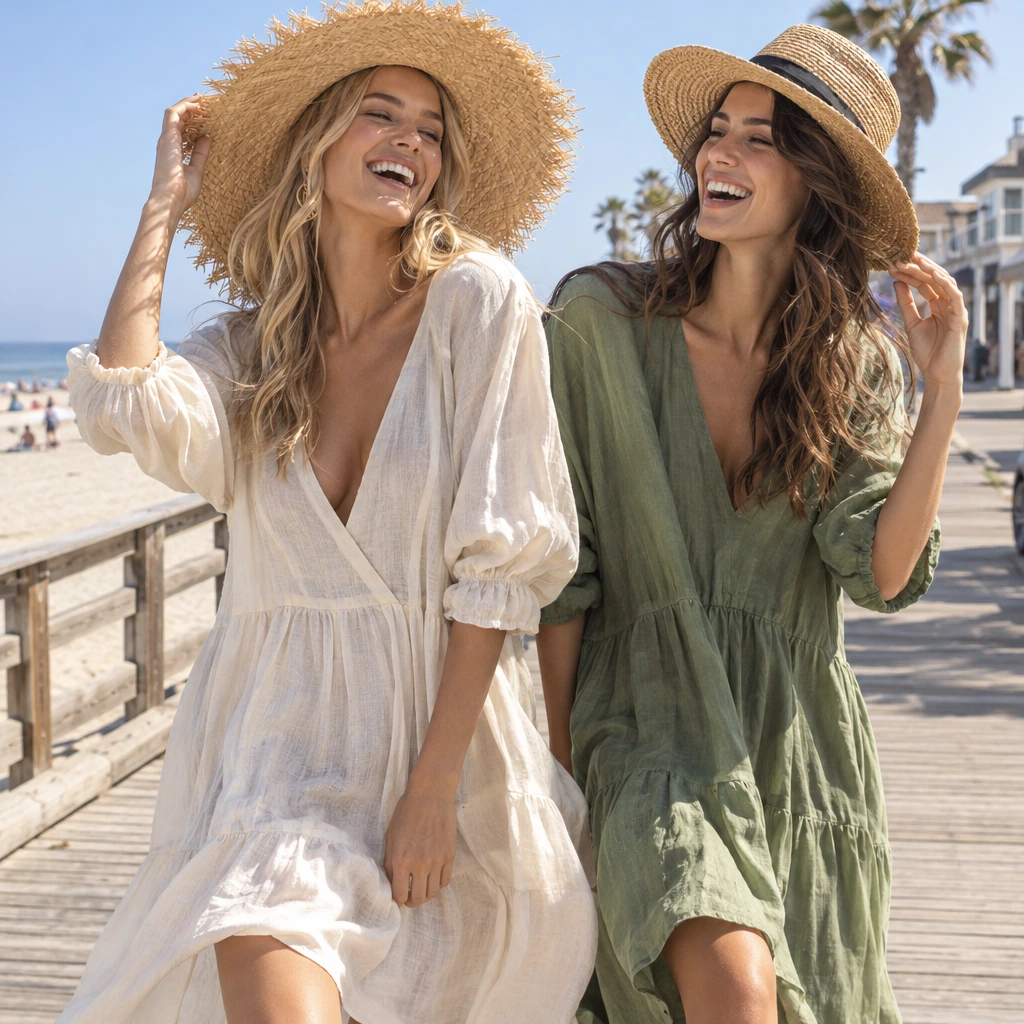
Sixteen summer moments in a 4x4 grid with thin white lines.
Three quick steps, all in your browser.
Drop photos, choose several at once or paste with Ctrl+V. The photo grid maker picks a grid that holds them all.
Choose 2x2, 3x3, 4x4, 2x3, 3x2, side by side, 1+2 or 1+3, then set the spacing, border, corners and background. Drag a thumbnail to move a photo to another cell.
Save a JPG, PNG or WebP at full size, or set 1080 px for an Instagram post.
Six things that make this photo grid generator quick and clean.
Laying out cells by hand takes ages. Pick 2x2, 3x3, 4x4, 2x3, 3x2, side by side, 1+2 or 1+3 and every photo snaps into its cell, each one filled from its center so faces and products stay in frame.
Set the width to 1080 px and a 3x3 grid comes out as an exact 1080 by 1080 square post: nine photos, even lines between them, nothing stretched.
Let your best shot lead. In 1+2 a tall photo stands beside two squares, in 1+3 a wide photo sits over three, and the big cell lines up with the small ones to the pixel, gaps included.
Thin white lines, a thick frame or none at all: set the space between photos, a border and rounded corners in pixels, on white, black, any color or a transparent background.
Square cells for feeds, 4:5 for portraits and pins, 4:3 or 16:9 for landscapes, or the shape of your first photo. Each preset starts on the shape it suits and changes with one tap.
The file is made from your original photos at full resolution, with no account and no watermark. Your photos are laid out on your own device and never uploaded.
Five short notes on picking a grid, cell shapes, order, spacing and size.
Match the grid to your photos. Two photos read best side by side, four in a 2x2, six as 3x2 for products or 2x3 for portraits, nine in a 3x3 and up to sixteen in a 4x4. When one photo matters most, give it the big cell of a 1+2 or 1+3 layout.
Every cell is filled from the center of its photo, so keep the subject near the middle. Square cells suit feeds and food, 4:5 suits people and fashion, 4:3 suits travel and rooms. Show whole keeps every photo complete with the background around it.
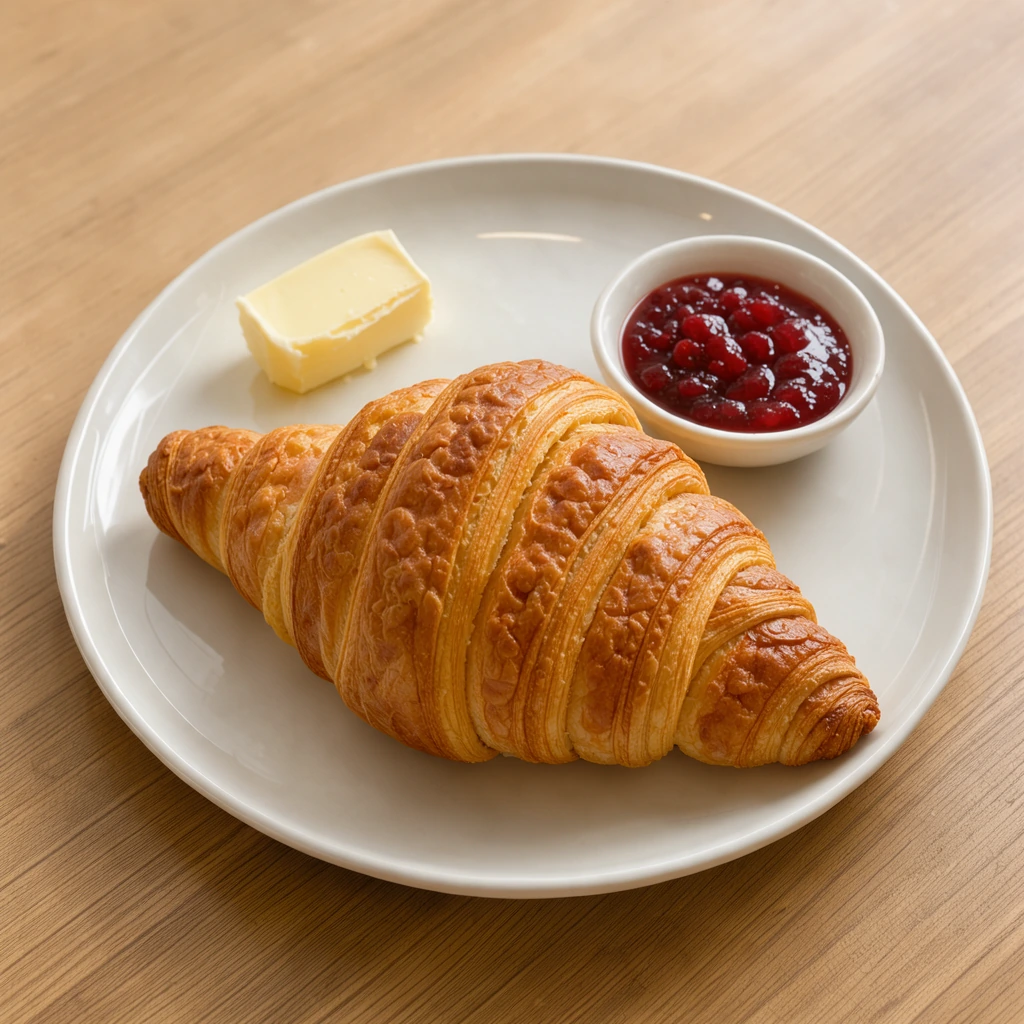
Photos fill the cells in order, left to right and top to bottom, and the first one takes the big cell of a 1+2 or 1+3 grid. Drag a thumbnail or use its arrows to move it, and turn sideways photos upright. Extra photos wait in the row until you pick a bigger grid.
Spacing is set in pixels of the finished picture, so lines stay even at any size. Thin white lines give a clean magazine look, black suits night shots, and rounded corners with a border feel friendly and modern.
Full size keeps every detail for print. For posts, set 1080 px wide: a 3x3 or 2x2 grid of square cells gives a 1080 by 1080 post. JPG keeps photos small, PNG keeps every pixel and transparency, WebP is lightest for websites.
Anyone who wants several photos in one neat picture.

Nine favorites as one 3x3 grid, or a 4x4 recap of a season.
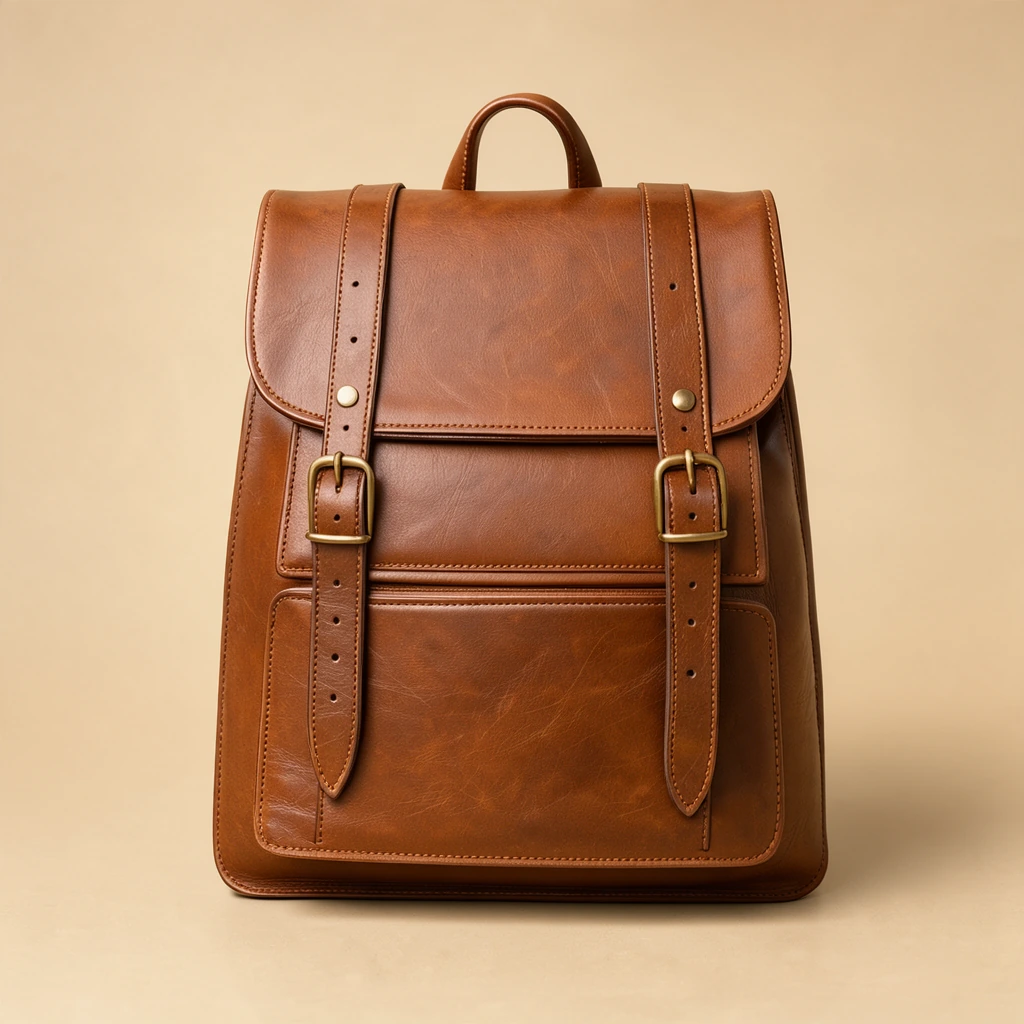
Product angles in a 3x2 grid for listings and ads.
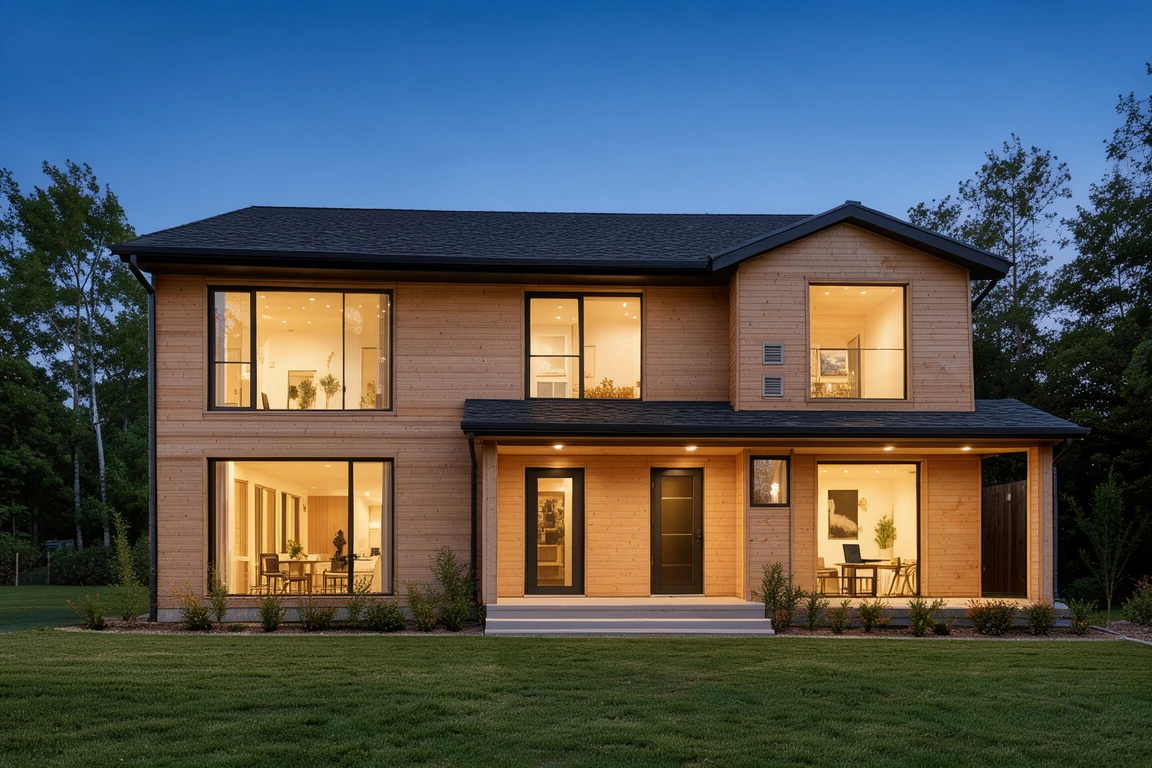
The outside over three rooms in a 1+3 grid for a listing.
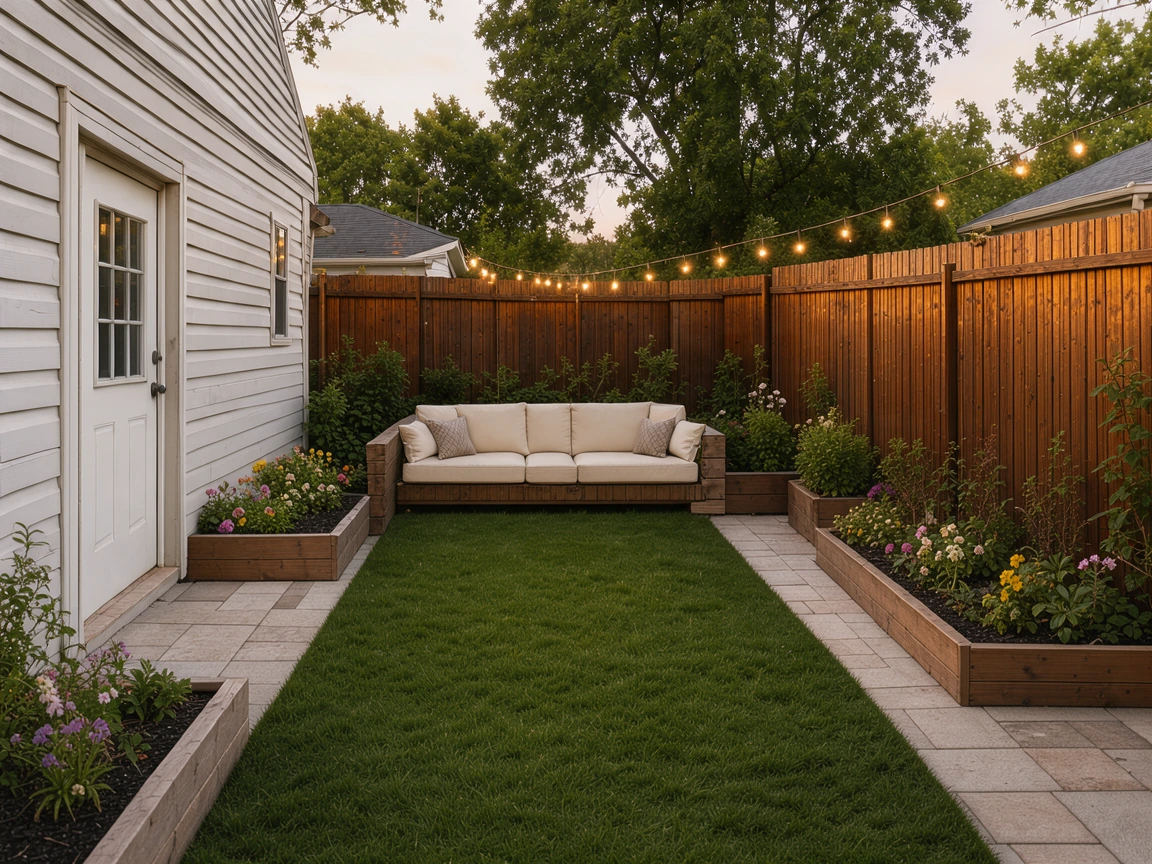
Before and after pairs in a 2x2 photo grid.
Answers about grids, photo sizes, quality and privacy.
Add your photos, pick a grid such as 2x2 or 3x3, set the spacing and background, then download. Every photo is laid out in its cell and saved as one picture at full resolution.
Yes. Every grid you make here is free, with no sign up, no watermark and no limit on how many you download.
Add nine photos, pick 3x3 with square cells, then set the width to 1080 px under Download. It comes out as a 1080 by 1080 square, the size of an Instagram post.
The presets hold 2 to 16 photos, from side by side to 4x4. Custom grid takes up to 30 photos in 1 to 10 columns, with a short last row centered.
Every cell gets the same shape, and each photo is cropped from its center to fill it, so mixed phone and camera photos line up neatly. Show whole fits each photo complete instead.
Yes. Set the space between photos, a border around the grid and rounded corners in pixels, on white, black, any color or a transparent background.
Yes. This grid photo maker works in the browser on iPhone and Android: add photos from your gallery, pick a grid and download the picture.
No. Your photos are opened and laid out on your own device, and the grid is made in your browser.
Add your photos, pick a grid and download it at full resolution, free in your browser.
Add photos